Why Spintax Is Killing Your Deliverability
Spintax makes your emails look robotic and triggers spam filters. Here's a better system using Clay that creates 125 unique email combinations while maintaining quality control.
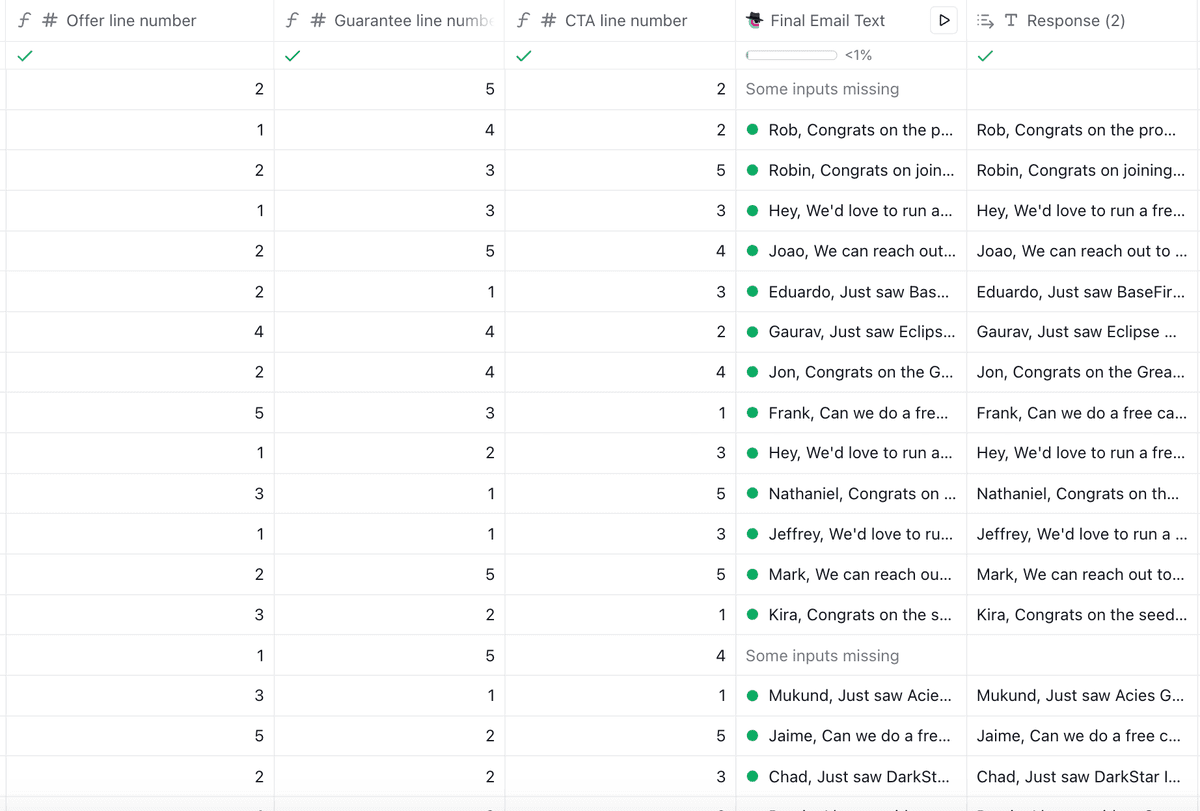
Spintax creates awkward phrasing and triggers modern spam filters because it swaps words mid-sentence without quality control. Instead, break emails into 3-4 components (opener, credibility, offer, CTA), write 5 handcrafted versions of each, use a random number generator to select versions, and assemble them into complete emails. This creates 125-625 unique combinations while maintaining quality: every line is one a human wrote and approved, and the variety is structural rather than word-swapped.
Key takeaways
- Component-based variation with 3 components and 5 versions per component creates 125 unique email combinations, while 4 components generates 625 combinations.
- LLMs cannot produce true randomness and will select the same component repeatedly, requiring external random number generators for actual variety.
- The component method eliminates the awkward phrasing word-swap Spintax ships, because every combination is a complete sentence someone wrote on purpose rather than a substitution nobody reviewed.
- Total setup time for the component-based system is approximately 2 hours, with 30-45 minutes spent writing component versions and 20 minutes configuring Clay.
- Components must be written generally enough to work in any combination to avoid contradictions like mentioning Series B funding alongside early-stage messaging.
Reviewed and updated September 1, 2026
Why Spintax Is Killing Your Deliverability (And What to Use Instead)
Spintax is killing your deliverability.
The theory makes sense: send slightly different emails to avoid spam filter patterns. But the execution is terrible, and modern spam filters see right through it.
Here's a better system that gives you 125 unique email combinations while maintaining complete quality control.
Why Spintax Fails
Typical Spintax:
{Hi|Hello|Hey} {Name},
I {noticed|saw|found} that {Company} is {growing|scaling|expanding}.
Problem 1: Awkward combinations. "Hey Name, I found that Company is scaling" sounds slightly off. Not every word substitutes cleanly for every other word.
Problem 2: Inconsistent quality. You're saying "any combination is fine" when some are clearly worse than others.
Problem 3: Spam filters evolved. Modern ML-based filters detect patterns in sentence structure and word-swap approaches. Your Spintax isn't as clever as you think.
Problem 4: Recipients notice. People have seen enough automated outreach to recognize it. Weird tone shifts mid-email go straight to trash.
The root issue: Spintax prioritizes variety over quality. You need both.
- No: Awkward combinations
- No: Inconsistent quality
- No: Spam filters evolved
- No: Recipients notice
To be precise about the target: the problem is word-swap spintax - mid-sentence substitutions nobody reviewed. Variation itself is not the problem. Our own campaigns carry heavy clause-level variation of complete, handwritten alternatives, with every combination enumerated and checked before anything sends. Mechanically the syntax is the same; the discipline is not.
The Better Approach: Component-Based Variations
Instead of swapping words mid-sentence, you:
- Break your email into components (opener, credibility, offer, CTA)
- Handwrite 5 great versions of each component
- Use a random number generator to select which version to use
- Assemble the email from your pre-written pieces
Result: Every email is unique, but every line is one you personally wrote and approved.
With 3 components × 5 versions = 125 unique combinations. With 4 components × 5 versions = 625 combinations.
All high quality. All under your control.
Why This Works
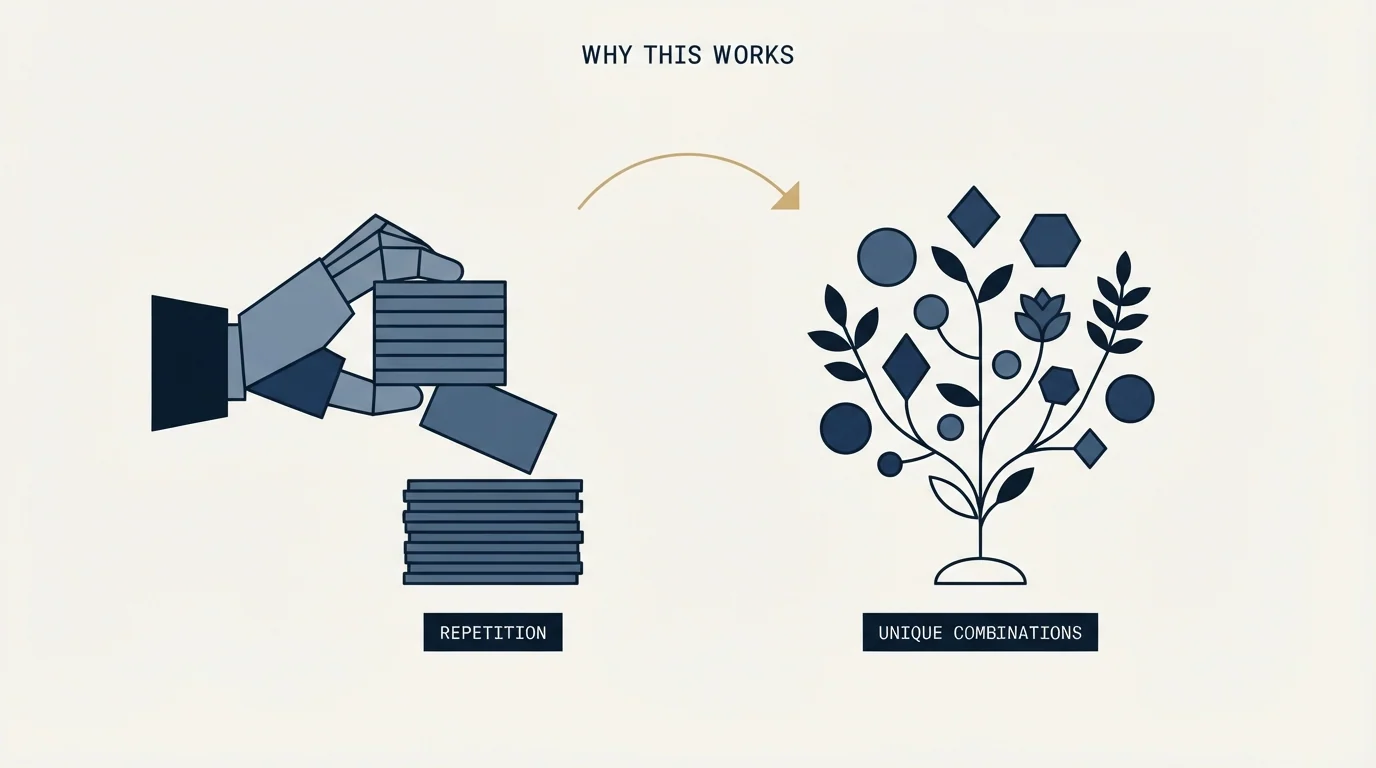
Quality control. You wrote every line. No awkward phrasing, no mediocre copy slipping through.
True variety. Emails are structurally different, not just word-swapped. Much harder for spam filters to detect patterns.
Natural flow. Each component is a complete thought, not pieced together word by word.
The Critical Insight: LLMs Can't Do Randomness
When we first built this system, we asked the AI to "randomly select one version of each component."
The result? The AI chose the same offer line over and over - effectively every row got whichever option it scored as "best".
LLMs don't have true randomness. They operate on probability distributions. When you ask them to "pick randomly," they pick what they think is "best" based on training data.
The fix: Use Clay's random number generator (or any true RNG) to select components. Then pass those numbers to the AI for assembly. This gives you actual variety.
Implementation in Clay
Step 1: Map Your Components
Break your email into 3-4 distinct pieces:
- Opening/Hook
- Credibility/Social Proof
- Value Proposition
- CTA
Step 2: Write 5 Versions of Each
Spend 30 minutes writing 5 solid variations per component. This is the actual work.
Opening examples:
- "Helped scale outbound at [Company A] and [Company B]..."
- "Just ran a campaign in your exact market..."
- "Most B2B companies optimize for reply rates when they should optimize for reply volume..."
You get the idea. Different angles, same quality bar.
Step 3: Set Up Random Number Columns
In Clay, create a random number column (1-5) for each component. Clay generates a different number for each row.
Step 4: Create Your Assembly Prompt
Tell the AI to assemble the email using the selected version numbers:
Use the following components (EXACTLY as written, do not modify):

Opening (use version {{openingNumber}}):
1. "Helped scale outbound at..."
2. "Just ran a campaign that..."
3. "Most B2B companies..."
[etc.]

Use the EXACT text. Do not modify, paraphrase, or add anything.
Be explicit about using exact text. LLMs love to "improve" your copy.
Step 5: Test Before Scaling
Run on 10-20 rows first. Read every generated email. Check for:
- Natural flow between components
- AI not modifying your text
- Actual randomness (different combinations)
Fix any issues before sending to your full list.
What Changes
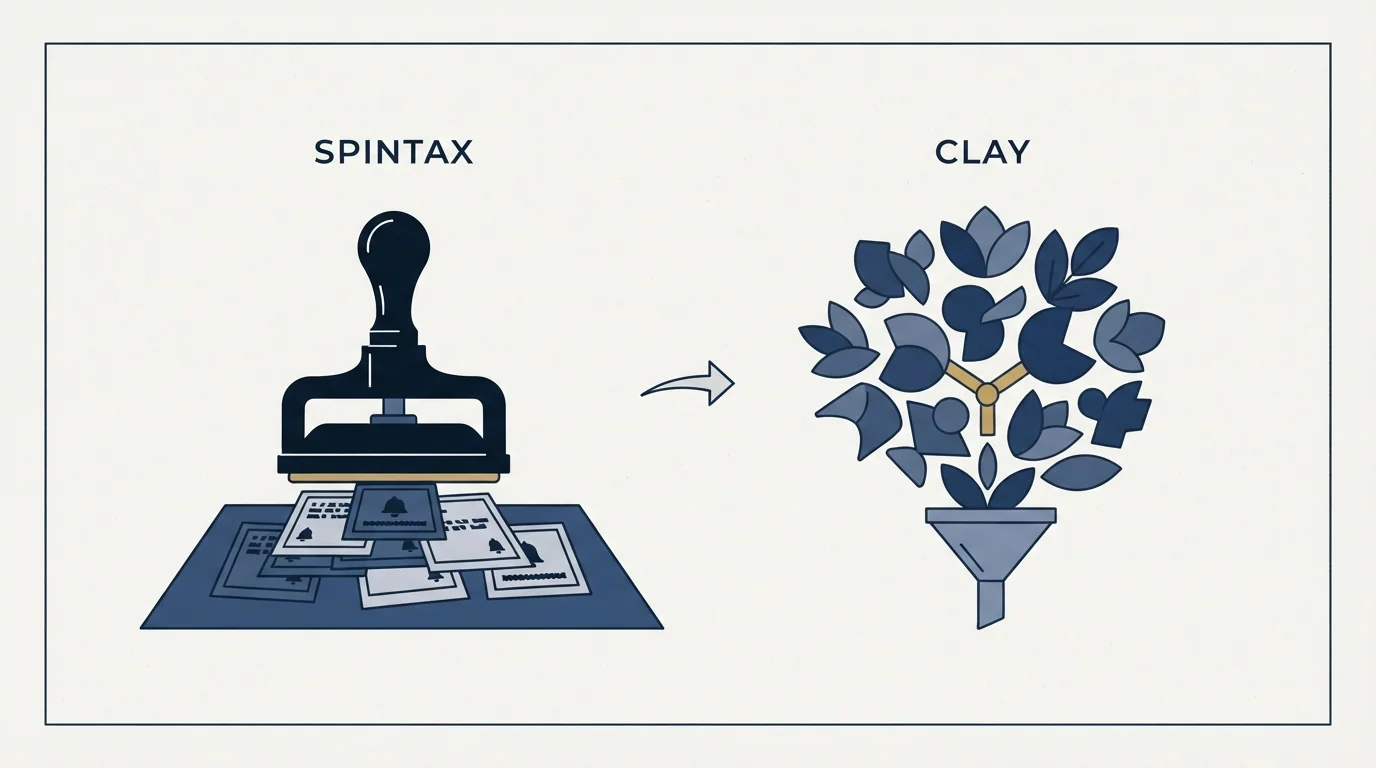
With word-swap spintax: spam complaints climb as filters catch the pattern, and a meaningful share of sends carries awkward phrasing nobody approved.
With the component system: every combination is a sentence a human wrote, so nothing awkward ships - and the variety is structural, which gives filters no word-swap pattern to catch.
The setup takes 30 minutes. The benefits last for your entire campaign.
Common Mistakes
Components that don't work together. If one component says "Noticed you raised a Series B" and another says "We help early-stage startups," they'll clash. Write components general enough to fit any combination.
Too many components. 6-7 tiny pieces creates choppy emails. Stick to 3-4 substantial components.
Letting AI modify your text. Make your prompt extremely explicit: "Use the EXACT text. Do not modify or paraphrase."
Not testing. Always test 10-20 rows and read every email before scaling. One prompt tweak can break everything.
Scaling Up

Want more variety?
- 10 versions per component × 3 components = 1,000 combinations
- 5 versions per component × 4 components = 625 combinations
- 10 versions × 4 components = 10,000 combinations
The math scales fast. 30 more minutes of writing gets you 10x the variety.
The Action Plan
- Day 1Map your email structure, identify 3-4 components
- Day 2Write 5 versions of each component
- Day 3Set up Clay columns and assembly prompt
- Day 4Test on 10-20 rows. Fix issues.
- Day 5Apply to full list. Launch.
Day 1: Map your email structure, identify 3-4 components.
Day 2: Write 5 versions of each component. (30-45 minutes)
Day 3: Set up Clay columns and assembly prompt. (20 minutes)
Day 4: Test on 10-20 rows. Fix issues.
Day 5: Apply to full list. Launch.
Total investment: ~2 hours. Return: 125-625 unique, high-quality emails.
Stop using word-swap spintax. Build variety into your system with quality control - curated, complete alternatives at the clause and component level, where every combination is one you would happily send.
Your deliverability will thank you.
Related Reading
- How to Personalize 500 Prospects in 30 Seconds Each Using Clay
- How to Book 200 Sales Calls With Cold Email (Without Hiring a Single SDR)
- How to Automate Hyper-Specific Email Personalization at Scale Using Clay AI
If you would rather have this run for you, RevenueFlow books qualified meetings on a pay-per-meeting basis and publishes client results.
Frequently asked questions.
Frequently asked questions- Why does Spintax hurt email deliverability?
- Spintax creates awkward word combinations that sound unnatural, and modern machine learning spam filters detect the patterns in word-swap approaches. Recipients also recognize automated outreach when they see weird tone shifts mid-email. The fundamental problem is that Spintax prioritizes variety over quality, allowing mediocre copy combinations to slip through without quality control.
- How does component-based email variation work?
- You break your email into 3-4 distinct components like opener, credibility, value proposition, and CTA. Then you handwrite 5 high-quality versions of each component. A random number generator selects which version of each component to use, and an AI assembles them into complete emails. This gives you 125-625 unique combinations where every line is pre-written and approved by you.
- Can I use AI to randomly select email components?
- No, LLMs cannot produce true randomness because they operate on probability distributions. When asked to pick randomly, they select what they think is best based on training data, often choosing the same component repeatedly. You must use an actual random number generator like Clay's built-in function, then pass those numbers to the AI for assembly to achieve genuine variety.
- How many component versions do I need for effective email variation?
- Start with 5 versions of each component across 3-4 components, which takes 30-45 minutes to write and creates 125-625 combinations. Writing 10 versions per component scales to 1,000-10,000 combinations. The key is ensuring components are general enough to work together in any combination without creating contradictions or awkward phrasing.
About the author.

Tim Carden is CMO / CTO at RevenueFlow, which builds and operates outbound revenue engines for B2B companies. Studied at McGill University.
Tim Carden · CMO / CTO
Connect on LinkedIn →Explore more.
Ready to scale your outreach?
We build GTM engines that book real meetings. See the receipts.
Related articles.
Personalize 500 Prospects in 30 Seconds Each Using Clay
Most cold email experts waste 30 minutes per prospect. We do the opposite. Here's how we personalize at scale.
Sales Enablement Statistics, Traced to Their Sources
The sales enablement figures in circulation, followed to their publishers: which state a population, which are gated, and which are quietly seven years old.
B2B Lead Lists for Travel Agencies: Registers and Gaps
The travel trade is written down in state consumer protection registers, not industry directories, and an exemption inside one decides who is missing from your file.
Sales Prospecting for Health Systems: The Public Record
Where health systems are written down in public: the Medicare cost report, the facility list a non-profit system files, and the two gates that follow qualification.
B2B Lead Lists for Aviation Companies: Build or Buy
Aviation is one of the few industries whose accounts are published by its regulator, which changes what is worth buying and what is worth downloading yourself.
Cold Calling for Chemical Companies: Who Picks Up
A chemical cold call rarely arrives first. It reaches a formulator who has already been comparing suppliers on a screen, for one of three published reasons.