12 Urgency Email Templates That Drive Action
Create genuine urgency that motivates prospects to respond. These templates help you highlight time-sensitive opportunities and real deadlines without resorting to pressure tactics.
Urgency email templates drive action by creating legitimate time constraints tied to fiscal deadlines, seasonal windows, limited capacity, or external events. Effective urgency focuses on the prospect's benefit rather than manipulation, using specific deadlines and genuine opportunities like pilot programs or pricing transitions. The key is making urgency real and valuable: align with planning cycles, highlight cost of delay, or reference actual capacity constraints while respecting the prospect's decision process.
Key takeaways
- Legitimate urgency sources include timing factors (fiscal year budgets, seasonal deadlines), opportunity windows (limited pilot spots, capacity constraints), cost of delay (problems worsening), and external events (regulatory changes, market shifts).
- Fake urgency backfires by destroying trust when prospects sense manipulation, so urgency must be tied to real constraints like actual budget cycles or genuine capacity limitations.
- The Fiscal Year Deadline template works best when timed to quarter-end or year-end budget closures and requires researching the prospect's actual fiscal calendar rather than assuming calendar-year timing.
- Pilot program templates should only be used for genuine beta programs with real benefits like early access or special pricing, and must explain why participation is limited.
- Effective urgency emails focus on helping prospects avoid problems (missing budget windows, facing peak season unprepared) rather than creating artificial pressure through tactics like moving deadlines or unrelated urgency.
Reviewed and updated September 15, 2026
12 Urgency Email Templates That Drive Action Without Being Pushy
Most prospects don't respond to cold emails because nothing compels them to respond right now. Without urgency, your email joins the pile of things they'll "get to eventually" (which usually means never).
Effective urgency creates a reason to act sooner rather than later. The key is making that reason genuine and valuable, not manufactured or manipulative.
This guide provides 12 urgency email templates that motivate action while maintaining professionalism and trust.
Why Urgency Works (When Done Right)
Humans naturally defer decisions when there's no cost to waiting. Urgency shifts this calculus by introducing a reason to decide now.
However, fake urgency backfires. When prospects sense manipulation ("Act now! Limited time only!"), they lose trust and tune out. The urgency has to be real.
A real deadline belongs to the prospect's world rather than the seller's, and a template opening on a dated requirement uses one that applies to their whole segment.
Legitimate urgency sources include:
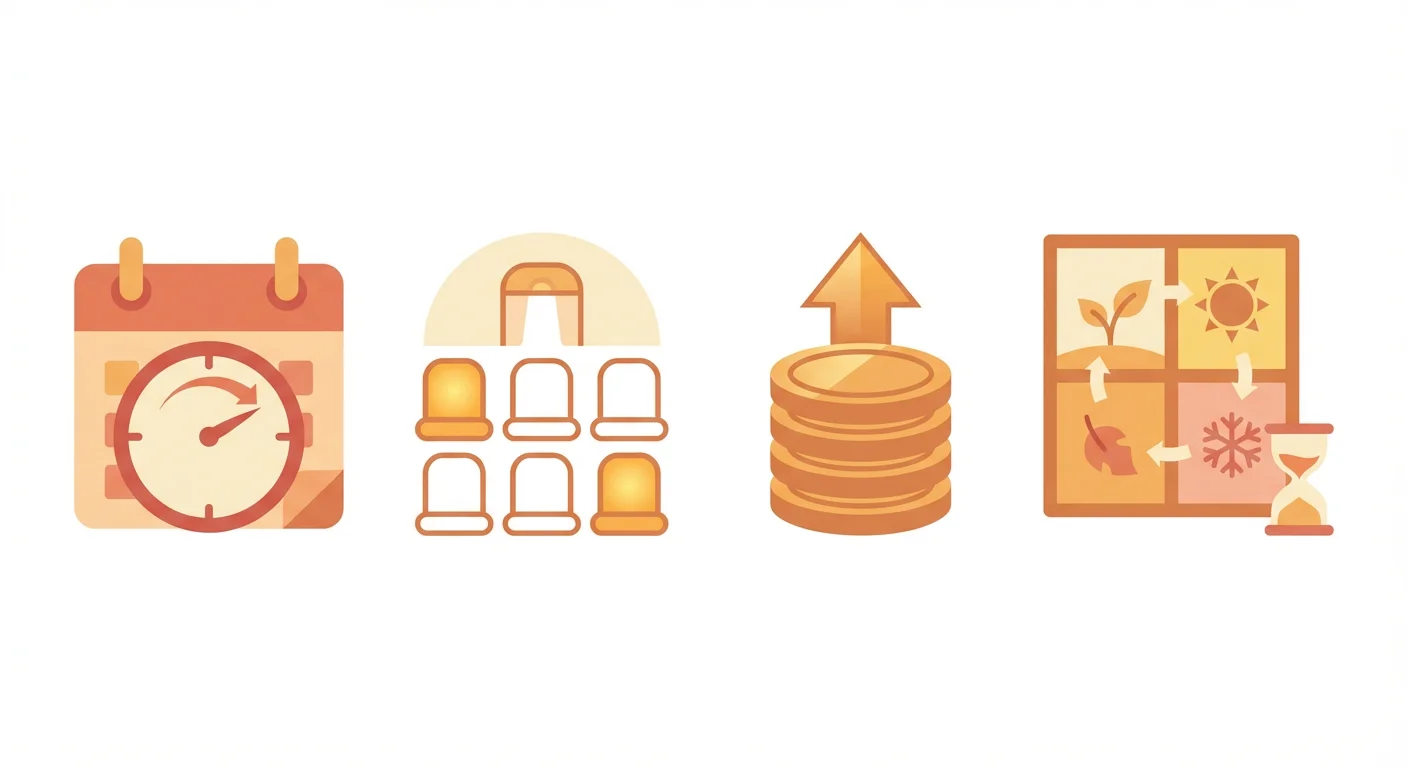
- Timing: Seasonal factors, fiscal year budgets, industry deadlines
- Opportunity windows: Limited spots, capacity constraints, pilot programs
- Cost of delay: Problems getting worse, competitive gaps widening
- External events: Market changes, regulatory deadlines, competitor moves
The templates below leverage these genuine urgency drivers while respecting the prospect's intelligence.
Section 1: Time-Based Urgency Templates
These templates create urgency around specific time constraints.
Template 1: The Fiscal Year Deadline
When to use: When approaching quarter-end or year-end budget deadlines.
Subject: Before your [Q4/year-end] budget closes
Email:
Hi [Name],
With [Q4/year-end] approaching, many teams are finalizing how to use remaining budget.
If [specific initiative] is on your radar for this year, now is the time to start the conversation. Implementation typically takes [timeframe], so beginning discussions this month allows for [specific timeline milestone].
We've helped teams like [Similar Company] get started quickly when budget timing required it.
Worth a quick conversation to see if there's a fit?
Best, [Your name]
Customization tips:
- Research the prospect's fiscal year (not all companies are calendar-year)
- Be realistic about your implementation timeline
- Offer to work within their constraints rather than creating artificial pressure
Template 2: The Seasonal Window
When to use: When seasonal factors affect the prospect's business or decision-making.
Subject: Getting ahead of [peak season]
Email:
Hi [Name],
[Peak season/event] is [X weeks/months] away. Teams that prepare now avoid the scramble when things get hectic.
We've helped companies like [Similar Company] implement [your solution] before [season/event] so they're ready when it matters most.
Getting started now means [specific benefit of earlier timing, like being fully ramped or avoiding the rush].
Would a quick conversation about timing make sense?
Best, [Your name]
Customization tips:
- Research seasonal patterns in their industry
- Be specific about what "getting ready" looks like
- Focus on helping them avoid problems, not creating pressure
Template 3: The Planning Cycle Alignment
When to use: When companies are in their annual planning phase.
Subject: As you plan for [next year/quarter]
Email:
Hi [Name],
Many teams are currently finalizing their [year/quarter] plans. If [specific initiative] is under consideration, this is a good time to explore what's possible.
Understanding options now allows you to:
- Budget accurately
- Plan implementation timelines
- Align stakeholders early
Would a brief conversation help inform your planning process?
Best, [Your name]
Customization tips:
- Time this for when planning typically happens in their industry
- Position yourself as helping them plan, not selling
- Offer information without demanding commitment
Section 2: Opportunity Window Urgency Templates
These templates highlight limited availability or special opportunities.
Template 4: The Pilot Program Invitation
When to use: When running a limited pilot or beta program.
Subject: Pilot program for [industry/company type]
Email:
Hi [Name],
We're selecting [X] companies for our [program name] pilot. Participants get [specific benefits like early access, special pricing, or dedicated support].
I thought of [Company] because [specific reason they'd be a good fit].
We're finalizing participants by [date]. Would exploring this be worthwhile before then?
Best, [Your name]
Customization tips:
- Only offer genuine pilot programs with real benefits
- Explain why you're limiting participants
- Give a specific deadline for the opportunity
Template 5: The Capacity Constraint
When to use: When your team has limited capacity for new customers.
Subject: Opening for [month/quarter]
Email:
Hi [Name],
Our implementation team can take on [X] new customers this [month/quarter]. We're currently at [Y] confirmed.
I wanted to reach out because [Company] seems like a strong fit for [specific reason].
If [relevant initiative] is a priority, starting the conversation now ensures we can accommodate your timeline.
Would a quick call to discuss priorities make sense?
Best, [Your name]
Customization tips:
- Be honest about capacity constraints
- Explain how the constraint affects them (timeline, support level)
- Offer to discuss their needs regardless of timing
Template 6: The Pricing Transition
When to use: When pricing is changing and current rates are expiring.
Subject: Pricing update coming [date]
Email:
Hi [Name],
We're updating our pricing structure starting [date]. Customers who start before then lock in current rates.
For a company [Company]'s size, the difference is approximately [rough estimate].
I'm not trying to pressure you into a decision. But if [your solution] has been on your radar, this is worth knowing before rates change.
Would a conversation to learn more be helpful?
Best, [Your name]
Customization tips:
- Only use this when pricing is genuinely changing
- Be transparent about the expected difference
- Make clear they can learn more without committing
- You are selecting a set number of companies, and participants get early access, special pricing or dedicated support
- Explain why you are limiting participants
- Give the date participants are finalized
- Only offer genuine pilot programs with real benefits
- Your implementation team can take a stated number of new customers this period, and you say how many are already confirmed
- Explain how the constraint affects them, in timeline or support level
- Offer to discuss their needs regardless of timing
- Be honest about capacity, or leave the claim out
- Pricing changes on a stated date, and starting before it locks current rates
- Be transparent about the expected difference for a company their size
- Make clear they can learn more without committing
- Only use this when pricing is genuinely changing
Section 3: Cost of Delay Urgency Templates
These templates highlight what prospects lose by waiting.
Template 7: The Compounding Problem
When to use: When the prospect's problem gets worse over time.
Subject: What another [month/quarter] of [problem] costs
Email:
Hi [Name],
Every [month/quarter] that [specific problem] continues, it compounds. Teams we work with typically see:
- [X hours/dollars] lost to [specific inefficiency]
- [Y impact] on [area they care about]
- Increasing difficulty in [related challenge]
[Similar Company] told us they wished they'd started [timeframe] earlier. The problems don't fix themselves.
Would discussing this be worth 15 minutes?
Best, [Your name]
Customization tips:
- Research typical costs of the problem in their industry
- Be specific about how problems compound
- Share genuine customer feedback about timing regrets
Template 8: The Competitive Gap
When to use: When competitors are adopting capabilities the prospect lacks.
Subject: Competitors pulling ahead on [capability]
Email:
Hi [Name],
I've noticed several companies in your space investing in [specific capability]. The gap between companies that have this and companies that don't is widening.
Waiting to address [this area] doesn't pause the competition. It lets them build lead.
We've helped teams like [Similar Company] close this gap quickly. Would understanding their approach be valuable?
Best, [Your name]
Customization tips:
- Research what competitors are actually doing
- Focus on the gap, not fear
- Offer to share how others have caught up
Template 9: The Market Window
When to use: When market conditions create a temporary opportunity.
Subject: [Market condition] won't last
Email:
Hi [Name],
The current [market condition, like low rates, high demand, or regulatory window] creates an opportunity for companies like [Company].
Companies moving quickly on [specific initiative] are capturing [specific benefit]. This window is open now, but [external factors] could change that.
Would exploring how to take advantage of this timing be worthwhile?
Best, [Your name]
Customization tips:
- Reference genuine market conditions
- Explain what could change and why
- Help them understand the opportunity, not just the pressure
Section 4: Event-Driven Urgency Templates
These templates leverage specific events to create natural urgency.
Template 10: The Pre-Event Preparation
When to use: Before industry events, conferences, or tradeshows.
Subject: Ready for [Event Name]?
Email:
Hi [Name],
[Event Name] is [X weeks] away. Teams using [your solution] at the event have seen [specific benefit like more qualified conversations or better follow-up].
Getting set up before [Event] means you can [specific outcome] while competitors are still figuring things out.
Worth a quick call to see if there's a fit before [Event]?
Best, [Your name]
Customization tips:
- Research whether the prospect is attending the event
- Offer a specific benefit of being ready for the event
- Make the timeline realistic for implementation
Template 11: The Regulatory Deadline
When to use: When compliance deadlines create urgency.
Subject: [Regulation] deadline approaching
Email:
Hi [Name],
The [regulation name] deadline of [date] is [X weeks/months] away. Companies that aren't compliant face [specific consequence].
We've helped [X] companies in [industry] meet this requirement. The typical implementation takes [timeframe], so starting now allows [buffer/comfort].
Would discussing your compliance status be helpful?
Best, [Your name]
Customization tips:
- Research genuine regulatory deadlines affecting their industry
- Be honest about implementation timelines
- Position yourself as helping them avoid problems
Template 12: The Trigger Event Response
When to use: When something specific happened at the prospect's company.
Subject: Congrats on [trigger event], timing question
Email:
Hi [Name],
Congratulations on [trigger event like funding, hiring surge, or product launch]. Exciting times.
Companies at this stage often find that [related challenge] becomes pressing quickly. Moving fast on [your solution] can help you capitalize on [specific opportunity that follows from the trigger event].
Would a quick conversation about timing be useful?
Best, [Your name]
Customization tips:
- Reference specific, recent trigger events
- Connect the event to relevant challenges and opportunities
- Acknowledge the positive nature of the event, not just the challenge
Best Practices for Urgency Emails
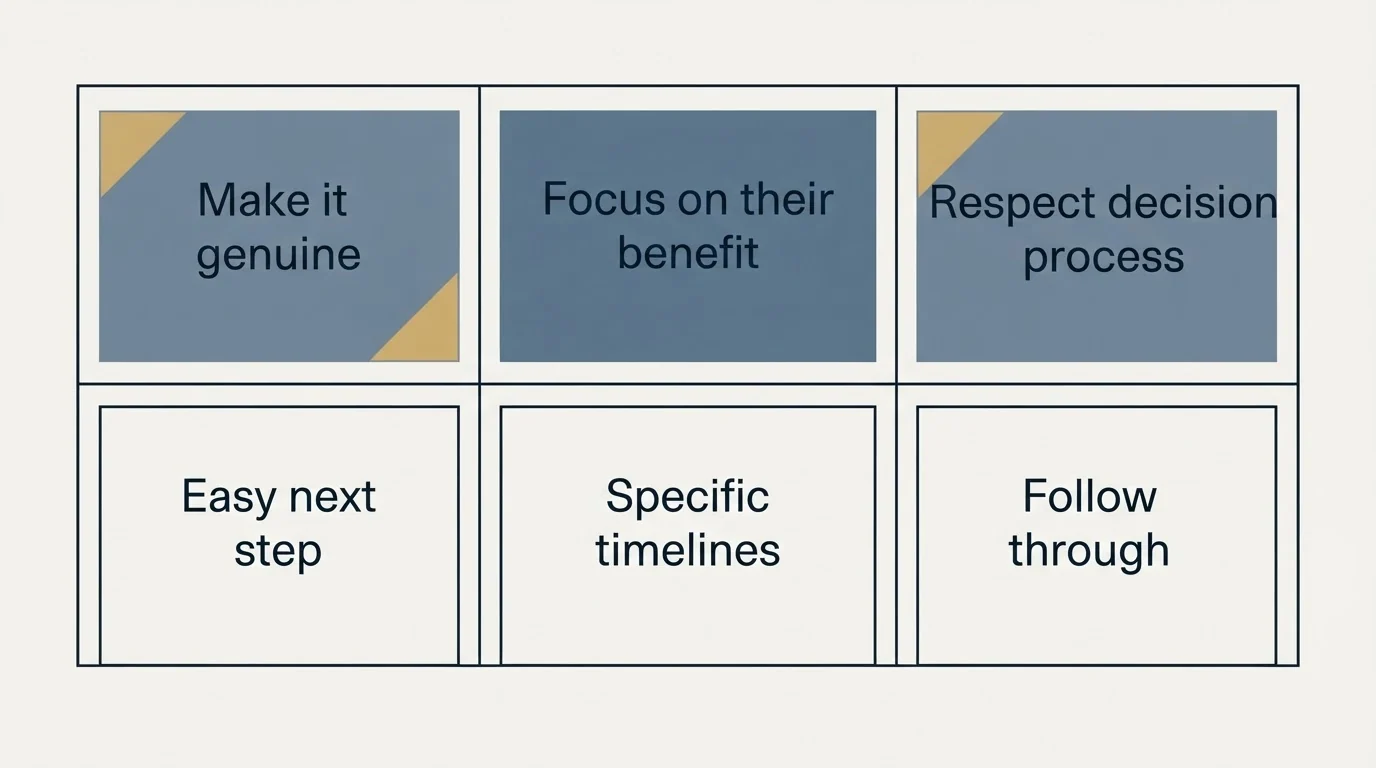
Make It Genuine
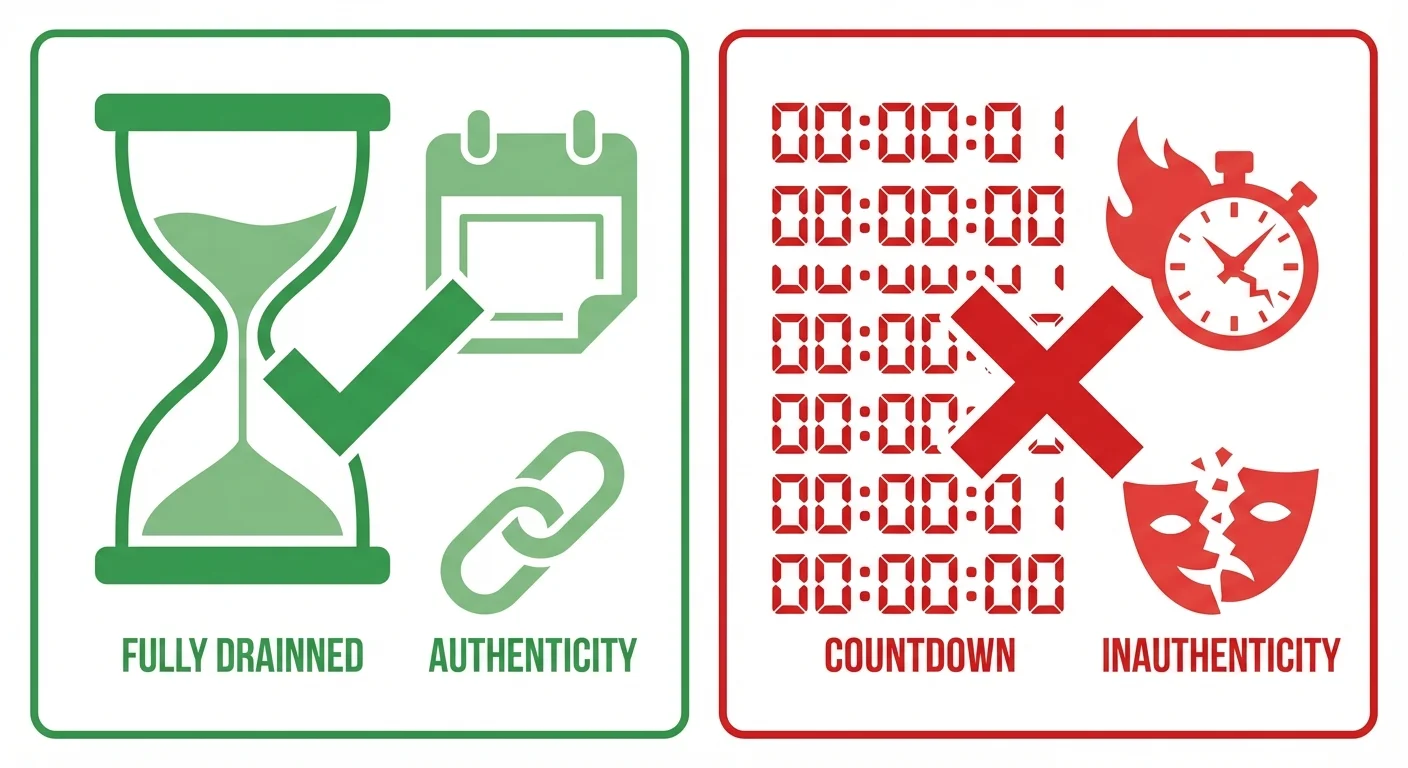
Every urgency claim must be true. If you say pricing is changing, pricing must actually be changing. If you say spots are limited, they must actually be limited.
Fake urgency destroys trust. Prospects talk to each other. Your reputation matters.
The line between a deadline that is real and the high pressure sales tactics that manufacture one is drawn in full, along with what each family of them costs a B2B deal, in what pressure selling costs in B2B.
Focus on Their Benefit
Urgency should help the prospect, not just you. Frame the timing in terms of what they gain or lose, not what you need.
Instead of: "I need to hit quota this month" Use: "Starting now lets you be fully ramped before Q4"
Respect Their Decision Process
Some decisions simply take time. Rushing prospects to close before they're ready leads to poor fits and eventual churn.
Create urgency to start conversations, not to force premature decisions.
Provide an Easy Next Step
When creating urgency, make the action you're asking for small and low-commitment. "Would a 15-minute call make sense?" is easier to say yes to than "Are you ready to move forward?"
Be Specific About Timelines
Vague urgency ("soon," "limited time") feels manipulative. Specific timelines ("by March 15," "before your Q2 planning") feel real.
If you can't give a specific date, reconsider whether the urgency is genuine.
Follow Through
If you say a deadline is real, hold to it. If you claim you have one spot left and then two weeks later still have spots, prospects notice.
This means occasionally letting opportunities pass rather than extending fake deadlines.
- Yes: The claim is literally true: if you say pricing is changing, pricing is changing, and if you say spots are limited, they are limited
- Yes: You can name a specific date, such as by March 15 or before your Q2 planning
- Yes: The timing is framed around what they gain or lose by waiting
- Yes: The ask is small, such as a 15-minute call rather than are you ready to move forward
- Yes: You will hold the deadline, even when that means letting an opportunity pass
- No: Vague wording such as soon or limited time
- No: Pressure to decide before they are ready, when urgency belongs at the start of a conversation
Common Urgency Mistakes to Avoid
The "Act Now or Else" Approach
Heavy-handed pressure tactics alienate sophisticated B2B buyers. They know when they're being manipulated and resent it.
The Moving Deadline
Telling someone a deadline passed but you "found a way to extend it" undermines all future urgency claims.
The Unrelated Urgency
Creating urgency that doesn't connect to the prospect's actual situation falls flat. "Act now" for something that isn't time-sensitive feels random.
The Fear Tactic
Urgency based on scaring prospects into action might work short-term but damages relationships and increases buyer's remorse.
The Overused Template
When everyone uses the same urgency phrases ("limited time," "act fast"), they lose impact. Original, specific urgency stands out.
Measuring Urgency Email Performance
Track these metrics to optimize your urgency approach:
- Response rate by urgency type: Which urgency drivers generate replies?
- Conversion to meeting: Does urgency improve meeting rates?
- Time to response: Do urgency emails get faster responses?
- Deal velocity: Do deals that start with urgency close faster?
- Customer satisfaction: Are customers happy with decisions made under urgency?
The last metric matters most. If urgency leads to unhappy customers, it's harming your business regardless of short-term response rates.
Related Reading
- 13 Value Proposition Email Templates That Communicate Your Worth
- 14 Trigger Event Email Templates That Catch Prospects at the Right Moment
- 15 Pain Point Email Templates That Get Prospects to Respond
Getting Help With Urgency Strategy
Creating genuine urgency requires understanding your market's timing, your capacity constraints, and your customers' decision cycles. If you're looking to develop better urgency messaging:
Schedule a free strategy call to discuss:
- What genuine urgency drivers exist in your market
- How to communicate urgency without being pushy
- Campaign timing to align with natural urgency windows
- Testing approaches to find what resonates
Schedule your free strategy call here.
We'll help you develop urgency messaging that drives action while building trust.
Frequently asked questions.
Frequently asked questions- What makes urgency in sales emails effective without being pushy?
- Effective urgency is genuine and tied to real constraints that benefit the prospect, not manufactured pressure. It works by addressing legitimate timing factors like fiscal year budgets, seasonal windows, limited capacity, or external deadlines. The key is focusing on helping prospects avoid actual problems (like missing budget cycles or being unprepared for peak season) rather than creating artificial scarcity. Fake urgency destroys trust when prospects sense manipulation.
- When should I use a fiscal year deadline urgency email?
- Use fiscal year deadline emails when approaching quarter-end or year-end budget periods, but only after researching the prospect's actual fiscal calendar since not all companies follow calendar years. These emails work because they align with real budget constraints. The message should focus on realistic implementation timelines and offer to work within their constraints rather than creating artificial pressure. Mention that implementation typically takes a specific timeframe to justify starting conversations early.
- How do I create urgency around a pilot program without seeming manipulative?
- Only offer pilot program urgency when running a genuine beta or pilot with real benefits like early access, special pricing, or dedicated support. Explain specifically why you're limiting participants (such as implementation capacity or support resources) and give a concrete deadline for selection. Personalize by explaining why the prospect's company would be a good fit. The urgency must be authentic: never fake a pilot program just to create pressure.
- What are the most common mistakes to avoid with urgency emails?
- The biggest mistakes include using fake "act now or else" pressure tactics, moving deadlines when prospects don't respond, creating urgency unrelated to the prospect's actual needs, relying on fear tactics instead of opportunity, and overusing the same template until it becomes obvious manipulation. These approaches destroy trust and cause prospects to tune out. Genuine urgency respects the prospect's intelligence and decision process while highlighting real time constraints.
- Can urgency emails work for seasonal businesses?
- Yes, seasonal window templates are highly effective when tied to actual seasonal patterns in the prospect's industry. These emails work by helping prospects prepare for peak seasons or important events ahead of time, focusing on avoiding the scramble when things get hectic. Research their specific seasonal factors, be concrete about what preparation looks like, and explain the benefits of earlier timing such as being fully ramped before demand hits. Frame it as helping them avoid problems rather than creating pressure.
About the author.

Ben Carden is CRO at RevenueFlow, which builds and operates outbound revenue engines for B2B companies. Previously at Gartner Enterprise. Studied at London School of Economics.
Ben Carden · CRO
Connect on LinkedIn →Explore more.
Ready to scale your outreach?
We build GTM engines that book real meetings. See the receipts.
Related articles.
10 B2B Cold Email Templates for One-Message Sends
Ten B2B cold email templates written for a single send, with the four slot structure underneath them and the test that separates a good example from a bad one.
Cold Email Templates for Customer Success Managers
Eleven cold email templates for customer success managers, covering champion change, expansion, renewal rescue, and win-back, with subject lines and timing.
14 Renewal Email Templates That Retain Customers
Master subscription and contract renewals with 14 proven email templates. Reduce churn, lock in renewals early, and maintain customer relationships.
Follow-Up Call Scripts: Nine Calls Into a Live Conversation
Nine follow-up call scripts, each tied to the event that earns the call, from a demo to a renewal, plus the four moves they share and how each call should end.
13 Case Study Request Email Templates That Get Results
Get proven email templates for requesting case studies, video testimonials, and written reviews from your happiest customers. Includes templates for every stage from initial ask to final approval.
Email Subject Line Capitalization: What the Guides Say
What the style authorities actually rule on subject line case, what the published tests measured, and the default for a one to one sales email.