11 Permission-Based Email Templates
Build trust by asking for permission before diving into your pitch. These templates demonstrate respect for the prospect's time while opening conversations naturally.
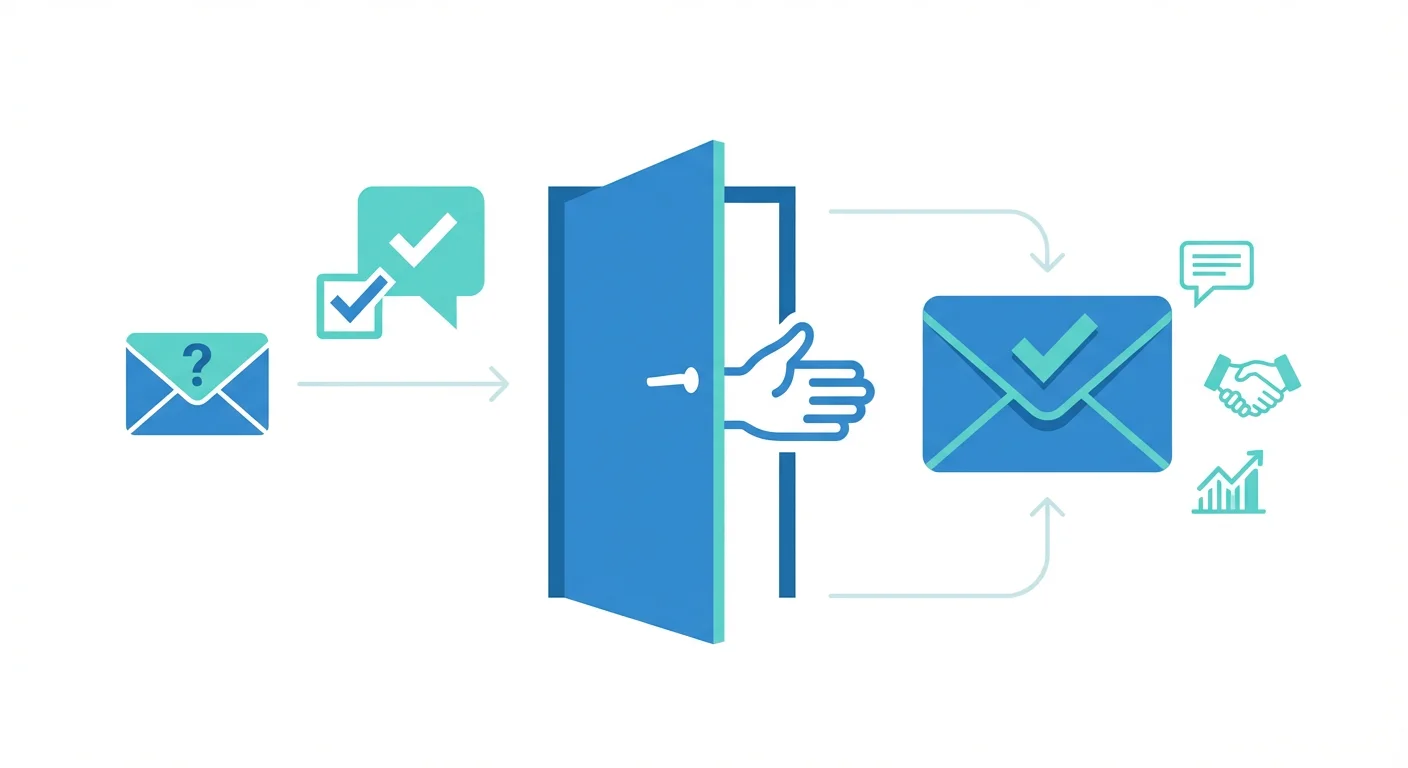
Permission-based emails ask prospects if they're open to a conversation before delivering a pitch, respecting their autonomy and reducing resistance. Instead of assuming interest, these emails seek agreement first, which increases engagement quality because responses come from genuinely interested prospects. The approach builds trust by signaling respect, starting relationships on equal footing rather than forcing attention, and making prospects feel in control rather than cornered.
Key takeaways
- Permission-based emails ask for agreement before pitching, which reduces resistance by making prospects feel in control rather than cornered.
- The approach improves response quality because only genuinely interested prospects reply, filtering out unqualified leads early.
- Making "no" as easy as "yes" is essential: prospects must feel comfortable declining without obligation or pressure.
- Value-first permission templates offer resources, insights, or custom analysis before asking to continue the conversation.
- The permission request must be genuine; asking permission and then pushing anyway breaks trust and defeats the strategy's purpose.
Reviewed and updated September 15, 2026
11 Permission-Based Email Templates That Respect Prospect Autonomy
Permission-based emails flip the traditional cold email approach. Instead of assuming the prospect wants to hear your pitch, you ask if they're open to a conversation first.
This approach works because it respects the prospect's autonomy. They're in control. When they say yes, they've opted in, which increases engagement and reduces the feeling of being sold to.
This guide provides 11 permission-based email templates that open conversations by seeking agreement first.
Why Permission-Based Emails Work
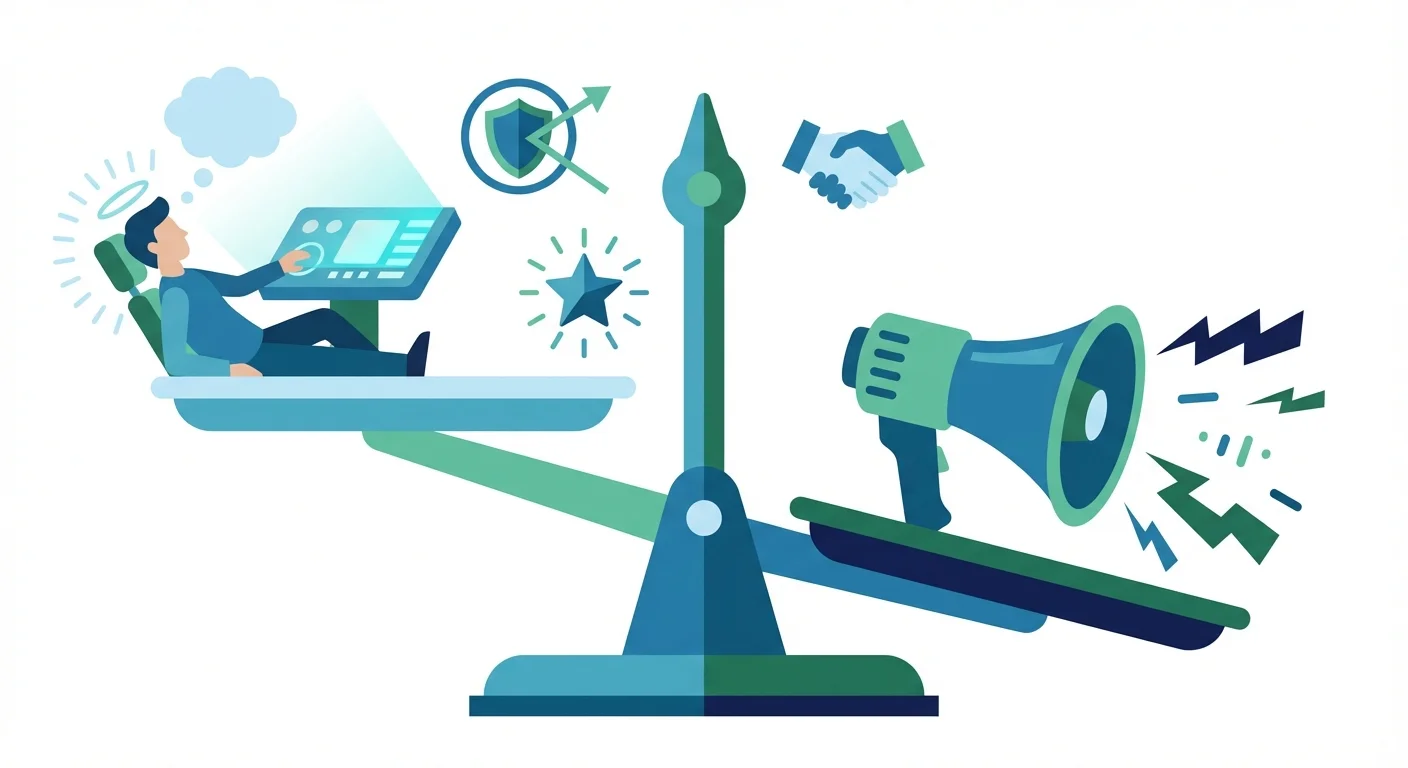
Traditional cold emails take something from the prospect (their attention) without asking. Permission-based emails ask first, which:
- Reduces resistance: Prospects feel in control, not cornered
- Increases quality: Responses come from genuinely interested prospects
- Builds trust: Asking permission signals respect
- Improves relationships: The conversation starts on equal footing
- Feels less salesy: You're asking, not pushing
The key is making the permission request genuine. If you ask for permission and then push anyway, you've broken trust.
Section 1: Basic Permission Templates
These templates ask simple, direct permission to continue the conversation.
Template 1: The Simple Permission Ask
When to use: When you want a straightforward, no-frills approach.
Subject: Quick question about [topic]
Email:
Hi [Name],
I work with companies like [Company] on [specific challenge or opportunity].
Before I take any more of your time, can I ask: is this something you're actively thinking about?
If yes, I'd love to share what we're seeing work. If not, no worries at all.
Best, [Your name]
Customization tips:
- Keep the email very short
- Make the "no" as easy as the "yes"
- Don't include your full pitch in case they say yes
Template 2: The Relevance Check
When to use: When you want to verify your solution is relevant before pitching.
Subject: Is [topic] relevant for [Company]?
Email:
Hi [Name],
Companies in [industry] often prioritize [specific initiative]. I'm curious whether this is on [Company]'s radar.
If it is, I'd welcome the chance to share how we've helped similar teams. If other priorities are taking focus, I understand completely.
Worth a quick reply either way?
Best, [Your name]
Customization tips:
- Reference initiatives common in their industry
- Ask a genuine question you don't know the answer to
- Accept that "no" is valuable information
Template 3: The Timing Question
When to use: When timing might be the key factor in relevance.
Subject: Is the timing right for [topic]?
Email:
Hi [Name],
Timing matters as much as fit. I wanted to check: is [Company] actively evaluating [solution category] right now?
If the timing is right, I'd be happy to share what we've learned helping teams like yours. If this is better addressed next [quarter/year], I can follow up then instead.
What works best for you?
Best, [Your name]
Customization tips:
- Acknowledge that timing matters
- Offer to follow up later if timing is off
- Let them control when you reconnect
Section 2: Value-First Permission Templates
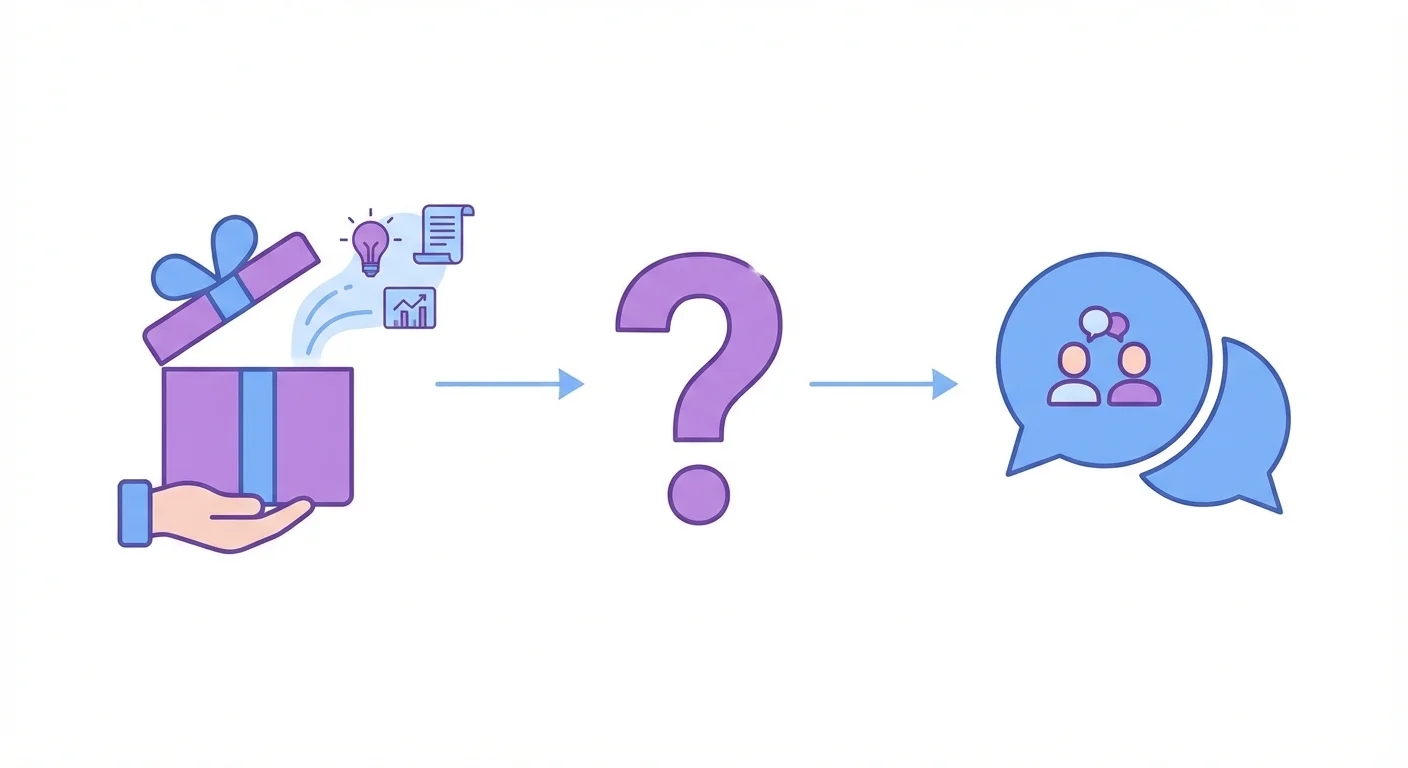
These templates offer something of value while asking permission to continue.
Template 4: The Resource Offer
When to use: When you have a relevant resource to share.
Subject: Would this be useful?
Email:
Hi [Name],
I have a [resource type, like guide or case study] about how companies in [industry] are approaching [specific challenge].
Before sending it over, I wanted to check: would this be relevant to what [Company] is working on?
If yes, I'll share it along with some quick context. If it's not a priority, no problem.
Best, [Your name]
Customization tips:
- Have a genuine, valuable resource ready
- Make the resource relevant to their specific situation
- Don't require a meeting to share the resource
Template 5: The Insight Share
When to use: When you have a relevant insight from working with similar companies.
Subject: Observation about [industry/topic]
Email:
Hi [Name],
Working with companies in [industry], I've noticed a pattern around [specific observation].
I have some thoughts on how [Company] might [benefit or avoid a pitfall], but I don't want to assume this is useful.
Would it be helpful if I shared what I'm seeing? A quick "yes" or "not relevant" works.
Best, [Your name]
Customization tips:
- Share a genuine insight from your experience
- Make the observation specific to their context
- Keep the ask simple and binary
Template 6: The Custom Analysis Offer
When to use: When you can provide a custom analysis or assessment.
Subject: Custom [analysis type] for [Company]?
Email:
Hi [Name],
I could put together a quick [analysis type, like competitive analysis or efficiency assessment] for [Company]. It typically reveals [type of insight].
This takes me about [timeframe] to prepare. Would it be valuable enough to warrant that time?
If yes, I'll get started. If this isn't a priority, no need to reply.
Best, [Your name]
Customization tips:
- Be honest about the effort involved
- Explain what the analysis typically reveals
- Make it clear you'll do the work if they're interested
Section 3: Conversation Permission Templates
These templates ask permission to have a deeper conversation.
Template 7: The Discovery Permission
When to use: When you want to learn more about their situation.
Subject: 15 minutes to explore fit?
Email:
Hi [Name],
I think [your solution] might be relevant for [Company], but I don't know enough about your priorities to be sure.
Would you be open to a 15-minute call where I can ask a few questions? My goal is to figure out if there's a fit, not to pitch you.
If there's potential, we can discuss next steps. If not, we'll both have clarity.
Worth exploring?
Best, [Your name]
Customization tips:
- Be honest about your uncertainty
- Set clear expectations for the call
- Make it easy to say no
Template 8: The Expert Access Permission
When to use: When you can offer access to expertise or specialized knowledge.
Subject: Access to our [expert type]?
Email:
Hi [Name],
Our [expert type, like solutions architect or industry specialist] has helped [X] companies in [industry] with [specific challenge].
I could set up a brief call for you to pick their brain, no pitch attached. They'd listen to your situation and share relevant experience.
Would that kind of conversation be useful?
Best, [Your name]
Customization tips:
- Offer genuine expertise, not a disguised sales call
- Be clear that the call isn't a pitch
- Have the expert ready if they say yes
Template 9: The Peer Introduction Permission
When to use: When you can connect them with a relevant peer.
Subject: Connect you with someone facing similar challenges?
Email:
Hi [Name],
One of our customers, [Reference Name] at [Reference Company], is working on [similar challenge] to what I suspect [Company] is facing.
They've agreed to have informal conversations with peers in similar situations. No selling involved, just practitioners sharing experiences.
Would an introduction be valuable?
Best, [Your name]
Customization tips:
- Have the reference's permission first
- Make it clear this is peer-to-peer, not sales
- Choose references who genuinely enjoy these conversations
Where we differ from standard practice
Much of the advice on this page reflects how outbound is commonly run. We run it differently, and since this page sits on our site it is worth saying where the difference is and what it costs us.
- A sequence of messages to each prospect over several weeks
- Later messages often land in the same email thread
- Every contact is reached more than once, so a distracted reader gets another chance
- The later messages go only to people who did not answer the first
- Reputation cost accrues on the sending domain across everything else it sends
- One message, then that campaign is finished for that contact
- No thread replies and no bumps
- A non-responding audience becomes a new campaign with a genuinely different premise, not a reminder
- More of the work moves into targeting and into the one message
- We reach each contact less often, and that is the cost we accept
The reasoning is mechanical rather than moral. A follow-up arrives underneath a message the recipient has already seen and chosen not to answer, so it is delivered to the population most likely to mark it as spam, and the reputation cost of that lands on the sending domain across every campaign running on it. We set that cost against the replies a sequence recovers and decided the trade was not worth it. The full argument, with the numbers from our own campaigns, is in why we stopped using follow-ups.
Section 4: Follow-Up Permission Templates
These templates seek permission when following up on previous outreach.
Template 10: The Continued Outreach Permission
When to use: When following up after no response.
Subject: Should I keep trying?
Email:
Hi [Name],
I've reached out a couple times about [topic]. Silence is fine (you're busy, this isn't a priority), but I don't want to be annoying.
Would you prefer I: a) Stop reaching out b) Try again in a few months c) Actually, let's talk
Any answer helps. Thanks for letting me know.
Best, [Your name]
Customization tips:
- Give them explicit options
- Make "stop reaching out" as easy to select as "let's talk"
- Respect whatever they choose
Template 11: The Pause Permission
When to use: When you want to pause outreach but leave the door open.
Subject: Taking you off my list (unless...)
Email:
Hi [Name],
I'm going to stop emailing about [topic] since I haven't heard back.
If circumstances change and [specific situation where you'd be relevant] becomes a priority, feel free to reach out. I'm at [email].
No need to reply either way. Just wanted to close the loop cleanly.
Best, [Your name]
Customization tips:
- Actually stop emailing if they don't respond
- Leave a clear way to reconnect
- Close the loop respectfully
Best Practices for Permission-Based Emails
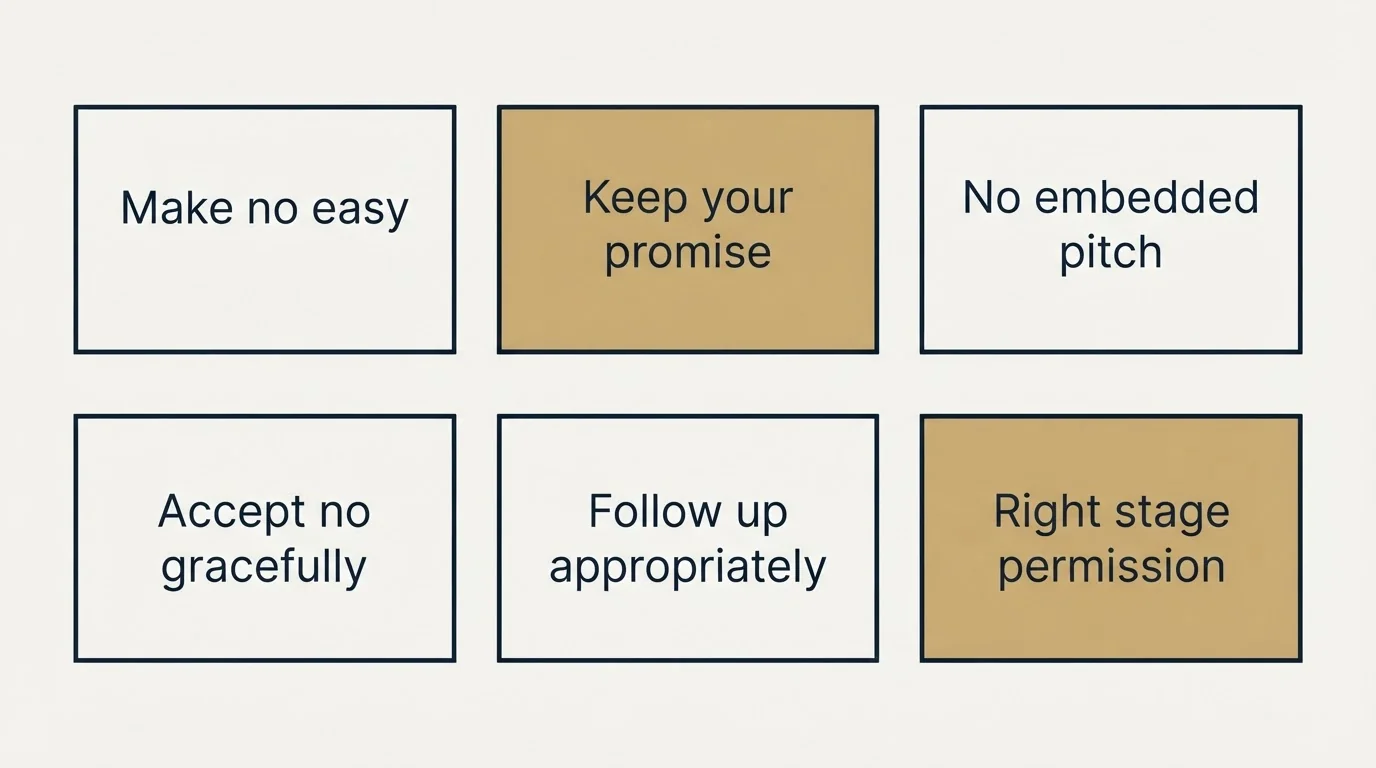
Make "No" Easy
Permission-based emails only work if the prospect genuinely feels they can say no. If your email makes "no" awkward or difficult, you've defeated the purpose.
Phrases that help:
- "No worries if not"
- "A simple yes or no works"
- "No need to reply if this isn't relevant"
Keep Your Promise
If you ask permission to share something, share only that thing. If you ask for a discovery call, don't turn it into a pitch. Breaking the implicit promise destroys trust.
Don't Embed the Pitch
Permission-based emails ask permission first. If you include your full pitch alongside the permission request, you've taken their time without waiting for agreement.
Keep the initial email short. Save the details for after they opt in.
Accept No Gracefully
When someone declines, thank them for their honesty and move on. Don't negotiate, push back, or try to change their mind. That behavior shows the permission request was performative.
Follow Up Appropriately
If someone doesn't respond to a permission-based email, one follow-up is reasonable. Multiple follow-ups defeat the spirit of asking permission.
Use Permission at the Right Stage
Permission-based approaches work best for initial outreach and when re-engaging cold prospects. Once you're in active conversation, you don't need to ask permission for every communication.
When Permission-Based Emails Work Best
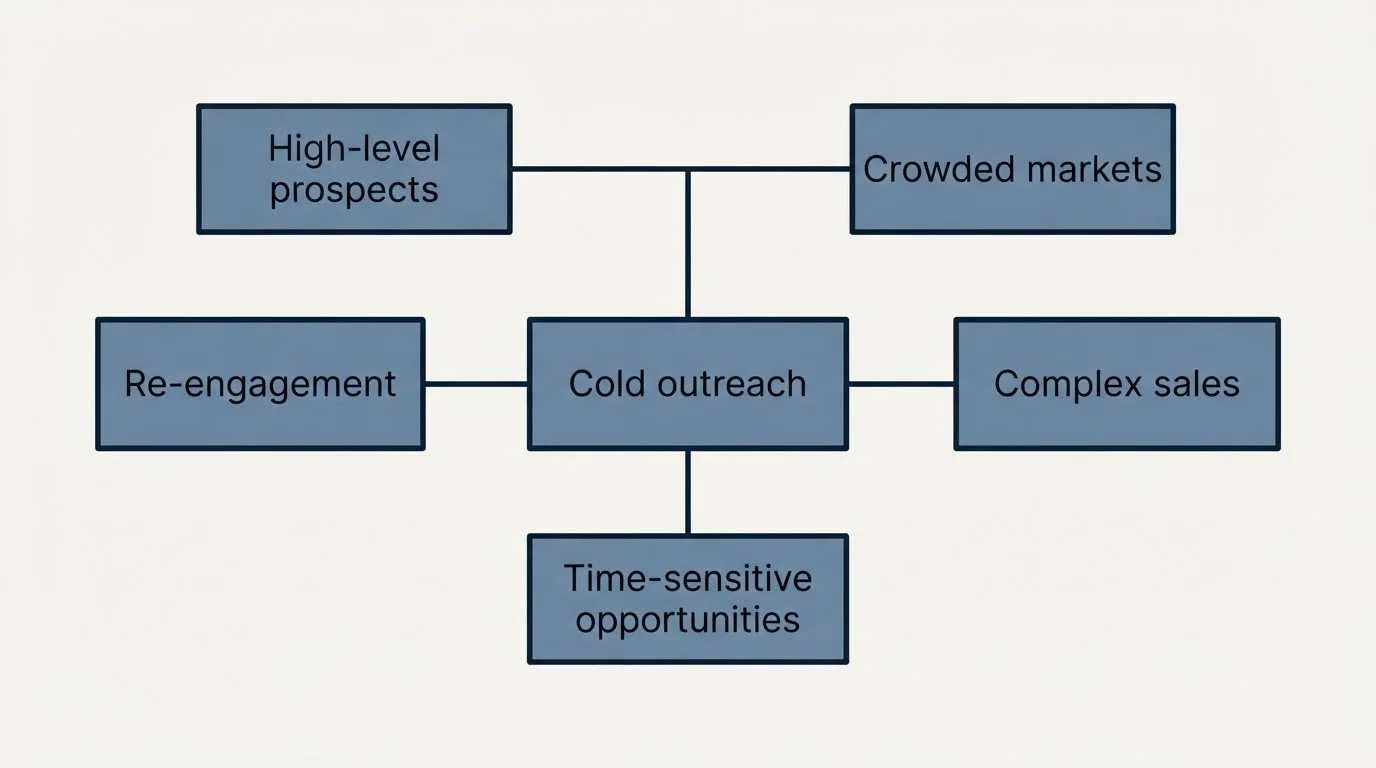
This approach is particularly effective when:
- Cold outreach: The prospect has no relationship with you
- High-level prospects: Executives appreciate having control
- Crowded markets: Standing out by being respectful
- Complex sales: Building trust early matters for long cycles
- Re-engagement: Reconnecting with prospects who've gone quiet
When to Use Other Approaches
Permission-based emails may be less effective when:
- Time-sensitive opportunities: When urgency is genuine
- Inbound interest: They've already shown interest
- Existing relationships: You have rapport established
- Transactional sales: Simple, quick decisions
Measuring Permission-Based Email Performance
Track these metrics to evaluate your permission-based approach:
- Response rate: Do permission emails get more responses?
- Quality of responses: Are responders more qualified?
- Meeting conversion: Do permission-based responders convert to meetings at higher rates?
- Deal progression: Do these conversations progress faster through the funnel?
- Relationship quality: How do customers from permission-based outreach rate their experience?
The goal isn't just responses. The goal is better conversations with more qualified prospects.
Combining Permission With Other Approaches
Permission-based emails can incorporate elements from other template types:
- Permission + value proposition: "I have an idea that might help with [challenge]. Worth sharing?"
- Permission + social proof: "Companies like [reference] have found this valuable. Want to see if it applies to you?"
- Permission + trigger event: "I noticed [event]. Does that make [topic] more relevant now?"
The permission element frames the conversation while other elements provide context.
Related Reading
- 12 Urgency Email Templates That Drive Action Without Being Pushy
- 13 Value Proposition Email Templates That Communicate Your Worth
Getting Help With Permission-Based Outreach
Developing permission-based campaigns requires balancing respect with effectiveness. If you're looking to implement this approach:
Schedule a free strategy call to discuss:
- When permission-based emails work best for your market
- How to structure permission requests that get responses
- Combining permission with other effective approaches
- Campaign sequences that build trust over time
Schedule your free strategy call here.
We'll help you develop outreach that respects prospects while generating meaningful conversations.
Frequently asked questions.
Frequently asked questions- Why do permission-based emails work better than traditional cold emails?
- Permission-based emails work because they respect prospect autonomy by asking first rather than taking attention without consent. This reduces resistance, increases response quality from genuinely interested prospects, and builds trust by signaling respect. Traditional cold emails assume interest and take attention without asking, which makes prospects feel cornered. Permission-based approaches start relationships on equal footing, making conversations feel less salesy and more collaborative.
- What should I include in a simple permission-based email?
- A simple permission-based email should be very short, ask a direct yes-or-no question about relevance or interest, and make declining as easy as accepting. Keep it to three or four sentences, avoid embedding your full pitch, and clearly indicate that "no" is a perfectly acceptable answer. The goal is to verify interest before investing time in detailed outreach, not to trick prospects into a conversation they don't want.
- How do value-first permission emails differ from basic permission requests?
- Value-first permission emails offer something useful (like a resource, industry insight, or custom analysis) while asking if it would be relevant. Rather than just asking for permission to pitch, you provide value upfront and let prospects decide if they want more. This approach demonstrates expertise, gives before asking, and creates reciprocity. The resource should be genuinely valuable and relevant to their specific situation, not a disguised sales pitch.
- What happens if I ask permission but then pitch anyway?
- Asking permission and then pushing your pitch anyway breaks trust and defeats the entire strategy. The permission request becomes manipulative rather than respectful, making you seem dishonest. Prospects will feel deceived, damaging your credibility and their willingness to engage. Genuine permission-based outreach means accepting "no" gracefully, keeping promises about what happens next, and only proceeding when prospects explicitly agree to continue the conversation.
About the author.

Ben Carden is CRO at RevenueFlow, which builds and operates outbound revenue engines for B2B companies. Previously at Gartner Enterprise. Studied at London School of Economics.
Ben Carden · CRO
Connect on LinkedIn →Explore more.
Ready to scale your outreach?
We build GTM engines that book real meetings. See the receipts.
Related articles.
10 B2B Cold Email Templates for One-Message Sends
Ten B2B cold email templates written for a single send, with the four slot structure underneath them and the test that separates a good example from a bad one.
Cold Email Templates for Customer Success Managers
Eleven cold email templates for customer success managers, covering champion change, expansion, renewal rescue, and win-back, with subject lines and timing.
14 Renewal Email Templates That Retain Customers
Master subscription and contract renewals with 14 proven email templates. Reduce churn, lock in renewals early, and maintain customer relationships.
Follow-Up Call Scripts: Nine Calls Into a Live Conversation
Nine follow-up call scripts, each tied to the event that earns the call, from a demo to a renewal, plus the four moves they share and how each call should end.
13 Case Study Request Email Templates That Get Results
Get proven email templates for requesting case studies, video testimonials, and written reviews from your happiest customers. Includes templates for every stage from initial ask to final approval.
Email Subject Line Capitalization: What the Guides Say
What the style authorities actually rule on subject line case, what the published tests measured, and the default for a one to one sales email.