Why We Maintain 3x Sending Capacity for Every Client
Most sending capacity is sized as a division problem. Then one domain gets flagged. Here is how the 3x capacity number is worked out and what the per-domain limits are.
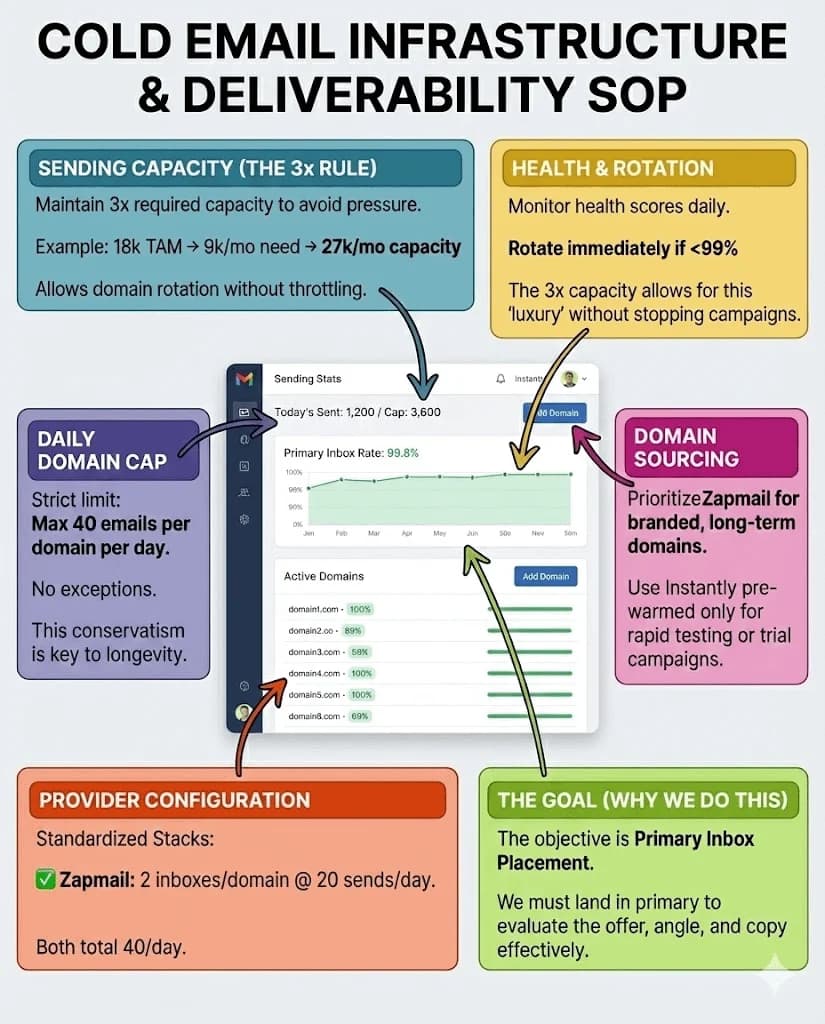
Maintaining 3x sending capacity means building infrastructure for three times the volume a campaign requires, so a domain can leave the pool on the day its health reading slips rather than once placement has moved. The per-domain cap the surplus protects is about 40 sends a day, across two mailboxes at roughly 20 each.
Key takeaways
- Capacity is sized at three times the monthly send requirement. On an illustrative 18,000 contacts reached over 60 days, that is 9,000 sends a month against 27,000 of built capacity.
- The per-domain structure is two mailboxes at roughly 20 sends each, so about 40 sends a day from a domain, which is far below what mailbox providers themselves permit.
- A domain is replaced when its health reading drops below the healthy band, which on our monitoring is 99%. A falling reading is the trigger, and a healthy domain stays in the pool.
- Sending domains are generic and provisioned through pre-warmed inbox providers as a matter of policy. Client-branded or lookalike domains are never registered for a campaign, because the client's identity belongs in the sender display name and the signature.
Reviewed and updated September 1, 2026
Why We Maintain 3x Sending Capacity for Every Client Campaign
Most sending capacity gets sized as a division problem. Contacts to reach, divided by days available, equals the capacity to buy. Then one domain gets flagged, the arithmetic no longer works, and the campaign either slows down or keeps sending from a domain it should have pulled.
We maintain 3x sending capacity for every client campaign, which turns that moment into a swap rather than a decision.
The argument for holding the surplus is set out in why we buy 3x more email infrastructure than we need. This page is the operating detail: how the number is worked out, what the limits are, and what triggers a replacement.
Sizing the Capacity
Take a client with 18,000 contacts and 60 days to reach them. That is 9,000 sends a month. Capacity is built for 27,000 a month.
Those figures are an illustrative example rather than a specific programme. The multiplier is the part that transfers.
Two things make that arithmetic simpler than it usually is. We run one message per campaign and no follow-up sequences, so a campaign of 2,000 leads is 2,000 sends rather than five times that. And the surplus is expressed in domains and mailboxes rather than in a platform setting, so it is inventory you can actually rotate.
Bounded blast radius when a domain has a problem
Far below the provider ceiling, deliberately
The cap the surplus exists to protect
So a domain can leave the pool the day it slips
Provider ceilings sit far above 40 a day. Those published limits mark the point at which the provider stops you rather than the point at which filters stop trusting you, and the per-provider figures are collected in email sending limits by provider. Treating a ceiling as a target is the most reliable way to consume a domain pool quickly.
The consequence of the cap is that volume comes from breadth. Reaching 1,000 sends a day at 20 per mailbox means roughly 50 mailboxes across roughly 25 domains, distributed by the sending platform, which is what inbox rotation describes.
The Rotation Trigger
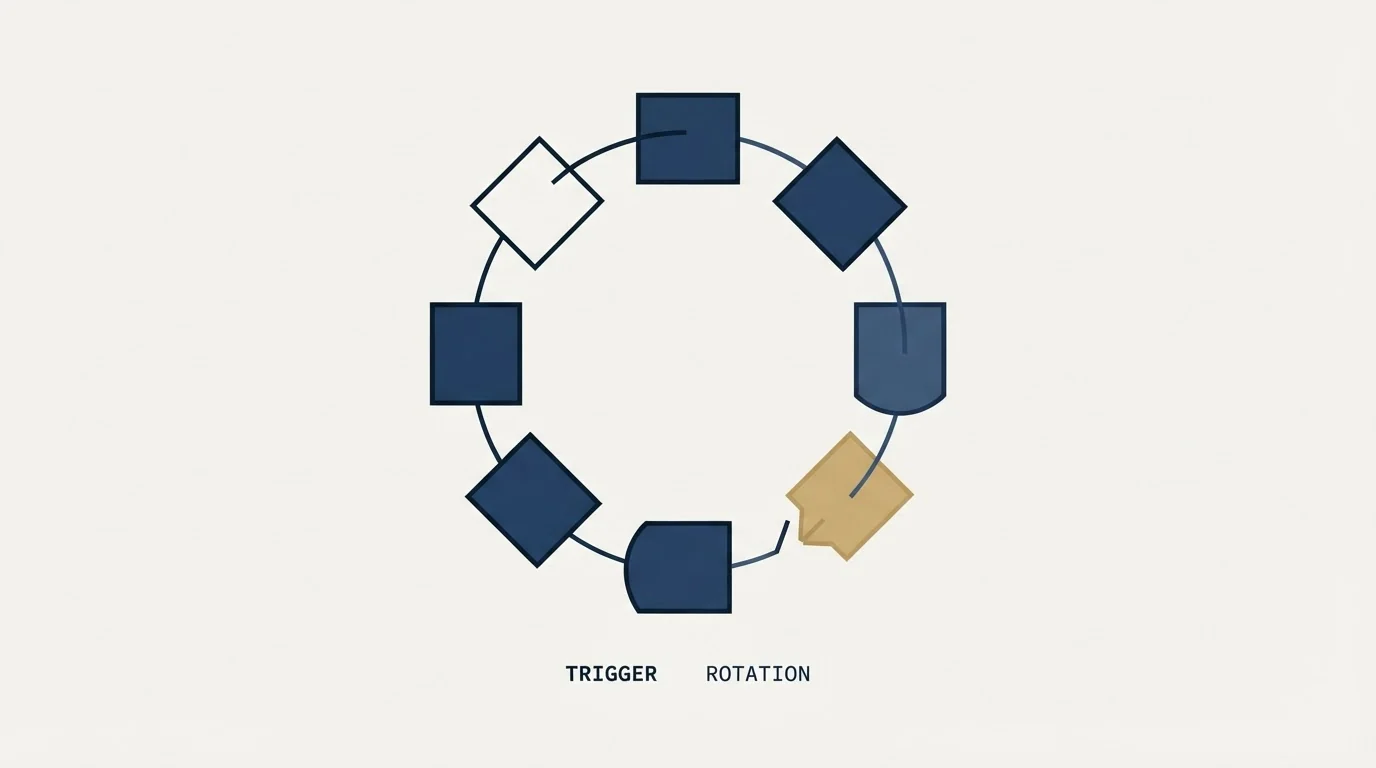
A domain comes out of the pool when its health reading drops below the band it should be sitting in. On our monitoring that threshold is 99%, and a domain below it is replaced rather than nursed back.
The direction matters and is worth stating explicitly, because the rule is easy to write backwards. A healthy domain stays in the pool. A falling reading is the trigger, and the point of acting on it early is that the alternative is acting on it late, once placement has already moved.
A programme running at exactly its required capacity sees the same reading and cannot act on it. Pulling the domain costs volume it does not have spare, so it keeps sending from a domain it knows is degrading, and it finds out how far the degradation went at the same time its client does.
- Step 1Reading drops
Daily monitoring shows a domain below the healthy band
- Step 2Domain leaves the pool
Same day, before placement moves
- Step 3Volume redistributes
Remaining domains absorb it, campaign output unchanged
- Step 4Recover or replace
The domain rests and returns, or it is retired and swapped
Monitoring
Health readings, bounce rate, reply rate and placement estimates, read daily across every domain in the inventory. Bounces and replies come from the sending platform. Reputation as the receiving side sees it is read from Google Postmaster Tools. Placement itself is not directly observable and is estimated by seed testing.
Monitoring without spare capacity produces information nobody can act on, which is the more common failure. The surplus is what converts a reading into a decision.
Domain Sourcing
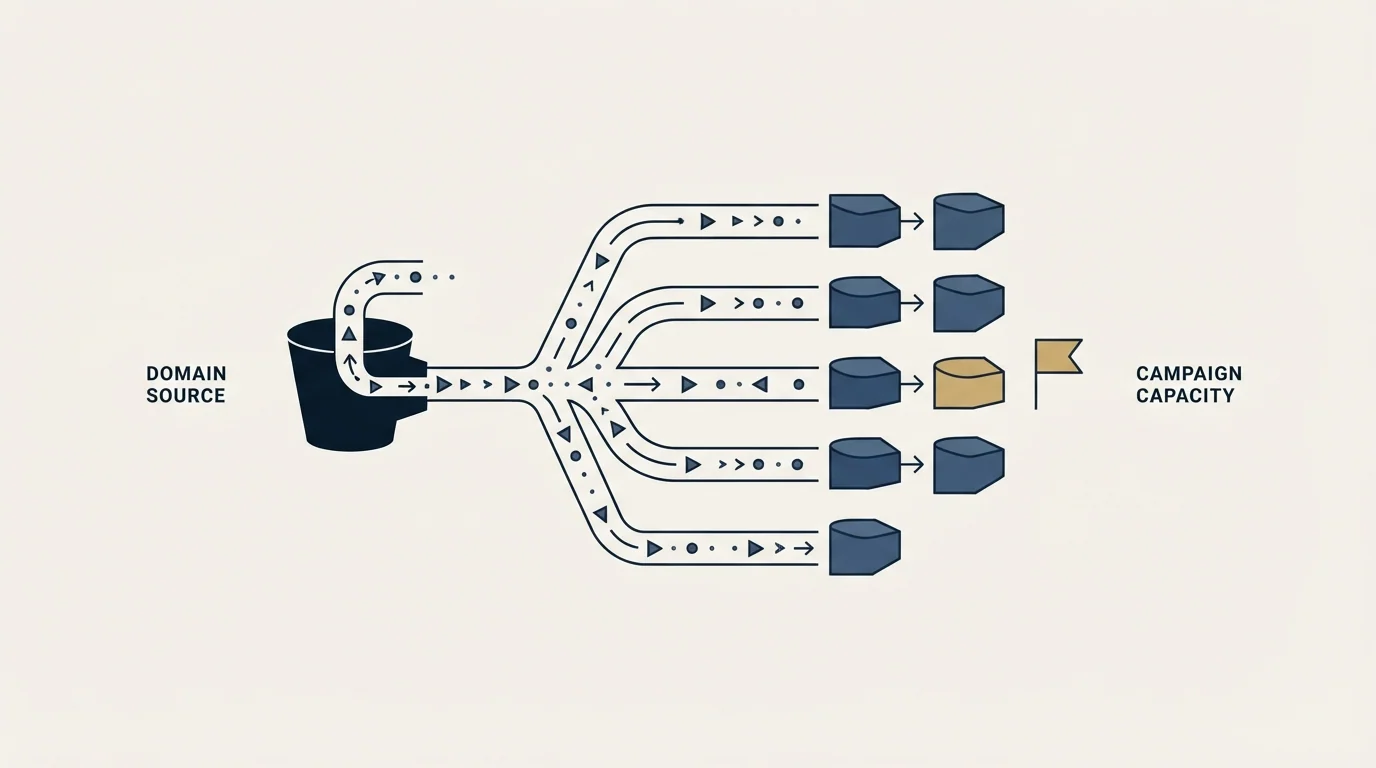
Sending domains are consumable inventory rather than permanent assets, and RevenueFlow provisions them through pre-warmed inbox providers as a matter of policy. Domains are generic and come from our own inventory. We do not register client-branded or lookalike domains for a campaign, because the client's identity belongs in the sender display name and the signature, which is where a recipient reads it, and putting a brand's name on infrastructure designed to be discarded buys nothing.
A domain also needs about 30 days of existence and a four to six week warming cycle before it carries real volume, which is the practical reason the inventory is bought ahead of the requirement rather than in response to it. Warming a domain for cold email covers that cycle.
What This Costs
Domains and mailboxes are among the cheapest components in an outbound programme, and holding three times as many of them raises a small line rather than the total.
The alternative cost is the one that is easy to leave out of the comparison. A burned pool means campaigns stop, the replacement inventory has to be bought and warmed anyway, and four to six weeks pass before anything sends. The audience is partly spent too, since people whose copy of the message landed in junk cannot usefully be approached again on the same angle.
The comparison is between a small known recurring cost and a large unknown one that arrives without warning. That is the whole argument, and the infrastructure piece makes it at length.
The Standard

Three rules, applied to every client campaign:
Maintain 3x the required sending capacity, so a domain can leave the pool on the day it slips.
Cap sends at about 40 per domain per day, across two mailboxes at roughly 20 each.
Replace a domain that drops below the healthy band rather than repairing it while it is live.
None of these produce an impressive number in a pitch. They produce a programme whose infrastructure maintenance is invisible from the outside, which is the only version of infrastructure maintenance a client should ever experience.
Related Reading
- Why We Buy 3x More Email Infrastructure Than We Need
- The Complete Guide to Cold Email Deliverability
- Email Deliverability Services: What They Fix and What They Can't
If you would rather have this run for you, RevenueFlow books qualified meetings on a pay-per-meeting basis and publishes client results.
Frequently asked questions.
Frequently asked questions- Why maintain 3x sending capacity instead of exactly what a campaign needs?
- So a domain can be pulled the day its reading slips without the campaign losing volume. At exact capacity, removing one domain means slowing the campaign, so the domain keeps sending while it degrades. The surplus is what converts a monitoring reading into a decision somebody is actually free to make.
- How many emails should you send per domain per day?
- About 40, structured as two mailboxes sending roughly 20 each. Provider ceilings sit far above that figure and mark where the provider stops you rather than where filters stop trusting you. The consequence of the cap is that volume comes from breadth: 1,000 sends a day means roughly 50 mailboxes across 25 domains.
- When should a sending domain be replaced?
- When its health reading drops below the band it should be sitting in, which on our monitoring means below 99%. The direction is worth stating plainly because it is easy to write backwards. A domain that is performing well stays in the pool; a falling reading is what triggers the swap, before placement moves.
- Do you use client-branded sending domains?
- No. Sending domains are generic and come from our own pre-warmed inventory, and we do not register client-branded or lookalike domains for a campaign. The client's identity lives in the sender display name and the signature, which is where a recipient actually reads it. Domains are consumable inventory with a working life.
About the author.

Tim Carden is CMO / CTO at RevenueFlow, which builds and operates outbound revenue engines for B2B companies. Studied at McGill University.
Tim Carden · CMO / CTO
Connect on LinkedIn →Explore more.
Ready to scale your outreach?
We build GTM engines that book real meetings. See the receipts.
Related articles.
Best Time to Send a Sales Email: What Was Measured
The send time studies behind the midweek morning answer, what each one actually counted, and why a broadcast finding does not transfer to a sales email.
Sales Enablement Statistics, Traced to Their Sources
The sales enablement figures in circulation, followed to their publishers: which state a population, which are gated, and which are quietly seven years old.
B2B Lead Lists for Travel Agencies: Registers and Gaps
The travel trade is written down in state consumer protection registers, not industry directories, and an exemption inside one decides who is missing from your file.
Sales Prospecting for Health Systems: The Public Record
Where health systems are written down in public: the Medicare cost report, the facility list a non-profit system files, and the two gates that follow qualification.
B2B Lead Lists for Aviation Companies: Build or Buy
Aviation is one of the few industries whose accounts are published by its regulator, which changes what is worth buying and what is worth downloading yourself.
Cold Calling for Chemical Companies: Who Picks Up
A chemical cold call rarely arrives first. It reaches a formulator who has already been comparing suppliers on a screen, for one of three published reasons.