CUFinder vs Flowlu: Data Enrichment Tool vs CRM Platform Comparison
Compare CUFinder (data enrichment tool) and Flowlu (CRM platform) side by side. See pricing, features, and integrations to decide which one, or both, your stack needs.
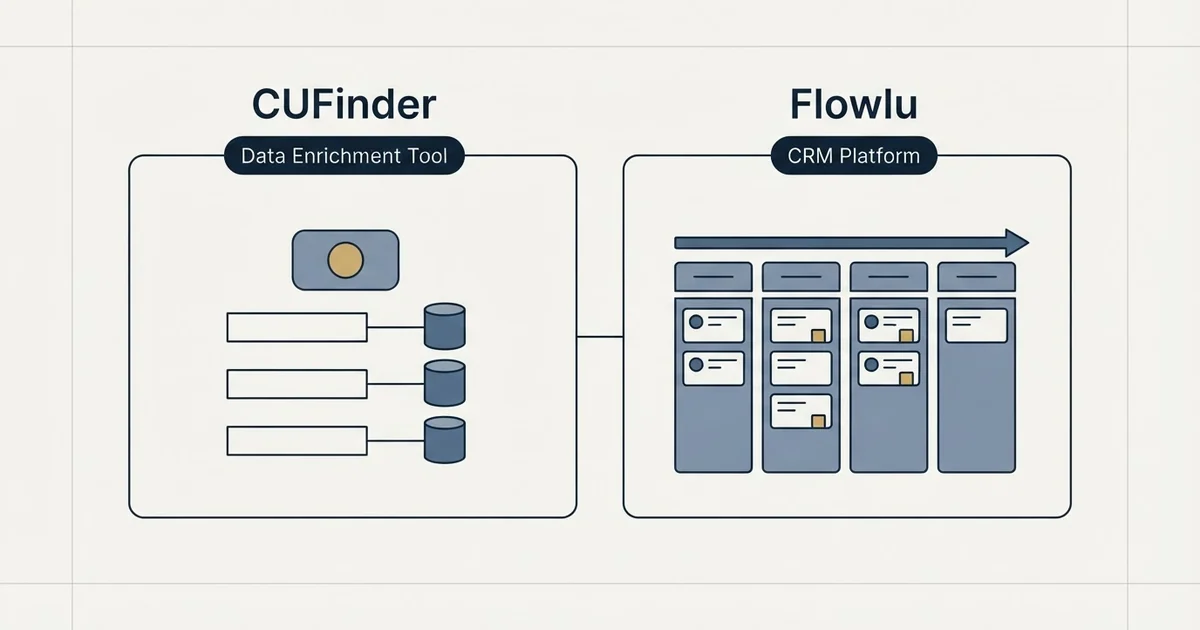
Compare CUFinder (data enrichment tool) and Flowlu (CRM platform) side by side. See pricing, features, and integrations to decide which one, or both, your stack needs.
Reviewed and updated September 4, 2026
CUFinder vs Flowlu: Data Enrichment Tool vs CRM Platform Comparison
CUFinder is a data enrichment tool; Flowlu is a CRM platform. Whether you need one, the other, or both depends on which part of the workflow you are buying for: B2B lead data and contact enrichment on one side, customer relationship management and sales pipeline tracking on the other. This guide lays out what each vendor publishes.
The Quick Answer
CUFinder is a data enrichment tool for B2B lead data and contact enrichment; Flowlu is a CRM platform for customer relationship management and sales pipeline tracking. By each vendor's own wording, CUFinder lists company and contact enrichment engines and pay for matches only; not-found rows are free, and Flowlu lists multiple sales pipelines and email sync and email templates.
Both start at the same price point ($0/mo), so the decision comes down to features and workflow fit.
If your priority is finding accurate contact data for target accounts, CUFinder is the one built for it; for organizing contacts, tracking deals, and forecasting revenue, that is Flowlu. Many teams run one of each.
Understanding the Core Difference
CUFinder is CUFinder is a B2B marketing intelligence platform with company and contact enrichment engines, an email finder and a LinkedIn extension, priced by monthly credits and charging only for matched results. Unlimited teammates on every plan.
Flowlu is Flowlu is a project management and CRM platform built to work together for teams running client work, connecting deals, delivery and client details from first call to final invoice. It also bundles tasks, finance and invoicing, a client portal and a knowledge base.
The two platforms take different approaches to solving the same core challenge.
Pricing Comparison

CUFinder Pricing (as of September 2026)
| Plan | Price | Emails |
|---|---|---|
| Free | Free | 15 credits |
| Lite | $49/mo | 1,000 credits / month |
| Standard | $129/mo | 3,000 credits / month |
| Pro | $299/mo | 10,000 credits / month |
| Premium | $449/mo | 20,000 credits / month |
Source: CUFinder Pricing
Flowlu Pricing (as of September 2026)
| Plan | Price | Contacts |
|---|---|---|
| Free | Free | 100 contacts, 1 pipeline |
| Essential | $12/mo | - |
| Advanced | $22/mo | - |
| Ultimate | $32/mo | - |
Source: Flowlu Pricing
Pricing Analysis
Both platforms start at the same $0/mo price point. The decision comes down to which feature set and tier structure works better for your expected usage.
CUFinder offers 5 pricing tiers compared to Flowlu's 4, giving you more granularity as you scale.
Both platforms offer free tiers, so you can test each one before spending anything.
Features Breakdown
- Company and contact enrichment engines
- Pay for matches only; not-found rows are free
- Unlimited teammates
- LinkedIn extension
- API
- Google Sheets add-on
- Multiple sales pipelines
- Email sync and email templates
- CRM reports
- Sales automations
- Email tracking
- Client portal
- and 4 more listed below
CUFinder Key Features
- Company and contact enrichment engines
- Pay for matches only; not-found rows are free
- Unlimited teammates
- LinkedIn extension
- API
- Google Sheets add-on
Flowlu Key Features
- Multiple sales pipelines
- Email sync and email templates
- CRM reports
- Sales automations
- Email tracking
- Client portal
- Lead capture forms
- Invoices and estimates
- Tasks and projects with Kanban and Gantt views
- Knowledge base
The two lists below are a diff of each vendor's own feature list by exact wording, so a capability both tools offer can appear on either side under a different name.
Listed only by CUFinder
- Company and contact enrichment engines
- Pay for matches only; not-found rows are free
- Unlimited teammates
- LinkedIn extension
- API
- Google Sheets add-on
Listed only by Flowlu
- Multiple sales pipelines
- Email sync and email templates
- CRM reports
- Sales automations
- Email tracking
- Client portal
- Lead capture forms
- Invoices and estimates
- Tasks and projects with Kanban and Gantt views
- Knowledge base
Integration Ecosystem

CUFinder Integrations
CUFinder connects with: HubSpot, Salesforce, Google Sheets, LinkedIn, Chrome extension.
Flowlu Integrations
Flowlu connects with: Gmail, Microsoft Outlook, IMAP, Google Drive, Dropbox, OneDrive, Twilio, Zadarma, Stripe, Square, PayPal, Mailchimp, Tilda, JivoChat, Calendly, Google Calendar, Apple Calendar, Zendesk Support.
Integrations listed only by CUFinder: HubSpot, Salesforce, Google Sheets, LinkedIn, Chrome extension.
Integrations listed only by Flowlu: Gmail, Microsoft Outlook, IMAP, Google Drive, Dropbox, OneDrive, Twilio, Zadarma, Stripe, Square, PayPal, Mailchimp, Tilda, JivoChat, Calendly, Google Calendar, Apple Calendar, Zendesk Support.
Use Case Recommendations
Best Fit for CUFinder
- Budget-conscious teams looking for an affordable data enrichment tool
- Teams that want to start free and scale up as needs grow
- Revenue operations teams building targeted prospect lists
- Marketing teams enriching CRM data for segmentation
Best Fit for Flowlu
- Budget-conscious teams looking for an affordable CRM platform
- Teams that need a wide feature set (10 capabilities listed)
- Organizations with complex tech stacks needing broad integration support (18 integrations)
- Teams that want to start free and scale up as needs grow
Feature Comparison Summary
| Feature | CUFinder | Flowlu |
|---|---|---|
| Starting Price | Free | Free |
| Top Tier Price | $449/mo | $32/mo |
| Total Features Listed | 6 | 10 |
| Integrations | 5 | 18 |
Getting Started Checklist

- Define your B2B lead data and contact enrichment and customer relationship management and sales pipeline tracking requirements and monthly budget
- Estimate your expected data credits or contact lookups and contacts and deals to find the right tier
- List the integrations your team currently relies on
- Sign up for free trials or demos of both platforms
- Run a small test with each tool before making a commitment
- Evaluate the onboarding experience and support quality
Final Thoughts
CUFinder serves the B2B lead data and contact enrichment side of an outbound stack and Flowlu the customer relationship management and sales pipeline tracking side. CUFinder offers a more accessible entry point, while Flowlu starts at $0/mo. Your decision should weigh pricing against the specific features that matter most for your workflow.
Start with a trial of each to see which platform fits your team's daily process. The best tool is the one your team actually uses consistently.
Pricing and features verified as of September 2026. Visit CUFinder and Flowlu for current information.
About the author.

Tim Carden is CMO / CTO at RevenueFlow, which builds and operates outbound revenue engines for B2B companies. Studied at McGill University.
Tim Carden · CMO / CTO
Connect on LinkedIn →Explore more.
Ready to scale your outreach?
We build GTM engines that book real meetings. See the receipts.
Related articles.
AroundDeal vs Salesflare: Data Enrichment Tool vs CRM Platform Comparison
Compare AroundDeal (data enrichment tool) and Salesflare (CRM platform) side by side. See pricing, features, and integrations to decide which one, or both, your stack needs.
Evaboot vs Microsoft Dynamics 365 Sales: Data Enrichment Tool vs CRM Platform Comparison
Compare Evaboot (data enrichment tool) and Microsoft Dynamics 365 Sales (CRM platform) side by side. See pricing, features, and integrations to decide which one, or both, your stack needs.
Agile CRM vs LeadIQ: CRM Platform vs Data Enrichment Tool Comparison
Compare Agile CRM (CRM platform) and LeadIQ (data enrichment tool) side by side. See pricing, features, and integrations to decide which one, or both, your stack needs.
Anymail Finder vs Pipeline CRM: Data Enrichment Tool vs CRM Platform Comparison
Compare Anymail Finder (data enrichment tool) and Pipeline CRM (CRM platform) side by side. See pricing, features, and integrations to decide which one, or both, your stack needs.
AroundDeal vs Maximizer: Data Enrichment Tool vs CRM Platform Comparison
Compare AroundDeal (data enrichment tool) and Maximizer (CRM platform) side by side. See pricing, features, and integrations to decide which one, or both, your stack needs.
Breakcold vs Bulk Email Checker: CRM Platform vs Data Enrichment Tool Comparison
Compare Breakcold (CRM platform) and Bulk Email Checker (data enrichment tool) side by side. See pricing, features, and integrations to decide which one, or both, your stack needs.