12 Personalized GIF Email Templates That Boost Reply Rates
Learn how to use personalized GIFs in cold emails to grab attention and increase response rates. Includes 12 proven templates with GIF placement strategies.
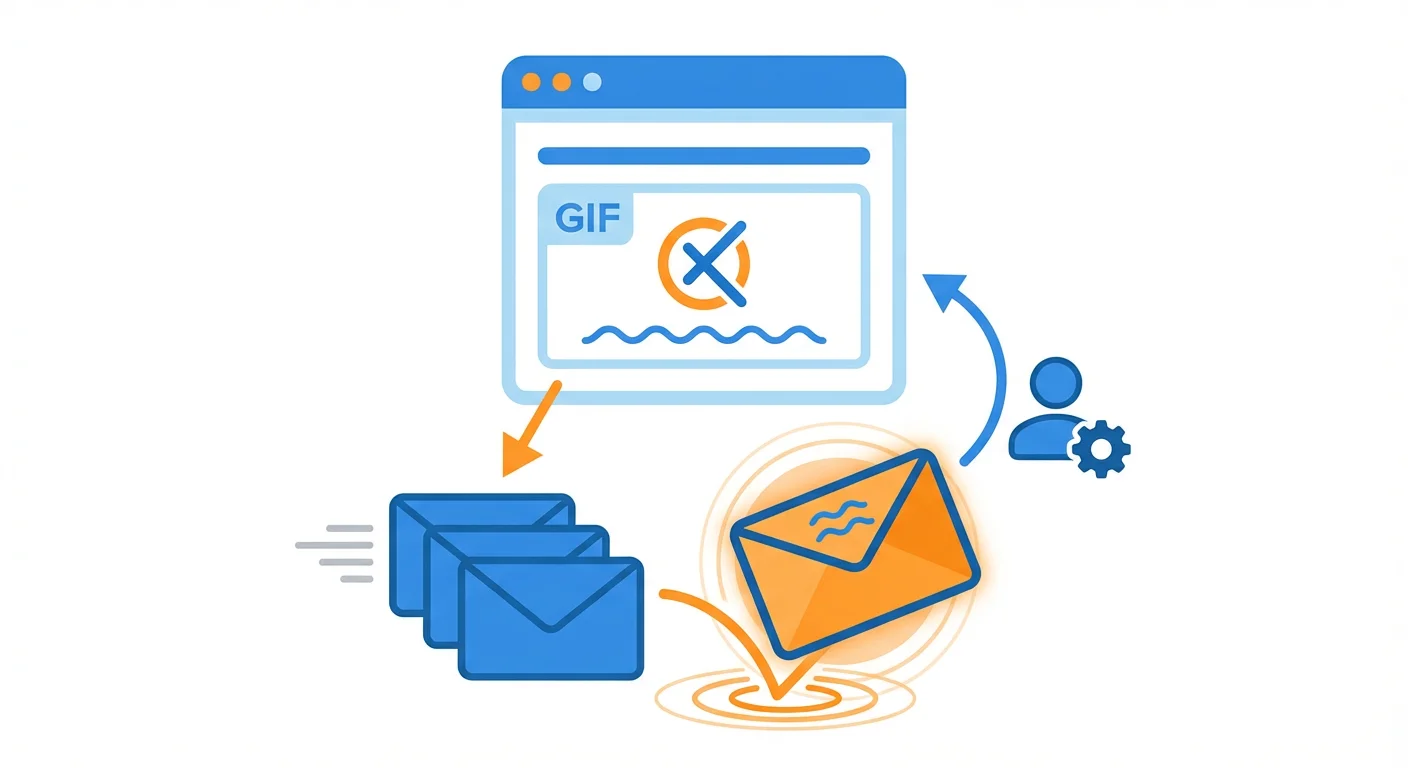
Personalized GIF emails increase reply rates by 25-40% compared to text-only messages by creating pattern interruption through movement and personal relevance. Effective GIF emails keep files under 1MB, place visuals strategically after context-setting opening lines, include alt text for accessibility, and demonstrate genuine effort through custom website recordings, logo integrations, or data visualizations that show prospects you've researched their specific situation.
Key takeaways
- Emails with personalized visual elements can increase reply rates by 25-40% compared to text-only messages according to sales engagement platform studies.
- GIF files should be kept under 1MB to maintain email deliverability and avoid triggering spam filters.
- Website scroll GIFs with animated highlights showing specific observations establish credibility by proving you've actually researched the prospect's site.
- All GIF emails should include descriptive alt text and fallback links since some email clients block images by default.
- The most effective GIF types include website audits, company logo integrations, product demos, and data visualizations tailored to the prospect's industry or use case.
Reviewed and updated September 15, 2026
12 Personalized GIF Email Templates That Boost Reply Rates
Your cold email sits in a crowded inbox alongside dozens of other outreach messages. The recipient glances at each preview, deciding in milliseconds what deserves attention. A personalized GIF can transform that split-second decision in your favor.
Personalized GIFs add a visual element that static text simply cannot match. When a prospect sees their name, their company logo, or their website featured in a custom animation, the pattern interrupt is immediate. Studies from sales engagement platforms show that emails with personalized visual elements can increase reply rates by 25-40% compared to text-only messages.
This guide provides 12 proven email templates that incorporate personalized GIFs effectively, along with best practices for creating and deploying them in your outreach campaigns.
Why Personalized GIFs Work in Cold Email
Before diving into templates, let's understand the psychology behind GIF personalization.
- Yes: Pattern Interruption
- Yes: Demonstrated Effort
- Yes: Memorability
- Yes: Credibility Building
Pattern Interruption
The human brain is wired to notice movement and novelty. A GIF stands out in an inbox full of static content. When that GIF contains something personally relevant to the viewer, the effect compounds.
Demonstrated Effort
Creating a personalized GIF requires more effort than writing a generic template. Recipients recognize this investment, which signals genuine interest rather than mass outreach.
Memorability
Prospects receive hundreds of cold emails weekly. Personalized GIFs create memorable experiences that persist long after a text-only email would be forgotten.
Credibility Building
A GIF showing your product with their company data, their website analysis, or a mockup featuring their brand demonstrates capabilities while feeling personal rather than salesy.
Types of Personalized GIFs
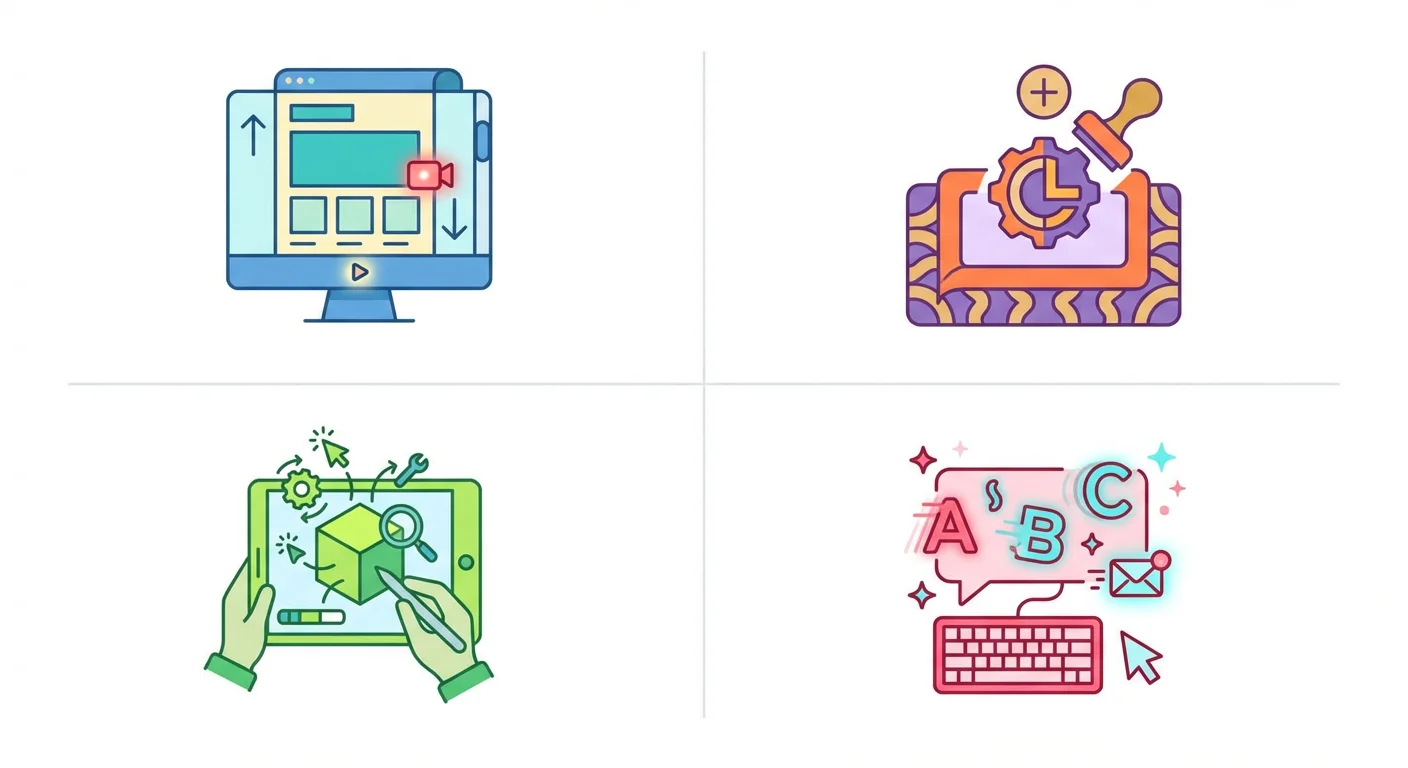
Different GIF types serve different purposes in cold outreach.
Website Scroll GIFs
A recording of scrolling through the prospect's website, often with annotations or highlights pointing out specific observations.
Company Logo Integration
Your product interface or marketing materials with the prospect's company logo dynamically inserted.
Personalized Text GIFs
Animated text that includes the recipient's name, company name, or relevant personalization variables.
Product Demo GIFs
A quick demo of your product showing how it would work specifically for their use case or industry.
Data Visualization GIFs
Animated charts or graphs showing data relevant to their company, industry benchmarks, or potential outcomes.
Best Practices for GIF Emails

Keep GIFs Under 1MB
Large GIFs affect email deliverability and load times. Compress your GIFs to under 1MB while maintaining quality.
Place GIFs Strategically
GIFs work best when placed early in the email to capture attention, but not before establishing context with your opening line.
Always Include Alt Text
Some email clients block images by default. Include descriptive alt text so your message makes sense even without the visual.
Test Deliverability
Always test your GIF emails through deliverability tools before sending at scale. Some email providers may flag image-heavy emails.
Have a Fallback
Include a text link below the GIF in case images don't load: "Can't see the image? Click here to view."
Website Audit GIF Templates
These templates use GIFs showing observations or analysis of the prospect's website.
Template 1: The Website Scroll Highlight
Best for: Web design agencies, SEO services, conversion optimization consultants.
GIF type: A screen recording scrolling through their website with animated highlights on specific elements.
Subject line: Noticed something on [Company] website
Email:
Hi [First Name],
I was exploring [Company]'s website and spotted a few opportunities that could impact your conversion rates.
[GIF: Screen recording of their website with animated circles highlighting specific elements like CTA placement, form length, or page load areas]
In the GIF above, I've highlighted three areas where similar companies have seen 15-30% improvements in conversion rates:
- The CTA placement on your pricing page
- Your form field count on the contact page
- The mobile navigation experience
I put together a quick analysis with specific recommendations. Would you be interested in seeing it?
[Your Name]
Why it works: The visual proof that you've actually looked at their website establishes credibility immediately. Specific observations demonstrate expertise without being salesy.
Template 2: The Competitor Comparison
Best for: SaaS companies, marketing agencies, competitive positioning.
GIF type: Side-by-side animation showing their site versus a competitor or industry best practice.
Subject line: [Company] vs. [Competitor]: Quick visual
Email:
Hi [First Name],
I analyzed [Company]'s web presence against [Competitor/Industry Leader] and created this quick visual comparison.
[GIF: Split-screen animation showing their website elements compared to a competitor, highlighting differences in design, functionality, or content]
A few patterns stood out:
- Page load speed difference: 2.3 seconds
- Mobile experience gap on key pages
- Trust signal placement variations
These aren't criticisms. They're opportunities. Companies in [Industry] that address these gaps typically see measurable improvements in their conversion metrics.
Curious whether this analysis resonates with what you're seeing internally?
[Your Name]
Why it works: Competitive comparison triggers natural curiosity. The visual format makes abstract differences concrete and memorable.
Product Demo GIF Templates
These templates use GIFs showing your product customized for the prospect's use case.
Template 3: The Personalized Dashboard Preview
Best for: SaaS products with dashboards, analytics tools, reporting software.
GIF type: A mockup of your product interface with the prospect's company data or branding.
Subject line: Built this for [Company]
Email:
Hi [First Name],
I created a quick preview of what [Your Product] could look like for [Company].
[GIF: Animation of your dashboard with their company name, sample data relevant to their industry, and key metrics populated]
This 15-second GIF shows:
- Your company data in our analytics dashboard
- Industry-specific benchmarks for [Industry]
- The reporting views your team would use daily
The mockup uses sample data, but the interface and features are exactly what your team would access.
Worth a 15-minute call to discuss whether this fits your current workflow?
[Your Name]
Why it works: Seeing their company name in your product creates immediate ownership psychology. The prospect begins imagining themselves as a customer.
Template 4: The Before/After Transformation
Best for: Design tools, editing software, transformation services.
GIF type: Animation showing a before and after using their actual materials or industry examples.
Subject line: [Company] materials: Before and after
Email:
Hi [First Name],
I took one of [Company]'s public assets and ran it through our platform. Here's the 8-second result.
[GIF: Before/after animation showing transformation of their content, design, or materials]
The "before" is your current [asset type]. The "after" shows what our AI-powered platform can produce in under 60 seconds.
We've helped [similar companies] achieve similar transformations at scale, processing [volume] assets monthly while reducing production time by 70%.
Would you like to see this applied to more of [Company]'s materials?
[Your Name]
Why it works: Visual proof is more compelling than feature descriptions. Using their actual assets makes the value proposition immediately tangible.
Personalized Data GIF Templates
These templates use animated data visualizations customized for the prospect.
Template 5: The Industry Benchmark GIF
Best for: Analytics platforms, consulting firms, research services.
GIF type: Animated chart showing how the prospect's metrics compare to industry benchmarks.
Subject line: [Company]'s numbers vs. industry average
Email:
Hi [First Name],
I pulled some publicly available data on [Company] and compared it against [Industry] benchmarks. The results were interesting.
[GIF: Animated bar chart or line graph showing their company metrics rising/falling compared to industry averages]
Key findings:
- [Metric 1]: [Company] is [X%] [above/below] industry average
- [Metric 2]: Opportunity gap of [X] compared to top performers
- [Metric 3]: Strong performance relative to peers
The companies in [Industry] that close these gaps typically see [outcome]. We've helped [similar company] improve their [metric] by [X%] in [timeframe].
Worth exploring how [Company] could move the needle on these metrics?
[Your Name]
Why it works: Data-driven personalization demonstrates analytical capability while providing genuine value in the initial outreach.
Template 6: The Growth Projection GIF
Best for: Financial services, growth consulting, revenue optimization tools.
GIF type: Animated projection showing potential growth trajectory.
Subject line: [Company]'s growth potential: A visual
Email:
Hi [First Name],
Based on [Company]'s current trajectory and industry patterns, I modeled what growth could look like with some strategic adjustments.
[GIF: Animated line chart showing current trajectory versus optimized trajectory, with key intervention points marked]
The GIF shows two paths:
- Current trajectory (based on publicly available data)
- Optimized trajectory (based on improvements similar companies have achieved)
The gap between these lines represents approximately [X] in potential [revenue/growth/improvement] over [timeframe].
Of course, every company is different. But the patterns we see in [Industry] suggest significant untapped potential.
Curious whether this matches your internal growth targets?
[Your Name]
Why it works: Growth projections tap into ambition while the animated format makes abstract potential feel concrete and achievable.
Attention-Grabbing GIF Templates
These templates use GIFs primarily for pattern interruption and memorability.
Template 7: The Personalized Name GIF
Best for: Any cold outreach where standing out is the primary goal.
GIF type: Animated text featuring the prospect's name in a creative, attention-grabbing format.
Subject line: Made this for you, [First Name]
Email:
Hi [First Name],
I know you're busy, so I'll keep this brief. But first:
[GIF: Their first name animated in an eye-catching style, perhaps with your product branding integrated]
Now that I have your attention...
[Company] caught my eye because [specific reason related to their company, recent news, or role]. I work with [job titles] at companies like [similar companies] to help them [core value proposition].
The results we see typically include:
- [Outcome 1]
- [Outcome 2]
- [Outcome 3]
Would you be open to a 15-minute conversation to see if this could be valuable for [Company]?
[Your Name]
Why it works: The personalized name creates an immediate connection. The honesty about attention-grabbing is disarming and builds rapport.
Template 8: The Celebration GIF
Best for: Outreach triggered by company milestones, funding announcements, or achievements.
GIF type: Animated celebration featuring their company name or achievement.
Subject line: Congrats on [Achievement], [First Name]!
Email:
Hi [First Name],
Just saw the news about [Company]'s [achievement/funding/milestone].
[GIF: Celebratory animation with their company name or achievement featured prominently]
This is a big moment. [Brief sentence acknowledging the significance of their achievement].
Many companies at this stage face [challenge related to their growth]. That's actually what we specialize in helping with.
We've worked with [similar companies at similar stages] to [core value proposition], which has helped them [specific outcome relevant to their situation].
When the celebration settles, would you be open to a conversation about [Company]'s [relevant challenge or opportunity]?
Congratulations again.
[Your Name]
Why it works: Timely, relevant celebration feels genuine rather than transactional. The milestone creates natural context for outreach.
Re-Approach GIF Templates
These templates use GIFs in a later campaign, sent to the people an earlier campaign did not reach. We send one message per campaign, so none of them is a reply into the original thread. A second note underneath an email somebody already passed over reads as pressure, it is delivered to exactly the readers most likely to mark it as spam, and the reputation cost is charged to the sending domain across every other campaign it carries. A new email with its own subject line earns a fresh open, and a fresh GIF gives it a reason to exist. The full argument, with the numbers from our own campaigns, is in why we stopped using follow-ups.
Template 9: The Second Look
Best for: a later campaign, a month or so on, to people who did not answer an earlier GIF email.
GIF type: A different angle on the same personalization from your earlier email.
Subject line: [Company]'s [area], in one frame
Email:
Hi [First Name],
One visual on [Company]'s [area], and it stands on its own:
[GIF: A different angle on the personalized content from your earlier email]
The quick version: [One sentence summary of your value proposition].
Companies like [similar company] have seen [specific outcome] after implementing similar solutions.
Would a 10-minute call be worth exploring whether this could help [Company]?
[Your Name]
Why it works: The GIF gives the new campaign a reason to exist rather than a reminder to deliver, and it carries visual value on its own instead of reading like a generic "bumping this to the top of your inbox" message.
Template 10: The New Angle GIF
Best for: a later campaign still, when earlier ones on the original topic went unanswered.
GIF type: A completely different personalized GIF showing a new aspect of your value proposition.
Subject line: [alternative pain point] at [Company]
Email:
Hi [First Name],
Something different on [Company], and worth a look on its own.
[GIF: New personalized visualization such as a different data analysis, competitor insight, or product demo angle]
This GIF shows [brief explanation of what the GIF illustrates].
[original topic] might not be a priority right now. But if [alternative pain point or opportunity] is something [Company] is thinking about, we might be able to help there instead.
Either way, this is worth having whether or not we ever speak. Let me know if either topic is worth a conversation.
[Your Name]
Why it works: The new GIF carries a genuinely different premise, which is the only thing that makes a later campaign worth sending. Offering flexibility shows adaptability rather than pushiness, and nothing in it asks whether an earlier email was seen.
Multi-Campaign GIF Templates

These templates spread progressive personalization across several campaigns rather than several messages in one thread. Each one goes out on its own, weeks apart, to whoever has not replied yet, so each has to make sense to a reader who never saw the one before it.
Template 11: The Progressive Reveal, One Campaign at a Time
Best for: an analysis substantial enough to carry three campaigns, where each instalment stands on its own.
GIF type: Part of a series that reveals more with each campaign.
Campaign 1:
Subject line: Quick question about [Company]'s [area]
Hi [First Name],
[GIF: First frame of a multi-part visualization, such as step 1 of an analysis]
This is the first cut of an analysis I'm putting together for [Company]. It shows [brief explanation].
Does this view align with what you're seeing internally?
[Your Name]
Campaign 2, about four weeks on:
Subject line: [Company] analysis: the [second area] view
Hi [First Name],
Another cut of the [Company] analysis, and this one reads on its own:
[GIF: Second frame building on the first visualization]
Set against [first area], a pattern emerges: [insight].
Companies that address this pattern typically see [outcome].
[Your Name]
Campaign 3, the next open window:
Subject line: Complete picture: [Company] opportunity
Hi [First Name],
The whole analysis in one frame:
[GIF: Complete visualization combining all elements]
It shows [comprehensive insight]. The opportunity here is [specific value proposition].
Worth a conversation about acting on it?
[Your Name]
Why it works: Each campaign adds something usable rather than requesting a response, and because every message stands on its own, a reader who never opened the first still gets value from the second. That is what lets a reveal run across separate campaigns instead of stacking messages in one thread.
Template 12: The Use Case Series
Best for: Products with multiple use cases or benefits, one per campaign.
GIF type: Different GIFs showing various applications of your product for their specific situation.
Campaign 1:
Subject line: [Company] + [Your Product]: Use case 1
Hi [First Name],
Here is one way [Your Product] could help [Company]:
[GIF: Product demo showing first use case applied to their company]
This shows how [Company] could use [Your Product] for [Use Case 1]. Companies using this approach see [specific outcome].
It is usually the one that delivers the fastest results.
Worth discussing?
[Your Name]
Campaign 2, about four weeks on:
Subject line: [Company] + [Your Product]: The analytics angle
Hi [First Name],
A second way [Your Product] could help [Company]:
[GIF: Product demo showing second use case]
This view shows [explanation of second use case]. For companies with [their characteristics], this often becomes the most valuable application.
[Your Name]
Campaign 3, the next open window:
Subject line: [Company] + [Your Product]: Full potential
Hi [First Name],
A third way, and the one that compounds with the other two:
[GIF: Product demo showing third use case or combined view]
When companies combine all three use cases, the compounding effect is significant. [Similar company] saw [outcome] by implementing the full suite.
Which of these three resonates most with [Company]'s current priorities?
[Your Name]
Why it works: Several GIFs across several campaigns demonstrate the breadth of your solution while giving multiple entry points for engagement, and each message earns its own open instead of sitting underneath one that did not get answered.
Tools for Creating Personalized GIFs
Several platforms help create personalized GIFs at scale.
Recording and Editing Tools
- Loom for quick screen recordings
- Screencastify for browser-based recording
- Canva for animated text and graphics
- Adobe Express for professional animations
Personalization Platforms
- Hyperise for dynamic image and GIF personalization
- Vidyard for personalized video GIFs
- Lemlist for email personalization with images
- Sendspark for video messaging
Compression Tools
- EZGIF for GIF optimization
- Giphy for hosting and compression
- Cloudinary for dynamic image optimization
Measuring GIF Email Performance
Track these metrics to optimize your GIF email campaigns.
Key Metrics
- Open Rate: Subject lines remain critical for GIF emails
- Click Rate: Track clicks on fallback links and CTAs
- Reply Rate: The ultimate measure of engagement
- Image Load Rate: Monitor how often GIFs actually display
- Time to Reply: GIF emails often generate faster responses
A/B Testing Ideas
- GIF vs. no GIF versions of the same email
- Different GIF placements (top vs. middle of email)
- Various GIF types (website scroll vs. product demo)
- Static preview image vs. animated GIF
Common Mistakes to Avoid
- No: Oversized GIFs
- No: Generic GIFs
- No: GIFs Without Context
- No: Ignoring Alt Text
- No: Overusing GIFs
- No: Poor Quality
Oversized GIFs: Keep files under 1MB to ensure deliverability and fast loading.
Generic GIFs: A GIF that could work for anyone defeats the purpose. Make personalization specific and relevant.
GIFs Without Context: Always frame your GIF with context. Don't rely on the visual alone to communicate your message.
Ignoring Alt Text: Include descriptive alt text for when images don't load.
Overusing GIFs: Not every email needs a GIF. Reserve them for initial outreach and for the later campaigns that come back with a genuinely new angle.
Poor Quality: Blurry or pixelated GIFs hurt credibility. Invest in quality creation.
Make Your Outreach Unforgettable
Personalized GIFs transform cold emails from easily ignored messages into memorable experiences. The effort required to create custom visuals signals genuine interest, while the visual format captures attention in crowded inboxes.
Start with one template from this guide. Test it against your current approach. Measure the results. Most teams that implement personalized GIFs see meaningful improvements in reply rates within their first campaign.
Ready to stand out in every inbox? Start your free cold email campaign and discover how personalized outreach drives real results.
Related Reading
Frequently asked questions.
Frequently asked questions- Why do personalized GIFs work better than regular cold emails?
- Personalized GIFs work better because they create pattern interruption through movement in static inboxes, demonstrate genuine effort that signals real interest rather than mass outreach, and build credibility by showing your product or analysis with the prospect's actual company data. The human brain is wired to notice movement and novelty, so a GIF containing personally relevant content compounds this attention-grabbing effect while creating memorable experiences that persist longer than text-only emails.
- What are the most effective types of personalized GIFs for cold email?
- The most effective types are website scroll GIFs that record browsing through a prospect's site with annotations, company logo integrations showing your product interface with their brand inserted, personalized text GIFs with recipient-specific details, product demo GIFs tailored to their use case, and data visualization GIFs displaying relevant benchmarks or projections. Website audit GIFs work particularly well for agencies and consultants because they provide immediate visual proof of research and expertise.
- What are the technical requirements for GIF emails to avoid deliverability issues?
- GIF emails should keep files under 1MB to maintain deliverability and avoid spam filters. Always include descriptive alt text so messages remain comprehensible when images are blocked by email clients. Test emails through deliverability tools before sending at scale, and include fallback text links below GIFs directing recipients to view the image if it doesn't load. Strategic placement matters: position GIFs early enough to capture attention but after establishing context with your opening line.
- What should a website audit GIF email include to get responses?
- An effective website audit GIF email should feature a screen recording scrolling through the prospect's actual website with animated highlights on specific elements like CTA placement, form length, or navigation issues. The email copy should reference concrete observations visible in the GIF, mention quantifiable improvement opportunities with percentage ranges, and position findings as opportunities rather than criticisms. This combination of visual proof, specific data points, and helpful framing establishes credibility without being overly salesy.
About the author.

Ben Carden is CRO at RevenueFlow, which builds and operates outbound revenue engines for B2B companies. Previously at Gartner Enterprise. Studied at London School of Economics.
Ben Carden · CRO
Connect on LinkedIn →Explore more.
Ready to scale your outreach?
We build GTM engines that book real meetings. See the receipts.
Related articles.
10 B2B Cold Email Templates for One-Message Sends
Ten B2B cold email templates written for a single send, with the four slot structure underneath them and the test that separates a good example from a bad one.
Cold Email Templates for Customer Success Managers
Eleven cold email templates for customer success managers, covering champion change, expansion, renewal rescue, and win-back, with subject lines and timing.
14 Renewal Email Templates That Retain Customers
Master subscription and contract renewals with 14 proven email templates. Reduce churn, lock in renewals early, and maintain customer relationships.
Follow-Up Call Scripts: Nine Calls Into a Live Conversation
Nine follow-up call scripts, each tied to the event that earns the call, from a demo to a renewal, plus the four moves they share and how each call should end.
13 Case Study Request Email Templates That Get Results
Get proven email templates for requesting case studies, video testimonials, and written reviews from your happiest customers. Includes templates for every stage from initial ask to final approval.
Email Subject Line Capitalization: What the Guides Say
What the style authorities actually rule on subject line case, what the published tests measured, and the default for a one to one sales email.