11 Video Email Templates That Stand Out in Crowded Inboxes
Use personalized video to cut through inbox noise. These templates show you how to combine video with email for higher engagement and response rates.
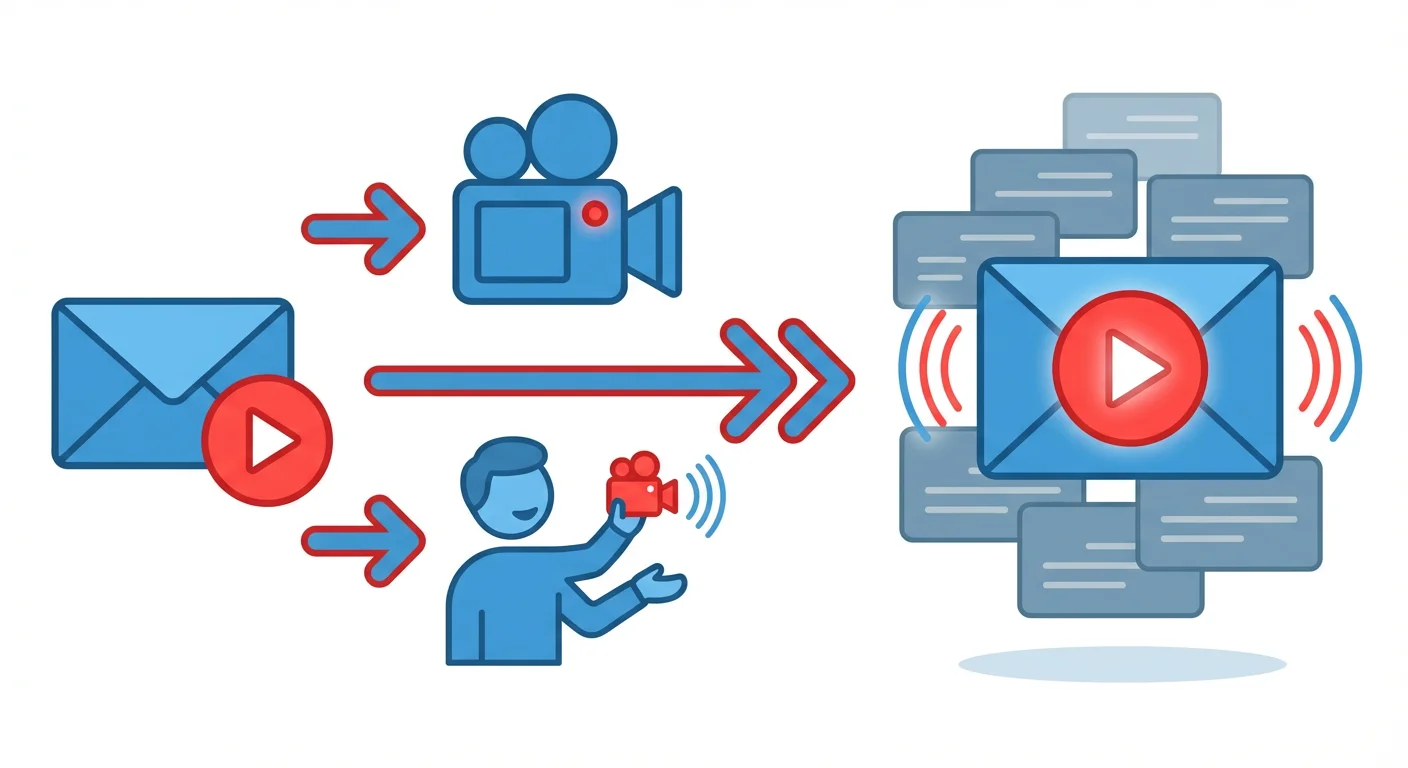
Video emails combine recorded video messages with email copy to increase engagement through visible personalization, human connection, and inbox differentiation. They work by embedding video thumbnails in emails: prospects see your face and hear your voice, building trust faster than text. Effective templates pair short 60-90 second videos with brief email copy, using video for personality and email for context. Common formats include personalized introductions, company research walk-throughs, follow-ups, demo teasers, and screen recordings.
Key takeaways
- Video emails consistently achieve higher open rates, click rates, and response rates compared to text-only emails by combining video thumbnails that catch attention with personalized messages.
- Effective video email templates keep videos under 60-90 seconds, use the video for personality and trust-building, and reserve the email copy for context and clear calls-to-action.
- Personalized introduction videos should reference specific observations about the prospect's company and show their website or LinkedIn profile on screen to demonstrate genuine research.
- Post-meeting follow-up videos work as recaps to maintain momentum by summarizing discussions and clarifying next steps in a format that's easier to consume than written notes.
- Common mistakes include creating videos longer than three minutes, faking personalization with generic scripts, and embedding videos without clear email context explaining why the recipient should watch.
Reviewed and updated September 15, 2026
11 Video Email Templates That Stand Out in Crowded Inboxes
Text emails compete with hundreds of others in your prospect's inbox. Video emails stand out because they're different, personal, and harder to fake.
When a prospect sees your face, hears your voice, and watches you speak directly to them, the connection is stronger than any written message. The key is combining video effectively with email, using each medium for what it does best.
This guide provides 11 video email templates for different outreach scenarios. Each template includes both the video script and the surrounding email copy.
Why Video Emails Work
Video emails outperform text-only emails because:
- Visibility: Thumbnails in emails catch attention
- Personality: Prospects see you as a person, not a sender name
- Trust building: It's harder to seem like spam when they see your face
- Information density: You can convey tone and nuance lost in text
- Differentiation: Most competitors don't use video
The data supports this. Video emails consistently show higher open rates, click rates, and response rates compared to text-only alternatives.
Section 1: Introduction Video Templates
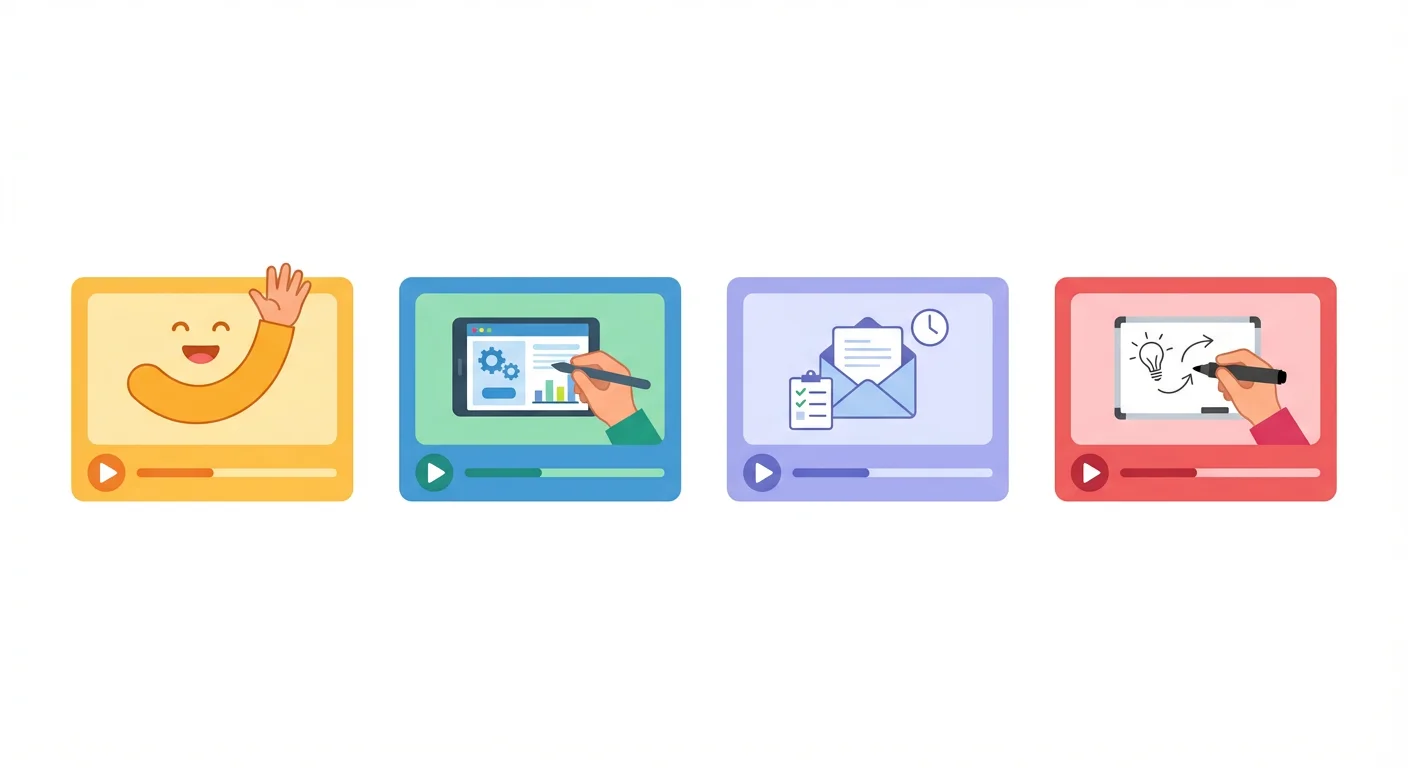
These templates help you make strong first impressions.
Template 1: The Personalized Introduction
When to use: For cold outreach when you want to stand out.
Email Copy:
Subject: [Name], made this for you
Hi [Name],
I recorded a quick 60-second video specifically for you. It's about [topic relevant to them].
[Video thumbnail with play button]
Worth a watch and reply if it resonates?
Best, [Your name]
Video Script (60 seconds or less):
"Hi [Name], I'm [Your name] from [Your Company].
I recorded this specifically for you because I noticed [specific observation about their company or role].
We help companies like [Company] with [specific challenge], and I thought there might be a fit.
Here's why I think so: [1-2 sentences about why it's relevant to them specifically].
If you're interested, just reply to this email and we can set up a quick call. If not, no worries. But I wanted to reach out personally rather than send a generic email.
Talk soon."
Customization tips:
- Mention their company name and something specific on screen
- Keep it under 60 seconds
- Show their website or LinkedIn profile in a screen share briefly
Template 2: The Company Research Video
When to use: When you want to demonstrate thorough research.
Email Copy:
Subject: Spent time on [Company]'s website
Hi [Name],
I spent some time researching [Company] and recorded my observations. I think you'll find it interesting.
[Video thumbnail]
3 minutes of my thoughts on what I found.
Best, [Your name]
Video Script (2-3 minutes):
"Hi [Name], I've been looking at [Company] and wanted to share what I found.
[Screen share their website or materials]
A few things stood out to me:
- [Observation 1 and what it suggests]
- [Observation 2 and what it implies]
- [How this connects to what you do]
Based on this, I think there might be an opportunity for [Company] to [specific value you could provide].
I could be off base, but I'd love to hear your perspective. Reply to this email if you'd be open to a conversation."
Customization tips:
- Actually research their company
- Show their materials on screen
- Make genuine observations, not just compliments
Template 3: The Mutual Connection Video
When to use: When leveraging a shared connection.
Email Copy:
Subject: [Mutual Connection] said I should reach out
Hi [Name],
[Mutual Connection] suggested I connect with you. I recorded a quick video explaining why.
[Video thumbnail]
Let me know if you'd be open to a conversation.
Best, [Your name]
Video Script (60-90 seconds):
"Hi [Name], I'm [Your name].
[Mutual Connection] and I were talking recently, and your name came up. They mentioned that you're working on [relevant topic] at [Company].
We've been helping companies like yours with [related challenge]. [Mutual Connection] thought there might be some overlap worth exploring.
I know referrals can feel like obligations, so no pressure. But if [topic] is actually on your radar, I'd welcome the chance to chat.
Just reply to this email and we can find a time."
Customization tips:
- Name the mutual connection clearly
- Explain the context of how they came up
- Make it easy to decline without awkwardness
Section 2: Follow-Up Video Templates
These templates help you follow up after initial outreach.
Template 4: The Persistent Follow-Up Video
When to use: When previous emails haven't gotten a response.
Email Copy:
Subject: Trying something different
Hi [Name],
I've sent a couple emails that might have gotten buried. Decided to try video instead.
[Video thumbnail]
60 seconds. Worth a look.
Best, [Your name]
Video Script (60 seconds):
"Hi [Name], I've reached out a couple times via email but haven't heard back. Totally normal, inboxes are brutal.
I wanted to try something different. I'm a real person, this is my face, and I genuinely think there might be something valuable to discuss.
Quick summary: we help [company type] with [challenge]. [Similar Company] saw [result] after working with us.
If there's any chance this is relevant for [Company], just reply 'yes' and I'll send over some times to chat. If not, reply 'no' and I'll stop filling your inbox.
Either way, appreciate your time."
Customization tips:
- Acknowledge your previous attempts
- Be genuine about wanting any response
- Keep it light and human
Template 5: The Post-Meeting Follow-Up Video
When to use: After a meeting to recap and maintain momentum.
Email Copy:
Subject: Quick recap from our call
Hi [Name],
Thanks for the conversation. I recorded a quick recap of what we discussed and next steps.
[Video thumbnail]
Let me know if I missed anything.
Best, [Your name]
Video Script (90 seconds):
"Hi [Name], thanks again for meeting with me.
I wanted to send a quick video recap of what we covered:
First, you mentioned [key challenge or priority]. We discussed how [your solution] could help with that.
Second, the next steps we agreed on: [specific next steps].
I'll send over [promised materials] separately, and I'll follow up [agreed timeline] to [specific action].
If I missed anything or got something wrong, just let me know. Looking forward to continuing the conversation."
Customization tips:
- Reference specific things they said
- Clearly state next steps
- Show you were listening during the meeting
Template 6: The Value-Add Follow-Up Video
When to use: When sharing additional value after initial contact.
Email Copy:
Subject: Something relevant for [Company]
Hi [Name],
I came across this and thought of [Company]. Quick video explaining why.
[Video thumbnail]
No pitch, just something I thought you'd find useful.
Best, [Your name]
Video Script (60-90 seconds):
"Hi [Name], I came across [resource/insight/news] and immediately thought of [Company].
Here's why: [explain the relevance].
[If screen sharing, show the resource]
I'm sharing this because I think it's genuinely useful, not as an excuse to sell you something. That said, if it sparks any questions about [related topic], I'm happy to discuss.
Hope you find it valuable."
Customization tips:
- Share genuinely valuable content
- Explain the specific relevance
- Don't make it feel like a trick to get a meeting
Section 3: Specific Use Case Video Templates
These templates address particular outreach scenarios.
Template 7: The Product Demo Teaser
When to use: When you want to show your product in action.
Email Copy:
Subject: What [Your Product] looks like for [Company]
Hi [Name],
I recorded a 2-minute demo showing how [Your Product] would work for [Company] specifically.
[Video thumbnail]
Not a generic demo. I customized this for your situation.
Best, [Your name]
Video Script (2 minutes):
"Hi [Name], I wanted to show you what [Your Product] looks like for a company like [Company].
[Screen share showing your product]
Let me walk you through a few things:
First, [feature relevant to their needs]. For [Company], this would help with [specific application].
Second, [another relevant capability]. Given [something about their situation], this is particularly useful.
Third, [result or outcome]. [Similar Company] saw [specific result] using this approach.
If you'd like a deeper dive customized to [Company]'s specific needs, I'd be happy to set that up. Just reply and we can find a time."
Customization tips:
- Actually customize the demo for them
- Reference their specific situation throughout
- Keep it focused on 2-3 most relevant features
Template 8: The Case Study Walk-Through
When to use: When sharing a relevant customer success story.
Email Copy:
Subject: How [Similar Company] solved [challenge]
Hi [Name],
I recorded a quick walk-through of how [Similar Company] approached [challenge]. I think it's relevant to what [Company] is doing.
[Video thumbnail]
2 minutes. Worth a watch.
Best, [Your name]
Video Script (2 minutes):
"Hi [Name], I wanted to share how [Similar Company] approached [challenge].
They were in a situation similar to [Company]: [brief description of their starting point].
Here's what they did: [explain the approach, with visuals if possible].
The results: [specific outcomes].
What made this work was [key success factors].
If [Company] is facing something similar, I'd be happy to discuss how they might replicate this approach. Just reply and we can set up a call."
Customization tips:
- Choose a case study genuinely similar to their situation
- Be specific about results and approach
- Make the connection to their situation explicit
Template 9: The Question Video
When to use: When you want to prompt engagement with a thought-provoking question.
Email Copy:
Subject: Quick question for you
Hi [Name],
I have a question for you. Recorded it rather than typing it out.
[Video thumbnail]
Curious to hear your answer.
Best, [Your name]
Video Script (45-60 seconds):
"Hi [Name], I have a genuine question for you.
Working with companies like [Company], I've noticed [observation or pattern]. I'm curious how you're thinking about [related question].
Some teams approach it by [option A]. Others by [option B]. Both have trade-offs.
Where does [Company] fall on this? I'd love to hear your perspective.
Just reply to this email with your thoughts. I'll share some insights from what we've seen work in return."
Customization tips:
- Ask a question you're genuinely curious about
- Make it relevant to their situation
- Offer to share insights in exchange for their perspective
Section 4: Creative Video Templates
These templates use video in unexpected ways.
Template 10: The Whiteboard Explanation
When to use: When explaining a concept visually helps.
Email Copy:
Subject: Drew this for you
Hi [Name],
Easier to show than tell. I drew out my thinking on [topic].
[Video thumbnail]
90 seconds of whiteboard explanation.
Best, [Your name]
Video Script (90 seconds):
"Hi [Name], I wanted to explain [concept] visually.
[Drawing on whiteboard or tablet]
Here's how most companies approach [challenge]: [draw and explain].
The problem with that approach: [draw and explain limitation].
Here's what we've found works better: [draw and explain alternative].
The difference in outcomes: [show comparison].
If this makes sense and you want to discuss how it applies to [Company], just reply. If my drawing skills hurt your eyes, I apologize."
Customization tips:
- Use visual explanation to simplify complex concepts
- Keep drawings simple and clear
- Add some personality to make it memorable
Template 11: The Screen Recording Tour
When to use: When walking through something visual makes sense.
Email Copy:
Subject: Found something interesting on [Company]'s site
Hi [Name],
I was looking at [Company]'s [website/product/content] and recorded my observations.
[Video thumbnail]
2 minutes of thoughts that might be useful.
Best, [Your name]
Video Script (2 minutes):
"Hi [Name], I was looking at [Company]'s [website/product/whatever] and wanted to share some observations.
[Screen recording of their site]
First, [observation 1]. This tells me [inference].
Second, [observation 2]. I noticed [specific detail].
Third, [observation 3 connecting to what you do]. Companies in similar situations often find value in [relevant capability].
I could be reading too much into this. But if any of this resonates, I'd enjoy discussing further.
Reply to this email if you'd be open to a conversation."
Customization tips:
- Record their actual website or materials
- Make genuine observations, not forced connections
- Be respectful even when noting areas for improvement
Video Email Best Practices
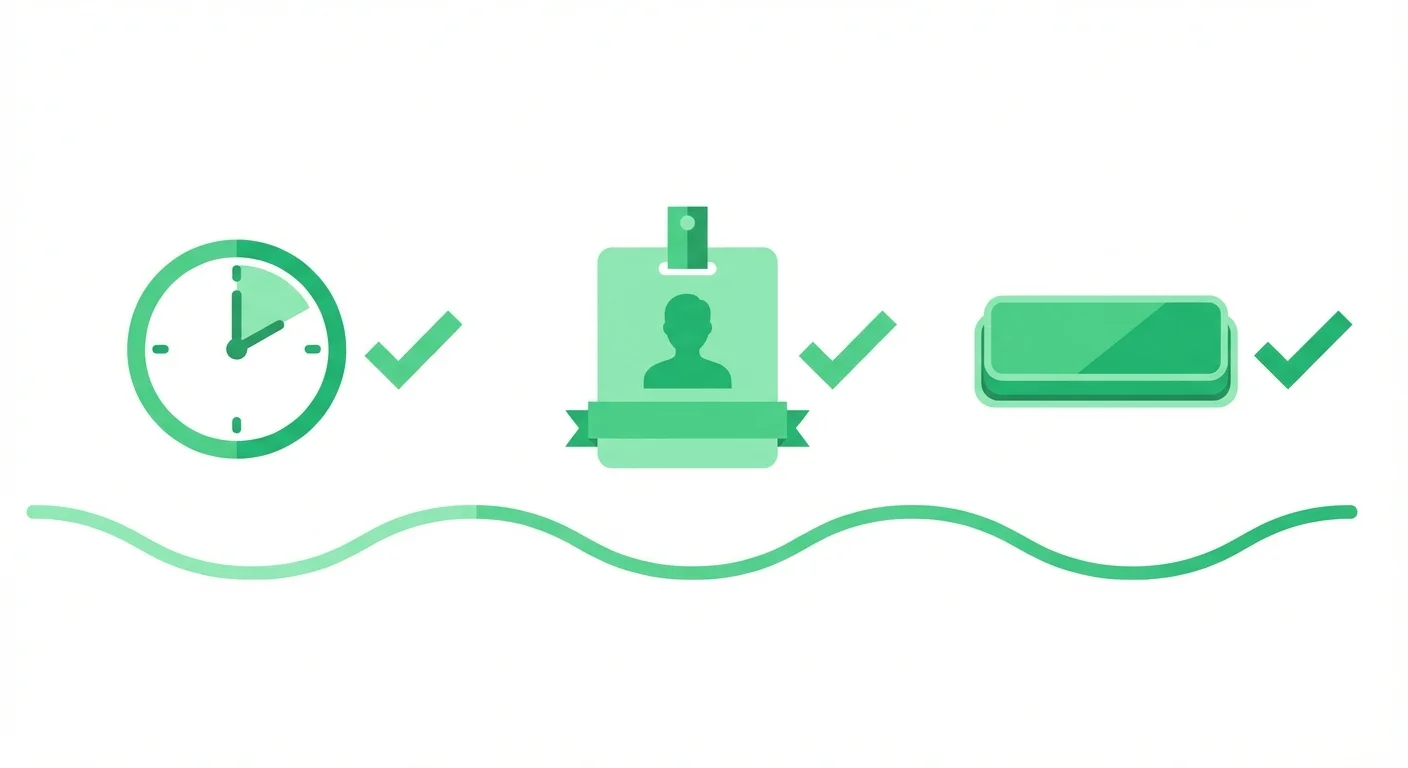
- Yes: Keep It Short
- Yes: Personalize Visibly
- Yes: Use Custom Thumbnails
- Yes: Include Clear CTAs
- Yes: Test Your Technology
- Yes: Track Engagement
Keep It Short
Optimal video length for cold outreach: 30-90 seconds. For follow-ups and demos: under 3 minutes. Longer videos get abandoned.
Personalize Visibly
Say their name. Show their website. Reference their company. Make it impossible to think this is a mass blast.
Use Custom Thumbnails
Create thumbnails that show personalization (their name on a whiteboard, their logo visible). This increases click-through rates.
Include Clear CTAs
Tell them exactly what to do: "Reply to this email," "Click here to schedule," "Let me know your thoughts."
Test Your Technology
Watch your video before sending. Check audio levels, lighting, and whether any personalization is visible.
Track Engagement
Use video platforms that show who watched, how much they watched, and when. This data informs your follow-up strategy.
Common Video Email Mistakes
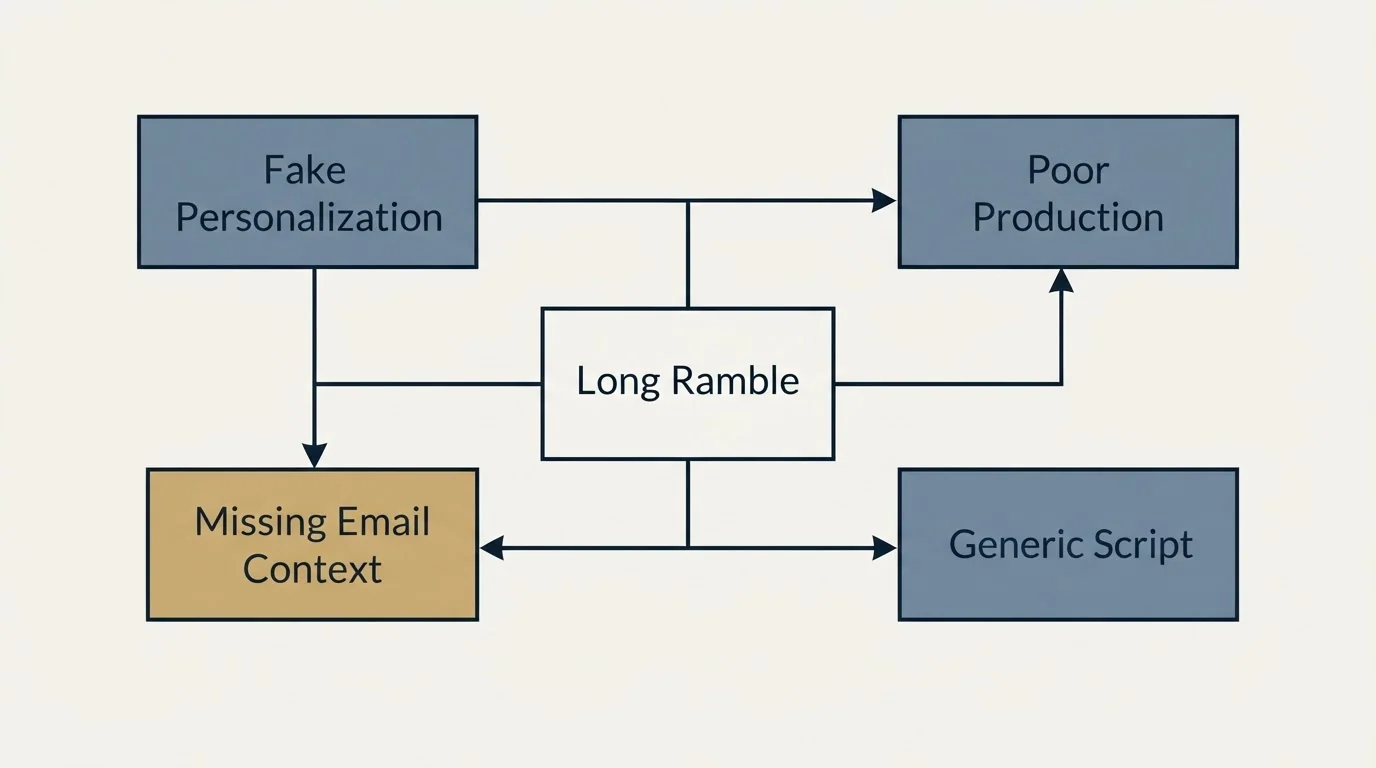
- No: The Long Ramble
- No: The Fake Personalization
- No: The Poor Production
- No: The Missing Email Context
- No: The Generic Script
The Long Ramble
Unedited videos that go on too long. Script your key points and stick to them.
The Fake Personalization
Using tools that insert names without genuine personalization. Prospects can tell.
The Poor Production
Bad lighting, terrible audio, or distracting backgrounds. You don't need professional quality, but minimum standards matter.
The Missing Email Context
Sending just a video link without email copy. The email should set up and reinforce the video's message.
The Generic Script
Using the same script for everyone with minor tweaks. Real personalization means real differences in content.
Tools for Video Email
Effective video email requires the right tools:
Recording and Hosting
- Vidyard
- Loom
- Hippo Video
- BombBomb
Features to Look For
- Personalized thumbnails
- Watch time tracking
- CRM integration
- Easy embedding in email
Measuring Video Email Performance
Track these metrics for video emails:
- Open rate: Do video thumbnails improve opens?
- Click-to-play rate: What percentage click to watch?
- Watch time: How much of the video do they watch?
- Response rate: Do video emails get more responses?
- Meeting conversion: Do video leads convert to meetings at higher rates?
Compare these metrics to text-only emails to measure video's impact.
Related Reading
- 14 Social Proof Email Templates That Build Credibility Instantly
- 11 Warm Introduction Email Templates That Leverage Your Network
- 12 Urgency Email Templates That Drive Action Without Being Pushy
Getting Help With Video Outreach
Video email requires strategy, scripting, and production workflow. If you're looking to implement video in your outreach:
Schedule a free strategy call to discuss:
- When video makes sense for your outreach
- Scripts and formats that work for your audience
- Tools and workflow for efficient video production
- Combining video with other outreach channels
Schedule your free strategy call here.
We'll help you develop video outreach that stands out and generates responses.
Frequently asked questions.
Frequently asked questions- Why do video emails get higher response rates than text emails?
- Video emails outperform text because they create human connection through visible personality and tone. When prospects see your face and hear your voice, you become a person rather than just a sender name, building trust faster. Video thumbnails also catch attention in crowded inboxes where text blends together. The format is harder to fake as spam and allows you to convey nuance lost in written messages, while most competitors still rely solely on text.
- How long should a video email be?
- Keep video emails between 60 and 90 seconds for introductions and follow-ups, with a maximum of three minutes for detailed content like company research or case study walk-throughs. Videos longer than this lose viewer attention and reduce response rates. The key is using video for what text can't convey (personality, tone, and genuine human connection) while keeping the surrounding email copy brief with clear context and calls-to-action.
- What should I include in a personalized video introduction email?
- Include a specific observation about the prospect's company or role, mention their company name on screen, and show their website or LinkedIn profile briefly during the video. Keep the video under 60 seconds. The email subject should reference that you made it specifically for them, and the copy should be brief with just the video thumbnail and a simple question asking if they'd like to discuss further. Avoid generic scripts: make genuine observations that demonstrate actual research.
- What are the most common video email mistakes?
- The biggest mistakes are creating videos that ramble beyond three minutes, faking personalization with generic scripts that only swap names, poor production quality that distracts from the message, missing email context that fails to explain why someone should watch, and using identical scripts across prospects. Other failures include not using custom thumbnails, lacking clear calls-to-action, and failing to test technology before sending. Videos should feel genuinely personal, not mass-produced with superficial customization.
- When should I use a follow-up video email instead of a text follow-up?
- Use video follow-ups when previous text emails haven't received responses, after meetings to recap discussions and maintain momentum, or to add value by walking through relevant case studies or answering questions. Video is particularly effective for the persistent follow-up, acknowledging previous attempts while showing you're a real person worth responding to. The format breaks the pattern of ignored text and demonstrates extra effort, making prospects more likely to engage even if just to decline.
About the author.

Ben Carden is CRO at RevenueFlow, which builds and operates outbound revenue engines for B2B companies. Previously at Gartner Enterprise. Studied at London School of Economics.
Ben Carden · CRO
Connect on LinkedIn →Explore more.
Ready to scale your outreach?
We build GTM engines that book real meetings. See the receipts.
Related articles.
10 B2B Cold Email Templates for One-Message Sends
Ten B2B cold email templates written for a single send, with the four slot structure underneath them and the test that separates a good example from a bad one.
Cold Email Templates for Customer Success Managers
Eleven cold email templates for customer success managers, covering champion change, expansion, renewal rescue, and win-back, with subject lines and timing.
14 Renewal Email Templates That Retain Customers
Master subscription and contract renewals with 14 proven email templates. Reduce churn, lock in renewals early, and maintain customer relationships.
Follow-Up Call Scripts: Nine Calls Into a Live Conversation
Nine follow-up call scripts, each tied to the event that earns the call, from a demo to a renewal, plus the four moves they share and how each call should end.
13 Case Study Request Email Templates That Get Results
Get proven email templates for requesting case studies, video testimonials, and written reviews from your happiest customers. Includes templates for every stage from initial ask to final approval.
Email Subject Line Capitalization: What the Guides Say
What the style authorities actually rule on subject line case, what the published tests measured, and the default for a one to one sales email.