Cold Email Bounce Rate Benchmarks: 2026 Performance Data
A 3.04% platform bounce rate held 1.27% true hard bounces, 2.38% with blocks included, and 12.6% delay notices. What low bounce email data is made of.
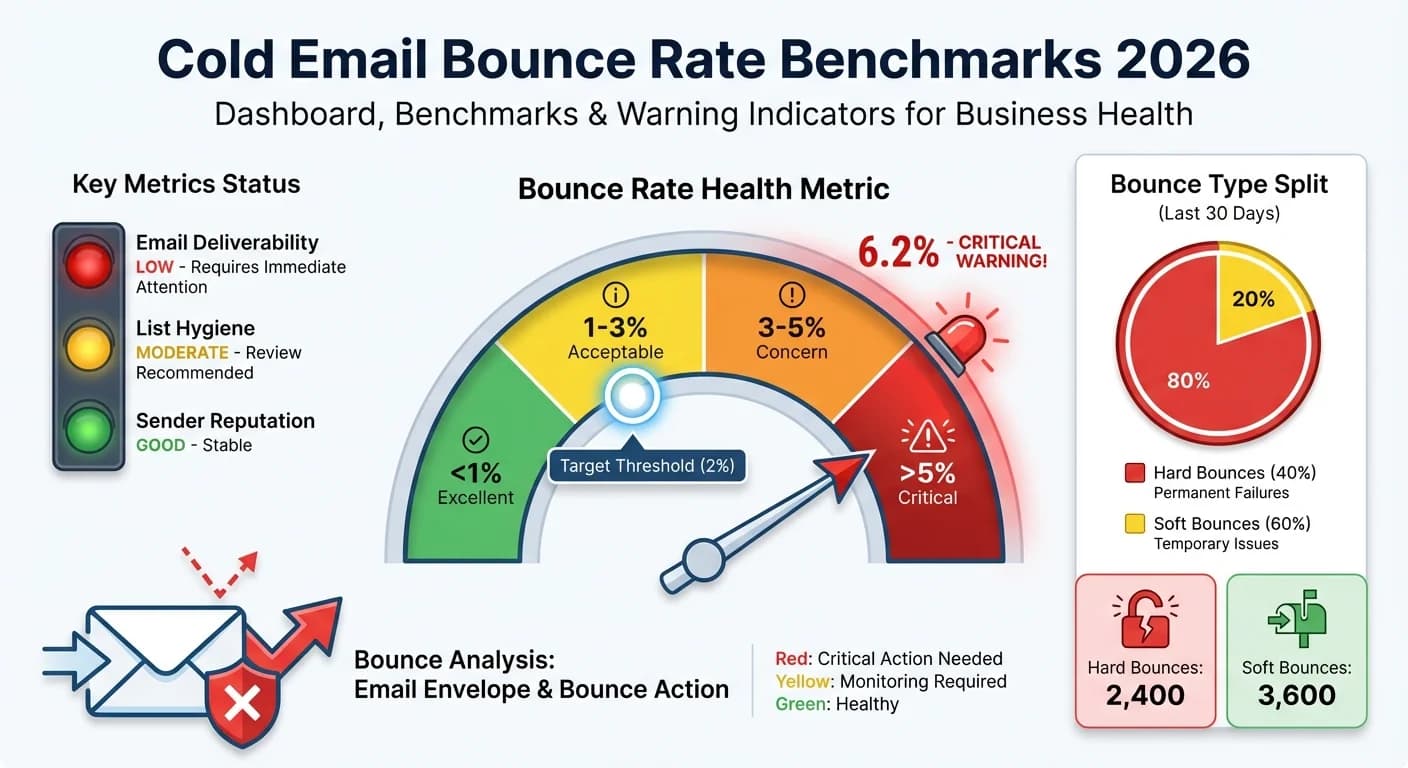
In RevenueFlow's cold email benchmark of 1,413,405 sends, the platform reported a 3.04% bounce rate, but classified bounces tell a different story: bad addresses were 41.7% of bounce rows, blocks and policy refusals 36.7%, and delay notices 12.6%. True hard bounces came to 1.27% of sends.
Key takeaways
- A platform's bounce counter mixes three things: bad addresses, blocks and policy refusals, and delay notices that are not bounces at all.
- In RevenueFlow's benchmark of 1,413,405 sends, the platform showed 3.04%, hard bounces plus blocks were 2.38%, and true hard bounces were 1.27% of sends.
- Verification removes the bad-address class, 41.7% of classified bounces, but not the 36.7% that were blocks and policy refusals caused by sending behaviour.
- Google's sender guidelines publish no bounce threshold; they tell senders to unsubscribe repeat bouncers and to cut volume when bounces or deferrals rise.
Reviewed and updated September 21, 2026
Cold email bounce rate benchmarks are only as good as what gets counted as a bounce. In RevenueFlow's own cold email benchmark report, built from 1,413,405 sends across 356 campaigns, the sending platform reported a bounce rate of 3.04%. Once each of the 42,953 bounce rows was read and classified, true hard bounces on addresses that do not exist came to 1.27% of sends, and that is the figure low bounce email data actually moves.
The bounce rate in email marketing is calculated the same way as it is in cold outbound: bounced messages divided by messages sent. What differs between sources is what sits in the numerator, because a platform's bounce counter often includes messages that were delayed rather than refused.
So a good email bounce rate is one read after classification. Hard bounces on bad addresses are the part a list controls, and in the benchmark data they were 1.27% of sends.
The average bounce rate a platform reports, 3.04% in the same data, mixes three different things, which is why an average is a weaker target than the classified figure.
The causes of a high bounce rate fall into three groups: list age and source, a verification step that was skipped or too shallow, and sending behaviour that is producing policy refusals the platform has filed as bounces.
To reduce your bounce rate, verify before sending and read the refusal codes on what still bounces, because those two steps address the only part of the number a sender controls.
An acceptable bounce rate for cold outbound is the one your provider will not act on, which is why the threshold matters more than the average.
Low bounce email data: what a low rate is made of
Low bounce email data is data verified close to the send, because verification removes the bad addresses that made up 41.7% of the classified bounces in the benchmark. It cannot remove the 36.7% that were blocks and policy refusals, which come from sending behaviour, or the 12.6% that were delay notices and not bounces at all.
That split is the most useful thing a bounce benchmark can tell you, and it is what a single headline rate hides. A list that bounces because addresses are bad is fixed at the source and at verification. A campaign that bounces because receivers are refusing it is fixed in the sending setup, and no amount of verification touches it. A counter inflated by delay notices needs no fix at all, only a better reading.
What counts as a bounce
Email bounce rate measures the share of emails that fail to reach the recipient and are returned to the sender. Bounces fall into two groups.
Hard bounces are permanent failures: an address that does not exist, a domain that no longer resolves, a mailbox that has been deactivated. Remove them from the list at once.
Soft bounces are temporary: a full mailbox, a server timeout, a receiver deferring the message. They may succeed on retry, but repeated soft bounces usually point at a problem worth reading.
Bounce rate = (bounced emails / emails sent) x 100. Send 1,000 emails and have 25 bounce, and the bounce rate is 2.5%.
Reading a bounce notice
Every bounce notice carries a status code, and the first two digits settle most of the classification. Under RFC 3463, the standard for enhanced mail status codes, a code beginning with 5 is a permanent failure and one beginning with 4 is a persistent transient failure, the class a delay notice belongs to. The middle digit names the subject: 1 is addressing status, so 5.1.1 is a bad destination mailbox address, 2 is mailbox status, so 4.2.2 or 5.2.2 is a full mailbox, and 7 is security or policy status, so 5.7.1 means delivery was not authorized and the message was refused.
That gives a first-pass sorting rule for any bounce export:
- 5.1.x is a bad address. Remove it and count it against the list source.
- 5.7.x is a refusal. Count it against the sending setup and read the text after the code, because receivers often say why.
- 4.x.x is a delay. Leave it out of the bounce count unless it later turns into a permanent failure.
Receivers do not all use the codes the same way, and some give the real reason only in the text, so treat the code as the first pass and the text as the verdict. That reading is how the 42,953 rows in the benchmark were sorted, and it is the step most bounce dashboards skip.
The benchmark, read three ways
| Reading | Rate of sends | What it counts |
|---|---|---|
| The platform's bounce counter | 3.04% | Everything in the bounce folder, delay notices included |
| Hard bounces plus blocks | 2.38% | Bad addresses and policy refusals |
| True hard bounces | 1.27% | Addresses that do not exist |
The platform's figure is the one most dashboards show and the one most comparisons quote, and in this data a little over a third of it was either a delay notice or a class of failure that has nothing to do with list quality. Comparing your own dashboard number with a published benchmark is only meaningful when both were counted the same way, so ask any source what its numerator includes before comparing.
Why this page no longer carries industry tables
Earlier versions of this page carried typical-range tables by industry, company size, list source and verification stage, compiled from what they described as industry estimates. None of them named a source, so none of them could be checked, and they have been removed rather than labelled. A figure nobody can trace is a guess with a table around it. The classified figures above come from one dataset whose method is published alongside it, which is a narrower claim and a checkable one.
Verification removes one kind of bounce
Verification removes
- Addresses that do not exist
- Domains that no longer resolve
- Syntax errors and typos
Verification cannot remove
- Blocks and policy refusals from sending behaviour
- Delay notices filed as bounces
- Full mailboxes on the day of the send
Verification checks syntax, the domain and, where the receiving server allows it, whether the mailbox exists. That is exactly the bad-address class, the largest single share of bounces in the benchmark data. Catch-all domains accept any address during that check, so their mailboxes cannot be confirmed in advance; sending to them is a decision to accept some bounce risk in exchange for reach, and it is worth making deliberately and from your strongest sending infrastructure.
Freshness matters as much as the tool. People change jobs and companies restructure, so an address verified months ago is not a verified address today. Verify at the point of use rather than trusting the date a list was bought.
What bounces do to deliverability
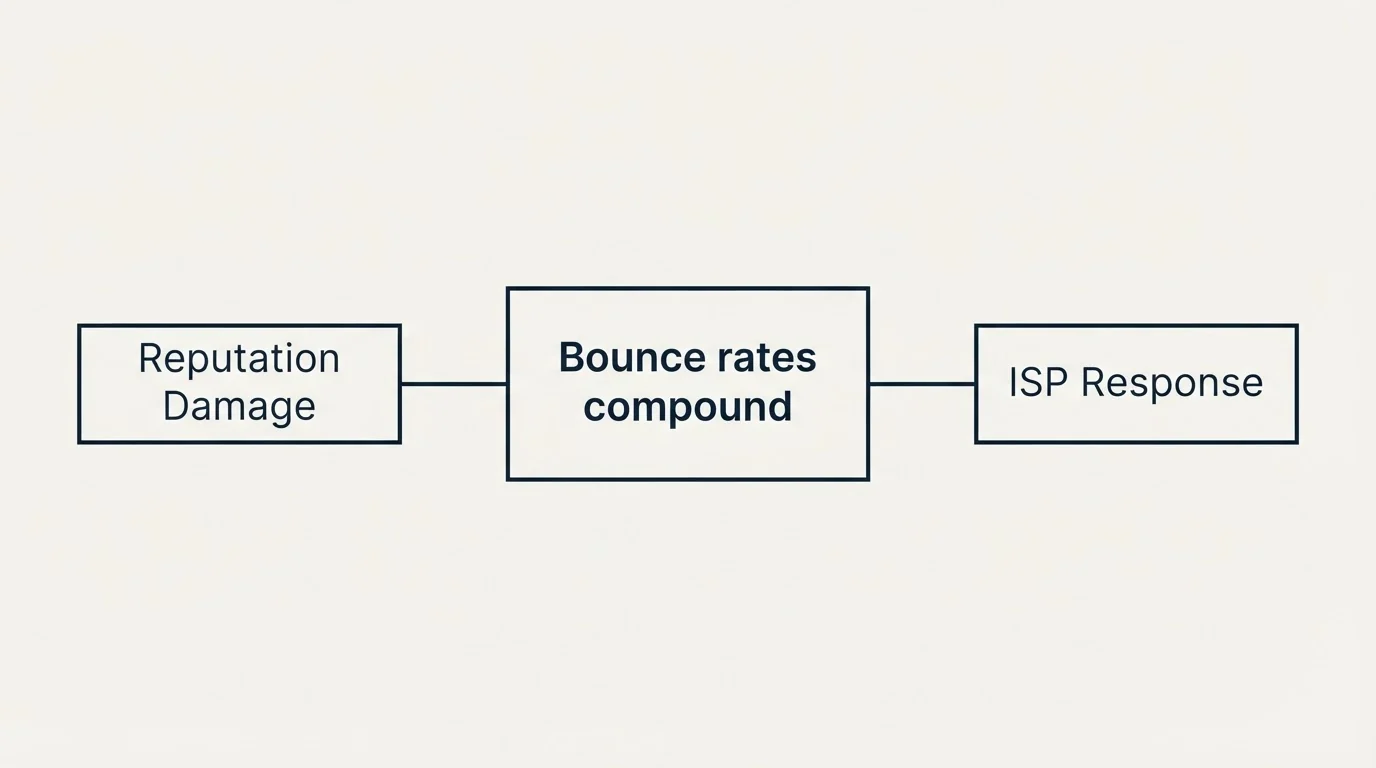
Google's sender guidelines publish no bounce-rate threshold. What they do say is operational: "Automatically unsubscribe recipients who have multiple bounced messages", and "If messages start bouncing or start being deferred, reduce the sending volume until the SMTP error rate decreases." The spam-rate ceiling in Postmaster Tools, 0.3%, is the published number, and a campaign that keeps sending into refusals tends to reach it.
The practical consequence is that the blocked-or-policy class matters most. It is the class that says a receiver has formed a view about you, and it is the one a rising volume makes worse.
Strategies to reduce bounce rates
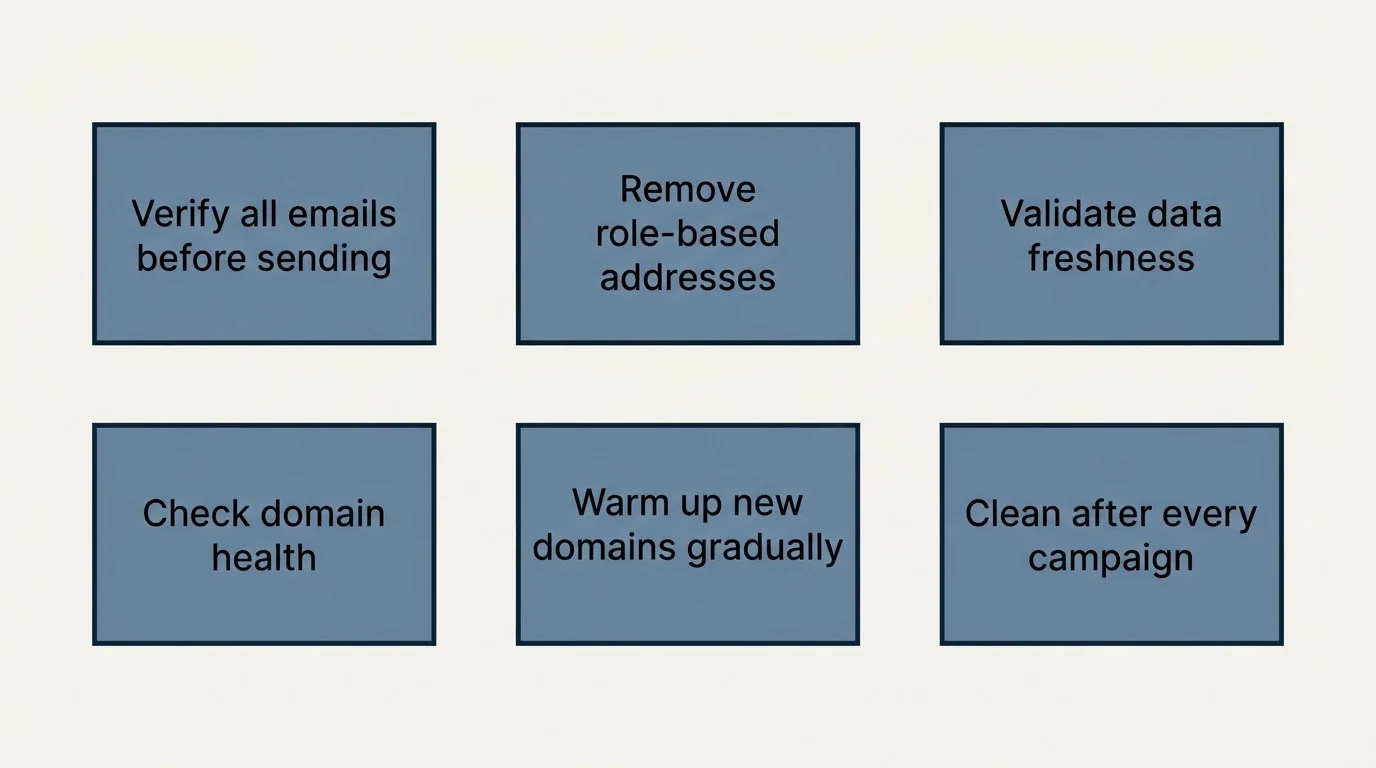
Before sending. Verify every address. Remove role-based addresses such as info@ and sales@, which rarely belong to a decision maker. Prefer recently sourced or recently verified contacts. Remove domains that no longer resolve.
After every campaign. Remove hard bounces immediately, read the text of each refusal rather than the platform's label, and separate delay notices from failures before calculating anything.
In the sending setup. Warm new domains before volume, watch domain reputation in Google Postmaster Tools, send your highest-confidence contacts first, and slow down when deferrals rise rather than retrying harder.
How to calculate and track bounce rates
| Metric | Formula |
|---|---|
| Total bounce rate | (all bounces / sent) x 100 |
| Hard bounce rate | (hard bounces / sent) x 100 |
| Soft bounce rate | (soft bounces / sent) x 100 |
| Delay share | (delay notices / all bounce rows) x 100 |
Track by campaign and by list source, watch the trend rather than a single campaign, and keep hard and soft bounces apart, because they call for different responses.
| Warning sign | Likely issue | What to do |
|---|---|---|
| A sudden bounce spike | A bad data batch or a technical fault | Pause sending and read the refusals |
| Gradually rising bounces | List decay | Verify closer to the send |
| Many soft bounces | Server or timing problems | Review sending patterns |
| Bounces from one receiver | That receiver is blocking you | Check your reputation with it |
| Bounces after a data purchase | A poor data source | Verify before use and review the vendor |
Setting a bounce goal you can act on
Set the goal on the class you control. The bad-address rate after verification is the number to push down, and it can be read only after bounces are classified. The blocked-or-policy rate is a sending-behaviour number, owned by whoever runs the infrastructure. The platform's headline rate is worth watching for sudden movement and not worth comparing across sources.
If you would rather hand the list work and the sending to someone else, RevenueFlow builds and runs the outbound engine and is paid only for meetings that are actually attended. See if you qualify.
Related Reading
Frequently asked questions.
Frequently asked questions- What is a good cold email bounce rate?
- Read it after classification. In RevenueFlow's benchmark of 1,413,405 sends, the platform reported 3.04%, but true hard bounces on addresses that do not exist were 1.27% of sends. That hard-bounce figure is the part a list controls; blocks and policy refusals come from sending behaviour, and delay notices are not bounces.
- Where does low bounce email data come from?
- From verification close to the send. Verification removes bad addresses, which were 41.7% of classified bounces in the benchmark data, and domains that no longer resolve. It cannot remove blocks and policy refusals, 36.7% of the bounces, which come from sending behaviour, so low-bounce data also needs a clean sending setup.
- Why does my platform's bounce rate look high?
- Because the counter often includes delivery delay notices, which report a temporary problem rather than a failure. In the benchmark data 12.6% of the rows in the bounce folder were delay notices. Separate them out, then split the rest into bad addresses and refusals before comparing your rate with anyone else's.
- Does Google publish a bounce rate threshold?
- No. Google's sender guidelines publish a spam-rate ceiling of 0.3% in Postmaster Tools rather than a bounce threshold. On bounces they are operational: automatically unsubscribe recipients with multiple bounced messages, and if messages start bouncing or being deferred, reduce sending volume until the SMTP error rate falls.
About the author.

Hosun Chung is COO at RevenueFlow, which builds and operates outbound revenue engines for B2B companies. Previously at Gleacher Shacklock LLP. Studied at London School of Economics.
Hosun Chung · COO
Connect on LinkedIn →Explore more.
Ready to scale your outreach?
We build GTM engines that book real meetings. See the receipts.
Related articles.
Cold Email Spam Rate Benchmarks: 2026 Performance Data
Industry standards require keeping spam complaint rates below 0.1% to maintain sender reputation. Learn the benchmarks and strategies to protect your cold email deliverability.
Cold Email Follow-Up Benchmarks: 2026 Performance Data
The follow-up benchmarks kept intact and read against their own definitions, plus why RevenueFlow sends one message per campaign instead.
Cold Email Subject Line Benchmarks: 2026 Performance Data
Industry data reveals that subject lines determine 35-50% of open rate variation. Discover the benchmarks for length, personalization, and format that drive the highest engagement.
Cold Email Personalization Benchmarks: 2026 Performance Data
LeadMagic, Cognism, Explorium and others sell funding and competitor signals. What published data ties to higher reply rates, and how to turn a signal into a line.
Cold Email Sequence Benchmarks: 2026 Performance Data
Every industry sequence figure, kept intact and read honestly: the opening message produces 30-40% of replies, and here is what the rest of them cost.
Cold Email A/B Testing Benchmarks: 2026 Performance Data
Industry data shows systematic A/B testing improves cold email performance by 15-30% over time. Discover the benchmarks for test design, sample sizes, and expected lift.