QuickMail vs Salesforge: Cold Email Platform vs Sales Engagement Platform Comparison
Compare QuickMail (cold email platform) and Salesforge (sales engagement platform) side by side. See pricing, features, and integrations to decide which one, or both, your stack needs.
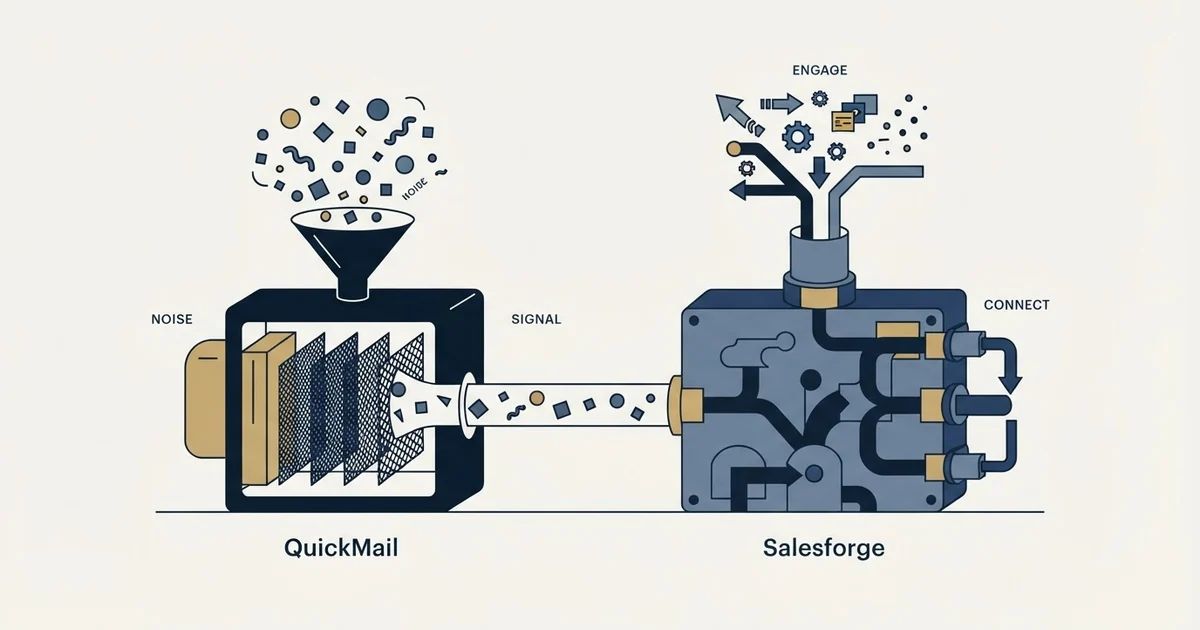
QuickMail is a cold email platform built for inbox deliverability, multichannel outreach, and inbox rotation, starting at $49/mo. Salesforge is a sales engagement platform covering cold email and LinkedIn automation with an optional AI SDR agent, starting at $48/mo. Teams focused on cold email deliverability should pick QuickMail; those needing multichannel coordination should pick Salesforge, and many run both.
Key takeaways
- QuickMail's Starter Plan costs $49/mo for 1,000 uploaded contacts and 5,000 emails sent per month.
- Salesforge's Pro Plan costs $48/mo for 1,000 active contacts in sequence and 5,000 emails per month.
- Salesforge's Agent Frank AI SDR plan costs $499/mo and supports up to 1,000 active contacts.
- Both QuickMail and Salesforge integrate with HubSpot, Pipedrive, Zapier, Make, and Slack.
- Salesforge lists a Lead Finder feature offering access to over 500 million verified B2B leads.
Reviewed and updated September 2, 2026
QuickMail vs Salesforge: Cold Email Platform vs Sales Engagement Platform Comparison
QuickMail is a cold email platform; Salesforge is a sales engagement platform. Whether you need one, the other, or both depends on which part of the workflow you are buying for: cold email outreach on one side, multi-channel sales outreach and engagement tracking on the other. This guide lays out what each vendor publishes.
The Quick Answer
QuickMail is a cold email platform for cold email outreach; Salesforge is a sales engagement platform for multi-channel sales outreach and engagement tracking. By each vendor's own wording, QuickMail lists multichannel outreach (email and linkedin) and inbox rotation, and Salesforge lists cold email automation at scale and linkedin automation.
Salesforge offers a lower entry point at $48/mo compared to QuickMail at $49/mo.
If your priority is sending campaigns that land in the inbox and generate replies, QuickMail is the one built for it; for coordinating outreach across email, phone, and social channels, that is Salesforge. Many teams run one of each.
Understanding the Core Difference
QuickMail is Cold email outreach platform with multichannel campaigns, inbox rotation, auto warmup, and deliverability monitoring for agencies and sales teams.
Salesforge is Multichannel outreach platform that runs cold email and LinkedIn sequences from unlimited mailboxes and LinkedIn senders, with AI personalization, built-in warm-up, and an optional AI SDR agent.
The two platforms take different approaches to solving the same core challenge.
Pricing Comparison
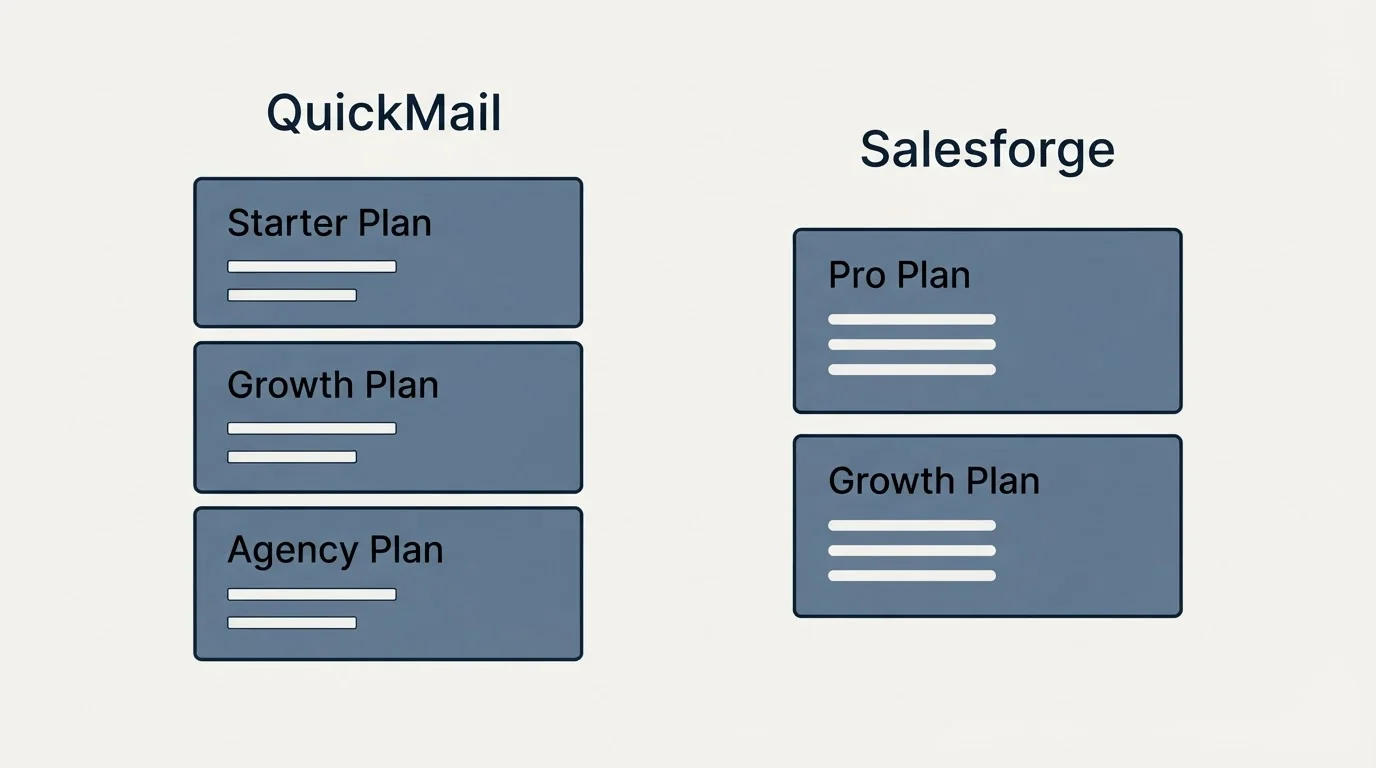
Starter Plan
Pro Plan
QuickMail Pricing (as of September 2026)
| Plan | Price | Contacts | Emails |
|---|---|---|---|
| Starter Plan | $49/mo | 1,000 Uploaded Contacts | 5,000 Emails Sent/mo. |
| Growth Plan | $99/mo | 25,000 Uploaded Contacts | 100,000 Emails Sent/mo. |
| Agency Plan | $299/mo | 100,000 Uploaded Contacts | 500,000 Emails Sent/mo. |
Source: QuickMail Pricing
Salesforge Pricing (as of September 2026)
| Plan | Price | Contacts | Emails |
|---|---|---|---|
| Pro Plan | $48/mo | 1,000 Active Contacts in Sequence | 5,000 Emails/Month |
| Growth Plan | $96/mo | 10,000 Active Contacts in Sequence | 50,000 Emails/Month |
| Agent Frank (AI SDR) | $499/mo | Up to 1,000 Active Contacts | - |
Source: Salesforge Pricing
Pricing Analysis
Salesforge offers the lower entry point ($48/mo vs $49/mo). Teams watching their budget will appreciate the savings, especially when starting out.
Features Breakdown
- Multichannel outreach (email and LinkedIn)
- Inbox rotation
- Auto email warmup
- Blacklist monitoring
- AI-driven follow-ups
- Google-approved sending API
- and 4 more listed below
- Cold email automation at scale
- LinkedIn automation
- Multichannel outreach across email and LinkedIn
- Automated follow-ups for email and LinkedIn
- Primebox unified inbox for LinkedIn messages and emails
- Agent Frank AI SDR with auto-pilot and co-pilot modes
- and 4 more listed below
QuickMail Key Features
- Multichannel outreach (email and LinkedIn)
- Inbox rotation
- Auto email warmup
- Blacklist monitoring
- AI-driven follow-ups
- Google-approved sending API
- Advanced analytics
- Unlimited team members
- Reply handling
- 14-day free trial
Salesforge Key Features
- Cold email automation at scale
- LinkedIn automation
- Multichannel outreach across email and LinkedIn
- Automated follow-ups for email and LinkedIn
- Primebox unified inbox for LinkedIn messages and emails
- Agent Frank AI SDR with auto-pilot and co-pilot modes
- Unlimited mailboxes and unlimited premium warm-up
- AI personalization for every lead
- Email Finder API for verified B2B emails at scale
- Lead Finder over 500M+ verified B2B leads
The two lists below are a diff of each vendor's own feature list by exact wording, so a capability both tools offer can appear on either side under a different name.
Listed only by QuickMail
- Multichannel outreach (email and LinkedIn)
- Inbox rotation
- Auto email warmup
- Blacklist monitoring
- AI-driven follow-ups
- Google-approved sending API
- Advanced analytics
- Unlimited team members
- Reply handling
- 14-day free trial
Listed only by Salesforge
- Cold email automation at scale
- LinkedIn automation
- Multichannel outreach across email and LinkedIn
- Automated follow-ups for email and LinkedIn
- Primebox unified inbox for LinkedIn messages and emails
- Agent Frank AI SDR with auto-pilot and co-pilot modes
- Unlimited mailboxes and unlimited premium warm-up
- AI personalization for every lead
- Email Finder API for verified B2B emails at scale
- Lead Finder over 500M+ verified B2B leads
Integration Ecosystem
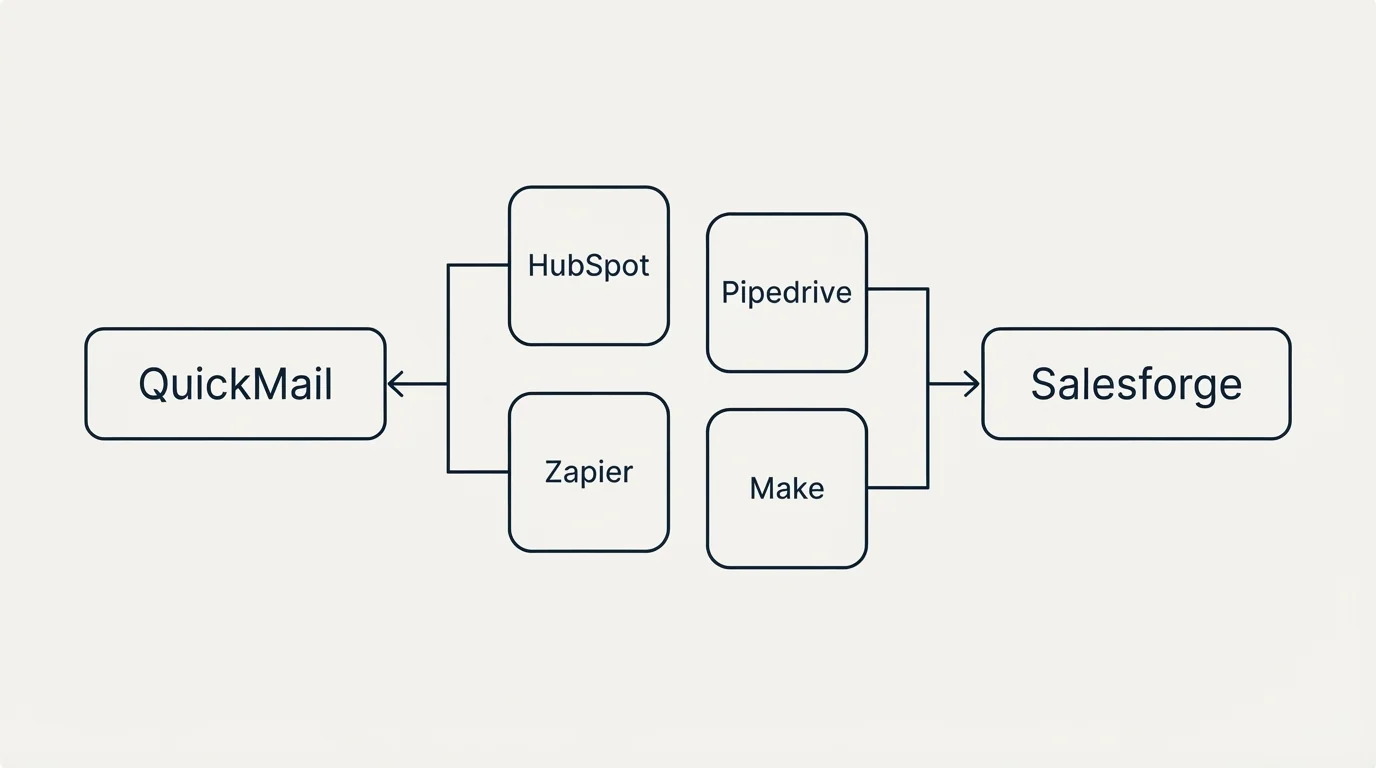
QuickMail Integrations
QuickMail connects with: HubSpot, Pipedrive, Zapier, Make, Slack, Gmail, Outlook, Google Sheets.
Salesforge Integrations
Salesforge connects with: Salesforce, HubSpot, Pipedrive, GoHighLevel, Clay, Make, Zapier, n8n, Slack, Google Workspace, Microsoft 365, SMTP.
Shared Integrations
Both tools integrate with: HubSpot, Pipedrive, Zapier, Make, Slack.
Integrations listed only by QuickMail: Gmail, Outlook, Google Sheets.
Integrations listed only by Salesforge: Salesforce, GoHighLevel, Clay, n8n, Google Workspace, Microsoft 365, SMTP.
Use Case Recommendations
Best Fit for QuickMail
- Budget-conscious teams looking for an affordable cold email platform
- Sales teams running high-volume outbound email campaigns
- Agencies managing multiple client outreach programs
- SDR teams focused on pipeline generation
Best Fit for Salesforge
- Budget-conscious teams looking for an affordable sales engagement platform
- Organizations with complex tech stacks needing broad integration support (12 integrations)
- SDR teams running multi-channel outreach sequences
- Sales managers tracking team engagement metrics
Feature Comparison Summary
| Feature | QuickMail | Salesforge |
|---|---|---|
| Starting Price | $49/mo | $48/mo |
| Top Tier Price | $299/mo | $499/mo |
| Total Features Listed | 10 | 10 |
| Integrations | 8 | 12 |
| Founded | 2014 | N/A |
Getting Started Checklist
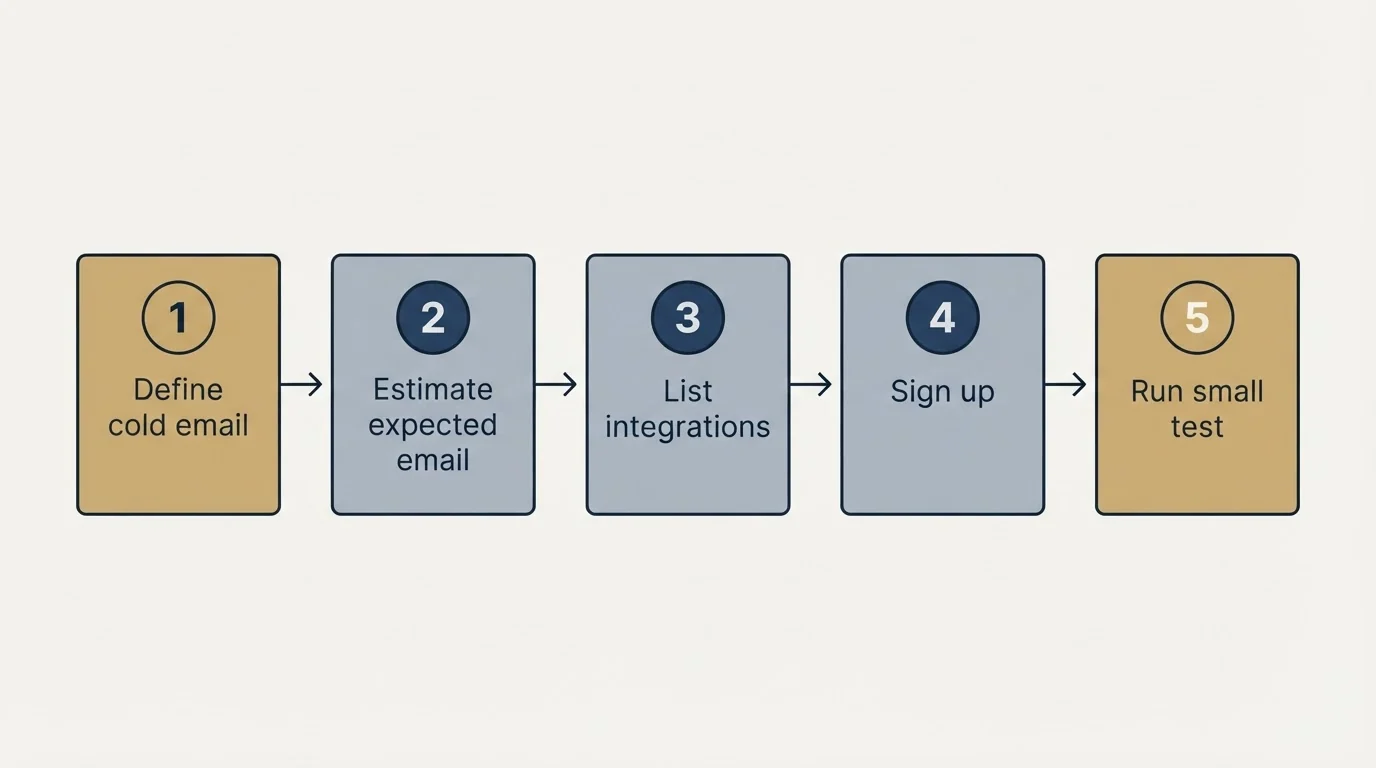
- Define your cold email outreach and multi-channel sales outreach and engagement tracking requirements and monthly budget
- Estimate your expected email sending volume and sequences and engagement actions to find the right tier
- List the integrations your team currently relies on
- Sign up for free trials or demos of both platforms
- Run a small test with each tool before making a commitment
- Evaluate the onboarding experience and support quality
Final Thoughts
QuickMail serves the cold email outreach side of an outbound stack and Salesforge the multi-channel sales outreach and engagement tracking side. Salesforge offers a more accessible entry point at $48/mo, while QuickMail starts at $49/mo. Your decision should weigh pricing against the specific features that matter most for your workflow.
Start with a trial of each to see which platform fits your team's daily process. The best tool is the one your team actually uses consistently.
Pricing and features verified as of September 2026. Visit QuickMail and Salesforge for current information.
Frequently asked questions.
Frequently asked questions- What is the main difference between QuickMail and Salesforge?
- QuickMail is a cold email outreach platform focused on deliverability, inbox rotation, and auto warmup for agencies and sales teams. Salesforge is a multichannel outreach platform running cold email and LinkedIn sequences with AI personalization, built-in warm-up, and an optional AI SDR agent called Agent Frank.
- Which is cheaper, QuickMail or Salesforge?
- Salesforge has the lower entry price at $48/mo for its Pro Plan, compared to QuickMail's Starter Plan at $49/mo. Both entry plans include 1,000 contacts and 5,000 emails sent per month, according to each vendor's own pricing page.
- Does QuickMail or Salesforge integrate with Salesforce?
- Salesforge integrates with Salesforce; QuickMail does not list Salesforce as an integration. QuickMail connects with HubSpot, Pipedrive, Zapier, Make, Slack, Gmail, Outlook, and Google Sheets, while Salesforge also connects with GoHighLevel, Clay, n8n, Google Workspace, Microsoft 365, and SMTP.
- Does Salesforge offer an AI SDR feature?
- Yes, Salesforge offers Agent Frank, an AI SDR agent with auto-pilot and co-pilot modes, available as a separate plan priced at $499/mo for up to 1,000 active contacts. This is listed as a feature unique to Salesforge and not offered by QuickMail.
- Can I use QuickMail and Salesforge together?
- Yes, the article notes that many teams run one of each platform since they serve different parts of the workflow. QuickMail handles cold email outreach and deliverability, while Salesforge coordinates multichannel outreach across email, phone, and social channels.
About the author.

Tim Carden is CMO / CTO at RevenueFlow, which builds and operates outbound revenue engines for B2B companies. Studied at McGill University.
Tim Carden · CMO / CTO
Connect on LinkedIn →Explore more.
Ready to scale your outreach?
We build GTM engines that book real meetings. See the receipts.
Related articles.
GetSales.io vs Yet Another Mail Merge: Sales Engagement Platform vs Cold Email Platform Comparison
Compare GetSales.io (sales engagement platform) and Yet Another Mail Merge (cold email platform) side by side. See pricing, features, and integrations to decide which one, or both, your stack needs.
Enginy vs Success.ai: Sales Engagement Platform vs Cold Email Platform Comparison
Compare Enginy (sales engagement platform) and Success.ai (cold email platform) side by side. See pricing, features, and integrations to decide which one, or both, your stack needs.
Artisan vs Yet Another Mail Merge: Sales Engagement Platform vs Cold Email Platform Comparison
Compare Artisan (sales engagement platform) and Yet Another Mail Merge (cold email platform) side by side. See pricing, features, and integrations to decide which one, or both, your stack needs.
Hexospark vs JustCall: Cold Email Platform vs Sales Engagement Platform Comparison
Compare Hexospark (cold email platform) and JustCall (sales engagement platform). See pricing, features, and integrations to decide which one, or both, your stack needs.
EmailBison vs Luru: Cold Email Platform vs Sales Engagement Platform Comparison
Compare EmailBison (cold email platform) and Luru (sales engagement platform) side by side. See pricing, features, and integrations to decide which one, or both, your stack needs.
AroundDeal vs Leadspicker: Data Enrichment Tool vs Sales Engagement Platform Comparison
Compare AroundDeal (data enrichment tool) and Leadspicker (sales engagement platform) side by side. See pricing, features, and integrations to decide which one, or both, your stack needs.