Instantly vs ReachInbox: Cold Email Platform Comparison
Compare Instantly and ReachInbox side by side. See pricing, features, and integrations to choose the right cold email platform for your needs.
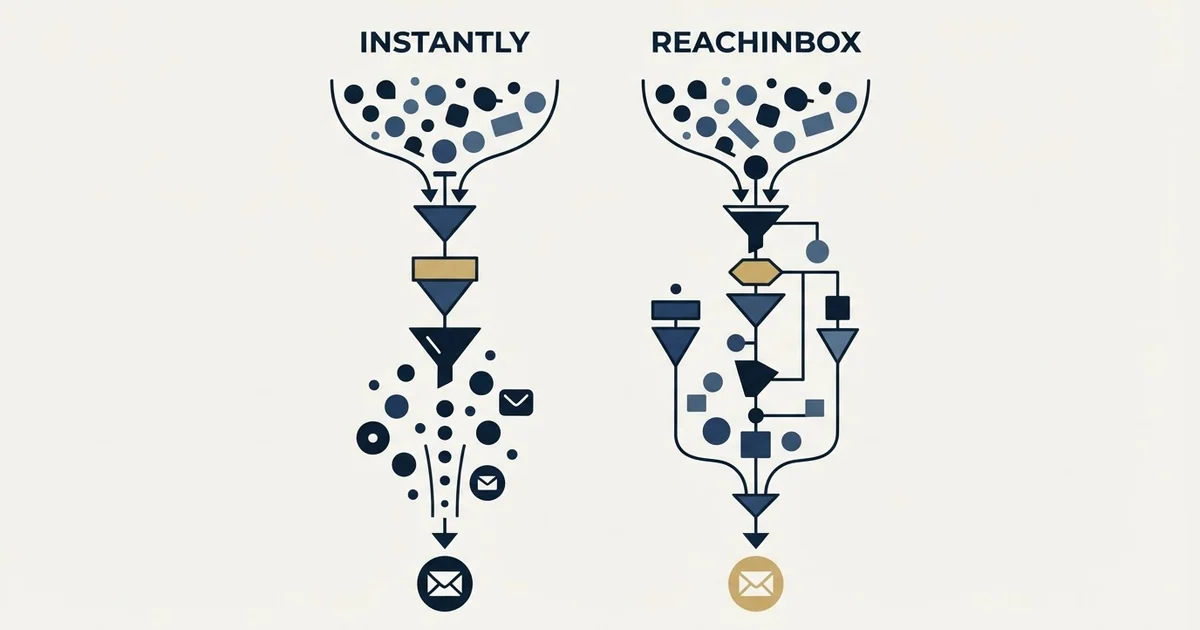
ReachInbox pricing, in US dollars per account: Free at $0, Starter $39 a month, Growth $99 and Pro $299 on monthly billing, or $30, $75 and $225 billed yearly, with Enterprise from $999. Instantly's outreach plans cost $47, $97 and $358, and at each budget ReachInbox's lead and email allowance is the larger.
Key takeaways
- ReachInbox's paid plans cost $39, $99 and $299 a month on monthly billing, or $30, $75 and $225 billed yearly, and Enterprise starts at $999 a month.
- Instantly's outreach plans cost $47, $97 and $358 a month, or $37.6, $77.6 and $286.3 billed yearly, and its lead database is sold separately as credits.
- At about $40 to $50 a month, ReachInbox Starter allows 2,000 active leads and 10,000 emails against Instantly Growth's 1,000 contacts and 5,000 emails.
- ReachInbox refunds annual plans within 7 days and gives no refunds on monthly plans, so its Free plan is the place to test.
Reviewed and updated September 21, 2026
ReachInbox pricing starts with a free plan and three paid tiers, all in US dollars and priced per account rather than per seat: Starter at $39 a month, Growth at $99 and Pro at $299 on monthly billing, or $30, $75 and $225 a month billed yearly, with Enterprise from $999 a month. Each tier is sized by active leads and emails a month. Instantly's outreach plans cost $47, $97 and $358 a month. Set side by side, ReachInbox gives the larger allowance at every budget, and the choice between them turns on what each second tier unlocks.
ReachInbox pricing, plan by plan
ReachInbox's pricing page lists four tiers in US dollars. Free costs $0 and covers 50 active leads and 250 emails a month. Starter is $39 a month, or $30 a month billed yearly, for 2,000 active leads and 10,000 emails. Growth is $99, or $75 yearly, for 50,000 leads and 250,000 emails. Pro is $299, or $225, for 200,000 leads and a million emails.
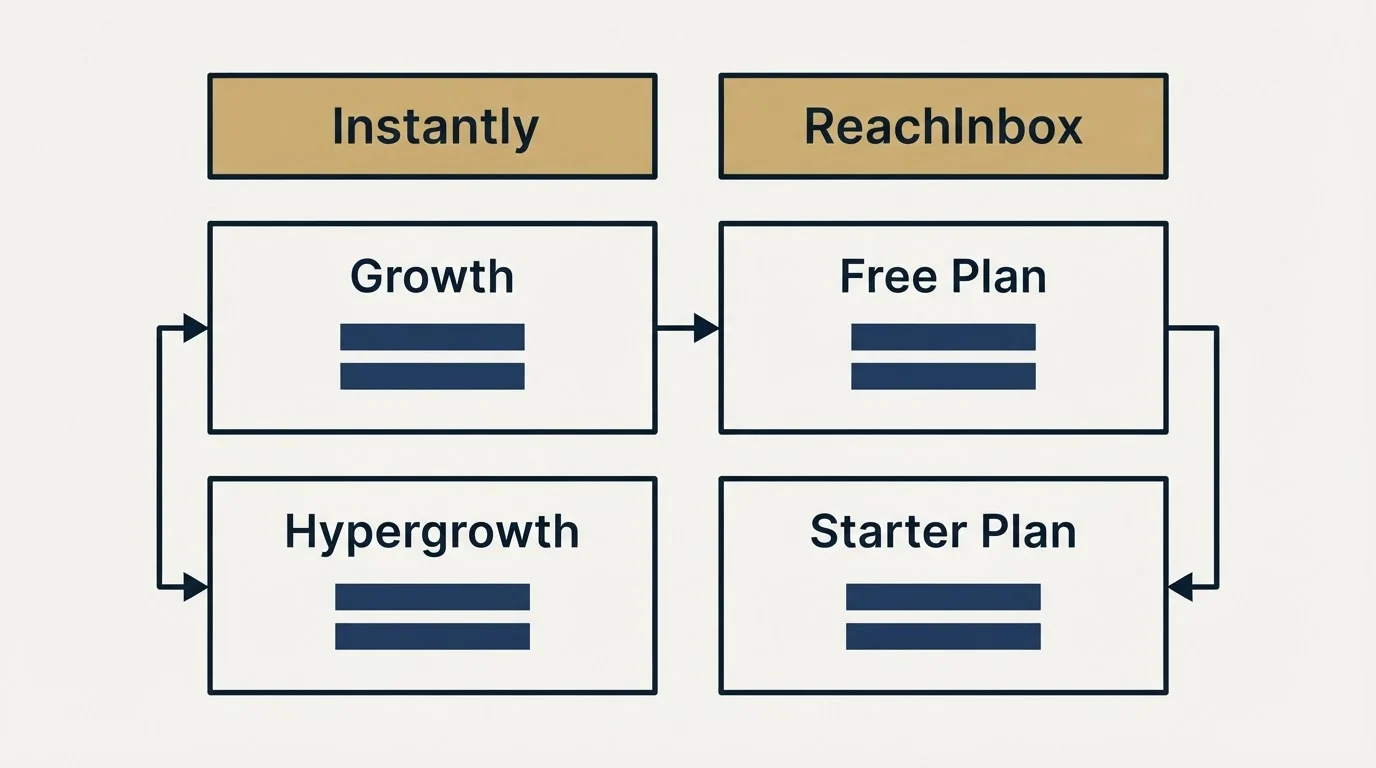
The page opens on its yearly prices, marked 25% off, and the monthly figures appear only after switching the toggle. Enterprise starts at $999 a month.
| Plan | Monthly billing | Yearly billing, per month | Active leads a month | Emails a month | Workspaces |
|---|---|---|---|---|---|
| Free | $0 | $0 | 50 | 250 | 1 |
| Starter | $39 | $30 | 2,000 | 10,000 | 1 |
| Growth | $99 | $75 | 50,000 | 250,000 | 20 |
| Pro | $299 | $225 | 200,000 | 1 Million | 50 |
| Enterprise | From $999 | 500,000 | 1 M | 50 |
Every paid plan lists unlimited email accounts and unlimited AI warm-up, both marked with an asterisk, and ReachInbox's FAQ explains it: "Fair Usage limits on the number of email accounts apply." The Free plan instead connects 3 email accounts with warm-up for 14 days. Plans also carry AI word credits for writing and enrichment: 500 on Free, then 5,000, 25,000 and 150,000 a month.
Two FAQ answers change how to read the table. The first defines the meter: "Active Leads are the contacts you upload into ReachInbox for your campaigns." The second sets the refund rule, a full refund within the first 7 days of an annual plan and "no refunds will be provided for monthly plans." For a longer breakdown, including the Lead Finder and inbox placement products sold on their own tabs, see ReachInbox pricing explained.
Source: ReachInbox Pricing
Instantly pricing
Instantly's pricing page splits into Outreach, Instantly Credits and VIP tabs. The Outreach plans are the ones that send email:
| Plan | Monthly billing | Yearly billing, per month | Uploaded contacts | Emails a month |
|---|---|---|---|---|
| Growth | $47 | $37.6 | 1,000 | 5,000 |
| Hypergrowth | $97 | $77.6 | 25,000 | 125,000 on the monthly card, 100,000 on the yearly card |
| Light Speed | $358 | $286.3 | 100,000 | 500,000 |
| Enterprise | Custom | Custom | 100,000+ | 500,000+ |
Growth and Hypergrowth both list unlimited email accounts and unlimited email warm-up. Light Speed adds what the page calls the SISR System, which "automatically assigns dedicated/private server and IP blocks". The page disagrees with itself on Hypergrowth's volume: its monthly card reads 125,000 emails, while the yearly card and the feature comparison both read 100,000. Budget on the lower figure until Instantly confirms it.
Instantly sells its 450M+ B2B lead database separately, on the Instantly Credits tab: a Growth credits plan at $47 a month for 1,500 to 2,000 credits, Supersonic at $97 and Hyper Credits from $197. Instantly's full pricing covers those credit plans in detail.
Source: Instantly Pricing
Instantly vs ReachInbox at the same budget
Pair the plans by price and the pattern holds at every level. Around $40 to $50 a month, Instantly's Growth plan holds 1,000 contacts and sends 5,000 emails for $47, while ReachInbox Starter holds 2,000 active leads and sends 10,000 emails for $39. Around $100, Hypergrowth's 25,000 contacts face ReachInbox Growth's 50,000 leads. From $300 to $360, Light Speed's 100,000 contacts and 500,000 emails cost $358 against ReachInbox Pro's 200,000 leads and a million emails at $299.
The allowance gap is real, but the two meters are not identical. Instantly counts contacts uploaded to the account, and ReachInbox counts the leads in your campaigns, so a team that deletes finished leads stretches ReachInbox further. Neither page states a per-user price.
Here is illustrative arithmetic for a team emailing 3,000 new prospects a month, one email each. ReachInbox Starter's 2,000 active leads fall short, so the team buys Growth at $99 a month, or $75 billed yearly, which is $900 over a year. Instantly's Growth plan holds only 1,000 contacts, so the team buys Hypergrowth at $97, or $77.6 billed yearly, $931.20 over a year. On monthly billing Instantly is $2 cheaper; on yearly billing ReachInbox is $31.20 cheaper over the year.
The order to buy ReachInbox in
ReachInbox's own terms suggest a sequence. Test on the Free plan first, since it connects 3 email accounts and sends 250 emails a month at no cost. Then pick the billing term with the refund rule in mind: yearly billing is 25% cheaper and carries the 7-day money-back guarantee, and monthly billing carries no refund. Instantly's pricing page does not publish an equivalent refund term alongside its plans.
ReachInbox's startup programme is a separate promotion on the same page, offering startups up to 9 months free.
What the second tier unlocks
ReachInbox Starter to Growth, $39 to $99
- 2,000 to 50,000 active leads a month
- 10,000 to 250,000 emails a month
- 1 workspace to 20 workspaces
- Hyper-personalization, AI enrichment and AI replies
- Webhooks, API access and integrations
- Priority support
Instantly Growth to Hypergrowth, $47 to $97
- 1,000 to 25,000 uploaded contacts
- 5,000 to 125,000 emails a month 100,000 on the yearly card
- Premium live support
- Light Speed The SISR System of dedicated servers and IPs
The step from Starter to Growth is where ReachInbox changes character. Growth adds hyper-personalization, AI enrichment, AI replies, webhooks, API access and integrations and 20 workspaces, which makes it the first tier an agency or a team with a CRM can really use. Instantly's second tier mostly adds volume and premium live support, and its infrastructure step comes at Light Speed with the SISR System.
Integration Ecosystem
ReachInbox's integrations page names HubSpot, GoHighLevel, n8n, Zapier, Make, Slack, Pabbly and Activepieces, and its pricing page puts API access and integrations on Growth and above. Instantly's integrations marketplace is titled 50+ sales and outreach integrations, and the page read for this comparison features HubSpot, Slack and Zapier among them. Both reach HubSpot directly and both reach most other tools through Zapier.
Where each one sits in a cold outbound stack
Both tools sell the same core: unlimited sending accounts, warm-up on every one of them, and a volume allowance. Warm-up protects each mailbox's sending history. It does not make a poorly targeted list reply, and neither vendor's warm-up is a substitute for a list built on real fit.
RevenueFlow's own programmes run one message per campaign, with no bumps and no thread replies, so the email allowance and the lead allowance are the same number for us. On that basis the lead or contact limit is what binds on both tools, and ReachInbox's larger lead allowance at each price is the more useful half of its advantage. Readers weighing ReachInbox against the other large sender can compare ReachInbox vs Smartlead, and ReachInbox alternatives lists the rest of the field.
Switching between them
Moving between Instantly and ReachInbox is mostly a data job, because both connect the mailboxes you already own and neither carries a sender's reputation across. Export suppression lists first, including unsubscribes and bounced addresses, and load them before any campaign exists on the new side. Then reconnect the same mailboxes, confirm that SPF, DKIM and DMARC still pass, and let warm-up run on the new platform before the first send. Rebuild the copy rather than pasting it, since merge tags differ between the two editors.
Lead data is the second part of a move. Instantly sells its 450M+ lead database as credits, and ReachInbox sells its Lead Finder on a separate tab of its pricing page, so a team leaving either should price the replacement source before cancelling. Time the switch around billing too: a yearly ReachInbox plan refunds only within its first 7 days.
Getting Started Checklist
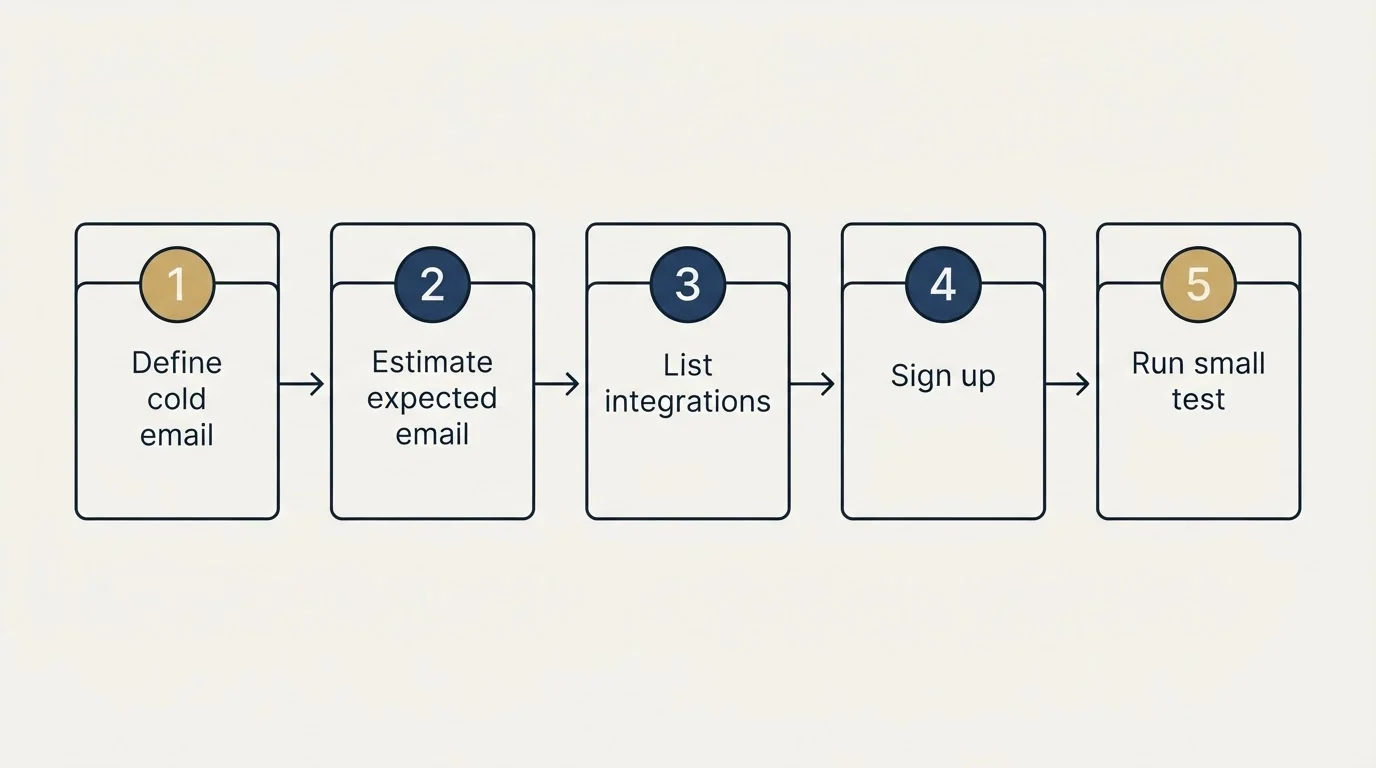
- Count the new people you contact a month: that sets the tier on both, as contacts on Instantly and active leads on ReachInbox.
- Decide whether you need API access or CRM sync now, because ReachInbox puts it on Growth.
- Start on ReachInbox's Free plan to test 3 mailboxes before paying.
- If you buy ReachInbox, buy yearly only when you can judge the tool inside its 7-day refund window.
- Confirm Instantly's Hypergrowth email allowance in writing, since its own page shows two figures.
- Warm new mailboxes before the first campaign, and export your suppression list before switching.
Final Thoughts
ReachInbox pricing buys more volume than Instantly at every budget, and its Free plan lets a team test before paying. Instantly's case rests on its own ecosystem: a 450M+ lead database sold as credits, and the SISR System at Light Speed. Count the leads you will actually contact each month, then read each ladder's second tier before the entry price.
If you would rather have the list, the copy and the sending run for you, RevenueFlow books qualified meetings on a pay-per-meeting basis.
Pricing and features are taken from the vendors' own pages. Verify current terms with the vendor before relying on them.
Frequently asked questions.
Frequently asked questions- How much does ReachInbox cost?
- ReachInbox's pricing page lists a Free plan at $0, Starter at $39 a month, Growth at $99 and Pro at $299 on monthly billing. Billed yearly, the three paid plans cost $30, $75 and $225 a month, a 25% discount. Enterprise starts at $999 a month. Prices are in US dollars and are set per account, sized by active leads and emails.
- Is ReachInbox cheaper than Instantly?
- At matched budgets ReachInbox gives more volume. Its $39 Starter plan allows 2,000 active leads and 10,000 emails, while Instantly's $47 Growth plan allows 1,000 contacts and 5,000 emails. Around $100 and around $300, ReachInbox's Growth and Pro plans also carry larger allowances than Instantly's Hypergrowth and Light Speed plans.
- Does ReachInbox have a free plan?
- Yes. ReachInbox's Free plan costs $0 and includes 3 email accounts, warm-up for 14 days, 50 active leads and 250 emails a month, 500 AI word credits and one workspace. The page adds that fair usage limits apply. It suits testing mailboxes and copy before paying, since monthly plans carry no refund.
- What is ReachInbox's refund policy?
- ReachInbox's pricing FAQ offers a full refund within the first 7 days of purchasing an annual plan if the tool does not meet your needs, and states that no refunds are provided for monthly plans. Annual billing is also 25% cheaper, so the refund window is worth planning a trial around.
About the author.

Tim Carden is CMO / CTO at RevenueFlow, which builds and operates outbound revenue engines for B2B companies. Studied at McGill University.
Tim Carden · CMO / CTO
Connect on LinkedIn →Explore more.
Ready to scale your outreach?
We build GTM engines that book real meetings. See the receipts.
Related articles.
GetSales.io vs Yet Another Mail Merge: Sales Engagement Platform vs Cold Email Platform Comparison
Compare GetSales.io (sales engagement platform) and Yet Another Mail Merge (cold email platform) side by side. See pricing, features, and integrations to decide which one, or both, your stack needs.
Enginy vs Success.ai: Sales Engagement Platform vs Cold Email Platform Comparison
Compare Enginy (sales engagement platform) and Success.ai (cold email platform) side by side. See pricing, features, and integrations to decide which one, or both, your stack needs.
Artisan vs Yet Another Mail Merge: Sales Engagement Platform vs Cold Email Platform Comparison
Compare Artisan (sales engagement platform) and Yet Another Mail Merge (cold email platform) side by side. See pricing, features, and integrations to decide which one, or both, your stack needs.
Growbots vs MailHeat: Cold Email Platform vs Email Warmup Tool Comparison
Compare Growbots (cold email platform) and MailHeat (email warmup tool) side by side. See pricing, features, and integrations to decide which one, or both, your stack needs.
Hexospark vs JustCall: Cold Email Platform vs Sales Engagement Platform Comparison
Compare Hexospark (cold email platform) and JustCall (sales engagement platform). See pricing, features, and integrations to decide which one, or both, your stack needs.
EmailBison vs Emelia: Cold Email Platform Comparison
Compare EmailBison and Emelia side by side. See pricing, features, and integrations to choose the right cold email platform for your needs.