Datanyze vs ZoomInfo: Data Enrichment Tool Comparison
Datanyze is a per-person lookup tool and ZoomInfo an enterprise data layer. Neither pricing page could be read this cycle, so the method matters more than the numbers.
Datanyze is a lightweight credit-metered lookup tool sized for one person, while ZoomInfo is an enterprise go-to-market platform bought through procurement. Neither vendor pricing page could be read this cycle, so every figure shown is carried forward and should be verified with the vendor directly.
Key takeaways
- Datanyze is sized for an individual researcher while ZoomInfo is bought by a revenue function through procurement on annual terms.
- Both vendors' pricing pages refused an automated read this cycle, so the figures shown are carried forward and unverified.
- Cost per usable record, rather than cost per credit, is the only figure that makes two data providers comparable.
- Coverage varies far more by geography, company size and job function than headline database totals suggest.
Reviewed and updated September 2, 2026
Datanyze vs ZoomInfo: Data Enrichment Tool Comparison
Datanyze and ZoomInfo share an origin and sit at opposite ends of the market that grew out of it. One is a light, credit-metered lookup tool aimed at an individual; the other is an enterprise go-to-market platform bought by a company. The choice between them is rarely close once that framing is clear.
The Quick Answer
These two are separated by scale rather than by a feature list, and the table above shows the shape: Datanyze sells small monthly credit allowances suitable for one person, and ZoomInfo sells an enterprise data layer.
Both figures in that table were carried forward from the previous version of this article rather than re-verified, because both vendors' pricing pages refused an automated read on the day of writing. No new number is quoted anywhere else here for that reason.
The decision is therefore structural. A single researcher wanting contact details for accounts they have already picked is a Datanyze buyer. A revenue team wanting a data layer feeding CRM, intent and workflow is a ZoomInfo buyer, and no credit comparison changes that.
Understanding the Core Difference
Datanyze is a lightweight prospecting tool. Company and contact profiles, direct email and phone lookups, technology tracking and a Chrome extension, metered in small monthly credit allowances. Its plans are sized for a person rather than a team.
ZoomInfo is a platform. Contact and company data, intent signals, technographics and workflow integration, sold to a revenue function and bought through procurement on annual terms.
The technology-tracking overlap is what makes people compare them, since both grew out of the same idea of identifying what software a company runs. In practice that capability now serves two different jobs: a signal for one person deciding whether an account is worth a message, and a segmentation input for a team building territories and campaigns.
Because neither pricing page could be read this cycle, the useful content here is not a fresh price comparison. It is a method for making the decision, which matters more anyway: data purchases go wrong through poor evaluation far more often than through overpaying.
Pricing Comparison

Datanyze Pricing
| Plan | Price | Contacts | Emails |
|---|---|---|---|
| Nyze Lite | Free | 10 credits/month | N/A |
| Nyze Pro 1 | $29/mo | 80 credits/month | N/A |
| Nyze Pro 2 | $55/mo | 160 credits/month | N/A |
Source: Datanyze Pricing
ZoomInfo Pricing
| Plan | Price | Contacts | Emails |
|---|---|---|---|
| Lite (Free) | Free | 10-25 credits/month | N/A |
| Professional | $1250/mo | 5,000 credits/year | N/A |
| Advanced | $2083/mo | 10,000 credits/year | N/A |
| Elite | $3333/mo | 10,000 credits/year | N/A |
Source: ZoomInfo Pricing
What That Costs Over a Year
The tables above are list prices. What a tool costs is list price multiplied by seats multiplied by twelve, and the ranking changes at that step more often than a comparison page admits. The arithmetic below is illustrative, worked from the published figures rather than measured from any account.
The arithmetic worth doing here is not a comparison of two list prices, both of which are carried forward and unverified above. It is a cost-per-usable-record calculation, which is the only figure that makes any data purchase comparable to any other.
Take the monthly cost of a plan and divide it by the number of records you will actually use, rather than by the credits it carries. Credits spent on records that turn out to be wrong, out of date or outside your ICP are not usable records, so a plan with a poor hit rate on your segment costs several times its headline rate per record you can act on.
That is why the fifty-account sample described below is worth more than any price. A provider with half the credits and twice the hit rate on your specific market is the cheaper purchase, and no pricing page can tell you which one that is. All arithmetic here is illustrative method rather than a quoted figure.
Features Breakdown
- Technographic data and insights
- Chrome extension for LinkedIn
- Direct email and phone lookups
- Company and contact profiles
- Icebreaker conversation starters
- Google Chrome extension
- and 3 more listed below
- 260M+ published professional profiles
- 100M+ company profiles
- 150M+ direct emails
- 135M+ verified phone numbers
- 65M+ direct dials
- Intent signals (11K+ topics)
- and 3 more listed below
Datanyze Key Features
- Technographic data and insights
- Chrome extension for LinkedIn
- Direct email and phone lookups
- Company and contact profiles
- Icebreaker conversation starters
- Google Chrome extension
- Export to CSV
- Tag and note management
- Company technology stack tracking
ZoomInfo Key Features
-
260M+ published professional profiles
-
100M+ company profiles
-
150M+ direct emails
-
135M+ verified phone numbers
-
65M+ direct dials
-
Intent signals (11K+ topics)
-
Technographic data
-
ZoomInfo Copilot AI
-
GTM Studio
-
GTM Studio
Integration Ecosystem

Datanyze Integrations
Datanyze connects with: Google Chrome, Salesforce, HubSpot.
ZoomInfo Integrations
ZoomInfo connects with: Salesforce, HubSpot, Microsoft Dynamics 365, Marketo, Outreach, SalesLoft.
Shared Integrations
Both tools integrate with: Salesforce, HubSpot.
Datanyze exclusively offers: Google Chrome.
ZoomInfo exclusively offers: Microsoft Dynamics 365, Marketo, Outreach, SalesLoft.
Who Should Pick Which
Pick Datanyze if one person needs contact details for accounts they have already identified. Small credit allowances and a browser extension fit that job, and paying enterprise rates for it would be waste.
Datanyze also gets set against a published self-serve ladder rather than an enterprise platform, and Datanyze weighed against Lusha is where that pairing lands.
Consider ZoomInfo if the requirement is a data layer that feeds a CRM, an intent programme and a whole revenue team. That is a procurement decision with a business case, and it should be evaluated on coverage and integration rather than on price per credit.
Do not choose on database size. Coverage in your geography, company size and job function varies far more between providers than total record counts suggest, and headline figures are marketing claims about the whole world rather than about your market.
Verify both prices with the vendor. Neither page could be read for this update, so every figure in the table above needs confirming before it informs a budget.
- Step 1Pick fifty accounts you know well
Real accounts from your own market, not a random sample
- Step 2Pull them from each provider
Use the trial or the free tier so the test costs nothing
- Step 3Score on the fields you use
Right person, current employer, working address, usable phone number
- Step 4Divide cost by usable records
A provider with fewer credits and a better hit rate is the cheaper one
Where These Sit in a Cold Outbound Stack
A contact database is one layer of four, and it is the layer teams most often mistake for the whole thing.
The list decides the reply rate, and a database is not a list. Both tools here return records; neither decides which records are worth contacting. A pull of 10,000 technically-correct contacts who have no reason to care is a successful export and a failed campaign, and no coverage number on a vendor page changes that.
The infrastructure decides whether the message arrives. Domain authentication, sender reputation, warmed inboxes and a volume that ramps rather than spikes. A data provider cannot help here at all, and buying a bigger database while sending from an unauthenticated domain buys nothing.
The offer decides whether the reply is worth having. This is the layer teams work on least and it moves the number most.
The database decides how many of the right people you can find, and what each one costs. That is a real job and it is the fourth one.
One consequence is worth naming, because it changes which data actually matters. RevenueFlow sends one message per campaign, with no bump sequences and no thread replies, on the view that a second message landing under the one somebody ignored reads as a bump whatever the campaign structure calls it. A team working that way gets exactly one shot per contact, so accuracy at the record level matters far more than raw volume: a wrong address is not a wasted step in a cadence, it is the entire contact. Verify what you export, and buy credits against the number of people you can actually write a good first message to.
Switching Between Them
A data-provider migration is less dramatic than a platform migration and has its own traps, most of them commercial rather than technical.
Export everything you have already paid for before the subscription lapses. Enriched records usually stay accessible only while the account is live, and the credits that produced them do not come back. Pull them into your own store first.
Read the licence on exported data. Providers differ on what you may keep and use after cancelling, and this is the clause that turns a saved subscription into a problem later.
Unused credits rarely survive a downgrade or a switch. Time the move to the end of a cycle rather than the middle, and check whether monthly allowances roll over at all before assuming a partial month is recoverable.
Run the same sample through both before you commit. Take fifty accounts you know well, pull them from each provider, and compare on the fields you actually use rather than on the headline database size. Coverage varies enormously by geography and by company size, and your segment is the only one that matters.
Then read the contract. Annual commitments and notice periods are the most common reason a switch happens a renewal cycle later than planned.
Feature Comparison Summary
| Feature | Datanyze | ZoomInfo |
|---|---|---|
| Starting Price | Free | Free |
| Top Tier Price | $55/mo | $3333/mo |
| Total Features Listed | 9 | 9 |
| Integrations | 3 | 6 |
| Founded | 2012 | N/A |
Getting Started Checklist
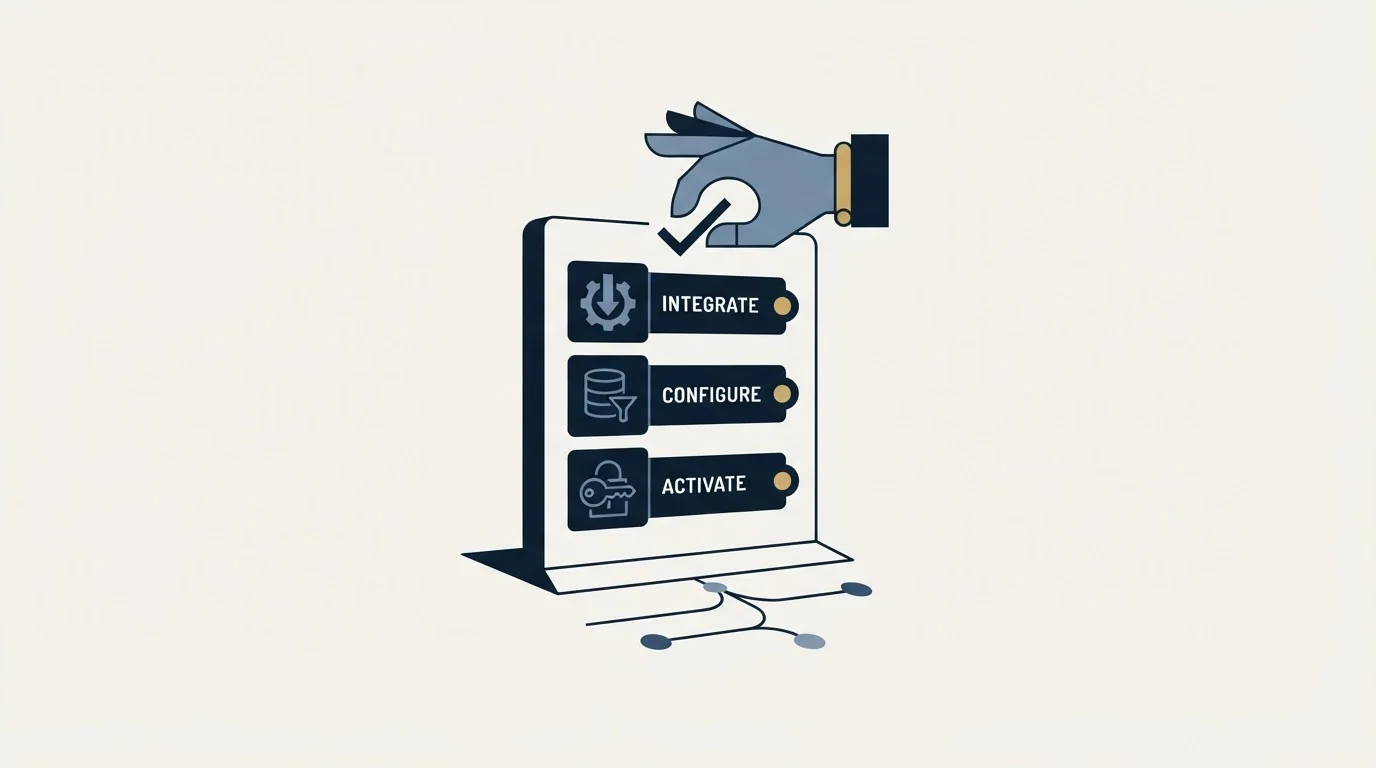
- Define your B2B lead data and contact enrichment requirements and monthly budget
- Estimate your expected data credits or contact lookups to find the right tier
- List the integrations your team currently relies on
- Sign up for free trials or demos of both platforms
- Run a small test with each tool before making a commitment
- Evaluate the onboarding experience and support quality
How This Comparison Was Put Together
Every price, plan name and tier detail here comes from the vendor's own pricing page, read on the day of writing and kept as a dated snapshot, and each figure is matched as a whole token against that snapshot's rendered text rather than its markup. Where a page splits a price across elements, or localises its currency by visitor region, that is handled explicitly rather than guessed at, and where a vendor's page could not be read at all it is said so rather than filled in from another roundup.
Nothing here is a coverage benchmark. No sample of accounts was pulled from either provider for this comparison, so the database sizes quoted are each vendor's own published claim about itself and not a measurement of what either one would return for your segment. Coverage varies enormously by geography, company size and job function, which is why the fifty-account sample described above is worth more than any headline number on a pricing page. Read this as a map of what each vendor publishes and how its credits price out at your volume.
One limit on this comparison should be stated rather than left implied. Both vendors' pricing pages refused an automated read on the day of writing, so every figure in the table above is carried forward from the previous version of this article and none of it was re-checked against a live page. No new figure is quoted anywhere else in this piece for that reason. Confirm any number with the vendor before budgeting against it.
Final Thoughts
Datanyze and ZoomInfo are bought by different people solving different problems, and the comparison is usually settled by asking who is doing the buying rather than by reading either feature list.
Because neither pricing page could be read for this update, treat the figures above as a starting point and confirm them with the vendor before they inform a budget.
The evaluation method matters more than the price in any case. Fifty accounts from your own market, pulled from each provider and scored on the fields you actually use, will tell you more in an afternoon than either vendor's published claims about its database.
Related Reading
- Best Datanyze Alternatives in 2026
- Best ZoomInfo Alternatives in 2026
- Best Apollo Alternatives in 2026
- Best Clearbit Alternatives in 2026
If you would rather have this run for you, RevenueFlow books qualified meetings on a pay-per-meeting basis and publishes client results.
Pricing and features are taken from the vendors' own pages. Verify current terms with the vendor before relying on them.
Frequently asked questions.
Frequently asked questions- Which is cheaper, Datanyze or ZoomInfo?
- Datanyze, by a wide margin, because it sells small credit allowances to individuals while ZoomInfo sells an enterprise data layer on annual contracts. Exact figures should be confirmed with each vendor, since neither pricing page could be read for this update.
- Are Datanyze and ZoomInfo related?
- They share an origin in technology tracking, which is why the two are so often compared. The products have since separated: one serves a single researcher deciding whether an account is worth contacting, the other serves a team building territories, campaigns and intent programmes.
- How do I compare two contact data providers properly?
- Take fifty accounts from your own market, pull them from each provider using a trial or free tier, and score the results on the fields you actually use. Then divide the plan cost by the number of usable records rather than by credits, because credits spent on wrong records are not a purchase.
- Is a bigger database always better?
- No, and it is a weak signal. Total record counts describe the whole world rather than your segment, and a provider with half the records and better coverage of your geography and job functions produces more usable contacts per dollar. Sampling your own accounts is the only way to see that.
About the author.

Tim Carden is CMO / CTO at RevenueFlow, which builds and operates outbound revenue engines for B2B companies. Studied at McGill University.
Tim Carden · CMO / CTO
Connect on LinkedIn →Explore more.
Ready to scale your outreach?
We build GTM engines that book real meetings. See the receipts.
Related articles.
Apollo.io vs Proofy: Data Enrichment Tool Comparison
Compare Apollo.io and Proofy side by side. See pricing, features, and integrations to choose the right data enrichment tool for your needs.
AroundDeal vs Leadspicker: Data Enrichment Tool vs Sales Engagement Platform Comparison
Compare AroundDeal (data enrichment tool) and Leadspicker (sales engagement platform) side by side. See pricing, features, and integrations to decide which one, or both, your stack needs.
AroundDeal vs Salesflare: Data Enrichment Tool vs CRM Platform Comparison
Compare AroundDeal (data enrichment tool) and Salesflare (CRM platform) side by side. See pricing, features, and integrations to decide which one, or both, your stack needs.
Gong vs NeverBounce: Sales Engagement Platform vs Data Enrichment Tool Comparison
Gong vs NeverBounce: what Gong's own pages say about enrichment, what NeverBounce's API returns about an address, and how each vendor prices.
ContactOut vs Luru: Data Enrichment Tool vs Sales Engagement Platform Comparison
Compare ContactOut (data enrichment tool) and Luru (sales engagement platform) side by side. See pricing, features, and integrations to decide which one, or both, your stack needs.
Evaboot vs Microsoft Dynamics 365 Sales: Data Enrichment Tool vs CRM Platform Comparison
Compare Evaboot (data enrichment tool) and Microsoft Dynamics 365 Sales (CRM platform) side by side. See pricing, features, and integrations to decide which one, or both, your stack needs.