Adapt.io vs Salesloft: Cross-Category Comparison
Salesloft publishes Advanced and Elite with no prices. Adapt.io publishes $0, $49 and $99. One closes a list gap this week; the other is an annual commitment.
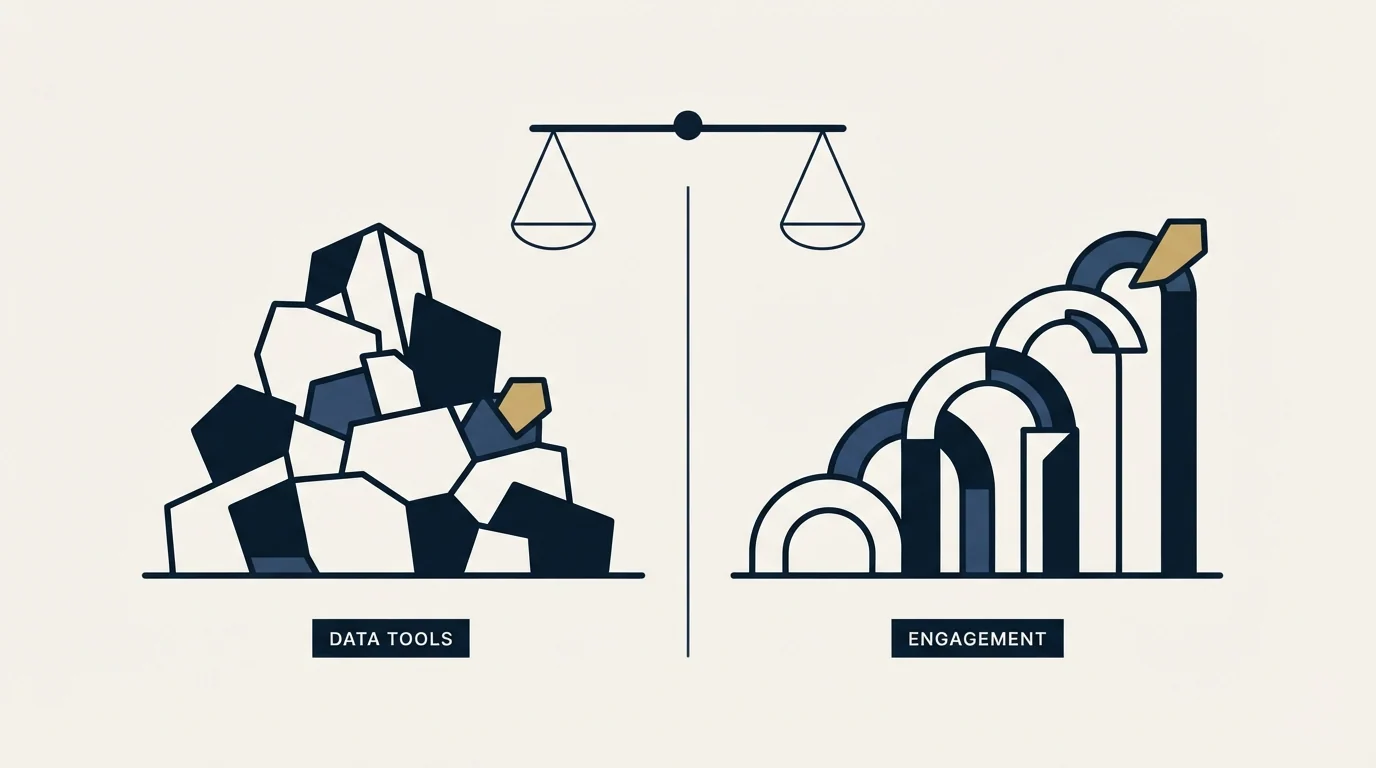
Adapt.io publishes $0, $49 and $99 a month with a 20 percent yearly saving and a 7 day trial. Salesloft publishes Advanced and Elite as contact sales with no figures. The data line closes a list gap immediately; the cadence platform is an annual, configured purchase.
Key takeaways
- Salesloft publishes two tier names, Advanced and Elite, and lists both as contact sales with no figures.
- Adapt.io publishes $0, $49 and $99 a month, with 1,000 email credits, 100 phone credits and 1,000 enrichment credits on the $99 Basic tier.
- Salesloft's tiers mark a capability boundary rather than a volume one, so decide which side of it the required features sit on before asking for a quote.
- Nothing in Salesloft sources a contact who is not already in the system, which is the capability a data tool supplies.
Reviewed and updated August 29, 2026
Adapt.io vs Salesloft: Cross-Category Comparison
Salesloft publishes two tier names and no prices. Advanced and Elite are both listed as contact sales, which tells a buyer where the product sits without telling them what it costs. Adapt.io publishes $0, $49 and $99 a month against credit allowances anyone can read.
The comparison that follows is less about which is better and more about which gap is open. These two sit at opposite ends of the same run, and only one of them can be bought this week.
Why Compare These Two Tools?
Data enrichment tools provide the contact data that sales engagement platforms use for outreach sequences. The question for buyers is often whether an all-in-one platform that includes data can replace a dedicated enrichment tool.
Adapt.io is a data enrichment tool focused on B2B lead data and contact enrichment. Adapt.io is a B2B lead intelligence platform with 250M+ contacts, Prospector Chrome extension, and data enrichment with 50+ attributes.
Salesloft is a sales engagement platform focused on multi-channel sales outreach. Salesloft is an AI-powered revenue workflow platform offering cadence automation, conversation intelligence, deal management, and forecasting to help sales teams drive predictable revenue.
Salesloft is a cadence and revenue workflow platform: multi touch cadences across email, phone and social, conversation intelligence with AI call summaries, deal pipeline tracking, forecasting on its higher tier, coaching scorecards and a rules engine. Its two published tier names, Advanced and Elite, mark a capability boundary rather than a price point, and both route to a quote. Like every platform in this category it assumes a team large enough for cadence consistency to be a problem worth solving.
Where Each Tool Fits in Your Workflow
- Step 1Lead sourcing and data
Adapt.io covers B2B lead data and contact enrichment, on a free entry plan.
- Step 2Outreach orchestration
Salesloft covers multi-channel sales outreach.
| Aspect | Adapt.io | Salesloft |
|---|---|---|
| Category | Data Enrichment Tool | Sales Engagement Platform |
| Workflow Stage | Lead sourcing and data | Outreach orchestration |
| Primary Focus | B2B lead data and contact enrichment | Multi-channel sales outreach |
| Starting Price | Free | Contact Sales |
| Features Listed | 10 | 10 |
| Integrations | 6 | 12 |
What Each Side Actually Does in a Cold Outbound Run
A cold outbound run has a fixed shape, and these two categories sit in different parts of it. Targeting comes first, and that is a decision about who is worth writing to rather than a piece of software. Then the list gets built and a mailbox gets resolved for every person on it. That half belongs to Adapt.io: search filters, a browser extension over a profile, a spreadsheet pushed back through enrichment, and a verification pass that throws away anything the provider could not confirm.
Sending is Salesloft's half. Sender accounts, sending windows, the daily cap on each mailbox, reply detection and the record of who answered all live there. RevenueFlow runs one message per campaign, so nothing on that side is a bump step or a thread reply waiting to fire. A prospect who stays quiet gets re-approached later through a new campaign with a different angle, never with a second message stacked under the one they ignored, and on LinkedIn that second message does not get sent at all.
The last stage belongs to neither product. Somebody reads the reply, somebody books the meeting, and the meeting counts only against qualification criteria written down before the campaign launched. A tool can route a reply into a queue. It cannot decide what a qualified meeting is, and a stack that quietly redefines that as it goes will report a good month nobody actually had.
Pricing Comparison
Adapt.io Pricing
| Plan | Price | Contacts | Emails |
|---|---|---|---|
| Free | Free | 25 email + 25 enrichment credits, 25 contacts/day | N/A |
| Starter | $49/mo | 500 email + 500 enrichment credits, 50 contacts/day | N/A |
| Basic | $99/mo | 1,000 email + 100 phone + 1,000 enrichment credits | N/A |
| Custom | Contact Sales | Custom | N/A |
Source: Adapt.io Pricing
Salesloft Pricing
| Plan | Price |
|---|---|
| Advanced | Contact Sales |
| Elite | Contact Sales |
Source: Salesloft Pricing
Reading the Two Price Shapes Together
Adapt.io publishes a complete ladder: $0, $49 and $99 a month, a custom tier above, a 20 percent saving on yearly billing and a 7 day free trial with no card required. Salesloft publishes Advanced and Elite as contact sales.
Two published tier names with no figures is still information. It says the product is differentiated by capability rather than by volume, so the question in a quote is which side of the Advanced and Elite line the required features sit on, and that is worth establishing before seat counts are discussed. A team that needs forecasting is on a different tier than one that needs cadences, and the price difference between them is the part nobody can look up.
What One Year of This Stack Actually Costs
The numbers below are invented for the example, and only the data half can be priced from a page.
An Adapt.io Basic subscription is $99 a month, so $1,188 for the year paying monthly. Adapt.io publishes a 20 percent saving on yearly billing, and 20 percent off $99 is $79.20 a month, which comes to $950.40 for the year, carrying 1,000 email credits, 100 phone credits and 1,000 enrichment credits a month.
For the Salesloft half, the useful preparation is deciding which tier the work actually needs before asking. Cadences and conversation intelligence sit lower than forecasting and advanced coaching, so a quote requested without that decision comes back priced for the larger product.
Then hold the two numbers apart rather than adding them. The data line is a monthly subscription that can be stopped. The engagement platform is an annual commitment with configuration behind it. Treating them as one budget hides the fact that one of them is reversible and the other is not.
Feature Highlights
Adapt.io Key Capabilities (Data Enrichment Tool)
- 250M+ business contacts
- 10M+ company profiles
- Prospector Chrome extension
- Data enrichment with 50+ attributes
- Lead builder with advanced filters
- ABM list building
- 3,000+ tech sector classifications
- Saved searches
- CSV export
- API access
Salesloft Key Capabilities (Sales Engagement Platform)
- Cadence automation
- Conversation intelligence with AI call summaries
- Deal pipeline tracking and management
- AI-driven revenue forecasting
- CRM sync with bi-directional updates
- Analytics and team performance reporting
- Coaching and rep scorecards
- Mobile app for on-the-go selling
- Calendaring and meeting scheduling
- Workflow automation and rules engine
Where the Two Actually Overlap
Very little. Adapt.io sources and enriches contact records; Salesloft runs cadences against records it is given and analyses what happens. Both list Salesforce and HubSpot among their integrations, and Adapt.io lists Outreach alongside them, which is the usual shape: the data tool feeds whichever engagement platform the team runs.
Salesloft's feature list does include CRM sync and analytics that read like data capabilities. They are not the same thing as sourcing. Nothing in Salesloft produces a contact who was not already in the system, which is the capability Adapt.io exists to provide.
Integration Ecosystem
Adapt.io Integrations
Adapt.io connects with: Salesforce, HubSpot, Zoho CRM, Marketo, Outreach, Zapier.
Salesloft Integrations
Salesloft connects with: Salesforce, HubSpot, Microsoft Dynamics 365, Gmail, Microsoft Outlook, LinkedIn Sales Navigator, Drift, Vidyard, Zoom, Slack, Highspot, Seismic.
Shared Integrations
Both tools integrate with: Salesforce, HubSpot. This shared ecosystem means they can work together in your tech stack.
When to Choose Which
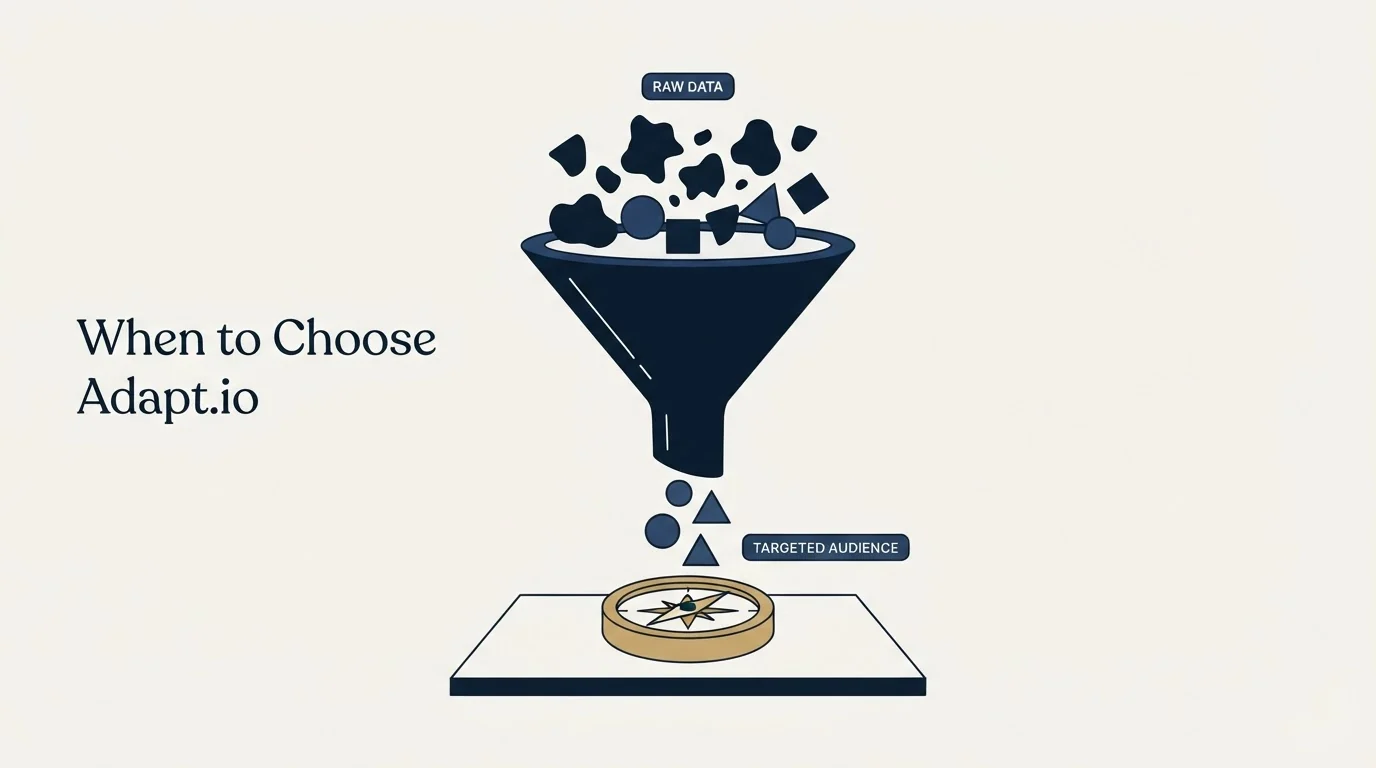
- Your biggest gap is in lead sourcing and data
- You already have a solid sales engagement platform and need specialized B2B lead data and contact enrichment capabilities
- You want an affordable entry point ($0/mo)
- Your team's primary bottleneck is B2B lead data and contact enrichment
- Your biggest gap is in outreach orchestration
- You already have a data enrichment tool and need better multi-channel sales outreach
- You need enterprise-grade multi-channel sales outreach features
- Your team's primary bottleneck is multi-channel sales outreach
Read that split as a question about which gap is open rather than about which product is better. Adapt.io answers a sourcing question and Salesloft answers a sending one, and a team that names the wrong gap buys a capable tool that changes nothing.
Do You Need Both, and in Which Order?
Both, with the data line first, and the second purchase timed to team size.
A single rep with a good list and a mailbox does not need a cadence platform. Cadence consistency becomes a real problem at the point where several people are sending and nobody can tell what any of them sent, which is exactly what Salesloft's coaching scorecards and rules engine exist to fix.
Adapt.io, or a comparable data line, is the cheaper and more urgent purchase in almost every case, at $99 a month with a 7 day trial and no card required. It closes the gap that stops a wave running.
The mistake worth naming is buying a cadence platform to solve a targeting problem. If replies are thin because the list is wrong, more consistent sending produces more consistent silence, and the platform's analytics will document that precisely without fixing it.
Using Both Together
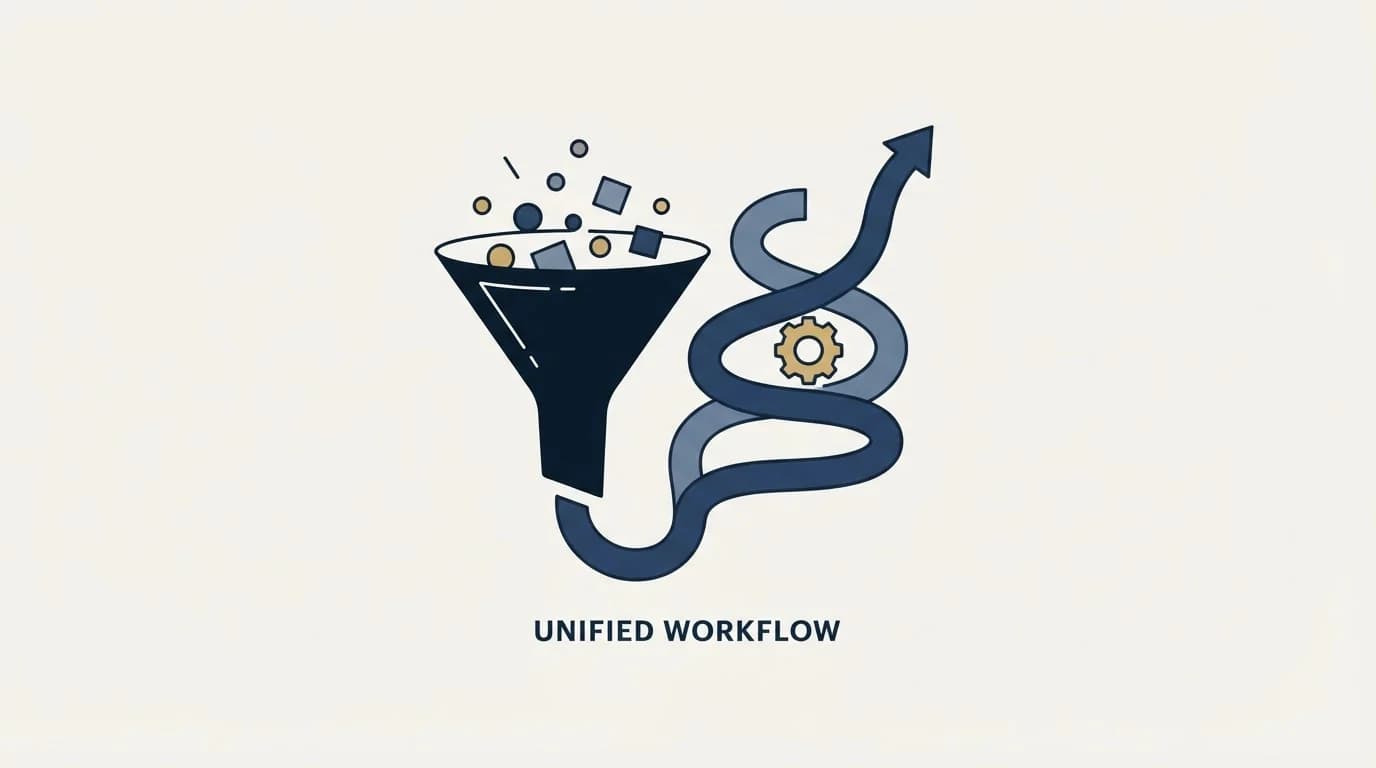
Many sales teams use both a data enrichment tool and a sales engagement platform as part of their complete workflow. Adapt.io handles lead sourcing and data while Salesloft covers outreach orchestration.
Since both tools integrate with Salesforce, HubSpot, connecting them in your workflow is straightforward.
Rolling It Out Without Breaking the Run
Keep the two rollouts apart. A cadence platform arrives with configuration and rep training attached, and running that in the same weeks as a data source change leaves nothing to attribute a change in reply rate to.
Whichever order the two arrive in, keep the sending inventory out of it. Sender domains, mailbox warmup and daily caps are their own project, and a stack change made in the same week as a sending change leaves nothing to attribute a bounce rate to. Change one layer, let a full wave run, then change the next.
Two more habits save real money. Run the trial on accounts already worked rather than on a fresh list, because the only coverage question that matters is coverage on the segment being sold to, and a vendor's own sample is chosen to look good. And export what the incumbent already found before any subscription lapses: contact records bought once are cheap to keep and expensive to buy twice.
Decision Framework
- Name the gap before naming a tool. Write down which stage is actually costing meetings: a list that runs out, addresses that bounce, or messages that never go out on time. A stack decision made without that sentence is a preference.
- Check what the existing stack already covers. Overlapping spend is the normal failure here, and it is usually invisible because the two products are filed under different budget lines.
- Price the whole year, not the entry tier. Seat minimums, annual billing and per-credit top-ups move the real number more than the headline price does.
- Trial on the accounts being sold to. Coverage is a property of a segment, not of a database, so a sample drawn from the target list is the only test worth running.
- Measure at the pipeline, not per tool. Both products feed one funnel, so the honest measure is meetings booked against criteria fixed in advance, read before and after the change.
The Short Version
List is the constraint: Adapt.io, and the $99 tier is where phone credits start. Several reps sending inconsistently and nobody able to tell what went out: Salesloft, on a quote that names the tier first. Thin replies from a good list: neither, because that is a targeting or offer problem.
Related Reading
- Best Adapt.io Alternatives in 2026
- Best Salesloft Alternatives in 2026
- Adapt.io vs Apollo.io: Data Enrichment Tool Comparison
- Adapt.io vs ZoomInfo: Data Enrichment Tool Comparison
- Outreach vs Salesloft: Sales Engagement Platform Comparison
If you would rather have this run for you, RevenueFlow books qualified meetings on a pay-per-meeting basis and publishes client results.
Pricing and features are taken from the vendors' own pages. Verify current terms with the vendor before relying on them.
Frequently asked questions.
Frequently asked questions- How much does Salesloft cost?
- Salesloft does not publish figures. Its pricing page names Advanced and Elite and lists both as contact sales. Since the tiers mark a capability boundary rather than a volume one, work out whether the team needs forecasting and advanced coaching or just cadences before asking, because that decides the tier.
- Does Salesloft find contacts?
- No. Salesloft runs cadences against records it is given and analyses what happens to them, with CRM sync and analytics alongside. Sourcing new contacts is a separate job, which is what a data tool like Adapt.io covers, and the two are normally used together rather than chosen between.
- Which should come first for a growing team?
- The data line, in almost every case. A cadence platform solves consistency across several senders, which is not a problem a one or two person team has yet. Adapt.io is $99 a month for its Basic tier with a 7 day free trial and no card required, so the list gap can be closed and measured quickly.
- Will a cadence platform fix a low reply rate?
- Only if the cause is inconsistent sending. If replies are thin because the list or the offer is wrong, more consistent sending produces more consistent silence, and the platform's analytics will document that accurately without changing it. Fix targeting first, then buy consistency.
About the author.

Tim Carden is CMO / CTO at RevenueFlow, which builds and operates outbound revenue engines for B2B companies. Studied at McGill University.
Tim Carden · CMO / CTO
Connect on LinkedIn →Explore more.
Ready to scale your outreach?
We build GTM engines that book real meetings. See the receipts.
Related articles.
11x vs Adapt.io: Sales Engagement Platform vs Data Enrichment Tool Comparison
Compare 11x (sales engagement platform) and Adapt.io (data enrichment tool). See pricing, features, and integrations to decide which one, or both, your stack needs.
MyEmailVerifier vs Salesloft: Data Enrichment Tool vs Sales Engagement Platform Comparison
Compare MyEmailVerifier (data enrichment tool) and Salesloft (sales engagement platform) side by side. See pricing, features, and integrations to decide which one, or both, your stack needs.
AroundDeal vs Leadspicker: Data Enrichment Tool vs Sales Engagement Platform Comparison
Compare AroundDeal (data enrichment tool) and Leadspicker (sales engagement platform) side by side. See pricing, features, and integrations to decide which one, or both, your stack needs.
Gong vs NeverBounce: Sales Engagement Platform vs Data Enrichment Tool Comparison
Gong vs NeverBounce: what Gong's own pages say about enrichment, what NeverBounce's API returns about an address, and how each vendor prices.
ContactOut vs Luru: Data Enrichment Tool vs Sales Engagement Platform Comparison
Compare ContactOut (data enrichment tool) and Luru (sales engagement platform) side by side. See pricing, features, and integrations to decide which one, or both, your stack needs.
Enrich Layer vs La Growth Machine: Data Enrichment Tool vs Sales Engagement Platform Comparison
Compare Enrich Layer (data enrichment tool) and La Growth Machine (sales engagement platform) side by side. See pricing, features, and integrations to decide which one, or both, your stack needs.