Bitrix24 vs Monday CRM: CRM Platform Comparison
Compare Bitrix24 and Monday CRM side by side. See pricing, features, and integrations to choose the right CRM platform for your needs.
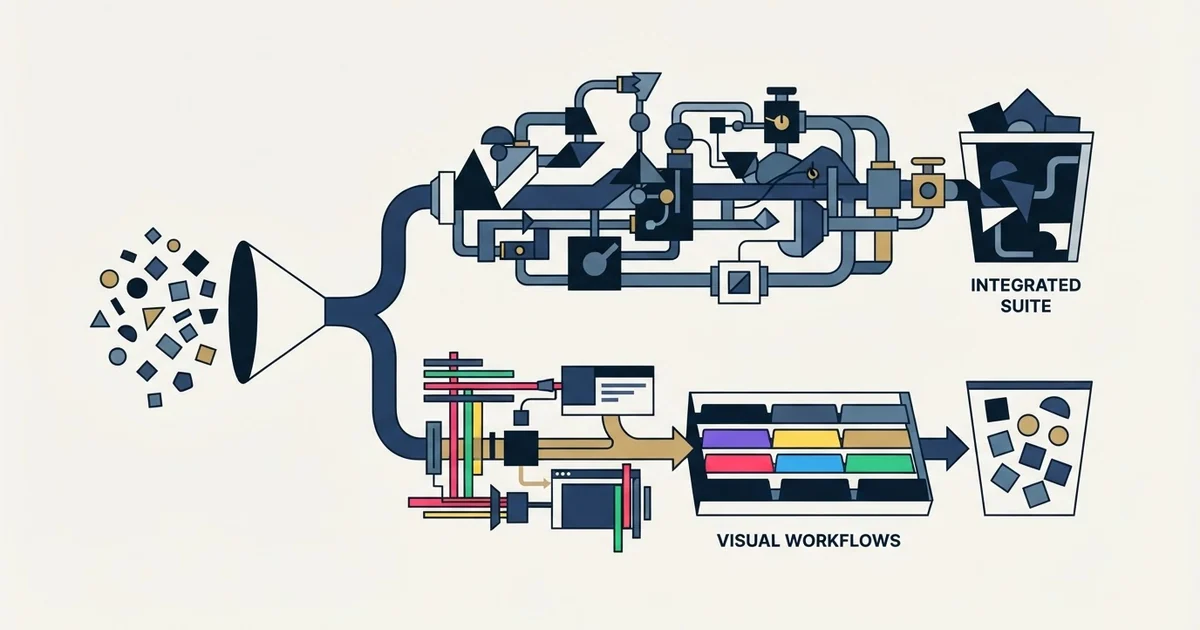
Bitrix24 charges a flat rate per organisation and monday CRM charges per seat. Bitrix24's Standard plan includes 50 users for £74 a month billed annually, while monday CRM's Standard plan is £14 a seat billed yearly. Bitrix24 also bundles chat, tasks and a website builder; monday CRM integrates with Slack and similar tools.
Key takeaways
- Bitrix24 prices each plan per organisation with users included: Basic covers 5 users, Standard 50 and Professional 100.
- monday CRM prices per seat from a 3-seat minimum, with seat counts chosen from fixed options of 3, 5, 10 and up to 200+.
- Illustrative arithmetic at annual pound prices: 40 users cost £74 a month on Bitrix24 Standard and £560 on monday CRM Standard.
- Bitrix24 gates features such as sales automation by plan, while monday CRM gates capacity such as contacts and automations per month.
Reviewed and updated September 19, 2026
Bitrix24 charges per organisation and monday CRM charges per seat, and that single difference settles most comparisons of the two. Bitrix24's pricing page sells its Standard plan as a flat rate that includes 50 users; monday CRM's pricing page sells its Standard plan at a price per seat, picked from fixed seat counts. Bitrix24 also bundles chat, video calls, tasks and a website builder into that flat rate, which is why it gets compared with Slack as often as with other CRMs, while monday CRM connects to Slack instead of replacing it.
Bitrix24 vs monday CRM: the short answer
Pick Bitrix24 when one flat price has to cover a whole company and you want messaging, tasks, telephony and a website builder in the same product. Pick monday CRM when a sales team of a known size wants a configurable pipeline with AI agents and will pay per seat for it. For one or two users, Bitrix24's Free plan is the cheapest option either vendor lists.
The rest of this page shows why, from each vendor's own pricing page. Prices are in pounds sterling because that is the currency both pages served for this comparison; monday CRM's page states that the price is determined by the user's billing country, so check the figures in your own currency before you plan around them.
What each product is
Bitrix24 describes itself as a workspace for sales, tasks and teams in one place. Its product menu covers CRM and sales pipelines, tasks and projects with Kanban and Gantt views, chat and video calls, telephony, and a website builder with online stores. Its pricing page states the billing model plainly: "A flat rate for all users included in your plan." Even the Free plan lists chat and video calls, so a team on Bitrix24 does not need a separate messaging tool, and that is the root of every bitrix24 vs slack search.
monday CRM is the sales product of monday.com, sold per seat. From the Standard plan up, its pricing page lists AI agents inside the price, including an outreach caller agent that calls and qualifies leads and a lead sourcer agent that finds and enriches new ones. It does not bundle messaging. Its CRM page names the tools it integrates with instead: Outlook, Gmail, Slack, Zoom, QuickBooks, Google Workspace, DocuSign "and hundreds more".
Pricing: per organisation against per seat

Bitrix24's pricing page lists five plans, each priced per organisation per month, with a monthly and an annual rate side by side. Free costs nothing for one or two users, with 5 GB of storage. Basic is £52 a month billed monthly or £36 billed annually, one payment of £432 a year, and includes 5 users. Standard is £107 or £74 and includes 50 users, which the page itself works out at about £1.48 per user on annual billing once all 50 seats are filled. Professional is £215 or £149 and includes 100 users. Enterprise starts at £429 or £299 for 250 users and climbs by user count from there. The page also sells a second row of "Vibe+" plans that add its Vibecode app builder and unlimited AI at higher prices.
| Plan | Billed monthly, or annually | Users |
|---|---|---|
| Free | £0 | 1 or 2 |
| Basic | £52, or £36 | 5 |
| Standard | £107, or £74 | 50 |
| Professional | £215, or £149 | 100 |
| Enterprise | From £429, or £299 | 250 and up |
monday CRM's pricing page works the other way. You choose a team size, the plans are priced per seat per month, and the page's FAQ says "Plans start from 3 users." Billed yearly, Basic is £10 a seat, Standard £14 and Pro £24; switching the page to monthly billing shows £13, £18 and £31. Ultimate has a custom price, and the page notes that Ultimate is a new name for the Enterprise tier. The seat count is not free-form: the selector offers 3, 5, 10, 15, 20, 25, 30, 40, 50, 100 and 200+ seats. The same page's FAQ tells teams of more than 40 users to request a quote, while the selector itself runs to 200+, so ask which applies before planning around a list price above 40.
Basic
£10 yearly, £13 monthly
- 1,000 active contacts and deals
- 5 columns per board
- 20 quotes and invoices a month
Standard
£14 yearly, £18 monthly
- 10,000 active contacts and deals
- 250 custom automations a month
- Outreach caller and lead sourcer agents
Pro
£24 yearly, £31 monthly
- 100,000 active contacts and deals
- 25K custom automations a month
- Mass emails and email sequences
Ultimate
Custom price
- The new name for the Enterprise tier
- Unlimited contacts and deals
- White-glove migration
Both pages discount annual billing. Bitrix24 advertises savings of up to 40% on annual plans; monday CRM's yearly toggle is labelled "SAVE 18%". monday CRM has no free plan: its FAQ says the first option for using it free is a 14-day trial.
What the entry price leaves out
Each vendor's cheapest paid plan is a deliberate cut-down. Bitrix24 Basic has sales pipelines and email integration, but no sales automation, invoices or web forms; those sit on Standard and Professional. It also stops at 5 users, so a sixth person moves the whole organisation to Standard. monday CRM Basic caps you at 1,000 active contacts and deals and lists no custom automations or AI agents, both of which start on Standard. On both products, the plan that matches how a working sales team actually operates is one step above the entry price.
What seven, ten and forty people pay
A worked example makes the metering difference concrete. It is labelled illustrative because your own team size and plan will differ, and it uses annual billing at the pound prices each page served.
A seven-person sales team outgrows Bitrix24 Basic, which includes 5 users, so it lands on Standard at £74 a month for up to 50 users. On monday CRM the seat options jump from 5 to 10, so the same seven people buy 10 seats: £100 a month on Basic or £140 on Standard. At 40 users, Bitrix24 Standard still costs £74 a month, while 40 seats of monday CRM Standard cost £560. The per-seat model only wins when the team is small and stays small, or when monday CRM's feature set is the thing you are paying for.
That gap is the reason the comparison with how Bitrix24 and HubSpot meter differently reads the same way: a flat organisation price rewards headcount, and a seat price rewards a small, stable team.
Features that change the choice
On Bitrix24, the plan decides the CRM depth. Basic adds sales pipelines, recurring deals, online payments and email, WhatsApp and telephony integration to the Free plan. Standard adds unlimited leads, invoices and estimates, a web form designer and e-signature. Sales automation, call tracking, email marketing and analytics and reporting tools arrive on Professional. A small team that needs automated deal stages is therefore looking at Professional, not Basic.
On monday CRM, the plan decides the volume. Basic holds 1,000 active contacts and deals, five columns per board and 20 quotes and invoices a month, and lists no custom automations. Standard raises that to 10,000 contacts and deals and 250 custom automations a month, and adds the AI agents. Pro raises it again to 100,000 contacts and deals and 25K automations a month, and adds mass emails and automated email sequences. For a cold programme those two count for nothing: RevenueFlow sends one message per campaign, with no bumps and no thread replies. Ultimate lifts the limits and adds security, governance and HIPAA compliance features.
The practical reading: Bitrix24 gates capabilities by plan and lets headcount ride free inside each plan, while monday CRM gates capacity by plan and charges for every head.
Integrations
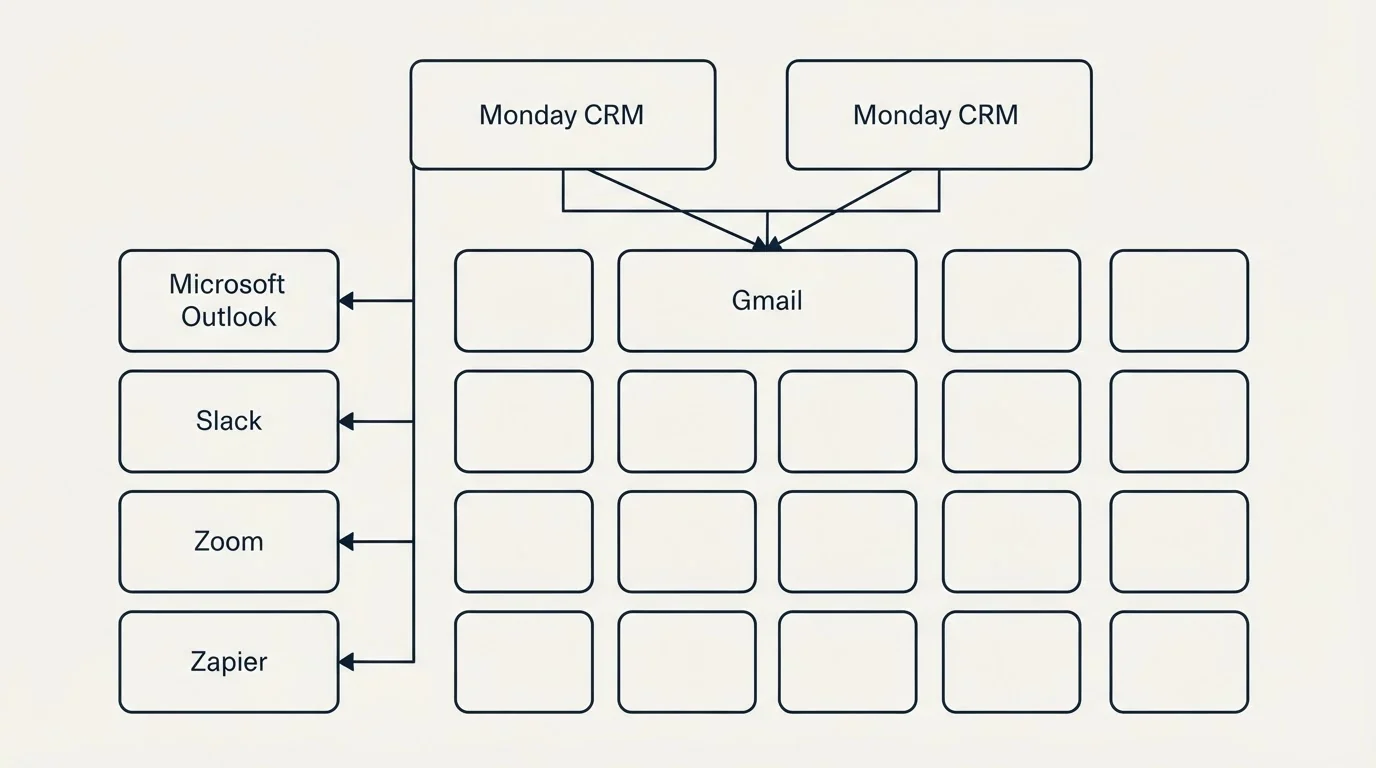
monday CRM's CRM page names Outlook, Gmail, Slack, Zoom, QuickBooks, Google Workspace and DocuSign among its integrations. Bitrix24's pricing page lists email, WhatsApp and telephony integration from the Basic plan, and its Vibe+ plans add "Unlimited Market Apps & REST API"; its app directory lists marketplace connectors such as a WooCommerce store integration and a Mailchimp exporter. If one specific connector decides the purchase, check it in the vendor's own directory, because both catalogues change more often than any comparison page.
Who should pick which
Bitrix24 fits a company that wants one system for sales, internal chat, tasks and a website, and that expects headcount to grow: 50 users on Standard cost the same as six. It also fits a team of one or two, which can run on the Free plan indefinitely. Teams that like the flat pricing but not the interface usually end up weighing an alternative to bitrix24 rather than a per-seat tool.
monday CRM fits a sales team of a known, modest size that wants a configurable pipeline, automations and AI agents, and already uses Slack, Outlook or Gmail for communication. Past a few dozen sellers the seat price adds up quickly, which is when the monday CRM alternatives worth comparing are the ones with a different metering model. If Pipedrive is the other name on your list, Monday CRM vs Pipedrive covers that pair.
Moving between them
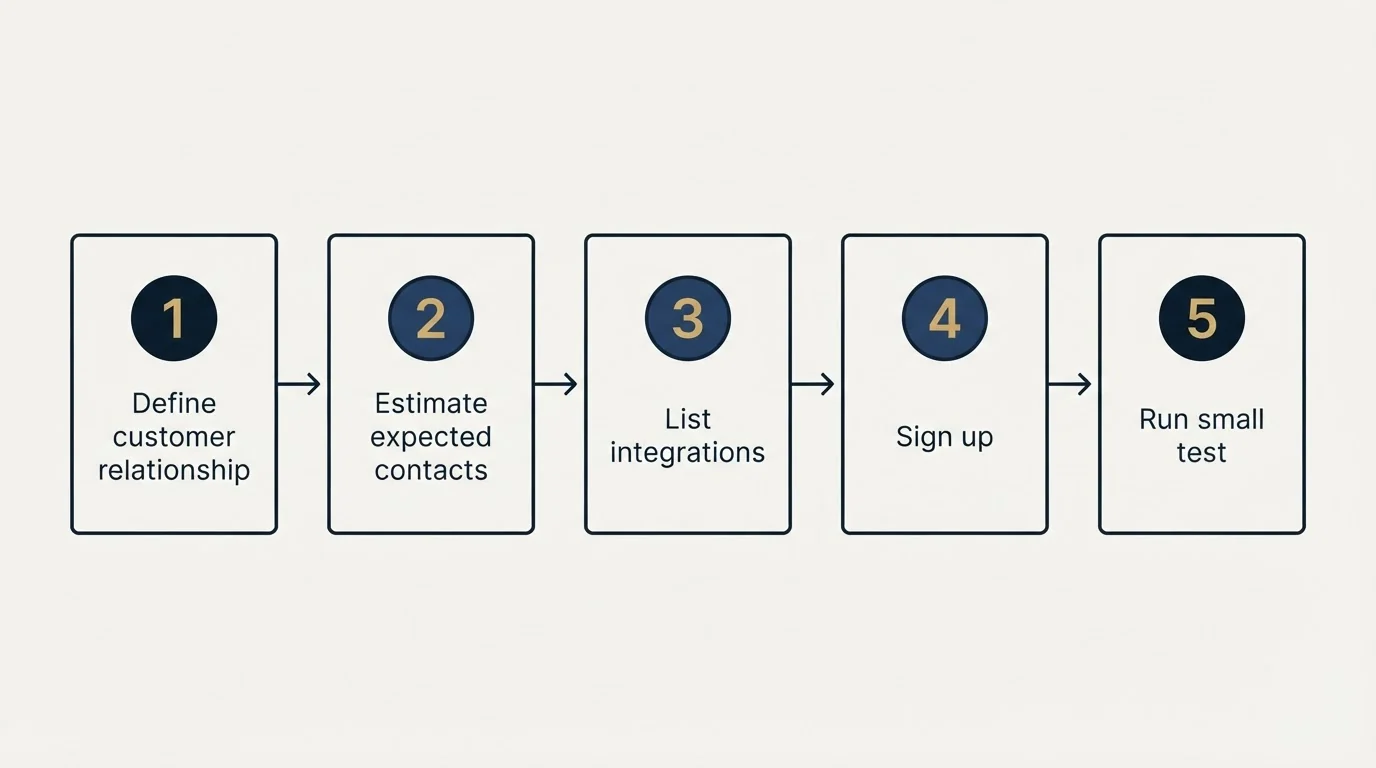
Neither pricing page promises a migration at the entry tiers. monday CRM lists white-glove migration on Ultimate only, and Bitrix24's app directory has an Import & Export category rather than a migration service in any plan. For a small team, the move is a spreadsheet job: export contacts, companies and open deals, map each pipeline stage to its counterpart, and rebuild automations by hand, since neither product imports the other's automation rules. Run both tools for a week on live deals before cancelling the old one.
A CRM organises the pipeline; it does not fill it. If the real constraint is that too few qualified conversations reach either tool, get a free campaign plan and see what an outbound programme against your target accounts would add.
Pricing and features are taken from the vendors' own pages. Verify current terms with the vendor before relying on them.
Frequently asked questions.
Frequently asked questions- Is Bitrix24 cheaper than monday CRM?
- For most team sizes, yes, because Bitrix24 charges per organisation. Its Standard plan includes 50 users for £74 a month billed annually, the pound price its page served for this comparison. monday CRM Standard is £14 per seat billed yearly, so ten seats cost £140 a month. For one or two users, Bitrix24's Free plan costs nothing.
- Does Bitrix24 replace Slack?
- It can for internal messaging. Bitrix24 includes chat and video calls even on its Free plan, alongside tasks, CRM and a website builder, so a team on Bitrix24 does not need a separate chat tool. monday CRM takes the other route and integrates with Slack, which its CRM page lists among its integrations with Outlook, Gmail and Zoom.
- How does monday CRM pricing work?
- monday CRM charges per seat per month, and plans start from 3 users. You pick a team size from fixed options such as 3, 5, 10, 15 or 20 seats. The pricing page served Basic at £10, Standard at £14 and Pro at £24 per seat billed yearly, and states that the price is determined by the user's billing country.
- What is a good alternative to Bitrix24?
- It depends on why Bitrix24 does not fit. If the flat per-organisation price suits you but the interface does not, compare other all-in-one tools. If you want a focused sales CRM, monday CRM is one option, priced per seat with AI agents from the Standard plan. A dedicated comparison of Bitrix24 alternatives covers the wider field.
About the author.

Tim Carden is CMO / CTO at RevenueFlow, which builds and operates outbound revenue engines for B2B companies. Studied at McGill University.
Tim Carden · CMO / CTO
Connect on LinkedIn →Explore more.
Ready to scale your outreach?
We build GTM engines that book real meetings. See the receipts.
Related articles.
AroundDeal vs Salesflare: Data Enrichment Tool vs CRM Platform Comparison
Compare AroundDeal (data enrichment tool) and Salesflare (CRM platform) side by side. See pricing, features, and integrations to decide which one, or both, your stack needs.
Evaboot vs Microsoft Dynamics 365 Sales: Data Enrichment Tool vs CRM Platform Comparison
Compare Evaboot (data enrichment tool) and Microsoft Dynamics 365 Sales (CRM platform) side by side. See pricing, features, and integrations to decide which one, or both, your stack needs.
Agile CRM vs Copper: CRM Platform Comparison
Compare Agile CRM and Copper side by side. See pricing, features, and integrations to choose the right CRM platform for your needs.
Agile CRM vs LeadIQ: CRM Platform vs Data Enrichment Tool Comparison
Compare Agile CRM (CRM platform) and LeadIQ (data enrichment tool) side by side. See pricing, features, and integrations to decide which one, or both, your stack needs.
Kommo vs Luru: CRM Platform vs Sales Engagement Platform Comparison
Compare Kommo (CRM platform) and Luru (sales engagement platform) side by side. See pricing, features, and integrations to decide which one, or both, your stack needs.
Agile CRM vs Capsule CRM: CRM Platform Comparison
Compare Agile CRM and Capsule CRM side by side. See pricing, features, and integrations to choose the right CRM platform for your needs.