Agile CRM vs Copper: CRM Platform Comparison
Compare Agile CRM and Copper side by side. See pricing, features, and integrations to choose the right CRM platform for your needs.

Copper CRM costs $29, $69 and $134 a seat a month, or $23, $59 and $99 billed annually, and lives inside Google Workspace. Agile CRM is free for up to 10 users and lists paid plans from $8.99 a user a month on a two-year term. Choose Copper for Gmail, Agile for breadth and price.
Key takeaways
- Copper CRM's Basic, Professional and Business plans cost $29, $69 and $134 a seat a month, or $23, $59 and $99 on annual billing.
- Agile CRM is free for up to 10 users and 1,000 contacts, then lists Starter, Regular and Enterprise from $8.99, $29.99 and $47.99 on a two-year term.
- Contact limits decide the tier first: Copper allows 2,500, 15,000 and unlimited contacts, Agile 1,000, 10,000, 50,000 and unlimited.
- For an illustrative five users and 3,000 contacts, Agile Starter billed yearly costs $599.40 a year against $3,540 for Copper Professional.
Reviewed and updated September 21, 2026
Copper CRM charges per seat from $29 a month and builds itself into Google Workspace. Agile CRM is free for up to 10 users and prices its paid plans "as low as" $8.99 a user a month on a two-year term. That gap, a free tier bundling sales, marketing and helpdesk tools against a Gmail-native CRM with no free plan, frames the whole choice. Copper's case is the Google integration; Agile's is breadth for the money, and on this page's worked example it is about a sixth of Copper's annual cost.
Copper CRM vs Agile CRM: the short answer
Choose Copper CRM if your team lives in Gmail and Google Calendar and wants the CRM inside them: its plans run $29, $69 and $134 a seat a month, or $23, $59 and $99 billed annually. Choose Agile CRM if you want a free start or marketing and helpdesk tools in the same app, from $0 for 10 users.
If you are weighing Copper against a different pipeline tool, our Copper CRM vs Pipeline CRM comparison covers that pair.
Pricing Comparison
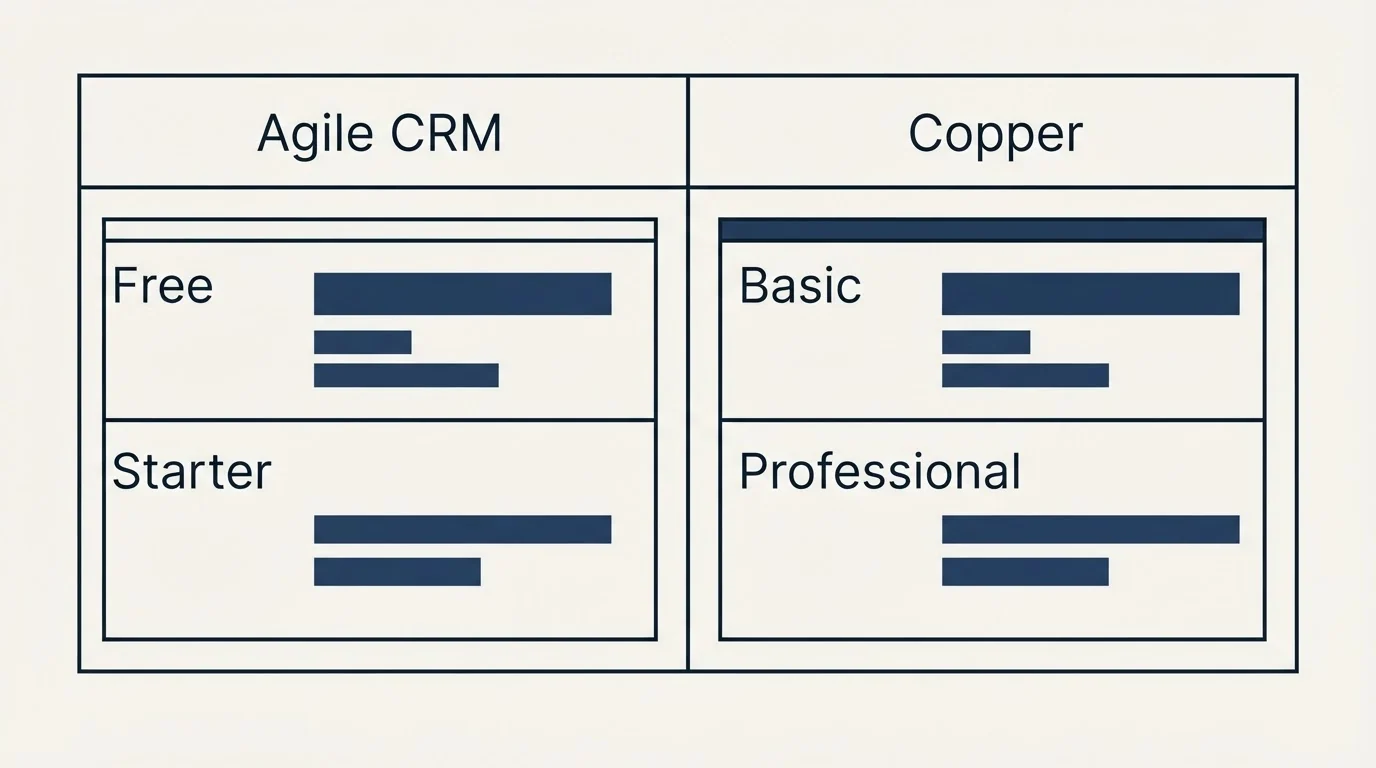
Agile CRM pricing
Agile CRM's page shows each paid plan's lowest price, with a tooltip giving the yearly and two-year rates, "Prices per user per month". It does not display a month-to-month price.
| Plan | Two-year term, per user a month | Billed yearly, per user a month | Contacts and companies |
|---|---|---|---|
| Free | $0, up to 10 users | $0 | 1,000 |
| Starter | $8.99 (40% off) | $9.99 (34% off) | 10,000 |
| Regular | $29.99 (40% off) | $39.99 (20% off) | 50,000 |
| Enterprise | $47.99 (40% off) | $64.99 (20% off) | Unlimited |
The FAQ adds a 99.5% uptime guarantee on all paid plans and counts a user as "any staff member who has their own unique login".
Source: Agile CRM Pricing
Copper pricing
| Plan | Per seat, monthly billing | Per seat, annual billing | Contact limit |
|---|---|---|---|
| Basic | $29 | $23 | 2,500 |
| Professional | $69 | $59 | 15,000 |
| Business | $134 | $99 | Unlimited |
Copper's page opens on annual billing, marked "Up to 26% off", states that prices are in USD, and invites teams to "Start free, no credit card required." It lists no free plan. Longer breakdowns sit in Copper's pricing explained and Agile CRM pricing explained.
Source: Copper Pricing
What the numbers mean together
Both price per user, so both bills grow with headcount. The difference is the floor and the contact ceiling. Agile's Free plan covers 10 users but only 1,000 contacts; Copper's Basic covers 2,500 contacts but charges every seat. Check the contact ceiling first, because it can decide the tier before the feature list does.
What each plan unlocks
Free, $0 for up to 10 users
1,000 contacts and companies, 1 campaign workflow, 1 automation rule, 500 API calls a day, email support.
Starter, as low as $8.99
10,000 contacts, 2-way email integration, marketing automation, 5 workflows, 5,000 API calls a day, email and phone support.
Regular, as low as $29.99
50,000 contacts, custom deal tracks, 2-way telephony, 10 workflows, 10,000 API calls a day, 50+ plugins and integrations.
Enterprise, as low as $47.99
Unlimited contacts, call recording, unlimited workflows, 25,000 API calls a day, a dedicated account rep, access controls.
Agile CRM meters automation by plan: campaign workflows run 1, 5, 10 and unlimited, automation rules the same, and API calls 500, 5,000, 10,000 and 25,000 a day. Telephony starts on Regular with 2-way telephony, and call recording and automated voicemails come on Enterprise.
Copper's ladder unlocks by capability. Basic includes task automation, pipelines, project management and contact enrichment. Professional adds workflow automation, bulk email, reporting and integrations, and is the plan the page says 63% of customers started on. Business adds email series, custom reports, multi-currency and premium support, with unlimited contacts.
Where each one lives
Copper's feature table is built around Google Workspace: a Chrome extension that brings Copper into Gmail and Google Calendar, Gmail email, contact and file sync, Google Calendar and Google Contact sync, Google Drive links and a Google Sheets and Looker Studio integration for reporting. A rep who works in Gmail all day never has to open a separate CRM tab to log the conversation.
Agile CRM is one application with three halves. Its grid puts contacts, deals, lead scoring, appointment scheduling and telephony on the sales side; email campaigns, landing pages, web engagement and marketing automation on the marketing side; and a helpdesk with groups, labels and canned responses on the service side. The Free plan already includes 5,000 branded emails.
What five users and 3,000 contacts cost
Here is an illustrative example, invented for the arithmetic: a five-person team holding 3,000 contacts. Agile's Free plan holds 1,000 contacts and Copper's Basic holds 2,500, so both are too small, and the team lands on Agile Starter or Copper Professional.
On Agile CRM Starter billed yearly, five users at $9.99 a month is $49.95 a month, or $599.40 a year; the two-year rate of $8.99 lowers that to $44.95 a month. On Copper Professional, five seats at $59 on annual billing is $295 a month, or $3,540 a year, and $345 a month on monthly billing. Copper costs about six times as much here, and what the extra buys is the Google Workspace integration and Copper's workflow automation.
Integration Ecosystem
Agile CRM's pricing grid lists Google sync on Free, Google, Shopify and Stripe sync from Starter, 50+ plugins and integrations from Regular, and SES, Mandrill and SendGrid integration on Enterprise.
Copper's pricing page lists Zapier, which it says connects Copper to 5,000+ other apps, plus LinkedIn, MailChimp, DocuSign, QuickBooks, PandaDocs, JustCall, RingCentral, Slack, Zendesk and an API with an embedded integration SDK, with integrations included from Professional.
Where each one sits in a cold outbound stack
Neither CRM is a cold sending platform, and neither should be used as one. Agile's branded marketing emails and Copper's bulk email are built for contacts who already know you. In a cold outbound programme the CRM's job starts when someone replies: holding the thread, the meeting and the deal, against qualification criteria agreed in writing before launch.
RevenueFlow runs one message per campaign, with no bumps and no thread replies, so the CRM never needs to run a sequence for us. What matters is how cleanly replies and meetings land in it. Copper wins that on Gmail-heavy teams because the reply is already in the rep's inbox; Agile wins on price when the team is happy to work in a separate app. Teams comparing Copper with the largest free CRM can read Copper vs HubSpot CRM.
Who should pick which
Pick Copper CRM if the team's working day happens in Gmail and Google Calendar, if deals move through shared Google Drive files, or if reporting lives in Google Sheets and Looker Studio. The per-seat price buys a CRM that captures the conversation where it already happens, and Professional's workflow automation creates the routine tasks that follow a call or a meeting.
Pick Agile CRM if budget decides, if more than a handful of people need logins on a small contact base, or if the same team also sends marketing emails and answers support tickets. Its Free plan carries 10 users, and Regular adds 2-way telephony for teams that call from the CRM.
Pick neither if the team already runs on a larger platform and only needs a place to hold replies: a CRM switch costs more in migration and habit than either price difference.
Moving between them
Copper's feature table lists data import and export, which it describes as a way to migrate or update existing records. Whichever direction the move runs, export contacts, companies, deals and the activity history before the old subscription ends, because the history is the part teams forget and the part that makes a new CRM usable on day one. Rebuild pipeline stages and custom fields in the new system first, then import into them rather than sorting afterwards. Keep the old account readable for a month past the switch, and move the email integration last, so no reply lands in a system nobody is watching.
Getting Started Checklist
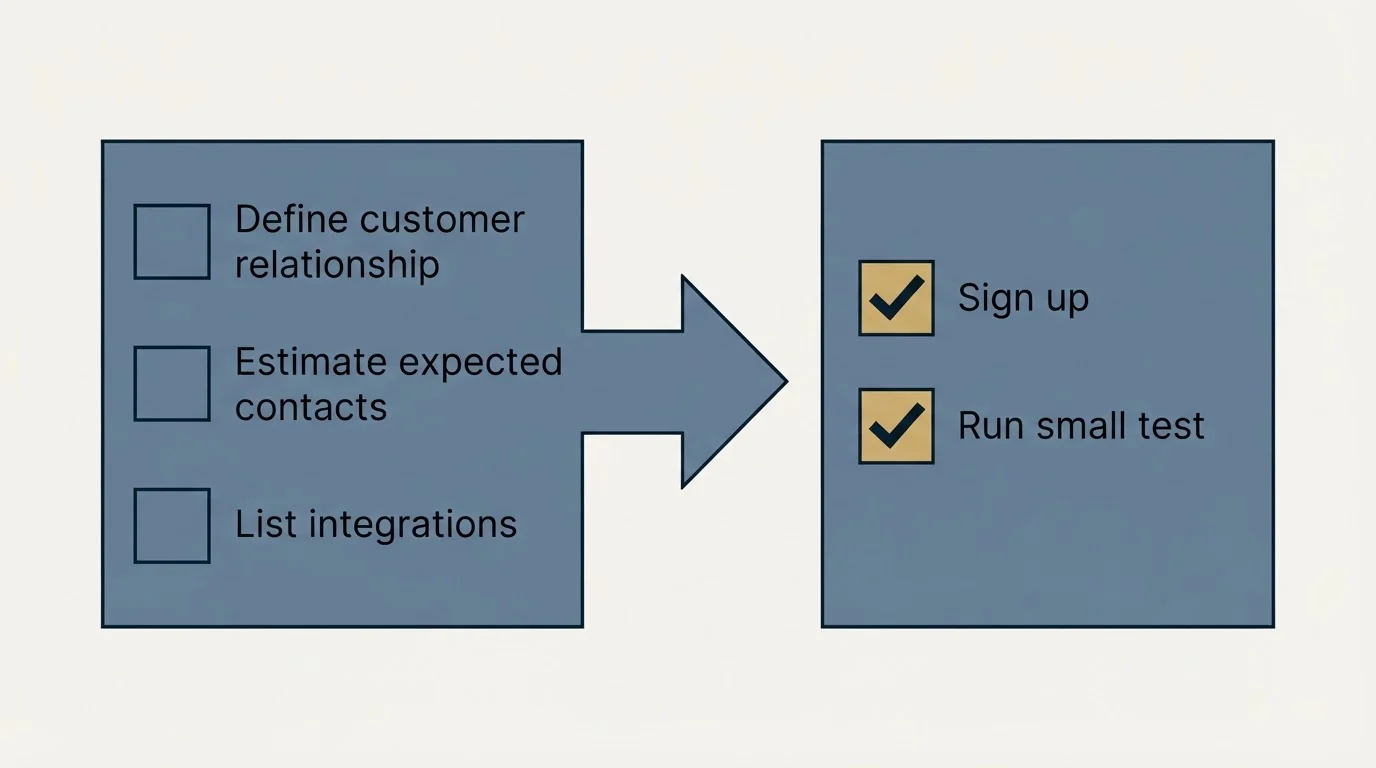
- Count your contacts and companies today and in a year, since both ladders are gated by contact limits.
- Count who needs a login: both price per user, and Agile's Free plan stops at 10.
- If your team works in Gmail all day, trial Copper first; its free start needs no credit card.
- If you need email campaigns or a helpdesk too, price Agile's Regular plan against Copper plus separate tools.
- Decide between a two-year and a yearly term on Agile before comparing, because the page's headline price is the two-year rate.
- Export your contacts and deal history from the old system before the trial ends.
Final Thoughts
Copper CRM is priced for teams that want their CRM inside Google Workspace and will pay per seat for it. Agile CRM is priced for teams that want breadth, marketing and service included, at a fraction of the cost. Count contacts and users first, and the right tier on each ladder falls out before any feature list does.
If you would rather have the outbound run for you, RevenueFlow books qualified meetings on a pay-per-meeting basis, and anyone still shortlisting can compare Copper alternatives.
Pricing and features are taken from the vendors' own pages. Verify current terms with the vendor before relying on them.
Frequently asked questions.
Frequently asked questions- Is Copper CRM or Agile CRM cheaper?
- Agile CRM is cheaper. It is free for up to 10 users and 1,000 contacts, and its paid plans start at $9.99 a user a month billed yearly, or $8.99 on a two-year term. Copper starts at $29 a seat a month, or $23 billed annually, and lists no free plan, though it lets you start free without a credit card.
- How much does Copper CRM cost?
- Copper's pricing page lists Basic at $29, Professional at $69 and Business at $134 per seat a month on monthly billing, or $23, $59 and $99 on annual billing, in US dollars. Basic allows 2,500 contacts, Professional 15,000 and Business unlimited. Professional adds workflow automation, bulk email, reporting and integrations.
- Does Agile CRM have a free plan?
- Yes. Agile CRM's Free plan costs $0 for up to 10 users and includes 1,000 contacts and companies, lead scoring, deals, appointment scheduling, email campaigns, landing pages, 5,000 branded emails, a helpdesk and Google sync. Its FAQ says nonprofit organizations with limited resources can use the free plan.
- Is Copper better for Google Workspace users?
- Copper is built for them. Its pricing page lists a Chrome extension that brings Copper into Gmail and Google Calendar, Gmail email, contact and file sync, Google Calendar and Google Contact sync, Google Drive links and a Google Sheets and Looker Studio integration. Agile CRM offers Google sync but runs as its own application.
About the author.

Tim Carden is CMO / CTO at RevenueFlow, which builds and operates outbound revenue engines for B2B companies. Studied at McGill University.
Tim Carden · CMO / CTO
Connect on LinkedIn →Explore more.
Ready to scale your outreach?
We build GTM engines that book real meetings. See the receipts.
Related articles.
Agile CRM vs LeadIQ: CRM Platform vs Data Enrichment Tool Comparison
Compare Agile CRM (CRM platform) and LeadIQ (data enrichment tool) side by side. See pricing, features, and integrations to decide which one, or both, your stack needs.
Agile CRM vs Capsule CRM: CRM Platform Comparison
Compare Agile CRM and Capsule CRM side by side. See pricing, features, and integrations to choose the right CRM platform for your needs.
AroundDeal vs Salesflare: Data Enrichment Tool vs CRM Platform Comparison
Compare AroundDeal (data enrichment tool) and Salesflare (CRM platform) side by side. See pricing, features, and integrations to decide which one, or both, your stack needs.
Evaboot vs Microsoft Dynamics 365 Sales: Data Enrichment Tool vs CRM Platform Comparison
Compare Evaboot (data enrichment tool) and Microsoft Dynamics 365 Sales (CRM platform) side by side. See pricing, features, and integrations to decide which one, or both, your stack needs.
Kommo vs Luru: CRM Platform vs Sales Engagement Platform Comparison
Compare Kommo (CRM platform) and Luru (sales engagement platform) side by side. See pricing, features, and integrations to decide which one, or both, your stack needs.
Anymail Finder vs Pipeline CRM: Data Enrichment Tool vs CRM Platform Comparison
Compare Anymail Finder (data enrichment tool) and Pipeline CRM (CRM platform) side by side. See pricing, features, and integrations to decide which one, or both, your stack needs.