Copper vs HubSpot CRM: CRM Platform Comparison
Compare Copper and HubSpot CRM side by side. See pricing, features, and integrations to choose the right crm platform for your needs.
For CRM and sales pipeline management features, HubSpot publishes more per tier, with up to 15, 100 and 350 pipelines on Starter, Professional and Enterprise and forecasting from Professional, while Copper suits Google Workspace teams because it captures Gmail activity automatically from $29 a seat a month. HubSpot is free for up to 2 users.
Key takeaways
- Copper has no free tier; its ladder runs $29, $69 and $134 a seat monthly, or $23, $59 and $99 billed annually, with contact limits of 2,500, 15,000 and unlimited.
- HubSpot's Sales Hub pricing table lists up to 15, 100 and 350 pipelines per account on Starter, Professional and Enterprise, and gives forecasting a written entry only on Professional and Enterprise.
- HubSpot's free tier is for up to 2 users, and Professional and Enterprise each carry a required one-time onboarding fee, £1,310 and £3,050 on the pounds page served here.
- Copper's Gmail, Google Calendar, Google Contacts and Google Drive integrations are included with every plan, and its pricing page lists no Outlook entry.
Reviewed and updated September 19, 2026
Copper only makes sense if your company runs on Google Workspace. It lives in the Gmail sidebar, captures contacts and activity out of Gmail without anybody typing, and its pricing page charges $29 a seat a month for the entry tier. HubSpot does the same job from its own interface, starts free, and asks for a required one-time onboarding fee once you reach Professional. For CRM and sales pipeline management features, which of the two is better depends on where your team already works, and the two pricing tables below show what each tier adds.
Copper vs HubSpot CRM for Sales Pipeline Management Features: Which Is Better?
For pipeline management features, HubSpot publishes more of the machinery tier by tier: its pricing table lists up to 15, 100 and 350 pipelines per account on Starter, Professional and Enterprise, and writes forecasting into Professional and Enterprise. Copper lists pipelines from its Basic plan and workflow automation from Professional. Copper is better when reps live in Gmail; HubSpot is better when marketing and reporting will share the record.
Pick Copper if Gmail is where your reps already work and you want the CRM to disappear into it. Pick HubSpot if you want a free starting point and a platform that marketing and support will share later.
Both cover contacts, pipelines and reporting, so the fork turns on where the work happens. Copper's proposition is that nobody leaves the inbox. HubSpot's is that everything eventually lives on one record, and the inbox is one of several ways in.
What Copper And HubSpot CRM Actually Are
Copper is a CRM built for Google Workspace. Its published feature list leads with native Workspace integration and automatic contact and activity capture from Gmail, and its integrations are Google-heavy by design: Workspace, Gmail, Calendar and Drive alongside Slack, Zapier, Mailchimp and Zendesk.
HubSpot CRM is a free CRM attached to a paid platform. The record is free for up to 2 users and Sales Hub adds the sales layer, with Marketing, Service, Content and Data Hubs sharing the same contacts.
Copper has no free tier at all, which is the cleanest structural difference between them. HubSpot's ladder starts at zero and gets expensive at the top; Copper's starts at $29 and tops out at $134 a seat monthly, or $99 billed annually, so the two ladders cross rather than run parallel.
Copper's own ladder carries a second meter the seat rate hides, and the contact ceiling on each Copper tier is what selects the plan for a team building its own lists.
Pricing Compared

Copper Pricing
| Plan | Per seat, monthly | Per seat, billed annually |
|---|---|---|
| Basic | $29/mo | $23/mo |
| Professional | $69/mo | $59/mo |
| Business | $134/mo | $99/mo |
Copper publishes three self-serve tiers and no free plan. Both columns above are Copper's own; the saving between them is arithmetic rather than a figure the page prints, and it widens as you climb, from about a fifth off Basic to about a quarter off Business. The plan cards say what each step buys. Basic carries a 2,500 contact limit with pipelines, task automation, project management and contact enrichment. Professional raises the limit to 15,000 and adds workflow automation, bulk email, reporting and integrations. Business removes the contact limit and adds email series, custom reports, multi-currency and premium support.
Source: Copper pricing
HubSpot CRM Pricing
| Sales Hub plan | Per seat, billed annually | Per seat, monthly |
|---|---|---|
| Free | £0 | £0 |
| Starter | from £7/mo | £18/mo |
| Professional | from £77/mo | £85/mo |
| Enterprise | from £135/mo | Talk to Sales |
HubSpot's sales pricing page geo-serves this network pounds, so those are the figures a fetch from here can prove. Two lines on that page matter more than the rates: Professional carries a required one-time onboarding fee of £1,310 and Enterprise one of £3,050, neither included in the per-seat number. Free is capped at 2 users. The Professional rate of £85 is the pay-monthly price on an annual commitment, per the page's billing toggle. HubSpot's CRM product page, which serves dollars, prices the Smart CRM seats underneath at Starts at $15, $50 and $75 a month per seat for Starter, Professional and Enterprise, and marks the Starter rate as a discount for new customers only. Those are CRM seats, a separate line from the Sales Hub seats in this table.
Source: HubSpot CRM pricing
A four-seat worked example (illustrative)
Here is an invented but arithmetically honest example using each vendor's published rates. It is illustrative only and no part of it comes from a customer.
Take a four-person sales team. On Copper Professional billed annually that is 4 seats at $59 a month, so $236 a month and $2,832 for the year, and every capability Copper sells at that tier is included. On Copper Business annually it is 4 at $99, so $396 a month and $4,752 a year, with the biggest annual discount in Copper's ladder: Business drops 26 percent from its $134 monthly rate.
HubSpot at four seats cannot use the free tier, which caps at 2 users. Sales Hub Professional billed annually is 4 seats at £77, so £308 a month and £3,696 for the year, plus the required one-time onboarding fee of £1,310, for £5,006 in year one. That fee does not scale down with team size. At four seats it adds a little over four months of seat cost to the first year, so it lands hardest on exactly the small team most attracted by the free tier.
HubSpot serves its pricing in pounds from here and Copper in dollars, so this example does not convert one into the other; run both columns in your own currency before deciding. What holds in either currency is that HubSpot is cheaper at one or two users, where the free tier costs nothing, and that the onboarding line is the number most comparisons leave out above that.
Who Should Pick Which
Pick Copper when Google Workspace is not negotiable. If your reps live in Gmail, the automatic capture is the whole product: contacts and activity land on the record without anyone remembering to log them, which is the single biggest source of CRM data rot.
Pick HubSpot when you want to start without a purchase order, or when marketing will eventually want the same database. Its free tier is a genuine product rather than a trial, and the path from free to paid does not require a migration.
Skip Copper if you are a Microsoft 365 shop. Its pricing page files its sync under Google Workspace integrations (Gmail email, contact and file sync, Google Calendar sync, Google Contact Sync) with no Outlook entry, and that Gmail capture is the reason to buy it. The one Microsoft 365 item in Copper's help centre is a guide to connecting Microsoft 365 (Outlook) to its Compliance Archive, a product the guide says is currently available to Early Access customers only.
Pipeline Management Features, Tier by Tier
Copper's pipeline page describes sales pipelines where you personalize sales with custom fields, gain insight into deal length and inactivity, and pick out top opportunities. Pipeline automations trigger emails or reminders when an opportunity moves to the next stage, pipeline templates give a starting process, and pipeline flags use AI to spot bottlenecks. Its Pipelines to Projects feature lets you close a deal and transition the customer into project delivery or onboarding, which suits the agencies and consultancies Copper markets to. On the pricing page, pipelines arrive on Basic, workflow automation and reporting on Professional, and custom reports on Business.
HubSpot's Sales Hub pricing table puts a number on each tier instead. Starter allows up to 15 total pipelines per account across object types, Professional 100 and Enterprise 350. Workflows run from up to 50 with restricted triggers and actions on Starter to 300 fully customizable on Professional and 1,000 on Enterprise. Forecasting has a written entry only in the Professional and Enterprise columns, custom reporting allows up to 100 custom reports on Professional and 500 on Enterprise, and reporting dashboards run from 10 on Free to 30, 75 and 100. The CRM product page lists deal pipelines among the free tier's features.
Free
£0, for up to 2 users
- Deal pipelines (CRM product page)
- 10 reporting dashboards
Starter
From £7 a seat a month, billed annually
- Up to 15 pipelines per account
- Up to 50 workflows, restricted triggers
- 30 reporting dashboards
Professional
From £77 a seat, plus £1,310 onboarding
- Up to 100 pipelines per account
- Up to 300 workflows
- Forecasting and 100 custom reports
- 75 reporting dashboards
Enterprise
From £135 a seat, plus £3,050 onboarding
- Up to 350 pipelines per account
- Up to 1,000 workflows
- Forecasting and 500 custom reports
- 100 reporting dashboards
Read together, the two tables say HubSpot is the stronger pipeline tool for a team that forecasts and reports across reps, and Copper is enough for a team working a few stages from the inbox. Copper's pricing page lists revenue tracking and pipeline reports and does not use the word forecasting, so a team that forecasts should ask Copper to show how those reports cover it before buying.
Integration Ecosystem
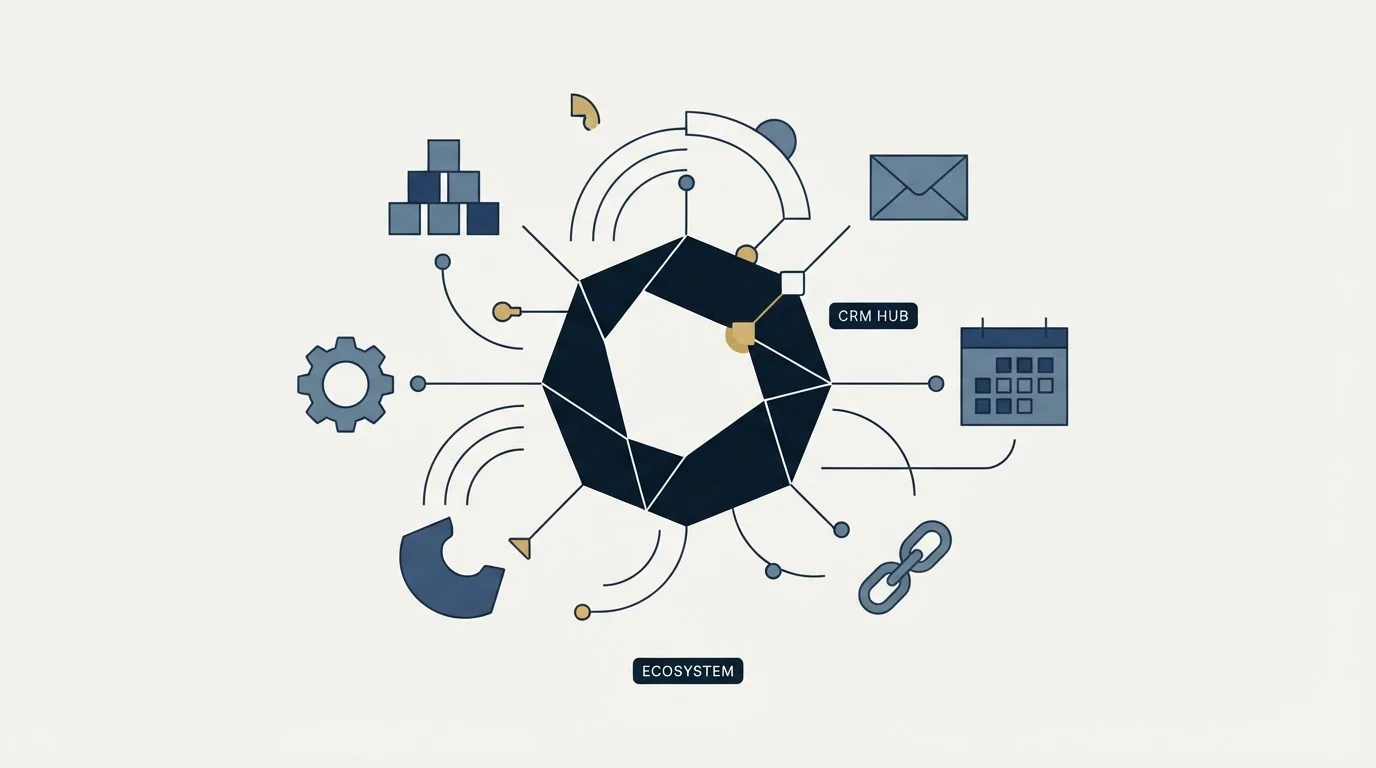
Copper's integrations page says its integrations with Gmail, Google Calendar, Google Contacts and Google Drive are included with all plans, while most other integrations are included on Professional plans and above and select ones on Business plans only. Its pricing page names Zapier, which connects Copper to 5,000+ other apps, alongside LinkedIn, MailChimp, DocuSign, QuickBooks, JustCall, RingCentral, Slack and Zendesk.
HubSpot's Sales Hub pricing page says over 2,000 leading apps and web services are available and names Amplitude, Jira, Adobe Express, Aircall, LinkedIn and Microsoft Teams among them. Its own channels bring contacts in as well: the pricing table lists 1-to-1 email, live chat, meeting scheduling links and calling minutes.
The shape of those lists is the clearest statement of intent either vendor makes. Everything Copper includes on every plan is Google, and its pricing page files that sync under Google Workspace integrations. HubSpot's list is the shape of a platform expecting to sit beside other systems rather than inside one.
Connecting the two rather than choosing between them is a different question, and the Copper HubSpot integrations guide reads the two paths the vendors document.
Where Copper And HubSpot CRM Sit In A Cold Outbound Stack
Neither of these sends cold email at volume, and that is the right way to place them. Copper is the record for a Google-native team, with bulk email and templates for follow-up rather than for campaigns. HubSpot is the record plus a marketing engine, with Sales Hub sequences aimed at warm follow-up; its pricing table caps them at 500 email sends per user per day on Professional and 1,000 on Enterprise.
Cold volume belongs in a dedicated sending tool in front of either one. That matters more under our own house rule than it would otherwise: we send one message per campaign and never bump a thread, so the CRM's job starts at the reply. Both tools do that job well, which is why the choice comes down to where your reps already spend their day rather than to a feature grid.
Switching Between Them
Moving from HubSpot to Copper is mostly a question of what you lose. Export contacts, companies, deals and the activity timeline first, then check HubSpot's marketing objects one by one. Copper's pricing page lists forms and workflow automation of its own and syncs contacts to MailChimp email campaigns, so map each HubSpot form, list and workflow to one of those before moving. If marketing runs its campaigns in HubSpot, the move is a replatform.
Going the other way is simpler on paper and slower in practice, because Copper's value is the automatic Gmail capture and HubSpot's equivalent needs its own connection and settings. Set that up and let it run for a fortnight before you cancel Copper, so you can see whether activity is still landing on records without anybody typing.
Getting Started
- Confirm which mail platform your team is actually on, because Copper's case collapses on Microsoft 365.
- Count your seats. At one or two, HubSpot's free tier wins on price alone; from three up, price Copper's annual column against HubSpot Professional plus its one-time onboarding fee, each in its own currency.
- Install Copper's Gmail sidebar in a trial and watch whether contacts and activity land without anyone logging them.
- List the marketing objects you rely on today and check each has a destination before choosing Copper.
- Import the same 200 contacts into both and run a real week in each.
Final Thoughts
Copper is a narrow product that is excellent inside its boundary and pointless outside it. HubSpot is a broad platform whose sales layer costs more than its free tier suggests, and whose onboarding fee is the line most comparisons omit.
If your team lives in Gmail and sales is the only consumer of the data, Copper will feel invisible in the way a good CRM should. Anything else, and HubSpot's breadth is worth the money.
Related Reading
- Best Copper Alternatives in 2026
- Copper vs Pipedrive: CRM Platform Comparison
- CRM integration
- Sales pipeline management in a CRM
- Workflow automation in a CRM
If you would rather have this run for you, RevenueFlow books qualified meetings on a pay-per-meeting basis and publishes client results.
Pricing and features are taken from the vendors' own pages. Verify current terms with the vendor before relying on them.
Frequently asked questions.
Frequently asked questions- Is Copper or HubSpot better for sales pipeline management?
- HubSpot publishes more pipeline machinery per tier: up to 15, 100 and 350 pipelines per account on Starter, Professional and Enterprise, up to 300 or 1,000 workflows on the upper tiers, and forecasting on Professional and Enterprise. Copper lists pipelines from Basic, pipeline automations, templates and AI pipeline flags, and wins when reps work from Gmail and nobody else needs the record.
- How much does Copper cost compared with HubSpot CRM?
- Copper's pricing page lists Basic, Professional and Business at $29, $69 and $134 a seat a month, or $23, $59 and $99 billed annually, with no free plan. HubSpot's Sales Hub page, served in pounds here, runs from free for up to 2 users to Starter at £7, Professional at £77 and Enterprise at £135 a seat, plus onboarding fees on the top two.
- Does Copper work with Outlook or Microsoft 365?
- Copper's pricing page files its sync under Google Workspace integrations, covering Gmail, Google Calendar, Google Contacts and Google Drive, and carries no Outlook entry. The one Microsoft 365 item in its help centre is a guide to connecting Microsoft 365 (Outlook) to a Compliance Archive that the guide says is available to Early Access customers only. A Microsoft team would be paying for Gmail capture it cannot use.
- Can either one run cold email campaigns?
- Not at volume, and neither is built to. Copper offers bulk email and email series, and HubSpot's pricing table caps sequences at 500 email sends per user per day on Professional and 1,000 on Enterprise, both aimed at warm follow-up. Cold outbound belongs in a dedicated sending tool that feeds replies into whichever CRM you pick.
About the author.

Tim Carden is CMO / CTO at RevenueFlow, which builds and operates outbound revenue engines for B2B companies. Studied at McGill University.
Tim Carden · CMO / CTO
Connect on LinkedIn →Explore more.
Ready to scale your outreach?
We build GTM engines that book real meetings. See the receipts.
Related articles.
Agile CRM vs Copper: CRM Platform Comparison
Compare Agile CRM and Copper side by side. See pricing, features, and integrations to choose the right CRM platform for your needs.
HubSpot CRM vs Twenty: CRM Platform Comparison
Compare HubSpot CRM and Twenty side by side. See pricing, features, and integrations to choose the right CRM platform for your needs.
AroundDeal vs Salesflare: Data Enrichment Tool vs CRM Platform Comparison
Compare AroundDeal (data enrichment tool) and Salesflare (CRM platform) side by side. See pricing, features, and integrations to decide which one, or both, your stack needs.
Evaboot vs Microsoft Dynamics 365 Sales: Data Enrichment Tool vs CRM Platform Comparison
Compare Evaboot (data enrichment tool) and Microsoft Dynamics 365 Sales (CRM platform) side by side. See pricing, features, and integrations to decide which one, or both, your stack needs.
Agile CRM vs LeadIQ: CRM Platform vs Data Enrichment Tool Comparison
Compare Agile CRM (CRM platform) and LeadIQ (data enrichment tool) side by side. See pricing, features, and integrations to decide which one, or both, your stack needs.
Kommo vs Luru: CRM Platform vs Sales Engagement Platform Comparison
Compare Kommo (CRM platform) and Luru (sales engagement platform) side by side. See pricing, features, and integrations to decide which one, or both, your stack needs.