Workflow Automation in a CRM: The Loop That Bites
A workflow triggered on a field change fires again when an integration writes that field back. The four failure modes worth designing against, and what to leave manual.
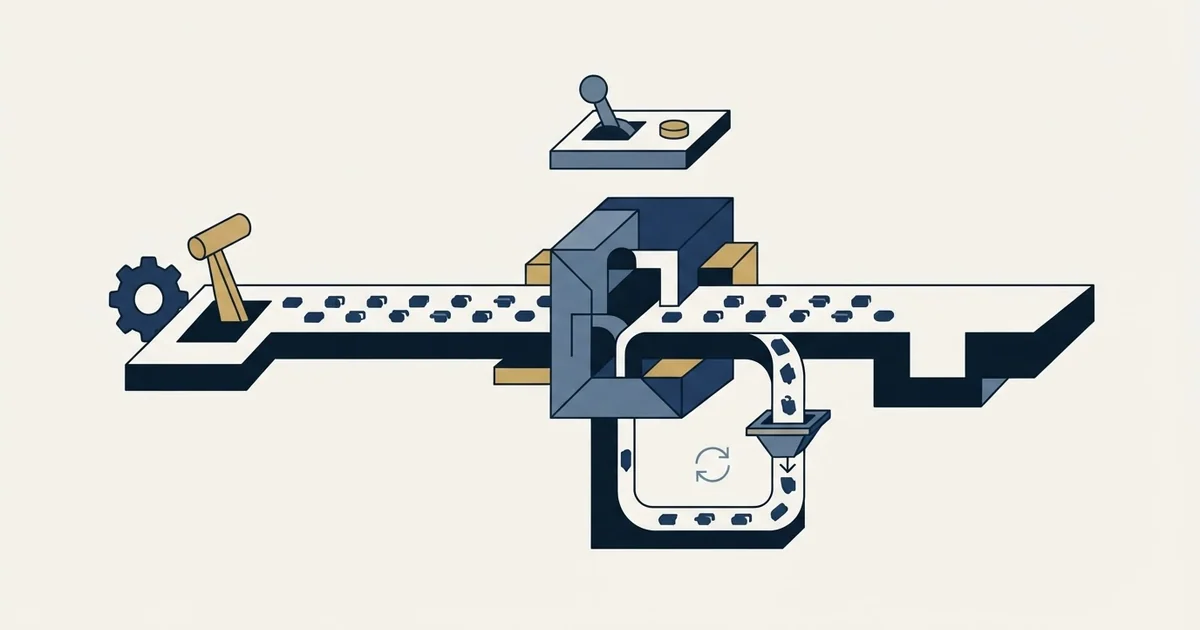
Workflow automation in a CRM is a set of rules that run on their own: a trigger decides when, conditions decide whether, and actions change a record or notify someone. Most failures come from other systems writing the same fields, so design against loops, condition drift, merge fields and unsized volume.
Key takeaways
- A CRM workflow is a trigger, conditions and actions; the record-event trigger is the one that loops, because anything that writes to the record can fire it.
- Salesforce's help article says Workflow Rules and Process Builder lost support on December 31, 2025, with Flow Builder as the migration path.
- Internal actions cost cleanup when a rule is wrong, while external actions reach a prospect, so they stay behind a manual gate until the rule is proven.
- Automations accumulate unreviewed; naming them for their purpose, recording who asked, and a twice-yearly review keep a CRM understandable.
Reviewed and updated September 21, 2026
A CRM workflow that fires on a field change will fire again when an integration writes that field back, and again when the enrichment run touches it next month. That loop is the single most common way an automation that worked beautifully in testing turns into forty duplicate tasks, and it is entirely invisible until something else in the stack starts writing to the same field.
Automating a CRM is not hard. Automating it in a way that still behaves correctly in month three, when three other systems are also writing records, is a different exercise, and it depends less on the builder than on which decisions you make before opening it.
A separate question worth asking before automating anything is which platform to build on in the first place, and shaping a database versus a fixed CRM weighs Airtable's flexibility against Pipedrive's built-in structure.
CRM sales automation is this same trigger-condition-action loop pointed at pipeline objects, and it fails in the same four ways.
General-purpose automation platforms such as Zapier sit in the same failure space: they are excellent at moving a record between systems on a trigger, and they are the wrong place to run outbound email volume, which belongs on dedicated sending infrastructure with its own reputation.
The same test settles what people mean by a drip CRM, which is a CRM whose automation runs a timed message sequence: the trigger and the condition belong in the CRM, and the sending belongs on infrastructure built for it.
Salesforce workflow automation now means Flow, the successor to its retired Workflow Rules and Process Builder tooling, and the same four failure modes apply there under different names.
The same test decides it whether the automation lives in your CRM's own builder or in a general workflow tool like n8n or Zapier: automate the step that is deterministic and dull, leave the step that requires a judgement about a specific account, and remember that the general tool moves the maintenance burden onto whoever built the workflow rather than removing it.
What is workflow automation in a CRM?
Workflow automation in a CRM is a set of rules that run on their own: a trigger decides when a rule runs, conditions decide whether it proceeds, and actions change a record or notify someone. Salesforce builds these in Flow, HubSpot calls them workflows and Pipedrive calls the feature Automations. The rules go wrong where other systems write the same fields.
Does a CRM have workflows? The three named here all include a builder, but the plan and the tool matter. HubSpot's knowledge base lists workflows with the Professional and Enterprise subscriptions of its hubs. Salesforce's help article on Workflow Rules and Process Builder says it no longer supports either as of December 31, 2025, recommends migrating to Flow Builder, and notes that active rules continue to run without support or bug fixes.
What a CRM workflow is made of
Every CRM automation, whatever the vendor calls it, is the same three parts: a trigger that decides when to run, conditions that decide whether to proceed, and actions that change something.
Published CRM automation examples are almost all one of these three parts wearing a use case name, and reading an example back to its trigger is what tells you which of the four failure modes below it is exposed to.
Triggers come in three shapes and they behave very differently. A record event fires on creation or on a field changing value. A time-based trigger fires on a schedule or a date property. An external event fires from a form submission, a webhook or an API call. The first shape is the one that loops, because anything that writes to a record can trigger it, including your own automation two steps later.
Deciding which system owns each write comes earlier than any trigger, and a vendor neutral CRM object model settles what a cold campaign has to write back.
Conditions are where the reliability lives, and where the least care goes. A condition testing a field that is sometimes blank, or that arrives in six different spellings from three different sources, produces an automation that works for the records somebody happened to check and silently skips the rest. The rescue for that is upstream: data hygiene on the specific fields the conditions depend on, rather than on the CRM as a whole.
Actions divide into two risk classes worth separating deliberately. Internal actions change your own data or notify your own people: setting a field, creating a task, moving a stage, posting to a channel. External actions reach a person outside the company: sending an email, a message, a meeting invitation. The failure cost of those two is not comparable, and the design should reflect it.
Internal actions
Reversible, invisible outside
- Setting or clearing a field
- Creating a task or reminder
- Advancing a stage or updating a score
- Notifying a channel or an owner
- A bad rule here costs cleanup time
External actions
Irreversible, seen by a prospect
- Sending an email or message
- Issuing a meeting invitation
- Anything that renders a merge field to a stranger
- A bad rule here costs credibility
- Worth a manual gate until the rule is proven
The four failure modes worth designing against
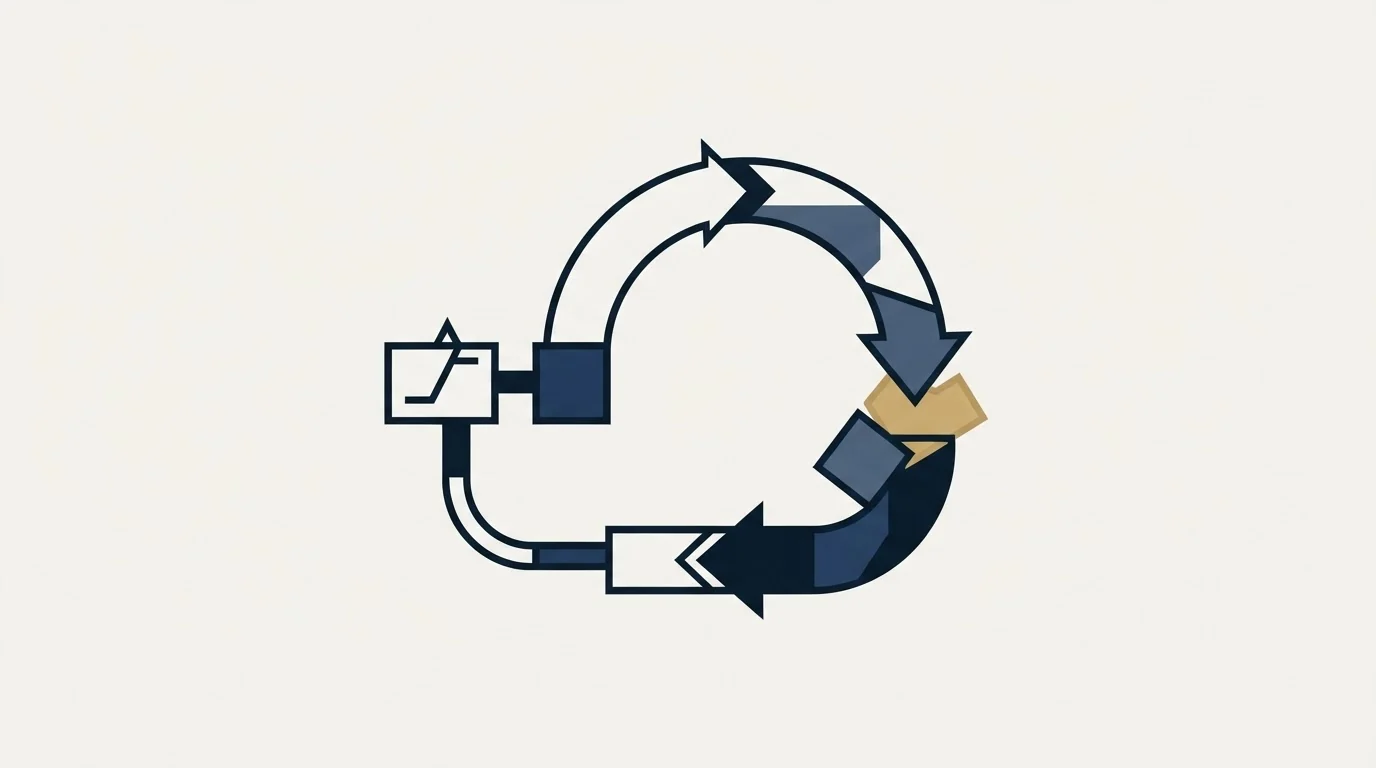
These are the ones that show up repeatedly, and each has a specific countermeasure rather than a general warning.
Trigger loops. Automation A writes a field, which triggers automation B, which writes a field that triggers A. The countermeasure is a check on the current value before writing, so a write that would change nothing does not happen, plus an explicit rule that integrations write to fields no automation triggers on. Many CRMs also let a workflow ignore changes made by a specific integration user, which is worth using where it exists.
Silent condition drift. A condition tests industry equals Manufacturing, and then a new data source starts writing manufacturing in lower case, or Industrial Manufacturing, and the automation quietly stops matching those records. Nothing errors. The countermeasure is constraining the field at entry with a picklist rather than free text, and reporting how many records each automation matched per week so a drop is visible.
Merge fields rendering into copy. An automation that sends anything containing a merge field will eventually render whatever the field actually holds, including an employment status sitting in a company field or a role token like Info sitting in a first name. These are individually rare enough that no percentage-based quality check fires on them, and each one is seen by a real person. The countermeasure is a pattern check at the boundary where records leave the CRM for a send, not inside the CRM.
Volume nobody sized. A workflow that creates a task per matching record is fine at ten records and unusable at four hundred. The countermeasure is to run every new automation in a reporting-only mode first, counting what it would have done, before letting it do it.
What to automate, and what to leave manual
The useful boundary is not about difficulty. It is about whether being wrong is recoverable and whether the decision needs judgement.
Automate the mechanical and reversible: field standardisation, task creation, stage movement on unambiguous criteria, owner assignment, alerting, logging activity, updating a score. These are high-volume, low-judgement, and a mistake costs cleanup rather than credibility.
That boundary is also what decides whether CRM updates feel like a time suck to the people doing them: the mechanical half belongs to the automation, and asking a seller to hand-maintain fields a rule could set is how the record stops being filled in at all.
CRM adoption is decided at that line more than by any training plan, because a rep asked to retype what a rule could have set will keep the real notes somewhere else.
Leave manual the things that reach a person and the things where being wrong is expensive: the decision that a lead is genuinely qualified, anything client-facing whose wording matters, and any action that cannot be undone. Automation can prepare those and should not execute them.
The middle ground is the interesting part, and the honest answer is that it depends on the quality of the data underneath. Automated qualification against firmographic criteria is safe when the firmographic fields are reliable and dangerous when they are not, and the same rule with the same logic can be either depending entirely on the table it runs against. Lead scoring covers what a score can and cannot carry, and the answer usually turns on how the inputs were populated rather than on how the model was designed.
Vendors in this category do describe multi-step follow-up sequences as a core automation use, and that is an accurate description of what the tools do. Our own practice is different and worth stating so nothing above is read as a recommendation: we send one message per campaign, with no bumps and no thread replies, so a second contact is a fresh campaign with a genuinely new angle rather than another step under the first. Meetings are qualified against criteria agreed in writing before launch, which is a decision no workflow rule makes on its own.
The maintenance problem nobody budgets for
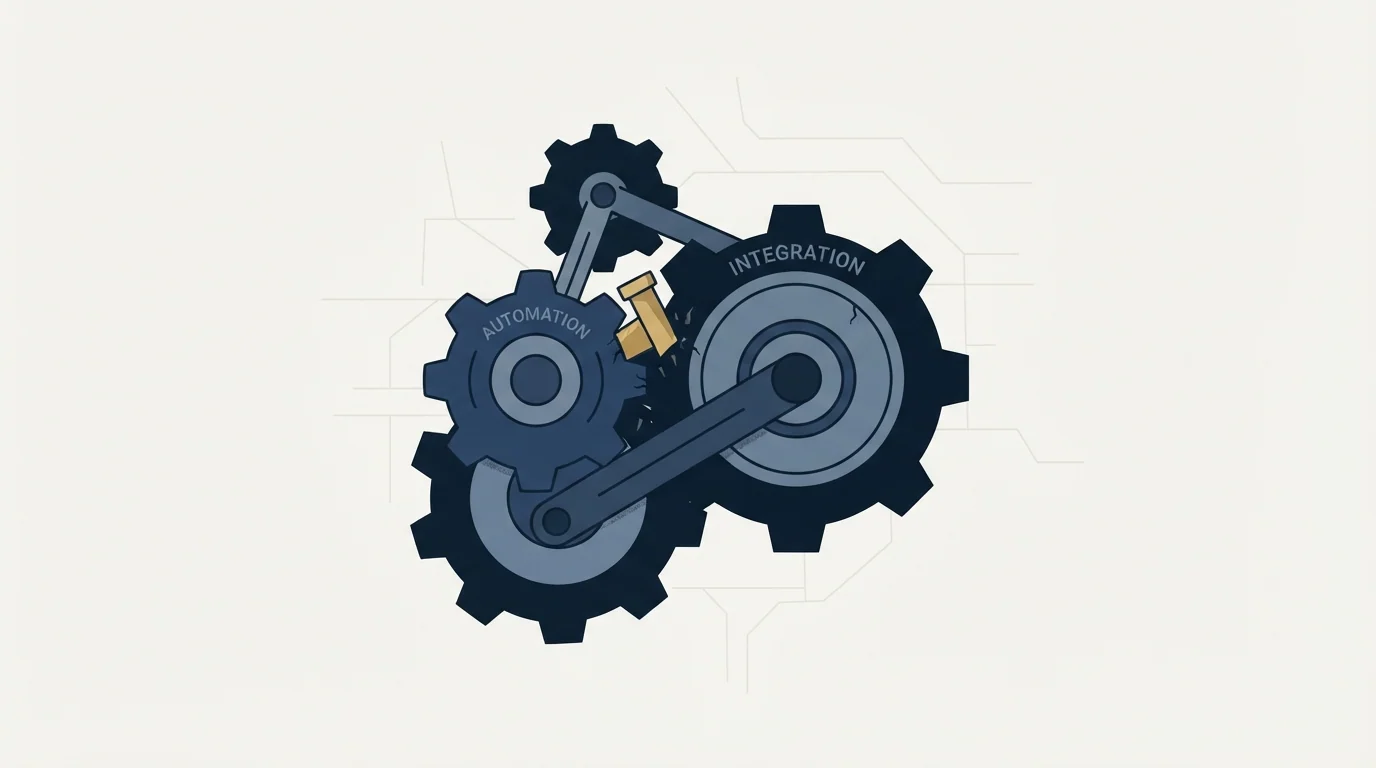
Automations accumulate, they are never reviewed, and the person who built them leaves. That sequence is close to universal, and it produces a CRM whose behaviour nobody fully understands and nobody will touch.
The mechanism is simple enough to state. Each automation is built to solve a real problem, tested against that problem, and enabled. Nothing about it announces when the problem stops existing, when the form it depended on changes, or when a second automation starts doing an overlapping job. Rules do not decay visibly; they just quietly stop matching, or start matching things nobody intended, and the CRM's behaviour drifts away from anybody's mental model of it.
Three habits keep that manageable and cost very little.
Name automations for their purpose rather than their mechanism. A rule called Set owner when industry is Manufacturing describes what it does and says nothing about why, so the next person cannot tell whether it is still wanted. A rule named for the decision it implements can be evaluated by somebody who was not there.
Record who asked for each one and when. Not for blame; for the review. A rule whose requester left the company two years ago is a candidate for deletion in a way that an identical rule requested last month is not.
Review the whole set on a schedule, and treat the review as the job rather than as a background task. Twice a year is a workable rhythm. Read every enabled automation, check its match count over the period, and disable anything matching nothing, because a rule matching nothing is either broken or obsolete and both cases want the same action.
The reason this earns its place in a budget is that the cost of skipping it is not visible until somebody needs to change something, at which point the honest estimate for a small change becomes weeks because nobody can predict what else it touches.
Where the automation actually belongs
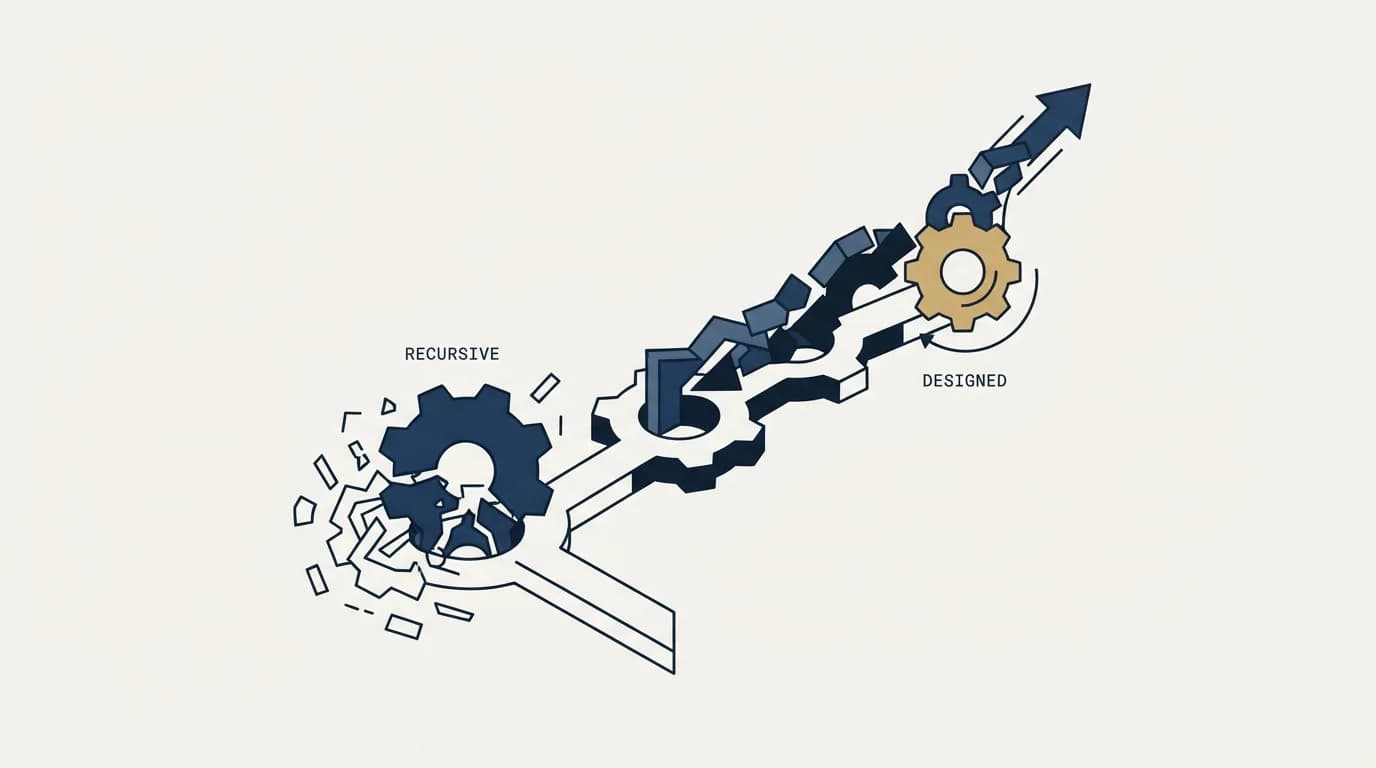
A great deal of what gets built inside a CRM is compensating for something upstream, and the workflow is the wrong place to fix it.
Since the market itself has shifted value from record access toward the workflow layer sitting above it, the repricing of database vendors against workflow tools explains why that layer now carries so much weight.
An automation that standardises a country field every time a record is created is patching a form that should have used a picklist. An automation that fills a missing company name is patching an import that should have validated. Each of these works, and each adds a permanent piece of logic that has to be maintained forever, understood by whoever comes next, and debugged when it interacts with the next automation. The cheap version of that fix lives at the point of entry, and CRM integration is where the mapping and precedence decisions that prevent them get made.
The rule of thumb that holds up: if an automation exists to fix data, try to fix the data source first. If an automation exists to move work along, that is what it is for.
For the ownership side of the same stack, lead routing software covers where CRM-native assignment stops being enough, revenue operations covers who owns these decisions, and best CRM tools for SDR teams is the comparison if the platform itself is still in question.
If the useful next step is a campaign feeding the CRM rather than more logic inside it, see what a first campaign looks like.
Frequently asked questions.
Frequently asked questions- What is workflow automation in a CRM?
- A set of rules the CRM runs on its own. A trigger decides when a rule runs, such as a record being created or a field changing, conditions decide whether it proceeds, and actions set fields, create tasks, move stages or send messages. Salesforce builds these in Flow, HubSpot calls them workflows and Pipedrive calls the feature Automations.
- Does a CRM have workflows?
- The major sales CRMs do, but the plan and the tool matter. HubSpot's knowledge base lists workflows with the Professional and Enterprise subscriptions of its hubs. Salesforce stopped supporting Workflow Rules and Process Builder on December 31, 2025 and recommends Flow Builder; existing rules keep running, without support. Pipedrive's feature page calls its builder Automations.
- What is a CRM trigger workflow?
- A workflow that starts when something happens: a record is created or a field changes, a scheduled date arrives, or a form, webhook or API call comes in. Record-event triggers are the risky kind, because any system that writes the field, including an integration or another rule, fires the workflow again and can start a loop.
- What should stay manual in CRM automation?
- Anything that reaches a person outside the company or cannot be undone: the decision that a lead is qualified, client-facing wording that matters, and irreversible actions. Automation can prepare those and should not execute them. Mechanical, reversible work such as field standardisation, task creation and owner assignment is what rules are for.
About the author.

B2B cold email experts helping companies generate qualified leads through done-for-you outreach campaigns.
RevenueFlow Team
Explore more.
Ready to scale your outreach?
We build GTM engines that book real meetings. See the receipts.
Related articles.
CRM Setup: The Objects, Stages and Write-Back Loop
A vendor neutral CRM setup for an outbound team: the object model, stage exit criteria, the required field set, ownership rules and the campaign write-back loop.
CRM Integration: Rate Limits, Auth, and What to Cache
Connecting a CRM is easy. Surviving rate limits, record locks, merge ceilings and a field-mapping decision nobody wrote down is the part that fails eighteen months later.
Sales Automation Software for Small Business: Four Buys
One search returns four unrelated products, and on at least one vendor's published plan list the automation is gated above the tier a small team buys.
Sybill: The Credit Meter Is the Number to Model
Sybill meters by credits per week rather than by seat, and its pricing page carries three different figures for the same two plans. Both facts change the model.
HubSpot and Zapier: The Search Step That Decides Duplicates
Zapier's HubSpot app has one action that matches on email address and a search family that does the rest. Which you pick decides your duplicate rate.
Pipedrive Calling: Native Surfaces, Marketplace Dialers
Pipedrive's knowledge base says it has no built-in calling integration. What ships natively is a set of shortcuts to your phone, and the dialer is a second subscription.