CRM Setup: The Objects, Stages and Write-Back Loop
A vendor neutral CRM setup for an outbound team: the object model, stage exit criteria, the required field set, ownership rules and the campaign write-back loop.

Setting up a CRM starts with deciding what it is the record of, then building four objects in order: company identity on domain, contacts attached to companies, an opportunity model, and activity capture. Give every stage an exit criterion naming something the buyer did, keep the required field set small, and agree the campaign write-back loop before launch.
Key takeaways
- Company identity has to be keyed on domain rather than name, because company names arrive in several spellings at outbound volume.
- A stage with no exit criterion naming something the buyer did reports seller optimism rather than information.
- Suppression belongs on the CRM record as a first class field, not in a list held inside a sending tool.
- Five things have to reach the record from a campaign: the send, the reply text, bounces, opt outs and meetings.
Reviewed and updated September 2, 2026
Almost every published guide to setting up a CRM is written by a company that sells one: in the search pull behind this article on 2 September 2026, eight of the ten results were CRM vendors and two were independent consultants. Search the phrase and the first result is a vendor's product page, and the walkthroughs underneath it are configuration instructions for that vendor's own screens. They are not wrong, and they answer a narrower question than the one being asked, because the decisions that make a CRM useful are made before anybody opens a settings menu and they are the same decisions in every product.
This page is the vendor neutral version, written for a team that runs outbound. It covers what to decide, in the order the decisions constrain each other, and it ends at the part that decides whether an outbound programme and a CRM ever agree on a number: the loop between a cold campaign and the record it is supposed to update.
If the system has not been bought yet, the questions worth settling before signing are set out in our CRM evaluation checklist, which covers the record model, the conflict rules on every sync, what the meter counts and what an export gives back.
Decide what the CRM is the record of
Before any object, any field and any integration, settle one sentence: what question does this system answer that no other system in the company answers.
Answering that question, and writing down which system owns which write, is what the CRM process amounts to in practice, whatever the five-step lifecycle diagrams call it.
The useful answer is almost always some version of what is happening with this account, and who is responsible. That sounds obvious until you notice how many CRMs are configured to answer a different question instead: what activity did each rep perform, which is a management report wearing a system of record's clothes. A CRM built to answer the second question accumulates fields that describe effort, and it will report a healthy pipeline made entirely of deals nobody is working.
The test to apply to every later decision is whether the thing being added helps somebody answer the first question. A field that only exists so a report can be built is a field that will be filled in badly and read confidently.
The object model, in the order it has to be built
Four objects carry the weight, and the order matters because each one depends on the shape of the one above it.
Those four objects and the vocabulary around them are set out in CRM basics, which is the shorter read if the question is what the system is a record of rather than how to configure it.
Company or account. The unit you actually sell to. Decide the identity rule here and nowhere else: what makes two records the same company. Domain is the only rule that survives contact with reality at outbound volume, because company names arrive in six spellings and a legal entity name matches nothing anybody typed.
Person or contact. Attached to a company, never floating. A contact with no company is a record that cannot be routed, cannot be suppressed and cannot be reported on.
Opportunity or deal. One potential purchase, attached to a company, carrying a value, a close date, a stage and an owner. Whether one company can hold several concurrent opportunities is a modelling decision to make now, because retrofitting it later means rewriting every report.
Activity. What happened, attached to the person and inherited by the company. This is the object outbound writes to most and configures least.
A calling vendor that sells conversations rather than dials changes what an activity row records, and ConnectAndSell's human agent model is the clearest example.
- Step 1Company identity
What makes two records the same company. Domain, not name.
- Step 2Person to company
Every contact attached. No floating records, ever.
- Step 3Opportunity model
One purchase or several per company, decided before any report is built.
- Step 4Activity capture
What gets logged, against which object, and by which system.
Enrichment belongs after this rather than during it, because you cannot decide which fields to fill until you know what the record is for. The mechanics of filling them are in CRM enrichment.
Stages, and the exit criterion that makes each one a fact
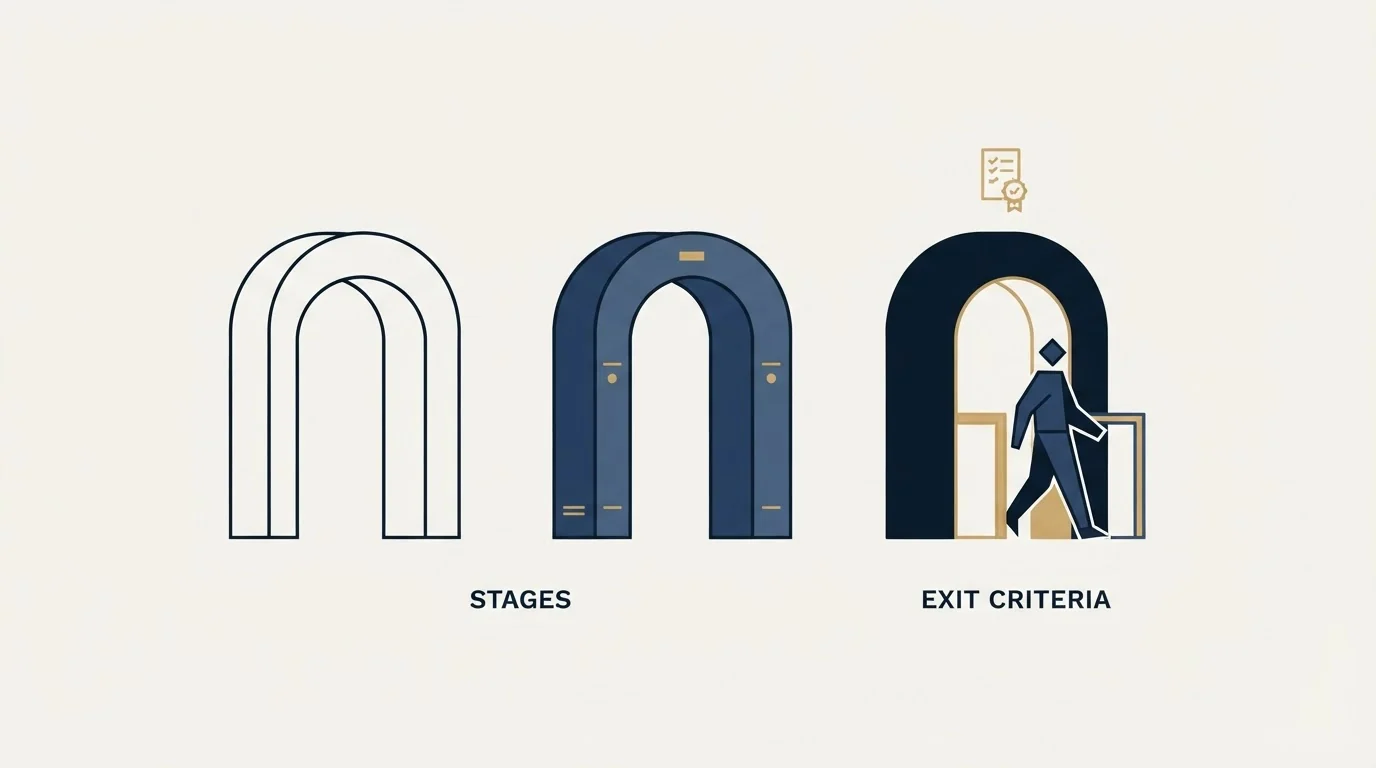
Most CRM setups create six or seven stages named after what the seller is doing (contacted, qualified, demo, proposal, negotiation, closed) and stop there. Those are labels, and a label with no test attached is a description of the seller's optimism.
Give every stage an exit criterion naming something the buyer did. Not something the seller sent. A stage a deal enters because a proposal was emailed is a stage that reports activity. A stage a deal enters because the buyer named a decision date and a second stakeholder is a stage that reports information.
Fewer stages, each with a test, beats more stages with none. Three that mean something is a working pipeline; seven that mean nothing is a dashboard. The design work behind the set itself is in pipeline stages that earn their place, and what to do with the stages once they exist is in pipeline management in a CRM.
Two configuration choices turn a written criterion into a practised one. Make the field that evidences the criterion required at the transition, so advancing the stage requires recording what the buyer did. And permit backward movement, visibly. A configuration that prevents a deal moving back a stage has quietly declared that no criterion can fail, which makes every forecast built on the stages a measurement of hope.
The fields that are actually required
The instinct at setup time is to add fields, because each one seems free. None of them is. Every required field is a tax charged on every record forever, and the ones nobody uses get filled with whatever passes validation.
A workable starting set is smaller than most teams expect.
- Yes: Company domain, as the identity key
- Yes: Owner, on every company and every open opportunity
- Yes: Lifecycle or status, with a defined value list and no free text
- Yes: Source, recording which motion produced the record
- Yes: Next step with a date, on every open opportunity
- Yes: The evidence field each stage criterion needs
- Yes: Suppression or do not contact, as a first class field
- No: A custom field added because a report might one day want it
Two of those are worth defending individually. Source has to be a controlled list agreed before launch, because it is the field every attribution argument for the next three years will be decided on, and a free text version guarantees the argument is unwinnable. Suppression has to be a field on the record rather than a list held in a sending tool, because a person who asked not to be contacted has asked the company, not the campaign.
Ownership and routing
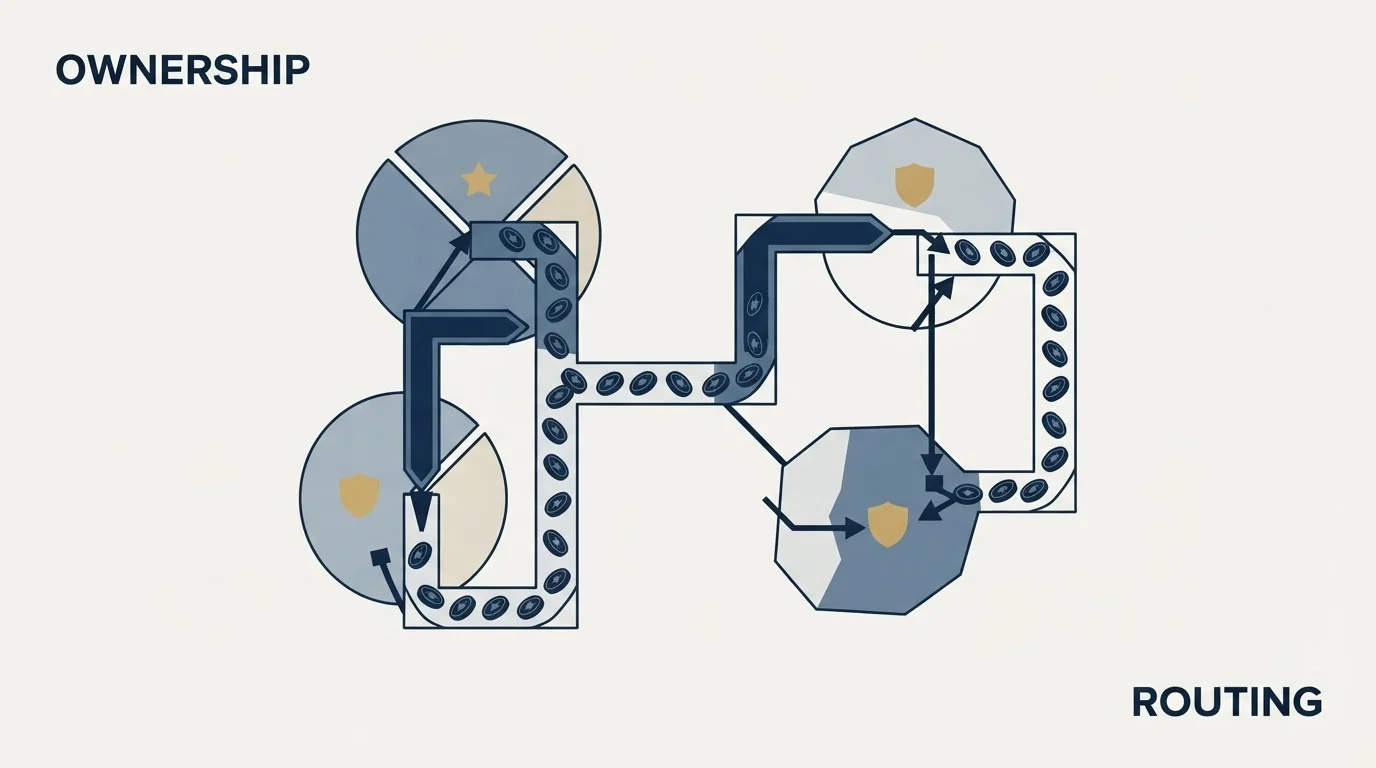
Ownership answers one question: when something arrives, who is responsible for it, and by when.
At small scale a rule as simple as round robin within a territory is enough, and the mistake is not the crudeness of the rule but leaving it unwritten. The specific failure is a record arriving with no owner, which nothing in the system will complain about and nobody will notice until somebody asks why a reply went unanswered.
Three things to settle at setup:
The default owner. Every record has one from the moment it exists, even if the default is a queue with a named human behind it.
The reassignment rule. What moves a record from one owner to another, and whether that is automatic or requested. Automatic reassignment on a stale record is the most useful of the automatic rules, and the most likely to be resented if it was never agreed.
The response window. How long an owner has before the record is treated as unworked. Without one, speed to lead is a value everybody agrees with and nobody measures.
When the routing model outgrows what the CRM's native rules can express, the question of whether to buy a dedicated layer is worked through in lead routing software. Most teams reach that point much later than the vendors imply.
What a cold campaign has to write back
This is the part every vendor walkthrough skips, and it is the part that decides whether an outbound programme and a CRM ever agree on a number.
Five things have to arrive from the sending platform, against the right record, with the right owner and the right timestamp.
Call activity arrives from a different system again, and which Dialpad product an outbound team buys decides both the rate and the feature set behind those records.
The send itself, so the record shows the account was approached and when. Without it, a second campaign will approach the same person again from a different list.
The reply, with its content, because the reply is the event that matters and a status flag without the text sends somebody back to a different inbox to read it.
The bounce, because a hard bounce is a data quality event and belongs on the record rather than in a sending tool's report.
The unsubscribe or opt out, written to the suppression field named above. This is the write back that has legal weight and it is the one most often left as a sync somebody means to build later.
The meeting, linked to the opportunity if one exists, or creating one under the agreed rule if not.
- Suppression and do not contact status
- Existing customers and live opportunities
- Accounts another campaign is already working
- Owner, so a reply routes to a person rather than a shared inbox
- The send, with its date and campaign
- The reply text, not just a status flag
- Bounces, as a data quality event on the record
- Opt outs, written to the suppression field
- Meetings, linked to an opportunity
The engineering side of this, meaning the rate limits, the authentication failures and the field mapping policy that decides which system is allowed to be wrong, is covered in CRM integration. Test the whole path with real records and real owners during a trial rather than after launch, because a sync that drops custom fields or misattributes ownership looks fine and behaves badly.
What to leave switched off
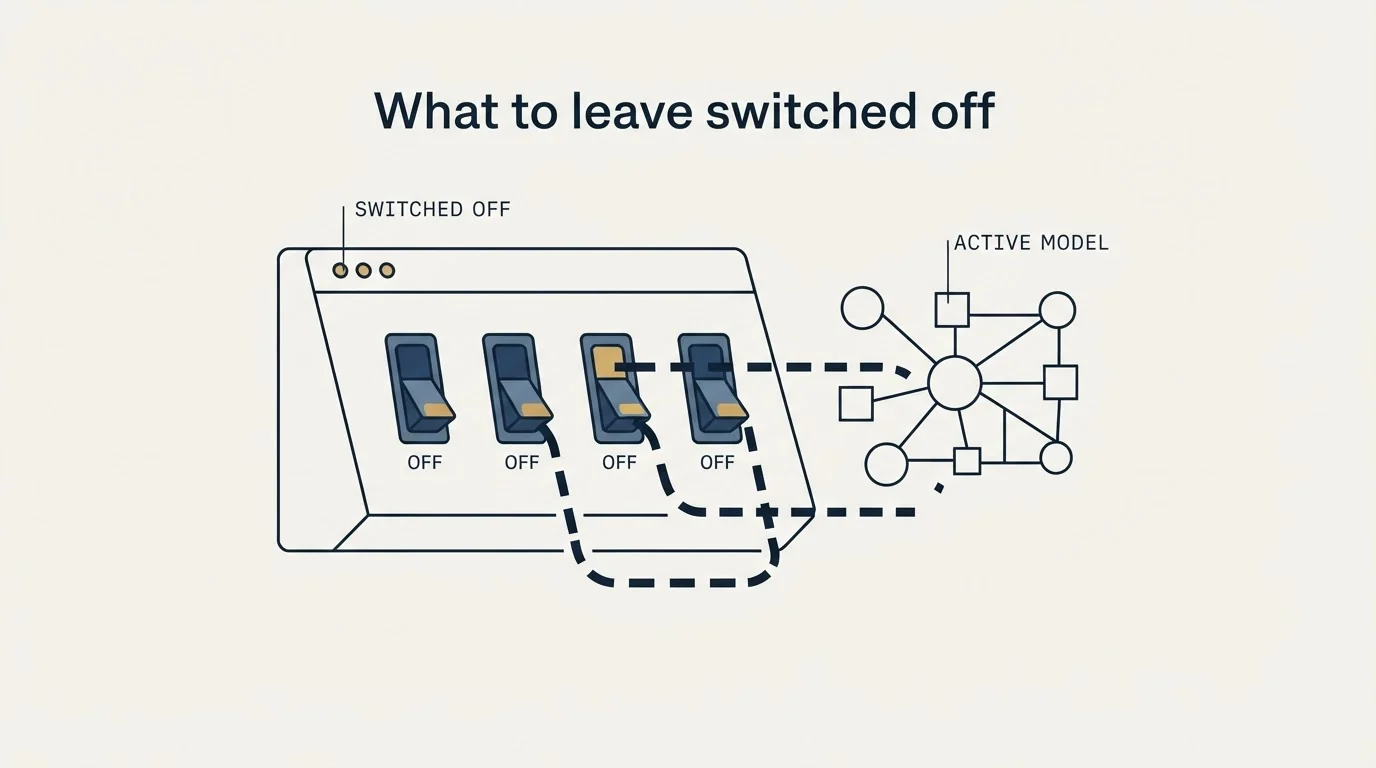
Every CRM ships more automation than a new setup should use, and the temptation is highest in the first month because nothing is broken yet.
Automate the mechanical and reversible: creating tasks, alerting an owner when a record ages past a threshold, standardising field values, logging activity, flagging opportunities with no next step. A mistake in any of those costs cleanup time.
Leave manual the judgements: whether a stage criterion has been met, whether a deal is dead, what a deal is worth. And be careful with anything that reaches a buyer, because an automation that sends a message on a stage change will eventually render whatever a merge field actually contains to a real person. The failure modes worth designing against before switching any of it on are in workflow automation in a CRM.
One thing to schedule rather than switch on: the review that removes dead records. Nothing in a CRM deletes anything, and the cleanup that happens the week somebody finally looks produces a collapse that gets blamed on the market. Put it on a fixed interval divorced from the reporting calendar. The maintenance habit behind it is data hygiene.
The short version
Settle what the CRM is the record of before configuring anything, and answer what is happening with this account rather than what did each rep do.
Build the objects in order: company identity on domain, every contact attached to a company, an opportunity model decided before any report, then activity capture. Give every stage an exit criterion naming something the buyer did, make the evidence field required at the transition, and permit backward movement visibly.
Keep the required field set small and defend source and suppression individually, because one decides every attribution argument and the other has legal weight. Give every record an owner from the moment it exists, and write down the reassignment rule and the response window.
Then build the write back loop in both directions before the first campaign sends. Sends, replies, bounces, opt outs and meetings have to reach the right record with the right owner, and suppression and existing relationships have to reach the sending platform in return.
A clean CRM with nothing in the top of it is still an empty pipeline, and that is a supply problem rather than a configuration one: see what a first campaign produces against your market.
Frequently asked questions.
Frequently asked questions- What should I configure first when setting up a CRM?
- Decide what question the system answers before touching any setting. The useful answer is what is happening with this account and who is responsible for it. Then build the objects in order: company identity keyed on domain, contacts attached to companies, the opportunity model, and activity capture. Fields, automations and integrations all depend on those four decisions.
- How many pipeline stages should a new CRM have?
- Fewer than most teams create, and every one of them needs an exit criterion naming something the buyer did rather than something the seller sent. Three stages that each carry a test is a working pipeline. Seven named after seller activity is a dashboard. Make the evidence field required at the transition and allow deals to move backwards visibly.
- Which fields should be required in a sales CRM?
- A small set: company domain as the identity key, an owner on every company and open opportunity, a controlled lifecycle value list, a source field from an agreed list, a dated next step, the evidence field each stage criterion needs, and suppression. Every extra required field is a tax charged on every record forever and gets filled with whatever passes validation.
- What does a cold email campaign need to write back to the CRM?
- Five things, against the right record with the right owner and timestamp: the send with its date and campaign, the reply text rather than a status flag, hard bounces as a data quality event, opt outs written to the suppression field, and meetings linked to an opportunity. The reverse direction matters too, since the campaign needs suppression and existing relationships before it sends.
About the author.

B2B cold email experts helping companies generate qualified leads through done-for-you outreach campaigns.
RevenueFlow Team
Explore more.
Ready to scale your outreach?
We build GTM engines that book real meetings. See the receipts.
Related articles.
Pipedrive Sequences: A 250-Item Cap and What the Tool Is For
Ten steps, 250 items and a per-sequence sending authorisation. Pipedrive's caps describe the audience the feature was designed for more clearly than its feature list.
Sales Automation Software for Small Business: Four Buys
One search returns four unrelated products, and on at least one vendor's published plan list the automation is gated above the tier a small team buys.
Cold Outreach Automation: Where the Line Sits
Cold outreach automation is seven decisions, not one purchase. Four stages automate cleanly, two produce confident nonsense, and one is the feature we decline.
Sybill: The Credit Meter Is the Number to Model
Sybill meters by credits per week rather than by seat, and its pricing page carries three different figures for the same two plans. Both facts change the model.
The Pipedrive API: A Daily Token Budget
Pipedrive prices API calls rather than counting them. The published token budget, the cost of each endpoint type, and the two ceilings a sync has to respect.
HubSpot and Zapier: The Search Step That Decides Duplicates
Zapier's HubSpot app has one action that matches on email address and a search family that does the rest. Which you pick decides your duplicate rate.