Sybill: The Credit Meter Is the Number to Model
Sybill meters by credits per week rather than by seat, and its pricing page carries three different figures for the same two plans. Both facts change the model.
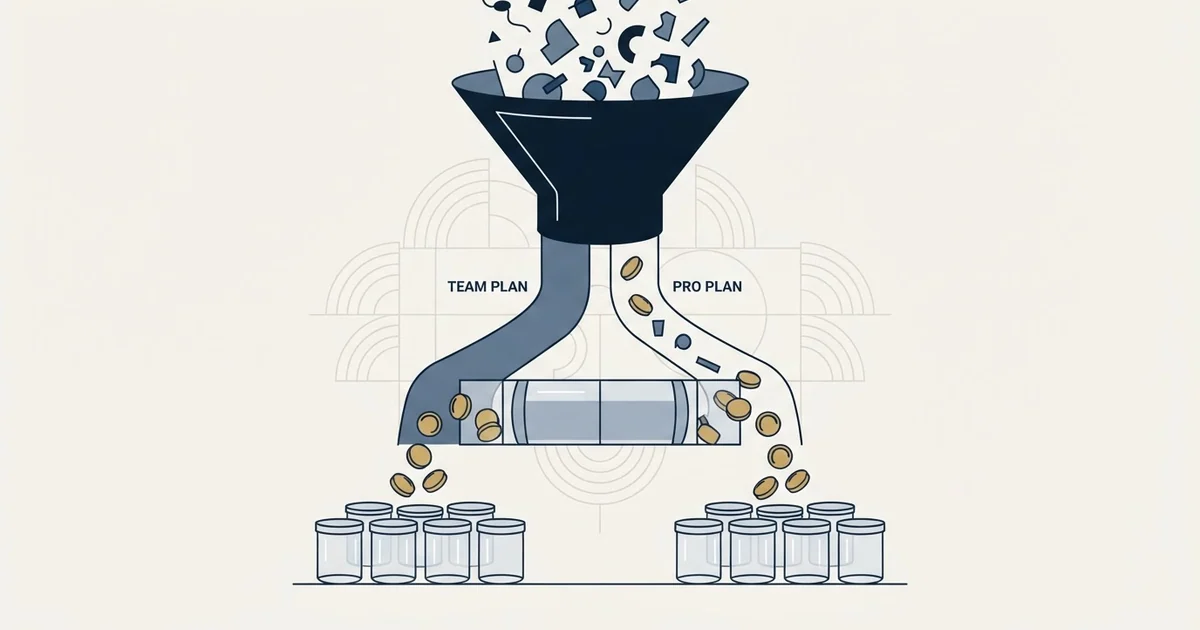
Sybill is an AI assistant for revenue teams, metered in credits per week rather than by seat alone. Its published annual plans are Free at zero, Pro at $30 and Business at $90 per user per month, with Enterprise custom. The credit allowance, not the headline price, is what a buyer should forecast.
Key takeaways
- Every Sybill plan carries a weekly credit allowance: 500 on Free, 2,500 on Pro, 5,000 per user on Business, unlimited on Enterprise.
- The pricing page as served carries three different price pairs for Pro and Business: $30 and $90, $36 and $108, and $19 and $79.
- The commercially significant jump is Pro to Business, where the CRM becomes a source the assistant reads rather than only a destination it writes to.
- A credit model means a successful rollout costs more than a failed one, so the budget conversation arrives when the tool is proving itself.
Reviewed and updated October 1, 2026
Sybill's pricing page shows three different prices for the same two plans, and all three sit in the single page served on 29 August 2026.
The plan cards in the annual state, which is the state the page opens on, publish "$30 USD/Month/User" for Pro and "$90 USD/Month/User" for Business. Flip to the monthly state and the same two cards on that page read "$36 USD/Month/User" and "$108 USD/Month/User". Scroll to the compare-plans table at the foot of the same page and the price row reads "$19 USD/Month/User" and "$79 USD/Month/User". Three pairs, one page, one fetch.
A re-read of the same page on 18 September 2026 found the conflict resolved: Sybill pricing still stands at $30 and $90 a user a month on the annual tab and $36 and $108 monthly, the compare table now prints those same pairs, the $19 and $79 pair is gone, and the toggle label reads Save 17% where it read Save 34% in August.
That is not a reason to avoid the product. It is a reason to get the quote in writing before modelling anything, and it is a useful introduction to the thing that actually makes this vendor hard to price, which is that the unit is not a seat.
Credits, not seats
Every plan on that page sets a credit allowance alongside its price, and the allowance is given per week rather than per month.
The page gives Free "500 credits/week", Pro "2500 credits/week" and Business "5000 credits/week/user", with Enterprise carrying unlimited credits at a Custom price.
Notice that the Business line specifies per user and the two below it do not. On a page where everything else is quoted per user per month, that is the sort of asymmetry worth resolving with the vendor rather than assuming, because it decides whether a ten-person team on Business has 5,000 credits or 50,000.
A credit meter changes the shape of the purchase. A flat per-seat notetaker produces a bill you can predict from headcount, which is why Circleback's flat ladder is straightforward to model and why Avoma's recorder-seat unit is straightforward once you have counted who runs calls. A credit meter produces a bill you can predict from usage, and usage is the thing nobody can forecast before deployment, because it depends on how much the team asks the assistant to do.
- Every user costs the same
- Bill known before rollout
- Heavy users subsidised by light ones
- Viewers and readers cost nothing
- Seat count smaller than the org chart
- Add-ons can rival the plan cost
- Cost tracks what the assistant is asked to do
- Weekly allowance rather than monthly
- Adoption success and cost move together
The last line of that third column is the part worth sitting with. Under a credit model, a rollout that works costs more than a rollout that does not, and the budget conversation arrives at the moment the tool is proving itself.
What each tier actually adds
The free tier is unusually complete, and that shapes how the product arrives in a company.
The page gives Free "Unlimited call recordings and transcripts", an "Invisible Recorder", summaries and briefs capped at "20 meetings/month", "AI follow-up emails + task execution", automated prompts in the assistant, email and Slack or Teams, and the mobile app with in-person capture. Data storage on Free is three months on the same page.
Pro at $30 on that page lifts the meeting cap: unlimited AI summaries and briefs, unlimited data storage, customisable summaries, and summaries pushed into the CRM.
Business at $90 on the same page is where the product stops being a meeting tool. It adds CRM integration inside the assistant so questions can be answered across deals, calls, emails, Slack and the CRM together, CRM Autofill on ten fields, API and MCP access, custom email templates and Slack channels, two-way Slack integration, and a deal workspace.
Enterprise adds unlimited credits, unlimited CRM autofill, SSO, data migration support and a dedicated account manager.
The jump that matters commercially is Pro to Business, and it is a threefold move on the page's own annual numerals. What you buy with it is the CRM becoming a context source rather than a destination, which is a genuinely different product and is the reason the tier exists.
Pricing and features verified as of August 2026. Verify current terms with the vendor before relying on them.
The saving the page advertises and the saving its numerals show

The billing toggle on the page is labelled "Save 34%". That page's own inline styling shows the annual content displayed and the monthly content hidden, so annual is the default view and its $30 and $90 are the annual figures.
Set those against the monthly numerals on the same page, $36 and $108, and the gap between the two billing periods is closer to a sixth than to a third on both plans. The advertised saving and those numerals do not reconcile on the page as served, and neither does the $19 and $79 pair sitting in the compare table below them.
The honest reading is not that any one of those numbers is wrong. It is that this page has more than one source of truth inside it, which happens more often than buyers expect and is exactly why a quoted figure belongs to a URL and a date rather than to a vendor. Ask which pair applies to the contract you are being offered, and get the answer in the order form.
Free tiers decide adoption before anyone decides procurement
A free plan carrying unlimited recording and transcription, an invisible recorder and in-person capture is capable enough that this category tends to arrive from the bottom up. One rep starts using it, then three, and a sales team's conversations are being recorded and stored on an account nobody in the business selected.
By the time a policy conversation happens there is an archive, and the conversation is harder because the answer people want is the one that does not delete anything. The cheap version is a short written standard covering which tool is sanctioned, what gets recorded and where it lives, agreed before the archive exists rather than during a security questionnaire.
The recording question itself is not a settings question. Recording law is jurisdictional and applies to the call rather than to the software, and a product feature named for being unobtrusive does not change what a jurisdiction requires. A tool whose recorder is designed not to announce itself puts more weight on the disclosure a rep makes out loud, not less.
- Yes: Resolve whether the Business credit allowance is per user or per account
- Yes: Measure a fortnight of real credit consumption before sizing the contract
- Yes: Confirm which of the three published price pairs applies to your order form
- Yes: Write the recording and disclosure policy before the free tier spreads
- Yes: Name who checks that autofilled CRM fields are right
- No: Assume credit consumption stays flat once the team adopts it properly
What CRM autofill is and is not
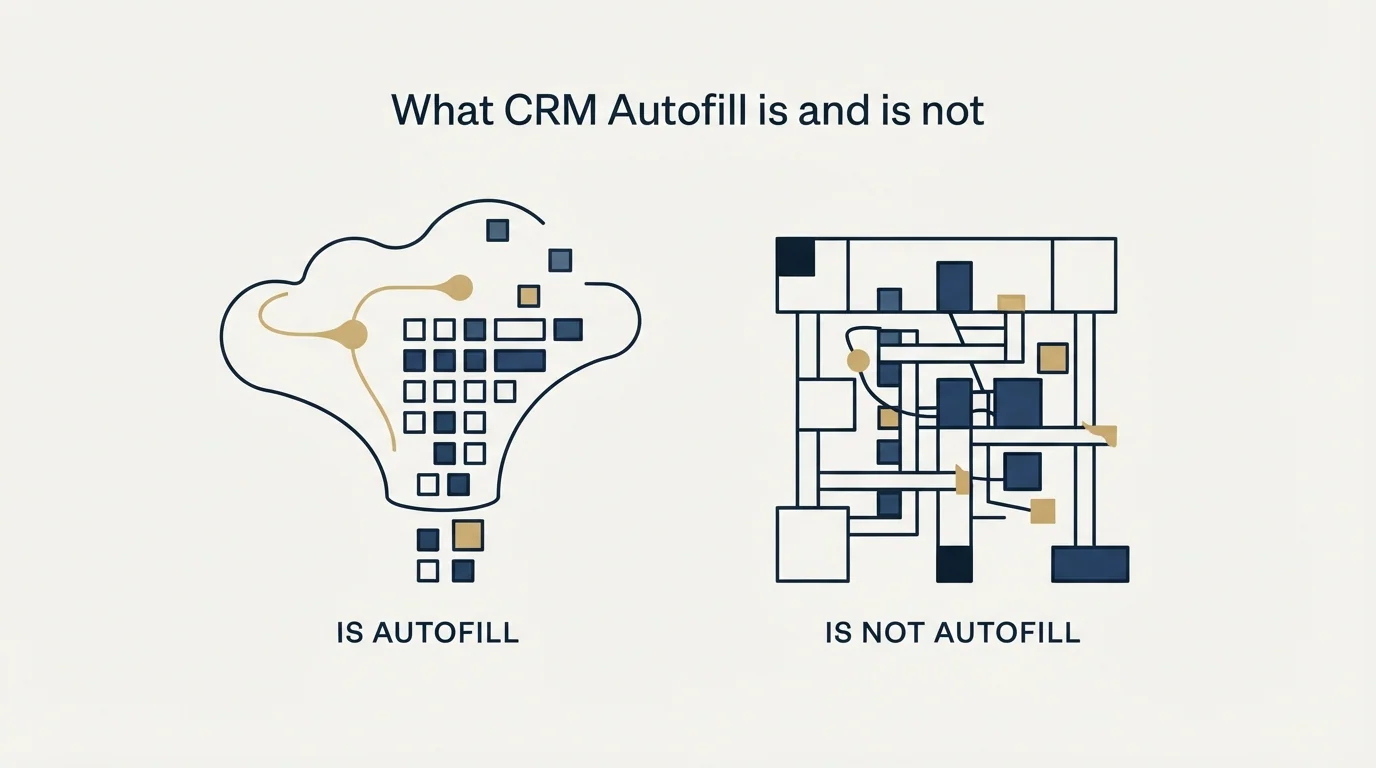
Business carries CRM Autofill on ten fields and Enterprise makes it unlimited, and this is the feature most likely to be oversold in a demo and undermanaged afterwards.
Filling a CRM field from a transcript is a real saving. It is also a claim about the conversation, generated from text, written into the record the forecast is built on. The transcript is accurate about the words. Whether the words meant the stage the field now says is a different question, and it is the one nobody rereads once the field is populated.
That distinction is the whole subject of conversation intelligence: some outputs on the dashboard are measurement and some are estimation, and they appear in the same interface in the same font. An autofilled field is an estimate that has been promoted to a fact by being stored.
The practical defence costs an hour a week and is worth building alongside any deployment. Take five deals at random, not five the platform flagged, and read the transcript against the CRM record. The exercise answers whether the stage in the CRM matches what the buyer said, and whether the objection logged is the objection raised. Teams that do it consistently find the platform was right about the words and wrong about the meaning, which is a management conversation rather than a configuration change.
Which system of record should receive any of this is a prior decision, and the shortlist for outbound teams is in the best CRM tools for SDR teams.
Where it sits, and what it does not touch
Sybill sells to revenue teams rather than to individuals writing up meetings, which puts it closer to the call-analysis end of the category. Most products it competes with quote a price privately, so a vendor putting a ladder on the page at all is a real advantage when building a shortlist. Gong alternatives covers the wider field.
The opposite shape, a simple recorder that grows a coaching product on its upper plan, is worth seeing beside this one, and our write-up of a neighbouring recorder covers it.
RevenueFlow runs cold email and LinkedIn rather than phone, so we do not operate Sybill and nothing above comes from using it. Every figure and feature name here rests on sybill.ai's own pricing page and homepage as fetched on 29 August 2026.
The structural point that carries across channels is the one a credit meter makes vivid. An assistant of this kind makes the conversations you had more legible and does nothing about how many you had. If the dashboards look thin after a deployment, the constraint is usually upstream of everything on this page. Our own practice is one message per campaign with no bumps and no thread replies, which forces the same question a credit meter forces: whether the volume of real conversations justifies the spend around them.
The short version

Sybill is a credit-metered AI assistant for revenue teams, not a per-seat notetaker, and the credit allowance is the number to model rather than the headline price. The pricing page gives Free 500 credits a week, Pro 2,500 at $30, Business 5,000 per user at $90, and Enterprise unlimited and custom, all on the annual tab it opens on.
Three separate price pairs appear on that one page, and the advertised annual saving does not match the gap between its own numerals, so confirm the pair on your order form. The tier that changes the product is Pro to Business, where the CRM becomes something the assistant reads rather than only something it writes to.
If the real constraint is the number of qualified conversations rather than what the assistant does with them, see what a first campaign produces and size the tooling against a known reply volume.
Frequently asked questions.
Frequently asked questions- What does Sybill cost?
- Its pricing page publishes a free tier, Pro at $30 and Business at $90 per user per month in the annual state the page opens on, with Enterprise custom. The same page also shows $36 and $108 in the monthly state and $19 and $79 in its compare-plans table, so confirm which pair applies to the order form you are offered.
- How do Sybill credits work?
- Credits are an allowance stated per week rather than per month: 500 on Free, 2,500 on Pro, 5,000 per user on Business, and unlimited on Enterprise. Note that only the Business line specifies per user on the published page, which is worth resolving with the vendor because it decides whether a ten-person team has one allowance or ten.
- Is the free plan good enough to start with?
- It is unusually complete. The published free tier includes unlimited call recordings and transcripts, an invisible recorder, AI summaries and briefs capped at twenty meetings a month, follow-up emails and in-person capture, with three months of data storage. That completeness is why this category tends to spread inside a company before anyone makes a purchasing decision.
- Can I trust CRM fields that were filled automatically?
- Treat them as estimates that have been stored as facts. Filling a field from a transcript is accurate about the words and not necessarily about their meaning, and nobody rereads a populated field. The practical defence is reading five randomly chosen transcripts against their CRM records each week, rather than only the ones the platform flagged.
About the author.

B2B cold email experts helping companies generate qualified leads through done-for-you outreach campaigns.
RevenueFlow Team
Explore more.
Ready to scale your outreach?
We build GTM engines that book real meetings. See the receipts.
Related articles.
Circleback: The Automations Are the Product, Not the Notes
Circleback publishes real prices and an unusually wide automation surface. What the notes contain matters less than where they land and who maintains the rules.
Sales Automation Software for Small Business: Four Buys
One search returns four unrelated products, and on at least one vendor's published plan list the automation is gated above the tier a small team buys.
Fathom AI Note Taker: What It Records and Where Notes Land
Fathom records, transcribes and summarises calls, and hides a conversation intelligence product on its upper tier. What it publishes, and the decisions to make first.
Pipedrive Pricing: Half the Numbers Online Are Retired
Pipedrive renamed every plan in 2025, so most pricing write-ups quote a retired rate card. The five inputs that actually decide your bill, from the vendor's own docs.
Pipedrive Calling: Native Surfaces, Marketplace Dialers
Pipedrive's knowledge base says it has no built-in calling integration. What ships natively is a set of shortcuts to your phone, and the dialer is a second subscription.
Avoma Pricing: Recorder Seats, Free Viewers, and the Add-Ons
Avoma charges only for people whose meetings get recorded and makes viewers free, so the seat count to price is smaller than the team and the add-ons are larger.