Pipedrive Calling: Native Surfaces, Marketplace Dialers
Pipedrive's knowledge base says it has no built-in calling integration. What ships natively is a set of shortcuts to your phone, and the dialer is a second subscription.

Pipedrive has no dialer of its own. Its knowledge base states that Pipedrive doesn't have a built-in calling integration, and no plan on its pricing page, from Lite to Ultimate, lists a calling feature. Natively it offers click to call through callto links, mobile app calling and web-to-mobile. A power dialer comes from a Marketplace app like Kixie or Aircall.
Key takeaways
- Pipedrive's knowledge base states that it has no built-in calling integration; calls from the web app run through a calling app from its Marketplace.
- No plan card on Pipedrive's pricing page lists a calling feature and none of its five add ons covers telephony, so there is no tier to upgrade to for a dialer.
- The native layer is callto links, mobile app calling with logging and caller ID, and web-to-mobile, which bills the call to the rep's own phone plan.
- Aircall's integration automatically generates a new Pipedrive contact for any call to an unmatched number, so decide who owns contact creation before installing it.
Reviewed and updated October 1, 2026
Search for a Pipedrive dialer and Pipedrive's own knowledge base answers in one sentence, which is the opposite of what the search implies. Its help article on making calls from the platform states that Pipedrive does not have a built-in calling integration, and that calls are made from the platform using a calling app from its Marketplace.
Everything else about calling and texting in this CRM follows from that. There is a native surface, it is genuinely useful, and it is a set of shortcuts to a phone rather than a dialer. Knowing which half you are buying decides whether a telephony line item belongs in the budget. What follows is taken from Pipedrive's own knowledge base, pricing and feature pages, with each statement attributed to the page it appears on.
Does Pipedrive have a dialer?
Pipedrive has no dialer of its own. Its knowledge base says "Pipedrive doesn't have a built-in calling integration", and no plan on its pricing page, from Lite to Ultimate, lists a calling feature or a telephony add on. What ships natively is click to call through callto links, calling from the mobile apps and web-to-mobile. A power dialer comes from a Marketplace app such as Kixie or Aircall.
The pricing page served for this article was in pounds: Lite at £14, Growth at £39, Premium at £59 and Ultimate at £79 per seat a month, billed annually. None of the four cards names calling, and the five add ons the page lists, LeadBooster, Projects, Campaigns, Web Visitors and Smart Docs, include nothing for telephony. The knowledge base articles on making calls and on web-to-mobile name no plan requirement either. The budget line for a dialer is a second vendor, whichever tier the CRM seat is on.
What that second vendor adds is the part the word dialer usually means. Kixie's Marketplace listing describes a multi-line PowerDialer that dials up to 10 numbers simultaneously, local presence numbers, voicemail drop and live call coaching. Aircall's listing describes a Power Dialer that works through call lists in one click and drops voicemails. Pipedrive's own calling pages never use the word, and say calling app throughout.
What the native surfaces actually do
Four things ship without a Marketplace app, and each one is documented separately.
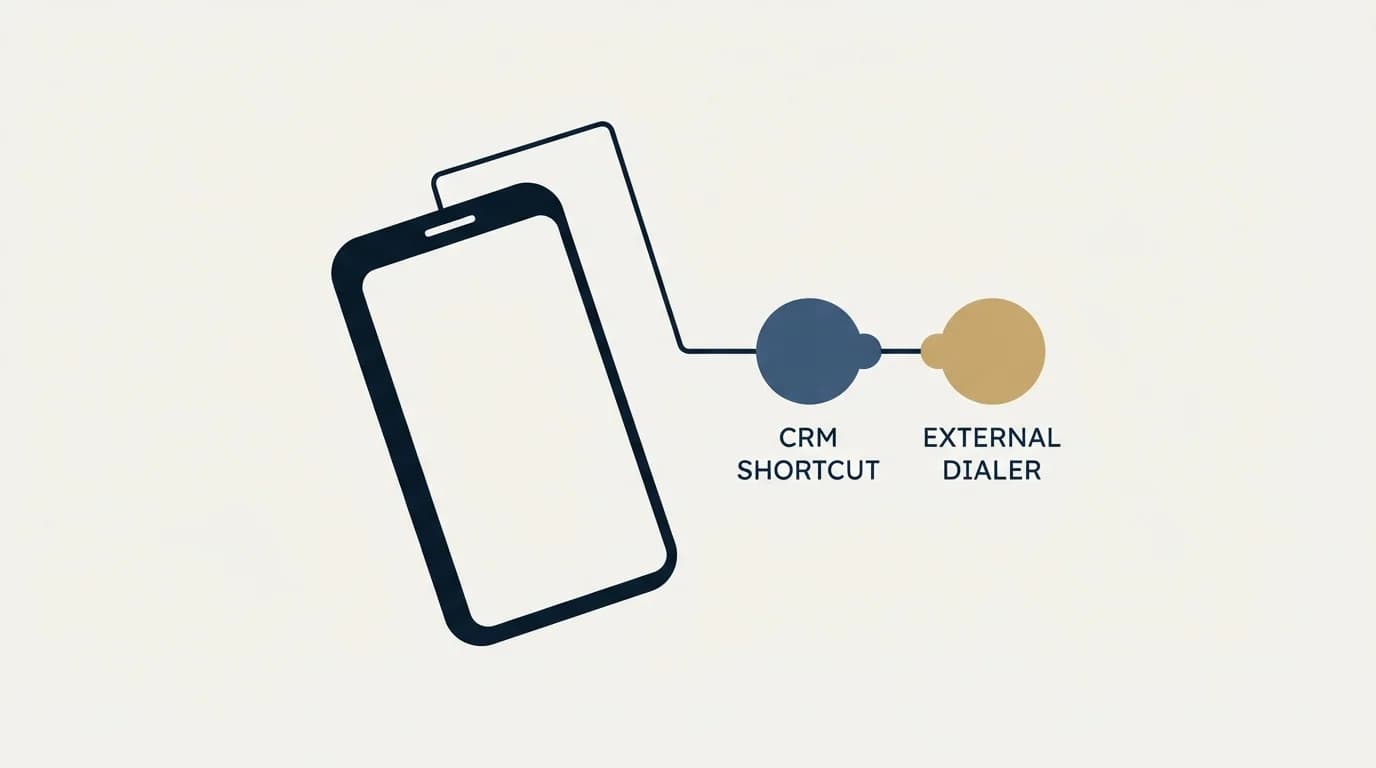
Callto syntax is the mechanism that turns a phone number in the CRM into a click. Configuration is admin-only, and it points browser calls at whichever calling program you nominate as the default under calling settings.
The mobile apps make and log calls directly. On iOS, a green phone icon in a lead, deal or contact view places the call, call logging prompts you to record the outgoing call as an activity when it ends, and caller ID surfaces the contact and linked organisation name for a stored number. Android carries the same three plus missed-call handling, with a notification offering a call back or a scheduled activity, and it requires calling to be enabled in the app first.
Web-to-mobile starts a call from the web app on your own handset. The knowledge base attaches an explicit note to it: calls made this way are charged on your usual phone bill. That is the sentence that gives away what the native layer is. No minutes are being sold, and no numbers are being provisioned.
Texting works the same way. The knowledge base article on texting contacts from the mobile app, last updated 7 August 2026, describes the feature as a shortcut to the device's own messaging app, restricts it to the number in the default phone number field of a person record, and sets minimum operating system versions of Android 11 and iOS 18. The same article adds the boundary in its own note: linking text messages to detail views requires a third-party calling tool from the Marketplace.
The apps Pipedrive names, and who builds them
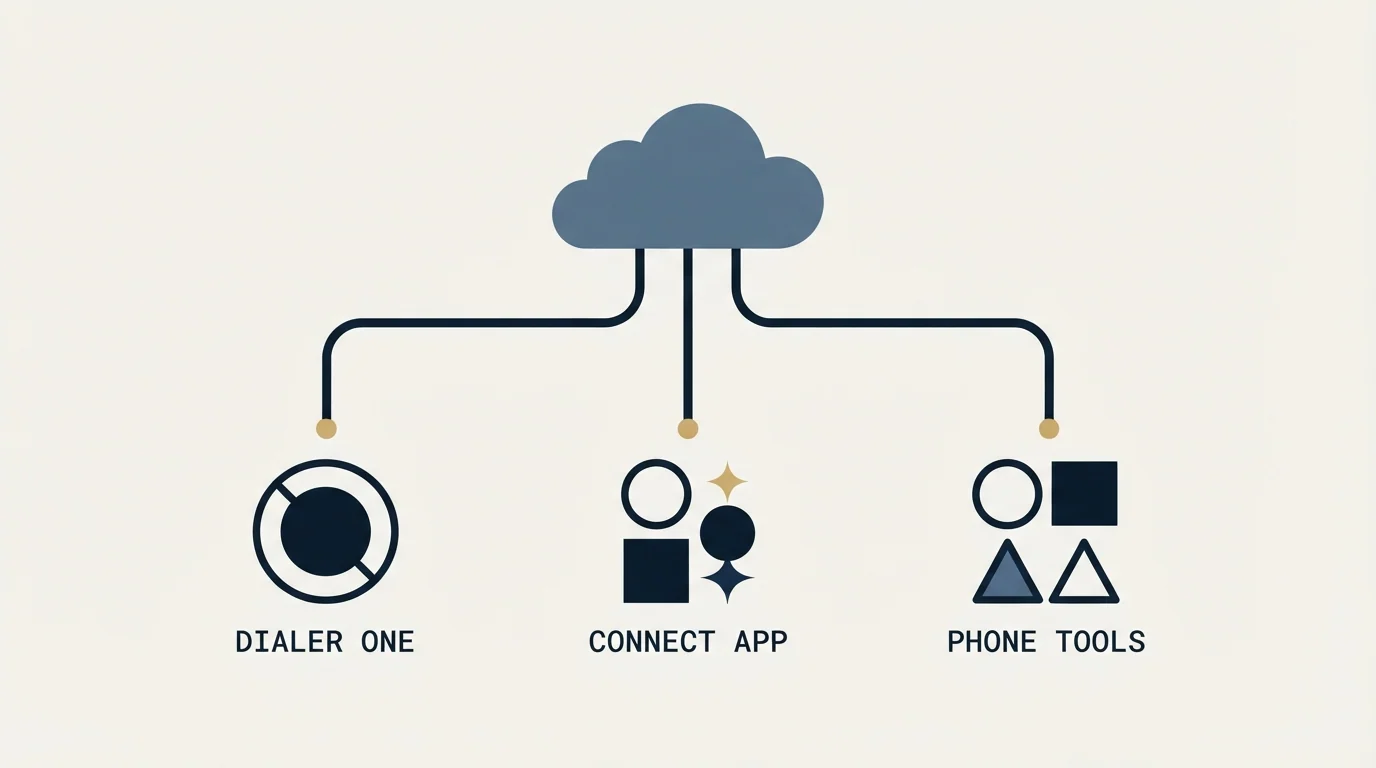
The same knowledge base article lists the calling solutions it considers most popular, with a one-line description of each: CloudTalk for making and receiving calls with automatic logging, Kixie PowerCall and SMS for calls and messages with logging, CallHippo for calls with logging, Aircall for calls and SMS with logging, Toky for syncing contacts and logging calls made in Toky, JustCall for calls and SMS with logging and tracking, and Circleloop for syncing contacts and logging calls automatically.
Two of those carry a note that changes the support relationship. Pipedrive's Aircall article, last updated 20 January 2026, opens by stating that the integration is built by Aircall and that feedback should go to Aircall directly. JustCall's own integration page describes its app as built by JustCall in the same words. The CRM is publishing the listing rather than the software, so a broken sync is a conversation with the telephony vendor.
Installation is admin-only on both sides. The Aircall article walks through registering an Aircall account and adding a company phone number before connecting, then asks for the Pipedrive URL and an API token, and finally sets the default calling method under Tools and apps to a callto string in the form web+aircall followed by the number. Click-to-dial then runs through the browser's handler for that scheme.
Tools and apps: default calling method
Connect: your Pipedrive URL and an API token 1
Callto string: web+aircall followed by the number 2
Click a phone number on a deal or contact 3
- 1Installation is admin-only on both sides, after an Aircall account and a company number exist.
- 2This string is what points Pipedrive's phone links at the app.
- 3The click runs through the browser's handler for that scheme, and the app places the call.
The side effect worth knowing before you install
One line in the Aircall article deserves more attention than the setup steps. The integration logs inbound and outbound calls and voicemails as activities, and it automatically generates new Pipedrive contacts whenever a call goes to a phone number that does not match an existing contact.
That is convenient on a genuinely new prospect and expensive everywhere else. Wrong numbers, personal mobiles dialled once, and reception desks all become contact records, and the CRM that was clean at the start of a calling month is carrying a tail of half-populated people by the end of it. The fix is a policy decision rather than a setting: agree who owns contact creation before the integration goes in, and audit the object it creates for a fortnight after. Which system owns which field is the general form of that decision, and telephony is the sharpest instance of it.
Recording is the second thing to settle in advance. Pipedrive's call tracking feature page describes call recording as available in many of its integrations and names Kixie and Aircall as examples, which puts the recording obligation with the telephony vendor. Consent rules for recorded calls vary by jurisdiction and by party, and the app vendor's documentation rather than the CRM's is the place to establish what the tool does by default.
What the marketing page promises, and what the help page qualifies
Pipedrive's call tracking and insights feature page sells the outcome rather than the mechanism. It opens with making in-app sales calls and asks the reader to stop switching between phone and CRM, then qualifies it in the same breath: calls are placed from Pipedrive with one of its trusted Marketplace integrations. Recording appears next, described as built into many of those integrations, with Kixie and Aircall named. Web-to-mobile is described as transferring a number from the contact list to the mobile phone.
Read the two pages together and they agree. The marketing page is describing the assembled system, CRM plus telephony app, while the knowledge base is describing what the CRM contributes to it. The gap only becomes a problem when a plan is budgeted off the feature page, because a feature list written about the assembled system reads as an inclusion list for the product being priced.
Where the cost actually lands
Pipedrive's plan tiers are not the place a calling budget is decided, because the calling capability arrives from another vendor with its own per-seat price, its own number rental and its own per-minute or bundled-minute model. A team pricing this properly is adding a second subscription to the CRM seat, and the Pipedrive pricing reading covers what the CRM seat itself is metering.
Apollo.io compared with Pipedrive explains why the two tools are often run side by side rather than treated as rival purchases, which matters once telephony is added to the bill.
The native path has a real cost too, and it is simply hidden in an existing bill. Web-to-mobile puts the minutes on the rep's phone plan, which works at low volume and stops working the moment call volume is the point of the role. It also produces no recording and no automatic activity beyond the logging prompt, so the reporting a manager wants arrives only with the Marketplace layer.
The mirror of this page for the other major CRM is Salesforce auto dialers, where telephony is likewise absent from the core rate card. Two large CRMs arriving at the same answer is a category fact rather than a Pipedrive limitation: dialing is a telecoms product, and CRMs sell the record it attaches to.
How this reads from an outbound point of view
Our own motion is email and LinkedIn rather than phone, so the position here is a documentation read rather than an operating account. What that vantage does clarify is the boundary. The system that owns the mailbox or the phone number owns the delivery problem, and the CRM owns the record of what happened, which is why the field-ownership question above matters more than the feature list on any dialer's homepage.
A related contrast worth noting is that Pipedrive itself sits opposite a data enrichment tool in the Cognism versus Pipedrive comparison, which separates sourcing leads from managing the pipeline they land in.
The LeadIQ versus Pipedrive comparison makes a similar case for keeping contact sourcing and pipeline management as separate tools connected rather than merged.
The one thing worth carrying across from sending discipline is restraint about volume. A dialer makes repeat attempts trivially cheap, in the same way a sequence builder makes follow-ups trivially cheap, and cheap repetition is how a list gets burned. We send one message per campaign.
The Pipedrive review reads the documented limits across the rest of the product, and if the harder question is what the outbound motion should be before any dialer is bought, book a campaign review.
Platform behaviour verified as of mid-2026 against Pipedrive's knowledge base articles on calling, texting and the Aircall integration, its call tracking feature page, and JustCall's own Pipedrive integration page, all as served. Verify current terms with the vendors before relying on them.
Frequently asked questions.
Frequently asked questions- Does Pipedrive have a built-in dialer?
- No. Pipedrive's knowledge base states that it doesn't have a built-in calling integration, and that calls are made from the platform using a calling app from its Marketplace. What ships natively is click to call through callto links, calling and call logging in the iOS and Android apps, and web-to-mobile, which places the call on your own handset.
- Which Pipedrive plan includes calling?
- None lists it. The pricing page served for this article showed Lite, Growth, Premium and Ultimate at £14, £39, £59 and £79 per seat a month on annual billing, and no card names a calling feature. The five add ons cover leads, projects, campaigns, web visitors and documents. The knowledge base articles on calling name no plan requirement.
- What is the best dialer for Pipedrive?
- Pipedrive's knowledge base names seven popular calling apps: CloudTalk, Kixie PowerCall and SMS, CallHippo, Aircall, Toky, JustCall and Circleloop. Kixie's Marketplace listing describes a multi-line PowerDialer, local presence and voicemail drop, and Aircall's describes a Power Dialer that works through call lists. Each is built, billed and supported by the telephony vendor, so compare them on those terms.
- Does Pipedrive record calls?
- Only through an integration. Pipedrive's call tracking feature page describes call recording as built into many of its integrations and names Kixie and Aircall as examples, which puts the recording, and the consent obligations that come with it, on the telephony vendor's side. The native web-to-mobile path produces no recording at all.
About the author.

B2B cold email experts helping companies generate qualified leads through done-for-you outreach campaigns.
RevenueFlow Team
Explore more.
Ready to scale your outreach?
We build GTM engines that book real meetings. See the receipts.
Related articles.
Pipedrive and PandaDoc: The Two Plan Gates
PandaDoc places its Pipedrive integration on Business and Enterprise plans and requires each user to install it individually. Both facts precede any configuration.
Sales Automation Software for Small Business: Four Buys
One search returns four unrelated products, and on at least one vendor's published plan list the automation is gated above the tier a small team buys.
Calendly API: What You Can Automate and What You Cannot
Read access runs on any plan, webhooks need a paid one, and programmatic deletion is Enterprise-only. The scope decision that quietly breaks integrations, first.
Sybill: The Credit Meter Is the Number to Model
Sybill meters by credits per week rather than by seat, and its pricing page carries three different figures for the same two plans. Both facts change the model.
HubSpot and Zapier: The Search Step That Decides Duplicates
Zapier's HubSpot app has one action that matches on email address and a search family that does the rest. Which you pick decides your duplicate rate.
Pipedrive Pricing: Half the Numbers Online Are Retired
Pipedrive renamed every plan in 2025, so most pricing write-ups quote a retired rate card. The five inputs that actually decide your bill, from the vendor's own docs.