Salesforce Auto Dialers: Not on the Sales Cloud Rate Card
Salesforce prices six Sales Cloud editions and no telephony. That absence makes a dialer a separate purchase whatever else you compare when you compare editions.
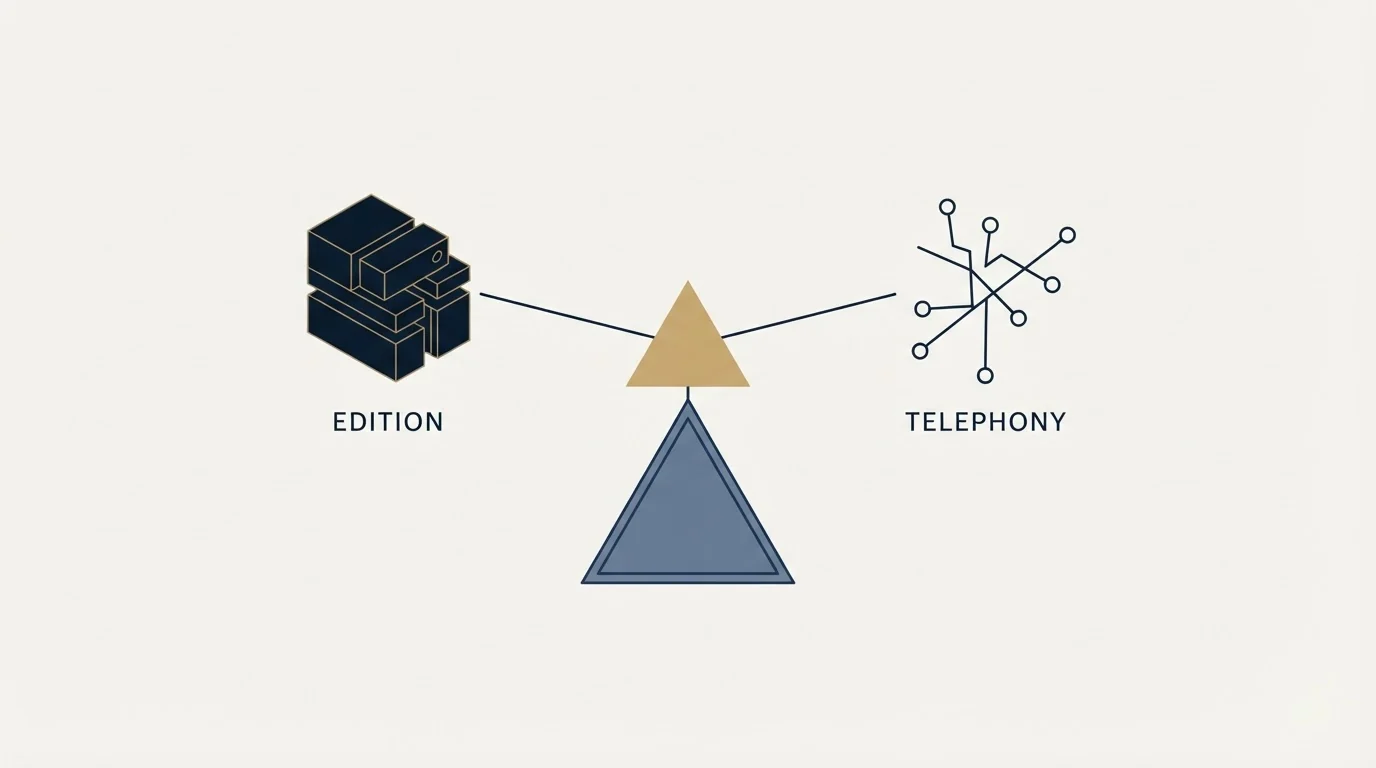
Salesforce's Sales Cloud pricing page lists six editions from Free Suite at $0 to Agentforce 1 Sales at $550 per user per month, and prices no telephony on any of them. A dialer is therefore always a separate purchase, and the mode you choose matters more to the outcome than the vendor does.
Key takeaways
- Salesforce's Sales Cloud pricing page carries no dialer, minutes or per-call charge on any edition; its nearest items are Call Summaries, marked available for purchase, and Einstein Conversation Insights.
- Sales Cloud editions run from Free Suite at $0 and Starter Suite at $25 per user per month to Agentforce 1 Sales at $550, with everything above Starter billed annually.
- The higher your connect rate, the less parallel dialing helps, which inverts how the most aggressive mode is normally sold.
- Number inventory is a recurring cost rather than a one-off, because heavily dialed numbers acquire carrier spam labels and stop connecting.
Reviewed and updated September 1, 2026
Salesforce's Sales Cloud pricing page runs from Free Suite at $0 per user per month through Starter Suite at $25, Pro Suite at $100, Enterprise at $175, Unlimited at $350 and Agentforce 1 Sales at $550, with everything above Starter billed annually. Read the whole page and one category is absent: there is no telephony line on it. No dialer, no minutes, no per-call charge, and no calling capability priced into any edition.
The closest the page comes is two adjacent items in its feature comparison, Call Summaries and Einstein Conversation Insights, and Call Summaries is marked as available for purchase rather than included. Those analyse calls. Neither places one.
That absence is the most useful fact in the whole decision, because it means a Salesforce auto dialer is always a separate purchase and a separate integration, whatever else you are comparing when you compare editions.
Multi-channel outreach orchestration native to Salesforce is exactly the gap tools like Groove fill, as explained in this comparison of Groove and Salesforce.
Salesforce calls this Sales Dialer, and older documentation calls it Lightning Dialer, which is what a search for a Salesforce dialer returns; the naming matters less than the licensing, because it is bought separately from a Sales Cloud seat.
Get the mode right before the vendor
The dialing mode changes outcomes more than the vendor does, and it is chosen last in most evaluations because vendors demo the fastest one.
Preview dialing shows the rep the record before connecting, which suits complex or senior buyers where opening with the wrong assumption ends the conversation. Power or progressive dialing places the next call automatically as one line per rep, removing the gaps without changing the odds on any individual call. Parallel or predictive dialing places several calls at once per rep and connects the rep to whoever answers first.
The trade is the same at every step: more talk time per hour, less control over the moment the prospect says hello. The full taxonomy, the abandonment rules the Federal Trade Commission sets out and what happens to number reputation are covered in our guide to dialer modes and what a seat costs.
The part worth repeating because it is routinely inverted: the higher your connect rate, the less parallel dialing helps. Three lines per rep is a meaningful lift on a list where one dial in twenty reaches a person. On a list where one dial in four reaches a person, the same setting produces regular collisions where two people answer at once and one of them gets silence. Teams calling a well-researched list of direct mobiles are the worst candidates for the most aggressive mode, which is the opposite of how it is usually sold.
- Free Suite at $0, Starter Suite at $25
- Pro Suite at $100, billed annually
- Enterprise at $175 and Unlimited at $350, billed annually
- Agentforce 1 Sales at $550, billed annually
- Call Summaries listed as available for purchase
- Any dialer, in any mode
- Calling minutes or per-call charges
- Phone number inventory
- Call recording storage
- Verified contact phone data
What the integration has to deliver
Whatever you buy, the CRM-side requirements are the same, and they are the requirements that decide whether the calling data is worth anything six months later.
Screen pop with the right record. The rep needs the account's history in front of them before they say hello, which means the dialer resolves the inbound or outbound number to a Salesforce record and opens it. A dialer that shows a number and not a record has moved the lookup back into the rep's hands.
Outcome, not just activity. A logged call with a duration and no disposition tells you a dial happened. A logged call with an outcome tells you what the list is worth. If the integration writes only the former, your calling data is a timesheet, and no report built on it can distinguish a bad list from a bad week.
Attachment to the record, not the number. A call must attach to a Contact or Lead by identifier. A dialer that logs against a phone string creates orphan activity every time one mobile appears on two records, and the orphans are invisible in every account-level view.
Recording behaviour configurable per jurisdiction, because consent rules differ and one global setting will be wrong somewhere.
The general shape of getting an external tool to write into a CRM without manufacturing duplicates, and the twenty-record test that surfaces the failure at a scale you can still read, is in our guide to Apollo and HubSpot deduplication. The identity question underneath it is record matching, and it governs call logging exactly as it governs any other write.
- Yes: Current native calling options and their licensing confirmed against Salesforce Help for your edition
- Yes: Dialing mode chosen from your own connect rate rather than from the demo
- Yes: Call outcomes written back, not only call activity
- Yes: Calls attached to a Contact or Lead identifier rather than to a phone string
- Yes: Screen pop resolves to the Salesforce record before the rep speaks
- Yes: Number inventory and its recurring cost quoted rather than assumed
- Yes: Phone-number accuracy measured on a sample of your own list first
- No: Comparing seat prices across vendors in different billing states
Confirm the native option rather than assuming it
Salesforce has offered native calling under more than one product name over the years, and what is currently available, on which licence and for how long is exactly the kind of thing that changes between editions and releases.
The honest position is that Salesforce Help is the surface that answers it, and it is worth reading for your own edition before you plan around any native option. What can be verified from Salesforce's own commercial page is narrower and still useful: telephony is not priced into the Sales Cloud ladder, so no edition comparison you run will surface it, and anyone telling you a higher edition includes calling is making a claim that page does not support.
The practical instruction: ask your account team, in writing, what native calling you are entitled to under your current contract and what its roadmap is. Then price the third-party option anyway, because the answer to that question has a history of changing.
The arithmetic that decides the mode
Work the numbers on your own list rather than on a vendor's example, because the answer flips on one input: what fraction of dials reach a human.
Start with the hour, and count your own rather than borrowing anyone's. Take a rep's actual dial count over a normal week, divide by the hours they spent dialing, and you have the manual baseline the modes are measured against. Every ring, voicemail and misdial inside that hour is paid for in salary. Power dialing removes the gaps between those calls without changing the odds on any single one, so it raises volume by deleting waste rather than by taking a risk. That makes it the safe default and the one most teams should start from.
Parallel dialing changes the odds deliberately. Three lines per rep means three chances of a connect per cycle, which is a genuine lift on a list where connects are rare. On a list where they are common, the same setting produces regular collisions where two people answer at once, and one of them hears silence.
The measurement that settles it is one you already have or can get in a week: dials placed divided by conversations held, on your own list, by segment. Run it before the evaluation rather than during it, because a vendor's productivity claim is computed on a list whose connect rate you cannot see, and the claim inverts on lists at the other end of the range.
Two secondary inputs are worth putting on the same page. How much research the opening requires, since a mode that connects the rep mid-ring gives them no time to read the record. And how senior the buyer is, since the cost of opening with a wrong assumption rises with seniority and is not recoverable inside the same call.
The costs that arrive after the seat price
Per-seat pricing is the number compared and rarely the number paid, and three line items account for most of the gap.
Number inventory. Carriers and handset makers label suspected spam calls before the recipient decides whether to answer, watching call volume per number, answer rate, duration and complaints. A number that dials heavily and produces short calls acquires a label, and a labelled number stops connecting. The mitigation is spreading volume across a pool of numbers and registering them through carrier verification programmes, and vendors sell that pool as a recurring line item rather than including it.
Recording storage, which is usually metered and usually forgotten until the first renewal.
The data itself. A dialer multiplies dials without improving them. If a third of the mobile numbers on the list belong to somebody who left two years ago, a faster dialer reaches the wrong person faster and burns number reputation doing it. Measure phone-number accuracy on a sample of your own list, against your own market, before signing anything: a vendor's published coverage figure was computed on the vendor's sample, and the only figure that means anything is the one you compute on your own records. That measurement is match rate, and the protocol for running it on any provider is in testing providers on your own list.
The wider version of this argument, covering what automation multiplies and what it cannot touch, is in automated cold calling systems.
Where we sit
RevenueFlow does not sell calling, dialers or telephony, does not implement Salesforce, and earns nothing from any vendor named on this page. We run cold email and LinkedIn outbound on Email Bison and HeyReach, where the equivalent infrastructure question is deliverability rather than number reputation.
That is why the framing here is a buyer's rather than an operator's. A dialer is one purchase inside a calling programme, alongside the data, the recording layer and the CRM logging, and it is almost never the constraint. Our own campaigns send one message per prospect with nothing scheduled behind it, which is a deliberately different instrument and answers a different question about the same list.
If you want the written half built and measured alongside whatever calling stack you land on, we will build the first campaign on your market.
For orientation on the platform itself, Salesforce alternatives covers the field and Pipedrive against Salesforce is the comparison smaller teams run most.
Sales Cloud edition names, per-user prices, billing states and the absence of any telephony line item are read from Salesforce's own Sales Cloud pricing page, fetched 15 August 2026, quoted in US dollars from a page that renders several currencies. Native calling availability should be confirmed against Salesforce Help for your own edition. Verify current terms with the vendor before relying on them.
Frequently asked questions.
Frequently asked questions- Does Salesforce include an auto dialer?
- Salesforce's own Sales Cloud pricing page prices no telephony on any edition, so calling is not something a higher edition buys you on the evidence of that page. Native calling has existed under more than one product name, so confirm what your contract currently entitles you to against Salesforce Help for your edition, and price a third-party option regardless.
- Which dialing mode should we use?
- Choose from your own connect rate rather than from a demo. Preview dialing suits complex or senior buyers who need context before hello. Power dialing removes dead time without changing the odds on a call and is the common default. Parallel dialing helps most on lists where few dials reach a person and produces collisions on lists where many do.
- What must a Salesforce dialer integration write back?
- Call outcomes rather than only call activity, because a duration with no disposition is a timesheet. Activity must attach to a Contact or Lead by identifier rather than to a phone string, or one mobile appearing on two records produces orphan activity invisible to account-level views. Screen pop should resolve to the Salesforce record before the rep speaks.
- What costs appear after the per-seat price?
- Three, usually. Phone number inventory, because heavily dialed numbers acquire carrier spam labels and volume has to be spread across a pool. Call recording storage, which is metered and forgotten until renewal. And the contact data itself, since a dialer multiplies dials without improving them and stale mobiles reach the wrong person faster.
About the author.

B2B cold email experts helping companies generate qualified leads through done-for-you outreach campaigns.
RevenueFlow Team
Explore more.
Ready to scale your outreach?
We build GTM engines that book real meetings. See the receipts.
Related articles.
HubSpot Power Dialers: Pooled Minutes Are the Real Cap
HubSpot's calling minutes are pooled across the whole account rather than granted per seat. That changes the arithmetic of a calling programme more than the dialer does.
ConnectAndSell: What You Get for the Seat, and the Filings
ConnectAndSell sells conversations rather than dials, using human agents to get past gatekeepers. Its audited accounts and its sale add a second diligence question.
Agentforce Sales Coach: Editions and the Four Dependencies
The Salesforce sales coach is a product, not a person. What Agentforce Sales Coach critiques, which editions carry it, and the four features it needs first.
Outbound AI Calling Agents: Four Pricing Models
A rate ladder, a hosting fee with the model billed separately, a $30,000 annual floor, and pure pay as you go. The shape decides which number to read.
Salesforce Einstein AI for Sales: The Agentforce Rename
Four products still carry the Einstein name on Salesforce's rate card. The pricing page's own data says which editions include them, and contradicts its footnote.
Reply.io Salesforce Integration: The Sixteen Sync Steps
Reply's support article lists sixteen sync steps, two profiles, required field mappings and a two-hour cadence. What the native Salesforce integration moves.