Apollo and HubSpot: The Deduplication Rules
HubSpot matches contacts on email and companies on domain. Every duplicate traces back to a record arriving without that field or carrying a different value in it.

HubSpot automatically deduplicates contacts by email address and companies by domain name. Duplicates appear when a pushed record lacks that field or carries a different value than the record already stored, which no sync setting fixes because it is a data problem rather than a configuration one.
Key takeaways
- HubSpot deduplicates contacts by email address and companies by domain name, and Record IDs can be used to deduplicate manually.
- An import matching an existing email updates that contact rather than creating a new one, and only mapped properties are updated.
- Using a secondary email as the unique identifier replaces the primary email on the existing contact, avoiding a duplicate by overwriting instead.
- Partial upserts are not supported when using email as the identifier, so sparse updates need a custom unique identifier property.
Reviewed and updated September 1, 2026
Duplicate records in HubSpot are almost never a HubSpot bug. HubSpot deduplicates automatically and publishes exactly how it does it: contacts by email address, companies by domain name. Duplicates appear when records arrive without the field HubSpot needs to match on, or carrying a different value in it than the record already sitting there.
That reframes the problem usefully. The question is not which Apollo toggle to flip. It is whether every record you push carries the identifier HubSpot uses to recognise it, and what happens at the boundaries where it does not.
The question of which tool owns which stage of the pipeline, outreach versus deal tracking, is examined in Apollo versus Monday CRM comparison.
The two rules that govern everything
HubSpot's documentation is unambiguous. It automatically deduplicates contacts created in the CRM using email addresses, and companies using domain names. Record IDs can be used to deduplicate manually across contacts, companies, deals and tickets.
Those two fields carry the whole system.
- An import with a matching email updates the existing contact
- Only mapped properties are updated, and imports never delete records
- Manual creation with a duplicate email is blocked with an alert
- Additional emails are also unique identifiers across contacts
- Multiple existing records with the same email cause an import error
- An existing company matching the domain is updated
- No matching domain creates a new company record
- A custom unique value property can be used instead of domain
- With no domain in the submission, the contact's primary associated company may be updated
- Duplicate domains inside your own import file cause an error
The consequence for any tool pushing records in, Apollo included, is direct. A contact arriving with an email HubSpot already holds updates that contact. A contact arriving with a different email for the same human creates a second record, and HubSpot has no way to know it is the same person. A company arriving without a domain has nothing to match on.
Where duplicates actually come from
Four mechanisms, and none of them require anything to be broken.
The same person, a different address. Someone appears in HubSpot as their personal or legacy work address and is pushed from a data tool as their current corporate one. Both are valid, neither matches the other, and you now hold two contacts. This is the single most common cause and no sync setting prevents it, because it is a data-reality problem rather than a configuration one.
Companies pushed without a domain. Domain is the matching key. A company record arriving with a name but no domain cannot be matched against the existing record, so it is created fresh. Two records for the same business follow, and every contact associated with the wrong one is now mis-attributed.
Domain-shape mismatches. A company held under one domain and pushed under another, a subsidiary domain against a parent record, or a marketing domain against the corporate one. HubSpot matches on the value, not on the organisation behind it.
Secondary email used as the identifier. This one is worth calling out because HubSpot warns about it specifically. If an import includes a secondary email and you use it as the unique identifier, the secondary email replaces the primary email on the existing contact. You avoid a duplicate and silently overwrite the primary address instead, which is arguably worse.
The settings and habits that prevent it
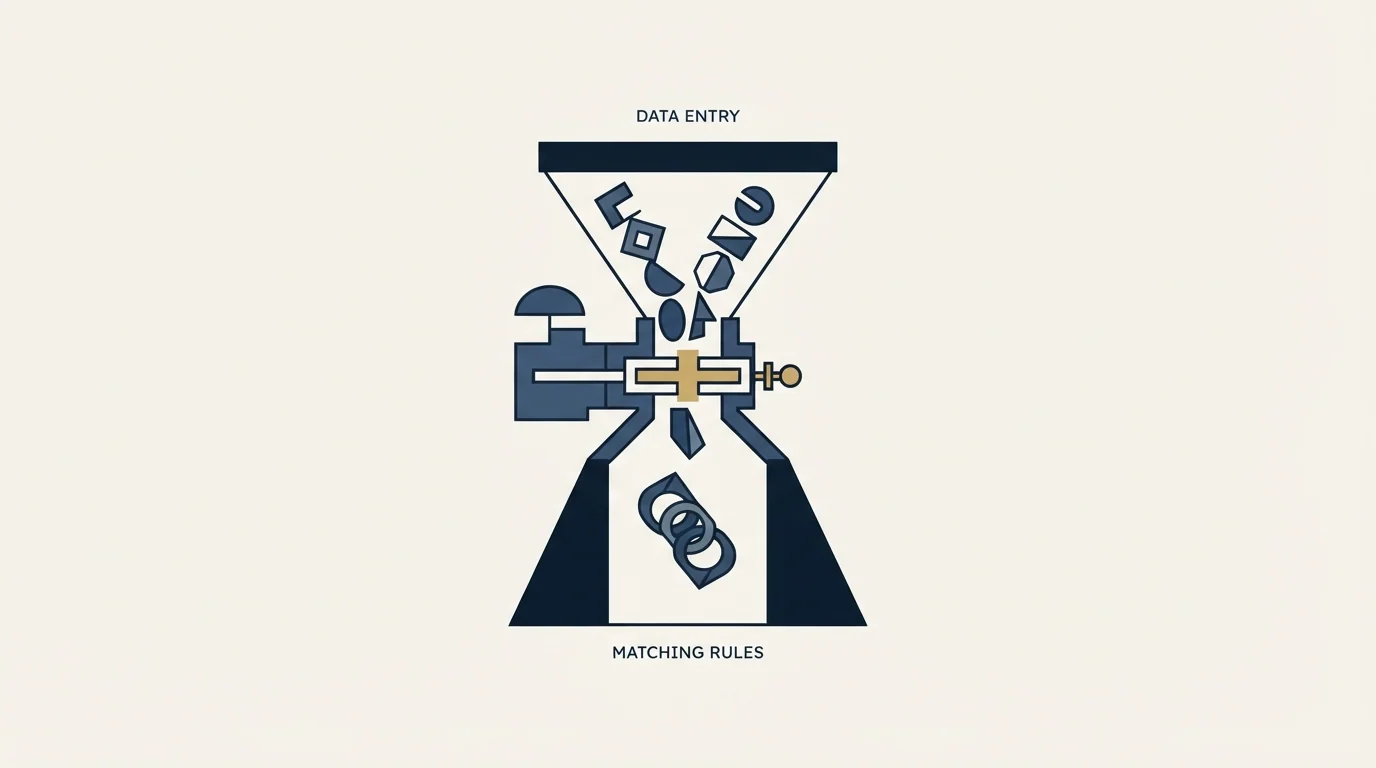
- Yes: Every contact pushed carries an email address, and pushes are blocked if it is missing
- Yes: Every company pushed carries a domain, normalised to the same shape HubSpot holds
- Yes: You have run a de-duplication pass on HubSpot's existing records first
- Yes: You have decided which system wins on a field conflict, and written it down
- Yes: The sync is tested on a small segment before it runs across the database
- No: Pushing records that have a name and company but no email
- Depends: Whether a custom unique identifier property suits your data better than email
Clean HubSpot before you sync into it, not after. If your CRM already holds two records for the same person, an incoming update matches one of them and the other drifts further out of date. Deduplicating afterwards means merging records that have both been independently updated, which is materially harder than merging two stale ones.
Normalise domains on your side. Decide whether you store the bare domain or the full URL, with or without a subdomain, and apply it consistently before anything is pushed. HubSpot matches on the literal value.
Decide direction of authority per field. Job title is a good example: your data vendor may hold something more current than your CRM, or considerably less. Whichever you choose, choose it deliberately, because a two-way sync without a rule quietly overwrites in both directions.
Cleaning up the duplicates you already have
HubSpot's automatic matching only governs records as they are created. Anything already duplicated stays duplicated until somebody merges it.
Record IDs are the manual deduplication key, and HubSpot supports using them to deduplicate contacts, companies, deals and tickets. That is the route for the cases automatic matching cannot reach, which is most of them: the same person under two different email addresses, or the same business under two domain variants.
Two cautions before a bulk merge.
Merging is not symmetric in its effects. Associations, activity history and property values all have to resolve to one surviving record, and the losing record's values do not always survive the way people expect. Merge a small batch and inspect the results before running the rest.
Deduplicate before enabling a sync, not after. A live sync updating one of two duplicate records pushes them further apart, because one gets fresh data and the other keeps ageing. Merging two stale records is a clerical task. Merging two records that a sync has been independently updating for three months means reconciling two divergent histories, and somebody has to decide which version of each field is true.
There is a reporting consequence worth naming too. Duplicate companies split their associated contacts across two records, so any account-level view, any account-based reporting, and any deal attribution built on company records is quietly wrong until the merge happens. The duplicates are rarely the actual problem; the mis-attributed pipeline is.
The API-level detail worth knowing

If you are building the integration yourself rather than using a packaged connector, HubSpot's CRM API supports an upsert endpoint at /crm/v3/objects/contacts/batch/upsert, where you nominate the property to match on. Email or a custom unique identifier property can serve as that key.
One documented constraint shapes the design: partial upserts are not supported when using email as the identifier. To do a partial upsert you need a custom unique identifier property instead. If your integration sends sparse updates rather than complete records, that difference decides your schema.
Also worth knowing: additional email addresses on a contact are themselves unique identifiers in HubSpot, so multiple contacts cannot share the same additional email. That constraint is doing quiet work for you, and it is also why an import that shuffles primary and secondary addresses can fail in confusing ways.
Associations are the quiet second failure
Deduplication gets the attention because duplicates are visible in a list view. The association layer fails less visibly and costs more.
When a company duplicate is created, every contact pushed afterwards associates with whichever company record matched at the time. You end up with one business represented by two company records, each holding a different subset of the people, and neither showing the full picture. Open either one and it looks complete.
The same happens with contacts. A duplicate contact carries its own activity timeline, its own deal associations, and its own lifecycle stage. A rep looking at the record that has not been synced recently sees a prospect who has never been contacted, when in fact the other record shows three emails and a reply.
This is why the twenty-record test below matters more than reading the settings documentation. What you are testing is not whether records arrive. It is which existing objects they attach themselves to, and that only becomes visible when you look at the resulting associations rather than at the record count.
On Apollo's side specifically
Apollo's own knowledge base sits behind a bot challenge that blocked automated retrieval while we were researching this, so we are not going to describe its sync toggles by name and risk naming a setting that has since been renamed. Check the current options in-app.
What we can say from Apollo's published developer documentation is the shape of the cost. Apollo consumes export credits whenever a contact leaves the platform, and its pricing page names CRM sync explicitly alongside CSV export and API enrichment synced to outside systems. A continuous two-way CRM sync is therefore a continuous meter, not a one-off charge, and that belongs in the cost model before you enable it across a large database. The pricing breakdown covers how export credits work, and the API guide covers the endpoints and rate limits underneath a custom integration.
HubSpot is one of several native connections, and our guide to Apollo integrations sorts the rest by the job each does and the plan each needs.
Teams weighing whether Apollo's outbound tooling overlaps with a dedicated email platform can compare Apollo.io against Outplay for cold outreach before deciding on their sync setup.
We should also be straight about our own position: we run Email Bison and HeyReach rather than Apollo, so this is a documentation-grounded account of HubSpot's matching behaviour rather than a walkthrough of an Apollo sync we operate. The HubSpot rules above are the load-bearing half regardless of which tool is pushing.
Test it on twenty records
The cheapest way to find out what your specific configuration does is to run it small.
Pick twenty contacts spanning the awkward cases: one already in HubSpot with a matching email, one already there under a different email, one at a company HubSpot holds under a different domain, one with no email at all, and one at a company with no domain on file. Push those twenty, then read the results record by record rather than trusting a summary count.
- Step 1Pick the awkward twenty
One already in HubSpot on a matching email, one under a different email, one at a company held under a different domain, one with no email, one at a company with no domain.
- Step 2Push them
Run the real configuration you intend to enable, not a simplified version of it.
- Step 3Read the results record by record
Not a summary count. A count cannot tell you which record an update landed on.
- Step 4Inspect the associations
Open the resulting company records and check which contacts attached where. This is the failure that stays invisible in a list view.
Whatever happens to those five awkward cases is what will happen to a few thousand of them at full volume, and finding out at twenty costs an hour. For the wider question of whether Apollo belongs in your stack at all, the review covers it, and the domain-safe lead generation workflow covers keeping sourcing and sending apart.
Deciding whether Apollo's multi-channel scope is worth the overhead versus a lighter tool is covered in Apollo compared with a Gmail based email sender.
We run sourcing, enrichment and outbound for clients on a pay-per-qualified-meeting basis, including the CRM hygiene that keeps attribution honest. You can see what a campaign would look like for your market.
HubSpot deduplication behaviour, import matching rules and the batch upsert constraint are per HubSpot's knowledge base and developer documentation, fetched 11 August 2026. Apollo export-credit behaviour is per Apollo's pricing page, same date. Apollo's own knowledge base returned a bot challenge and could not be verified first-hand, so no Apollo setting names are stated. Verify current behaviour in both products.
Sources: Deduplicate records in HubSpot, HubSpot contacts API, Apollo.io pricing
Frequently asked questions.
Frequently asked questions- Why does my Apollo to HubSpot sync create duplicate contacts?
- Almost always because the incoming record carries a different email than the one HubSpot already holds, or no email at all. HubSpot matches contacts on email address, so a second valid address for the same person creates a second record. No sync setting resolves that, because HubSpot has no way to know the two are one human.
- How does HubSpot decide two records are the same?
- Contacts are matched automatically on email address and companies on domain name. Record IDs can be used to deduplicate manually across contacts, companies, deals and tickets. A company arriving without a domain has nothing to match against, so HubSpot creates a new record rather than updating the existing one.
- How do I stop duplicate companies appearing?
- Ensure every company pushed carries a domain, normalised to the same shape HubSpot stores, since HubSpot matches on the literal value rather than the organisation behind it. A subsidiary domain against a parent record creates a second company. You can also nominate a custom unique value property instead of domain.
- Should I clean HubSpot before turning the sync on?
- Yes, and it is much cheaper than cleaning afterwards. If two records already exist for one person, incoming updates match one and the other drifts further out of date. Merging two stale records is straightforward, while merging two records that have both been independently updated by a live sync is considerably harder.
About the author.

B2B cold email experts helping companies generate qualified leads through done-for-you outreach campaigns.
RevenueFlow Team
Explore more.
Ready to scale your outreach?
We build GTM engines that book real meetings. See the receipts.
Related articles.
HubSpot and Zapier: The Search Step That Decides Duplicates
Zapier's HubSpot app has one action that matches on email address and a search family that does the rest. Which you pick decides your duplicate rate.
Pipedrive Calling: Native Surfaces, Marketplace Dialers
Pipedrive's knowledge base says it has no built-in calling integration. What ships natively is a set of shortcuts to your phone, and the dialer is a second subscription.
Pipedrive and PandaDoc: The Two Plan Gates
PandaDoc places its Pipedrive integration on Business and Enterprise plans and requires each user to install it individually. Both facts precede any configuration.
Apollo and Clay Integration: What Connects, Who Meters What
Clay's docs list one Apollo source and eleven actions. How the account connects, which way each action moves data, and which vendor bills each step.
CRM Setup: The Objects, Stages and Write-Back Loop
A vendor neutral CRM setup for an outbound team: the object model, stage exit criteria, the required field set, ownership rules and the campaign write-back loop.
Sales Automation Software for Small Business: Four Buys
One search returns four unrelated products, and on at least one vendor's published plan list the automation is gated above the tier a small team buys.