Sales Automation Software for Small Business: Four Buys
One search returns four unrelated products, and on at least one vendor's published plan list the automation is gated above the tier a small team buys.
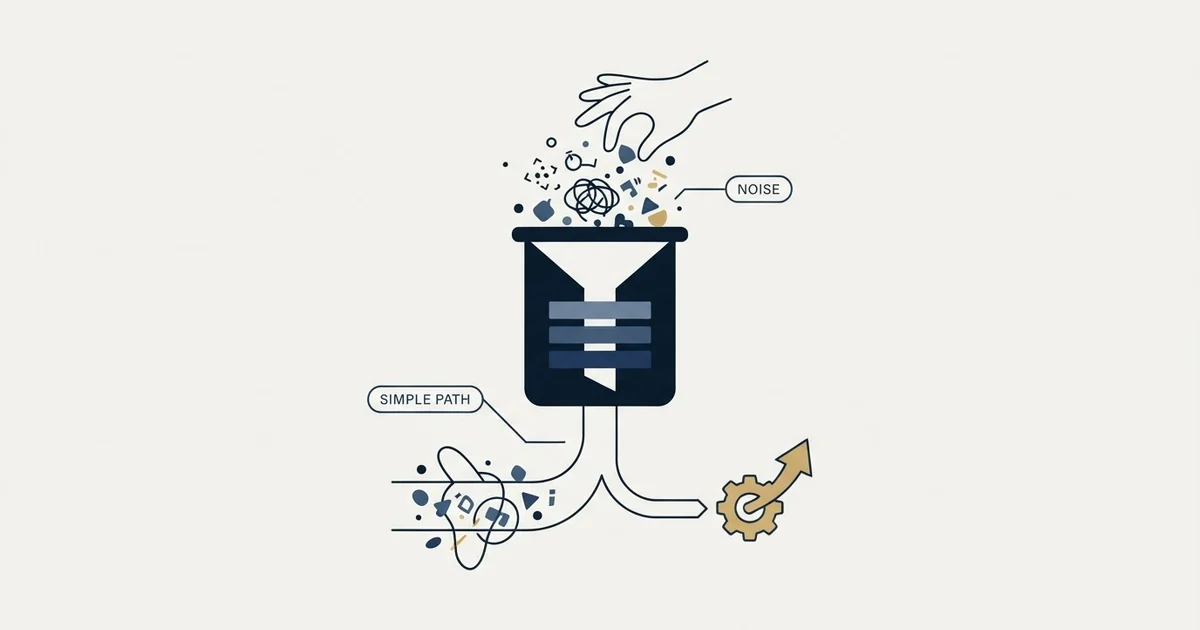
Sales automation software providers compare on three pricing meters. Close and Calendly charge per seat, so costs grow with every login; Keap sells a $299 monthly bundle with 2 users included and $39 per extra user; Zapier charges by task volume from $19.99 a month. Close's two cheapest plans exclude workflows.
Key takeaways
- Close's pricing page prints "Workflows not included" against Solo and Essentials, so its automation starts at Growth, $99 per user a month on annual billing.
- Keap's pricing page lists $299 a month billed monthly, or $2,988 a year billed annually, with 2 user licenses included and $39 a month for each additional user.
- Zapier prices by task volume, from a free plan with 100 tasks a month to Professional from $19.99 a month, so adding a colleague does not change the bill.
- In the illustrative arithmetic, four users cost $396 a month on Close Growth against about $160 on Close Essentials plus Zapier Professional.
Reviewed and updated October 1, 2026
Comparing sales automation software providers on pricing and scalability starts with one line on Close's pricing page: "Workflows not included", printed against its two cheapest plans. That page lists the Solo plan at $19 per user per month billed monthly or $9 billed annually, and the Essentials plan at $49 monthly or $35 annually. Workflows are the automation. A small business shopping this category on price lands on exactly the tiers where the thing it came for has been removed, and the way each vendor prices decides how the bill grows with the team.
That is not a criticism of Close, which is unusually clear about it. It is the shape of the whole category, and it is the first thing worth knowing before comparing anything.
Comparing Sales Automation Providers on Pricing and Scalability
They scale on three different meters. Close and Calendly charge per seat, so the bill multiplies with every login. Keap sells a bundle at $299 a month billed monthly, or $2,988 a year, with 2 user licenses included and $39 for each additional user. Zapier charges by task volume from $19.99 a month, so a new colleague changes nothing. Which one scales best depends on whether your headcount or your activity grows faster.
That is also the answer to how sales automation is priced per user: only the seat-priced products price per user at all, and on Close the per-user rate that includes automation is Growth's $99 a month on annual billing. The chart further down shows what that does to a growing team.
One search, four different purchases
"Sales automation software" returns products that do four unrelated jobs. They are sold as alternatives and they are not substitutes for each other. A team that buys the wrong one solves a problem it did not have and still has the one it did.
The CRM and its workflow engine
Stores the pipeline and fires rules when a record changes. Priced per seat, with automation often gated above the entry tiers.
Buy when nobody has a reliable record of who was contacted and when.
The sending and sequencing layer
Sends from mailboxes, tracks replies and manages sending reputation. Priced around mailboxes and volume.
Buy when origination is the constraint and the list is the input.
The connector layer
Watches one system and writes into another on a trigger. Priced by task volume.
Buy when the same copy and paste happens every week.
The scheduling tool
Turns an availability exchange into a link and a confirmation. Priced per person who connects a calendar.
Buy when booking friction is measurably losing conversations.
Scheduling is the fourth and the least contested. It turns an availability exchange into a link and a confirmation, it is priced per person who needs a calendar connected, and it is worth buying when booking friction is measurably losing conversations rather than because the link looks tidy.
The pairing that fits a small business is two of these, not one: a CRM whose automation tier is switched on, and whichever of the other three matches the actual bottleneck.
What the published rates say about who each product is for
Pricing structure tells you what a vendor thinks it is selling, and it is more informative than a feature list.
A fourth structure sits beside those three: Bitrix24 prices per organisation with a stated number of users included on each plan, and what that does to a CRM decision against a per-seat vendor is worked through in Bitrix24 against HubSpot.
Close prices per user per month and publishes both billing states on one page: Solo at $19 monthly or $9 annually, Essentials at $49 or $35, Growth at $109 or $99, and Scale at $149 or $139. The interesting part is not the numbers. It is that the plan feature lists for Solo and Essentials both carry the line "Workflows not included", so automation begins at Growth. A vendor charging per seat and gating workflows above the small-team tiers is telling you it sells rep productivity first and automation second.
Keap prices the opposite way. Its pricing page shows $299 a month billed monthly, and $2,988 a year on annual billing, which works out to $249 a month. That page states "Keap starts you off with 2 user licenses" and that "Additional users can be purchased for only" $39 a month each. Usage beyond the plan allotment is published on the same page at $0.015 per text message and $0.01 per voice minute, and the page states that cancelling an annual contract before the end of the term incurs a $299 early termination fee. A bundle with two seats included and per-message overage is a product sold to an owner-operated business as a single line item rather than to a sales team as a seat count.
Zapier prices neither of those ways. Its pricing page publishes a free tier whose own description is "Start automating with AI" at $0 a month including 100 tasks per month, a Professional plan starting from $19.99 a month, and a Team plan starting from $69 a month, on a page with a currency selector that includes US dollars. Task-based pricing scales with how much moves between your systems, which has nothing to do with how many people you employ.
Calendly's pricing page serves Standard at $10 per seat per month and Teams at $16 per seat per month on yearly billing, noting on each that "Seats are required for users to connect calendars". Rendered from this comparison's address the same plans show in pounds, £8 and £13, so read the page in your own currency. That page publishes its Enterprise tier as starting at $15k per year and at 50 seats, which is a useful boundary marker for a small team.
Read off that illustrative chart, Keap's bundle costs less than Close Growth from the third user, $288 a month against $297, and at ten users the gap is $561 against $990. Close Essentials plus Zapier Professional is the cheapest line at every size shown, but its automation runs in Zapier, because Close excludes its own workflows from Essentials.
Three vendors whose figures are not in this article, and why
Absence here is a property of the fetch rather than of the vendor, so it is worth stating precisely.
HubSpot's sales pricing page, Pipedrive's pricing page and Zoho's CRM pricing page all rendered their plan cards in pounds for this comparison. Pipedrive's plain fetch still returns an HTTP 403, while a browser render shows Lite at £14 up to Ultimate at £79 a seat a month billed annually, and Zoho shows Standard at £12 per user a month. Those are real published rates, but in a different currency from every figure above, and adding across currencies produces a number nobody is charged.
None of that means those products are unsuitable, and all three appear on every competing list for this term. It means their current rates have to be read from the page in your own browser, in your own currency, which is where you should read any rate before signing anything.
The arithmetic that usually decides it
On these published prices, a comparison that looks like a features question turns into a question of how many people need a login.
The following arithmetic is invented for illustration, uses the vendor rates attributed above, and covers no real purchase. In that invented example a four-person team on Close Essentials at $35 per user per month billed annually pays $140 a month and has no workflows. Moving all four to Growth at $99 in the same invented example costs $396 a month, because a seat-priced tier applies to everybody. Leaving them on Essentials and buying the connector layer separately on Zapier Professional from $19.99 a month costs about $160 a month in that invented comparison, because task pricing does not multiply by headcount.
Those two paths point in opposite directions, and which one is right depends entirely on whether the automation you need lives inside the CRM's own records. Rules that move a deal stage, assign an owner or create a task belong in the CRM and cannot be replicated by a connector without making the CRM the second copy of the truth. Work that crosses systems, such as writing a form submission into the pipeline, is what the connector layer is built for and what a CRM workflow engine is worst at. The trap in a CRM's own automation is a rule firing on a change another rule made, which is worked through in workflow automation in a CRM.
Write down the specific task being automated, as what happens now and who does it.
Check whether the tier you already pay for includes automation nobody has switched on.
Count the people who need a login, which is what decides seat-priced totals.
Decide whether the work happens inside one system's records or crosses two systems.
Read the current rate on the vendor's own page, in your own currency, before signing.
What none of it does
Three things get expected of this category and are in none of it.
A decision about who to contact. Every product here acts on records it is given. The choice of which companies and which people belong in the list is upstream of all of them, and a tool bought to compensate for a vague target market will send a vague message faster.
Data that is worth acting on. Rules read fields. A record whose owner, stage or contact address is stale produces a confident wrong action, which is worse than no action because nobody reviews it. Cleaning first is unglamorous and it is the whole foundation.
Time you have not budgeted. Configuration is the real cost at this size, not licence fees. A small business has no administrator, so the person setting up the automation is the person who was doing the work manually, and they are doing both for a while. Which stack that adds up to across a whole small-business programme is priced out in lead generation tools for small businesses.
Where we differ from standard practice
Much of the writing in this category assumes outbound is run the common way, and since this page sits on our site it is worth naming where ours differs and what it costs.
The standard automation recommendation for outreach is a sequence: several messages to each contact over some weeks, often landing in the same thread, with later steps going only to people who did not answer. We run one message per campaign, with no bumps and no thread replies. The reasoning is mechanical. A repeat message is delivered to the population that already saw the first one and chose not to answer, which is the population most likely to complain, and the reputation cost of that lands on the sending domain across everything else it sends.
The consequence for a buyer reading this page is concrete. The sequencing depth that dominates feature comparisons in this category is a feature we do not use, and the automation that matters to us is the part that keeps records accurate and gets a reply in front of a person quickly. We also send from dedicated mailboxes on separate sending domains rather than through a CRM's own sending, for reasons set out in sending cold email from the CRM you already pay for, and we agree what counts as a qualified meeting in writing before a campaign launches. The cost of running it this way is that each contact hears from us less often, and we accept that.
There is a related boundary worth stating for any team automating outreach at this size. Automating the delivery is safe. Automating the judgment about whether a person should be contacted at all is where small programmes get themselves into deliverability trouble, and no tier of any product on this page protects you from it. Why we run campaigns as single messages rather than chains is set out in email sequence software.
The short version
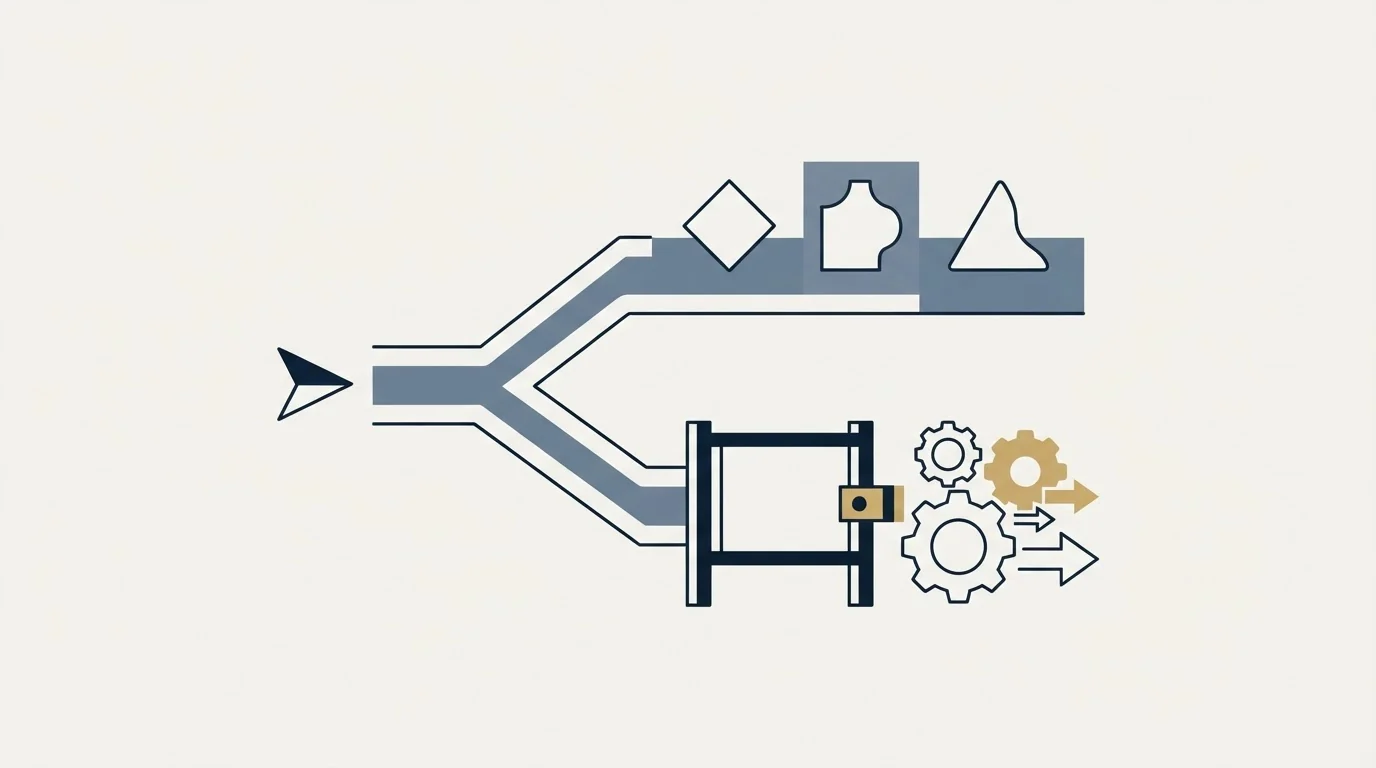
Sales automation software is four purchases wearing one label: a CRM with a workflow engine, a sending and sequencing layer, a scheduling tool, and a connector that moves records between systems. Decide which of the four your bottleneck is in before comparing any two products, because they are not alternatives.
Read the pricing structure as a statement of who the product is for. Seat pricing scales with headcount, task pricing scales with how much data moves, and a bundle with seats included is sold to an owner rather than to a team.
Check whether the automation is gated above the tier you were going to buy, because on at least one vendor's published plan list it is, and that single fact changes the arithmetic more than any feature comparison will.
None of these products decides who to contact or fixes the records they read. Where the constraint is that not enough of the right conversations are starting at all, see what a first campaign produces against your market before adding another tool to the stack.
Pricing and features are taken from the vendors' own pages. Verify current terms with the vendor before relying on them.
Sources: Close pricing, Keap pricing, Zapier pricing, Calendly pricing
Frequently asked questions.
Frequently asked questions- How do sales automation tools compare on pricing and scalability?
- They scale on different meters. Per-seat products such as Close and Calendly multiply with every login. Keap sells a bundle at $299 a month, or $2,988 a year, with 2 users included and $39 for each additional user. Zapier charges by task volume from $19.99 a month, so headcount does not move the bill. Which scales best depends on whether people or activity grow faster.
- How is sales automation priced per user?
- Only the seat-priced products charge per user. Close lists Essentials at $35 and Growth at $99 per user a month on annual billing, and only Growth includes workflows. Calendly serves Standard at $10 and Teams at $16 per seat a month on yearly billing. Keap includes 2 users in its bundle and charges $39 for each additional one.
- What is the best sales automation software for a small business?
- It depends which of four jobs is the bottleneck: a CRM with a workflow engine, a sending layer, a connector that moves records between systems, or a scheduling tool. Start with a CRM whose automation tier is switched on, then add the one of the others that matches the bottleneck. Check the automation tier first, because Close excludes workflows from its two cheapest plans.
- Why does a small business pay more for CRM automation?
- Because automation is often gated above the entry tiers, and seat pricing applies the upgrade to everybody. On Close, a four-person team pays $140 a month on Essentials without workflows and $396 on Growth with them, both on annual billing. Buying a task-priced connector such as Zapier instead can cost less when the work crosses systems.
About the author.

B2B cold email experts helping companies generate qualified leads through done-for-you outreach campaigns.
RevenueFlow Team
Explore more.
Ready to scale your outreach?
We build GTM engines that book real meetings. See the receipts.
Related articles.
Sybill: The Credit Meter Is the Number to Model
Sybill meters by credits per week rather than by seat, and its pricing page carries three different figures for the same two plans. Both facts change the model.
Pipedrive Pricing: Half the Numbers Online Are Retired
Pipedrive renamed every plan in 2025, so most pricing write-ups quote a retired rate card. The five inputs that actually decide your bill, from the vendor's own docs.
Pipedrive Calling: Native Surfaces, Marketplace Dialers
Pipedrive's knowledge base says it has no built-in calling integration. What ships natively is a set of shortcuts to your phone, and the dialer is a second subscription.
Avoma Pricing: Recorder Seats, Free Viewers, and the Add-Ons
Avoma charges only for people whose meetings get recorded and makes viewers free, so the seat count to price is smaller than the team and the add-ons are larger.
Calendly Pricing: Every Plan and What Changes With Seats
Calendly's published rates read as annual by default. What each tier unlocks, why the same page shows three currencies, and where the non-profit discount lives.
Salesforce Einstein AI for Sales: The Agentforce Rename
Four products still carry the Einstein name on Salesforce's rate card. The pricing page's own data says which editions include them, and contradicts its footnote.