Sending Cold Email From the CRM You Already Pay For
A CRM sequence tool sends from your primary domain and your own mailbox, and vendor terms usually require documented consent. What a separate cold stack buys.
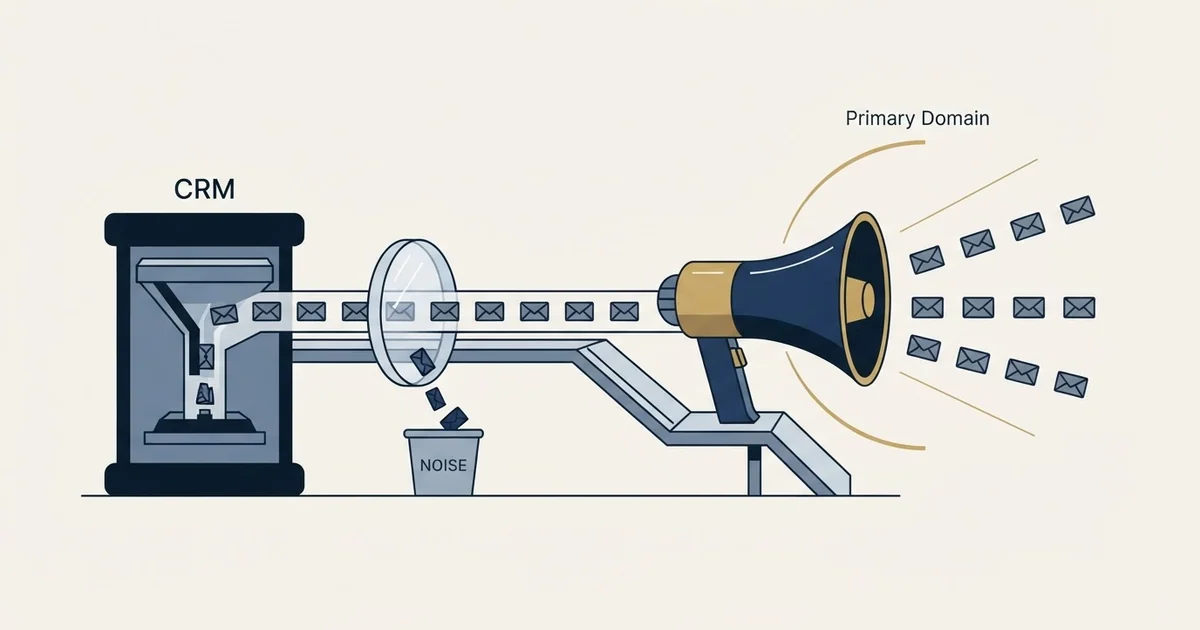
A CRM sequence tool sends one-to-one email from a connected individual work mailbox on your primary domain, which is right for live relationships and wrong for a cold list. Vendor anti-spam terms typically require documented consent and prohibit third-party lists, so the exposure is the CRM account rather than a campaign.
Key takeaways
- HubSpot's knowledge base states that sequence emails "are sent through the connected individual work email address, not through HubSpot's marketing email servers".
- HubSpot's anti-spam policy requires recipients to have "provided express, verifiable consent to receive such communications", and prohibits contact from "purchased, rented, borrowed, or other third-party lists".
- Reputation is scored per authenticated domain, so cold sending on your primary domain puts your invoices and contracts behind the same score as your campaigns.
- A separate stack buys domains you can afford to damage, mailboxes sized to a plan, and a platform that reads deferrals correctly rather than counting them as bounces.
Reviewed and updated August 28, 2026
A team already pays for a CRM that sends email. It has templates, it has sequences, it reports on opens, and it is sitting there unused for outbound because nobody got round to it. The obvious question follows: why buy a second sending stack to do a thing the first one already does. The obvious answer, that cold email is different, is usually asserted rather than explained, which is why the question keeps coming back at the next budget review.
The explanation is concrete and it comes from the CRM vendors themselves. Two documents settle most of it: what the sequences feature says it is, and what the platform's own acceptable-use terms say about who you may send to.
A CRM campaign in those same vendors' vocabulary is the opt-in marketing send rather than the sequence, and it lands under the identical two documents.
What a CRM sequence is built to do
HubSpot's knowledge base describes the sequences tool as a way to send a series of targeted, timed email templates to nurture contacts over time, and it is explicit about the sending path. Its own page states that "Sequence emails are one-to-one sales emails and are sent through the connected individual work email address, not through HubSpot's marketing email servers", and that to send sequences "you must have a connected individual work email address" rather than a team address (knowledge.hubspot.com, sequences documentation, page last updated 17 August 2026, fetched 28 August 2026).
Read that sentence for what it commits you to rather than for what it enables. A sequence sends from a real person's real mailbox on the company's real domain. That is exactly right for the job it was designed for, which is a seller following up individually with people already in a live relationship, and it is exactly wrong for a cold list, because it puts the reputation of the domain your invoices and contracts leave from behind messages sent to strangers.
Reputation is scored per authenticated domain, so the damage from a cold campaign lands on whichever domain signed the mail. Separating cold sending onto domains that are not your primary one is the first of the five layers in cold email infrastructure, and it is the layer a CRM sequence tool structurally cannot give you, because the whole design assumes the sender is the person and the person's address is their real one.
What the terms say about who you may send to
The second document is the one that rarely gets opened. HubSpot's Anti-Spam Policy states that messages sent through its services "must be sent only to recipients who have" among other things "provided express, verifiable consent to receive such communications" and "opted in through a clear, documented process". It also states that customers are "strictly prohibited from using the HubSpot Services to directly contact recipients from purchased, rented, borrowed, or other third-party lists, including email append services or enrichment services lists in violation of applicable laws or third-party terms" (legal.hubspot.com, anti-spam policy, fetched 28 August 2026).
The policy names two exceptions to the consent requirement and neither covers outbound: purely transactional messages relating to an existing transaction or relationship, and internal communications to employees or stakeholders.
The same policy sets quality bars its customers are expected to maintain, including "bounce rates below 5%" and "spam complaint rates below 0.1%", and reserves the right to request documentation of consent. On enforcement it says plainly that "Violations may result in warning, temporary restriction, suspension, account termination, or other remedies available under applicable law".
That is the part that changes the arithmetic, and it has nothing to do with deliverability. The asset at risk is not a campaign. It is the account holding your customer records, your deal history and your reporting.
Two caveats belong with those quotations. Terms change, and the sentences above are what those pages served on one dated fetch, so read them yourself before making a decision on them. And every vendor has its own version, so a team running a different CRM should open that vendor's acceptable-use and anti-spam pages rather than assuming HubSpot's wording transfers.
- Sends from a connected individual work mailbox
- Runs on your primary company domain
- Vendor terms expect documented consent
- Activity lands in the CRM automatically
- Reporting sits beside the deal record
- Sends from mailboxes on separate sending domains
- Reputation damage is contained to those domains
- Authentication configured per sending domain
- Volume distributed across many mailboxes
- Replies captured and routed back to the CRM
The three things you would be buying
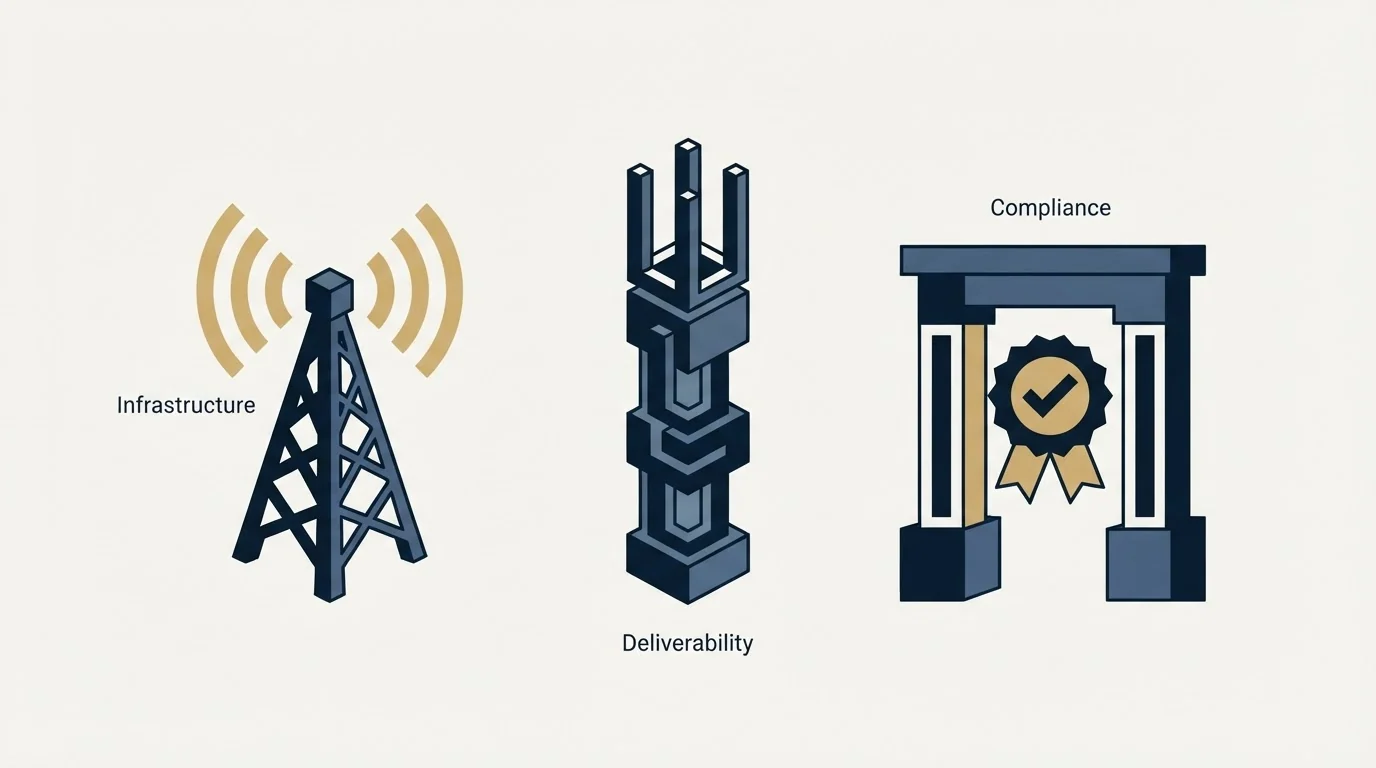
Put the terms aside for a moment and the practical question is what a separate stack actually gives you that the CRM does not. It is a short list, and none of it is a feature.
Domains you can afford to damage. Several sending domains, none of which is the one your customers already correspond with. Reputation is scoped per authenticated domain, so four sending domains are four independent reputations and one going bad costs a quarter of your capacity rather than all of it.
Mailboxes sized to a plan rather than to a ceiling. Many mailboxes each sending a modest daily volume, distributed by the platform, rather than one person's mailbox pushed toward a provider limit it was never meant to approach. Those domains also need time before they carry volume, and the three separate clocks involved are pulled apart in how long to warm up a cold email domain, because a warmup score is not a date and the volume ramp afterwards is a separate stage again.
A platform that reads the receiving side honestly. The difference that matters between sending tools is what they do with a temporary failure. A platform that treats a deferral as a bounce removes a perfectly good address and makes the list look worse than it is, which is a reporting failure that then drives real decisions.
Everything else in the category is optimisation. The order to buy in, and why detection and verification are worth more than another dashboard, is worked through in cold email outreach platforms.
- Step 1CRM holds the record
Accounts, contacts, deal history, stage definitions and the qualification criteria the programme is measured against
- Step 2Cold sending runs on its own domains
Separate sending domains and mailboxes, authenticated individually, none of them your primary domain
- Step 3Replies come back to the record
A reply is captured against the contact, so the CRM stays the place where contact history lives
- Step 4CRM sequences serve live relationships
One-to-one follow-through with people already in a conversation, which is what the tool was designed for
What the CRM is genuinely the right tool for
None of this is an argument against the CRM. It is the record that outlives every other tool in the stack, and the practical test of one in an outbound context is whether activity arrives intact and attributable rather than whether it can send.
The automation inside it earns its place on work that is mechanical and reversible: standardising a field, creating a task, moving a stage on unambiguous criteria, assigning an owner, logging activity. The boundary and the four ways these automations break in month three are set out in workflow automation in a CRM, and its distinction between internal actions and external ones is the one that matters here. An internal action costs cleanup time when it misfires. An action that renders a merge field to a stranger costs credibility, which is why anything reaching a prospect deserves a slower path to production than a field update does.
There is a second reason to keep the two apart that has nothing to do with risk. When cold sending and relationship email share a domain, you cannot tell which one caused a placement problem, because the only reputation signal available is blended across both. Separating them gives you a per-domain reading, which is the difference between diagnosing a problem and guessing at it.
Deciding it without a procurement cycle
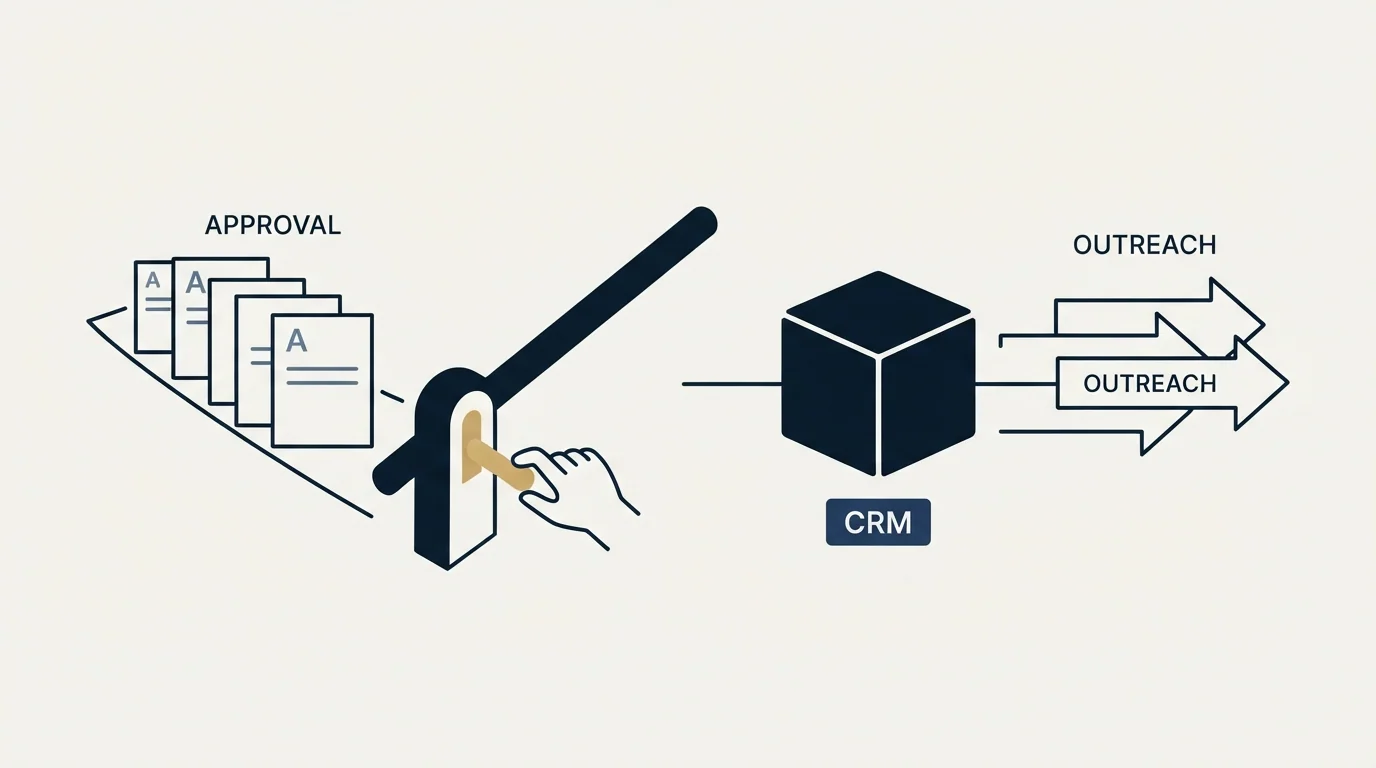
Three checks answer this faster than a vendor comparison.
Open your CRM vendor's acceptable-use and anti-spam pages and read the consent section. If it requires documented opt-in, a cold list does not qualify, and that is a contractual answer rather than a preference.
Ask which domain the tool sends from. If the answer is your primary domain or a connected individual mailbox on it, you have your answer about where the reputation risk lands.
Then size the thing you would actually buy. Daily send target derived from the arithmetic rather than a round number, and messages per campaign. We run one message per campaign with no bumps and no thread replies, which makes the second number one and the capacity planning simple, because the send count equals the audience count. A programme built the other way multiplies its infrastructure requirement by the length of its sequence, and it is worth knowing that before comparing prices. The reasoning behind removing the follow-ups, including what the position costs, is in why we stopped using follow-up emails.
- Yes: You have read the vendor's own anti-spam and acceptable-use pages, not a summary
- Yes: You know which domain and which mailbox the tool sends from
- Yes: Cold sending is separated from the domain your customers correspond with
- Yes: Authentication is configured per sending domain rather than once
- Yes: Replies route back to the CRM so contact history stays in one place
- Yes: The daily target is derived from arithmetic rather than a round number
- No: The plan is to send cold from a connected individual work mailbox
The honest exception
There is a case where the CRM is the right sender, and it is worth naming so the rule does not get applied where it costs you something.
A short, genuinely warm list, contacted individually by the person whose mailbox it leaves from, is what a sequence tool was built for. Twenty people who met you at an event, forty former customers at new employers, a partner's introductions: those are relationship messages, the volume is small enough that no reputation question arises, and routing them through separate infrastructure would strip away the thing that makes them work, which is that they come from a real person the recipient can look up.
The line is not the tool. It is whether the recipient has a relationship with the sender. Where they do, the CRM is right and the separate stack is overhead. Where they do not, the volume, the terms and the domain risk all point the same way, and the boundary between those two cases is worth writing down before somebody loads a purchased list into a sequence because it was the tool that happened to be open.
The short version
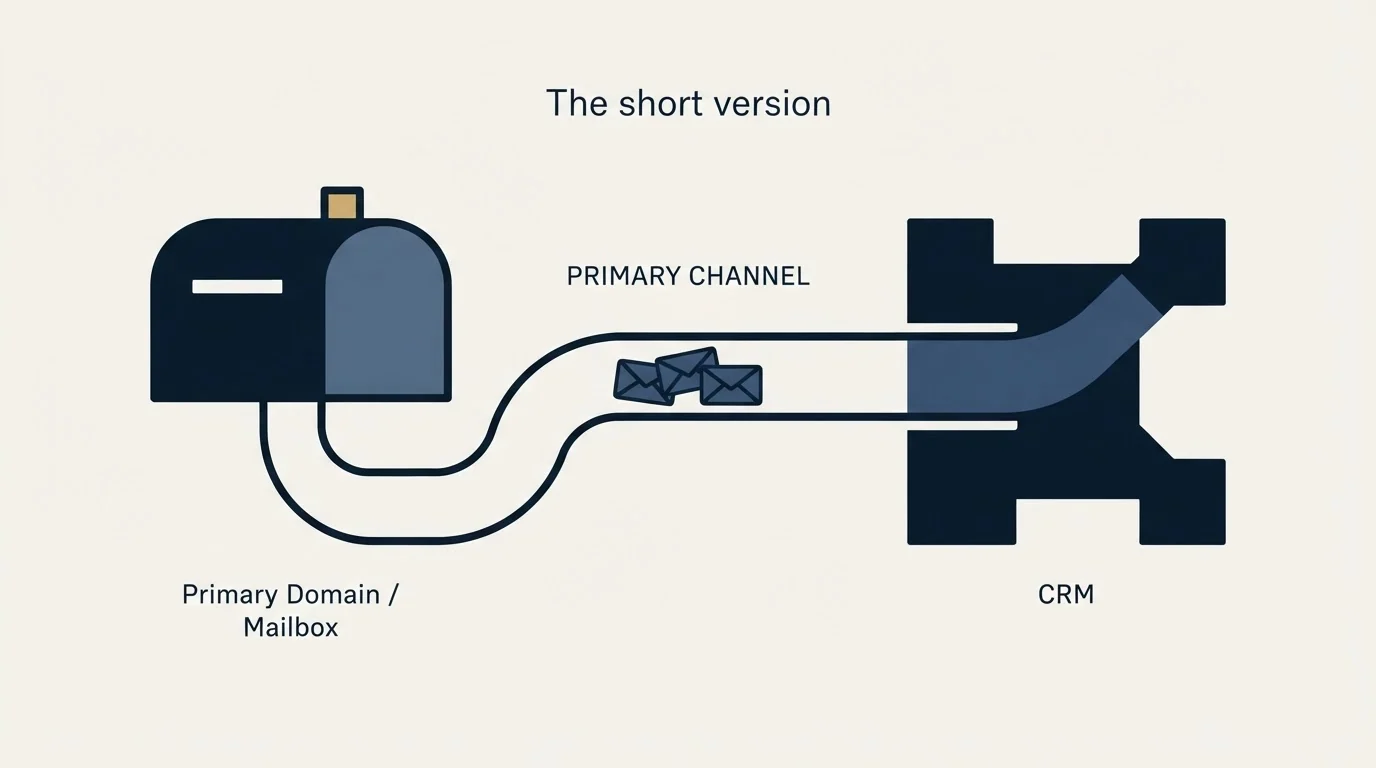
A CRM sequence tool sends one-to-one sales email from a connected individual work mailbox on your primary domain rather than through the vendor's marketing servers, and it is built for people already in a relationship. Its vendor's anti-spam terms require documented consent and prohibit contacting purchased or third-party lists, with account termination among the stated remedies, so the exposure is the CRM account rather than a campaign. What a separate stack buys is domains you can afford to damage, mailboxes sized to a plan, and a platform that reports the receiving side honestly. Keep the CRM as the record and the place activity lands, keep cold sending on its own domains, and keep the sequence tool for the warm list it was designed for.
If the useful next step is seeing what a cold programme built on its own infrastructure produces before buying any of it, we will build the first campaign and show you the population.
HubSpot policy and product text above comes from that vendor's own pages, fetched 28 August 2026 into stored snapshots of the served bytes. Verify current terms with the vendor before relying on them.
Frequently asked questions.
Frequently asked questions- Can I send cold email from HubSpot sequences?
- HubSpot's anti-spam policy states that messages sent through its services must go only to recipients who provided express, verifiable consent and opted in through a clear, documented process, and it prohibits contacting recipients from purchased, rented or third-party lists. A cold sourced list does not meet that, and the stated remedies include account termination. Read the current page before deciding.
- What is actually wrong with sending cold from my company domain?
- Mailbox providers score sending reputation per authenticated domain. A cold campaign that attracts complaints damages whichever domain signed the mail, and if that is your primary domain then your invoices, contracts and support email carry the same score. Separate sending domains contain the damage and give you a per-domain reading when something goes wrong.
- Is there a case where the CRM is the right tool for outbound?
- Yes. A short, genuinely warm list contacted individually by the person whose mailbox it leaves from is exactly what a sequence tool was built for. Event contacts, former customers at new employers, partner introductions. The line is not the tool but whether the recipient has a relationship with the sender, and it is worth writing down.
- What do I actually need to buy for cold outbound?
- Sending domains separate from your primary one, ordinary provider mailboxes on them each sending a modest daily volume, authentication configured per domain, and a sending platform chosen on how it handles deferrals and how honestly it reports. Verification of the list belongs in front of all of it. Everything past that is optimisation.
About the author.

Tim Carden is CMO / CTO at RevenueFlow, which builds and operates outbound revenue engines for B2B companies. Studied at McGill University.
Tim Carden · CMO / CTO
Connect on LinkedIn →Explore more.
Ready to scale your outreach?
We build GTM engines that book real meetings. See the receipts.
Related articles.
Mass Email From Outlook: The Limits Microsoft Publishes
Microsoft publishes the ceiling on one mailbox and, a few paragraphs later, recommends that bulk commercial mail go to a specialist provider instead.
IMAP or SMTP: One Sends, One Reads, and the Ports
A mail setup pane asks for two servers because the two protocols run in opposite directions. The RFCs define both jobs, and the ports are where providers disagree.
SMTP for Yahoo: The Settings and the Sender Requirements
Yahoo publishes its outgoing settings in six lines. It also publishes sender requirements enforced since February 2024, and refuses to name the volume that triggers them.
GMass Inbox Tester: The Public Seed List Cuts Both Ways
GMass publishes the fifteen seed addresses behind its free placement tester. That makes the test repeatable, and it also makes the absolute result pessimistic.
GMass SMTP Test: What a Passing Connection Cannot Prove
GMass publishes a free SMTP connection tester that anyone can use. What its four stages separate, why the last one gets misdiagnosed, and where the tool's boundary is.
Proofpoint Spam Filter: Diagnosing Placement
Two different Proofpoint systems can stop a cold email, and the remedies have nothing in common. Telling them apart takes a minute and saves a month.