Mass Email From Outlook: The Limits Microsoft Publishes
Microsoft publishes the ceiling on one mailbox and, a few paragraphs later, recommends that bulk commercial mail go to a specialist provider instead.

Microsoft publishes three sending limits for a Microsoft 365 mailbox: 10,000 recipients a day per user, up to 1,000 recipients in one message, and 30 messages a minute. Two further limits apply to the whole tenant. On the same page, Microsoft recommends that bulk commercial email go to a specialist third-party provider.
Key takeaways
- Microsoft's Exchange Online service description publishes a recipient rate limit of 10,000 recipients per day per user, a recipient limit customizable up to 1,000 addresses in one message, and a message rate limit of 30 messages per minute.
- Two limits apply to the organisation rather than the user: a tenant external recipient rate limit that varies with licence count and is capped at 5,000 a day on trial tenants, and a throttle of 100 external recipients per organisation per 24 hours on the default onmicrosoft.com domain.
- Microsoft states that the recipient limits exist to discourage the delivery of unsolicited bulk messages, and recommends that customers needing to send legitimate bulk commercial email use third-party providers that specialise in it.
- None of the published limits describe placement, so a campaign that stays inside every ceiling can still land in junk, which is why outbound programmes spread modest volume across many mailboxes rather than pushing one mailbox to its limit.
Reviewed and updated September 1, 2026
Microsoft publishes the ceiling on how much mail one Microsoft 365 mailbox can send, and on the same page it tells you not to use that mailbox for bulk commercial email at all. Both sentences are in the Exchange Online limits documentation, a few paragraphs apart, and reading them together answers the question faster than any comparison of mail merge tools.
The limits are 10,000 recipients in a day, up to 1,000 recipients in one message, and 30 messages a minute. The recommendation beside them is that customers who need to send legitimate bulk commercial email "should use third-party providers that specialize in these services". This page works through what those numbers mean in practice, the two tenant-level limits almost nobody knows about until they hit one, and what the numbers do not decide.
Three different things get called sending mass email from Outlook
The people arriving at this question are doing one of three things, and the limits below apply identically to all three, which is the first useful thing to know.
Mail merge from Word. Microsoft's own documented path. Its support page for the feature notes a prerequisite that surprises people: "To be able to send bulk email via mail merge, you must already have installed a MAPI-compatible email program such as Outlook or Gmail" (https://support.microsoft.com/en-us/office/use-mail-merge-to-send-bulk-email-messages-0f123521-20ce-4aa8-8b62-ac211dedefa4, read 16 August 2026). Word composes the messages and hands each one to the mail program, which sends it as the account signed in there.
An add-in or a mail merge tool inside Outlook. Better merge fields, scheduling, tracking, a spreadsheet as the list. It authenticates as the same mailbox.
An outreach platform connected over SMTP. The tool sends through smtp.office365.com as a licensed mailbox, which our Office 365 SMTP settings guide covers in detail, including the tenant policies that stop a correct configuration working at all.
Every one of those routes ends at one mailbox in one tenant, and the mailbox is what the limits attach to. Choosing between them changes the writing experience and nothing about the ceiling.
An Outlook CRM changes none of that either, and what the add-in genuinely carries, along with the install route that decides whether it logs at all, is in the Outlook CRM comparison.
The three published limits
Microsoft publishes these in the Exchange Online service description (https://learn.microsoft.com/en-us/office365/servicedescriptions/exchange-online-service-description/exchange-online-limits, read 16 August 2026). The values below are the ones listed across the Microsoft 365 Business and Enterprise plans on that page.
Recipient rate limit: 10,000 recipients per day. Microsoft states the purpose in the same paragraph: "To discourage the delivery of unsolicited bulk messages, Exchange Online has recipient limits that prevent users and applications from sending large volumes of email." It is counted per user across all outbound and internal messages, on a rolling 24-hour basis. Microsoft's own worked example is worth repeating because it shows the shape: a user who sends to 5,000 recipients at 09:00, another 2,500 at 10:00 and another 2,500 at 11:00 has reached the limit, and cannot send again until 09:00 the next day.
Recipient limit: customizable up to 1,000 recipients. This is the maximum number of addresses across the To, Cc and Bcc fields of a single message. A distribution group held in the organisation's shared address book counts as one recipient against both this and the daily limit, while a personal distribution list counts every member separately.
Message rate limit: 30 messages per minute. Microsoft describes what happens when a client exceeds it: "If a user submits messages at a rate that exceeds the limit via SMTP client submission, the messages will be rejected and the client will need to retry." A sending tool that treats those rejections as bounces rather than as throttling will burn good addresses out of a list for no reason.
Rolling 24-hour window, counting internal and external messages together
Customizable up to this ceiling, across To, Cc and Bcc
Exceeded via SMTP client submission, messages are rejected and the client must retry
The two tenant limits that catch people out

The three figures above are per user. Two more are applied to the whole organisation, and they are the ones that turn a plan into a surprise.
The Tenant External Recipient Rate Limit. Microsoft describes it as "the maximum number of external recipients a tenant can send to per day (24-hour sliding window)", where external means any address whose domain is not an accepted domain in the tenant. The number is not fixed: the documentation states that the limit depends on how many licences the tenant holds, and that administrators can find their own figure in the Tenant Outbound External Recipients report in the Exchange admin centre. Only one value is published outright, and it is the floor rather than the ceiling. In Microsoft's words, "The limit for trial tenant is capped at 5,000 external recipients per day". Group members are counted individually after full expansion, so a message to one internal group of 1,000 external addresses spends 1,000 of the allowance.
That limit is the one that makes per-user arithmetic misleading. Ten mailboxes in one tenant do not multiply the tenant ceiling, and for a prospecting programme every recipient is external by definition.
The onmicrosoft.com throttle. Microsoft enforces a separate policy on the default tenant domain: "Outbound mail from these domains is limited to 100 external recipients per organization within a 24-hour rolling window", with a bounce carrying the code 550 5.7.236 once a sender hits it.
One hundred external recipients per organisation per day is a working limit for testing and nothing else. Anyone who provisions a fresh tenant, skips the custom domain step, and starts a campaign will hit it inside the first hour and read the NDR as a deliverability problem.
- Yes: Confirm the mailbox is sending from a verified custom domain, not the default onmicrosoft.com domain
- Yes: Read the tenant's own external recipient limit in the Exchange admin centre rather than assuming the per-user figure
- Yes: Check that the sending tool backs off on throttling responses instead of recording them as bounces
- Yes: Keep single-message recipient counts well inside the 1,000 ceiling, and prefer individual messages for prospecting
- Yes: Read Microsoft's own recommendation against using Exchange Online for bulk commercial mail
- No: Treating the 10,000 per-user figure as the capacity available to a campaign
- No: Running the send from the mailbox your contracts and invoices go out from
What Microsoft actually recommends
The sentence beside the recipient rate limit is easy to skim past and is the most consequential line on the page: "Exchange Online customers who need to send legitimate bulk commercial email (for example, customer newsletters) should use third-party providers that specialize in these services."
Read the limits with that sentence in hand and they stop looking like an obstacle to route around. They are the stated policy expressed as numbers. The service is built for business correspondence from named humans, the ceilings are set where correspondence stops and campaigning starts, and Microsoft's answer to the campaigning case is that it belongs somewhere else.
Worth being precise about what "somewhere else" means, because the obvious reading points at the wrong shelf. A transactional relay is the wrong destination for cold outreach at any price: replies are the point of the send, and a relay has no mailbox for one to land in. Our free SMTP relay server breakdown covers that category and why the free tiers are sized for contact forms. The arrangement that actually holds is ordinary mailboxes on separate sending domains, each sending a modest daily volume, which is the layer our cold email infrastructure guide walks through.
The limits are not what stops most campaigns

A team that reads the numbers above usually concludes it has room, because 10,000 recipients a day sounds like a great deal of headroom. The conclusion is wrong, and not because the number is wrong.
None of these limits describe placement. They govern how many messages the service will accept from you. Whether an accepted message reaches an inbox is decided later, by the receiving provider, on evidence Microsoft's ceilings say nothing about: the authentication on your sending domain, that domain's history, the complaint rate your list generates, and whether the recipients wanted the mail. A send that stays comfortably inside every published limit and lands in the junk folder has broken no rule at all.
Teams weighing those placement factors will find it useful to see what actually triggers spam filters, since authentication and complaint rate matter more than any sending ceiling.
That is the reason the mailbox count rather than the per-mailbox ceiling is the lever outbound programmes actually pull. Modest volume from many mailboxes on many domains looks to a receiver like ordinary business mail, and one hard-working mailbox pushed to its published ceiling does not. Our Office 365 spam filter guide covers the receiving side of the same tenant, and the Gmail equivalent of this question works through what Google counts as bulk, which it defines by a published number where Microsoft defines it by a recommendation.
- An existing customer or member list
- Recipients recognise the sender
- Complaint risk is low
- The binding constraint is the daily recipient limit
- Mail merge from Word is a reasonable tool
- Recipients have no history with the domain
- Complaint risk is the highest of any send type
- Reputation lands on whatever domain sent it
- The binding constraint is placement, which no limit describes
- Belongs on separate sending domains and mailboxes
The domain is the part worth protecting
The tenant that holds your Microsoft 365 mailboxes is usually the tenant that holds your company domain, and that domain carries your invoices, your contracts, your support threads and every address a customer already has saved.
Running campaign volume through it puts all of that behind the reputation of your prospecting. Recovering a damaged domain reputation is slow work with no guaranteed end date, and while it is underway the mail that suffers is the mail the business cannot do without. The narrow and defensible version of the rule is about which mailbox and which domain rather than about the provider: Microsoft 365 is a perfectly good place to send business mail from, and it is the wrong place to send a campaign from.
Separate sending domains, registered for the purpose, hosting their own mailboxes, each with authentication configured and each sending modestly, is the arrangement that keeps the two apart.
The short version
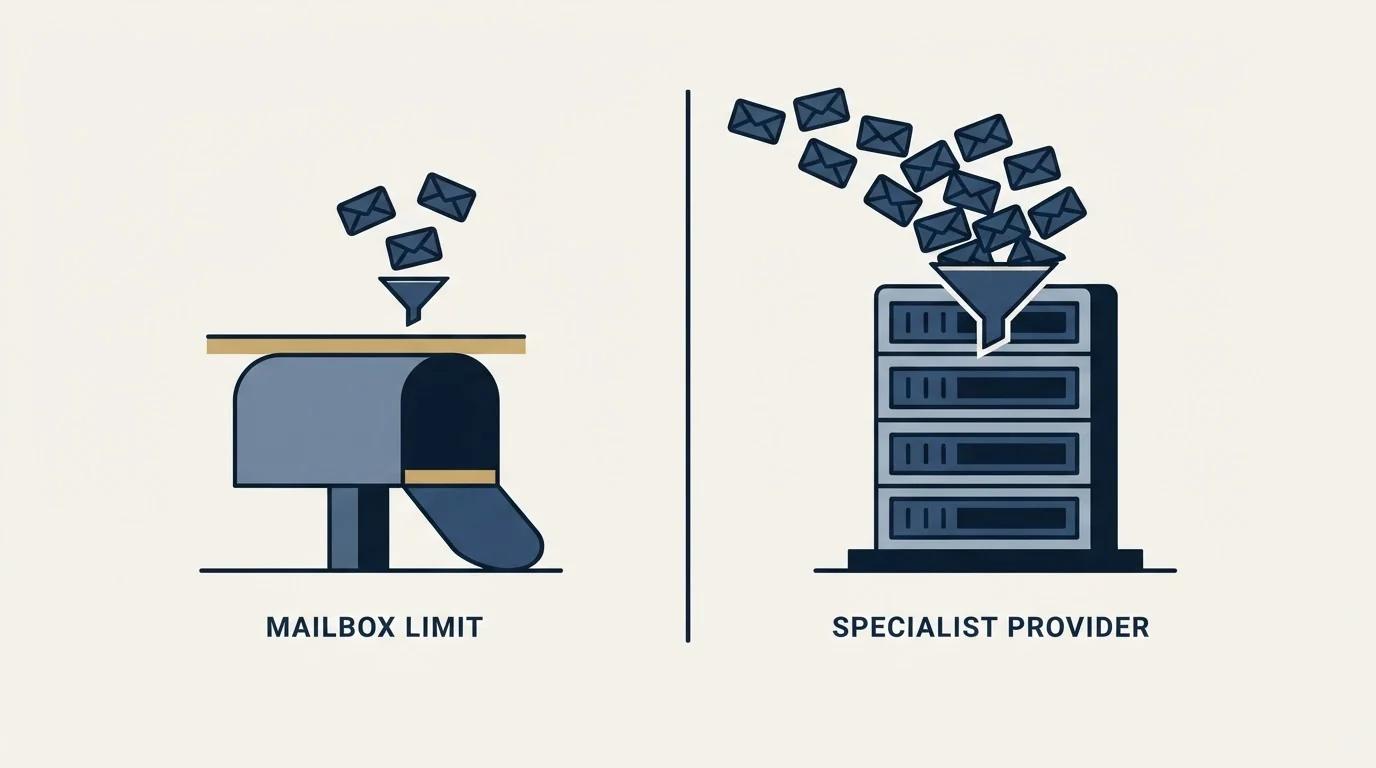
Microsoft publishes 10,000 recipients a day per user, up to 1,000 recipients per message, and 30 messages a minute, then adds a tenant-wide external recipient limit that varies with licence count and a 100-recipient daily throttle on the default onmicrosoft.com domain. Alongside those numbers it recommends that bulk commercial mail go to a specialist provider instead.
For cold outbound the limits are not the ceiling that matters anyway. Placement is, and no setting inside the tenant moves it.
RevenueFlow runs cold email and LinkedIn outreach for B2B companies on sender inventory we provision and warm ourselves, on generic sending domains that are never the client's own, never through a client's corporate tenant. We send one message per campaign, with no thread replies and no bump sequences, and meetings are qualified against criteria agreed in writing before anything launches. If you would rather skip building the sending estate, prepay a single qualified meeting and see the output first.
Limits and recommendations verified against Microsoft's own published documentation as of 16 August 2026. Provider limits change; verify current figures with Microsoft before relying on them.
Frequently asked questions.
Frequently asked questions- How many emails can I send from Outlook in a day?
- Microsoft's Exchange Online service description publishes a recipient rate limit of 10,000 recipients in a rolling 24-hour period per user, across internal and external messages together. A separate tenant-wide limit on external recipients also applies, varies with the number of licences the tenant holds, and is capped at 5,000 a day on trial tenants.
- Why did my Outlook mail merge stop halfway through?
- The two usual causes are both published limits. A message rate limit of 30 messages per minute applies, and Microsoft states that messages exceeding it via SMTP client submission are rejected and the client must retry. The daily recipient ceiling is the other, and once reached the mailbox cannot send again until the rolling window clears.
- Why can I only send to 100 people from a new Microsoft 365 tenant?
- Because the mail is going out on the default onmicrosoft.com domain. Microsoft throttles outbound mail from those domains to 100 external recipients per organisation within a rolling 24-hour window, returning a bounce with the code 550 5.7.236 once the limit is reached. Adding and verifying a custom domain, then sending from it, is the fix.
- Is Microsoft 365 a good platform for cold outbound?
- Microsoft is a good mailbox provider and its own documentation recommends specialist providers for bulk commercial mail. The deeper issue is which domain carries the send: campaign volume from the tenant holding your company domain puts your invoices and contracts behind the reputation of your prospecting, which is why outbound belongs on separate sending domains.
About the author.

Tim Carden is CMO / CTO at RevenueFlow, which builds and operates outbound revenue engines for B2B companies. Studied at McGill University.
Tim Carden · CMO / CTO
Connect on LinkedIn →Explore more.
Ready to scale your outreach?
We build GTM engines that book real meetings. See the receipts.
Related articles.
Office 365 Spam Filter: What Actually Triggers It
The same message lands in the inbox at one Microsoft tenant and in quarantine at the next. A setting the recipient chose decides which, and the headers say so.
Maildoso Review: Mailboxes Capped at 15 Sends a Day
Every Maildoso plan publishes the same ceiling of 15 emails per mailbox per day. That number turns a sending target into a mailbox count before price enters.
Sending Cold Email From the CRM You Already Pay For
A CRM sequence tool sends from your primary domain and your own mailbox, and vendor terms usually require documented consent. What a separate cold stack buys.
IMAP or SMTP: One Sends, One Reads, and the Ports
A mail setup pane asks for two servers because the two protocols run in opposite directions. The RFCs define both jobs, and the ports are where providers disagree.
SMTP for Yahoo: The Settings and the Sender Requirements
Yahoo publishes its outgoing settings in six lines. It also publishes sender requirements enforced since February 2024, and refuses to name the volume that triggers them.
GMass Inbox Tester: The Public Seed List Cuts Both Ways
GMass publishes the fifteen seed addresses behind its free placement tester. That makes the test repeatable, and it also makes the absolute result pessimistic.