Gmail Bulk Email Sender: What Google Counts as Bulk
Google defines a bulk sender as close to 5,000 messages to personal Gmail accounts in 24 hours, counted per domain, with a status that never expires.

Google's bulk sender guidelines define a bulk sender as one sending close to 5,000 messages or more to personal Gmail accounts within 24 hours. Messages from the same primary domain count together, and the status has no expiration date. That makes this a decision about which domain carries the volume, rather than which tool sends it.
Key takeaways
- Google's guidelines define a bulk sender as one sending close to 5,000 messages or more to personal Gmail accounts within a 24-hour period.
- The threshold is counted per primary domain, so spreading a send across several mailboxes on one company domain does not move you further from the line.
- Google states that bulk sender status has no expiration date, so a single heavy day attaches the requirements to a domain permanently.
- Google's sender guidelines page publishes two different spam-rate ceilings, 0.10% with 0.30% as a hard avoid, and 0.3% in its all-senders section.
Reviewed and updated September 1, 2026
Google publishes the number that should decide this, and it is 5,000. Its bulk sender guidelines state that A bulk sender is any email sender that sends close to 5,000 messages or more to personal Gmail accounts within a 24-hour period (https://support.google.com/mail/answer/14229414). Crossing that line changes what Gmail requires of you, and the interesting part is what it is measured against.
Most articles about sending bulk email through Gmail are shopping guides for mail merge add-ons. The number above is more useful than any of them, because it tells you what the decision actually costs.
Using Google Workspace for cold email is a reasonable choice at the provider level and an expensive one at the domain level, which is the distinction this page turns on.
Three things the definition says that most people miss
The threshold is measured per domain, not per mailbox. The same page states plainly that Messages sent from the same primary domain count toward the 5,000 limit. Spreading a send across five mailboxes on the same company domain does not put you five times further from the line. It puts you exactly where you were, because the domain is what the count follows.
The status does not wear off. Bulk sender status doesn't have an expiration date, per the same guidelines. There is no quiet quarter that resets it. A single heavy day attaches the sender requirements to your domain, and they stay attached.
Enforcement is not theoretical any more. The same page states that Starting November 2025, Gmail is ramping up its enforcement on non-compliant traffic. The requirements were published well before that, and the consequence of ignoring them moved from advisory to operational.
Google's stated threshold for being treated as a bulk sender
Messages from the same primary domain count toward the 5,000 limit
Google states the status does not have an expiration date
"Personal Gmail accounts" is doing real work in that sentence
The definition names a population rather than all of your recipients. The quoted wording counts messages to personal Gmail accounts, which is a narrower set than everyone you might email. A B2B list is largely work addresses, many of them at Workspace domains, and Google's guidelines page does not tell you how those are treated against this particular threshold.
Two honest conclusions follow. Anyone sending to consumers should assume the threshold applies to almost their entire list and plan accordingly. Anyone sending business to business should assume a meaningful share of their list is personal Gmail regardless, because plenty of small companies, founders and contractors run on a gmail.com address, and should treat the threshold as a live constraint rather than someone else's problem. Guessing at the exact split for your own list is guesswork; the safer move is to build as though you will cross the line, because the status is permanent once you do.
Three different jobs arrive at this same search

The people typing this query are doing at least three unrelated things, and the answer differs.
Sending an announcement to an existing opt-in list of customers is the most benign. The recipients know you, complaints are rare, and the main risk is the per-account daily limit rather than reputation.
Sending internal or operational mail at volume, invoices, notifications, reminders, sits in the middle. Volume is real and complaints are rare, so the constraint is mechanical.
Sending cold outbound to strangers is the case where every consequence in this article lands at once. Complaint risk is highest, the recipients have no history with your domain, and the reputation being spent is the one carrying everything else you send.
The 5,000-message count does not distinguish between them.
The domain in that sentence is the asset
Read the per-domain rule beside your own setup and the real cost appears. Your primary domain is the one on your website, your invoices, your contracts, your support replies and the address every existing customer already has in their contacts. It is also, for most companies, the domain a Gmail or Google Workspace mailbox sends from.
Sending campaign volume from that domain attaches a bulk sender obligation to it permanently, and puts the reputation of your billing thread behind the reputation of your prospecting. Recovering a damaged domain reputation is slow work with no guaranteed finish line, and while it is underway the mail that suffers is the mail you cannot afford to lose.
The narrow version of this, which is the version worth defending, is about the mailbox and the domain rather than the provider. Google Workspace is a perfectly good place to send business mail from. Running an outbound campaign through the mailbox and domain your business depends on is the part that is expensive.
What a mail merge add-on changes, and what it does not
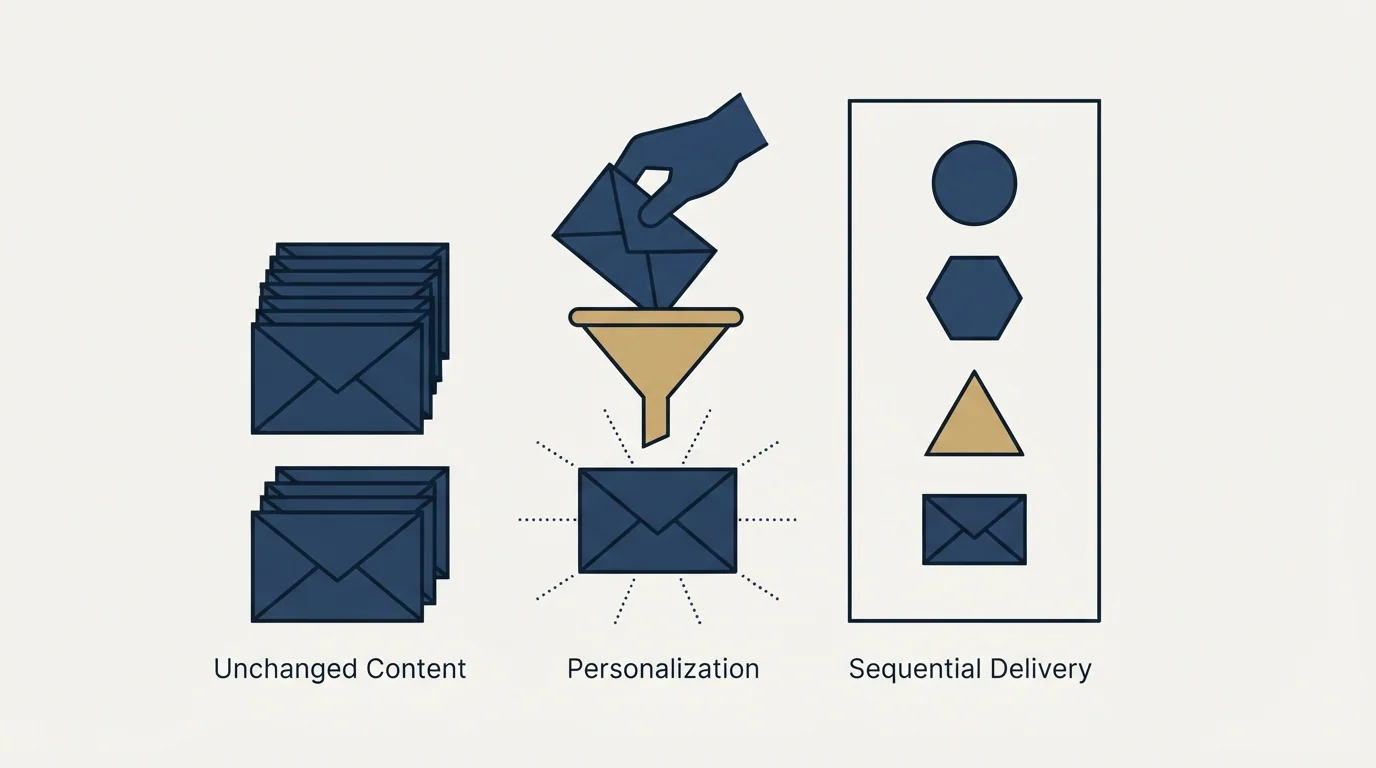
Add-ons that sit inside Gmail and send personalised copies of a message to a spreadsheet of contacts are the bulk of what this search returns. They are genuinely useful, and it is worth being precise about the layer they operate on.
They change the interface. Merge fields, a spreadsheet as the list, scheduling, tracking, a nicer place to write the copy than the compose window.
They do not change which mailbox authenticated to send. They do not change the domain in the From line, so the per-domain counting above applies exactly as before. They do not change whose reputation carries the message, which is your domain's. And they do not raise the per-day sending limit your Google account is subject to, because that limit belongs to the account and not to whatever is driving it. Our breakdown of sending limits by provider has the current figures, which are lower than most campaign plans assume.
The Pipedrive Gmail add-on shows how a CRM side panel can sit inside the inbox without changing Google's sending limits.
- The interface you write and schedule in
- Merge fields and a spreadsheet as the list
- Open and click tracking on the messages
- How long it takes you to send a hundred of them
- The mailbox that authenticated to send
- The domain in the From line, and its reputation
- The per-account daily sending limit
- Google's per-domain bulk sender counting
The spam rate you are held to, with a caveat about the source
Google's guidance for email senders publishes a complaint-rate ceiling, and it is small enough to be worth internalising before planning any volume. The page states Keep spam rates reported in Postmaster Tools below 0.10% and avoid ever reaching a spam rate of 0.30% or higher (https://support.google.com/a/answer/81126).
The same page also carries, in its section for all senders, Keep spam rates reported in Postmaster Tools below 0.3%. Both figures are on the same official page, and they do not agree with each other. Plan against the stricter one, note that the looser one exists, and do not let anyone tell you a single number is the published standard.
Either way, the arithmetic of a complaint rate at that scale is unforgiving. One tenth of one percent means a handful of complaints across several thousand messages is enough to matter, which puts the whole weight of the outcome on who is on the list rather than on how the message is written. Our explainer on how Google's spam filter decides covers what else feeds that judgement.
Working backwards from a volume target
Here is the shape of the calculation, and the numbers in it are illustrative rather than measured. Nothing below is published by Google, and no figure here is drawn from our campaign data.
Pick a target of 1,000 messages a day. Pick an illustrative per-mailbox pace of 30 messages a day, a figure chosen to make the arithmetic concrete rather than one anybody publishes. That target needs on the order of 34 mailboxes. At 200 a day it is around 7. The exact pace you choose moves the answer, and the shape does not change: volume converts into mailbox count, and mailbox count converts into domains, because piling every mailbox onto one domain reproduces the per-domain problem the count was meant to spread.
What the calculation makes obvious is that there is no version of meaningful outbound volume that a single Gmail mailbox delivers. Somewhere between the mail merge add-on and the volume people actually want sits a real infrastructure decision, and the add-on does not make it for you.
- Step 1Start from the target
Decide how many messages a day the campaign genuinely needs to send.
- Step 2Divide by a per-mailbox pace
An illustrative 30 a day turns 1,000 into roughly 34 mailboxes and 200 into roughly 7. The pace is a chosen figure.
- Step 3Spread across domains
Stacking every mailbox on one domain rebuilds the concentration you were trying to avoid, because Google counts per primary domain.
- Step 4Keep it off the primary
Separate sending domains carry the volume, so the domain your invoices leave from is never part of the calculation.
What to do instead
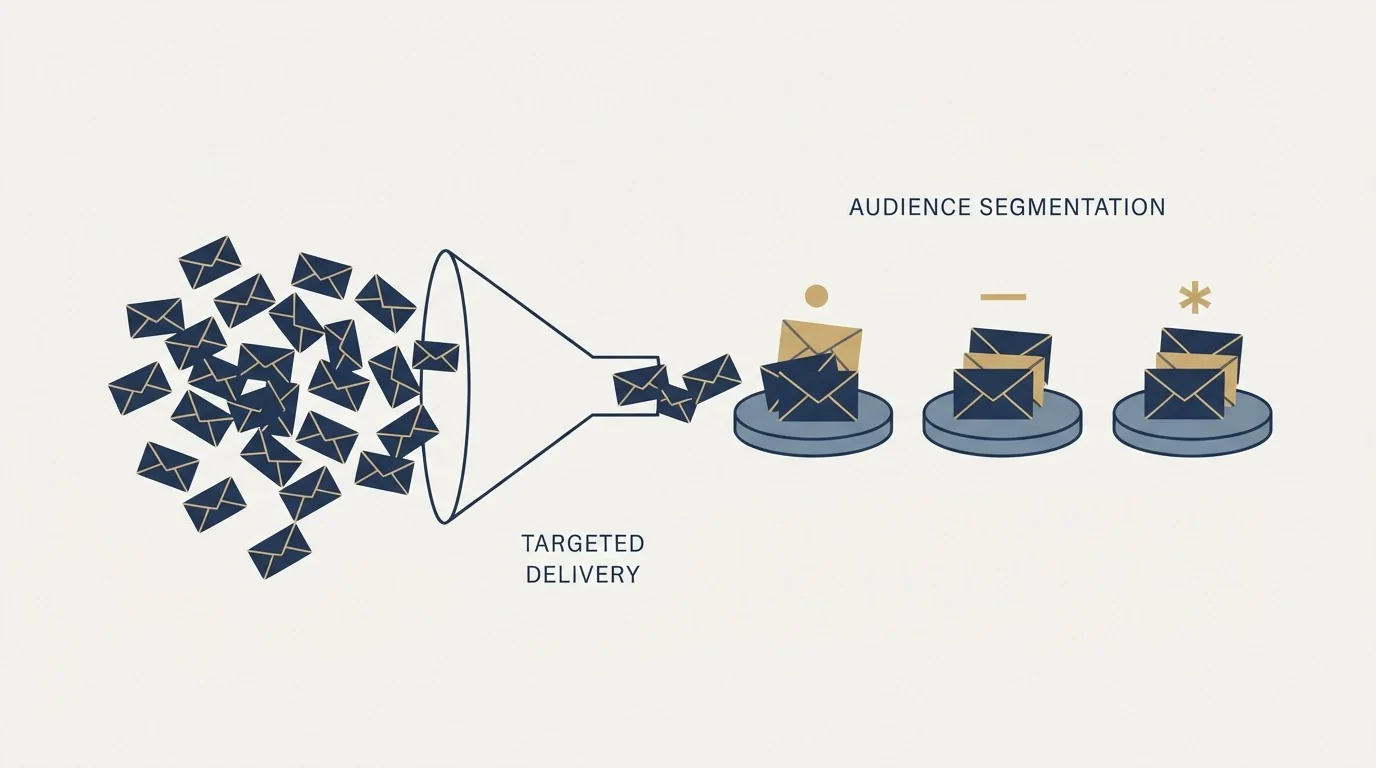
The alternative is not exotic and it is what most teams sending at any volume already run.
Separate sending domains, registered for the purpose and generic rather than a lookalike of the client's own brand, carry the outbound. Each one hosts its own mailboxes, each mailbox sends a modest daily volume, and the reputation being built or spent belongs to a domain whose only job is prospecting. The sending domain entry covers the concept, and our guide to cold email infrastructure covers how the pieces assemble, including warming and rotation.
A separate limitation worth weighing is pricing structure, and the piece on flat rate unlimited inboxes explains what that flat fee actually covers and where warmup and domains still cost extra.
The list matters more than the setup once the infrastructure is right. A complaint ceiling of one tenth of one percent is a targeting constraint before it is a technical one, and no amount of domain hygiene rescues a list of people who did not want to hear from you.
The sending tool is the last decision rather than the first, which is the reverse of how this search usually goes. If you are comparing tools anyway, our roundup of sending tools for cold email teams is the honest version of that comparison.
- Yes: Check your intended daily volume against Google's published 5,000-message bulk sender threshold
- Yes: Count the threshold per primary domain, since Google states messages from the same domain accumulate together
- Yes: Assume bulk sender status is permanent once crossed, because Google states it has no expiry
- Yes: Plan against the stricter of the two spam-rate figures published on Google's sender guidelines page
- Yes: Move the volume onto separate sending domains with their own mailboxes
- No: Treating a mail merge add-on as a way around the per-account daily limit
- No: Sending campaign volume from the domain your contracts and invoices go out from
The short version
Google has already defined bulk for you, defined it per domain, and said the label does not come off. That makes this a decision about which domain you are willing to spend, and the primary one is worth more than any campaign it could carry.
RevenueFlow runs cold email and LinkedIn outreach for B2B companies on sender inventory we provision and warm ourselves, on generic domains that are never the client's own. We send one message per campaign, with no thread replies and no bump sequences, and meetings are qualified against criteria agreed in writing before anything launches. If you would rather skip building the domain estate, prepay a single qualified meeting and we will run the first campaign end to end.
Pricing and features verified as of mid-2026. Verify current terms with the vendor before relying on them.
Frequently asked questions.
Frequently asked questions- How many emails can I send before Gmail treats me as a bulk sender?
- Google's bulk sender guidelines put the line at close to 5,000 messages or more to personal Gmail accounts within a 24-hour period. The count follows the primary domain rather than the individual mailbox, so several mailboxes on one company domain accumulate toward the same figure rather than each getting their own allowance.
- Does a Gmail mail merge add-on raise my sending limit?
- No. An add-on changes the interface you compose and schedule in. The mailbox that authenticates, the domain in the From line, the reputation carrying the message and the per-account daily limit are all unchanged. Whatever ceiling your Google account has applies identically whether you send by hand or through a merge tool.
- Does bulk sender status go away if I stop sending?
- Google's guidelines state that bulk sender status does not have an expiration date. There is no quiet period that resets it. Treat crossing the threshold as a permanent change to what is expected of that domain, which is a strong argument for keeping campaign volume off the domain your business depends on.
- What should I use instead of my main Gmail account for bulk sending?
- Separate sending domains registered for the purpose, each hosting its own mailboxes, each sending a modest daily volume. That keeps the reputation being spent on a domain whose only job is prospecting, so the domain your invoices, contracts and support replies leave from is never part of the calculation.
About the author.

Tim Carden is CMO / CTO at RevenueFlow, which builds and operates outbound revenue engines for B2B companies. Studied at McGill University.
Tim Carden · CMO / CTO
Connect on LinkedIn →Explore more.
Ready to scale your outreach?
We build GTM engines that book real meetings. See the receipts.
Related articles.
Mass Email From Outlook: The Limits Microsoft Publishes
Microsoft publishes the ceiling on one mailbox and, a few paragraphs later, recommends that bulk commercial mail go to a specialist provider instead.
Maildoso Review: Mailboxes Capped at 15 Sends a Day
Every Maildoso plan publishes the same ceiling of 15 emails per mailbox per day. That number turns a sending target into a mailbox count before price enters.
Sending Cold Email From the CRM You Already Pay For
A CRM sequence tool sends from your primary domain and your own mailbox, and vendor terms usually require documented consent. What a separate cold stack buys.
IMAP or SMTP: One Sends, One Reads, and the Ports
A mail setup pane asks for two servers because the two protocols run in opposite directions. The RFCs define both jobs, and the ports are where providers disagree.
SMTP for Yahoo: The Settings and the Sender Requirements
Yahoo publishes its outgoing settings in six lines. It also publishes sender requirements enforced since February 2024, and refuses to name the volume that triggers them.
GMass Inbox Tester: The Public Seed List Cuts Both Ways
GMass publishes the fifteen seed addresses behind its free placement tester. That makes the test repeatable, and it also makes the absolute result pessimistic.