Maildoso Review: Mailboxes Capped at 15 Sends a Day
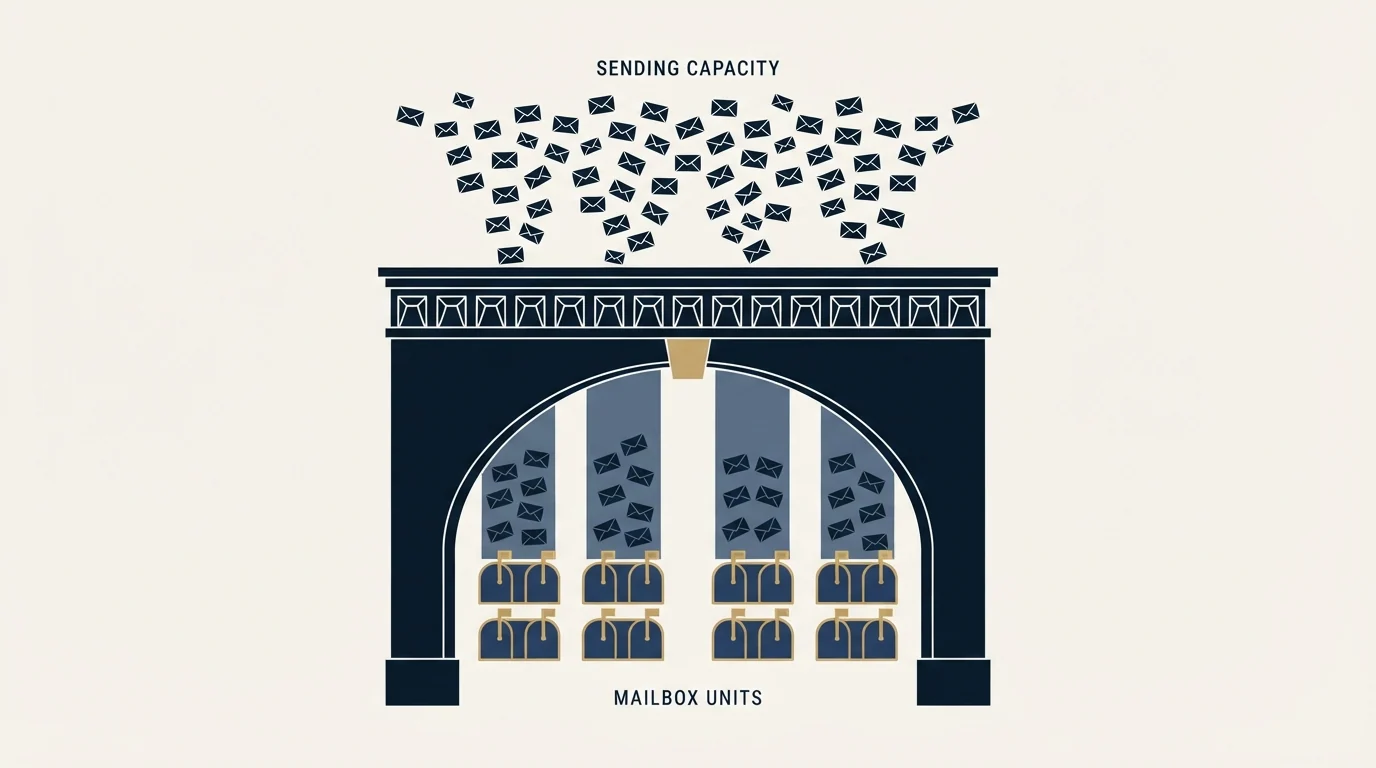
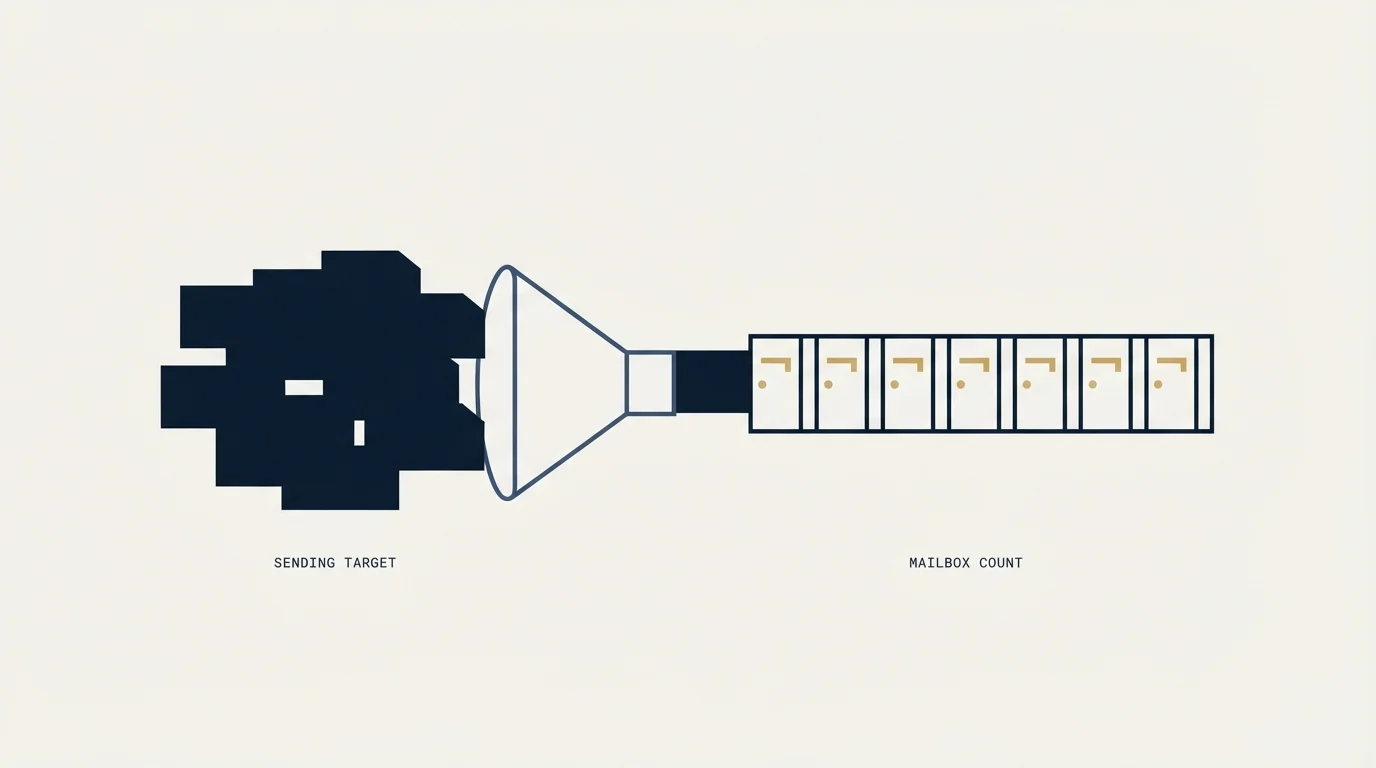
Every Maildoso plan publishes the same ceiling of 15 emails per mailbox per day. That number turns a sending target into a mailbox count before price enters.

Maildoso's pricing page publishes three monthly plans: 30 mailboxes at $75, 300 at $225 and 1,000 at $499, working out at $2.50, $0.75 and $0.49 per mailbox. Every tier states a ceiling of 15 cold emails per mailbox per day, so a sending target divides into a mailbox count before any price comparison is meaningful.
Key takeaways
- Every published Maildoso tier carries the same ceiling of 15 cold emails per mailbox per day, which sizes the order before price does.
- The monthly ladder on maildoso.ai/pricing is 30 mailboxes for $75, 300 for $225 and 1,000 for $499, and the page's own FAQ restates all three figures.
- Domains cost $12 a year and are bundled only on the quarterly tier the page itself labels legacy, so a monthly plan carries a domain bill the headline price does not show.
- The FAQ publishes a cap of 99 mailboxes per domain alongside a recommendation of no more than 8, and the recommendation is the number worth sizing against.
Reviewed and updated September 1, 2026
Every plan on Maildoso's pricing page carries the same line in its included list: "Sending up to 15 emails per day" (https://maildoso.ai/pricing). That number sits above the price ladder in importance, because it converts a sending target into a mailbox count, and the mailbox count is the thing you are actually buying.
Start anywhere else and the review question gets muddled. Start there and most of it answers itself.
The ceiling decides the order size
Fifteen a day per mailbox is a low ceiling by the standards of this category, and the vendor states it plainly rather than burying it. The FAQ on the same page expands it: "up to 15 cold emails / 80 warm-up emails per day, no slow ramp-up".
Work the arithmetic in the order a buyer actually has to.
- Step 1Start from sends per day
Say you want 300 cold emails landing every sending day.
- Step 2Divide by the published ceiling
300 divided by 15 is 20 mailboxes, before any allowance for mailboxes out of service.
- Step 3Round up to a plan
The smallest published plan is 30 mailboxes at $75 a month, so a 20-mailbox requirement buys the 30-mailbox tier.
- Step 4Add domains
At the recommended 8 mailboxes per domain, 30 mailboxes is 4 domains, and monthly plans do not include them.
Push the same arithmetic to 1,000 sends a day and it needs 67 mailboxes, which lands between the published 30-mailbox and 300-mailbox tiers. The FAQ covers that case: mailbox counts outside the standard plans are bought on a Packages and Add-ons page inside the platform, where "prices start at $0.49". None of those custom prices are published, so a buyer sitting between tiers is quoting rather than reading.
Two honest caveats on that arithmetic, both mine rather than the vendor's. It assumes every mailbox is in service every day, and the vendor's own self-healing behaviour guarantees that some are not. And it says nothing about whether you should send 1,000 cold emails a day, which is a strategy question that a mailbox count cannot answer.
The published monthly ladder
Maildoso's pricing page opens on the Monthly tab, and those three tiers are the live product.
$2.50 per mailbox, described on the page as built for early-stage teams
$0.75 per mailbox, for expanding teams
$0.49 per mailbox, for large-scale campaigns
The per-mailbox rate falls by a factor of five between the smallest and largest tier, so the figure to carry into any vendor comparison is the rate at the volume you will actually run rather than the headline. The page's own FAQ restates all three figures and dates them as of June 2026, so the two surfaces agree with each other, which is worth noting because that is not always true of vendor pricing.
There is also an explicit no-discount policy on the page: "we do not run promotions or sales". Requirements above 10,000 mailboxes are routed to a sales conversation.
The quarterly tier the page calls legacy

A second billing tab exists, labelled "Quarterly (legacy)", and it is hidden until you click it. Those plans bundle domains, which the monthly plans do not.
| Quarterly plan | Price | Vendor's own monthly equivalent |
|---|---|---|
| 32 mailboxes plus 8 domains | $299 per quarter | around $99 a month |
| 68 mailboxes plus 17 domains | $499 per quarter | around $166 a month |
| 400 mailboxes plus 100 domains | $2,199 per quarter | around $733 a month |
The monthly equivalents in that third column are printed on the page by the vendor, not calculated here. Read the label before you get attached to the bundle: the vendor calls this tier legacy, which is usually a signal about how long it will be sold rather than a comment on the product.
For monthly plans, domains are a separate line at $12 a year, and the FAQ says that price "is fixed and does not change based on the number of domains". Domains bought through Maildoso are registered with Maildoso while you are a customer, and the FAQ commits to transferring them back at no charge at the end of a subscription. You can also connect domains you already own, through support or the API.
The per-domain cap, and the number beside it
Maildoso publishes something none of its obvious competitors do: a hard per-domain mailbox cap. The FAQ reads "Up to 99 mailboxes per domain, but we recommend no more than 8."
Those two numbers are eleven times apart, and the gap is the useful part. The 99 is what the platform permits. The 8 is what the vendor thinks is survivable, and it is in line with how most careful senders treat a sending domain. Sizing an order against the cap rather than against the recommendation is how a domain ends up carrying a concentration of sending that no amount of infrastructure quality rescues.
Divide the published tiers by the published recommendation, which is again illustrative arithmetic on the vendor's own two numbers rather than a measurement of ours, and the 30-mailbox plan implies roughly 4 domains while the 300-mailbox plan implies roughly 38. On monthly billing, that is real money the headline price does not include.
What proprietary infrastructure buys, and what it obliges
The FAQ describes the backend as "Fully proprietary infrastructure, including servers and IPs", with campaigns sent from different IPs and automatic replacement of IPs that stop working. That is a different shape of product from vendors reselling Google Workspace or Microsoft 365 seats, where the mailbox is a mainstream provider's account and the mainstream provider's rules govern it. Our Zapmail piece works through the reseller side of that fork.
Owning the stack lets the vendor do things a reseller cannot, and the included list on every plan is where those show up.
- Yes: Self-healing mailboxes, IP rotation and CAPTCHA domain protection
- Yes: Mailbox reputation measurements and inbox placement tests every 3 days
- Yes: API and MCP access, on every tier
- Yes: Free deliverability audits and a 30-day money-back guarantee
- No: Domains on monthly plans, which are $12 a year on top
- No: Pricing for mailbox counts between the three published tiers
- Depends: Whether the 15-a-day ceiling is enforced by the platform or advisory
Two of those included items are capacity facts as much as health features, and they are the ones worth reading twice.
Self-healing mailboxes. The FAQ defines the behaviour: "Burned-out mailboxes are automatically disconnected from campaigns for 14 days to recover." A mailbox in that state is inventory you are paying for and cannot send from, for two weeks. If you sized your order exactly against a target, a run of disconnections puts you under it, and the platform will have done exactly what it promised while doing so. Size with headroom.
IP rotation. Sending from rotating IPs the vendor replaces when they degrade is a real operational advantage, and it also means the IP standing behind your mail is a pool you share and do not control. That is the trade in every shared-infrastructure product, Mailforge's shared pool included, and the concept behind it is inbox rotation applied one layer down the stack.
The page also states that warmup runs at up to 80 emails a day with "no slow ramp-up", which is a claim about the platform's warmup rather than about how fast you should push cold volume. The reason a ramp time exists is receiver-side, and no vendor controls that half, which is why warming a domain stays your job whatever the platform automates.
One more line worth catching: the FAQ says the infrastructure is optimised for B2B outreach and that "campaigns targeting personal email providers may experience reduced inbox placement". If your list is heavy on consumer addresses, that is the vendor telling you in advance.
The comparison table on its own pricing page
Maildoso publishes a cost comparison directly above its FAQ, under the heading "Which infrastructure is cheaper?". Its three rows read: Google Workspace at $5 per mailbox with a 30 per day limit and $165 per thousand emails sent; Azure Tenants at $0.5 per mailbox with a 2 per day limit and $250 per thousand; Maildoso at $0.49 per mailbox with a 15 per day limit and $33 per thousand.
That is the vendor's own published comparison, on its own page, using inputs it selected. Treat every cell of it as a claim rather than as a market rate, and note that the Google Workspace row is doing the heavy lifting in the conclusion.
Then read the FAQ a few hundred words below it, which says "we offer the lowest prices on the market for official Google Workspace accounts with a business license". The pricing page positions Google Workspace as the expensive option in a table, and the same page claims to sell Google Workspace accounts more cheaply than anyone, for a product that page never lists or prices. Both statements live at https://maildoso.ai/pricing. We are reporting the disagreement rather than picking which half to believe, and it is the single best question to open a sales call with.
Worth noting on sourcing: maildoso.com redirects to maildoso.ai, which is canonical, and several third-party roundups publish a monthly ladder with mailbox counts and prices that appear nowhere in the vendor's own bytes. The ladder above is what Maildoso's page publishes today. We are not repeating figures that only exist on somebody else's blog.
The review question, answered honestly
The published claims on Maildoso's surfaces are: 95%+ email deliverability, 10M+ emails sent per day, 400k+ mailboxes managed, a 4.7 G2 rating across 197 reviews, and trusted by 7,000+ companies. Those are the vendor's own numbers about itself, reported here as published claims. We have not run a controlled test against another provider, so we are not scoring them and not ranking this vendor against any other on placement, reply rate or anything else that would require a measurement we did not take.
What the published surfaces do settle for a buyer, and settle unusually clearly: the per-mailbox daily ceiling, the full monthly ladder with its per-mailbox rate, the domain price and when domains are bundled, the per-domain cap and the recommendation beside it, what happens to a burned mailbox and for how long, and the refund position, where the 30-day money-back guarantee is stated as available for monthly SMTP packages.
Since published documentation rather than star ratings is what actually settles a buyer's questions, the same approach applies when weighing scheduling tools in the Calendly boundaries review.
What they do not settle: the price of any mailbox count between the tiers, whether the daily ceiling is enforced in software or offered as guidance, what the IP neighbourhood looks like, and what happens to your sending capacity when a batch of mailboxes enters recovery at the same time. Those are sales-call questions, and asking them is the difference between a review and a purchase.
Where this sits in a stack
Infrastructure choice is one layer of a working outbound programme, and it is the layer people over-index on. Domain separation, list quality, one message per campaign and honest targeting all move results more than a vendor swap does, and our cold email infrastructure guide sets out the order.
Another angle worth checking before trusting any list is DeBounce, whose credit pricing ladder and guarantee exclusions reveal what accuracy claims actually cover.
One disclosure, since this page carries a vendor's name in its title. Buying inboxes pre-warmed rather than warming them in-house is RevenueFlow's standing policy, and Zapmail and ScaledMail are two of the providers that policy has sent us to. Maildoso is not one of them, and nothing here is a verdict on it either way. If you would rather skip the infrastructure decision entirely, prepay a single qualified meeting and we will run the sending layer as part of the engagement.
Pricing and features verified as of mid-2026. Verify current terms with the vendor before relying on them.
Frequently asked questions.
Frequently asked questions- How much does Maildoso cost per month?
- The pricing page publishes three monthly plans: 30 mailboxes for $75, 300 for $225 and 1,000 for $499, which works out at $2.50, $0.75 and $0.49 per mailbox. Counts between those tiers are quoted inside the platform on a packages page where prices start at $0.49, and those figures are not published. Domains are $12 a year on monthly plans.
- How many emails can you send from one Maildoso mailbox?
- Every tier states up to 15 cold emails per mailbox per day, alongside up to 80 warm-up emails and no slow ramp-up. Divide your daily target by 15 to get the mailbox count you are actually buying, then add headroom, because the platform pulls burned mailboxes out of campaigns for 14 days and that capacity is unavailable while it recovers.
- What do self-healing mailboxes mean for capacity?
- The FAQ says burned-out mailboxes are automatically disconnected from campaigns for 14 days to recover. That is a health feature and a capacity fact at the same time, since a disconnected mailbox is inventory you pay for and cannot send from. Sizing an order with no headroom means a run of disconnections quietly puts you under target.
- Does Maildoso use Google Workspace mailboxes?
- Its FAQ describes fully proprietary infrastructure including servers and IPs, with campaigns sent from rotating addresses. The same page also positions Google Workspace as the expensive option in a cost table while claiming elsewhere to offer the lowest prices for official Google Workspace accounts, a product the pricing page never lists. Ask about that directly.
About the author.

Tim Carden is CMO / CTO at RevenueFlow, which builds and operates outbound revenue engines for B2B companies. Studied at McGill University.
Tim Carden · CMO / CTO
Connect on LinkedIn →Explore more.
Ready to scale your outreach?
We build GTM engines that book real meetings. See the receipts.
Related articles.
Mass Email From Outlook: The Limits Microsoft Publishes
Microsoft publishes the ceiling on one mailbox and, a few paragraphs later, recommends that bulk commercial mail go to a specialist provider instead.
Sending Cold Email From the CRM You Already Pay For
A CRM sequence tool sends from your primary domain and your own mailbox, and vendor terms usually require documented consent. What a separate cold stack buys.
IMAP or SMTP: One Sends, One Reads, and the Ports
A mail setup pane asks for two servers because the two protocols run in opposite directions. The RFCs define both jobs, and the ports are where providers disagree.
SMTP for Yahoo: The Settings and the Sender Requirements
Yahoo publishes its outgoing settings in six lines. It also publishes sender requirements enforced since February 2024, and refuses to name the volume that triggers them.
GMass Inbox Tester: The Public Seed List Cuts Both Ways
GMass publishes the fifteen seed addresses behind its free placement tester. That makes the test repeatable, and it also makes the absolute result pessimistic.
GMass SMTP Test: What a Passing Connection Cannot Prove
GMass publishes a free SMTP connection tester that anyone can use. What its four stages separate, why the last one gets misdiagnosed, and where the tool's boundary is.