Mailforge: Slot Pricing, a Shared IP Pool and Warmup
Mailforge's pricing page sells mailbox slots, with a ten-slot minimum, and charges for slots you never fill. That changes every comparison against a per-mailbox quote.
Mailforge's pricing page sells mailbox slots rather than mailboxes, with a stated minimum of ten and unused slots billed in full. Its published ladder runs from $3 to $2.00 per slot per month by volume. Its own FAQ describes a shared IP pool backend, and the subscription's included list names three items, with warmup sold separately.
Key takeaways
- The pricing page states a minimum of 10 mailbox slots and that unused slots are still charged, so idle capacity is a real line in the quote.
- The published per-slot ladder runs from $3 a month at 1 to 100 slots down to $2.00 at 1,001 and above, and the page's own calculator pins the first ten slots at the top tier.
- Mailforge's FAQ describes a shared IP pool rather than Google Workspace or Microsoft 365 mailboxes; the same company sells those under a separate brand.
- The Included With Your Subscription list is exactly three items, none of them warmup, and domains are priced separately at $14 per .com per year.
Reviewed and updated September 1, 2026
Mailforge's pricing page sells mailbox slots rather than mailboxes, and it says so plainly. The page carries the line We sell minimum 10 mailbox slots, and directly under it, If you purchase 10 slots but only create 5 mailboxes, you are still charged for all 10 slots (https://mailforge.ai/pricing, fetched mid-2026).
That single billing detail is the reason a Mailforge quote and a per-mailbox quote from another provider are rarely the same shape. One of them charges for capacity you hold. The other charges for mailboxes you actually run. Before you can compare them you have to decide how many slots you will be holding idle, and add back the things that sit outside the subscription.
What a slot is
A slot is the right to create a mailbox. The pricing page explains the upside of that model in its own words: Mailbox slots allow you to delete and create new mailboxes without any additional cost, as you are charged based on the number of slots, not the number of active mailboxes. If you burn a mailbox and rebuild it, or rotate addresses across domains, you are not repurchasing anything. That is a genuine convenience for teams whose inventory churns.
The cost sits on the other side of the same mechanism. Slots you never fill still bill, and the floor is ten. A team that wants six mailboxes buys ten slots.
The slot ladder
The pricing page carries its calculator logic inline, and the ladder is legible in it. Per slot per month, the first tier is $3 for 1 to 100 slots, and the price steps down by ten cents per additional hundred: 2.9 at 101 to 200, 2.8 at 201 to 300, and onward to 2.0 at 1,001 slots and above. The yearly array on the same page runs in parallel, from 30 per slot per year in the first tier down to 20 at the top. Mailforge's homepage compresses all of that into one headline, $3 to $2 per mailbox per month (https://mailforge.ai/).
One detail in that calculator matters more than the ladder itself, and it is not in the marketing copy. A comment beside the constants reads: Base plan always includes 10 mailboxes at full (tier-1) price. Addon mailbox volume alone determines the volume tier discount. So the discount is not a blended rate applied across everything you buy. The first ten slots are pinned at the top of the ladder, and the volume tiers are decided by what you add above them. On a small order that is a rounding difference. On a large one it is worth reading before you build a budget on the headline range.
First tier of the published ladder, 1 to 100 slots
Same ladder at 1,001 slots and above
Charged in full whether or not you create the mailboxes
Domains are billed separately from slots
Three annual figures, one page

The pricing page loads with a worked example already filled in: 8,000 contacts a month, two emails per contact, three mailboxes per domain. From those inputs it produces 25 mailbox slots and nine .com domains, and it prices the domains as 9 .com domains at $14/year, Charged once, $126 per year.
The monthly number it renders for those 25 slots is internally consistent. The page shows Mailbox cost of $3 /month and Billed monthly $75 per month, which is 25 slots at the first-tier price.
The annual number is where the page stops agreeing with itself. The served HTML renders Billed yearly $60 per month. The same page's own seed data, sitting in the script that drives the calculator, holds yearly: 63 for the same 25-slot configuration. And the page's published yearly array prices the first tier at 30 per slot per year, which for 25 slots produces a third figure again, $62.50 a month. That last number is arithmetic performed on the page's published rate rather than a total the page states anywhere, so treat it as illustrative.
None of the three is obviously the error. What follows from having three of them is practical: take the slot ladder as the reliable published fact, and confirm the annual total inside the app or on an invoice before you commit a year of budget to it. A number that appears three ways on one surface is worth ten minutes of checking.
A shared IP pool, and where Google and Microsoft sit
The infrastructure question is answered directly in Mailforge's own FAQ, on both the homepage and the pricing page: Mailforge is a distributed email infrastructure tool, meaning it leverages a shared IP pool, distributing your mailbox accounts among millions of businesses - similar to platforms like Gmail or Outlook.
Read that carefully, because the comparison in it is an analogy rather than a description of the backend. These are not Google Workspace or Microsoft 365 mailboxes. The same company sells those under a different brand: the site's own product nav lists Primeforge as Google & MS365 Infrastructure and Infraforge as Private Email Infrastructure, and the pricing page cross-sells the first of them with the line Looking for Dedicated Mailboxes with Google or Microsoft Setup? Try Primeforge, describing Google or Microsoft mailboxes on US IPs as the gold standard for cold email infrastructure.
A vendor pointing at a different product on its own pricing page is useful information for a buyer. It tells you the shared-pool product and the mainstream-mailbox product are being sold as different answers to different situations, by people who sell both. The choice between them is the same one that runs through every provider on this shelf: whether the mail leaves from infrastructure the provider operates, or from an account with a mailbox provider most receiving systems already recognise. Neither is free of tradeoffs. Shared pools mean your reputation is entangled with senders you did not choose; a dedicated IP means the reputation is entirely yours to build and entirely yours to damage. Our guide to cold email infrastructure works through where that decision actually bites.
What does not change either way is domain separation. Whatever the backend, outbound belongs on a separate sending domain from the one your contracts and invoices go out from.
Warmup is not in the subscription
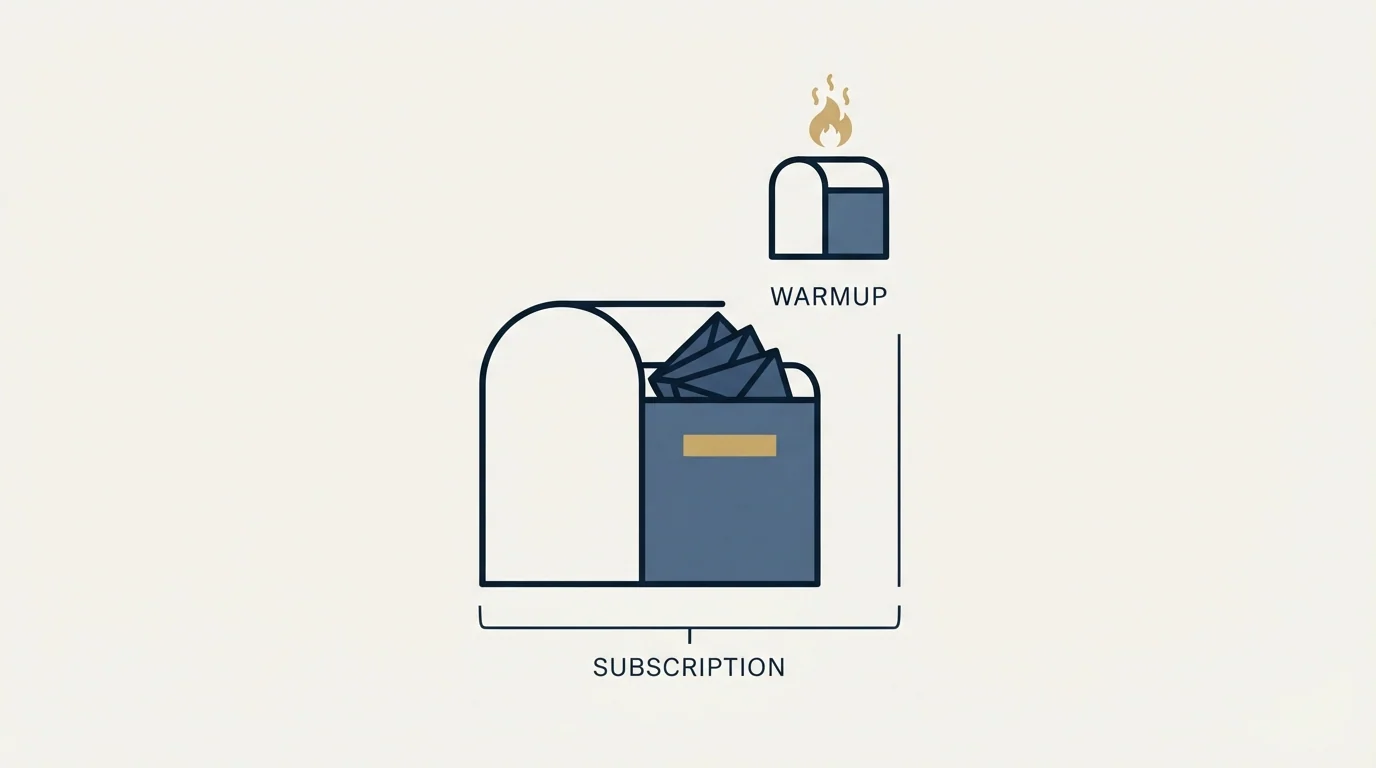
The pricing page has a section headed Included With Your Subscription, and it contains exactly three items: Automated DNS set up, Expert customer support, Inbox hosting & maintenance. That is the whole list.
Warmup is not on it. The company sells it as a separate product, listed in the same product nav as Warmforge, described there as an Email Deliverability Center. The homepage separately markets Pre-Warmed Domains & Mailboxes as a feature, without publishing a price for it on that surface.
This is the single most common omission in a Mailforge cost comparison, because warmup is not optional in practice. A new mailbox on a new domain that starts sending at volume behaves like exactly what it is. The ramp time is a real cost whether you buy it as a service, run a warmup tool yourself, or absorb it as weeks of throttled sending. Our roundup of email warmup services covers what that layer does and what it does not fix, and warming up a domain for cold email covers the domain side of the same problem, which the mailbox side does not solve on its own.
One published example of that line item is Warmup Inbox, which prices per inbox at both billing states, covered in Warmup Inbox pricing as read on 4 September 2026.
Ramp time exists partly because aggressive early sending volume is exactly the kind of pattern that modern classifiers weigh, a mechanism explored in what actually triggers AI spam filters.
RevenueFlow provisions its own sender inventory through pre-warmed inbox providers, and has used Zapmail and ScaledMail for it. That is a statement about how we buy, not a ranking of anybody's product. The reason it is worth saying here is that the choice to buy inboxes already warmed, or to warm them yourself, is a line item in every quote on this shelf, and it is almost never inside the headline price.
- Automated DNS set up
- Expert customer support
- Inbox hosting & maintenance
- Domains at $14 per .com per year
- SSL and domain masking, $2 per domain monthly or $6 per domain yearly
- Warmup, sold as the separate Warmforge product
- Google or Microsoft mailboxes, sold as the separate Primeforge product
- Consulting, listed at $500 for two 1-to-1 sessions
What a Mailforge review can and cannot settle for you
Search the brand and you get review platforms alongside the vendor's own site, which is the normal shape for infrastructure tools. It is worth being precise about which questions those pages answer.
Third-party reviews are good evidence on the human parts of the product: how long onboarding takes, whether support answers, whether billing behaved as expected, and why people leave. Those are experiences, and volume of them is meaningful. The vendor's own pricing page carries selected customer quotes under a The Reviews Are In heading, which is marketing rather than evidence, and reads as such.
What no review settles is whether the architecture fits your sending. A shared pool that works well for one sender's list can behave differently for another's, because the receiving side is weighing your domain history, your list quality and your complaint rate alongside the infrastructure. That part is not a review question. It is a structural one, and the published surfaces answer more of it than most buyers realise.
Deciding whether a shared pool fits your sending often means testing deliverability yourself, so it helps to know which mail testing tool fits your task before you open the tab.
Here is what those surfaces do publish. The slot minimum and the ladder. The backend model, in the vendor's own words. The three included items. A sending recommendation, stated on the pricing page as 30 emails per mailbox per day (max 100) with two to three mailboxes per domain, which is guidance rather than an enforced cap; the limits the receiving side actually enforces are a different question, covered in our breakdown of email sending limits by provider. And DNS handling: For each domain you add to Mailforge, we take care of setting up DMARC, SPF, DKIM and custom domain tracking.
Here is what they do not. A hard per-mailbox-per-domain limit. A warmup price. An annual total that reconciles across the page. Those are the things to ask about in a trial or a sales conversation, and they are the things a review will not tell you either.
- Yes: Count the slots you will hold, including any you will not fill, because the minimum is ten and idle slots bill
- Yes: Check whether your order sits above the first hundred slots, since the first ten are priced at tier one regardless
- Yes: Confirm the annual total in the app or on an invoice, because the pricing page shows more than one
- Yes: Add domains at $14 per .com per year to the slot cost before comparing anything
- Yes: Price warmup separately, whether bought from the vendor, run in another tool, or absorbed as slow ramping
- Yes: Decide whether a shared IP pool or a mainstream mailbox account fits your sending, since the same company sells both
- No: Assuming the headline per-mailbox range is what your invoice will divide out to
- No: Comparing a slot price against a per-mailbox price without adding warmup and domains to one side
Making the comparison like for like
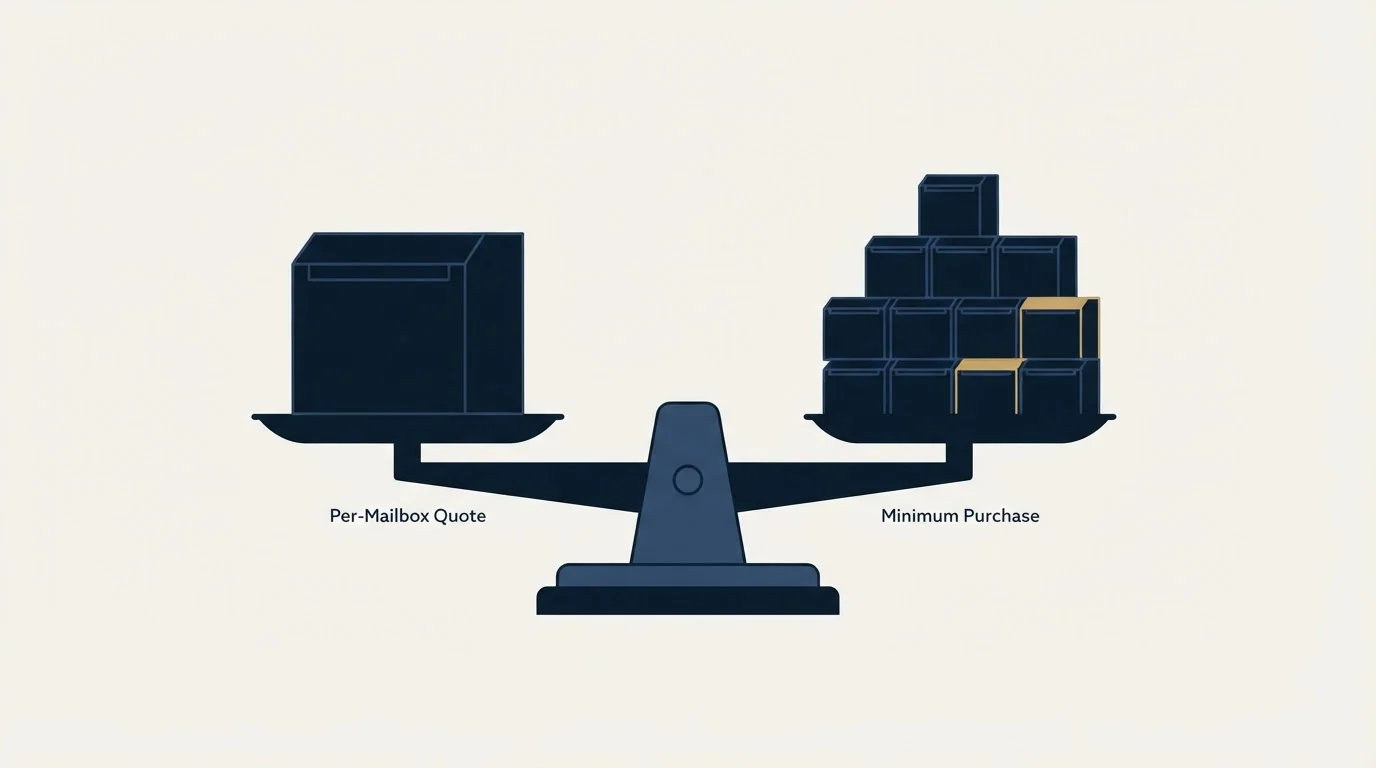
Mailforge's homepage publishes its own comparison of what 200 mailboxes cost, putting itself at $484 per month against Google Workspace at $1,680 per month and Microsoft 365 at $1,200 per month. Those are Mailforge's published claims on Mailforge's homepage. They are worth knowing because they tell you how the vendor frames its own value, and they are not a substitute for pricing the same 200 mailboxes on the other providers' current published rates yourself.
A comparison you can actually rely on has four adjustments in it. Add unfilled slots to the slot side. Add domains at their per-year rate to both sides. Add warmup to whichever side does not bundle it. And decide separately whether the backend is one you want, because that question does not have a price attached and it outlives the invoice.
Do that and the number you end up with is usually less dramatic in either direction than the marketing on any of these sites. That is normal. Infrastructure is a smaller share of an outbound budget than the time spent choosing it suggests, and the decisions that move results sit upstream in targeting and downstream in what gets sent.
If you would rather not assemble any of this yourself, RevenueFlow runs cold email and LinkedIn outreach end to end, sender inventory included, on generic sending domains kept separate from the client's own. You can prepay a single qualified meeting and see the machinery from the outside.
Pricing and features verified as of mid-2026. Verify current terms with the vendor before relying on them.
Frequently asked questions.
Frequently asked questions- How much does Mailforge cost per mailbox?
- Its pricing page publishes a per-slot ladder rather than a per-mailbox price: $3 per slot per month at 1 to 100 slots, stepping down by ten cents per additional hundred, to $2.00 at 1,001 and above. Because the stated minimum is ten slots and unused slots are charged, the effective cost per live mailbox depends on how many slots you actually fill.
- Is Mailforge Google Workspace or Microsoft 365?
- Neither, according to its own FAQ, which describes Mailforge as a distributed email infrastructure tool leveraging a shared IP pool. The site's product nav lists a separate brand, Primeforge, for Google and Microsoft mailboxes, and another, Infraforge, for dedicated servers. The pricing page cross-sells the first of those directly.
- Does a Mailforge subscription include warmup?
- The pricing page's Included With Your Subscription list carries exactly three items: automated DNS setup, expert customer support, and inbox hosting and maintenance. Warmup is not among them. The company sells it as a separate product, Warmforge, and the homepage markets pre-warmed domains and mailboxes as a feature without publishing a price on that page.
- Why does the Mailforge annual price look different in different places?
- Its pricing page renders one figure for a 25-slot yearly configuration while the calculator's own seed data holds a different one, and the page's published yearly per-slot rate implies a third. None is obviously the error. Treat the slot ladder as the reliable published fact and confirm the annual total in the app before committing a budget.
About the author.

Tim Carden is CMO / CTO at RevenueFlow, which builds and operates outbound revenue engines for B2B companies. Studied at McGill University.
Tim Carden · CMO / CTO
Connect on LinkedIn →Explore more.
Ready to scale your outreach?
We build GTM engines that book real meetings. See the receipts.
Related articles.
Maildoso Review: Mailboxes Capped at 15 Sends a Day
Every Maildoso plan publishes the same ceiling of 15 emails per mailbox per day. That number turns a sending target into a mailbox count before price enters.
Mass Email From Outlook: The Limits Microsoft Publishes
Microsoft publishes the ceiling on one mailbox and, a few paragraphs later, recommends that bulk commercial mail go to a specialist provider instead.
Sending Cold Email From the CRM You Already Pay For
A CRM sequence tool sends from your primary domain and your own mailbox, and vendor terms usually require documented consent. What a separate cold stack buys.
IMAP or SMTP: One Sends, One Reads, and the Ports
A mail setup pane asks for two servers because the two protocols run in opposite directions. The RFCs define both jobs, and the ports are where providers disagree.
SMTP for Yahoo: The Settings and the Sender Requirements
Yahoo publishes its outgoing settings in six lines. It also publishes sender requirements enforced since February 2024, and refuses to name the volume that triggers them.
GMass Inbox Tester: The Public Seed List Cuts Both Ways
GMass publishes the fifteen seed addresses behind its free placement tester. That makes the test repeatable, and it also makes the absolute result pessimistic.