Cold Email Infrastructure: Five Layers and Where Each Breaks
Bundled infrastructure hides which layer does the work and which one fails first. Five layers, the failure mode of each, and the two numbers that size the stack.
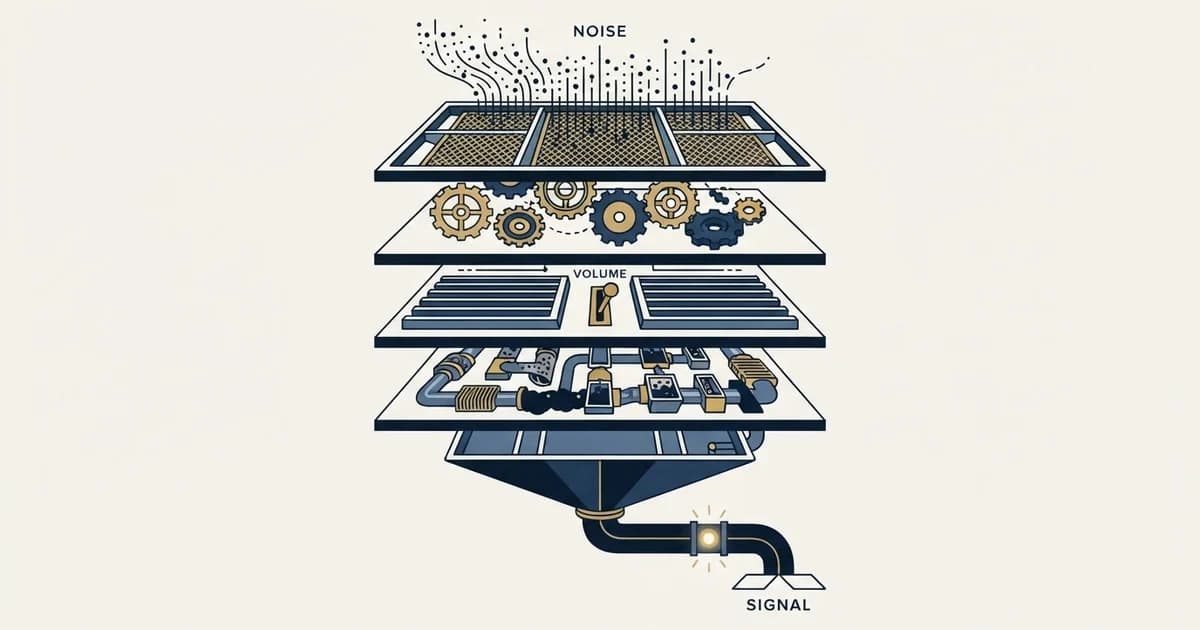
A cold email stack has five layers: sending domains, mailboxes, authentication, the sending platform, and the list with its replies. Each has a distinct failure mode. Two numbers size the whole thing: a daily send target derived from pipeline arithmetic, and the number of messages each campaign sends per person.
Key takeaways
- Reputation is scored against the exact authenticated domain, so several sending domains are several independent reputations and one failure costs a fraction of capacity.
- Gmail's requirements tighten above 5,000 messages a day, so a stack that was compliant at 1,000 can be non-compliant after growth with no configuration change.
- Platform counters mislead in both directions: in 1,413,405 measured sends the bounce counter read 3.04% against a true hard bounce rate of 1.27%.
- Human reply rates fell from 0.88% in campaigns of 500 to 2,000 sends to 0.33% in campaigns of 25,000 or more, so capacity does not buy proportional replies.
Reviewed and updated September 1, 2026
Search for cold email infrastructure and every result on the first page is a company selling it: domains, mailboxes and a dashboard, bundled at a price per mailbox per month. That is a reasonable thing to buy. It is a poor way to understand what you are buying, because the bundle hides which layer is doing the work and which layer will fail first when the programme grows.
There are five layers. Each one has a job, a failure mode, and a number that tells you how much of it you need. Here is what each does, where each breaks, and the two decisions that determine the size of the whole thing.
- Step 1Sending domains
Separate from your primary domain, because reputation is counted per domain
- Step 2Mailboxes
Ordinary provider accounts on those domains, each sending a modest daily volume
- Step 3Authentication
SPF, DKIM, DMARC and reverse DNS, aligned on every sending domain
- Step 4Sending platform
Distributes across mailboxes, respects deferrals, records what happened
- Step 5List and replies
Verified addresses in, a person answering what comes back
Layer 1: sending domains
Cold outbound does not go out on your primary domain. If a campaign attracts complaints, the damage lands on the domain that sent it, and you do not want that domain to be the one your invoices and support mail leave from.
The reason to run several sending domains rather than one is mechanical. Google's Postmaster Tools documentation states that the domain reputation dashboard only displays messages sent from the exact domain used for DKIM and SPF authentication. Reputation is therefore scoped to the authenticated domain, so four sending domains are four independent reputations. One of them going bad is a quarter of your capacity rather than all of it.
Where it breaks: a new domain has no history at all, and receivers treat no history with suspicion. Domain age is a real input, which is why domains bought the week before a launch underperform domains bought two months earlier for the same money.
Layer 2: mailboxes
Shopping for cold email inboxes is shopping for this layer, and the providers selling them bundle domains, mailboxes and warmup into one price, so the question to ask a vendor is which of the five layers the price actually covers.
Each sending domain carries a small number of mailboxes, and each mailbox sends a modest daily volume. Provider limits are the ceiling and are lower than most people assume. The full published numbers for Google Workspace and Microsoft 365 are in email sending limits by provider, and Google's own relay documentation publishes 10,000 messages per user in a 24 hour period for its SMTP relay service, with a separate account-level limit on total recipients.
Choosing an ESP for cold email is this layer's decision and it splits three ways: ordinary Google Workspace or Microsoft 365 mailboxes on your own sending domains, a provider selling domains and mailboxes purpose-built for outbound, or a shared marketing ESP, whose acceptable-use terms are the first thing to read before choosing it.
The ceiling is not the target. Filters read volume per mailbox as a signal, and a mailbox that goes from zero to its provider limit is a stronger signal than a mailbox that never gets close. The practical arrangement is more mailboxes each doing less, distributed by the sending platform, which is what inbox rotation describes.
Where it breaks: capacity is bought to a round number rather than to the campaign. Buying three times the mailboxes you need is a deliberate strategy with a real rationale, set out in why we maintain 3x sending capacity, and it is a different thing from buying capacity nobody sized.
Layer 3: authentication

SPF, DKIM and DMARC are the layer people set up once and never audit, which is a problem because the requirements have a volume threshold in them. Google's sender guidelines set a baseline for all senders and a stricter set for anyone sending more than 5,000 messages a day to Gmail accounts: SPF and DKIM and DMARC on the sending domain, valid forward and reverse DNS, TLS in transit, and spam rates in Postmaster Tools kept below 0.30%. The same page advises keeping spam rates below 0.10% and never reaching 0.30%, which is a tighter working target than the requirement.
A stack that was compliant at 1,000 messages a day can be non-compliant at 6,000 with no configuration change at all. Growth crossed the threshold. The setup itself, record by record, is in SPF, DKIM and DMARC for cold email.
Where it breaks: a new domain added mid-campaign gets mailboxes and no DNS. It sends unauthenticated for a week and the reputation it builds in that week is the one it keeps.
Layer 4: the sending platform
The platform's job is to spread a campaign across mailboxes, hold to a sending pattern, and record what the receiving side said. The last part is where platforms differ most.
Receivers push back with temporary failures, and Google describes these plainly: temp fails are a throttling tool intended to slow down sending rates. A platform that understands email throttling backs off and retries later. A platform that treats a deferral as a failure marks a perfectly good address as bounced, removes it from the list, and quietly makes your bounce rate look worse than it is.
That misreading is measurable. In our own cold email benchmark report, built from 1,413,405 sends across 356 campaigns, the platform's bounce counter read 3.04%, while the true hard bounce rate after classifying all 42,953 notifications was 1.27%. Delay notices alone were 12.59% of what the counter called bounces.
Where it breaks: the numbers on the dashboard are believed. Reply counters have the same problem in the other direction, and the same dataset put automated replies at 65.17% of everything in the reply folder, so the platform counter overstated human replies by 2.86 times.
Platform replied counter against replies a person actually typed
12.59% of bounce notifications were delay notices
500 to 2,000 sends against 25,000 or more
Layer 5: the list, and the replies
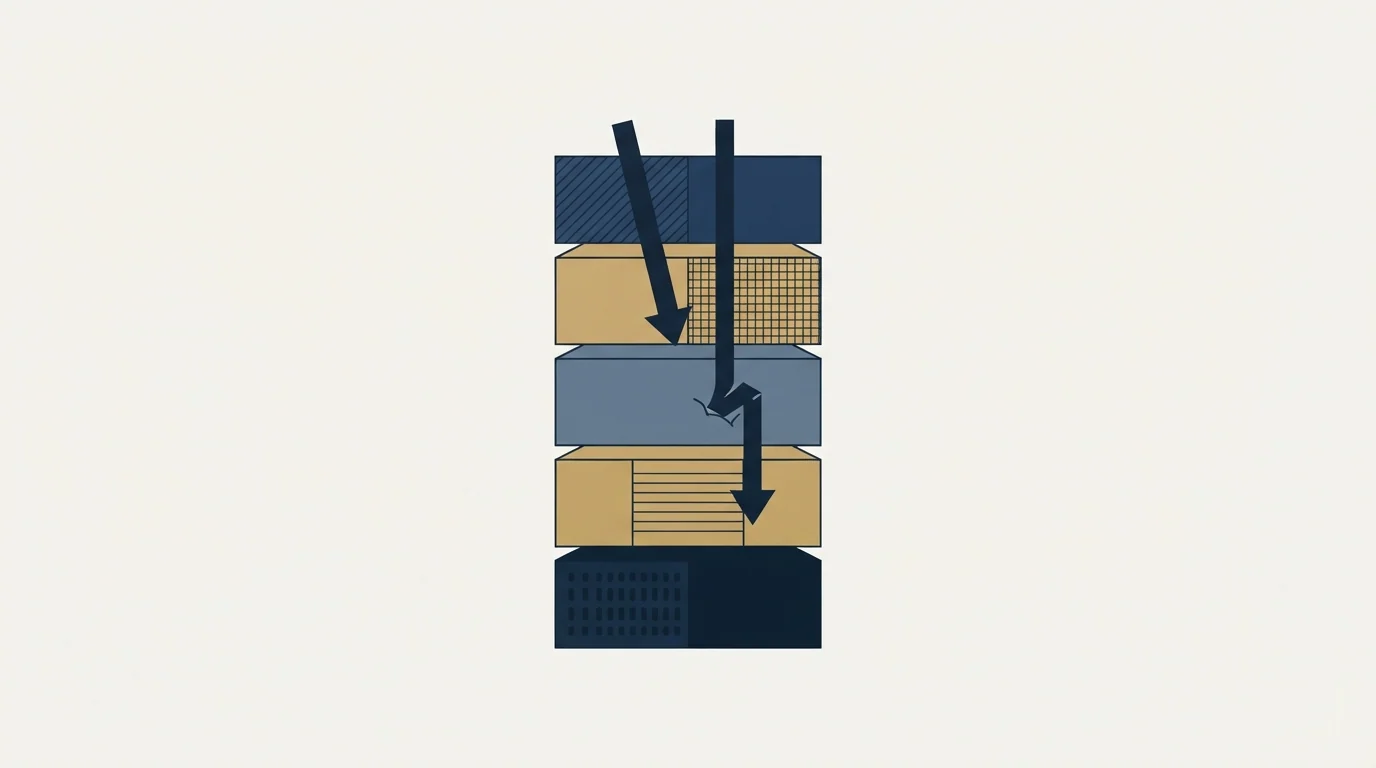
Infrastructure cannot rescue a list. A verified, well matched list on modest infrastructure outperforms a bad list on excellent infrastructure, because hard bounces and complaints are what damage the layers above. List hygiene is a deliverability control before it is a data quality one.
The other half of this layer is the part that gets designed last. A reply has to arrive in a mailbox a person reads, from an address the recipient will recognise if they check, and get an answer quickly. This is the requirement that rules out most transactional relay services regardless of their throughput or price.
Where it breaks: capacity is planned in sends and nobody plans in replies. A programme sized to 20,000 sends a month should expect roughly a hundred human replies at the rates in that report, and somebody has to own them.
What the bundled providers are actually selling
The vendors ranking for this term sell layers one and two, sometimes with a thin version of layer three attached. That is a genuine service and it saves real setup time, particularly the DNS work, which is fiddly and easy to get subtly wrong. What none of them sell is layer five, and layer five is where campaigns are won.
Two questions separate a useful provider from a reseller. Ask who owns the domains, because a domain rented inside a platform is a domain you cannot take with you, and its reputation is the asset you spent months building. Then ask what happens to a mailbox that starts underperforming: whether it is monitored, replaced, and rested, or whether it simply keeps sending until somebody notices the numbers.
A stack assembled from ordinary provider mailboxes on domains you own is more work to set up and it leaves you holding every asset that matters. Warmup is worth the same scrutiny. The mechanism is well understood and the evidence for how much it helps is thinner than the marketing, which we went through in what email warmup tools actually do.
The two numbers that size the whole stack
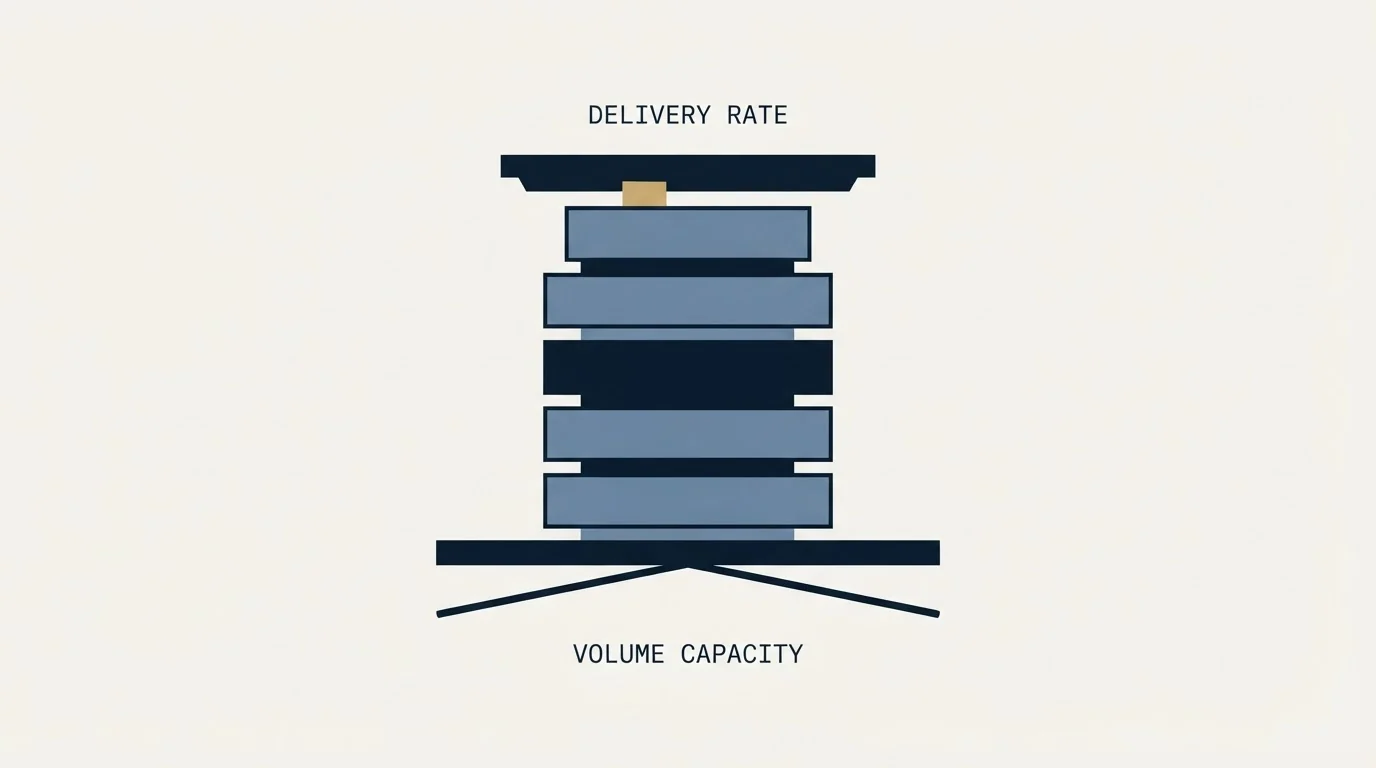
Daily send target. Derive it from the pipeline arithmetic rather than from a round figure. Sends times reply rate times positive share times close rate gives an expected outcome, and the report publishes each of those inputs against real volume. Doubling sends is not free: the same dataset shows human reply rates falling from 0.88% in campaigns of 500 to 2,000 sends to 0.33% in campaigns of 25,000 or more, because a bigger campaign reaches further down a list into worse-fitting companies.
Messages per campaign. We run one message per campaign and no follow-up sequences, so a campaign of 2,000 leads is 2,000 sends. In the benchmark dataset 346 of 356 campaigns were single-message, and the reply rate across that subset matched the whole. Capacity planning gets much simpler when the send count equals the audience count, and the deliverability guide explains why the multiplier version costs more than it returns.
- Yes: Cold outbound leaves on sending domains, never the primary domain
- Yes: Every sending domain has its own SPF, DKIM, DMARC and reverse DNS
- Yes: Spam rate is visible per domain rather than as one blended figure
- Yes: Mailboxes send well under the provider ceiling, not up against it
- Yes: The platform defers on 4xx responses instead of marking them bounced
- Depends: Bounce and reply figures have been classified, not read off a counter
- Yes: Somebody owns replies, with a same-day answer as the standard
What to buy, and in what order
Domains and authentication first, because they are cheap and they are what receivers judge. Mailboxes second, sized to a justified daily number. A platform third, chosen on how it handles deferrals and how honestly it reports, rather than on the feature list. Everything else is optimisation.
The layer that most often gets bought first is the one that matters least, because it is the one with a landing page. Google Postmaster Tools is free, it reports on the two things receivers actually score, and reading it weekly will tell you more about your infrastructure than any dashboard your vendor ships.
If you would rather see the arithmetic on your own list before buying anything, we will build the first campaign with you and you can judge the stack on real sends.
Provider requirements and limits verified as of mid-2026. Verify current terms with the provider before relying on them.
Frequently asked questions.
Frequently asked questions- What do I actually need to start sending cold email?
- Sending domains separate from your main domain, a few mailboxes on each, SPF and DKIM and DMARC published for every one of them, a platform that distributes sends and reports honestly, and a verified list. Buy the domains and authentication first, because they cost little and they are what receiving filters judge.
- How many sending domains and mailboxes do I need?
- Work backwards from a daily send target you can justify from pipeline arithmetic, then divide by a modest per-mailbox volume rather than by the provider ceiling. Buying capacity beyond that is a deliberate reserve strategy, which is different from buying a round number nobody sized.
- Should I buy bundled cold email infrastructure or build it?
- Bundled providers sell domains, mailboxes and some DNS setup, which saves real time on fiddly work. Ask two questions before buying: who owns the domains, since a rented domain takes its reputation with it when you leave, and what happens to a mailbox that starts underperforming.
- Does better infrastructure fix a bad list?
- No. Hard bounces and complaints are what damage the layers above, and both come from the list. A verified, well matched list on modest infrastructure outperforms a poor list on excellent infrastructure every time. List quality is a deliverability control before it is a data quality question.
About the author.

Tim Carden is CMO / CTO at RevenueFlow, which builds and operates outbound revenue engines for B2B companies. Studied at McGill University.
Tim Carden · CMO / CTO
Connect on LinkedIn →Explore more.
Ready to scale your outreach?
We build GTM engines that book real meetings. See the receipts.
Related articles.
SMTP for Yahoo: The Settings and the Sender Requirements
Yahoo publishes its outgoing settings in six lines. It also publishes sender requirements enforced since February 2024, and refuses to name the volume that triggers them.
GMass SMTP Test: What a Passing Connection Cannot Prove
GMass publishes a free SMTP connection tester that anyone can use. What its four stages separate, why the last one gets misdiagnosed, and where the tool's boundary is.
Maildoso Review: Mailboxes Capped at 15 Sends a Day
Every Maildoso plan publishes the same ceiling of 15 emails per mailbox per day. That number turns a sending target into a mailbox count before price enters.
Email Warmup Pricing in 2026: What 20 Tools Charge, and What 10 Mailboxes Cost
Email warmup tools start at a median of $29 a month, but warming ten mailboxes costs from $7.50 to $1,190 depending on how the vendor prices a mailbox.
MailReach Pricing: The Headline Rate Is the Second Band
MailReach prices warmup on a slider with four mailbox bands and two billing states. Every band at both states, and why the printed rate is not the entry rate.
Warmup Inbox Pricing: Per Inbox, Annual Loads First
Warmup Inbox prices per inbox and its page opens on the annual switch. Both states for all three plans, the reply ceiling meter, the trial and how a fleet bill is built.