Email Throttling: The Two Sides of One Word and How to Tell Which One Stopped You
Email throttling is the deliberate limiting of how fast email is sent or accepted. Receiver-side throttling is a mailbox provider capping how quickly it will take your mail, which surfaces as temporary refusals. Sender-side throttling is your own platform or provider declining to dispatch past a quota, so nothing leaves.
Key takeaways
- The word covers two events on opposite sides of the delivery path, and the diagnostic question is whether anything left your infrastructure at all.
- Receiver-side throttling is provider-shaped and drifts over time. Sender-side throttling is mailbox-shaped and resets on a fixed clock.
- Lowering your own cap does not lift a limit a provider applied to your domain, and raising it turns a harmless internal queue into a live reputation event.
- Throttling is frequently the correct behaviour of a healthy system on both sides, so a new domain being slowed is being handled properly rather than penalised.
Email Throttling: The Two Sides of One Word and How to Tell Which One Stopped You
Email throttling is the deliberate limiting of the rate at which email is sent or accepted. The limit can be imposed by the receiving mail system, which slows how fast it will take mail from a given sender, or by the sending side, where a platform or a mailbox provider declines to dispatch beyond a quota or a rate ceiling it enforces on its own account holders.
Both of those are called throttling. They happen on opposite sides of the delivery path, they produce different symptoms, and they are fixed by completely different actions. Most of the value in this entry is in keeping them apart.
Receiver-side throttling
A mailbox provider decides how much mail it is willing to accept from you right now, and enforces that decision during the SMTP conversation.
The mechanisms are varied and often stack. A provider caps the number of simultaneous connections it will hold open from one IP address. It caps how many recipients it will accept within a single connection. It caps deliveries per hour from an IP or from a domain. It applies all of those differently depending on what it already thinks of the sender, so an established domain with a long clean history and a domain first seen last week are governed by different numbers for the same behaviour.
What you see is a temporary refusal during the conversation. Your server connected, offered the message, and the receiver declined to take it right now while indicating that a later attempt is expected. The refusal usually carries text naming the reason, and the text is where the diagnosis lives: rate language, connection language, and reputation language read nothing alike even though they arrive in the same shape. Most sending platforms report these refusals under a bounce label of the temporary kind, which is a reporting convention rather than a description of what happened, and the reply-code mechanics behind that convention belong to the soft bounce entry rather than this one.
The important fact about a receiver-side limit is that the message left your infrastructure. There is a record of a connection to the recipient's mail exchange and a reply from it. Something happened on the wire.
Sender-side throttling

Nothing leaves at all.
Your sending platform enforces a schedule per mailbox and refuses to exceed it. Your mailbox provider enforces a quota on the account and refuses to relay past it. A warming schedule you configured yourself holds back volume by design. In each case the constraint is applied before any connection to the recipient is attempted, so the recipient's server never saw anything and has no opinion about you at all.
The symptoms look like stalling rather than refusal. A queue that does not drain. Messages sitting in a scheduled state past the time they were supposed to go. A daily total that stops at exactly the same figure every day, resetting on a clock. An account-level error from your own provider that names a limit rather than a recipient.
- A connection to the recipient's mail exchange happened
- The message was offered and temporarily refused
- The refusal text names a rate, a connection limit or a policy
- Shaped by receiving provider: one provider affected, others fine
- Eases as the provider's view of your sending changes
- No connection to the recipient's mail exchange was attempted
- The recipient's server has no record of you trying
- The error, if any, comes from your platform or your mailbox provider
- Shaped by mailbox or account: one mailbox affected across all destinations
- Resets on a fixed window, usually a rolling day
Telling them apart
The test is one question: did anything leave your infrastructure?
Open the sending log for the affected messages and look for an SMTP transaction with the recipient's mail exchange. A transaction that exists and ends in a temporary refusal is receiver-side, and the reply text tells you which flavour. No transaction at all is sender-side, and the answer is in your own platform's limits or your mailbox provider's quota.
Two secondary signals confirm the reading quickly. The first is shape. Receiver-side trouble is provider-shaped: mail to one receiving provider struggles while everything else moves normally, across all of your sending mailboxes. Sender-side trouble is mailbox-shaped: one mailbox stops, and it stops for every destination equally, because a quota does not care who the recipient is.
The second is timing. Sender-side limits reset on a clock and behave identically every day, so the pattern is a flat ceiling hit at the same point. Receiver-side limits move with the provider's assessment and its own load, so the pattern drifts, worsens or eases without you changing anything.
- Step 1Look for the transaction
Find the affected messages in the sending log and check whether a connection to the recipient's mail exchange was ever made.
- Step 2No transaction: look at your own limits
Nothing left. Check your platform's per-mailbox schedule and your mailbox provider's published quota for the account.
- Step 3Transaction refused: read the reply text
Something left and came back. The reply usually names the reason, and rate language, connection language and reputation language are distinguishable.
- Step 4Check the shape
Concentrated at one receiving provider across all your mailboxes points at that provider. Confined to one mailbox across all destinations points at your own side.
- Step 5Check the clock
A ceiling hit at the same point every day is a quota. A pattern that drifts without you changing anything is a provider forming a view.
There is one genuinely ambiguous case, and it is common enough to be worth expecting. A sending platform that observes receiver-side refusals will often slow itself down in response, backing off deliveries into that provider to avoid making things worse. The result is a sender-side hold with a receiver-side cause, and the dashboard shows the symptom of the first while the reason belongs to the second. The tell is scope again: an automatic back-off is targeted at one destination provider, whereas a quota applies to everything the mailbox sends. If your platform documents its back-off behaviour, read it once, because the alternative is misreading its own protective behaviour as a product defect.
Where the definitions break
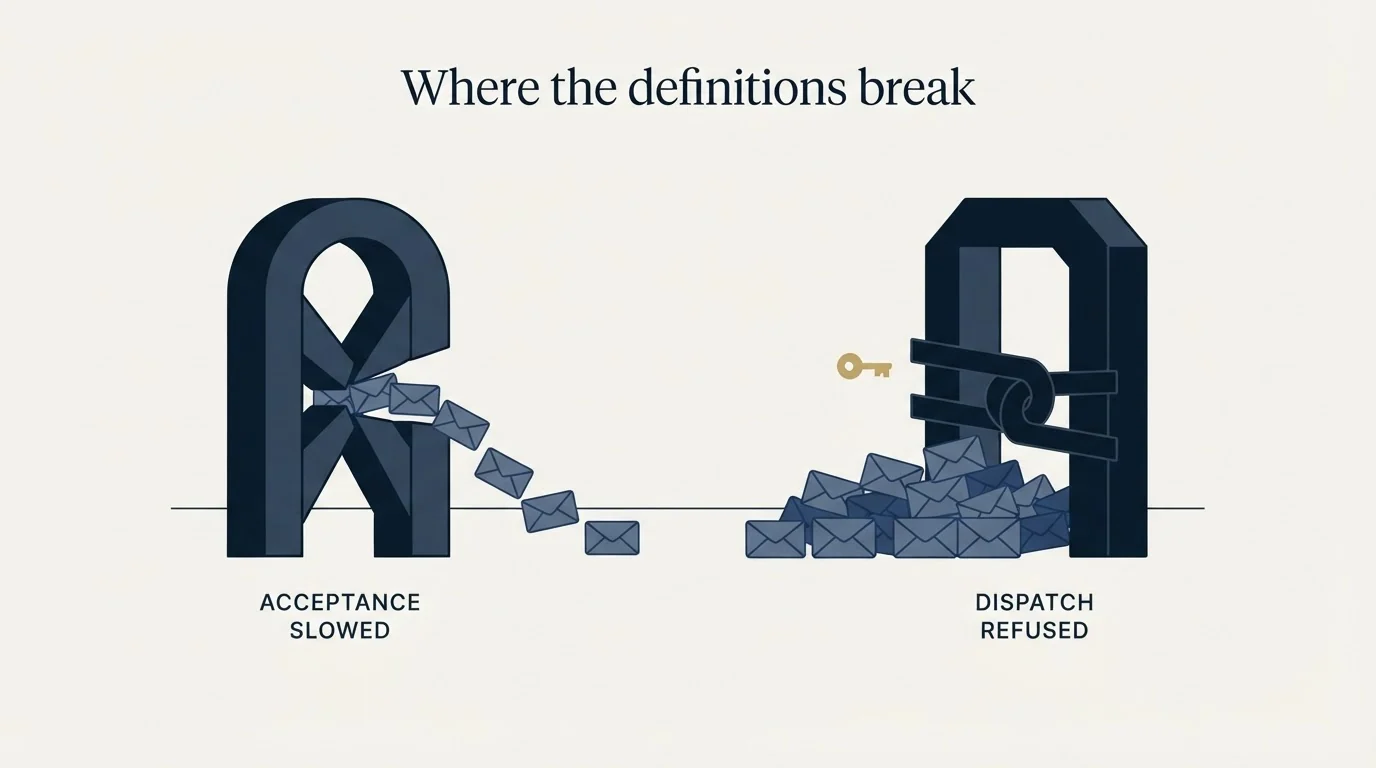
Most published definitions pick one side and present it as the whole term. Some describe throttling purely as what receivers do to senders. Others describe it purely as a sending-tool feature for pacing a campaign. Each is accurate about half the word, and a reader who learned only one half diagnoses the wrong side of the path.
The two mistakes that follow are worth naming exactly, because both feel productive while achieving nothing.
Lowering your own daily limit in response to receiver-side throttling is the first. It feels like the obvious response to being told you are sending too fast, and it does not lift a constraint the provider applied on the basis of its assessment of your domain. The provider's number is not stored in your tool. It has been derived from what your sending looks like, and turning down a dial in your own dashboard does not communicate anything to it. Volume discipline over time genuinely does change a provider's assessment; the cap change on the day of the problem does not, and treating the two as the same thing is how a team spends a fortnight adjusting numbers with no observable effect.
Raising your own limit in response to sender-side throttling is the mirror image and the more expensive one. If your platform was holding mail back and you release it, the mail now leaves and starts arriving at receiving providers faster than they were previously seeing it. That is precisely the input that produces receiver-side rate limiting. Raising the cap converts a harmless internal queue into a live reputation event, and the sender who does it usually reports afterwards that raising the limit "made deliverability worse", which is an accurate description of what happened.
- Yes: Sustained volume discipline over weeks, for a provider that has slowed you down
- Yes: Spreading a day's sending evenly instead of releasing it in a burst
- Yes: Adding sending mailboxes rather than raising the ceiling on the ones you have
- Yes: Checking your mailbox provider's published quota when a mailbox stops cold
- No: Lowering your own cap on the day a receiving provider starts deferring
- No: Raising your own cap because mail is queuing on your side
- No: Retrying harder into a provider that is limiting connections
That last item deserves its own line. Connection-rate limiting responds to connection attempts, so a platform that reacts to refusals by attempting more aggressively is feeding the mechanism that is refusing it. The retry behaviour built into a compliant mail server is protocol behaviour and is fine. Turning it up is not.
Throttling is frequently correct behaviour
The word reads as a fault and usually is not one. Both sides of it are healthy systems doing their jobs.
A provider rate-limiting an unfamiliar sender is behaving exactly as it should. It has no history with your domain, mail from unknown senders is overwhelmingly abusive in aggregate, and slowing acceptance while it observes what your mail produces is a proportionate response that costs a legitimate sender a delay and costs an abusive one their whole operation. A new domain being throttled is being handled correctly, and the fix is time plus consistent behaviour rather than a configuration change.
A sending platform enforcing a mailbox quota is protecting you from the first thing. Left uncapped, a mailbox will happily attempt far more than its provider permits or its reputation supports, and the result is the receiver-side problem arriving at speed. Sender-side throttling is the guard rail, and the instinct to remove a guard rail because it is in the way deserves the suspicion it normally gets.
Google's sender guidelines put the sending-pattern half of this plainly: "Send email at a consistent rate. Avoid sending email in bursts," and they instruct senders who are increasing volume to monitor server responses, because sending may be rate limited. The same daily total delivered evenly and delivered in one burst are different events to a receiving provider, and only one of them looks like a system worth trusting.
What it means for capacity

Sending capacity is a product of mailboxes and per-mailbox limits rather than a number you type into a field. When a programme needs more delivered mail, the honest lever is more sending mailboxes at sustainable per-mailbox rates, not a higher ceiling on the mailboxes already at their limit. The published per-provider figures are in email sending limits by provider, and the reasoning behind holding more capacity than a campaign needs is in why we maintain surplus sending capacity.
New domains are throttled hardest, which is the entire argument for warming a domain before you send. What a warming schedule is, mechanically, is sender-side throttling applied on purpose so that receiver-side throttling never becomes the binding constraint.
Whether a provider is slowing you for load or for reputation is answered on the reputation surfaces rather than in your own logs, and reading every metric in Google Postmaster Tools covers what those surfaces support. When the pattern is bad everywhere at once, work the order set out in the cold email deliverability guide.
Finally, the input you control most directly is total load. We send one message per campaign, written on one premise and sent once, and a later approach to the same person is a separate campaign with its own premise. A programme shaped that way places a fraction of the volume on any receiving provider's patience compared with one that returns to the same inbox repeatedly, and receiver-side throttling is a direct function of exactly that volume. Teams that would rather not own the arithmetic can look at our pay-per-qualified-meeting outbound.
Verified as of mid-2026. Verify current terms with the vendor before relying on them.
Frequently asked questions.
Frequently asked questions- How do I know if my email is being throttled by the receiver or by my own platform?
- Check the sending log for an SMTP transaction with the recipient's mail exchange. A transaction that ends in a temporary refusal is receiver-side, and the reply text names the reason. No transaction at all means nothing left your infrastructure, so the constraint is your platform's schedule or your mailbox provider's quota.
- Will lowering my daily sending limit fix throttling?
- Not on the day. A receiving provider derives its limit from what your sending looks like, and that number is not stored in your tool, so turning a dial down communicates nothing to it. Sustained volume discipline over weeks does change a provider's assessment. The same-day cap change does not.
- Is email throttling bad for my domain?
- Usually it is a healthy system working. A provider slowing an unfamiliar sender while it observes what the mail produces is a proportionate response, and a sending platform enforcing a mailbox quota is preventing the receiver-side version. What matters is whether the pattern eases as your domain establishes history.
- Why does my email queue stop at the same number every day?
- A flat ceiling hit at the same point daily, resetting on a clock, is the signature of a sender-side quota rather than anything a receiving provider did. Check your mailbox provider's published account limits and your sending platform's per-mailbox schedule, since either can impose the cap independently.