IMAP or SMTP: One Sends, One Reads, and the Ports
A mail setup pane asks for two servers because the two protocols run in opposite directions. The RFCs define both jobs, and the ports are where providers disagree.
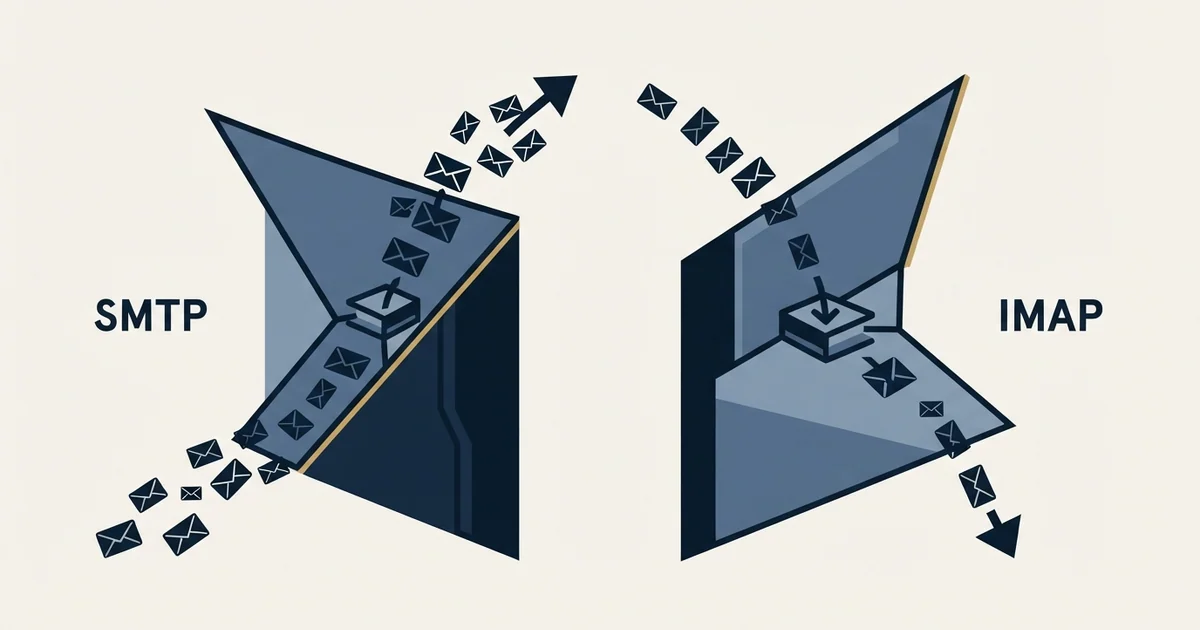
SMTP and IMAP are not alternatives. RFC 5321 defines SMTP as the protocol for transferring mail outward, and RFC 9051 defines IMAP as the protocol for accessing and manipulating messages held on a server. A working mail account needs both configured, with separate hosts, ports and encryption settings on each side.
Key takeaways
- RFC 5321 states the objective of SMTP is to transfer mail reliably and efficiently, while RFC 9051 defines IMAP4rev2 as allowing a client to access and manipulate messages on a server, so the two protocols run in opposite directions and neither substitutes for the other.
- RFC 6409 split message submission from message relay: relay continues on port 25 and submission normally uses port 587, which is why port 25 in a mail client configuration is almost always wrong.
- RFC 8314 recommends implicit TLS on ports 465, 993 and 995 in preference to STARTTLS, and providers have not all followed it, so the port is a fact about the endpoint you are connecting to rather than a general rule.
- Sending and receiving now fail independently, because Microsoft disables SMTP AUTH per mailbox for organisations created after January 2020 and Google has required OAuth for third-party apps since 1 May 2025, which makes working IMAP alongside refused SMTP a specific diagnosis rather than a contradiction.
Reviewed and updated September 1, 2026
A manual mail account setup pane asks for two servers, two ports and two encryption settings, and people reasonably read that as a choice. It is not one. The two protocols do different jobs in opposite directions, and a mail client needs both configured before anything works properly.
The specifications say this plainly, and they are short enough to quote. What follows is what each protocol is for according to the documents that define it, why the ports look inconsistent across providers, and the one practical use of the distinction: a symptom that tells you which half of a broken setup to touch.
What each protocol is defined to do
SMTP sends. RFC 5321 opens by stating the purpose: "The objective of the Simple Mail Transfer Protocol (SMTP) is to transfer mail reliably and efficiently." It describes a conversation in which a client connects, names an envelope sender, names recipients, and hands over a message. It has no concept of a mailbox you can read.
IMAP reads. The current specification is RFC 9051, published August 2021, which obsoletes RFC 3501. Its abstract states that IMAP4rev2 "allows a client to access and manipulate electronic mail messages on a server" and "permits manipulation of mailboxes (remote message folders) in a way that is functionally equivalent to local folders". The mailbox stays on the server and every device you sign in from sees the same state.
POP3 is the older read protocol, and RFC 1939 is candid about its scope: "POP3 is not intended to provide extensive manipulation operations of mail on the server; normally, mail is downloaded and then deleted." That design assumes one machine. Anyone reading mail on a laptop and a phone has already outgrown it, which is why almost every provider's setup documentation now leads with IMAP.
So the answer to the question in the search box is that you need SMTP and you need one of IMAP or POP3, and on any account read from more than one device the second choice is IMAP.
- Transfers mail reliably and efficiently, in the RFC's own phrase
- Client to server, then server to server
- Carries an envelope sender and recipients
- Cannot read anything back
- Submission split out separately by RFC 6409
- Access and manipulate messages on a server
- Remote folders behave like local ones
- State is shared across every device
- Supports offline resynchronisation
- Version 4rev2 obsoletes RFC 3501
- Retrieval rather than management
- Not intended for extensive server-side manipulation
- Mail is normally downloaded and then deleted
- Designed around a single workstation
- Still offered, rarely the right choice
Submission is a third thing, and it explains port 587
The reason a settings pane shows port 587 rather than port 25 has its own specification.
RFC 6409, which carries the standards designation STD 72, "splits message submission from message relay, allowing each service to operate according to its own rules (for security, policy, etc.)". The consequence is stated in the same abstract: "Message relay is unaffected, and continues to use SMTP over port 25. When conforming to this document, message submission uses the protocol specified here, normally over port 587."
That split is why port 25 in a client configuration is almost always wrong. Port 25 is the hop between mail servers, it is unauthenticated in the general case, and outbound connections on it are blocked by default on a great many networks and cloud hosts. A client handing a message to its own provider is doing submission, and submission has its own port and its own authentication expectations.
Choosing the right submission port matters just as much as picking the correct protocol, and understanding why submission ports differ from relay clarifies the registration history behind that split.
Why the ports look inconsistent, and which authority to follow
Read three providers' setup pages in a row and the port advice appears to contradict itself. It does, and the contradiction is documented rather than accidental.
RFC 8314, published January 2018, added the implicit-TLS ports as standards-track ports and stated a preference: the specification "now recommends the use of Implicit TLS for POP, IMAP, SMTP Submission, and all other protocols used between an MUA and an MSP". Implicit TLS means the handshake starts the moment the TCP connection opens, on a port reserved for it. RFC 8314 names those ports: 465 for the submissions service, 993 for imaps, 995 for pop3s. The alternative it is written against is opening in the clear and upgrading with STARTTLS.
Providers have not converged on that. Microsoft's guidance for its own business endpoint says the opposite about 465, and gives its reason: "If your device or application recommends or defaults to TCP port 465, it doesn't support the required versions of TLS for client SMTP submission" (https://learn.microsoft.com/en-us/exchange/mail-flow-best-practices/how-to-set-up-a-multifunction-device-or-application-to-send-email-using-microsoft-365-or-office-365, read 16 August 2026). Microsoft is not disputing the standard. It is saying that in its own fleet, a device that defaults to 465 is old enough to be a problem for other reasons. Yahoo, by contrast, publishes 465 or 587 for its outgoing server and ranks neither (https://help.yahoo.com/kb/SLN4075.html).
The rule that survives all of this is narrow and reliable. The port belongs to the endpoint you are connecting to, not to a general principle, so take it from the provider's own current documentation. What must agree internally is the port and the encryption mode: 465 expects encryption from the first byte, 587 expects a cleartext open followed by STARTTLS. Setting one against the other is the single most common cause of a failure that looks like a network fault. Our Gmail SMTP settings and Office 365 SMTP settings guides carry the published values for the two providers most B2B mail sits behind.
The diagnostic that makes the distinction worth knowing
The practical payoff of understanding which protocol does what is that it halves a troubleshooting problem before you touch anything.
Mail arrives but will not send. That is the outgoing half, so the SMTP host, port, encryption mode and submission credentials are the surface to work, and the incoming settings are not worth opening. Mail sends but nothing new arrives. That is the incoming half, and the SMTP settings are correct by demonstration. Neither works, and the account credentials or the account itself are the more likely cause than any of the six fields.
Splitting the symptom that way first is worth more than any amount of rechecking, because the alternative is changing values on both sides at once and losing track of which change did what.
- Step 1Establish what still works
Send a message and receive one. The half that succeeds is proven correct and does not need touching.
- Step 2Cannot send, can receive
Work the SMTP side: host, port, encryption mode, and whether the provider still accepts a password on submission.
- Step 3Can send, cannot receive
Work the IMAP side: host, port 993 with implicit TLS on most providers, and folder subscription.
- Step 4Neither works
Treat it as an account or credential problem rather than a settings problem, since both protocols authenticate against the same account.
Authentication is where the two protocols now diverge
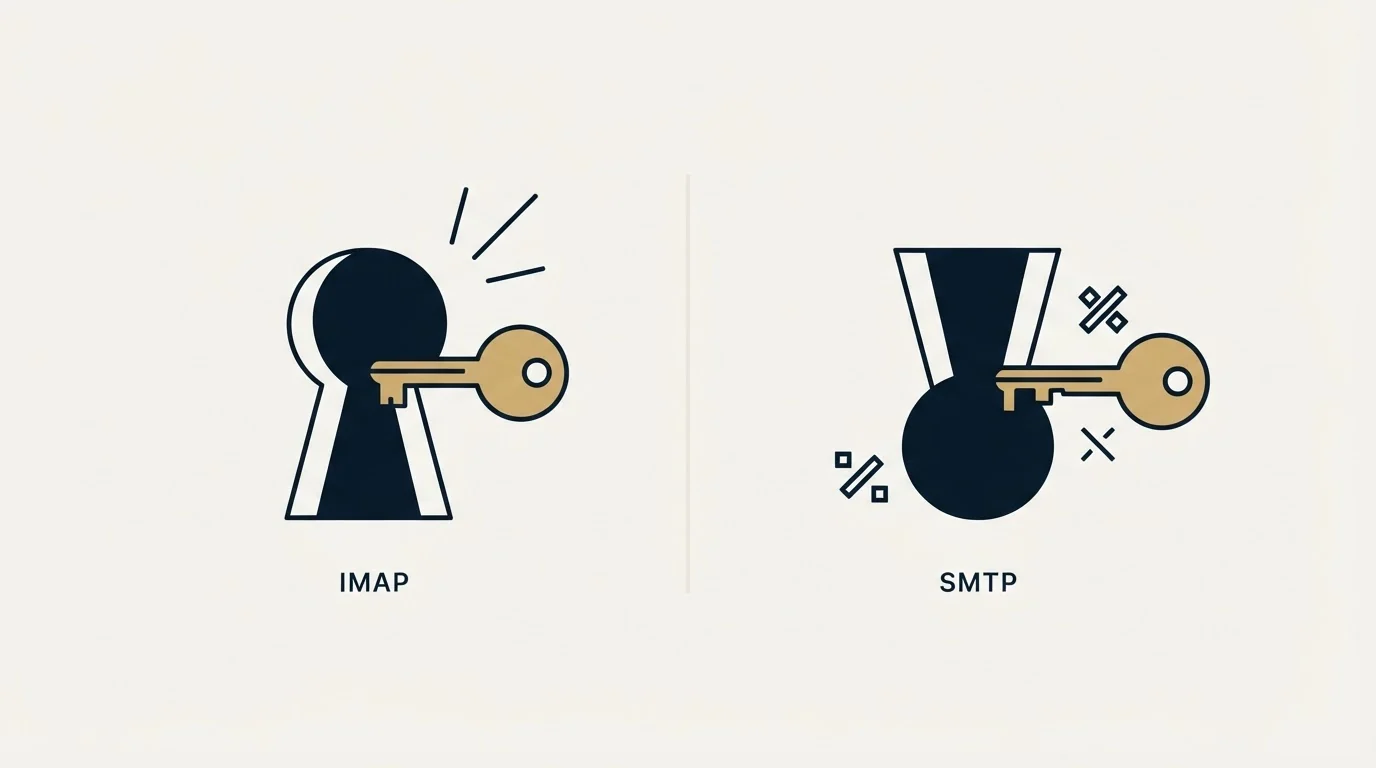
For most of the history of these protocols the credential was the same on both sides, which is why the two halves usually broke together. That has stopped being true, and the asymmetry catches people out.
Microsoft documents a per-mailbox switch that governs one protocol and not the other: "SMTP AUTH is disabled for organizations created after January 2020 but you can enable it per-mailbox", from the same Exchange guidance cited above. A business mailbox can therefore read fine over IMAP while refusing submission over SMTP, with correct settings and a correct password on both sides. Google's Workspace admin page for sending mail from a printer, scanner or app carries the parallel change from the other direction. It states that "Starting May 1, 2025, Google Workspace accounts no longer support less secure apps", third-party apps, or devices that ask for a Google Account username and password, and that "You must use OAuth to let these apps and devices access your account." (https://knowledge.workspace.google.com/admin/gmail/send-email-from-a-printer-scanner-or-app, read 16 August 2026). The same page names Microsoft Outlook and the mail app on iOS and macOS among the third-party clients no longer supported that way.
Working IMAP alongside refused SMTP has therefore become a specific and common diagnosis rather than a contradiction. It usually means the account is fine and submission is switched off or requires a token the client cannot produce, and the remedy sits in an administrator's console rather than in the settings dialog.
What this means once the client is a sending tool
Everything above assumes a person reading and writing mail. Point an outbound tool at the same account and the protocols keep their roles, and one of them quietly becomes the more important half.
SMTP is how the campaign leaves. IMAP is how the answer comes back, and the answer is the entire point of the send. A transactional relay has an SMTP side and no IMAP side at all, which is the structural reason the relay category is a poor fit for cold outreach whatever its throughput or price: replies land nowhere a person can read and respond from. Our guide to what an SMTP server is in a cold email stack works through the four different things that phrase describes and which of them fails first at volume, and our free SMTP relay server breakdown covers the tiers and why the shelf is wrong for this job.
The other consequence is that an SMTP connection authenticates as exactly one mailbox, so it inherits that mailbox's address, its domain and that domain's standing with every receiver. Choosing the endpoint is a decision about which identity your mail carries, which is why outbound belongs on separate sending domains rather than on the domain your contracts and invoices travel on. The build order for that is in our cold email infrastructure guide.
- Yes: Take both server names from the provider's own current documentation rather than from a forum answer
- Yes: Match the port to the encryption mode: implicit TLS on 465 and 993, STARTTLS on 587
- Yes: Use the full email address as the username on both protocols
- Yes: Check whether the provider requires OAuth or an app password rather than the account password
- Yes: Choose IMAP over POP3 wherever the account is read on more than one device
- No: Configuring port 25 in a mail client, which is the server-to-server relay hop
- No: Changing values on both halves at once before establishing which half works
The short version
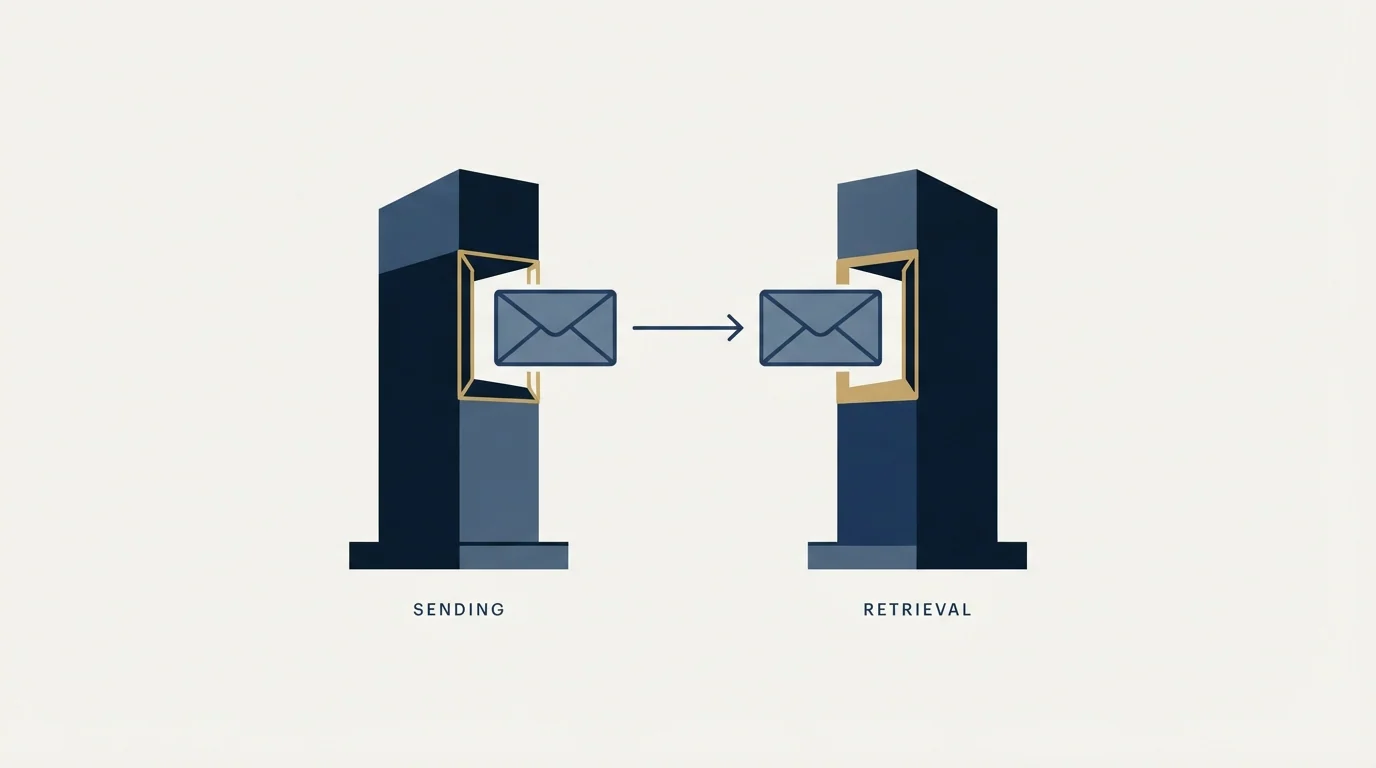
SMTP sends and IMAP reads, they are defined by separate specifications with separate jobs, and a working account has both configured. Submission was split from relay by RFC 6409, which is why a client uses port 587 rather than port 25. RFC 8314 recommends implicit TLS on 465 and 993, and providers have not all followed it, so the port is a fact about your endpoint rather than a rule.
The distinction earns its keep in diagnosis. Establish which direction still works, and the half that succeeds needs no attention at all.
RevenueFlow runs cold email and LinkedIn outreach for B2B companies on infrastructure we provision and warm ourselves, with one message per campaign and no bump sequences or thread replies, so replies arrive in mailboxes a person reads and answers. If you would rather not build that layer, prepay a single qualified meeting and judge the output first.
Specifications cited from the RFC series; provider settings verified against the vendors' own published pages as of 16 August 2026. Provider policies change; verify current requirements with the provider before relying on them.
Frequently asked questions.
Frequently asked questions- Do I need IMAP or SMTP, or both?
- Both, on any account you send from and read. SMTP carries messages out of your client, and IMAP or POP3 brings messages in. They use different hostnames, different ports and often different encryption settings, which is why a manual setup pane asks for two sets of values rather than letting you pick one.
- What is the difference between IMAP and POP3?
- IMAP keeps the mailbox on the server and mirrors its state to every device, so a message read on a phone shows as read on a laptop. RFC 1939 describes POP3 as not intended for extensive server-side manipulation, with mail normally downloaded and then deleted. On any account read from more than one device, IMAP is the correct choice.
- Why do providers publish different SMTP ports?
- Because they are describing their own endpoints. RFC 8314 recommends implicit TLS on port 465, while Microsoft states that a device defaulting to port 465 does not support the TLS versions its endpoint requires, and Yahoo publishes 465 or 587 without ranking them. Take the port from the provider documentation for the account you are configuring.
- Why can I receive mail but not send it?
- That symptom isolates the fault to the outgoing half, so the incoming settings are proven correct and not worth changing. The usual causes are a port and encryption mismatch on submission, or the provider refusing password authentication on SMTP specifically. Microsoft disables SMTP AUTH per mailbox on newer tenants, which produces exactly this pattern with correct credentials.
About the author.

Tim Carden is CMO / CTO at RevenueFlow, which builds and operates outbound revenue engines for B2B companies. Studied at McGill University.
Tim Carden · CMO / CTO
Connect on LinkedIn →Explore more.
Ready to scale your outreach?
We build GTM engines that book real meetings. See the receipts.
Related articles.
SMTP for Yahoo: The Settings and the Sender Requirements
Yahoo publishes its outgoing settings in six lines. It also publishes sender requirements enforced since February 2024, and refuses to name the volume that triggers them.
GMass SMTP Test: What a Passing Connection Cannot Prove
GMass publishes a free SMTP connection tester that anyone can use. What its four stages separate, why the last one gets misdiagnosed, and where the tool's boundary is.
Sending Cold Email From the CRM You Already Pay For
A CRM sequence tool sends from your primary domain and your own mailbox, and vendor terms usually require documented consent. What a separate cold stack buys.
Mass Email From Outlook: The Limits Microsoft Publishes
Microsoft publishes the ceiling on one mailbox and, a few paragraphs later, recommends that bulk commercial mail go to a specialist provider instead.
SMTP Ports: What 25, 465, 587 and 2525 Are Registered For
Three of the four ports in circulation are registered to mail and one is not. What the IANA registry and the RFCs say, and why none of it moves placement.
GMass Inbox Tester: The Public Seed List Cuts Both Ways
GMass publishes the fifteen seed addresses behind its free placement tester. That makes the test repeatable, and it also makes the absolute result pessimistic.