Free SMTP Relay Server: What the Free Tiers Give You
Brevo gives 300 emails a day, Mailjet 6,000 a month, SMTP2GO 1,000 a month. What each free tier publishes, and why a relay is wrong for cold outbound.
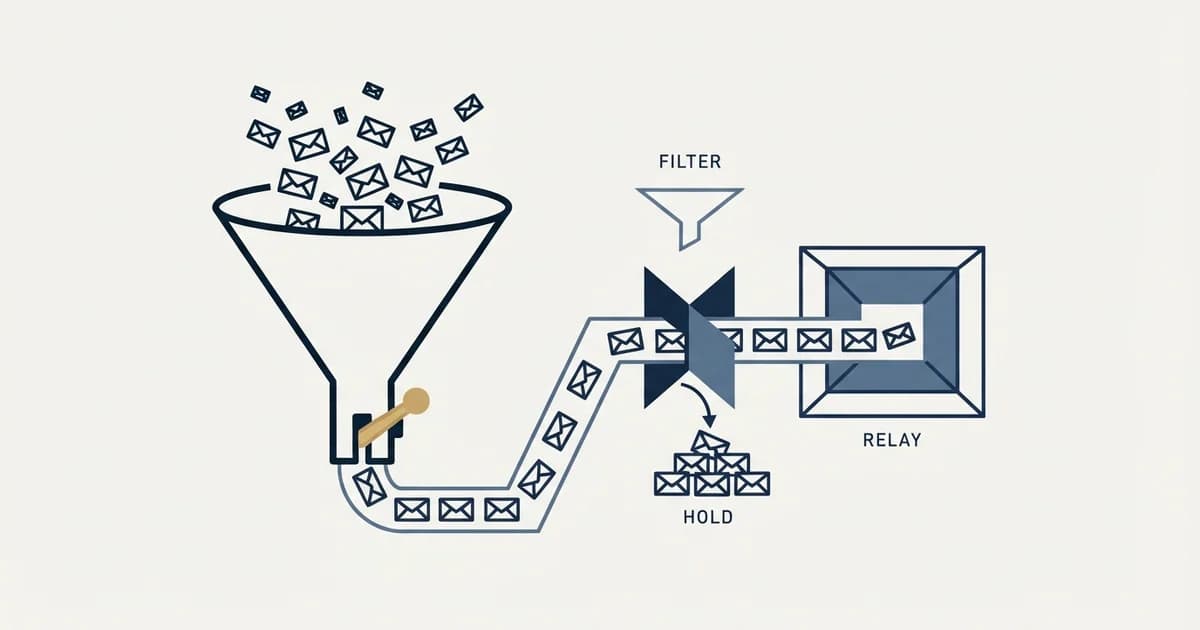
Three vendors publish a free SMTP relay with no end date: Brevo at 300 emails a day, Mailjet at 6,000 a month with a 200 a day ceiling, and SMTP2GO at 1,000 a month. They are sized for transactional mail. For cold outreach a relay is the wrong layer at any price, because replies need a mailbox.
Key takeaways
- Brevo's free plan sends 300 emails a day, Mailjet's 6,000 a month capped at 200 a day, and SMTP2GO's 1,000 a month, and all three are indefinite free tiers rather than trials.
- Amazon SES publishes 0.16 dollars per 1,000 emails, and Google Workspace includes an SMTP relay limited to 10,000 messages per user in 24 hours.
- Set up DNS before credentials: a relay sends mail claiming your domain, and SPF and DKIM fail by default until you publish the relay's records.
- A relay is wrong for cold email at any price: acceptable use terms may prohibit it, reputation is shared with strangers, and replies have nowhere to land.
Reviewed and updated September 18, 2026
Free SMTP relay tiers are real, they work, and they are smaller than the phrase "free SMTP server" suggests. Brevo's free plan sends 300 emails a day. Mailjet's free plan sends 6,000 a month with a 200 a day ceiling. SMTP2GO's free plan covers 1,000 emails a month. Every one of those is a genuine, indefinite free tier rather than a trial, and every one of them is sized for a contact form rather than a sales campaign.
That sizing is the whole answer to whether a free relay is the right tool for your job. Here is what each of the main free tiers actually publishes, why they are shaped the way they are, and the specific reason a relay is the wrong layer for cold outbound at any price.
Which free SMTP relay servers are there, and what do they allow?
Three vendors publish a free SMTP relay with no end date: Brevo at 300 emails a day, Mailjet at 6,000 a month with a ceiling of 200 a day, and SMTP2GO at 1,000 a month. Amazon SES is cheap rather than free, and Google Workspace includes a relay in a subscription you may already pay for. All of them are sized for transactional mail.
What a relay is, and what it is not
An SMTP relay is a service that accepts a message from your application and delivers it onward from its own infrastructure. You authenticate as an account rather than as a person, and the service handles the connection to the recipient's mail server, the retries, and the queue.
A mailbox provider is a different thing. Google Workspace and Microsoft 365 give a named human an actual mailbox, with an address people can reply to and a place those replies land. The relay sends. The mailbox sends and receives, and belongs to somebody.
That distinction is what decides the job, so it is worth settling before comparing prices.
The free tiers, as published
| Service | What is published | The catch |
|---|---|---|
| Brevo | 300 emails a day, forever free | Terms prohibit unsolicited commercial messages |
| Mailjet | 6,000 emails a month at 0 dollars | 200 a day ceiling, 1,000 contacts |
| SMTP2GO | 1,000 emails a month free | Signup refuses Gmail and other public domains |
| Amazon SES | 0.16 dollars per 1,000 emails | Cheap rather than free |
| Google Workspace relay | 10,000 messages per user in 24 hours | Included with a Workspace subscription, never sold alone |
Two more options belong in the same comparison even though neither is free.
Amazon SES is cheap rather than free. Its pricing page publishes 0.16 dollars per 1,000 emails on the Essentials plan for the first 10 million a month, dropping to 0.14 dollars above that. Twenty thousand messages costs a little over three dollars, which is close enough to free that the price is never the reason to choose or reject it.
Google Workspace's SMTP relay service is included with a Workspace subscription rather than sold separately. Its documentation publishes a limit of 10,000 messages per user in a 24 hour period and a 100 recipient limit per SMTP transaction. If you already pay for Workspace mailboxes, this is the relay you already own.
MailerSend belongs in the same set: as published on its pricing page on 1 September 2026 its free plan costs nothing while capping an account at one template, one domain, one user, one API token, one webhook and 100 daily requests, and its cheapest paid tier is published at $7.00 a month for 5,000 emails with extra sends at $1.50 per thousand.
Why the free tiers are shaped like that

A free tier is an acquisition cost, and for an email service the cost is not storage or compute. It is reputation. Every free account sends from shared infrastructure, so a free user with a bad list damages delivery for paying customers on the same IP ranges. The daily caps exist to bound that exposure, which is why they are daily rather than monthly: a monthly allowance can be spent in one afternoon, and one afternoon is all a bad list needs.
That also explains the signup friction. SMTP2GO's signup form refuses addresses at public domains such as Gmail and Yahoo. A free tier that anybody can open with a throwaway address is a free tier that spam operations open a hundred of.
Actually sending through one, and the step people skip
Connecting is the easy part. Every service in this category gives you four values: a host, a port, a username and a password or API key. Port 587 with STARTTLS is the normal choice, 465 is the same thing over an implicit TLS connection, and port 25 is for server to server traffic and is blocked outbound by default on major cloud providers.
The step people skip is the From address. The relay will happily send a message claiming to be from your domain, and the receiving side will check whether your domain authorised it. That check is SPF and DKIM, and it fails by default: your domain's SPF record does not list the relay's sending servers until you add them, and DKIM signing needs the relay's public key published in your DNS. Send before that is done and the mail goes out unauthenticated, which under Google's current requirements is enough on its own to have it filtered.
So the real setup order is DNS first, credentials second, test send third. Every service in this category documents the exact records to publish, and SPF, DKIM and DMARC for cold email covers what each record is doing. Send one message to an address you control at a major provider and read the raw headers before you send anything to a person. Authentication results are stamped there in plain language, and a dkim=pass spf=pass line takes ten seconds to confirm.
What the free-tier comparisons leave out
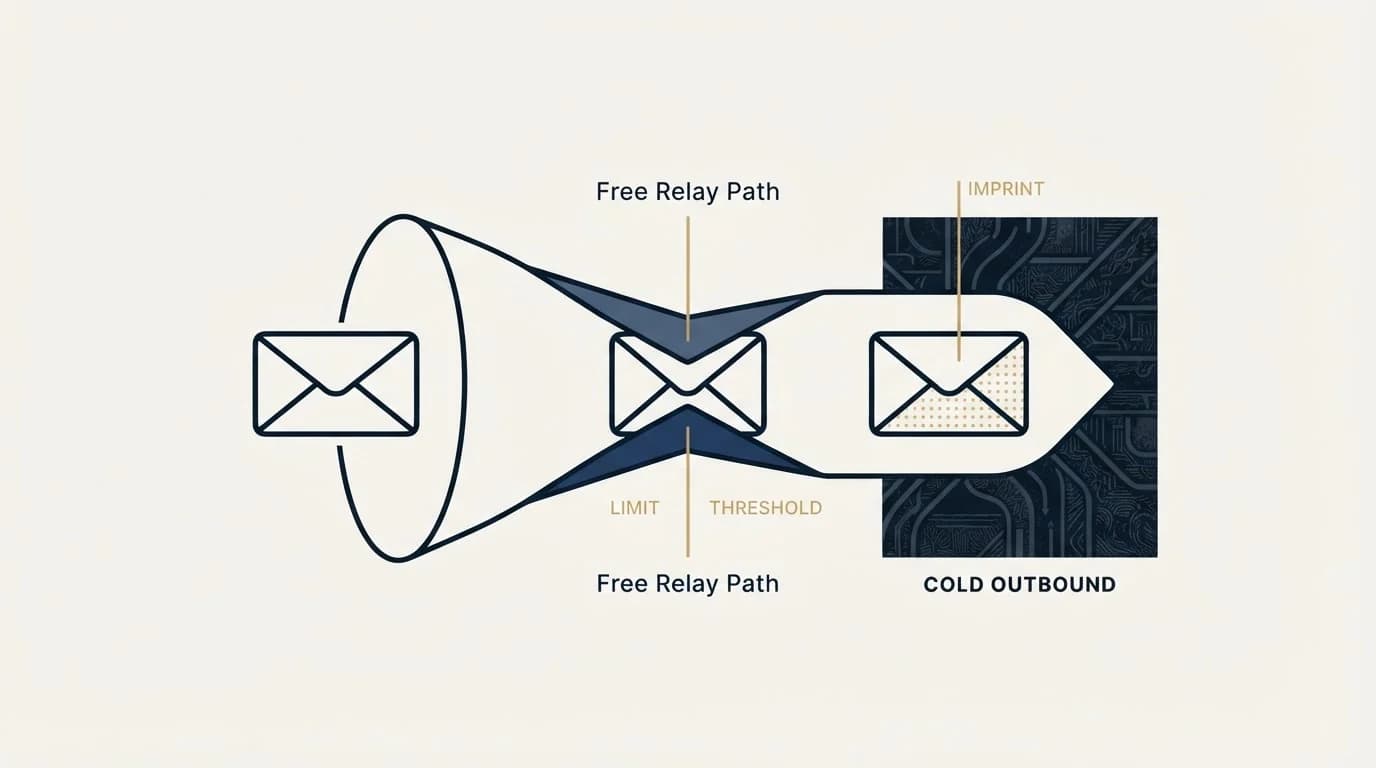
Comparison articles in this category rank on the allowance, which is the least interesting number. Four things matter more once mail is actually flowing.
Bounce and complaint feedback. You need to know which addresses failed and why, delivered by webhook or API rather than sitting in a dashboard. Without it your list rots silently and your list hygiene is guesswork.
Log retention. When a recipient says a message never arrived, the answer lives in the logs. Free tiers often keep a few days, which is shorter than the gap between a send and somebody noticing.
Suppression handling. A serious service maintains a suppression list and refuses to send to addresses that hard bounced. That protects your reputation from your own retry logic.
What happens at the ceiling. Some services queue overflow and send it the next day, some reject it outright. Those are very different behaviours for a campaign, and only one of them is visible in the pricing table.
The reason a relay is wrong for cold email, at any price
Nothing above is about volume. Even on a paid plan with generous limits, a relay is the wrong layer for cold outbound, for three reasons that do not go away when you pay.
The acceptable-use terms. Brevo's terms of use prohibit sending unsolicited electronic communications that you are not authorized to send, including promotions and advertising of products or services, and reserve the right to suspend sending to a domain when complaints arrive. Read the specific terms of any service you are considering rather than assuming, because they vary, and because an account suspended mid-campaign takes the sending history with it.
Shared reputation. On a shared pool your delivery depends on the behaviour of strangers, and theirs depends on you. That trade is fine for password resets, which nobody complains about. Cold outreach carries a complaint profile that receipts do not, and a shared pool is the worst place to carry it. Dedicated IP addresses solve part of this and introduce their own problem, since a dedicated IP with no history has no reputation to lend you.
Teams whose messages disappear into a single company's quarantine will find the two-stage mechanism behind that explained in diagnosing Proofpoint spam placement.
Replies have nowhere to go. A relay pushes messages out. Cold email exists to produce answers, and an answer has to land in a mailbox a person reads, from an address the recipient will recognise if they look it up. Building that on top of a relay means building an inbox, and you can rent one for a few dollars a month from the provider whose filters you are trying to satisfy.
What to use instead, and what it costs
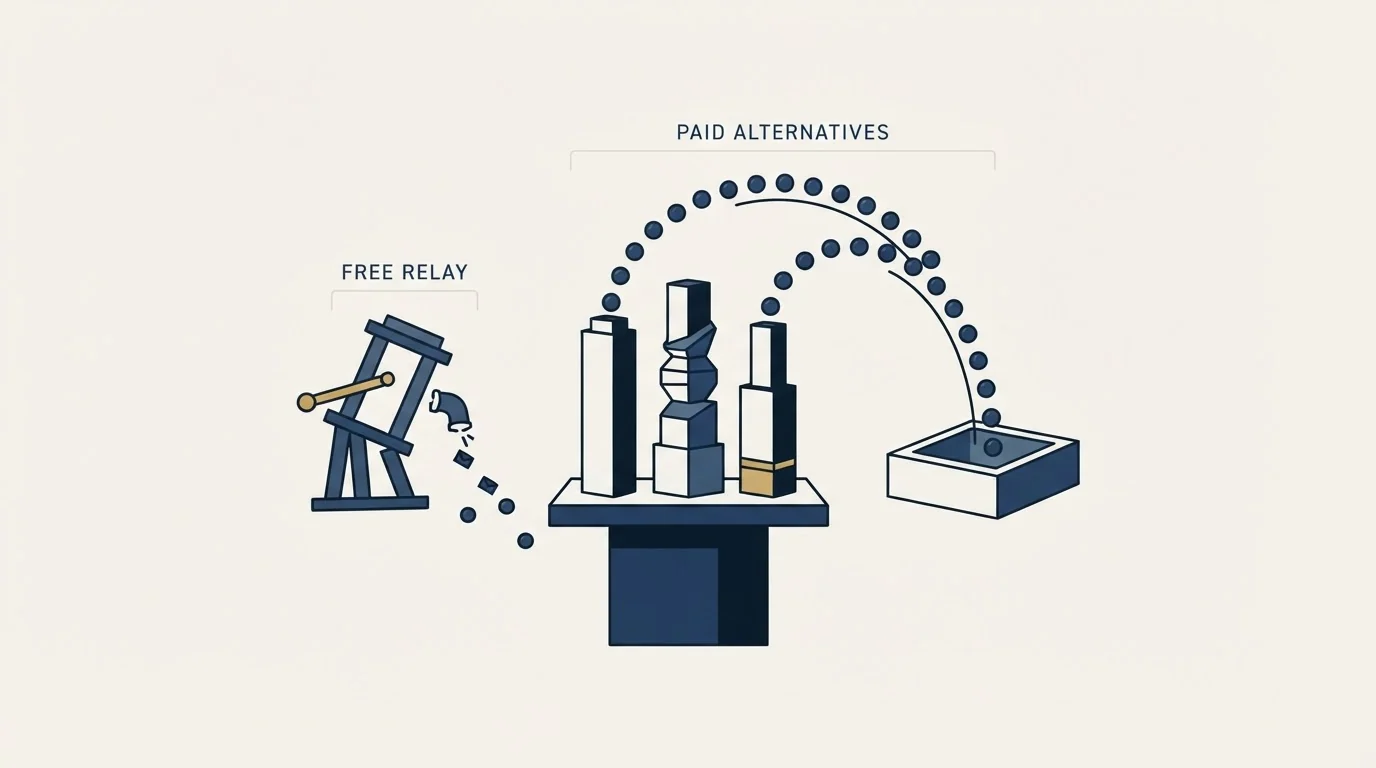
For cold outbound the stack is ordinary provider mailboxes on sending domains you own, authenticated, each sending a modest daily volume. It costs more per message than any relay and it is the arrangement receiving filters treat most normally, because it is what ordinary business email looks like.
The limits that bind that arrangement are published, and they are lower than most people expect. We have set them out provider by provider in email sending limits by provider, and the layer-by-layer version of the whole stack is in cold email infrastructure. If you are choosing between running your own mail server and renting one, SMTP server software covers what self-hosting actually costs.
One number is worth keeping in view while you shop. Google's sender guidelines require SPF, DKIM and DMARC, valid reverse DNS, TLS, and a Postmaster Tools spam rate below 0.30% for anyone sending more than 5,000 messages a day to Gmail accounts. Those are properties of your domain and your list, not of your SMTP provider. Changing relays does not change any of them, which is the usual reason a switch that was supposed to fix delivery does not.
The short version
Free SMTP tiers are for transactional mail at small volumes, and for that job they are excellent. Brevo at 300 a day, Mailjet at 6,000 a month, SMTP2GO at 1,000 a month: pick on the features around the sending, because the sending itself is the same protocol everywhere.
For cold outbound, the relay category is the wrong shelf entirely. The full picture of what actually moves delivery, in order of how much it moves it, is in our cold email deliverability guide. If you would rather see it working on your own list first, we will build the first campaign with you.
Pricing, limits and terms verified as of mid-2026. Verify current terms with the vendor before relying on them.
Frequently asked questions.
Frequently asked questions- What is the best free SMTP relay server?
- It depends on the ceiling you can live with. Brevo publishes 300 emails a day on a forever free plan. Mailjet publishes 6,000 a month with a 200 a day ceiling and includes SMTP relay, API and webhooks. SMTP2GO publishes 1,000 a month. Choose on bounce feedback, log retention and what happens at the ceiling, since the sending protocol is identical.
- Is there a truly free SMTP relay with no time limit?
- Yes. Brevo, Mailjet and SMTP2GO each publish a free plan that is an indefinite tier rather than a trial. The limits are small because a free tier's real cost to the vendor is reputation: every free account sends from shared infrastructure, so daily caps bound the damage one bad list can do to paying customers on the same IP ranges.
- Can I use a free SMTP relay for cold email?
- You should not, and paying for a larger plan does not fix it. Brevo's terms of use prohibit unsolicited electronic communications, a shared sending pool carries your complaints alongside strangers' mail, and a relay only pushes messages out, while cold email exists to produce replies that must land in a mailbox a person reads.
- Why do my emails fail authentication when I send through a relay?
- Because the DNS step was skipped. A relay will send a message claiming to be from your domain, and the receiver checks whether your domain authorised it. Your SPF record does not list the relay's servers until you add them, and DKIM needs the relay's public key in your DNS. Publish both, then confirm dkim=pass and spf=pass in the raw headers.
About the author.

Tim Carden is CMO / CTO at RevenueFlow, which builds and operates outbound revenue engines for B2B companies. Studied at McGill University.
Tim Carden · CMO / CTO
Connect on LinkedIn →Explore more.
Ready to scale your outreach?
We build GTM engines that book real meetings. See the receipts.
Related articles.
IMAP or SMTP: One Sends, One Reads, and the Ports
A mail setup pane asks for two servers because the two protocols run in opposite directions. The RFCs define both jobs, and the ports are where providers disagree.
SMTP for Yahoo: The Settings and the Sender Requirements
Yahoo publishes its outgoing settings in six lines. It also publishes sender requirements enforced since February 2024, and refuses to name the volume that triggers them.
GMass SMTP Test: What a Passing Connection Cannot Prove
GMass publishes a free SMTP connection tester that anyone can use. What its four stages separate, why the last one gets misdiagnosed, and where the tool's boundary is.
Sending Cold Email From the CRM You Already Pay For
A CRM sequence tool sends from your primary domain and your own mailbox, and vendor terms usually require documented consent. What a separate cold stack buys.
Mass Email From Outlook: The Limits Microsoft Publishes
Microsoft publishes the ceiling on one mailbox and, a few paragraphs later, recommends that bulk commercial mail go to a specialist provider instead.
SMTP Ports: What 25, 465, 587 and 2525 Are Registered For
Three of the four ports in circulation are registered to mail and one is not. What the IANA registry and the RFCs say, and why none of it moves placement.