SMTP Server Software: What Running Your Own Actually Costs
Postfix, Exim and hMailServer are free downloads. The cost is the IP address, its history, reverse DNS, TLS, blocklist delisting and reputation from zero.
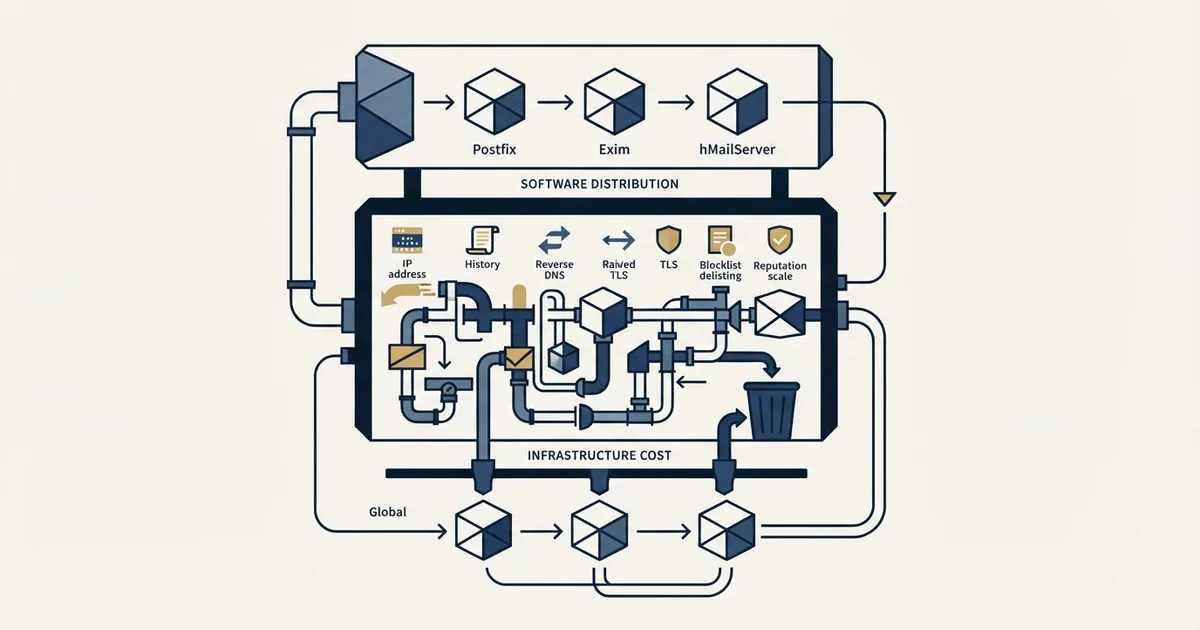
Mail server software is free and well solved. The cost of self-hosting is everything around it: an IP address with an unknown past, a port 25 block on major clouds, reverse DNS, TLS renewal, reputation starting from nothing, and blocklist delisting. It pays for internal mail, compliance requirements and high volume with dedicated staff.
Key takeaways
- AWS blocks outbound port 25 for all EC2 instances by default, so a self-hosted server can accept mail and deliver none until the restriction is lifted.
- The software choice between Postfix, Exim, hMailServer and Xeams has no effect on delivery, because all four present the same message to the receiving filter.
- A new IP address has no sending history, and no history is treated as suspicious rather than neutral, so volume has to build gradually before it is safe.
- Self-hosting pays for internal application mail, data residency requirements, and high volume with dedicated deliverability staff, and rarely anywhere else.
Reviewed and updated August 28, 2026
The software is free. Postfix, Exim and hMailServer cost nothing to download, Xeams publishes a free on-premise edition, and Wikipedia maintains a list of mail server software long enough to keep you reading for an hour. A competent engineer can have one accepting connections in an afternoon.
Then the mail goes nowhere, and the reason has nothing to do with the software. Running your own SMTP server means taking ownership of an IP address, its history, its DNS records, its standing with every major receiver, and the delisting paperwork when one of them stops accepting your mail. That is the actual product you are buying when you self-host, and it is worth pricing honestly before the afternoon starts.
What the software does, and what it does not
Mail server software does three jobs: it accepts messages, it queues them, and it opens connections to other servers to deliver them. All three are well solved. The implementations are mature, the configuration is documented, and the protocol they speak has been stable since RFC 5321.
What the software cannot do is make a receiving filter trust you. Delivery is a judgement made by the receiver about the sending IP address and the sending domain, and no configuration file on your side participates in that decision. This is the gap that makes self-hosting look easy and turn out not to be.
The eight things you take on
The IP address, and its past. A cloud IP is recycled. The address you are assigned may have been sending spam under a previous tenant, and receivers remember addresses rather than account holders. Checking an IP against public blocklists before committing to it takes a minute and is skipped almost universally.
Port 25, which is probably closed. AWS documents that it blocks outbound traffic on port 25 for all EC2 instances by default, and requires a request to lift it. Other major providers apply the same default for the same reason. Port 25 is the server to server hop, so without it your machine can accept mail and never deliver any.
Beyond the outbound block itself, the distinction between the standard relay port and the alternative submission ports is explained in what SMTP ports are registered for.
Reverse DNS. The IP has to resolve back to a hostname, and that hostname has to resolve forward to the IP. Google's sender guidelines list valid forward and reverse DNS records as a requirement for all senders to Gmail. On most cloud providers a PTR record is set through the provider's console rather than in your own DNS, which is why it is the record people forget.
Authentication, on your own domain. SPF has to authorise your new IP, DKIM has to be generated and published, and DMARC has to align with both. This is the same work as any other setup and is covered record by record in SPF, DKIM and DMARC for cold email.
TLS. Google's guidelines require a TLS connection for transmitting mail. That means certificates on your server, and certificate renewal that does not fail quietly at three in the morning.
Reputation from zero. A new IP has no history, and no history is treated as suspicious rather than neutral. Building a record means sending small volumes to engaged recipients and increasing gradually, over a period measured in weeks. There is no way to buy the wait.
Blocklist monitoring and delisting. When a listing happens, somebody has to notice it, find the right delisting form, explain what changed, and wait. Each major blocklist has its own process. The mechanics are in email blacklist checks and recovery.
Feedback loops and reports. Complaint feedback from the major receivers has to be requested, received and acted on. Microsoft's Smart Network Data Services gives IP-level data and complaint reporting to whoever controls the IP, and its own front page puts it plainly: reputation is always the responsibility of the sender.
- No: An IP address whose previous tenant you cannot see
- No: A port 25 exception request with your cloud provider
- No: Forward and reverse DNS that must agree with each other
- No: SPF, DKIM and DMARC records you generate and maintain
- No: TLS certificates and their renewal
- No: A reputation starting from nothing on every major receiver
- No: Blocklist monitoring, and the delisting process when one fires
- No: Complaint feedback loops, requested and processed
Choosing between the packages, if you are still going

The four names that keep appearing are not interchangeable, and the split is mostly about who maintains the thing.
Postfix is the default on most Linux distributions and the one with the deepest body of public documentation. Configuration is text files, the mailing list archives answer almost any question, and every hosting guide assumes it. Choose it if the machine is Linux and somebody on the team is comfortable at a terminal.
Exim is the Debian family's traditional alternative, with a configuration language that is more powerful and less forgiving. It rewards people who already know it.
hMailServer and Xeams are the Windows-shaped options, with graphical administration and a free edition each. They are a genuinely better fit for a Windows-only environment than making Postfix work under a compatibility layer.
None of that choice affects delivery. All four speak the same protocol and present the same message to the receiving filter, so a decision that feels important on the download page has no effect on whether your mail arrives. Spend the deliberation on the IP address instead.
Testing before you trust it
The cheap test is a single message to an address you control at a major provider, read as raw source rather than as rendered mail. The authentication results header records what the receiver concluded about SPF, DKIM and DMARC in plain language, and a pass on all three is the minimum bar before any real recipient sees a message from this machine.
The second test is where it landed. A message that passes authentication and still lands in spam is telling you about the IP address rather than the configuration, and no amount of further tuning on your side moves it. That is the point at which the honest answer is usually to stop and rent the sending from somebody whose IP addresses already have a history.
Watch for the failure that reads as success. A message accepted by the receiving server has been accepted for processing, and acceptance is not placement. Only a mailbox you can open tells you where it went, which is why the test needs to be against an address you control at each major provider rather than against a scoring tool.
Where self-hosting is genuinely the right answer
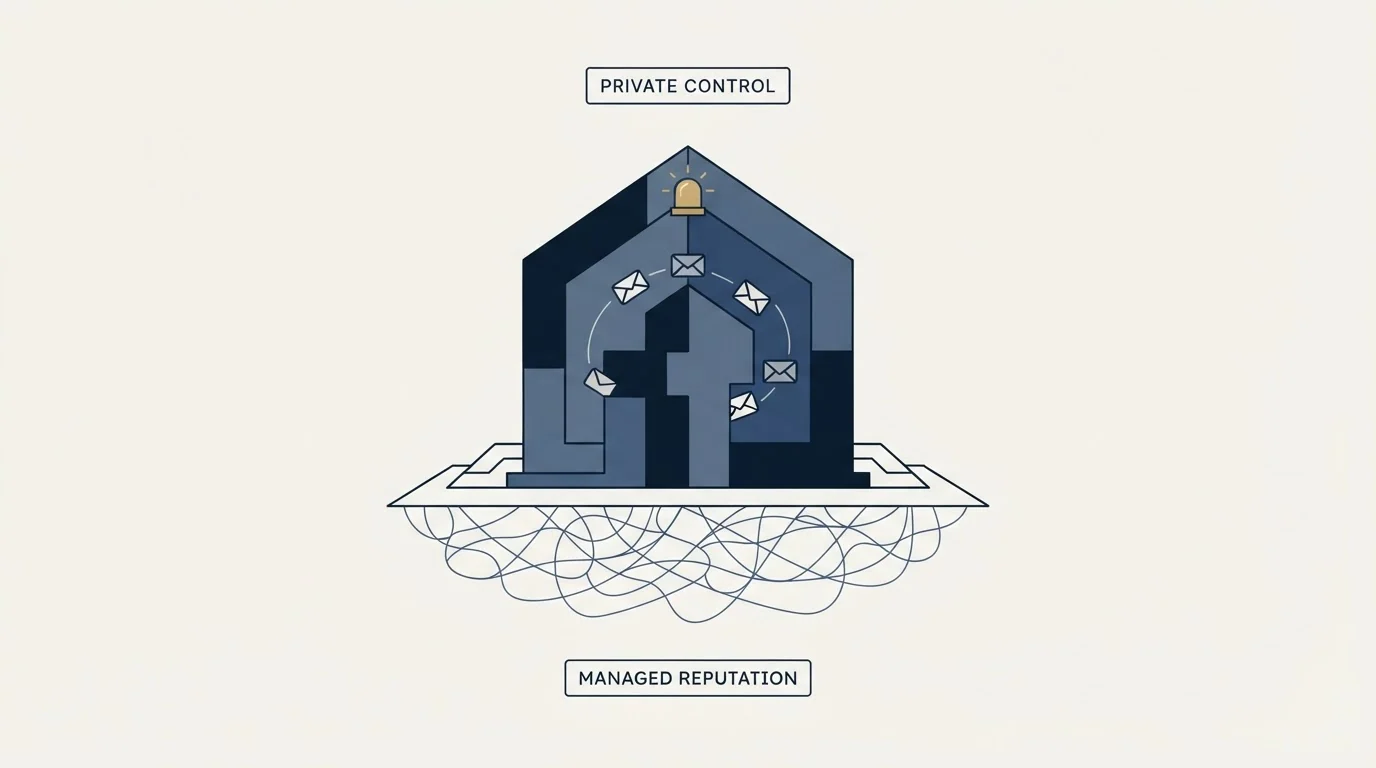
This is not an argument that nobody should run a mail server. Three cases hold up well.
Internal and application mail that never leaves your network. Monitoring alerts, cron output, application notifications between your own systems. There is no external reputation to build because there is no external receiver, and a local relay is simpler and cheaper than an account with a vendor.
Data residency and compliance requirements. Where a regulator or a contract requires that message content stays on infrastructure you control, self-hosting is the only compliant answer and the operational cost is simply part of the requirement.
High volume with a team that already does this. An organisation sending millions of messages a month with dedicated deliverability staff can run cheaper on its own infrastructure than on per-message pricing, and it has the people to absorb the operational load. The arithmetic works at that scale and not below it.
The pattern across all three is that self-hosting pays when the alternative is expensive at volume, or impossible for legal reasons. It does not pay when the goal is to avoid a monthly bill of a few dollars.
What it costs against the alternatives
- Software free, machine cheap
- You own IP reputation, DNS, TLS and delisting
- Weeks of warmup before volume is safe
- No support line when a receiver stops accepting
- Priced per thousand messages, often free at low volume
- The vendor owns IP reputation and delisting
- Acceptable-use terms govern what you may send
- No mailbox, so replies need somewhere else to land
- Priced per seat per month
- Reputation scoped to each sending domain
- Per-user sending limits published by the provider
- Replies land in a mailbox a person can answer from
The comparison people expect to make is software cost against subscription cost, and on that axis self-hosting wins by a wide margin. The comparison that predicts the outcome is engineering hours plus reputation risk against subscription cost, and on that axis it loses for almost everyone. What tips it is not volume alone. It is whether you have someone whose job includes noticing that a delisting request has gone unanswered for six days.
For cold outbound specifically, the answer is none of the above
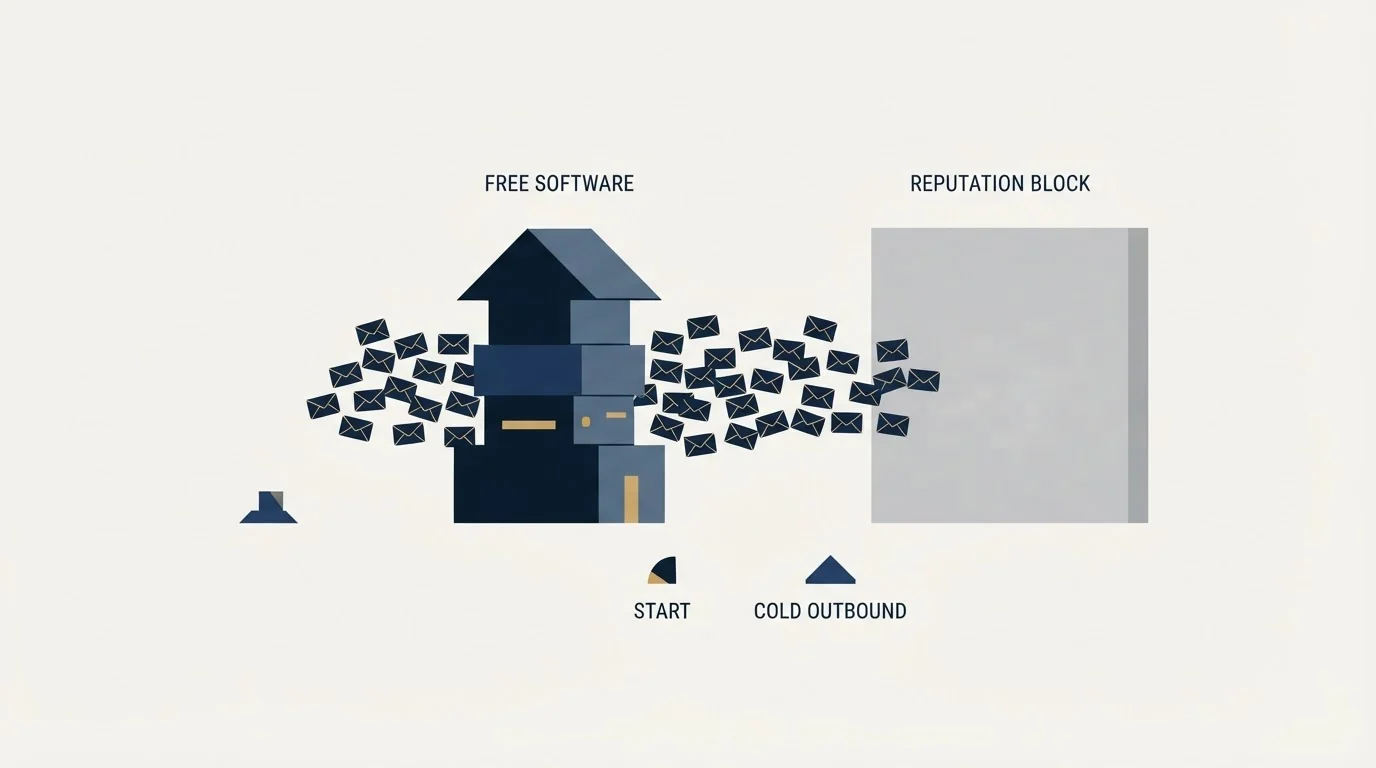
If the mail you want to send is cold outreach, self-hosting is the worst of the three options and a relay is the second worst. Cold email needs the message to come from a real mailbox on a domain with its own authenticated reputation, with a real person's name on it and somewhere for the reply to arrive. That is a mailbox provider, and the reason is not deliverability folklore. It is that domain reputation is scored per sending domain, so a pool of ordinary mailboxes spreads risk in a way one hard-working server cannot.
The free relay tiers and what they are actually good for are in free SMTP relay servers, the limits that bind mailbox providers are in email sending limits by provider, and the whole stack layer by layer is in cold email infrastructure.
If you would rather not assemble any of it, we will build the first campaign with you on infrastructure that already exists.
Provider requirements and defaults verified as of mid-2026. Verify current terms with the provider before relying on them.
Frequently asked questions.
Frequently asked questions- Is it worth running my own SMTP server?
- Only in three situations: mail that never leaves your network, a compliance requirement that message content stays on infrastructure you control, or volume large enough that per-message pricing exceeds the cost of staff who already do this work. Below that, the engineering hours and reputation risk outweigh the subscription you avoided.
- Which SMTP server software is best?
- For Linux, Postfix has the deepest public documentation and is the default almost everywhere. Exim is the traditional Debian alternative with a more powerful and less forgiving configuration. hMailServer and Xeams suit Windows environments and publish free editions. None of the four affects whether your mail reaches an inbox.
- Why is my self-hosted mail server going to spam?
- Usually the IP address rather than the configuration. A recycled cloud address may carry a previous tenant's history, and a fresh one carries none at all, which receivers treat as suspicious. Confirm SPF, DKIM, DMARC and reverse DNS pass by reading raw headers, and if placement is still poor, the address is the problem.
- Can I run my own SMTP server for cold email?
- You can, and it is the worst of the available options. Cold outbound needs a real mailbox on an authenticated domain with somewhere for the reply to land, and reputation is scored per sending domain rather than per server. A pool of ordinary provider mailboxes spreads risk in a way one server cannot.
About the author.

Tim Carden is CMO / CTO at RevenueFlow, which builds and operates outbound revenue engines for B2B companies. Studied at McGill University.
Tim Carden · CMO / CTO
Connect on LinkedIn →Explore more.
Ready to scale your outreach?
We build GTM engines that book real meetings. See the receipts.
Related articles.
SMTP for Yahoo: The Settings and the Sender Requirements
Yahoo publishes its outgoing settings in six lines. It also publishes sender requirements enforced since February 2024, and refuses to name the volume that triggers them.
GMass SMTP Test: What a Passing Connection Cannot Prove
GMass publishes a free SMTP connection tester that anyone can use. What its four stages separate, why the last one gets misdiagnosed, and where the tool's boundary is.
IMAP or SMTP: One Sends, One Reads, and the Ports
A mail setup pane asks for two servers because the two protocols run in opposite directions. The RFCs define both jobs, and the ports are where providers disagree.
Sending Cold Email From the CRM You Already Pay For
A CRM sequence tool sends from your primary domain and your own mailbox, and vendor terms usually require documented consent. What a separate cold stack buys.
Mass Email From Outlook: The Limits Microsoft Publishes
Microsoft publishes the ceiling on one mailbox and, a few paragraphs later, recommends that bulk commercial mail go to a specialist provider instead.
SMTP Ports: What 25, 465, 587 and 2525 Are Registered For
Three of the four ports in circulation are registered to mail and one is not. What the IANA registry and the RFCs say, and why none of it moves placement.