Google Spam Filter for B2B Teams: Diagnosing Placement
Google publishes what it wants from senders, and the list is short and checkable. What binds a B2B sender, which spam rate to watch, and what to do when placement drops.
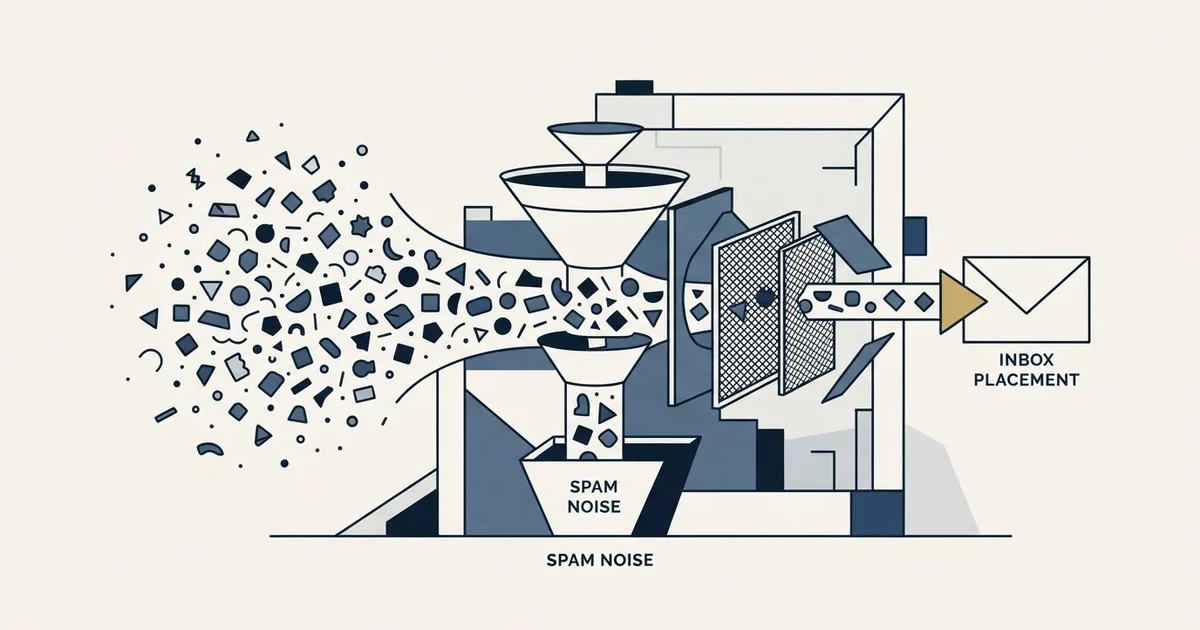
Google's sender guidelines require SPF or DKIM, valid forward and reverse DNS, a TLS connection, a Postmaster Tools spam rate below 0.3%, RFC 5322 formatting and no impersonation of Gmail From headers. Senders of more than 5,000 messages a day to Gmail must add DKIM and DMARC. There is no volume floor beneath which the first list lapses.
Key takeaways
- The all-senders requirements apply at any volume. A team sending fifty messages a day is bound by the same authentication, DNS, TLS, spam-rate and formatting rules as a bulk sender.
- Google names two spam-rate figures: below 0.3% as the requirement, and below 0.10% as the level to operate at while avoiding ever reaching 0.30% or higher.
- Promotions tab, spam folder and SMTP rejection are three different outcomes with three different remedies. Only the middle one is what people mean by the spam filter.
- Mail to a Workspace domain passes through whatever the receiving organisation configured, which can include a gateway in front of Gmail entirely, so a single account filtering you is usually not a Gmail problem.
Reviewed and updated September 1, 2026
Gmail is the single most consequential receiving surface for B2B cold email, and it is also the one that publishes the most about what it wants. Google's sender requirements are a short, specific, checkable list. Most of the advice circulating about "beating the Gmail spam filter" ignores that list entirely in favour of guesses about wording.
This page works from the published requirements outward: what Google asks for, what it measures you on, what a B2B sender is actually subject to, and what to do when mail from your domain starts landing in spam.
Google Workspace email going to spam is the same problem read from the sending side, and the order below is the one that finds it: authentication first, then the Postmaster reputation and spam rate for that domain, then whether the drop is one domain or the whole pool.
When Google Workspace email goes to spam, the sorting below is the same machinery at work on the sending side.
The published requirements
Google's sender guidelines set out requirements for every sender mailing Gmail accounts, effective since February 2024. On that page, all senders must set up SPF or DKIM authentication for their sending domains, ensure sending domains or IPs have valid forward and reverse DNS records, use a TLS connection for transmitting email, keep spam rates reported in Postmaster Tools below 0.3%, format messages according to RFC 5322, and avoid impersonating Gmail From: headers (Google Workspace Admin Help).
A stricter tier applies above a volume line. The same page states that senders of more than 5,000 messages a day to Gmail accounts must set up SPF and DKIM rather than either one, must set up DMARC for the sending domain (with an enforcement policy that may be set to none), and are held to a spam rate below 0.30%.
That volume line matters more than it looks, and it is routinely misread in both directions.
Which tier a cold sender is actually in
The 5,000-a-day threshold is counted against Gmail accounts. A B2B outbound programme running rotated mailboxes at modest per-mailbox volume is usually nowhere near it, and teams sometimes conclude from this that the requirements are for bulk marketers and do not apply to them.
The all-senders tier applies regardless of volume. Authentication, DNS, TLS, complaint rate and message format bind a sender of fifty messages a day exactly as they bind a sender of fifty thousand. There is no floor beneath which they lapse.
The practical reading for outbound teams is straightforward. Meet the bulk tier anyway. SPF and DKIM together plus a DMARC record at p=none costs nothing beyond the setup, removes the question of which side of the line you are on, and gives you DMARC reporting you would want regardless. Our authentication guide covers the record setup, and DKIM and email authentication carry the definitions.
- SPF or DKIM on sending domains
- Valid forward and reverse DNS records
- TLS connection for transmission
- Postmaster spam rate below 0.3%
- Messages formatted per RFC 5322
- No impersonation of Gmail From: headers
- SPF and DKIM, both
- DMARC on the sending domain
- DMARC policy may be set to none
- Postmaster spam rate below 0.30%
The number you are actually measured on

Two spam-rate figures appear on Google's guidance and both are real. The requirement is below 0.3%. The Postmaster Tools guidance on the same page advises keeping the reported spam rate below 0.10% and avoiding ever reaching 0.30% or higher, noting that maintaining a low rate helps senders be more resilient to occasional spikes in user feedback.
Treat 0.10% as the operating target and 0.30% as the wall. A sender parked at 0.25% is technically compliant and has no headroom, so a single bad batch takes them through. Google's own wording about resilience to spikes is the reason the gap between the two numbers exists.
The rate is reported in Postmaster Tools, which is also where domain and IP reputation appear. This matters enormously for diagnosis: spam complaint rate as reported by the receiving provider is one of the very few placement-adjacent numbers a sender can read directly rather than estimate. Our Postmaster Tools guide covers reading each panel.
One caveat worth carrying. At the volumes a single outbound domain produces, the reported rate is dominated by small integers. A handful of complaints against a few thousand delivered messages moves the percentage sharply, so read the trend across weeks rather than reacting to a single day.
Spam is not the only bad outcome
Gmail sorts into more places than inbox and spam, and conflating them sends teams chasing the wrong fix.
A message routed to the Promotions tab was delivered and placed. It avoided the spam folder, it has not damaged your reputation, and the recipient can still find it. For consumer marketing this is a revenue problem. For B2B outbound to work addresses it is comparatively rare, because Workspace accounts are frequently configured without the tabbed inbox at all.
A message in the spam folder was filtered. A message rejected at the SMTP layer never arrived, and that shows up on your side as a hard bounce or a deferral rather than as a placement statistic. Those are three different failures with three different remedies, and only the middle one is what people mean by the spam filter.
The distinction our spam filter definition draws is the one that matters most here: there are two layers deciding your fate, and only one of them belongs to Google. Mail to a Workspace domain passes through whatever the receiving organisation has configured, which can include a third-party gateway in front of Gmail entirely. When a specific account filters you and the rest of your list does not, that is usually the receiving organisation, and no change to your Gmail posture will move it.
- Yes: Confirm SPF, DKIM and DMARC still resolve and align for the sending domain
- Yes: Read domain reputation and spam rate in Postmaster Tools for the affected domain
- Yes: Check whether the drop is one domain or the whole sending pool
- Yes: Check public blocklists for the domain and the sending host
- Yes: Check whether recent list additions came from a verified source
- Depends: Reduce per-mailbox volume while reputation recovers
- Depends: Only then read the copy for promotional register
What Google's list does not contain

The requirements name authentication, DNS, transport, complaint rate and message format. They are properties of a sender and of a message's construction, not of its adjectives.
This is the single most useful thing to take from the published guidance. The lever with the shortest path to a placement change is almost never vocabulary. It is authentication that resolves, a domain with history behind it, a list of addresses that exist and belong to people plausibly interested, and a complaint rate kept well under the wall. Our deliverability guide covers the repair path when those have already gone wrong, and blacklist check and recovery covers the blocklist branch.
Copy still matters. It matters for whether anyone replies, which is the point of sending at all, and a reply is itself a positive signal to the provider. The causation runs through engagement rather than through a word filter.
The part that is genuinely opaque
Everything above is published and checkable. The classification decision itself is not, and honesty about that boundary is worth more than confident speculation past it.
Google does not publish the weights it applies, does not expose a per-message score to senders, and does not explain individual placement decisions. There is no appeal, no lookup, and no diagnostic that returns "this message was filtered because of X". Postmaster Tools reports aggregates about your domain, which is a genuinely useful signal and is a different thing from a per-message explanation.
This has a practical consequence for how you should read any content claiming to explain the filter's internals. Specific mechanical claims about how Gmail weighs a given factor are, with few exceptions, inference from observed outcomes rather than documentation. Some of that inference is well-founded and some is folklore that has been repeated long enough to sound like fact, and from the outside the two read identically.
The defensible position is to work the published surface hard, because it is unambiguous and it is where most real failures live, and to treat the unpublished part as something you probe by measurement rather than by reading. That means changing one variable at a time against a stable list, and watching the readouts you do have, rather than applying a list of tactics all at once and attributing the result to whichever one you liked best.
Volume, rotation and reputation
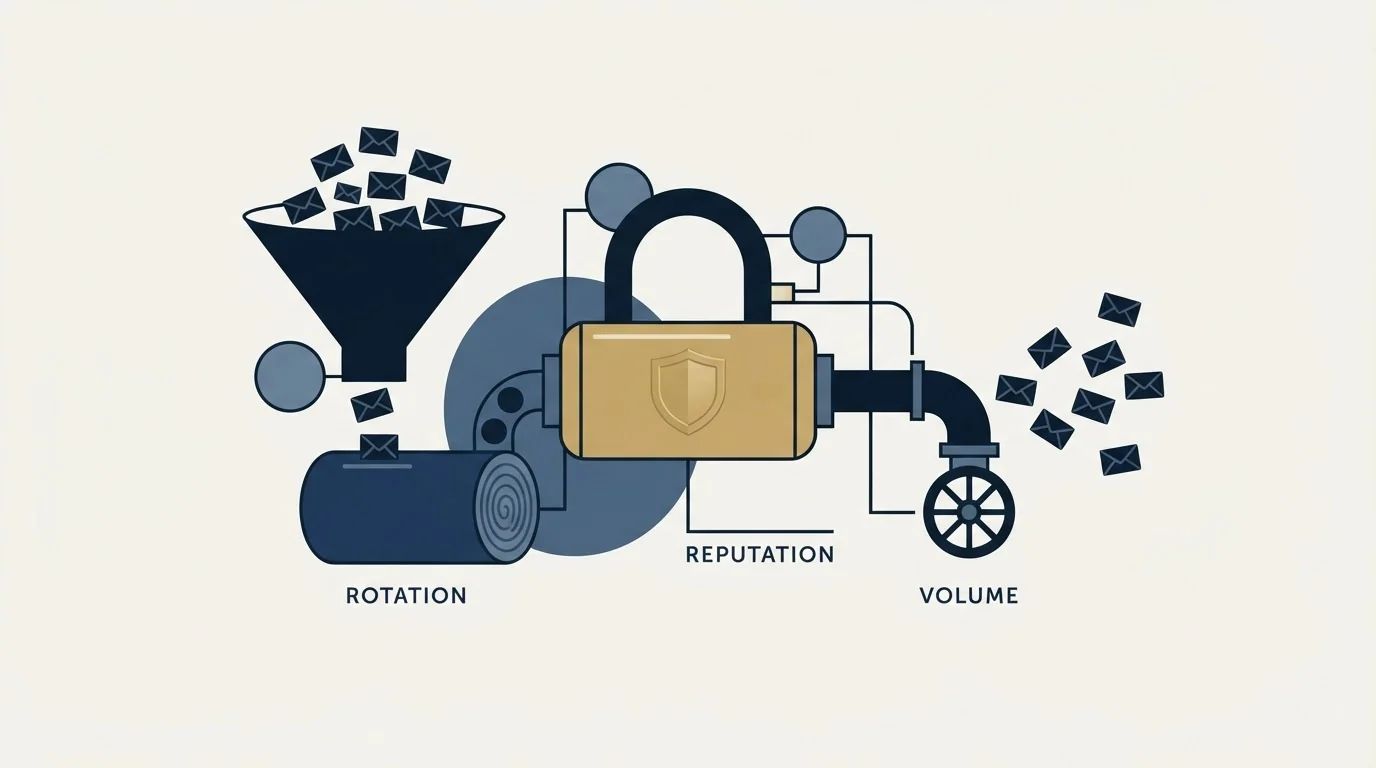
Gmail's judgment attaches to your sending domain and IP, which is why the shape of a sending programme matters as much as its content. Spreading volume across many mailboxes on many domains is standard practice for outbound, and it is worth understanding what it does and does not achieve. Inbox rotation distributes volume without distributing reputation: each domain still accumulates its own record, and a domain that earns a bad one carries it whatever else is in the pool.
The corollary is that rotation is not a way to outrun a complaint rate. If the underlying list or offer is generating complaints, adding domains spreads the same problem across more of your infrastructure. The fix is upstream, in who is being contacted and why.
New domains need history before they carry volume, which is what warming a domain is for, and the 3x infrastructure argument covers why we keep more sending capacity than a campaign strictly needs.
The short version
Google publishes what it wants, and the list is short: authenticate, hold valid DNS, use TLS, format correctly, do not impersonate Gmail, and keep complaints low. Meet the bulk tier even when your volume does not require it. Watch your own spam rate against the 0.10% level Google's guidance recommends rather than the 0.3% requirement. When placement drops, check configuration and reputation before copy, and check whether the problem is Gmail at all or the receiving organisation's own gateway.
If you would rather have that diagnosed against live sending than argued from a checklist, that is what our free campaign build does.
Requirements verified against Google's published sender guidelines as of mid-2026. Verify current requirements with Google before relying on them.
Frequently asked questions.
Frequently asked questions- Do Google's sender requirements apply to low-volume cold email?
- Yes. The requirements for all senders carry no volume floor, so authentication, valid forward and reverse DNS, TLS, spam rate and RFC 5322 formatting bind you at any scale. The stricter tier, which adds DKIM alongside SPF and requires DMARC, applies above 5,000 messages a day to Gmail accounts. Meeting the stricter tier anyway costs nothing meaningful.
- What spam rate should I keep my domain under?
- Google's requirement is below 0.3%, and its Postmaster guidance advises keeping the reported rate below 0.10% while avoiding ever reaching 0.30% or higher. Treat 0.10% as the operating target and 0.30% as the wall. A sender parked at 0.25% is compliant with no headroom, so one bad batch takes them through.
- Is the Promotions tab the same as being filtered?
- No. A message in Promotions was delivered and placed, the recipient can still find it, and your reputation is undamaged. A message in the spam folder was filtered. A message rejected at the SMTP layer never arrived and appears on your side as a bounce. For B2B outbound to work addresses, the tabbed inbox is frequently not enabled at all.
- Why does one company filter my email when everyone else receives it?
- Almost always because that organisation runs its own filtering policy or a third-party gateway in front of the mailbox provider. That layer belongs to the recipient's IT department, not to Google, and it is configured independently. No change to your Gmail posture will move it, and the individual recipient often cannot see the quarantine either.
About the author.

Tim Carden is CMO / CTO at RevenueFlow, which builds and operates outbound revenue engines for B2B companies. Studied at McGill University.
Tim Carden · CMO / CTO
Connect on LinkedIn →Explore more.
Ready to scale your outreach?
We build GTM engines that book real meetings. See the receipts.
Related articles.
Email Warmup Pricing in 2026: What 20 Tools Charge, and What 10 Mailboxes Cost
Email warmup tools start at a median of $29 a month, but warming ten mailboxes costs from $7.50 to $1,190 depending on how the vendor prices a mailbox.
Mailwarm Pricing: The Page Opens on Its Yearly Tab
Mailwarm's pricing tabs open on yearly and the plans meter daily volume rather than mailboxes. Both tabs, the overage rate, the no-trial rule and the per-mailbox cost.
MailReach Pricing: The Headline Rate Is the Second Band
MailReach prices warmup on a slider with four mailbox bands and two billing states. Every band at both states, and why the printed rate is not the entry rate.
Warmup Inbox Pricing: Per Inbox, Annual Loads First
Warmup Inbox prices per inbox and its page opens on the annual switch. Both states for all three plans, the reply ceiling meter, the trial and how a fleet bill is built.
SMTP Ports: What 25, 465, 587 and 2525 Are Registered For
Three of the four ports in circulation are registered to mail and one is not. What the IANA registry and the RFCs say, and why none of it moves placement.
Why Your DMARC Is Failing: The Six Causes
Six causes of DMARC failure, ordered by how often they occur, with the symptom in reports and the fix for each. Alignment accounts for most of them.