Spam Filter: The Definition, the Mechanics, and the Common Mistake
A spam filter decides where an incoming message goes. In B2B environments that decision is usually made twice: by a security gateway in front of the mailbox, which refuses visibly at SMTP time, and by the mailbox provider filter behind it, which chooses a folder silently and reports nothing to the sender.
Key takeaways
- A gateway rejection is explicit and names the product; a junk-folder placement is invisible.
- Reputation, authentication and sending pattern outweigh content in almost every filtering decision.
- Enterprise gateways often refuse mail on policy grounds that have nothing to do with spam scoring.
- A 4xx deferral is throttling or greylisting, not a block, and hides inside automatic retries.
A spam filter is any system that inspects incoming email and decides whether it reaches the inbox, goes to a junk folder, is quarantined for an administrator, or is refused at the door. In a modern B2B environment that decision is usually made in two places rather than one: a security gateway in front of the mailbox, and the mailbox provider's own filtering behind it. Both call themselves spam filtering, and they work on very different evidence.
The definition most references give describes the second of those, the statistical filter that learns from what users mark as junk. That is the one that has been written about for twenty years, and for anyone sending B2B outbound it is frequently not the one that stopped the message.
Spam is not an acronym and stands for nothing; the name was borrowed from a Monty Python sketch about a canned meat, and what spam means to a sender is a placement decision a filter makes about unsolicited bulk mail rather than a category the law alone defines.
The two layers, and why the difference matters
The gateway filter sits between the internet and the mailbox, usually as a product the recipient's IT team bought. It sees the connection before the mailbox provider does. Its decisions lean on connection-level and policy evidence: the sending address's standing, authentication results, attachment and link inspection, whether the sender is known to the organisation, and rules an administrator wrote. A gateway that refuses a message does so at SMTP time, which means the sending platform receives an explicit rejection naming the product, and the message is never delivered anywhere. You can read the reason in the bounce.
The provider filter is Gmail's or Microsoft's own, applied after the message has been accepted. It weighs domain and sending reputation, engagement history, authentication, message characteristics, and how similar mail has been treated by other recipients. Its decisions are silent: the message is delivered to a folder, and nothing is reported to you. Placement in a junk folder produces no bounce, no error, and no signal whatsoever from the sending side.
That difference in observability is the practical heart of the topic. One layer tells you exactly what it did. The other tells you nothing at all.
- Step 1Connection
Rate limits, reputation of the connecting address, and greylisting can refuse or defer before content is seen.
- Step 2Gateway
A security product applies policy, authentication and content rules. A rejection here is visible in the bounce.
- Step 3Provider filter
The mailbox provider scores the message and picks a folder. This decision is silent.
- Step 4Recipient
What the person does next, read, reply, delete or report, feeds the next decision.
Where the textbook definition misleads
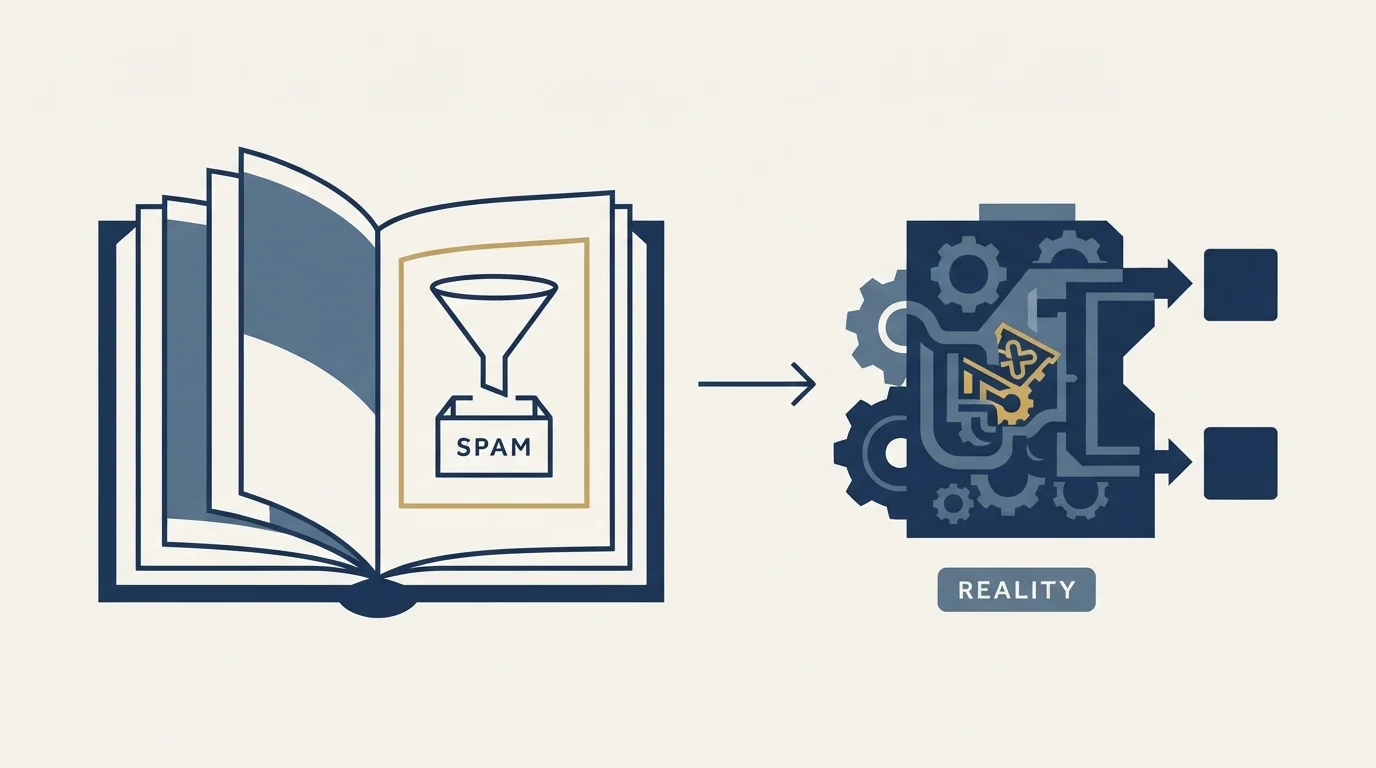
Most filtering is about the sender, not the words. The popular model of spam filtering is a content scanner hunting for trigger words. Content matters, but reputation, authentication and sending pattern carry far more weight, which is why the same message can land in the inbox from one domain and in junk from another. Rewriting copy to dodge imaginary trigger words is the most commonly attempted fix and among the least effective.
A junk-folder placement is invisible from the sending side. No bounce, no error code, and delivery reporting that says the message was accepted. A campaign can be delivering at close to a hundred percent and be read by nobody. Any measurement that treats accepted as delivered to the inbox is measuring the wrong thing.
"Spam filter" often means a gateway that is not scoring spam at all. Enterprise gateways refuse mail for policy reasons that have nothing to do with content: unknown sender, no prior relationship, a link shortener, an attachment type, a sending domain younger than a threshold the administrator set. The rejection still says the message was blocked, and reading it as a spam score sends you off to fix the wrong thing.
Filters differ so much by recipient that averages hide the story. One organisation's gateway may reject essentially all unfamiliar senders while another's accepts freely. Aggregate the results and you get a moderate rate that describes nobody. Split the same data by receiving platform and the picture is usually a small number of environments accounting for most of the damage.
A deferral is not a rejection, and the difference is four hundred numbers wide. SMTP separates temporary failures in the 400 range from permanent ones in the 500 range. A 4xx response means try again later, and a great deal of filtering behaviour arrives that way: rate limiting, greylisting, and reputation-based throttling all defer rather than refuse. Sending platforms retry these automatically, so they are frequently invisible until somebody notices that a campaign took three days to send what should have taken one. Treating a slow campaign as a scheduling quirk rather than as a filtering signal is a common way to miss the early warning.
Complaints do more damage than any single filter decision. A recipient pressing the junk button is a direct instruction from a human, and it feeds the reputation that governs every future message. Google's sender guidelines ask senders to keep spam rates reported in Postmaster Tools below 0.3%. Volume that generates complaints is not a filtering problem to be routed around; it is a targeting problem.
- Bought and configured by the recipient's IT team
- Decides at SMTP time, before delivery
- Rejections are explicit and name the product
- Often policy driven rather than content driven
- Gmail, Microsoft and the rest, applied after acceptance
- Weighs reputation, engagement and authentication
- Chooses a folder, and reports nothing to the sender
- The layer that decides most inbox placement
What this means when you are running outbound

The first move is to find out which layer you are dealing with, because the responses are different and neither works on the other.
If mail is being refused, read the rejection text. It usually names the product and gives a reason, and the pattern in those rejections is the diagnosis: concentrated at one gateway vendor means a recipient-side policy, spread evenly across every recipient platform means the problem is yours. Comparing against other campaigns on the same sending infrastructure settles it in minutes. Sibling campaigns running normally on identical infrastructure is strong evidence that the inventory is fine and the recipients are the variable.
If mail is being accepted and nothing is happening, the provider filter is the suspect and there is no bounce to read. That case is diagnosed indirectly, by comparing reply behaviour against known benchmarks, by seeding your own monitored mailboxes across providers, and by checking the sender-side fundamentals in order: authentication, domain history, volume pattern, and list quality.
Acceptance without engagement often means a bulk verdict rather than an abusive one, and the difference between graymail and spam decides which repair is worth running.
The order to work in
Fix the cheap, high-leverage things first, and resist the temptation to start with copy.
Verify the list, because bounces damage the reputation that drives every later decision. Confirm authentication resolves correctly at the published DNS rather than in the sending tool. Check the volume pattern for spikes a receiver would read as a change in behaviour. Confirm the sending domains have a real history behind them, since a domain warmed properly survives scrutiny that a week-old domain does not. Only then look at the message, and look at it for relevance rather than for forbidden words: a message a stranger finds useless produces complaints, and complaints are the input filters weigh most heavily.
What to do when the block is genuinely on the other side
Sometimes the diagnosis comes back clean on your side. Authentication is correct, the list verified, the volume steady, and sibling campaigns on identical infrastructure are running at normal bounce rates, while one campaign is being refused by a set of recipient domains that all sit behind the same gateway product. That is a recipient-side pattern, and there is no sending-side fix for it.
The right response is to stop sending into it. Identify the domains behind the blocking product, hold those recipients rather than let the platform retry for days, and let the campaign continue to everyone else. Retrying into a gateway that has decided against you accumulates failures against your sending reputation for no possible gain, which turns somebody else's policy into your problem.
It is worth recording which gateway products produced the pattern, because the same set tends to recur across campaigns aimed at similar organisations, and knowing that in advance turns a mid-campaign fire into a list-building decision made before anything is sent. It is also worth asking why the addresses were not held earlier, since that question usually points at a gap in the pre-send checks rather than at the campaign itself.
- Yes: Rejection text has been read and the blocking product identified
- Yes: The pattern has been compared against sibling campaigns on the same inventory
- Yes: Bounces are broken out by receiving platform, not averaged
- Yes: Authentication verified at the published DNS records
- Yes: List verified and volume pattern checked for spikes
- No: Rewriting copy to avoid supposed trigger words as the first response
The short version
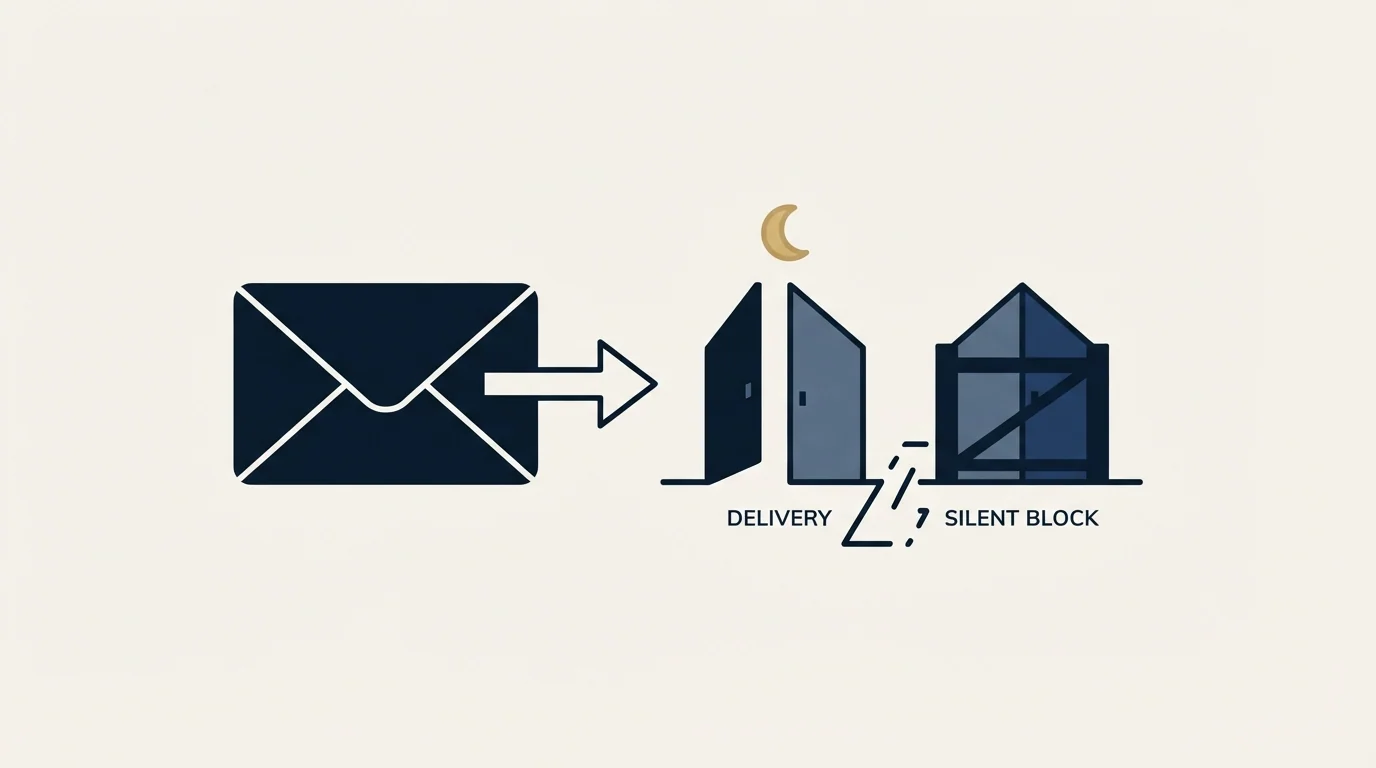
A spam filter is a decision point, and there are at least two of them between your sending platform and a reader, made by different organisations with different evidence and different obligations to tell you anything. The gateway in front of the mailbox tells you when it refuses something. The provider's filter behind it decides most inbox placement and tells you nothing.
Work out which one you are facing before you change anything, because a fix for one is inert against the other. Then spend the effort where the evidence points: on the list and the sending reputation for silent junk-folder placement, and on the recipient-side pattern for explicit rejections. Copy is worth improving on its own merits, and it is rarely the thing a filter objected to. If you want the fuller diagnostic path, the deliverability audit walks it end to end, and what actually works in 2026 covers which levers still move.
RevenueFlow runs cold email and LinkedIn outreach for B2B teams, one message per campaign, on infrastructure we monitor ourselves. See how the campaigns work.
Platform guidance verified as of mid-2026 against Google's published sender guidelines. Verify current requirements with the source before relying on them.
Frequently asked questions.
Frequently asked questions- How do I know if my emails are going to spam?
- Not from your sending platform, which reports acceptance rather than placement. A junk-folder decision produces no bounce and no error, so a campaign can show near-total delivery and be read by nobody. Seed your own monitored mailboxes across the providers your list uses, and compare reply behaviour against known benchmarks.
- Which words trigger spam filters?
- This is the wrong model of how filtering works. Content matters, and sender reputation, authentication and sending pattern carry far more weight, which is why the same message lands in the inbox from one domain and in junk from another. Rewriting copy to dodge supposed trigger words is the most commonly attempted fix and among the least effective.
- My mail is being blocked by one vendor product. What do I do?
- Establish first whether it is recipient-side. If sibling campaigns on the same sending inventory are running normally and the refusals concentrate at domains behind one gateway, the pattern is their policy rather than your reputation. Stop sending into it rather than letting the platform retry, since accumulated failures cost you and gain nothing.
- Why did my campaign take three days to send?
- Probably temporary failures in the 400 range, which sending platforms retry automatically and rarely surface. Rate limiting, greylisting and reputation-based throttling all defer rather than refuse. A campaign that sends much more slowly than planned is a filtering signal worth reading, not a scheduling quirk.