Office 365 Spam Filter: What Actually Triggers It
The same message lands in the inbox at one Microsoft tenant and in quarantine at the next. A setting the recipient chose decides which, and the headers say so.
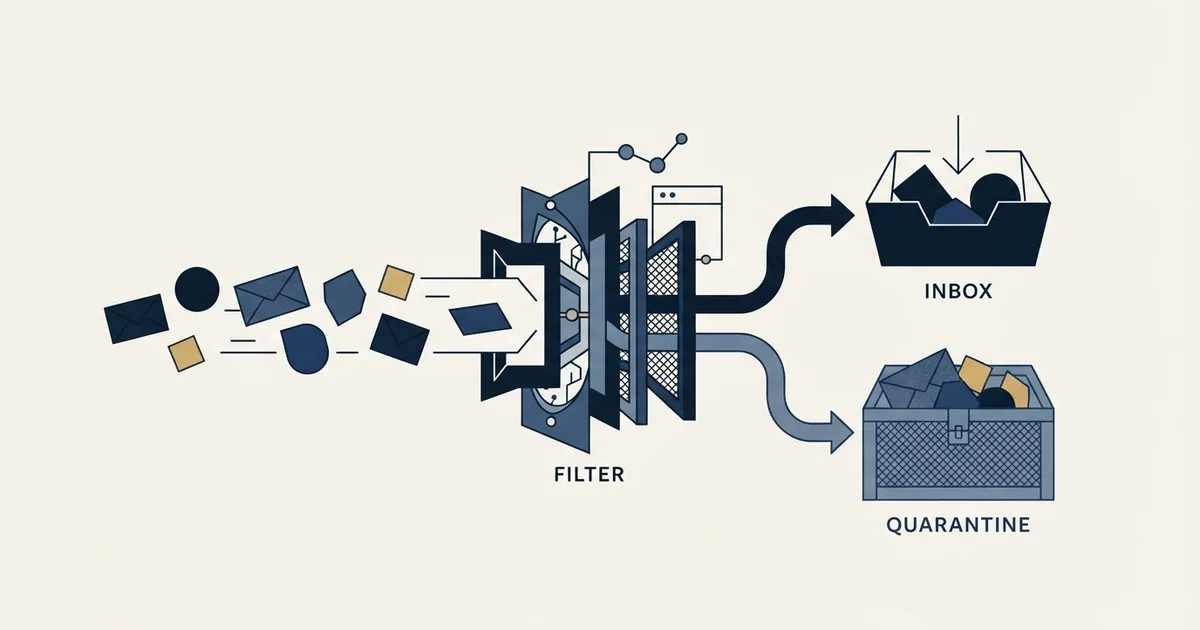
The Office 365 spam filter is Exchange Online Protection. It scores inbound mail and stamps the result into message headers, where the bulk complaint level matters most for cold email. Each recipient tenant compares that value against its own threshold, 7 by default and 5 under Strict, so placement varies by tenant.
Key takeaways
- Office 365, Microsoft 365 and O365 name the same filtering system, Exchange Online Protection, and the behaviour described here is identical under all three names.
- The bulk complaint level in the X-Microsoft-Antispam header drives most cold email outcomes, and the threshold applied to it is 7 by default, 6 on Standard and 5 on Strict.
- Microsoft's high-volume sender authentication requirements are published for Outlook.com consumer addresses, not for the business tenants where B2B prospects sit.
- Zero-hour auto purge can move an already-delivered message out of the inbox within 48 hours of delivery, without notifying anyone.
Reviewed and updated August 28, 2026
A prospect on Microsoft 365 never sees your message, and nothing in your sending tool says so. The tool records a delivery, because the receiving server accepted the message. What happened next was decided by Exchange Online Protection, and it wrote its reasoning into the message headers of a message you cannot read.
That is the position most senders are in when they start looking at the Office 365 spam filter. The product answers to three names, which is the first thing worth clearing up. Microsoft renamed Office 365 to Microsoft 365 in 2020, plenty of administrators still say O365, and the filtering component has been called Exchange Online Protection throughout. All three names point at the same system, and everything below applies whichever one your recipient's IT team uses.
What actually makes the decision
Every message arriving at a Microsoft 365 mailbox is scanned, and the results are stamped into three header fields. Microsoft documents them directly: X-Forefront-Antispam-Report carries information about the message and how it was processed, X-Microsoft-Antispam carries additional information about bulk mail and phishing, and Authentication-results carries the SPF, DKIM and DMARC outcomes (Microsoft Learn, anti-spam message headers).
Two values inside those headers decide most cold email outcomes.
SCL, the spam confidence level, sits in X-Forefront-Antispam-Report. Microsoft's own documentation is blunt about its limits: SCL is used primarily in on-premises Exchange environments, and to understand how a message was filtered you should read the CAT and DIR values instead. Senders who have been told to chase a low SCL are chasing a value the vendor points away from.
BCL, the bulk complaint level, sits in X-Microsoft-Antispam, and it is the one that matters for outbound. Microsoft assigns a BCL to inbound messages from bulk senders on a 0 to 9 scale: 0 means the message is not from a bulk sender, 1 to 3 means a bulk sender that generates few complaints, 4 to 7 means mixed complaints, and 8 to 9 means a high number of complaints (Microsoft Learn, bulk complaint level).
The filtering verdict then shows up as a code. SFV:SPM means the message was marked as spam by spam filtering. SRV:BULK means it was identified as bulk email by the BCL threshold, and Microsoft notes that bulk messages are treated as spam by default because the MarkAsSpamBulkMail parameter is on.
The number that is not yours
Here is the part that changes how you read every placement report you will ever run.
The BCL threshold is a setting in the recipient's anti-spam policy, and Microsoft ships three different defaults. The default anti-spam policy and any new policy use a threshold of 7. The Standard preset security policy uses 6. The Strict preset security policy uses 5. Messages that meet or exceed the configured threshold go to the Junk Email folder under the default and Standard policies, and are quarantined outright under Strict.
The same message, with the same BCL, lands in the inbox at one company and in a quarantine an administrator has to release at another. Nothing about your sending changed between those two outcomes. Two tenants configured their filtering differently, and a preset an IT team picked once, possibly years ago, decided your placement.
This is why aggregate placement numbers mislead. A campaign reporting poor Microsoft placement may be sending a genuinely bulk-looking message, or it may have drawn a list weighted toward organisations running Strict. The header data tells you which. An aggregate rate cannot.
- Step 1Connection
Sending IP and its standing are evaluated before content is seen. Recorded as IPV and PTR.
- Step 2Authentication
SPF, DKIM and DMARC results are stamped into the Authentication-results header, per RFC 7001.
- Step 3Content and bulk scoring
The message is scored. SCL lands in X-Forefront-Antispam-Report and BCL in X-Microsoft-Antispam.
- Step 4Policy
The recipient tenant compares BCL against its own threshold: 7 by default, 6 on Standard, 5 on Strict.
- Step 5Action
Below threshold reaches the inbox. At or above it goes to Junk, or to quarantine under Strict.
The requirement that does not apply to your B2B prospects

Microsoft's authentication requirements for high-volume senders are widely quoted at B2B senders who are not subject to them. Our SPF, DKIM and DMARC guide for cold email sets out the requirement itself, alongside Google's and Yahoo's, including the exact rejection response. What that guide does not do, because it is a guide to the records rather than to this filter, is say which mailboxes the rule actually governs. That is the part worth getting right here.
Read the surface Microsoft published it on. It is the postmaster site for Outlook.com, Microsoft's consumer service (Outlook.com Postmaster). The addresses in scope are consumer ones. Your B2B prospects sit at a company domain on a Microsoft 365 business tenant, filtered by Exchange Online Protection, and none of the mechanics in the rest of this article, the BCL score or the policy threshold applied to it, is affected by that announcement at all.
Two mistakes follow from missing that, and both are common. The first is attributing a business-tenant junk placement to a consumer-service policy, then looking for the fix in the wrong system. The second is concluding that staying under a volume line buys you something at a corporate recipient, which it does not: the bulk scoring below runs on every message regardless of how many you send.
Meet the authentication standard anyway, because alignment is the cheapest win in deliverability and every receiver checks it. Setting up DMARC on Microsoft 365 covers the tenant side.
Delivered is not the same as still there
One Microsoft behaviour catches people out badly enough to deserve its own note, because it makes a placement result change after you measured it.
Zero-hour auto purge, which Microsoft abbreviates to ZAP, runs in all organisations with cloud mailboxes and retroactively detects and neutralises phishing, spam or malware messages that were already delivered. Microsoft documents two details that matter to a sender: its search is limited to the last 48 hours of delivered email, and users are not notified when it detects and moves a message (Microsoft Learn, zero-hour auto purge).
So a message can reach the inbox, be seen by a seed mailbox, be recorded as placed, and then be moved to junk or quarantine hours later because signatures updated in the meantime. Nobody is told. If your seed testing and your reply rate disagree, and the seed test was run immediately after sending, this is one of the few mechanisms that explains the gap without anything being wrong with your measurement.
What you control, and what only the recipient can change
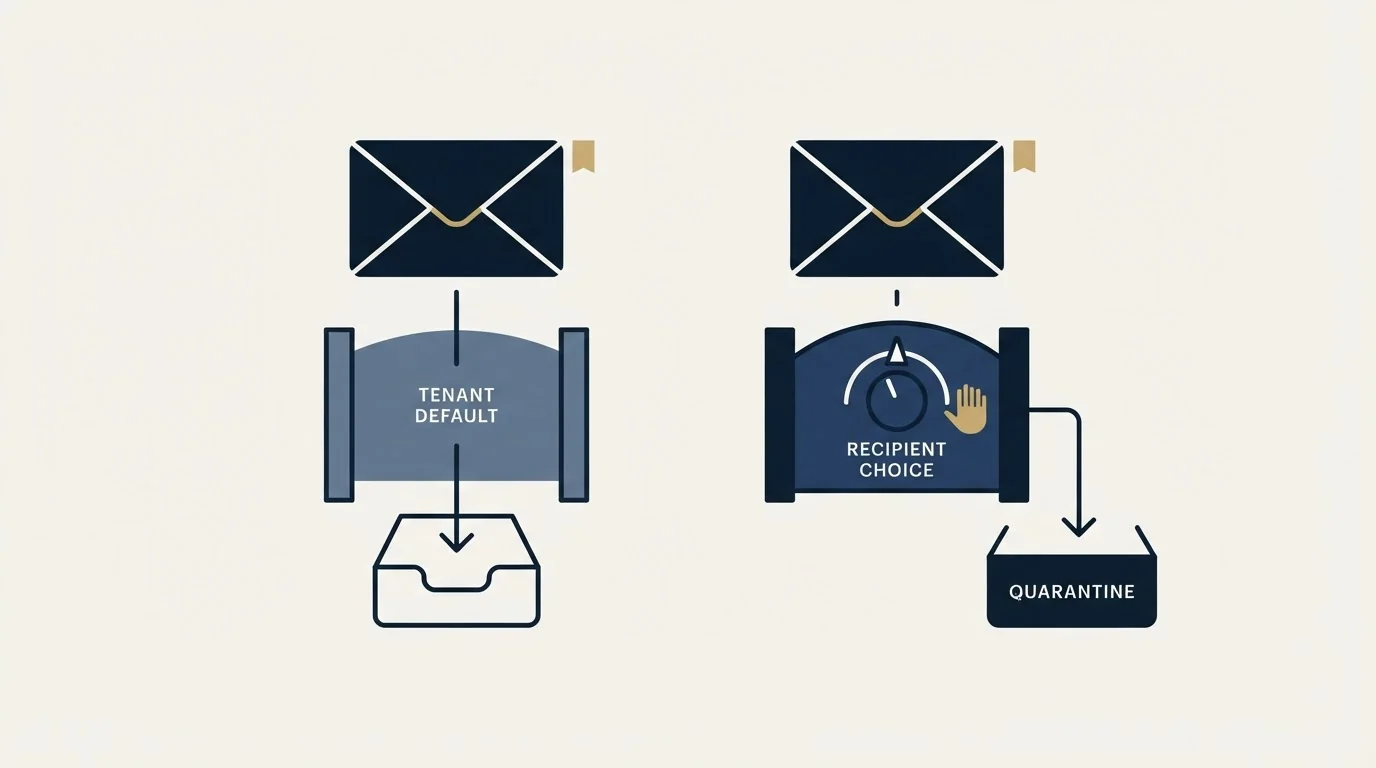
Splitting these two apart saves most of the time senders waste on this problem.
- SPF, DKIM and DMARC passing and aligned on the sending domain
- Reverse DNS and a valid, monitored reply address
- Sending domain reputation, built separately from your corporate domain
- List hygiene: invalid addresses, dormant domains, traps
- Message shape: link count, redirectors, tracking pixels, attachments
- Volume per mailbox and how abruptly it ramps
- The anti-spam policy preset, and so the BCL threshold applied to you
- Whether bulk mail is treated as spam at all
- Tenant allow and block list entries for your domain or address
- Mail-flow rules an administrator wrote years ago
- Whether a third-party gateway sits in front of Microsoft at all
- Whether quarantined mail is ever reviewed
The practical consequence is that a single well-placed request beats a month of sender-side tuning. When a prospect replies from a Microsoft 365 tenant saying your message was in junk, the fix available to them takes seconds and their administrator can make it permanent for the whole organisation. Ask for it directly and in plain terms.
Reading the headers without access to the mailbox
You cannot open your prospect's mailbox, so you need a copy of the verdict from somewhere else.
The reliable sources are a reply, a seed mailbox and a bounce. A reply usually quotes the original message, and if the recipient forwards the message as an attachment rather than pasting the text, the original headers survive intact. A seed mailbox is a Microsoft 365 account you control, ideally on a tenant configured the way your prospects' tenants are, receiving the campaign alongside everyone else. A bounce is the clearest of the three, because a rejection at SMTP time carries an enhanced status code and usually a URL to the receiver's explanation.
What to look for once you have a header: the Authentication-results line first, because an authentication failure explains everything downstream and is entirely yours to fix. Then BCL in X-Microsoft-Antispam. Then SFV and CAT in X-Forefront-Antispam-Report, which name the category the message was filed under.
A BCL of 0 with a junk placement points at something other than bulk scoring, usually authentication or a mail-flow rule. A BCL of 6 or 7 with junk placement is the ordinary bulk path, and it responds to the sender-side column above. A BCL of 8 or 9 means Microsoft is seeing complaints about your sending, which is a reputation problem rather than a message problem, and it needs the deliverability audit treatment rather than a copy rewrite.
- Yes: Authentication-results shows SPF pass, DKIM pass, and DMARC alignment on the visible From domain
- Yes: You have read an actual header from a Microsoft 365 recipient, not an aggregate placement score
- Yes: BCL value recorded, so bulk scoring can be separated from policy and authentication
- Yes: Sending domain is separate from the domain your company runs its business email on
- Depends: Bounce text checked for a third-party gateway name, which would mean Microsoft never saw the message
- No: Chasing a specific SCL number, which Microsoft documents as an on-premises value
- No: Assuming the Outlook.com high-volume rules govern a business tenant
Where this fits against everything else
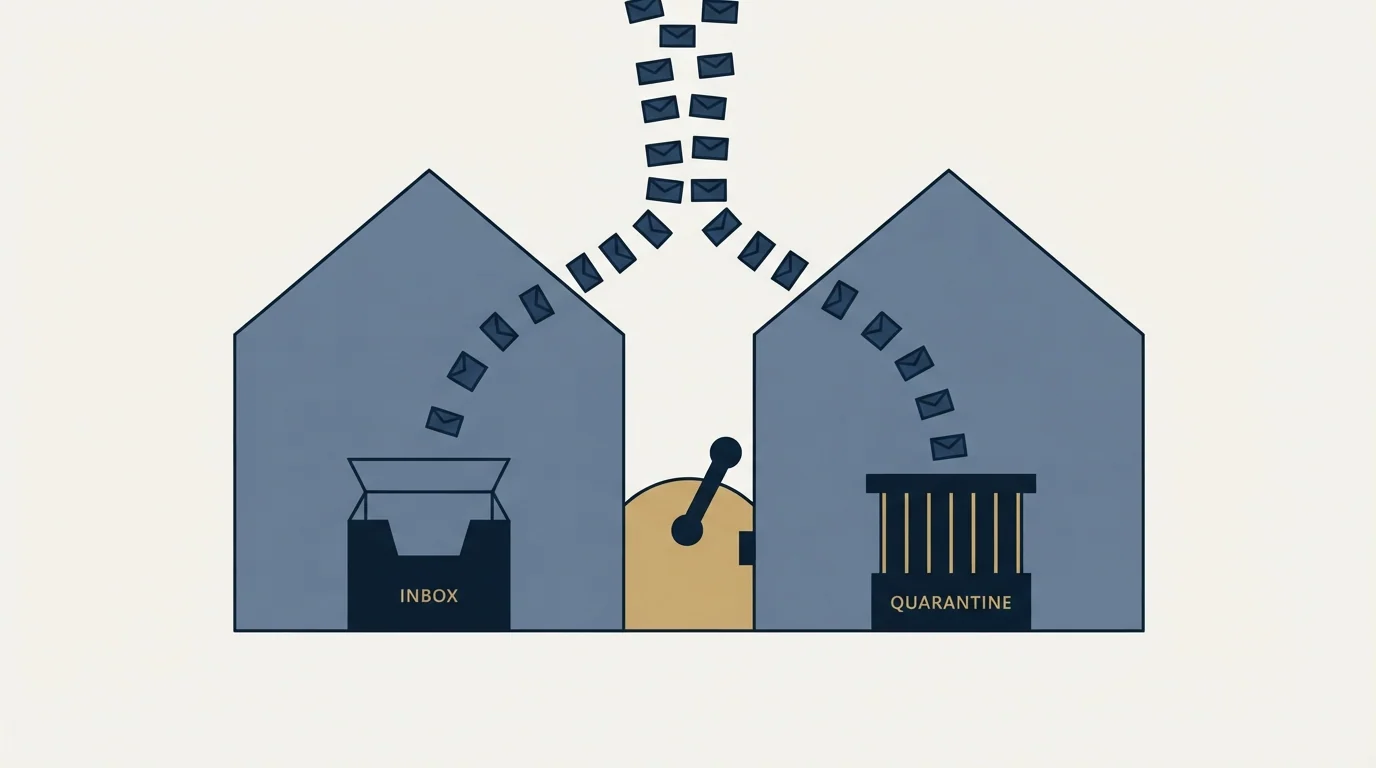
Microsoft is one receiver, and it is the one that hosts most B2B mailboxes, which is why its behaviour deserves reading in detail. It is not the only system between you and a reply. A spam filter in the general sense often means two systems rather than one, and where a third-party security gateway holds the MX record, Microsoft's headers will not appear at all because the message never reached Microsoft.
Third-party security gateways often run their own scoring engine, and the SpamAssassin scoring breakdown explains why an identical score triggers different outcomes at different installations.
The other thing worth keeping in proportion: inbox placement at Microsoft is downstream of things that have nothing to do with Microsoft. A sending domain with no history, a list containing a spam trap, a rising spam complaint rate, or a blocklist entry will all express themselves as a Microsoft placement problem while being none of Microsoft's doing. Checking your domain and IP against the public blocklists costs nothing and rules out a whole category before you start reading headers.
Anyone chasing a Microsoft placement problem back to its root cause can apply the same ordered checklist in the spam folder fixes worth prioritizing, since authentication and domain history matter everywhere.
RevenueFlow runs cold email and LinkedIn outreach for B2B companies, one message per campaign, and the Microsoft placement question is one we work through on the header evidence rather than on placement scores. If you want that run against your own sending, start with a single qualified meeting and we will do the infrastructure work as part of it, or read what a cold email agency is accountable for before you hire one.
Microsoft product behaviour and thresholds verified against Microsoft's own documentation as of mid-2026. Verify current settings with Microsoft before relying on them.
Frequently asked questions.
Frequently asked questions- Why does my email go to junk in Office 365 for some people and not others?
- Because the threshold is a per-tenant setting. Microsoft ships three anti-spam policy presets with bulk thresholds of 7, 6 and 5, and messages at or above the configured value go to junk or, under Strict, to quarantine. An identical message with an identical score can therefore land differently at two companies.
- What is BCL in Office 365?
- Bulk complaint level, a 0 to 9 value Microsoft assigns to mail from bulk senders and writes into the X-Microsoft-Antispam header. Zero means not a bulk sender, 1 to 3 means few complaints, 4 to 7 means mixed, and 8 to 9 means a high number of complaints. It is the value most relevant to cold outreach.
- How do I see the Office 365 spam headers if I cannot open the mailbox?
- Three routes. A reply that forwards your message as an attachment preserves the original headers. A seed mailbox on a tenant you control receives the campaign alongside real recipients. A bounce carries an enhanced status code and usually a link to the receiver's explanation of it.
- Do Microsoft's 5,000 messages per day rules apply to B2B cold email?
- They are published on the Outlook.com Postmaster site and scope to Microsoft's consumer service, meaning outlook.com, hotmail.com and live.com addresses. Prospects at a company domain are on business tenants filtered by Exchange Online Protection. Meet the authentication standard anyway, because it helps everywhere.
About the author.

Tim Carden is CMO / CTO at RevenueFlow, which builds and operates outbound revenue engines for B2B companies. Studied at McGill University.
Tim Carden · CMO / CTO
Connect on LinkedIn →Explore more.
Ready to scale your outreach?
We build GTM engines that book real meetings. See the receipts.
Related articles.
GMass Inbox Tester: The Public Seed List Cuts Both Ways
GMass publishes the fifteen seed addresses behind its free placement tester. That makes the test repeatable, and it also makes the absolute result pessimistic.
Proofpoint Spam Filter: Diagnosing Placement
Two different Proofpoint systems can stop a cold email, and the remedies have nothing in common. Telling them apart takes a minute and saves a month.
Mass Email From Outlook: The Limits Microsoft Publishes
Microsoft publishes the ceiling on one mailbox and, a few paragraphs later, recommends that bulk commercial mail go to a specialist provider instead.
Sending Cold Email From the CRM You Already Pay For
A CRM sequence tool sends from your primary domain and your own mailbox, and vendor terms usually require documented consent. What a separate cold stack buys.
IMAP or SMTP: One Sends, One Reads, and the Ports
A mail setup pane asks for two servers because the two protocols run in opposite directions. The RFCs define both jobs, and the ports are where providers disagree.
SMTP for Yahoo: The Settings and the Sender Requirements
Yahoo publishes its outgoing settings in six lines. It also publishes sender requirements enforced since February 2024, and refuses to name the volume that triggers them.