Pipedrive Review: The Documented Limits, Not Star Ratings
A rating aggregates strangers with different jobs. Pipedrive's own documentation settles most fit questions faster, and this review reads it tier gate by tier gate.
Pipedrive is a deal-pipeline CRM, organised around deals more consistently than most competitors, which is both its strength and the source of its main limitation. Most fit questions are settled by its published tier gates and record limits rather than by aggregate satisfaction scores.
Key takeaways
- The 2025 restructure renamed every plan and switched the leads and deals allowance from per user to per company at Premium.
- Ultimate introduced caps of 500 custom fields, 500 reports per user and 25 teams where Enterprise had none.
- Campaigns, LeadBooster and Projects are add-ons or tier-gated, so the per-seat rate is a floor rather than the total.
- Workflow automation starts at Growth, where branching is capped at three if/else steps per automation.
Reviewed and updated September 1, 2026
Pipedrive Review: Reading the Documented Limits Instead of the Star Ratings
Search for a Pipedrive review and you get aggregate scores out of five, drawn from thousands of users evaluating different plans, in different years, for different jobs. Those scores are a real signal about satisfaction and a poor signal about fit. A CRM that delights a four-person consultancy and frustrates a thirty-seat outbound team will average out somewhere agreeable, and the average describes neither company.
A more decidable question is what the vendor commits to in writing. Pipedrive publishes its limits, its tier gates and its feature boundaries in its own knowledge base, and those documents settle most fit questions faster than any rating does. This review is built from them.
The Pipedrive mobile app is the same pipeline in a smaller frame: fine for logging an activity between meetings, and not where anyone should be editing automations.
Pipedrive news splits into two surfaces the vendor runs itself, a newsroom for corporate announcements and a product-updates section of its blog for release notes, so the question worth asking here is not what was announced but which documented limit changed since you last checked.
A lead in Pipedrive is not a deal: unqualified records sit in a separate Leads Inbox and only become deals when somebody promotes them, which keeps the pipeline value honest and surprises every team arriving from a CRM that treats both as one object.
Pipeline management is the job Pipedrive is built around, and its own feature pages lead with it: stages you design, multiple pipelines for different sales processes, and a board view that makes stage movement the primary interaction.
Anyone shopping for a list of Pipedrive features is really asking which of them are included on the tier they are considering, which is what the gating below sets out.
s plan feature table fetched 16 Aug 2026: 'The products catalog is on every plan, and it is the object most often left inaccurate, because it is built for reporting and then asked to populate a customer-facing quote.
What Pipedrive is used for is narrower than the category it is sold in: a visual pipeline that a small sales team can operate without an administrator.
The 'Pipedrive used for' question has a narrower answer than the category it is sold in: a visual pipeline that a small sales team can operate without an administrator.
Labels are per entity rather than global: deals, contacts and leads each carry their own label set, so a colour that means one thing on a deal means nothing on the person attached to it, and any reporting built on labels has to say which object it is counting.
The thing Pipedrive is unambiguously good at
Pipedrive is a deal-pipeline CRM, and it is organised around that idea more consistently than most of its competitors. Deals move through stages, activities attach to deals, reports analyse deal movement, and the automation engine triggers on deal events. The coherence is the product.
Since Pipedrive organizes everything around deal movement rather than contact sourcing, how it fits alongside enrichment tools is worth checking before assuming one product replaces the other.
That coherence is why the common criticism lands. A tool built around deals is a poor fit for a business whose primary object is a relationship rather than a transaction, and no configuration rescues that mismatch. If your team's central question is what stage each opportunity is at, Pipedrive answers it natively. If the central question is what is going on with this account across five years and forty conversations, the deal object is the wrong spine.
What the 2025 restructure actually changed
Pipedrive renamed every plan in 2025 and adjusted limits alongside the names: Essential became Lite, Advanced became Growth, Professional and Power both became Premium, and Enterprise became Ultimate. Any review or comparison table still using the old vocabulary is describing a different packaging, and the differences are substantive rather than cosmetic. The full mapping and limit-by-limit changes are covered in the Pipedrive Essential plan and what replaced it.
Three consequences matter for a buying decision.
Switching plans re-prices you. Pipedrive's guidance on each transition states that switching updates your subscription to its latest list pricing. Legacy rates do not survive a plan change, which makes "we can always move up later" a costlier sentence than it sounds.
The top tier gained ceilings it did not have. Enterprise offered unlimited custom fields, reports per user, teams, custom visibility groups and custom permission sets. Ultimate caps them at 500, 500, 25, 25 and 25 respectively. Pipedrive's stated reasoning is platform stability. For a long-established Enterprise account with years of accumulated configuration, that is a migration to plan rather than an upgrade to accept.
Leads and deals change denominator. The active leads and deals allowance runs per user at the lower tiers (2,500 on Lite, 5,000 on Growth) and per company at Premium (15,000). For a small team the Premium number is an increase. For a large one the denominator moved, and a twenty-seat team can be tighter on Premium than the raw figure suggests. This is the single most misread line in the packaging.
- Deal-centric sales motion with clear stages
- Teams that want a working pipeline in days rather than a configuration project
- Growth tier and above, where automation and forecasting exist
- Companies whose marketing list is genuine opt-in subscribers
- Lite has no workflow automation at all
- If/else branching is capped at 3 per automation on Growth
- Deal revenue forecast needs Premium
- Email syncs run 2 to 3 per user, not per fleet
- Relationship-first businesses where the deal is the wrong spine
- Cold outbound sending through the CRM's own identity
- Enterprise accounts with configuration beyond the new Ultimate ceilings
- Anyone expecting the add-ons to be included at any tier
Where the add-on cost lives
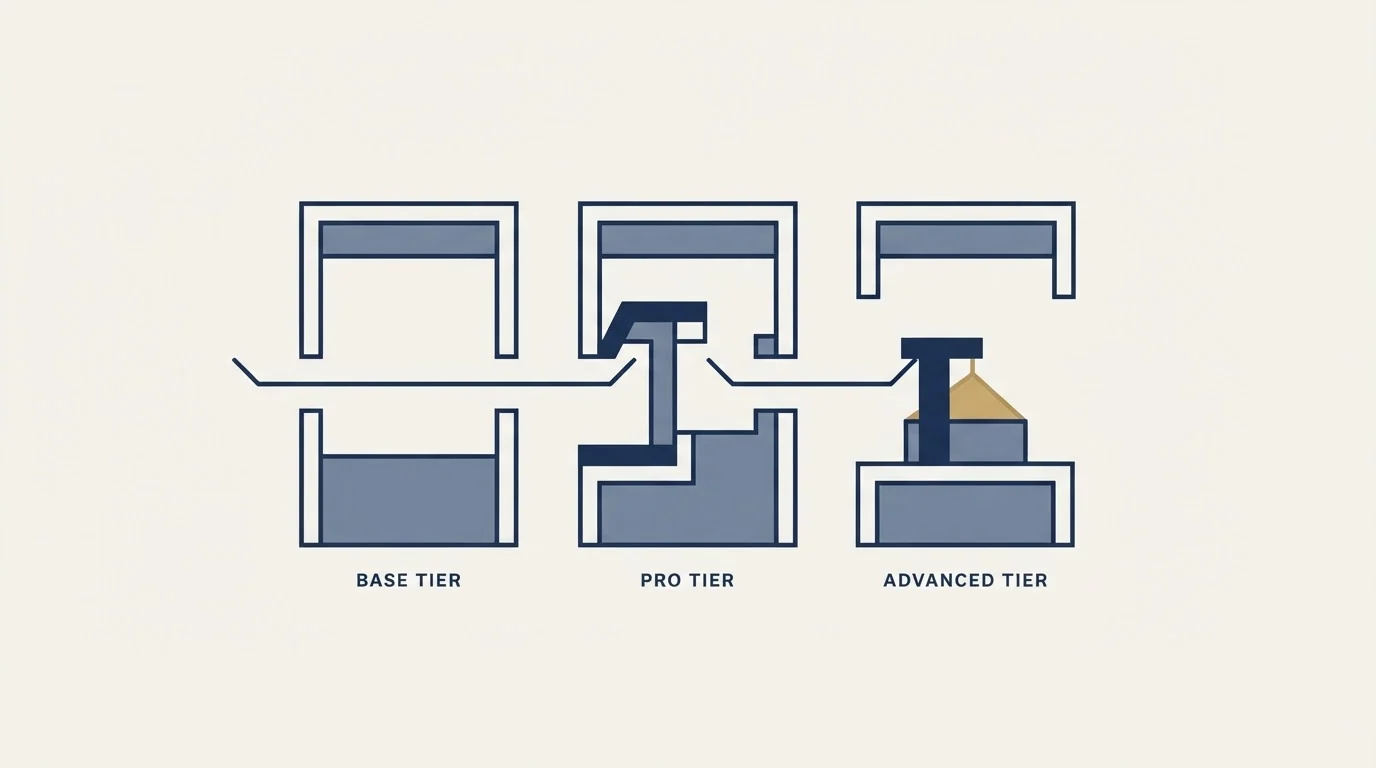
The most consistent complaint in the review corpus is that Pipedrive looks affordable and then does not stay that way, and the documented structure explains why without needing anyone's anecdote.
Campaigns is a paid add-on that is not part of any plan, billed on subscriber tiers running from 1,000 to 50,000 subscriber spots in 1,000 increments, on top of the Pipedrive subscription. It also carries a hard product boundary that decides whether it is any use to you: contacts must hold the subscribed marketing status, meaning they opted in, and without that status the tool will not send to them. That makes it an email marketing product rather than an outbound one, covered in full in Campaigns by Pipedrive.
LeadBooster, the bundle of Chatbot, Live Chat, Prospector and Web Forms, becomes included at Premium and Ultimate. Below those tiers it is a separate purchase.
Projects is included on Premium and higher, and on Growth and lower is a paid user-based add-on.
So the honest read of the cost curve is that the per-seat list price is the floor rather than the number, and which things become included at which tier is a bigger driver of total cost than the seat rate itself. Read the current per-seat rates on Pipedrive's own pricing page rather than from any comparison article, this one included: list pricing moves and a quoted figure is a photograph of a day.
The reporting layer, and what it is gated behind
Insights is Pipedrive's reporting surface, and it is more capable than the interface first suggests, with seven report families covering activity, campaign, contact, lead, deal, revenue forecast and project reporting. Deal reporting alone carries five report types: performance, conversion, duration, progress and products.
The gating is where a buyer should look. Campaign reports require the paid Campaigns add-on. Project reports require Projects, which is included from Premium and is a paid user-based add-on below it. Revenue forecasting is split across two tiers, with product revenue forecast available on Growth and higher and deal revenue forecast, which is the one most sales teams mean, requiring Premium. And the number of reports an account can create is itself capped per plan, moving from 30 to 50 at Advanced-to-Growth and 150 to 250 per user at Professional-to-Premium, with Ultimate introducing a 500-per-user cap where Enterprise had none.
One behaviour worth knowing before anyone argues about a number: Pipedrive documents that users may see different data in Insights reports depending on their visibility settings and permissions. Two people can read the same dashboard correctly and disagree. The full catalogue is in Pipedrive dashboards and Insights reports.
Documentation and recency, which are underrated review criteria

Two things are visible from outside a product and rarely scored, and both predict how a tool behaves in year two.
The first is documentation quality. Pipedrive's knowledge base publishes tier gates, numeric limits and failure behaviours in plain language, with a last-updated date on each article. That is unusual. A large number of vendors publish marketing copy where the limits should be, and the practical cost of that lands on whoever has to discover a ceiling by hitting it. Everything decidable in this review came out of Pipedrive's own documentation, which is itself a finding about the vendor.
The second is whether the product is still moving. Pipedrive shipped a native Model Context Protocol server on 30 June 2026, letting AI assistants query and write to CRM data with permissions inherited from the user's existing role and visibility settings, covered in Pipedrive MCP. Whatever one thinks of assistants in a CRM, shipping into a standard within months of it mattering is a signal about engineering pace, and it is a more useful one than a satisfaction average collected over five years.
What the automation engine will and will not carry
Automation is the feature most often oversold in a review and most often disappointing in month two, so it is worth being precise about the documented behaviour.
It exists on Growth and higher only. It is a trigger-and-action model with six entity types for event triggers (deal, person, activity, lead, organization, project) each firing on added, updated or deleted, plus date triggers on four entities. Actions cover the CRM objects plus email, notes, campaigns, projects, webhooks, and integrations for Slack, Microsoft Teams, Trello and Asana.
Three documented behaviours decide reliability, and all three produce silent failures. Conditions are checked only once per triggered action unless you use a wait-until condition, and an unmet condition stops that action and every step after it. An automation that creates a deal fails permanently at that step if the account is at its open deal limit, and Pipedrive states it will not resume if the deal is created later. Data imports do not fire event triggers, except when the import updates or deletes leads, while date-triggered automations can be activated by imports. The full set is in Pipedrive automation.
None of that makes the engine bad. It makes it a deterministic rules engine with sharp edges, which is what it is, and a review that says automation is limited without saying where is not helping anyone decide.
- Depends: Is the primary object a deal with stages, or an account relationship over years?
- Depends: Does the tier you can afford include automation at all, given Lite has none?
- Depends: Does your branching logic fit the if/else cap on that tier?
- Depends: Is the leads and deals ceiling per user or per company at your tier, and which is tighter for your headcount?
- Depends: Are the add-ons you need included at your tier, or billed separately on top?
- Depends: Is your email list genuine opt-in, given Campaigns will not send without subscribed status?
- Depends: If you are on Enterprise today, does your current configuration fit inside Ultimate's new ceilings?
Where a review, including this one, runs out

Two things are worth saying plainly about the format.
The first is that a review cannot establish how a tool feels in daily use for your team, and star ratings are a poor proxy because they aggregate across companies whose jobs differ from yours. The interface criticisms and praise in the review corpus are real reports of real experiences, and they are reports about someone else's work. A two-week trial with your own data answers that better than any amount of reading, and Pipedrive offers one on every tier.
The second is about numbers. We have not run Pipedrive as a production CRM, and this page contains no rating, no performance claim and no comparison on an axis that only a first-hand test could measure. What it contains is what the vendor documents, read carefully, with the tier gates and denominators stated exactly. That is a smaller claim than most reviews make, and it is one a reader can verify.
For the wider field, best Pipedrive alternatives covers who else is in it and on what terms. The more answerable question is usually narrower than which CRM is best: what does an outbound seat specifically need from a CRM, and does this tier provide it at a price that survives the headcount you are planning for.
One thing no CRM decision changes: the pipeline has to be filled before any of this matters. See what that looks like done properly.
Pricing and features verified as of mid-2026. Verify current terms with the vendor before relying on them.
Frequently asked questions.
Frequently asked questions- Is Pipedrive worth it?
- It depends on whether your primary object is a deal. Pipedrive is organised around pipeline stages more consistently than most competitors, which suits a defined sales motion and suits a relationship-first business poorly. The published limits and tier gates answer the fit question faster than a rating does, and every tier offers a trial.
- What are the main drawbacks of Pipedrive?
- Three documented ones. Automation does not exist below Growth and its branching is capped tightly at that tier. Several capabilities are add-ons rather than inclusions, so cost rises faster than the seat rate suggests. And the deal-centric structure fits a relationship-led business badly, which is a design consequence rather than a fixable gap.
- Does Pipedrive get more expensive as you scale?
- Structurally, yes, and not only through seats. Campaigns is billed separately on subscriber tiers, LeadBooster becomes included only at Premium and Ultimate, and Projects is included from Premium and a paid add-on below. Record limits also switch denominator at Premium, from per user to 15,000 per company, which binds larger teams sooner.
- Has this review tested Pipedrive first-hand?
- No, and the page is written accordingly. It carries no rating, no performance claim and no comparison on an axis only a first-hand test could measure. What it contains is Pipedrive's own documented tier gates, limits and failure behaviours, read carefully and stated exactly, which a reader can verify against the same sources.
About the author.

B2B cold email experts helping companies generate qualified leads through done-for-you outreach campaigns.
RevenueFlow Team
Explore more.
Ready to scale your outreach?
We build GTM engines that book real meetings. See the receipts.
Related articles.
Which CRMs and Tools the Outbound Stack Connects To: Integration Data From 342 Sales Tools
HubSpot is named as an integration by 52.3% of 342 verified sales tools, Zapier by 50.3% and Salesforce by 43.3%. Here is the full map by category.
Sales Engagement Platform Pricing in 2026: What 61 Tools Charge and Which Hide It
Sales engagement platforms start at a median of $75 a month, 70.5% carry a quote-only tier, and AI SDR platforms start at $204.50. Data from 61 verified tools.
HubSpot Alternatives for Small Business: Where Free Stops
HubSpot publishes its free CRM as free for up to two users. Four alternatives whose own pricing pages could be read, and where each one puts its gate.
RevOps Tools: Nine Products and the Job Each Does
Nine revenue operations products sorted by the six jobs the category covers, with every product fact and price read off the vendor's own pages and dated.
Video Prospecting Tools by Job: What Each One Is For
Ten video prospecting tools sorted by the job each vendor's own page describes: record and share, personalise at volume, avatars, hosting and interactive demos.
Seamless.AI Email Finder: How It Works, What a Credit Buys
How Seamless.AI's email finder resolves a contact in real time, what one Universal Credit buys, the Total AI score on every address, and what the Chrome extension reads.