Campaigns by Pipedrive: An Opt-In Tool
Campaigns will not send to a contact without subscribed marketing status. What the add-on does, how it is billed, and why cold outbound belongs somewhere else entirely.
Campaigns by Pipedrive is a paid opt-in email marketing add-on. Contacts must carry the subscribed marketing status before it will send to them, which makes it a permission-based tool rather than an outbound one. Billing runs on subscriber tiers from 1,000 to 50,000 spots.
Key takeaways
- Contacts must hold the subscribed marketing status, meaning they opted in, before Campaigns will send to them at all.
- Billing runs on subscriber tiers between 1,000 and 50,000 spots in 1,000 increments, counted from subscribed contacts rather than total contacts.
- The Standard and Premium tiers differ only in two analysis features; sending, templates and compliance capability are identical.
- Pipedrive retains unsubscribed and bounced status even when an email is removed, preventing improper resubscription later.
Reviewed and updated September 1, 2026
Campaigns by Pipedrive: An Opt-In Tool, and What That Rules Out
Teams buy the Campaigns add-on expecting a sending engine attached to the CRM, then discover that the contacts they most want to email cannot be emailed through it. That is not a configuration problem or a warm-up problem. Pipedrive's own documentation makes the boundary explicit: to receive campaigns, a contact must carry the subscribed status in the Marketing status field, which means the person has opted in, and without that status you cannot start sending them emails.
Everything else about the product follows from that one sentence. Campaigns by Pipedrive is a permission-based email marketing tool that happens to live inside a CRM, and it is a good one. It is not an outbound tool, it is not trying to be, and knowing that before the purchase saves a quarter.
Cold outbound sequencing at scale is the domain of dedicated sales engagement platforms, a distinction explored in sales engagement versus CRM comparison.
Pipedrive email marketing has one product behind it, Campaigns by Pipedrive, and the add-on is built for people who opted in.
Email templates in Pipedrive live in two places, the Campaigns add-on and the Mail tab, and only the Campaigns ones are bound to the opt-in rules described here.
What the add-on is, and how it is priced
Pipedrive's knowledge base article on Campaigns, last updated 30 March 2026, describes it as a paid add-on that lets you create email communication, engage customers and manage the data directly in your Pipedrive account, keeping sales and marketing information in one place rather than moving it between systems. It is not part of any plan; it is bought on top of one.
The commercial model is subscriber-based rather than seat-based, which is a different shape from the rest of Pipedrive. Pipedrive's billing documentation states that subscriber limit tiers are structured according to the number of marketing contacts with subscribed marketing status in the account, and that the slider on the billing page runs between 1,000 and 50,000 subscriber spots in increments of 1,000. Adding contacts costs less per subscriber as the count rises. The checkout confirms a total made of the Campaigns add-on tier plus the Pipedrive subscription, so the two lines are billed together and read together.
Two behaviours around the limit are worth knowing before you plan an import. When the subscriber limit is reached, new contacts are assigned a pending upgrade marketing status rather than being rejected outright, and Pipedrive documents that they change automatically to subscribed once the account moves to a higher tier and the new contacts fall within its limits. So an import that overshoots does not lose data; it parks it in a status that cannot be sent to.
The trial is 21 days, activated from the megaphone icon in the left navigation, and allows up to 500 subscribers. One gate on the trial catches people out: Pipedrive states that an account review is essential to be able to purchase Campaigns after the trial period, and that a company account keeps its Campaigns access when the trial ends only if the account has been verified successfully. A team planning a launch around the end of a trial should prompt that review early rather than discovering it on the last day.
Standard and Premium, and how little separates them
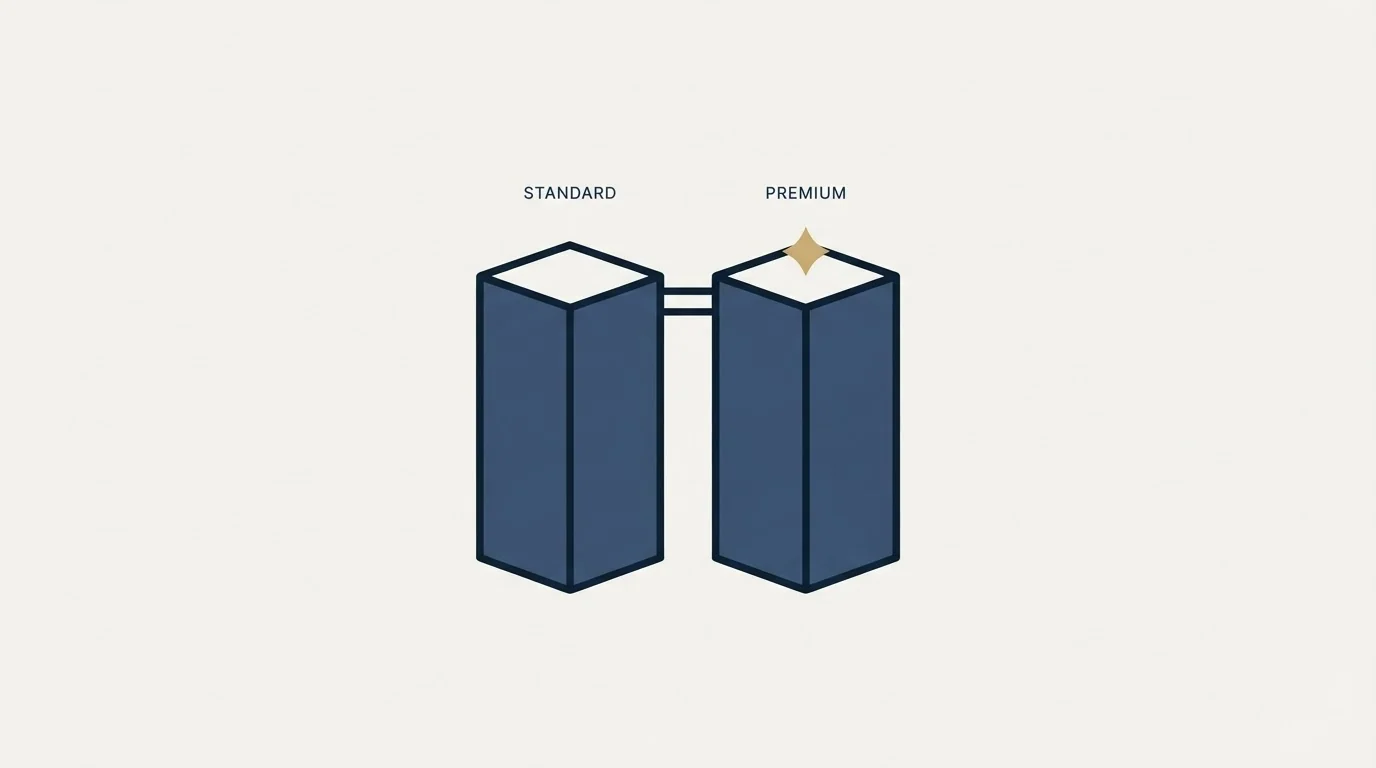
The add-on has two tiers, and Pipedrive publishes the feature split. Both Standard and Premium carry marketing automations, scheduling, double opt-in, customisable email templates, code-your-own templates, two-factor authentication, real-time engagement reports, a unified sales and marketing contacts list, contact filtering, campaign engagement notifications, email compliance recommendations, sender domain authentication and campaign insights.
Premium adds exactly two things: comparative insights, and a premium campaign-type insights filter. Both are analysis features. Nothing about sending, deliverability, template capability or automation differs between the tiers, which makes the upgrade decision unusually simple. If nobody is going to sit and compare campaign performance across types, the extra tier buys a screen nobody opens.
- Marketing automations and scheduling
- Double opt-in
- Customisable and code-your-own templates
- Sender domain authentication
- Real-time engagement reports and campaign insights
- Email compliance recommendations
- Everything in Standard
- Comparative insights
- Premium campaign-type insights filter
- No difference in sending, templates or compliance
The compliance apparatus, which is the tell
Read the setup requirements and the product's intended use is unmistakable. Pipedrive requires confirmation of the company's physical address, prefilled from billing information, in order to follow email delivery laws. Every campaign must include an unsubscribe footer, and Pipedrive names the statutes it is designing against: the ePrivacy Directive in the EU, PECR in the UK, CAN-SPAM in the USA and CASL in Canada. Sender name and email address must be confirmed, and sender domain authentication is available on both tiers.
There is also a quietly good piece of data hygiene in there. Pipedrive documents that if a contact's email is removed, the unsubscribed or bounced status associated with that address is retained, specifically to prevent contacts being accidentally or improperly resubscribed later. Deleting a record does not launder its suppression history. That is the correct behaviour and it is not universal across tools, so it is worth knowing you have it.
Consent capture runs through Web Forms, where an opt-in checkbox automatically fills in the consent statement and updates the contact's marketing status on submission. That is the intended acquisition path: someone arrives, agrees, and becomes sendable.
The marketing status field itself is where the whole model is enforced, and it is worth knowing where it lives before an import. Pipedrive documents that the status can be viewed and updated in the contact's detail view or list view, that it can be set when adding contacts manually, and that it can be included as a column when importing contacts from a spreadsheet. So the field is fully addressable by an administrator, which is exactly why the honest handling of it matters more than the technical handling. It is also the field that drives billing, since subscriber tiers are counted from contacts holding the subscribed status rather than from total contacts in the CRM. A database of fifty thousand people with four thousand subscribers is billed on the four thousand.
- Step 1Consent is captured
Through a web form opt-in checkbox, a manual entry, or an import that carries the marketing status field.
- Step 2Marketing status becomes subscribed
Visible and editable in the contact detail view or list view. Without it, sending is blocked.
- Step 3Account is compliant and verified
Physical address confirmed, sender identity confirmed, unsubscribe footer on every campaign, account review passed.
- Step 4Campaign sends
From the CRM's own sending identity, against subscribers who asked to hear from you.
Why cold outbound does not go through this, even where it technically could

Someone always asks whether the marketing status field can simply be set on import. It can. The field is importable and editable, so a spreadsheet of contacts marked subscribed will pass the gate.
Doing that is a bad idea for two reasons that have nothing to do with the tool.
The first is that it is a false consent record. The status field exists to record that a person opted in. Populating it for people who did not turns the CRM's own compliance evidence into fiction, and the statutes Pipedrive names in its setup documentation do not care which field the claim was written into. The unsubscribe-retention behaviour above shows the design intent clearly: this is a system built to remember consent state honestly.
The second is deliverability, and it is the one that costs money rather than sleep. Campaigns sends on the sending identity attached to your CRM, authenticated against your company domain. That is the same domain your account executives use for live commercial conversations, your invoices, your contracts and your support replies. Cold volume from that identity puts all of it at risk on the same reputation. Outbound prospecting belongs on separate infrastructure with its own domains and its own warmed mailboxes, structurally isolated so that a bad week in prospecting cannot touch correspondence with customers. That separation is the single most important architectural decision in an outbound programme, and it is undone the moment cold sending runs through the CRM's marketing tool.
Teams weighing how a data enrichment tool fits alongside this CRM can see the workflow differences laid out in data enrichment versus CRM platform.
There is a third point, smaller but worth stating because Campaigns supports it. The add-on includes marketing automations capable of multi-stage sequences, and the temptation is to build a cold sequence that follows up until someone answers. A follow-up to a cold recipient lands underneath a message they already ignored, and it reads as a chase regardless of how the automation is structured. One message per campaign, a genuinely different premise in a genuinely different campaign later if the account still merits one, and no bumps.
What Campaigns is genuinely good at

Given a real opt-in list, the case for the add-on is strong and it is mostly about the absence of an integration. Sales and marketing contacts sit in one list, filtering runs on CRM fields rather than on a synced subset, engagement lands on the contact's detail view where a rep will see it, and campaign performance and campaign conversion reports appear in Insights beside the deal and lead reports rather than in a separate analytics tool. For a company whose marketing list is customers and inbound subscribers, that is a genuinely tidy arrangement and it removes an entire class of sync bugs.
The honest split is that Campaigns handles the people who already know you, and something else handles the people who do not. The reporting side of that arrangement is covered in Pipedrive dashboards and Insights reports, and the automation engine that drives campaign triggers is covered in Pipedrive automation. For where the records should live in the first place, best CRM tools for cold email teams and best CRM tools for SDR teams cover the outbound read, and best Pipedrive alternatives covers the exit.
For the half Campaigns cannot serve, which is everyone who has never heard of you, see what that looks like built properly.
Pricing and features verified as of mid-2026. Verify current terms with the vendor before relying on them.
Frequently asked questions.
Frequently asked questions- Can I send cold outreach through Campaigns by Pipedrive?
- Not as designed. Pipedrive documents that a contact must have the subscribed marketing status before you can send to them, and that status means they opted in. The field is importable, so the gate can be bypassed technically, but doing so falsifies your own consent record and puts your CRM's sending identity behind cold volume.
- What is the difference between Campaigns Standard and Premium?
- Two analysis features. Both tiers carry marketing automations, scheduling, double opt-in, customisable and code-your-own templates, real-time engagement reports, contact filtering, compliance recommendations and sender domain authentication. Premium adds comparative insights and a premium campaign-type insights filter. Nothing about sending, templates or deliverability differs between them.
- How is the Campaigns add-on priced?
- On subscriber count rather than seats. Pipedrive's billing page uses a slider running from 1,000 to 50,000 subscriber spots in 1,000 increments, and the per-subscriber cost falls as the count rises. The tier is counted from contacts holding subscribed marketing status, and it is billed on top of your Pipedrive subscription.
- What happens if I exceed my subscriber limit?
- New contacts are assigned a pending upgrade marketing status rather than being rejected. Pipedrive documents that once the account moves to a higher subscriber tier, and provided the new contacts fall within its limits, those pending upgrade contacts change automatically to subscribed. So the data is kept, in a status that cannot be sent to.
About the author.

B2B cold email experts helping companies generate qualified leads through done-for-you outreach campaigns.
RevenueFlow Team
Explore more.
Ready to scale your outreach?
We build GTM engines that book real meetings. See the receipts.
Related articles.
Pipedrive Sequences: A 250-Item Cap and What the Tool Is For
Ten steps, 250 items and a per-sequence sending authorisation. Pipedrive's caps describe the audience the feature was designed for more clearly than its feature list.
Pipedrive Calling: Native Surfaces, Marketplace Dialers
Pipedrive's knowledge base says it has no built-in calling integration. What ships natively is a set of shortcuts to your phone, and the dialer is a second subscription.
Pipedrive and PandaDoc: The Two Plan Gates
PandaDoc places its Pipedrive integration on Business and Enterprise plans and requires each user to install it individually. Both facts precede any configuration.
Pipedrive Smart Docs: Your Documents Live in Your Drive
Smart Docs saves every document to the Google Drive, OneDrive or SharePoint account you connect. Template access, versions and backups all follow from that.
Airtable vs Pipedrive: A Database You Shape, a CRM You Don't
One product has no opinion about what a deal is and one has it pre-installed. Published prices, the currency trap on the comparison pages, and the test that decides.
CRM Setup: The Objects, Stages and Write-Back Loop
A vendor neutral CRM setup for an outbound team: the object model, stage exit criteria, the required field set, ownership rules and the campaign write-back loop.