Airtable vs Pipedrive: A Database You Shape, a CRM You Don't
One product has no opinion about what a deal is and one has it pre-installed. Published prices, the currency trap on the comparison pages, and the test that decides.
Airtable vs Pipedrive comes down to who owns the record: Airtable is a database you shape, from $20 per seat a month billed annually, and Pipedrive a CRM with a fixed deal object, from £14 a seat as served in the UK. They connect through Pipedrive Marketplace sync apps, one-way or two-way.
Key takeaways
- Airtable's pricing page lists Team at $20 and Business at $45 per seat a month billed annually, or $24 and $54 monthly, above a Free plan capped at 1,000 records per base.
- Pipedrive's rendered pricing page serves pounds to a UK visitor: Lite £14, Growth £39, Premium £59 and Ultimate £79 per seat a month billed annually.
- The Pipedrive Marketplace lists Outfunnel's one-way Airtable sync and two-way sync from Whalesync and Byteline Sync.
- Pick Airtable when one person owns the schema and the process has objects that are not deals; pick Pipedrive when nobody does.
Reviewed and updated September 18, 2026
A sales team that already runs its work in Airtable arrives at this comparison from an unusual direction. The pipeline exists, it works, and somebody has just asked whether it should move into a real CRM. A team coming the other way, from Pipedrive, is usually asking whether a rigid deal object is worth keeping when half the process lives in spreadsheets anyway. Those are different questions wearing one search, and the honest answer depends on which system you want to own the record that a rep updates after a call.
This Airtable vs Pipedrive comparison sets out what each vendor publishes, how the two connect when a team runs both, and the test that settles it for an outbound team.
How Do Airtable And Pipedrive Integrate?
Through sync apps listed on the Pipedrive Marketplace. Outfunnel's Airtable sync pushes Airtable contacts, or a filtered subset, into Pipedrive and keeps fields updated, with the reverse direction and deal objects marked coming soon. Whalesync and Byteline Sync both describe two-way sync between Pipedrive and Airtable, Byteline naming contacts, deals, leads and organizations.
The direction matters more than the brand. A one-way sync from Airtable into Pipedrive suits a team that researches accounts in a base and works deals in the CRM; nothing a rep changes in Pipedrive flows back. A two-way sync keeps both sides editable, which is convenient and is also how two systems end up disagreeing about the same field, so the ownership decision below comes first whichever app you pick.
The two products are not the same category
Airtable is a database with a spreadsheet interface. It ships no opinion about what a deal is, which is precisely why people build CRMs in it. You define the fields, the stages, the views and the automations, and what you get is a pipeline shaped exactly like your process. Pipedrive ships the opinion pre-installed: deals move through stages, activities attach to deals, and the interface is built around the next action rather than around the table.
That difference decides most of what follows. A tool with no opinion costs you the design work and gives you the freedom. A tool with an opinion costs you the freedom and saves you the design work. Neither is a defect, and a comparison that scores them feature by feature will mislead you, because the features that matter are the ones each product refuses to have.
For an outbound team specifically, the question narrows further. Outbound generates a high volume of low-information records: a contact, a company, a send, a reply, a stage change. What you need from the system is fast write, reliable activity history, and a shape that survives another person joining the team. The published pricing is where that gets real.
What each vendor publishes on price

Airtable's pricing page lists a Free plan, Team at $20 per seat a month billed annually or $24 billed monthly, Business at $45 annually or $54 monthly, and Enterprise Scale at custom pricing. The Free plan caps each base at 1,000 records, five editors and 100 automation runs, which is the ceiling a pipeline reaches first.
Pipedrive's pricing page refuses a plain automated request, but a browser render serves its ladder, and from a United Kingdom location it serves pounds: Lite at £14, Growth at £39, Premium at £59 and Ultimate at £79 per seat a month billed annually, with a 14-day trial that needs no credit card. The currency is chosen by the visitor's location rather than stated up front, so a reader in the United States and a reader in Europe see different symbols on the same page. The documented limits worth reading before committing are set out in the Pipedrive review.
Two things follow. Any price you read should be confirmed in your own billing currency before it enters a budget. And the seat prices are closer than the category difference suggests: Airtable's Team seat at $20 and Pipedrive's Growth seat at £39 buy very different things, which is why the comparison has to be about the record rather than the rate.
| Step | Airtable, monthly / annual | Pipedrive, annual |
|---|---|---|
| Entry | Free, $0 | Lite, £14 |
| Second | Team, $24 / $20 | Growth, £39 |
| Third | Business, $54 / $45 | Premium, £59 |
| Top | Enterprise Scale, custom | Ultimate, £79 |
The field-ownership question is the real decision
The durable question is not which product has more features. It is which system is allowed to be wrong.
Every outbound stack ends up with the same argument. The sending tool knows who was contacted and when. The enrichment source knows the company size. The CRM knows the deal stage. When two of them disagree about a contact's job title, somebody has to have decided in advance which one wins. That decision is the whole of an integration design, and it is the same decision whichever CRM you pick, which is why it is worked through separately in Pipedrive integrations.
| Field | Owner | Why |
|---|---|---|
| Contacted, and when | Sending tool | It did the sending |
| Company size | Enrichment source | It fetched the figure |
| Deal stage | CRM | A rep moved it after a call |
| Job title | Decided in advance | The field two tools disagree on |
Teams that pair an enrichment tool with a CRM face exactly this handoff, and the ContactOut and Pipedrive comparison breaks down how sourcing and deal tracking split between the two.
Airtable makes that decision easy to defer and expensive to get wrong. Because you can add a field in four seconds, teams do, and a year later the base has three fields that all mean "status" and no agreement about which one the reporting reads. Pipedrive makes it harder to defer, because the deal object is fixed and a custom field is a deliberate act.
The practical test, then, is not a feature list. It is a question about your own team: does anyone own the schema? If one person owns the shape of the data and is allowed to say no, Airtable gives you a system that fits your process exactly. If nobody owns it, the rigid product is doing you a favour by refusing.
Where each one hurts an outbound team

Airtable's weak point for outbound is activity history. A CRM records that a call happened, that an email was sent, that a stage moved, and it does so as a side effect of the rep doing the work. In a base, activity is a record you have to remember to create, or an automation somebody has to build and maintain. Outbound produces a great deal of activity, and the volume is exactly where a manual pattern quietly stops being followed.
Activity tracking pairs naturally with outreach execution, and the Groove and Pipedrive workflow comparison shows how a sales engagement platform and a deal pipeline complement rather than compete.
Pipedrive's weak point is everything that is not a deal. Outbound work often involves objects the CRM has no shelf for, an account research list, a sequence variant, a domain warmup schedule, a list of accounts you have deliberately excluded. Those end up in a spreadsheet next to the CRM, and the spreadsheet becomes a second system of record nobody audits.
A separate comparison, enrichment versus pipeline tooling, examines a similar mismatch, where a data-sourcing tool and a deal-tracking CRM end up used together rather than as substitutes.
Consider an illustrative and entirely invented example, using round numbers rather than measured ones, to show the shape of the arithmetic rather than a result to expect. Take a five-person team. On Airtable's published Business price of $45 per seat a month billed annually, that is $225 a month for the seats, or $270 on monthly billing at $54. If getting the base into a shape the team trusts takes a fortnight of somebody's attention up front, and an hour a week after that, the seat price is not what you are paying. The comparison that matters is that maintenance cost against the flexibility it buys, and no pricing page will show it to you.
Migration is the cost nobody prices
Moving between these two is not symmetric, and it is worth knowing which direction you are contemplating.
Going from Airtable to Pipedrive means collapsing a shape you designed into a shape somebody else designed. Some of your fields will have no home. The work is deciding what to drop, and the risk is that the thing you drop turns out to have been load-bearing for one person's weekly report.
Going from Pipedrive to Airtable means the opposite: everything imports, because a database accepts any shape, and nothing is enforced afterwards. The risk there is silent, which makes it worse. The data arrives intact and the discipline does not come with it.
If the reason you are comparing is that Pipedrive feels restrictive, it is worth separating the restriction from the vendor before moving anywhere, because a different CRM with the same rigidity will feel identical in six months. The wider field is set out in Pipedrive alternatives, and the shortlist for teams whose primary job is outbound rather than account management is in best CRM tools for SDR teams.
The short version
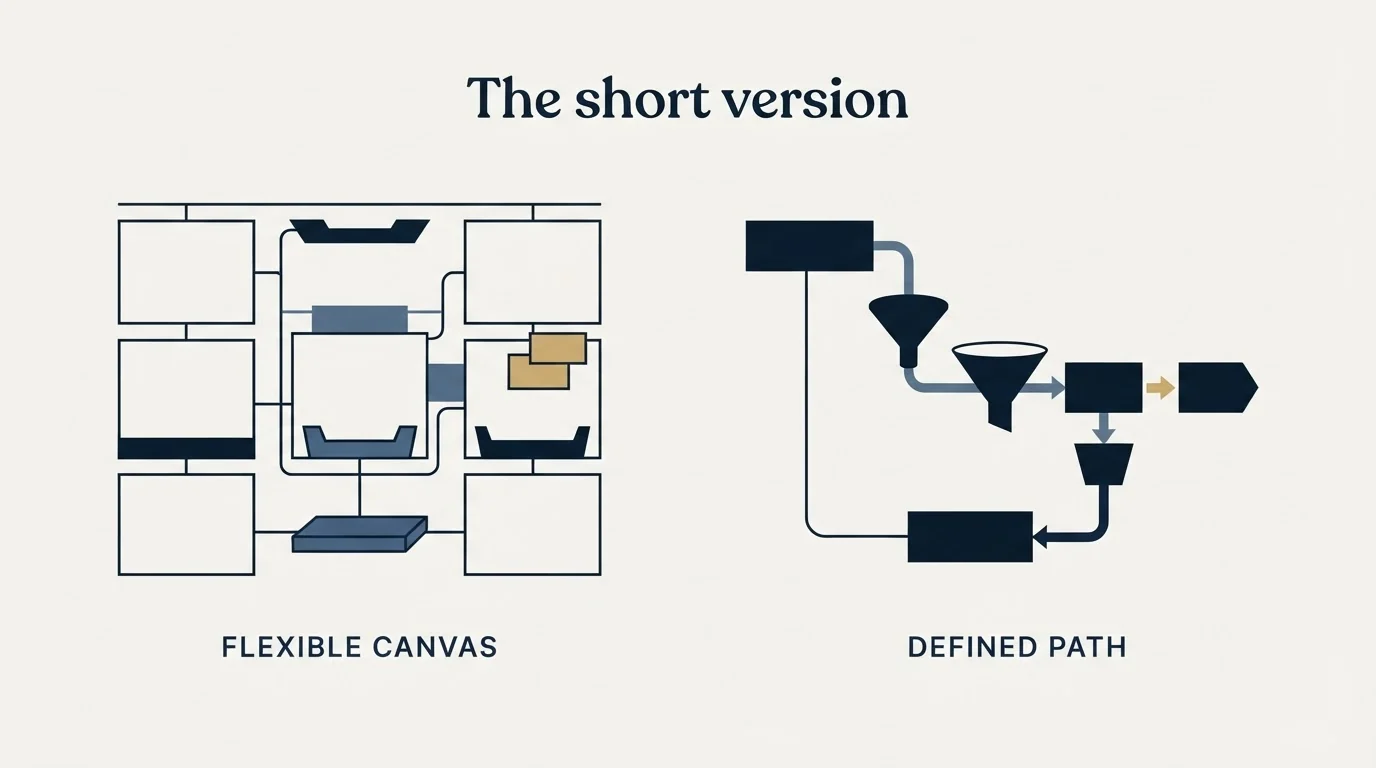
Airtable is a database that will become whatever CRM you design, at $20 per seat a month on Team or $45 on Business when billed annually, with a free plan underneath. Pipedrive is a CRM that has already decided what a deal is, from £14 a seat a month billed annually as its page renders to a United Kingdom visitor, in a currency chosen by your location. If you run both, a Marketplace sync app connects them, one-way or two-way.
Pick Airtable when one identifiable person owns the schema and your process has objects a deal-shaped CRM cannot hold. Pick Pipedrive when nobody owns the schema, because the constraint is the feature you are buying. And in either case, settle which system wins a field disagreement before you connect the second tool, since that decision is the one that gets expensive to change.
The tool argument is downstream of a supply question anyway. A pipeline that is thin is thin in any interface. See what a campaign built on your ICP would produce.
Pricing and features are taken from the vendors' own pages. Pipedrive localises currency by visitor location. Verify current terms with the vendor before relying on them.
Frequently asked questions.
Frequently asked questions- Can you integrate Airtable with Pipedrive?
- Yes, through sync apps on the Pipedrive Marketplace. Outfunnel's Airtable sync pushes Airtable contacts into Pipedrive and keeps fields updated, with the reverse direction and deal objects marked coming soon. Whalesync and Byteline Sync both describe two-way sync, and Byteline names contacts, deals, leads and organizations. Decide which system owns each field before connecting either kind.
- Is Airtable cheaper than Pipedrive?
- At the seat level they are close. Airtable's Team plan is $20 per seat a month billed annually and Business $45, while Pipedrive's page renders Lite at £14 and Growth at £39 per seat a month billed annually to a UK visitor. The larger cost with Airtable is the design and upkeep of the base, which no pricing page shows.
- Can Airtable be used as a CRM?
- Yes, and many teams build one in it, because Airtable ships no opinion about what a deal is. You define the fields, stages, views and automations. The trade is that activity history becomes a record someone has to create or automate, and the schema drifts unless one person owns it. The Free plan caps each base at 1,000 records.
- Should an outbound team choose Airtable or Pipedrive?
- Choose Pipedrive when nobody owns the data model, because its fixed deal object and activity history do the discipline for you. Choose Airtable when one person owns the schema and the outbound process needs objects a deal-shaped CRM cannot hold, such as research lists or excluded accounts. If you run both, pick a one-way or two-way sync deliberately.
About the author.

B2B cold email experts helping companies generate qualified leads through done-for-you outreach campaigns.
RevenueFlow Team
Explore more.
Ready to scale your outreach?
We build GTM engines that book real meetings. See the receipts.
Related articles.
Pipedrive Calling: Native Surfaces, Marketplace Dialers
Pipedrive's knowledge base says it has no built-in calling integration. What ships natively is a set of shortcuts to your phone, and the dialer is a second subscription.
Pipedrive Sequences: A 250-Item Cap and What the Tool Is For
Ten steps, 250 items and a per-sequence sending authorisation. Pipedrive's caps describe the audience the feature was designed for more clearly than its feature list.
Pipedrive and PandaDoc: The Two Plan Gates
PandaDoc places its Pipedrive integration on Business and Enterprise plans and requires each user to install it individually. Both facts precede any configuration.
Pipedrive Smart Docs: Your Documents Live in Your Drive
Smart Docs saves every document to the Google Drive, OneDrive or SharePoint account you connect. Template access, versions and backups all follow from that.
CRM Setup: The Objects, Stages and Write-Back Loop
A vendor neutral CRM setup for an outbound team: the object model, stage exit criteria, the required field set, ownership rules and the campaign write-back loop.
Sales Automation Software for Small Business: Four Buys
One search returns four unrelated products, and on at least one vendor's published plan list the automation is gated above the tier a small team buys.