Pipedrive Integrations: Which System Owns Each Field
Every Pipedrive integration failure that costs money comes from two systems writing one field with no rule about who wins. How to settle that first.
Plan a Pipedrive integration around field ownership rather than around apps. For each connected system, write down which objects it creates, which fields it writes, what it matches on, and which side wins a conflict. Email keys a person, domain keys a company, and company name keys nothing reliably.
Key takeaways
- Duplicates in Pipedrive come from records arriving without the matching field or carrying a different value in it, not from a missing setting.
- Pipedrive's own documentation meters API tokens, leads and deals, reports and automations as top-up resources, so a chatty sync is a budget decision.
- Pipedrive bills by seat rather than by active user, so an integration needing its own login needs its own seat.
- Test any new connection on twenty records spanning the awkward cases and read the resulting associations, because a summary count cannot show which record an update landed on.
Reviewed and updated September 1, 2026
Pipedrive ships an app marketplace and an open API, and both of them will happily connect anything to anything. The decision that actually matters is not which apps to install. It is which system owns each field, because every integration failure that costs a team real money traces back to two tools writing to the same record with no agreement about who wins.
That question has to be answered before the first connection is switched on, and it takes a whiteboard rather than a consultant.
Zapier and Pipedrive is the combination most teams reach for first, and it is the right answer only where no native app exists and the volume stays under your task plan.
The Outlook add-in is the Microsoft twin of the Gmail one, published in both the vendor's marketplace and Microsoft's, and it raises the same ownership question: decide whether the mail client or the CRM is the system of record for an email before installing either.
A project tool such as Asana is the fifth integration teams ask for, and it is the clearest case for deciding which system owns the field before connecting anything.
Mailchimp is the marketing-email case, and it is where the match key matters most because both systems think they own the contact.
In Pipedrive, lead versus deal is not a naming choice: they are different objects with different sync behaviour, and choosing which one an integration writes to is the first field-ownership decision.
Getting data out matters as much as getting it in. Pipedrive publishes import and export as one feature, and an export is the cheapest integration test available before anything is wired together.
Marketplace utilities such as a business card scanner are the same decision in miniature. The app writes contact fields, so decide which system owns those fields before installing it.
QuickBooks is the integration this question usually means, and the answer is yes: Pipedrive publishes a marketplace app for it, which makes the boundary question below the one that actually matters.
A marketing tool such as ActiveCampaign is the classic two-way sync: both systems want to own the contact record, and the two-way app in the marketplace does not decide that for you.
Pipedrive calls them marketplace apps rather than plugins or add-ons, and its plan documentation puts the marketplace of over 500 integrations on every plan, so the availability question is never the plan and always the app.
Sequencers such as Klenty sit on the outbound side of that line: they read contacts and write activity back, so the CRM stays the owner of the record and the sequencer owns only the sending state. Project tools such as ClickUp are the clearest case of the ownership question: the sync is two-way by default, so deciding which side owns status before you connect them is what stops a task board from overwriting a deal stage. An ERP such as Odoo makes the ownership question unavoidable, because both systems hold a company record and only one of them can be the source of truth for billing details. Meeting tools such as Zoom write back rather than read: the integration attaches the meeting link and the recording to the activity, so the CRM stays the owner of the timeline and the conferencing tool owns nothing about the deal. Where no first-party connector exists, as with Notion, the sync runs through a bridge vendor, and the bridge becomes a third system with its own opinion about which field wins. Booking tools such as Calendly are the common case: the app writes the meeting onto the deal, and the field worth agreeing in advance is which side owns the contact record the booking creates. Payment systems such as Stripe are the one case where the CRM should not be the owner: the invoice and the payment state live in the billing system, and what belongs on the deal is a reference to them rather than a copy.
Start from the record, not from the app list
Most integration projects start with a list of tools and end with a diagram nobody can read. Reverse it. Write down the three objects Pipedrive holds, decide what each connected system is allowed to do to them, and the app list falls out of that on its own.
Pipedrive's data model is small enough to hold in your head. An Organization is a company. A Person is a human, normally attached to an Organization. A Deal is a potential sale, attached to both. Activities, notes and files hang off those three. PandaDoc's integration guide describes its Pipedrive connection as working in exactly those objects, Organization, People and Deal, which is a fair description of where any integration lands.
For each system you are about to connect, answer four questions in writing:
- Which of those objects does it create?
- Which fields on those objects does it update?
- What does it match on when it decides an existing record is the same record?
- What happens when its value and Pipedrive's value disagree?
The fourth question is the one that gets skipped, and it is the only one that determines whether the integration improves your data or degrades it. A two-way sync with no rule about authority quietly overwrites in both directions, and the version that was true is gone.
- Step 1Name the objects
Which of Organization, Person and Deal this system creates rather than merely reads
- Step 2Name the fields
The specific properties it writes, not 'contact data'
- Step 3Name the match key
Email for a person, domain for a company, never company name alone
- Step 4Name the winner
Which side wins on a conflict, per field, written down before go-live
The match key is the whole integration
Every duplicate you will ever see in Pipedrive comes from a record arriving without the field the system needs to recognise it, or carrying a different value in that field than the record already sitting there.
Email is the strongest person-level key, because a mailbox belongs to one identity. Company domain is the strongest company-level key for the same reason. Company name is the weakest by a wide margin: legal entities and trading names differ, punctuation and suffixes differ, and a great many real businesses share a name with a larger one. A system handed a name will usually return a match, and nothing in the response tells you whether it matched the company you meant.
The same rules govern every CRM, which is why the worked example in our guide to Apollo and HubSpot deduplication transfers almost unchanged. The identity question underneath all of it is record matching, and it is worth reading before you design a write-back rather than after you have run one.
Two habits follow, and both are cheap. Normalise domains on your side before anything is pushed, deciding once whether you store the bare domain or the full URL, with or without a subdomain, and applying it everywhere. And block a push outright when the matching field is missing, rather than letting a record through to be created fresh.
The four integrations an outbound team actually needs
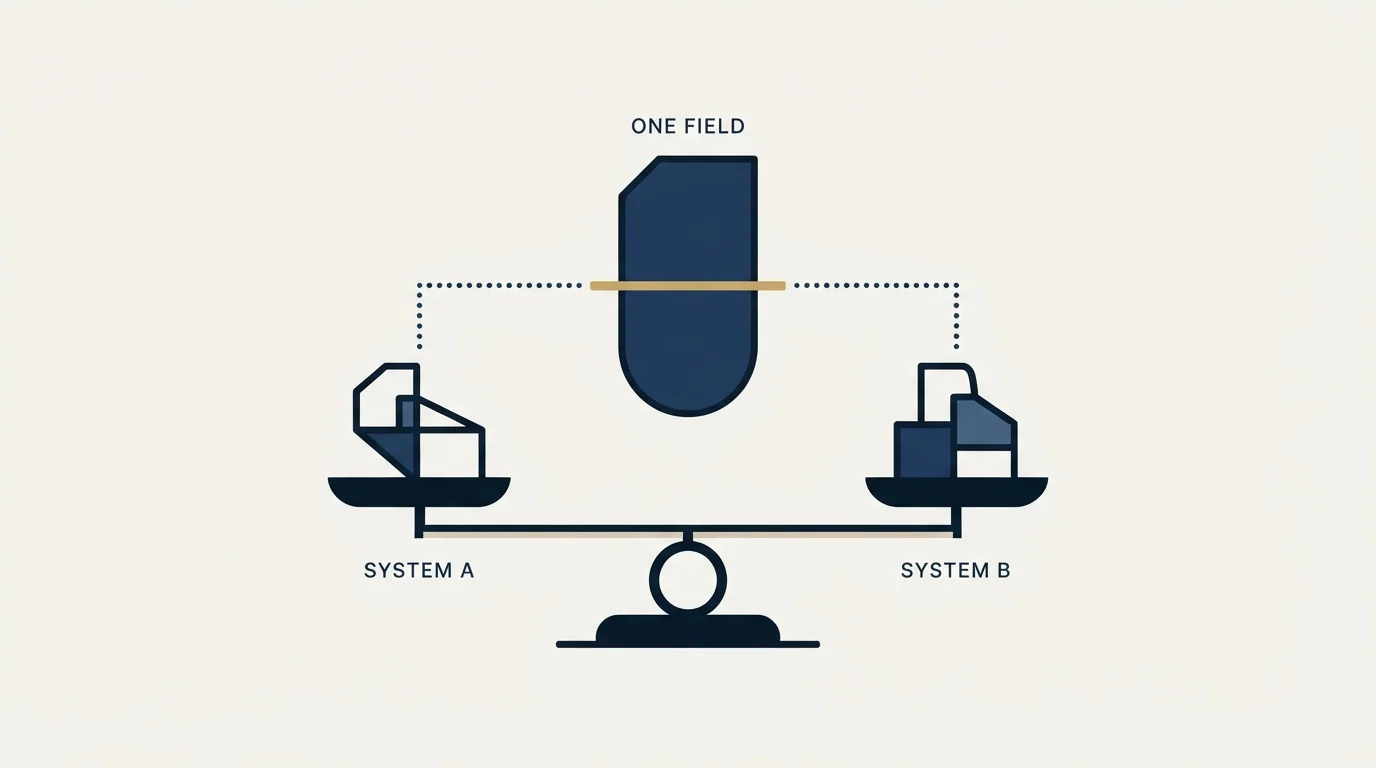
Pipedrive's marketplace is large. An outbound programme needs four categories from it, and the rest is optional.
A source of records. Whatever builds your list has to create Organizations and People without creating a second copy of accounts you already work. This is where the suppression question lives: your CRM knows which companies are already customers, already in an open deal, or already owned by a colleague, and the sourcing tool does not. The join has to happen before the send, not after the reply.
A sending system. Outbound mail belongs on separate sending domains from your corporate mail, which means the tool that sends is rarely the tool that stores. What the CRM needs back from it is the fact of contact and the reply, not a copy of every message. The wider reasoning for keeping the sending estate separate is in our cold email infrastructure guide.
Calendar and meeting capture. A booked meeting that exists only in a calendar is invisible to every pipeline report. This one usually works out of the box and usually gets checked last.
The back office. Quotes, documents, invoicing and accounting. This is the category where the ownership question is sharpest, and it is covered on its own below.
Everything else is a preference. Enrichment, dialers, conversation recording and reporting layers are all real purchases, and none of them is the reason a pipeline is empty.
Enrichment tools occupy a separate layer from field ownership entirely, and the Lusha and Pipedrive comparison explains why most teams run both rather than picking one.
Invoicing, and where the boundary sits
Invoicing is the clearest case of the ownership question, which is why it is worth working through even if you never raise an invoice from your CRM.
Pipedrive can raise an invoice from a deal and can connect to an accounting system to do it. The accounting system, meanwhile, is the system of record for money: it holds the ledger, it is what your accountant reconciles, and it is the one that has to be right at year end. So the sensible arrangement is that the CRM writes the invoice out and reads its status back, rather than holding the ledger itself. Decide which side owns the number before you connect them, and the rest of the configuration is mechanical.
The same logic governs documents and quotes. A proposal tool generates the document and owns its content and its signature trail; the CRM owns the deal and wants to know the document's status. Two-way sync between them is useful precisely because the two halves are different: the document tool sends line items and status back, and the CRM sends the deal, organisation and person data forward.
Get that boundary wrong in the other direction, with the CRM as the invoicing ledger of record, and you have built a second accounting system that nobody audits.
- Invoice totals live on the deal record
- Reporting looks unified on day one
- Two systems now disagree about revenue
- Nobody reconciles the CRM's version
- The error surfaces at year end
- The invoice is raised from the deal and written out
- Status comes back so sales can see it
- One system is authoritative for money
- Reporting joins on an id rather than a copy
- An audit has one place to look
Native app, Zapier, or the API
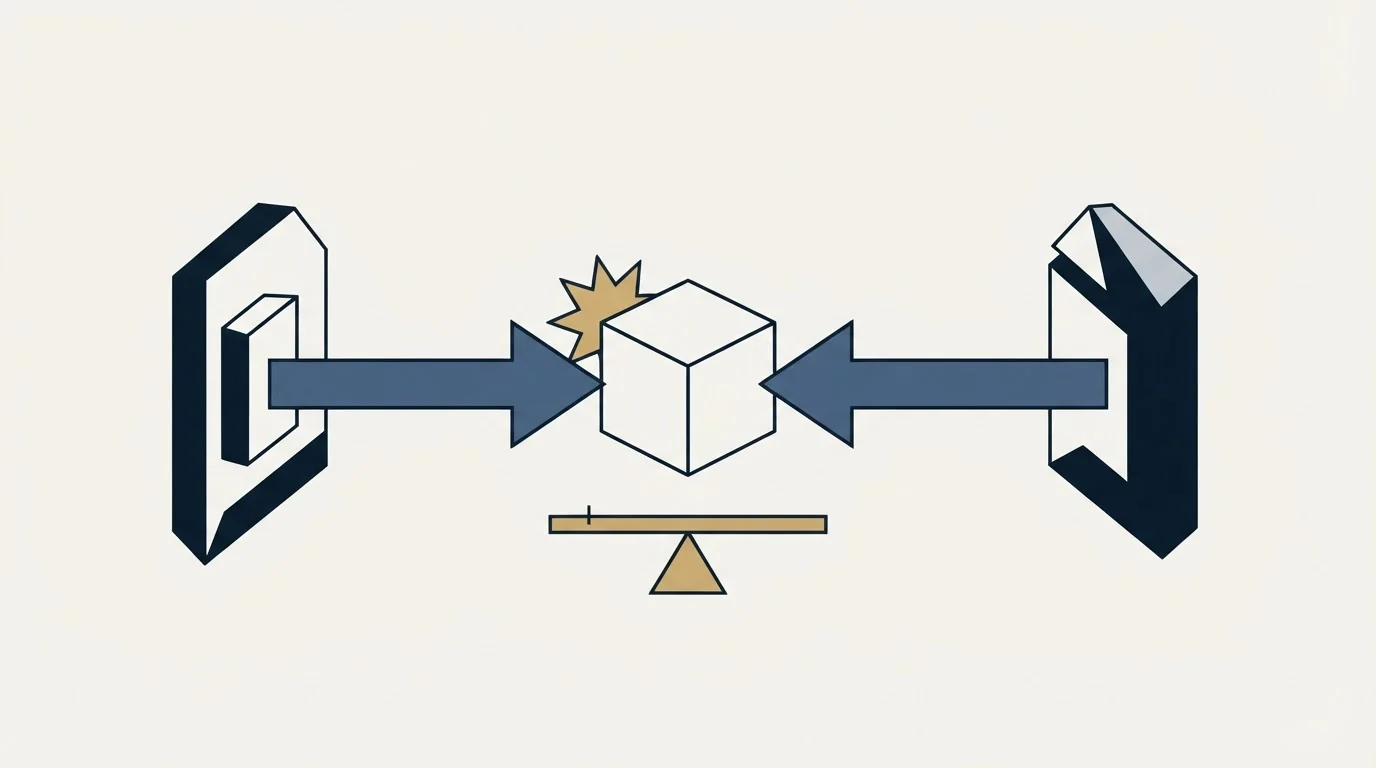
Three ways to connect something, and the choice is usually made by habit rather than by fit.
A marketplace app is built by the vendor, maintained by the vendor, and does what its listing says. Prefer it when it exists and covers your case, because you are not the one who has to fix it when an endpoint changes. Check one thing before you install: whether the app is installed per user or per company. PandaDoc's help centre states that each user in PandaDoc must install its Pipedrive integration individually, which is the kind of detail that turns a five-minute setup into a rollout.
A general automation platform is right for one-directional, low-volume, shape-shifting work: post this to a channel, add a row to that sheet, create a task when a field changes. It is the wrong tool for a high-volume two-way sync, because you are now maintaining conflict resolution inside a product that was not designed to hold it.
The API is right when the logic is yours and nobody else's: a matching rule specific to your market, a suppression check against your own tables, a field your business defines. Pipedrive publishes developer documentation and meters API tokens as a plan resource, which is worth knowing before you design something chatty. If you are building against several tools at once, our roundup of APIs for client acquisition covers the wider set.
The failure mode worth naming: a team builds a custom integration to work around a limitation in a marketplace app, then keeps both running. Now two connections write the same fields and the conflict rule lives in nobody's head.
Usage limits are part of the integration design
Pipedrive's own billing documentation lists top-ups for API tokens, leads and deals, reports and automations, which tells you these are metered resources rather than unlimited ones. Its support pages state that top-ups follow the plan's billing cycle and that several of them are available only from a given plan upward.
The practical consequence is that a chatty integration is a budget decision as well as an engineering one. A sync that polls every record every hour and a sync that responds to a webhook when something changes do the same job and consume very different amounts of a metered resource. Build the second one.
The related constraint is seats. Pipedrive's support documentation is explicit that a subscription is calculated by the number of seats rather than active users, and that you are charged for a seat whether or not it is assigned to somebody. Integration service accounts are worth checking against that: a connection that needs its own login needs its own seat.
- Yes: Every Person pushed carries an email address, and pushes are blocked when it is missing
- Yes: Every Organization pushed carries a domain, normalised to the shape Pipedrive already holds
- Yes: Which system wins on a field conflict is written down, per field
- Yes: Existing customers and open deals are excluded by a join against the CRM, not by memory
- Yes: The connection is tested on twenty records and read record by record, not by a summary count
- Yes: You know whether each app installs per user or per company
- No: Two connections write the same field because one was built to work around the other
- Depends: A dedicated seat is budgeted for any integration that needs its own login
Test it on twenty records

The cheapest way to find out what your specific configuration does is to run it small, and the point of the test is not whether records arrive.
Pick twenty spanning the awkward cases: one already in Pipedrive under a matching email, one already there under a different email, one at an organisation held under a different domain, one with no email at all, and one at an organisation with no domain on file. Push those twenty with the real configuration you intend to enable, then read the results record by record and open the resulting Organizations to see which People attached where.
A summary count cannot tell you which record an update landed on. Whatever happens to those five awkward cases is what will happen to a few thousand of them at full volume, and finding out at twenty costs an hour.
Where we sit
RevenueFlow runs Email Bison and in-house tooling for sending, and HeyReach for LinkedIn. We do not sell Pipedrive, resell it, or take a fee for connecting it, and the account above is a documentation-grounded read of how the pieces fit rather than a walkthrough of a stack we operate for ourselves.
The half we do run is the one that fills the pipeline the integrations then move around. Our campaigns send one message per prospect with nothing scheduled behind it, and the CRM's job in that motion is narrow and important: it is where the suppression check happens before anyone is contacted. If you would rather see that half working on your own market before you rebuild anything, we will build the first campaign.
If you are still choosing the CRM rather than wiring it, Pipedrive against Salesforce and HubSpot CRM against Pipedrive are the two comparisons that come up most, and the alternatives roundup covers the wider field.
Pipedrive seat, add-on and top-up behaviour is per Pipedrive's own knowledge base, fetched 15 August 2026. The PandaDoc integration's per-user installation requirement and object coverage are per PandaDoc's help centre, same date. Verify current terms with both vendors before relying on them.
Frequently asked questions.
Frequently asked questions- What should a Pipedrive integration match on?
- Email for a person and company domain for an organisation. Both belong to one identity, so a match on either is unambiguous. Company name is the weakest key available: trading names, legal entities, punctuation and suffixes all differ, and many real businesses share a name with a larger one. A system handed a name will usually return a match without telling you it guessed.
- Should invoicing live in Pipedrive or in the accounting system?
- The accounting system stays the record for money, because it holds the ledger your accountant reconciles. Pipedrive can raise an invoice from a deal and read its status back, which gives sales visibility without creating a second set of revenue figures. Deciding that boundary before you connect the two is what stops the systems disagreeing at year end.
- Is a marketplace app better than building against the API?
- Prefer the marketplace app when one exists and covers your case, because the vendor maintains it when an endpoint changes. Build against the API when the logic is specific to your business, such as a suppression check against your own tables. The mistake is running both at once, which leaves two connections writing the same field with the conflict rule in nobody's head.
- How many records should a test push cover?
- Twenty is enough, chosen for awkwardness rather than volume: one already present under a matching email, one present under a different email, one at an organisation held under a different domain, one with no email, and one at an organisation with no domain. Read them individually and open the resulting organisations to check which people attached where.
About the author.

B2B cold email experts helping companies generate qualified leads through done-for-you outreach campaigns.
RevenueFlow Team
Explore more.
Ready to scale your outreach?
We build GTM engines that book real meetings. See the receipts.
Related articles.
Pipedrive Calling: Native Surfaces, Marketplace Dialers
Pipedrive's knowledge base says it has no built-in calling integration. What ships natively is a set of shortcuts to your phone, and the dialer is a second subscription.
Pipedrive and PandaDoc: The Two Plan Gates
PandaDoc places its Pipedrive integration on Business and Enterprise plans and requires each user to install it individually. Both facts precede any configuration.
The Attio API: Two Rate Limits, Only One Behaves
Attio caps its API at 100 reads and 25 writes per second, then prices list queries by complexity score. That second limit grows as your workspace does.
HubSpot and Zapier: The Search Step That Decides Duplicates
Zapier's HubSpot app has one action that matches on email address and a search family that does the rest. Which you pick decides your duplicate rate.
Pipedrive Sequences: A 250-Item Cap and What the Tool Is For
Ten steps, 250 items and a per-sequence sending authorisation. Pipedrive's caps describe the audience the feature was designed for more clearly than its feature list.
Pipedrive Smart Docs: Your Documents Live in Your Drive
Smart Docs saves every document to the Google Drive, OneDrive or SharePoint account you connect. Template access, versions and backups all follow from that.