The Attio API: Two Rate Limits, Only One Behaves
Attio caps its API at 100 reads and 25 writes per second, then prices list queries by complexity score. That second limit grows as your workspace does.
Attio's REST API allows 100 requests per second for reads and 25 for writes across the whole API. Its List records and List entries endpoints add a score-based limit, where complexity is a function of sorts, filters and total record count, summed across all tokens in a sliding ten-second window.
Key takeaways
- Attio documents whole-API rate limits of 100 requests per second for reads and 25 per second for writes.
- List records and List entries carry score-based limits summed across all apps and access tokens in a sliding ten-second window, so a query gets more expensive as the workspace grows.
- A per-query score limit cannot be fixed by retrying, unlike a windowed limit, and both arrive as HTTP 429.
- Webhook subscriptions must be unique on target URL, event type and filter, rejected with a 409 uniqueness_conflict, because duplicates would deliver every event twice.
Reviewed and updated September 1, 2026
Attio's API has two rate limits, and only one of them behaves the way an integration developer expects. The documented ceiling across the whole API is 100 requests per second for reads and 25 per second for writes, which is generous and easy to design against. The second limit is not a request count at all.
Deciding whether Attio's plan tier even fits your team is a separate question from its rate limits, and the plan and permission ceilings that decide fit breakdown settles it.
Attio's List records and List entries endpoints also apply score-based rate limits. Each request receives a complexity score, and Attio documents that score as a function of the request's sorts and filters together with the total record or entry count for the object or list. Scores are summed across all apps and access tokens using the API, inside a sliding ten-second window.
Read that twice, because two consequences follow that no request-count budget will catch. The same query gets more expensive as your workspace grows, without you changing a line of code. And your integration shares a score budget with every other integration on the workspace, including ones built by other teams and vendors you have connected.
A no-code connector such as Zapier calls these same endpoints on your behalf, so the two limit systems below are the ceiling on an automation you clicked together exactly as they are on one you wrote.
The two limit systems need different handling
A request-rate limit is a speed cap. Attio returns 429 with a Retry-After header, which it documents as a date at which the limit resets, usually the following second. Nothing was processed, so the request can safely be retried after the reset. A sleep or a background queue handles it.
A score limit can be hit in two distinct ways, and Attio names both. An individual query's score may exceed the per-query limit, in which case retrying identically will fail identically forever and the fix is to reduce the complexity of the query. Or the summed scores across several queries may exceed the windowed limit, in which case waiting genuinely does help.
That asymmetry is the trap. A generic HTTP client treats every non-2xx as transient, sleeps, and retries. That is correct for the request-rate limit and for the windowed score limit, and it is an infinite loop for the per-query score limit. The distinction is in the response, and code that does not read it will spin.
- Step 1Send the request
100 requests per second for reads, 25 per second for writes, across the whole API
- Step 2Read the 429 carefully
A rate-limit 429 and a score-limit 429 arrive with the same status code and need different responses
- Step 3Wait on the windowed limits
Honour Retry-After, which Attio documents as a date rather than a duration
- Step 4Simplify on a per-query score limit
Reduce sorts, filters or page size, because an identical retry cannot succeed
- Step 5Record which happened
A throttle and an empty result look identical in your output unless you distinguish them
That last step is the one people skip and it has a specific cost. A throttled request that returns nothing looks identical in your output to a query that genuinely matched no records. If you do not record which occurred, your own reporting about the workspace is understated by however much you were throttled, and you will draw the wrong conclusion from it later. The same failure mode in the enrichment context, where it costs money as well as accuracy, is covered in the Apollo.io API guide, which works through one provider's limits and error semantics in detail.
What you can automate
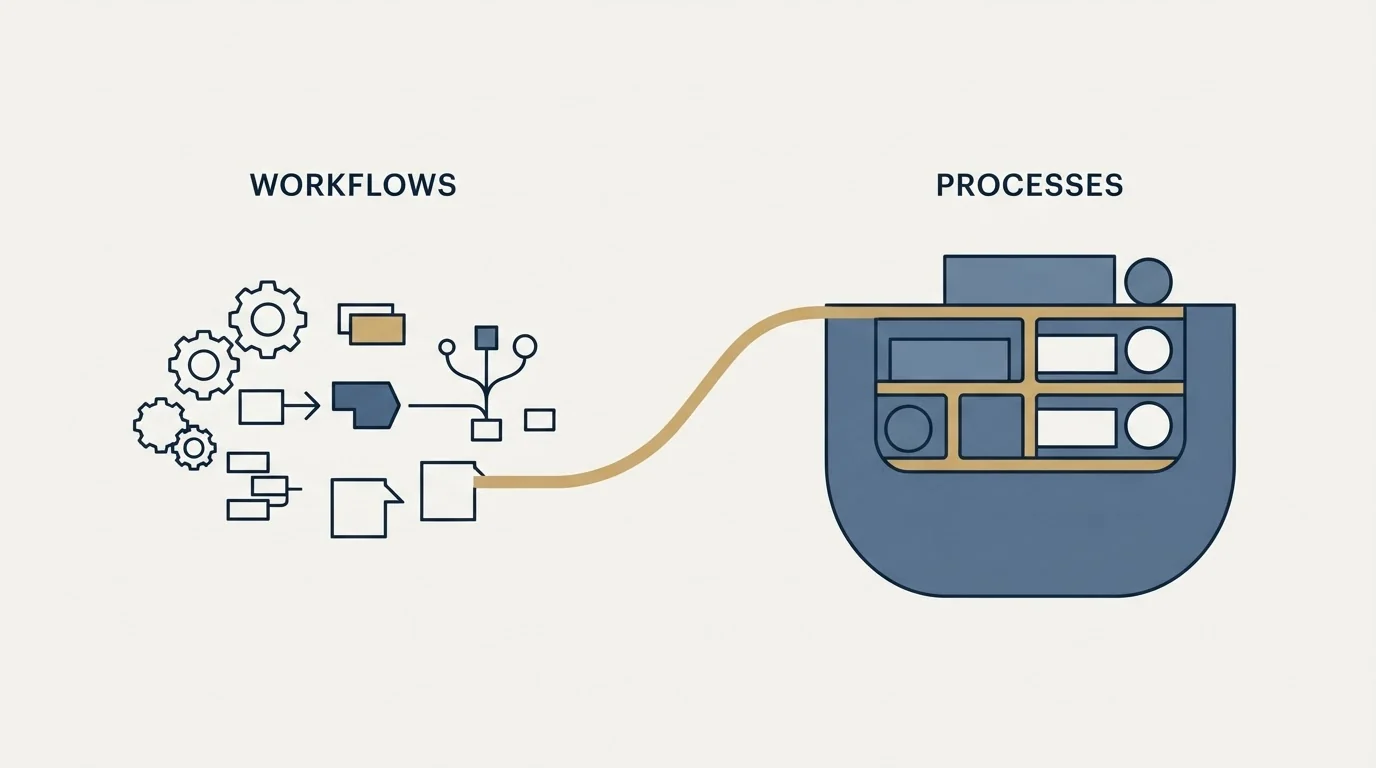
Attio's REST API exchanges JSON over HTTPS and exposes the workspace surface: objects and their attributes, records, lists and entries, notes, tasks, comments and threads, plus workspace members and webhooks. Its own overview points to guides on authentication, rate limits, webhooks, filtering and sorting, and pagination, and an OpenAPI specification is published.
Two authentication routes exist and the choice is structural rather than a preference. Attio implements standard OAuth 2.0, which is what you want when building an app for multiple workspaces. A workspace API key, generated in the developer settings page, makes requests on behalf of that one workspace only, which is what you want for an internal integration. Both are passed as a bearer token in the Authorization header, and Attio notes it also supports HTTP Basic authentication with the token as the username and an empty password, while recommending bearer.
Scopes apply to both token types and are the same set for each. For an OAuth token they are configured on the app in the developer console; for a single-workspace token they are set in the UI when the token is generated. Attio's reference documentation lists the required scopes per endpoint, which makes least-privilege genuinely achievable rather than aspirational. Generate the token with the scopes the integration needs and no others, and you get a meaningful blast radius rather than a workspace-wide key sitting in an environment variable.
Webhooks, and the uniqueness rule that saves you
For anything that has to react to change rather than poll for it, webhooks are the route, and Attio's implementation carries one design decision worth understanding before you build.
Within a workspace, each webhook subscription must have a unique combination of target URL, event type and filter. Attio checks for duplicates whenever a webhook is created or updated, against your other webhooks and against repetitions inside the same request, and it re-checks against subscriptions already registered at a new URL if you change one. A duplicate is rejected with a 409 carrying a uniqueness_conflict code.
Its stated reason is the useful part: a duplicate subscription would deliver duplicate copies of every matching event and could exhaust the delivery rate limit. So the constraint is not bureaucratic. It is the platform refusing to let you accidentally double your own event volume, which is a failure that would otherwise present as mysterious duplicate processing in your own system.
One subtlety in how uniqueness is judged: when comparing filters, key order and the order of operations are ignored, and a null filter is treated as identical to an empty $and filter, since both match every event. Two subscriptions you consider different because you wrote their filters differently may be the same subscription as far as Attio is concerned.
Every webhook request is signed. Attio computes a SHA256 HMAC of the request body using your webhook secret and sends it as an Attio-Signature header, duplicated as X-Attio-Signature for legacy middleware, encoded as a hexadecimal string, signing the body only. Verify it by constructing the same signature on your side and comparing. The secret is visible in the developer settings page and in the API response when the webhook is created.
- Yes: Score-limit responses and request-rate responses take different code paths
- Yes: Retry-After is parsed as a date, which is how Attio documents it
- Yes: List queries are written with the sorts and filters they need and no more, since complexity is priced
- Yes: Throttles are distinguishable from genuine empty results in your own output
- Yes: Token scopes match what the integration does, granted per endpoint requirement
- Yes: Webhook signatures verified against the Attio-Signature HMAC before the payload is trusted
- No: A generic backoff wrapper treats every non-2xx the same way
- Depends: Polling list endpoints on a schedule where a webhook would do
Design the query, not just the retry

Because complexity is priced, the shape of a list query is a cost decision rather than a style preference, and three habits follow directly from how Attio documents the score.
Filter to what you need and sort only when you use the order. Both feed the score. A sort added because it made a result readable during development is a permanent surcharge on every call in production, and nothing in your own logs will attribute the throttling to it.
Page deliberately. Attio publishes a pagination guide alongside the filtering and sorting one, and the two interact: a smaller page fetched more often and a larger page fetched less often consume the request-rate budget and the score budget differently. Which one binds first depends on your workspace size, which is the thing that changes underneath you.
Prefer a webhook to a poll wherever the event exists. Polling a list endpoint on a schedule pays the score every cycle regardless of whether anything changed. A webhook pays nothing until something does, and the events are already there.
The habit that ties the three together is measuring your own consumption rather than inferring it. Log the score-limit responses separately from the request-rate ones from day one, because the two curves diverge as the workspace grows, and by the time throttling is visible in your integration's behaviour the interesting question is which limit moved.
What you cannot automate away
The API moves data. It does not decide what the data should be, and three questions sit outside it entirely.
Which system owns each field. A two-way sync with no written rule about authority overwrites in both directions, and the version that was true is gone. Decide it per field before you build, and the worked example of what happens when two systems disagree about which record is which is in our guide to Apollo and HubSpot deduplication.
What counts as the same record. Every integration matches on something. Email is the strongest person-level key because a mailbox belongs to one identity, and company domain is the strongest company-level key for the same reason. Company name is the weakest by a wide margin, and a system handed a name will usually return a match without telling you it guessed. The identity question in full is record matching.
Whether the data was worth syncing. An API can move a stale record faster than a human can. Contact data decays because people change jobs, and the correction is usually re-verification of what you hold rather than a fresh enrichment call on everything, which is the subject of data decay.
This breakdown of Pipedrive's backup practices shows that the vendor's own snapshots are no substitute for the manual exports you must run yourself.
The general shape of what a modern acquisition stack connects together, if you are building against several tools at once rather than one, is in our roundup of APIs for client acquisition, and the Smartlead API guide covers the same questions on the sending side of the stack.
Where we sit

RevenueFlow does not run Attio, resell it, or take a fee for integrating it. We run Email Bison and in-house tooling for sending and HeyReach for LinkedIn, so this is a documentation-grounded read of a published API rather than a report from a system we operate.
Worth saying plainly what an API integration does and does not change. It removes the manual step between two systems, which is real. It does not add a single conversation to the pipeline those systems are recording, and the most common reason a team is deep in integration work is that the pipeline is thin and the tooling is the tractable-looking problem. If the constraint is qualified conversations rather than data movement, we will build the first campaign on your market and you can judge it on output.
Rate limits, score-based limits and the sliding ten-second window, authentication routes and scope behaviour, and webhook uniqueness, delivery and signature verification are per Attio's own developer documentation, fetched 15 August 2026. Verify current behaviour with the vendor before relying on it.
Frequently asked questions.
Frequently asked questions- What are Attio's API rate limits?
- Attio documents 100 requests per second for read requests and 25 per second for write requests across the whole API, and notes it may reduce limits during incident response or permanently for data-heavy endpoints. Rate-limited responses return HTTP 429 with a Retry-After header, which Attio documents as a date at which the limit resets, usually the following second.
- Why does my Attio list query get rate limited when I am under the request cap?
- Because List records and List entries use score-based limits as well. Each request gets a complexity score derived from its sorts and filters and the total record count for the object or list, and scores are summed across every app and token on the workspace in a ten-second sliding window. A growing workspace raises the cost of an unchanged query.
- How do you authenticate against the Attio API?
- Two routes. OAuth 2.0 is the right choice for an app serving multiple workspaces. A workspace API key, generated in developer settings, acts on one workspace only and suits an internal integration. Both are passed as a bearer token; Attio also supports HTTP Basic with the token as username but recommends bearer. Scopes apply to both and are listed per endpoint.
- How do you verify an Attio webhook is genuine?
- Attio signs every webhook request with a SHA256 HMAC of the request body, using your webhook secret, sent as an Attio-Signature header and duplicated as X-Attio-Signature for legacy middleware. It is a hexadecimal string and only the body is signed. Construct the same signature on your side and compare before trusting the payload.
About the author.

B2B cold email experts helping companies generate qualified leads through done-for-you outreach campaigns.
RevenueFlow Team
Explore more.
Ready to scale your outreach?
We build GTM engines that book real meetings. See the receipts.
Related articles.
Calendly API: What You Can Automate and What You Cannot
Read access runs on any plan, webhooks need a paid one, and programmatic deletion is Enterprise-only. The scope decision that quietly breaks integrations, first.
HubSpot and Zapier: The Search Step That Decides Duplicates
Zapier's HubSpot app has one action that matches on email address and a search family that does the rest. Which you pick decides your duplicate rate.
Pipedrive Calling: Native Surfaces, Marketplace Dialers
Pipedrive's knowledge base says it has no built-in calling integration. What ships natively is a set of shortcuts to your phone, and the dialer is a second subscription.
Pipedrive and PandaDoc: The Two Plan Gates
PandaDoc places its Pipedrive integration on Business and Enterprise plans and requires each user to install it individually. Both facts precede any configuration.
Salesloft API: Rate Limits, Auth and What to Cache
The Salesloft rate limit is a shared team budget of 600 cost per minute, and deep pages cost thirty times an ordinary call. What that changes about caching.
Pipedrive Backup: What the Vendor Keeps and What You Export
Pipedrive runs nightly encrypted backups of every customer database, and none of them is a restore button. What the export tool covers, and what it leaves behind.