Salesloft API: Rate Limits, Auth and What to Cache
The Salesloft rate limit is a shared team budget of 600 cost per minute, and deep pages cost thirty times an ordinary call. What that changes about caching.
The Salesloft API enforces a cost-based rate limit of 600 per minute that applies to the whole team rather than to your integration, so other apps spend the same budget. Requests above page index 100 cost up to 30 points each, which makes a cursor poll on updated_at cheaper than walking pages.
Key takeaways
- The rate limit is 600 cost per minute and applies at team level, so another integration on the same account can exhaust the budget your sync needs.
- Requests carrying a page index above 500 cost 30 points against a default endpoint cost of 1, so twenty deep pages consume an entire minute.
- Access tokens expire in 7200 seconds and every refresh revokes all previous refresh tokens, so a client that keeps its original token fails permanently after the first refresh.
- An invalid filter name is ignored rather than rejected, so a typo returns the unfiltered collection with a 200 and the applied filters visible only in the response metadata.
Reviewed and updated August 28, 2026
The Salesloft API's rate limit is 600 cost per minute, and it does not belong to your integration. It belongs to the team. Salesloft's own documentation states that the limit applies at team level rather than integration level, and that it is possible for another integration to affect your rate limit because limits are shared across the entire team. So the budget your sync is spending is the same budget the CRM connector, the dialer and the conversation-intelligence tool are spending, and none of them can see each other.
That single design decision drives most of what follows. It changes what you should cache, how you should paginate, and how you should behave when somebody else's integration is having a bad afternoon.
Everything below comes from developers.salesloft.com as it rendered on 16 August 2026. Salesloft's developer documentation is served as plain HTML, so every figure here can be read out of the stored page rather than inferred from a summary.
The Salesloft Marketplace is the vendor's directory of prebuilt integrations, and it is worth reading before any API work: if the connector you need is listed there, the API is the harder path to the same result.
Live Website Tracking is worth naming here because it is the one resource that generates its own inbound volume: the platform appends a tracking parameter to links in sent mail, and the API exposes those parameters as their own resource, so an integration that treats them like any other record will page through something that grows with send volume rather than with contact count.
The three ways in, and which one you are allowed to use
Salesloft splits authentication by who you are, and the split is stricter than most platforms.
- The preferred method for partners
- Applications submitted using API keys will not be approved
- End user approves the app and is returned a code
- Access token and refresh token issued from accounts.salesloft.com
- Server to server, no end-user authentication step
- Enabled by an admin for private application use only
- Assumes the permissions of the admin who created it
- Cannot be allowlisted
- Exclusively for customers, not for current or future partners
- Acts on behalf of the issuing user
- Format is ak_ followed by 64 hexadecimal characters
- Cannot be saved without selecting at least one scope
The client-credentials note is the one that catches teams building an internal sync. That flow assumes the permissions of the admin who created the application, which means the integration sees whatever that person sees. If the admin is a system owner with full visibility, so is the job, forever, including after that person changes roles. Deciding whose account owns a background integration is a governance question dressed up as a setup step.
Two token details are worth writing into the client before you need them. The token response carries expires_in at 7200 seconds, so an access token lasts two hours. And on refresh, Salesloft documents that all old refresh tokens are revoked, so the new refresh_token in the response must be stored. A client that refreshes correctly but keeps its original refresh token works perfectly until the first refresh and then fails permanently, which is a difficult failure to read from the outside.
The rate limit is a cost budget, not a request count
Salesloft does not count requests. Each endpoint carries a default cost of 1, that cost can be changed dynamically, and Salesloft states it can change the cost of an existing endpoint at any time. The current limit is 600 cost per minute, adjustable by Salesloft on a customer-wide or per-team basis.
The interesting part is the surcharge on deep pagination. Requests carrying a page parameter above index 100 cost dramatically more.
Shared across the whole team, not per integration
Against a default endpoint cost of 1
Ten ordinary calls for one deep page
Twenty deep pages exhaust the whole minute
Read the last row against the first. At 30 points a request, twenty calls consume the entire team's minute. A backfill that walks a large collection page by page is therefore not merely slow, it is an outage for every other integration on the account while it runs. Salesloft names the alternative in its own documentation: most customers find success using a cursor poller based on the updated_at field.
Two response headers make the budget observable. Every response carries x-ratelimit-endpoint-cost, the cost of the request that was just executed, and x-ratelimit-remaining-minute, the remaining available requests for that minute. A client that reads the second header and slows down when it drops is a good citizen on a shared budget. A client that only reacts to an error has already taken the budget from somebody else.
What to cache, and what to poll

The cost model answers the caching question for you. Enumeration is expensive at depth and cheap at the head, so the shape that works is to enumerate once, store what you got, and then never enumerate again.
- Step 1Backfill once, shallow
Walk the collection in the cheap page range, storing every record with its updated_at value. Accept that this takes several minutes.
- Step 2Store the high-water mark
Keep the most recent updated_at you have seen. That timestamp, not a page number, is your cursor.
- Step 3Poll on updated_at
Every subsequent run asks only for records changed since the cursor, which stays in the cheap page range because the result set is small.
- Step 4Watch the remaining-minute header
Back off on x-ratelimit-remaining-minute rather than waiting for a rejection, because the budget is shared with integrations you do not control.
What deserves to live in your own store is the slow-changing reference data: people, accounts, team membership, and the definitions of whatever Salesloft objects you read. What does not deserve caching is anything you will act on immediately, because a cached copy of a decision is a stale decision.
The same boundary applies to any platform sitting between a list and a mailbox, and the general version of it sits in CRM integration patterns for outbound teams.
Paging and filtering, including the quiet one
Paging is conventional and documented per endpoint. per_page generally defaults to 25 and sits in the inclusive range 1 to 100. page starts at 1 rather than 0 and has no maximum, which is exactly why the surcharge exists. Response metadata returns per_page, current_page, next_page, prev_page, total_pages and total_count, and if you send values outside the allowed range they are corrected to defaults and reported back in that metadata rather than rejected.
The quiet one is in filtering. Salesloft documents that invalid filter names will be ignored, because they are not valid query parameters. Invalid filter values can return a 422 with a descriptive errors object, but an invalid filter name simply disappears. A typo in a filter name does not fail. It returns the unfiltered collection, with a 200, and the metadata will show you the filters that were actually applied if you read it.
That is the failure mode worth building a test around: a job that thinks it is syncing one segment and is quietly syncing everything. The metadata block is the check, and it is free, because Salesloft returns the filter name and value it applied in every list response.
Partial matching, where an endpoint supports it, needs at least three leading characters and takes an object form: ?industry[_starts_with]=Health. Sorting uses sort_by and sort_direction with ASC and DESC, and nulls sort first ascending and last descending, which matters when you page through a field that is often empty.
Scopes, and the principle nobody applies until an audit
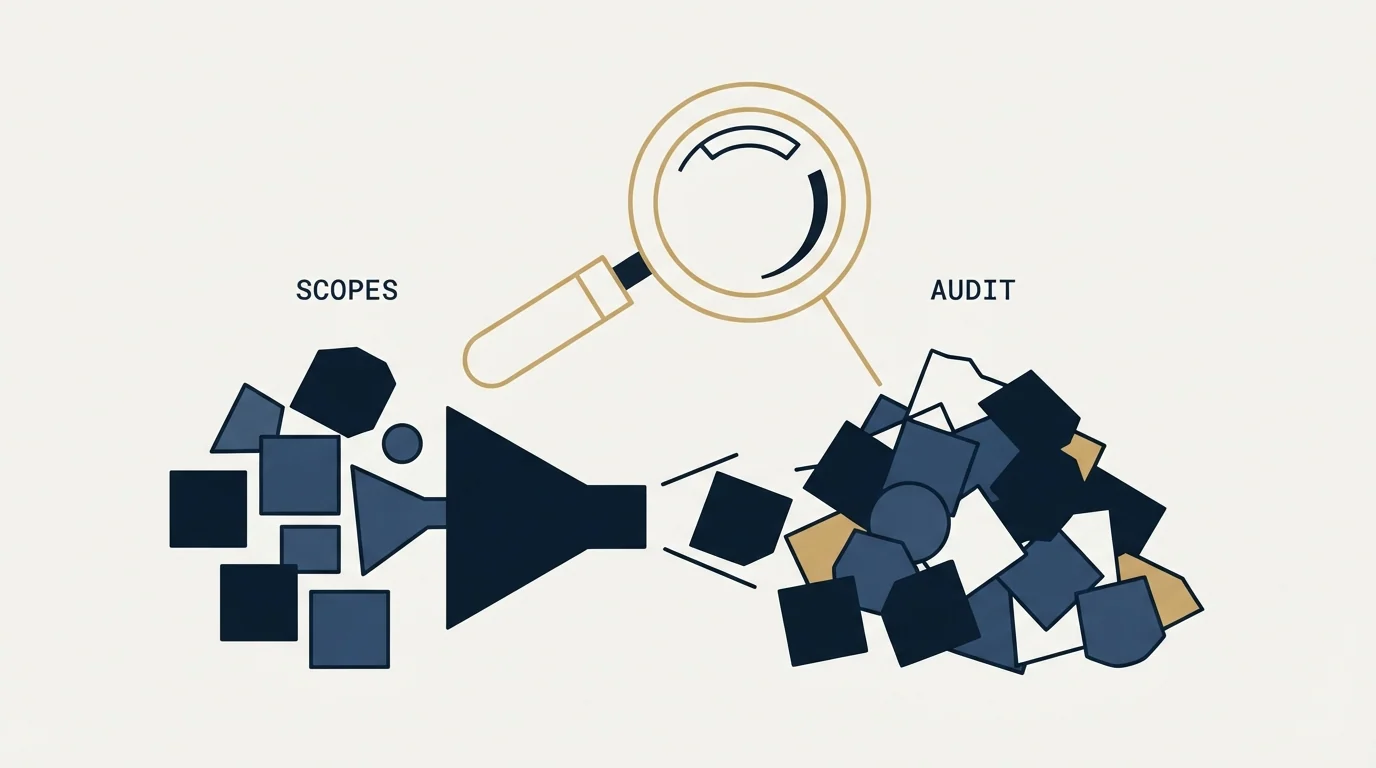
Scopes are per-permission and requested at app creation. Salesloft names the commonly used ones directly: people:read, accounts:read, activities:read, cadences:read, calls:read, emails:read, crm:read and team:read. Frontend integrations that render inside the Salesloft UI need person:read and account:read as their core scopes. A separate class of privileged scopes covers sensitive data.
Salesloft's own guidance is to adhere to the principle of least privilege and request only the necessary permissions, and the API key screen enforces a weak version of it by refusing to save a key with no scopes selected. The stronger version is a habit rather than a control: one integration, one key, the narrowest scope set that works, and a name on the key that says what it does. Keys take the form ak_ plus 64 hexadecimal characters and function like logins, which is Salesloft's own framing, so they belong in environment variables or a key management service rather than in application code.
Where a sales engagement API fits, and where it does not
An API is a good reason to buy a platform and a poor reason to keep one. What the Salesloft API is genuinely good for is getting activity and outcome data out of the platform and into a store you control, so that reporting does not depend on a vendor's dashboard and a contract change does not take your history with it.
ContactOut vs Salesloft: Cross-Category Comparison explains why teams often pair a contact enrichment tool with Salesloft rather than choosing between them.
What it will not do is change the shape of the motion underneath it. A sales engagement platform is priced and designed per seat, because the seat is the unit of the product, and the pricing page publishes no figure at all to compare against, which we cover in the sales engagement platform buyer's guide. Cold outbound at volume needs the opposite ratio: many sending mailboxes and very few humans, constrained by the provider sending limits that no API removes.
There is a house position worth stating here, because the API makes the alternative easy to build. A cadence exists to send a prospect several messages over several weeks, and every message after the first reaches only people who saw the previous one and chose not to answer.
One message per campaign is how RevenueFlow runs outbound, with no thread replies and no bumps, and a non-responding audience becomes a new campaign with a genuinely different premise. The API will happily automate either approach, which is the point: the default is whatever nobody decided against. The wider argument sits in email sequence software, and if you are comparing developer surfaces across the category, the Smartlead API guide and the Instantly API guide cover two more of them.
The short version
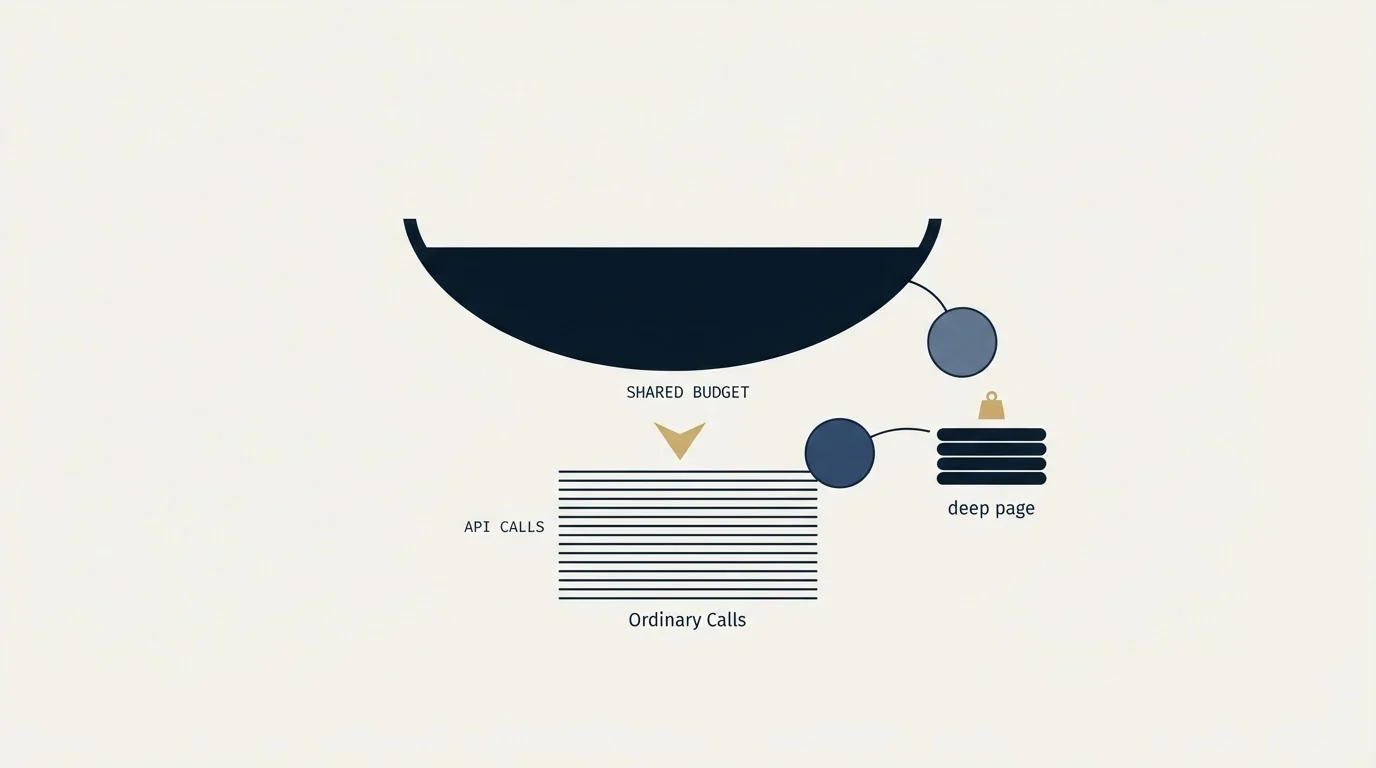
The Salesloft API is a conventional REST surface with one unusual property: the rate limit is a shared team budget measured in cost rather than in requests, at 600 cost per minute, and deep pagination is priced up to thirty times an ordinary call. That makes a page-walking backfill an operational risk to everybody else on the account, and it makes a cursor poll on updated_at the documented alternative.
Authenticate with OAuth if you are a partner, with client credentials only when you have decided whose permissions a background job should inherit, and with an API key only as a customer. Store the rotated refresh token. Read x-ratelimit-remaining-minute and slow down before you are told to. And check the metadata block on every list response, because an invalid filter name is ignored silently and the request that returns everything looks exactly like the request that returned the right thing.
If your problem is booked meetings rather than platform plumbing, see what a campaign would look like for your market before you build an integration to measure one.
API behaviour, rate limits, scopes and authentication details verified against developers.salesloft.com as of mid-2026. Verify current terms with the vendor before relying on them.
Sources: Salesloft API rate limits, API basics, OAuth authorization code, API key authentication, filtering, paging and sorting, scopes
Frequently asked questions.
Frequently asked questions- What is the Salesloft API rate limit?
- Salesloft publishes a limit of 600 cost per minute. It is measured in cost rather than requests: each endpoint has a default cost of 1, which Salesloft can change at any time, and requests using high page indexes cost more. The limit applies across an entire team, and Salesloft can adjust it on a customer-wide or per-team basis.
- Should I use an API key or OAuth for Salesloft?
- It depends on who you are, and Salesloft treats this as a rule. API keys are exclusively for customers building against their own instance. Partners must use OAuth, and Salesloft states that partner applications submitted using API keys will not be approved. Client credentials exist for private server-to-server apps and inherit the permissions of the admin who created them.
- Why does my Salesloft integration keep hitting the limit during a backfill?
- Almost certainly deep pagination. Page indexes from 101 to 150 cost 3 points, 251 to 500 cost 10, and 501 upward cost 30, so a page-walking backfill burns the shared minute fast. Salesloft's documentation recommends a cursor poller based on the updated_at field instead, which keeps every request in the cheap range.
- How do I tell how much rate limit I have left?
- Read the response headers. Every Salesloft API response includes x-ratelimit-endpoint-cost, the cost of the request just executed, and x-ratelimit-remaining-minute, the remaining allowance for that minute. Backing off on the remaining-minute header is better than reacting to a rejection, because the budget is shared with integrations you do not control.
About the author.

B2B cold email experts helping companies generate qualified leads through done-for-you outreach campaigns.
RevenueFlow Team
Explore more.
Ready to scale your outreach?
We build GTM engines that book real meetings. See the receipts.
Related articles.
Calendly API: What You Can Automate and What You Cannot
Read access runs on any plan, webhooks need a paid one, and programmatic deletion is Enterprise-only. The scope decision that quietly breaks integrations, first.
Pipedrive Calling: Native Surfaces, Marketplace Dialers
Pipedrive's knowledge base says it has no built-in calling integration. What ships natively is a set of shortcuts to your phone, and the dialer is a second subscription.
Apollo and Clay Integration: What Connects, Who Meters What
Clay's docs list one Apollo source and eleven actions. How the account connects, which way each action moves data, and which vendor bills each step.
Sales Automation Software for Small Business: Four Buys
One search returns four unrelated products, and on at least one vendor's published plan list the automation is gated above the tier a small team buys.
Salesforce API Integration: Pick the Interface, Then Code
Salesforce sells programmatic access as a line item and publishes four interfaces. Which one each job belongs on, and what breaks in production but never in a sandbox.
Circleback: The Automations Are the Product, Not the Notes
Circleback publishes real prices and an unusually wide automation surface. What the notes contain matters less than where they land and who maintains the rules.