Sales Engagement Platforms: Outreach, Salesloft and the Rest
What a sales engagement platform is beyond a sending tool, who the enterprise incumbents actually serve, and when a lighter cold-outbound tool fits better.
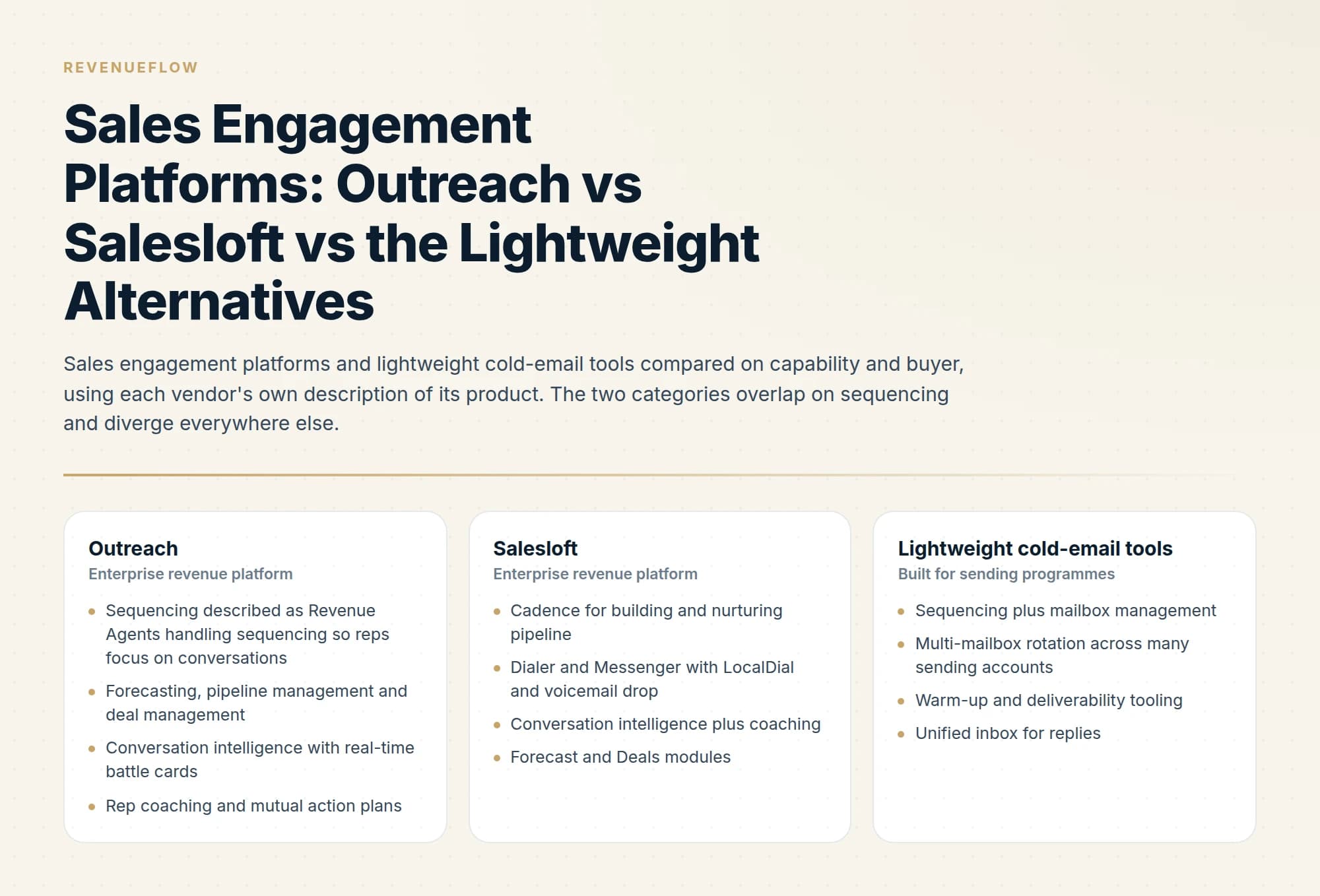
For agencies comparing Outreach vs Salesloft, neither is usually the first choice: Outreach prices per user and Salesloft publishes no price, while agency cold outbound runs on many dedicated mailboxes and few logins. Both suit rep teams whose CRM is the system of record and whose programme includes calling.
Key takeaways
- A sales engagement platform stacks five layers on a rep's day: sequencing, voice and messaging, CRM sync, conversation intelligence, and rep workflow with forecasting.
- Outreach's pricing page states per-user pricing with no platform fees, plus AI credits of 10,000 to 100,000 across its Amplify Essentials, Core, Plus and Pro plans.
- Salesloft publishes no standard pricing; its pricing address lands on a Talk to Sales page, and its platform now includes Clari Forecast alongside Cadence and Deals.
- Count the people who log in against the mailboxes you send from: a high mailbox-to-human ratio points to a cold-email tool, a low one to a platform.
Reviewed and updated September 21, 2026
Open Outreach's own platform page and count what the product contains. AI Agents, Sales Forecasting, Pipeline Management, Deal Management, Sales Engagement, Conversation Intelligence, Rep Coaching, Account Management, Mutual Action Plans. Salesloft's page reads similarly: Cadence, Conversation Intelligence, Deals and Rhythm for the account team, Clari Forecast, Inspect and Analytics for revenue leaders, and AI agents connecting it all.
Somewhere inside both of those lists is an email sequencer. A team that arrived looking for one has just been quoted for eight other things, and the question worth answering before any demo is whether those eight things are the product they need or the reason the product costs what it does. For agencies weighing Outreach vs Salesloft, that question usually changes the shortlist.
If you are booking a Salesloft demo or an Outreach one, the layer to test is the CRM sync, because sync fidelity is where these deals go wrong and it is the one thing a scripted demo will not show you.
Sending from Salesloft runs through a mailbox you connect rather than through the vendor's own infrastructure, which is the detail that decides how it behaves in deliverability terms.
What a sales engagement platform is, beyond sending
A sales engagement strategy is a decision about which of these five layers you are actually buying and who logs in to use it, which is why the category question below settles more than a feature list does.
The category has a stable shape across vendors, and it is best understood as five layers stacked on a rep's working day.
Inside sales software is the older name for the same purchase, and the five layers below are what a team selling remotely is choosing between when it searches for one.
Sequencing. An ordered set of steps with delays, exit conditions, and a rules layer for conditional behaviour. This is the piece buyers think they are shopping for. How the mechanics differ between tools is covered in email sequencing tools.
Voice and messaging. Salesloft's Dialer and Messenger publishes the standard feature set: "Local and international talk and text", LocalDial, which "uses the local area code of a prospect to increase the likelihood your call will be answered", intelligent call pass through, call collaboration, pre-recorded voicemail drop, one-to-one SMS, and disposition and sentiment tracking. A dialer is expensive to build and impossible to bolt on later, which is a large part of why the incumbents are hard to displace for phone-led teams.
CRM sync. Bidirectional, and this is the layer that makes the rest defensible. Salesloft's platform page describes a unified revenue data layer with "Perpetual sync across revenue data." The value is that every call, email and task written by a rep lands on the CRM record without anyone typing it, which is what makes pipeline reporting believable.
Conversation intelligence. Recording, transcription and analysis of calls. Outreach describes guiding conversations "in real time with AI-powered battle cards, objection handling, and action-item detection". Salesloft says its Conversation Intelligence "closes the gap between what happens on a call and what your team does next."
Rep workflow and management. The daily task list, the coaching view, the forecast. Outreach's page frames this as scaling behaviour: "Outreach AI learns from your best reps and scales their behaviors across every seller."
Set that against a cold-email tool, which typically ships sequencing, mailbox management, warm-up, sending rotation, deliverability tooling and reply handling, and stops there.
Sales engagement automation is what the sequencing and rep-workflow layers are sold as, so the question behind the phrase is which of the five layers is being automated, and whether your ratio of mailboxes to logins puts you on this side of the category at all.
| Tool | What it covers | How it charges |
|---|---|---|
| Outreach | Revenue Agents handle sequencing; Outreach Voice Integrated Dialer; forecasting, pipeline and deal management | Per user, plus AI credits |
| Salesloft | Cadence; a dialer with LocalDial and voicemail drop; Clari Forecast, Deals and Inspect | No public price |
| Cold-email tools | Sequencing plus mailbox rotation; no dialer; no forecasting | Mailboxes and volume |
Who the incumbents are actually built for
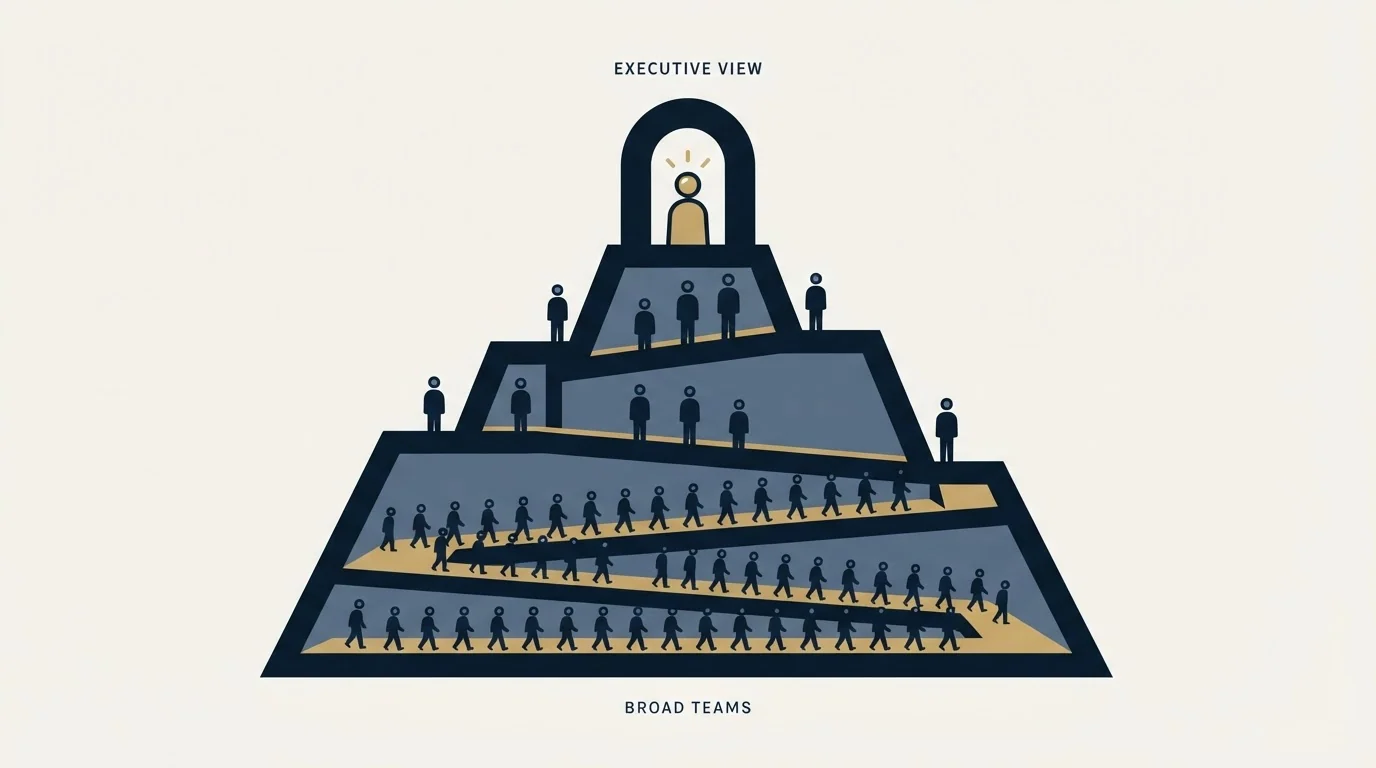
The tell is in how they charge. Outreach's pricing page states "Per user pricing. No platform fees. Support included", explains that it combines seat-based pricing with consumption-based pricing powered by AI credits, and organises its plans as Amplify Essentials, Core, Plus and Pro, differentiated in part by AI credit allowances of 10,000, 25,000, 50,000 and 100,000. Salesloft's pricing address lands on a Talk to Sales page with no standard price on it.
Per-seat pricing tells you what the vendor thinks it is selling, which is rep productivity. That is coherent. If you have twelve SDRs and eight AEs, the platform's job is to be the place they work, to capture what they did without asking them to log it, and to give their manager something to coach against. The forecasting and deal modules exist because the same activity data, once captured reliably, answers a question the CFO asks. On that job, both incumbents are genuinely good, and the sequencer is one component of a much larger system rather than the point of the purchase.
Three conditions make that the right buy. Your system of record is a CRM and you need activity written back to it without rep effort. Your programme is phone-led or genuinely multichannel, so a dialer is not optional. And you have enough reps that coaching and forecast hygiene are real problems rather than something one manager does in a spreadsheet.
The head-to-head between the two on their own terms is in Outreach vs Salesloft.
Outreach vs Salesloft for agencies
For an agency running cold outbound for clients, neither is usually the first choice. Outreach states per-user pricing and Salesloft's pricing page shows no price, while an agency's sending volume comes from many dedicated mailboxes worked by few people, the reverse of what a per-seat platform is built around. The comparison matters again only where the agency's own team works a client's CRM and phones.
For an SDR team that does call, the head-to-head turns on the dialer and the sync. Salesloft's Dialer and Messenger page lists LocalDial, call collaboration and pre-recorded voicemail drop; Outreach's pricing page lists an Outreach Voice Integrated Dialer, and its platform page describes Revenue Agents handling sequencing so reps focus on conversations. Run both against a copy of your CRM before choosing, as the evaluation below sets out, and Outreach vs Salesloft compares the two on their own terms.
Three narrower comparisons come up. Weflow, a RevOps tool, describes auto-syncing activities from Outlook and Google to Salesforce, which makes it an activity-capture layer rather than a sequencer. FrontSpin sells a dialer built around connect rates and local presence, so it answers the calling question and not the sending one. And Artisan says its AI BDR, Ava, handles every reply, qualifying leads and booking meetings, where Outreach and Salesloft leave the reply to a rep. For a wider list, alternatives to Outreach covers the field.
Where a lighter tool is the better fit
Cold outbound at volume has an unusual shape: it needs many mailboxes and very few humans. A per-seat platform prices the exact opposite shape, which is the first mismatch, and it is the cheaper of the two to notice.
The structural mismatch is mailbox architecture. An engagement platform is built around each rep's own mailbox, because the rep is the unit of the product. Cold outbound is built around a pool of dedicated sending mailboxes on domains separate from the company's primary domain, rotated so no single mailbox carries too much. That is arithmetic rather than preference. Provider ceilings decide it: a Google Workspace user is capped at 2,000 unique external recipients per day, and Microsoft applies a tenant-wide Tenant External Recipient Rate Limit whose size, per its own documentation, depends on the number of licences the tenant has. Volume therefore comes from mailbox count and from careful pacing, and the full set of ceilings is in email sending limits by provider.
That single fact cascades. A sending programme needs mailbox rotation, per-mailbox throttling, warm-up, separate sending domains, domain-level authentication and reputation monitoring, and a unified inbox that collects replies arriving across dozens of accounts. Lightweight tools ship those because their buyers cannot operate without them. Engagement platforms mostly do not, because a team of twenty reps sending from twenty real mailboxes has never needed them.
A team running both motions, a small closing team plus a separate cold sending programme, is common, and it usually resolves into buying both, which is a legitimate answer rather than a failure to decide. The cold programme runs on infrastructure built for sending, replies get routed to a human, and the human works the resulting conversation in the platform where the CRM lives. What goes wrong is buying one product and asking it to do both jobs.
What neither category does

Two gaps survive whichever way you go, and both get discovered after the contract is signed.
Neither category builds your list. Some bundle a contact database, and a bundled database is a convenience rather than a targeting strategy. The quality of who you contact sits upstream of every tool on this page.
Neither category has a meaningful opinion about whether your mail reaches the inbox. Sending software reports what it sent. Whether those messages landed is a separate discipline with separate tooling, and it is the failure mode that quietly wastes the most money, because a platform's dashboard looks identical whether your mail is being read or filtered. Google Postmaster Tools is the free starting point, and how the rest of the stack fits together is in the cold email tool stack.
How to run the evaluation
Price is the wrong axis to start on and, for these two vendors, not an available one. Neither publishes standard rates, so any figure you find in a comparison article came from somewhere other than the vendor.
Start by writing down the motion you are buying for. Count the humans who will log in, and count the mailboxes you need to send from. Those two numbers usually decide the category on their own, because a high mailbox-to-human ratio is the signature of a sending programme and a low one is the signature of a rep team.
Then test the layer you cannot swap out later. For a platform, that is the CRM sync: run it against a copy of your Salesforce or HubSpot instance and check what actually appears on the record, because sync fidelity is where these deals go wrong and it is invisible in a scripted demo. For a lightweight tool, it is mailbox handling: how it rotates, how it throttles per mailbox, and what it does when a provider rejects a submission.
Finally, be honest about which modules you will use in the first year. The forecasting and coaching layers are where a large share of the platform's value sits, and a team that will not use them is paying for the part of the product it does not need while under-buying the part it does.
The short version
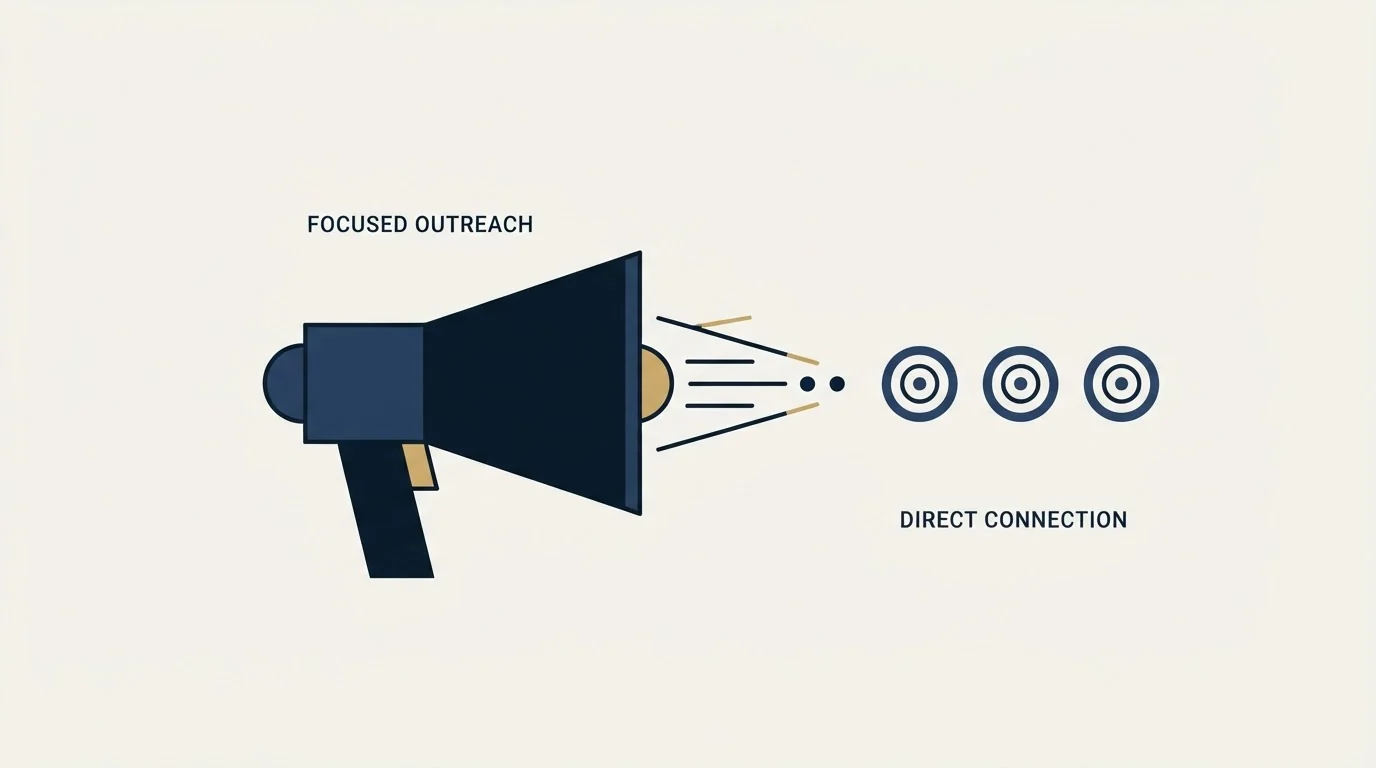
Sales engagement platforms are five layers stacked on a rep's day: sequencing, dialer and messaging, bidirectional CRM sync, conversation intelligence, and rep workflow with coaching and forecasting. Outreach and Salesloft both cover all five, and both charge in a way that reveals the buyer they have in mind. Outreach states per-user pricing with plans named Amplify Essentials, Core, Plus and Pro; Salesloft's pricing page shows no standard price and routes buyers to a call. Neither publishes rates you can plan against without talking to them.
They are the right purchase for an SDR or AE team whose system of record is a CRM, whose programme includes calling, and where coaching and forecast hygiene are real problems. They are a poor fit for cold outbound at volume, because that motion needs many dedicated sending mailboxes and few humans, while a per-seat platform is priced and architected for the reverse. Provider ceilings make that structural: a Google Workspace user tops out at 2,000 unique external recipients per day, and Microsoft's external recipient limit applies to the whole tenant.
Legal services teams weighing these same platforms against compliance needs can see how that tradeoff plays out in tool picks for legal services teams.
Neither category builds your list, and neither tells you whether your mail reached the inbox. Decide by counting logins against mailboxes, then test the CRM sync or the mailbox rotation, whichever one you cannot replace later.
We run cold outbound on infrastructure built for sending, one message per campaign, and hand replies to a human rather than to a next step. You can see what a campaign would look like for your market.
Vendor features and pricing structures are taken from the vendors' own pages. Neither Outreach nor Salesloft publishes standard rates; verify current terms with the vendor before relying on them.
Sources: Outreach platform, Outreach pricing, Salesloft platform, Salesloft Talk to Sales, where its pricing address now lands, Salesloft Dialer and Messenger, Gmail sending limits in Google Workspace, Exchange Online limits, Microsoft Learn
Frequently asked questions.
Frequently asked questions- Is Outreach or Salesloft better for an agency?
- For cold outbound run on behalf of clients, usually neither. Both are built and priced around reps: Outreach states per-user pricing, and Salesloft sends buyers to a sales call. Agency sending volume comes from many dedicated mailboxes and few people, which is what lightweight cold-email tools are built for. The platforms fit when the agency's team works a client's CRM and phones.
- What is a sales engagement platform?
- Software built around a rep's working day in five layers: sequencing, a dialer and messaging, bidirectional CRM sync, conversation intelligence, and rep workflow with coaching and forecasting. Outreach and Salesloft cover all five. A cold-email tool covers sequencing plus the mailbox side, such as rotation and warm-up, and stops there.
- How does Salesloft compare with Weflow for CRM data capture?
- They do different jobs. Weflow describes itself as a RevOps platform that auto-syncs activities from Outlook and Google to Salesforce, an activity-capture layer. Salesloft is a full engagement platform whose page describes perpetual sync across revenue data as part of a system that also sequences, dials and forecasts. Test either against a copy of your CRM.
- Which sales software has built-in dialing?
- Salesloft's Dialer and Messenger page lists local and international talk and text, LocalDial, which uses the prospect's local area code, call collaboration, voicemail drop and one-to-one SMS. Outreach's pricing page lists an Outreach Voice Integrated Dialer, and FrontSpin sells a dialer built around connect rates and local presence. Lightweight cold-email tools generally ship no dialer, which is one reason phone-led teams stay on a platform.
About the author.

B2B cold email experts helping companies generate qualified leads through done-for-you outreach campaigns.
RevenueFlow Team
Explore more.
Ready to scale your outreach?
We build GTM engines that book real meetings. See the receipts.
Related articles.
Inbound vs Outbound Sales: How the Two Motions Differ
Inbound and outbound sales compared as motions: what the rep knows at first touch, what each costs, the team each needs, and the metrics that belong to each.
PhoneBurner Pricing: What the Seat Price Covers
PhoneBurner publishes all three seat prices in both billing states. The metered resource is contact imports, not minutes, and the spam layer is an add-on at every tier.
Koncert Dialers: Line Counts Published, Price Is Not
Koncert publishes the parallel line ceiling on every tier, which most of this category will not. It publishes no price. What its pages state, and what the quote decides.
The Nooks Dialer: A Calling Floor With a Platform Attached
The distinctive thing Nooks sells is the room the dialer sits in. That decides whether it fits your team far more than the dialing does.
Kixie's PowerDialer: Two Published Line Counts, No Price
Kixie's navigation advertises ten parallel lines. Its pricing table says four. The number in the plan table is the one you are buying.
Orum: The Nine-Seat Floor and Its Own Line Count
Orum's entry plan caps parallel dialing at five lines. Its support centre says its own team runs four to five. The upgrade buys other things.