The Cold Email Tool Stack: What You Need at Each Volume
Six categories of tool, three volume tiers, and an honest answer about which you can defer. The sending platform is the smallest line and the first thing over-bought.
A cold email stack spans data and sourcing, email verification, sending infrastructure, the sending platform, deliverability monitoring and a CRM. Which of those you genuinely need depends on volume, and the sending platform is usually the smallest cost and the first thing over-bought.
Key takeaways
- The sending platform is the cheapest part of the stack at scale, and domains, mailboxes and data dominate the real cost.
- Email verification stops being optional the moment volume rises, because bounce rate damage compounds faster than list quality improves.
- Deliverability monitoring is deferrable at 100 sends a day and negligent at 10,000.
- Skipping a category does not remove the work, it moves the work to a person, and usually to a person who is not tracking it.
Reviewed and updated September 1, 2026
Most teams spend their first month of outbound choosing a sending platform and their second month discovering that the sending platform was the cheap part. At 10,000 sends a day, the platform is one subscription. Everything underneath it, the mailboxes, the domains, the verification credits and the contact data, is billed per unit and multiplies by a hundred as you scale.
That inversion is the useful thing to understand before you buy anything. Six categories make up a cold email stack, and only one of them stays roughly the same size as your volume grows. It is also the only one with a slick demo, which is why it is the one people over-buy.
The six categories
Every functioning cold email programme has these, whether or not anyone bought a product for them. A spreadsheet is a CRM. A colleague copying contacts off LinkedIn is a data source.
| Category | What it does | Scales on | What breaks if you skip it |
|---|---|---|---|
| Data and sourcing | Produces the accounts and contacts | Records purchased or scraped | You send accurate messages to the wrong companies |
| Email verification | Confirms an address exists before you use it | Addresses checked | Bounces, which damage the sending domains themselves |
| Sending infrastructure | Domains and mailboxes to send from | Mailboxes per month | You cannot raise volume regardless of what the platform allows |
| Sending platform | Rotation, scheduling, limits, replies | One subscription | You are sending by hand, which caps you at one mailbox |
| Deliverability monitoring | Tells you where mail is landing | Domains monitored | You learn about a reputation problem from a flat reply rate weeks later |
| CRM or pipeline | Holds the conversation after the reply | Seats | Replies get lost, which is the most expensive failure on the list |
The right way to plan a stack is to fix a daily volume first and derive the rest, because the volume determines the mailbox count, and the mailbox count determines most of the bill.
Outbound technology is the broader label the same six categories get sold under, and it stretches to a dialer and a social step without changing which categories scale with volume and which do not.
Deriving the stack from the volume
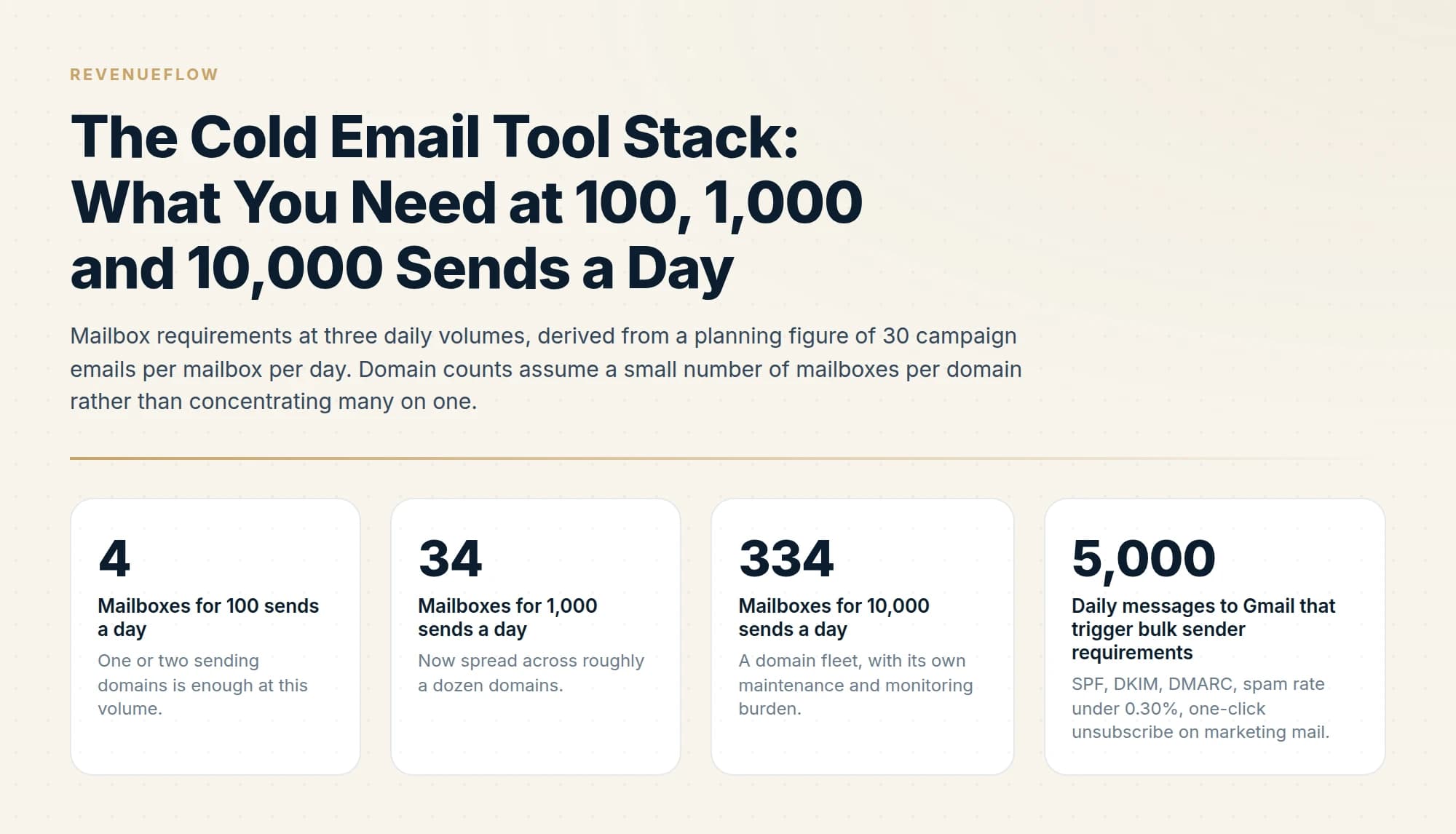
The arithmetic runs off one number: the per-mailbox daily send you consider safe. Instantly's help centre recommends 30 campaign emails per account per day, and its documented formula for a campaign limit is account count multiplied by 30. Use that as the planning figure and the mailbox requirement falls out immediately.
One or two sending domains is enough at this volume.
Now spread across roughly a dozen domains.
A domain fleet, with its own maintenance and monitoring burden.
SPF, DKIM, DMARC, spam rate under 0.30%, one-click unsubscribe on marketing mail.
Those mailbox counts are what people fail to price. The sending platform between 4 mailboxes and 334 mailboxes is one product with one login. The infrastructure between them differs by two orders of magnitude, and so does the labour of keeping it authenticated, warmed and monitored.
100 sends a day
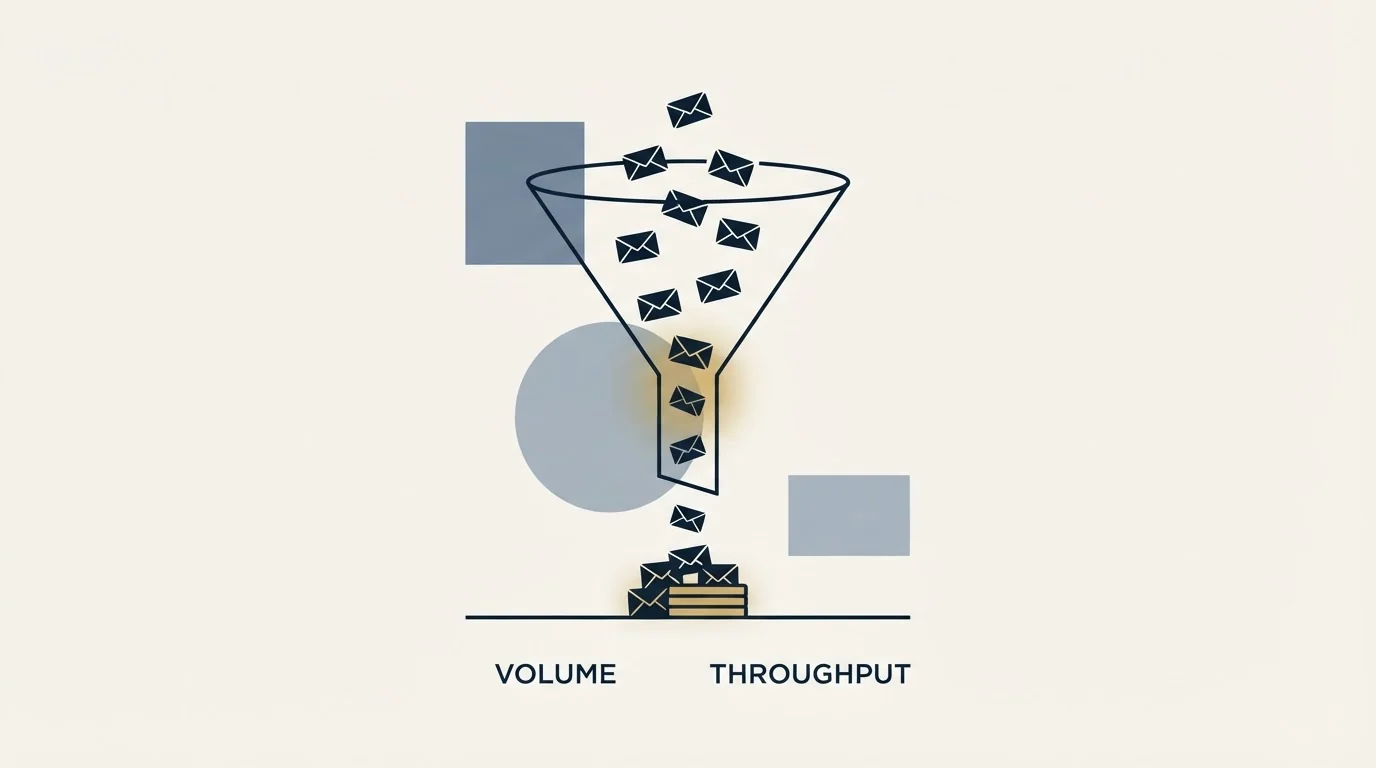
At this volume you are testing whether a market responds. Four mailboxes across one or two purpose-built sending domains covers it, kept off your primary company domain so that a bad month cannot touch the mail your business actually depends on.
Buy: sending infrastructure, verification, and a platform. Verification is non-negotiable even here. A list that is 10% invalid produces 10 bounces a day against a four-mailbox pool, which is a meaningful proportion of a young domain's total history.
Defer: paid deliverability monitoring, paid data. Google Postmaster Tools is free and worth wiring up on day one, and manual or semi-manual sourcing is genuinely viable at 100 contacts a day. A CRM is deferrable while reply volume fits in an inbox with labels.
What breaks if you skip something here is small and recoverable, which is precisely why this is the tier to make your mistakes in. The one exception is the domain decision, because it is the only choice at this volume that is expensive to reverse. A domain accumulates its reputation over months, so a domain you burn at 100 sends a day is still burned at 1,000, and the replacement starts from nothing. Register the sending domains you intend to grow into, authenticate them properly, and warm them before the first campaign rather than during it. The sequencing is covered in warming up a domain for cold email.
1,000 sends a day
Thirty-four mailboxes across a dozen domains is a fleet, and three things change character at once.
Data becomes a purchased category. Manual sourcing stops scaling somewhere below this line. The cost per record matters now, and so does the accuracy, because every bad record consumes a verification credit and possibly a send. Some vendors sell the data and the sending as one subscription, and this site's FindThatLead pricing page walks one such bundle meter by meter as published on 4 September 2026.
Verification stops being a checkbox. At 1,000 sends a day, a 5% invalid rate is 50 bounces a day distributed across mailboxes that are all reasonably new. This is the volume at which people first see a domain go quiet without understanding why. The tool categories and how they differ are covered in email verification tools.
Monitoring stops being optional. With a dozen domains you can no longer notice a problem by feel. You need per-domain visibility, because the failure mode is one domain degrading while the aggregate reply rate stays flat enough to look fine.
You are still below the 5,000 a day threshold at which Google's bulk sender requirements apply, and you should meet them anyway. SPF, DKIM and DMARC on every sending domain, a Postmaster spam rate held under 0.30%, and one-click unsubscribe on marketing mail are all cheap to implement before you need them and awkward to retrofit across a fleet. The record setup is in SPF, DKIM and DMARC for cold email.
A CRM becomes real here too. At 1,000 sends a day the replies arrive faster than an inbox stays organised, and a lost positive reply costs more than every tool in the stack combined.
10,000 sends a day
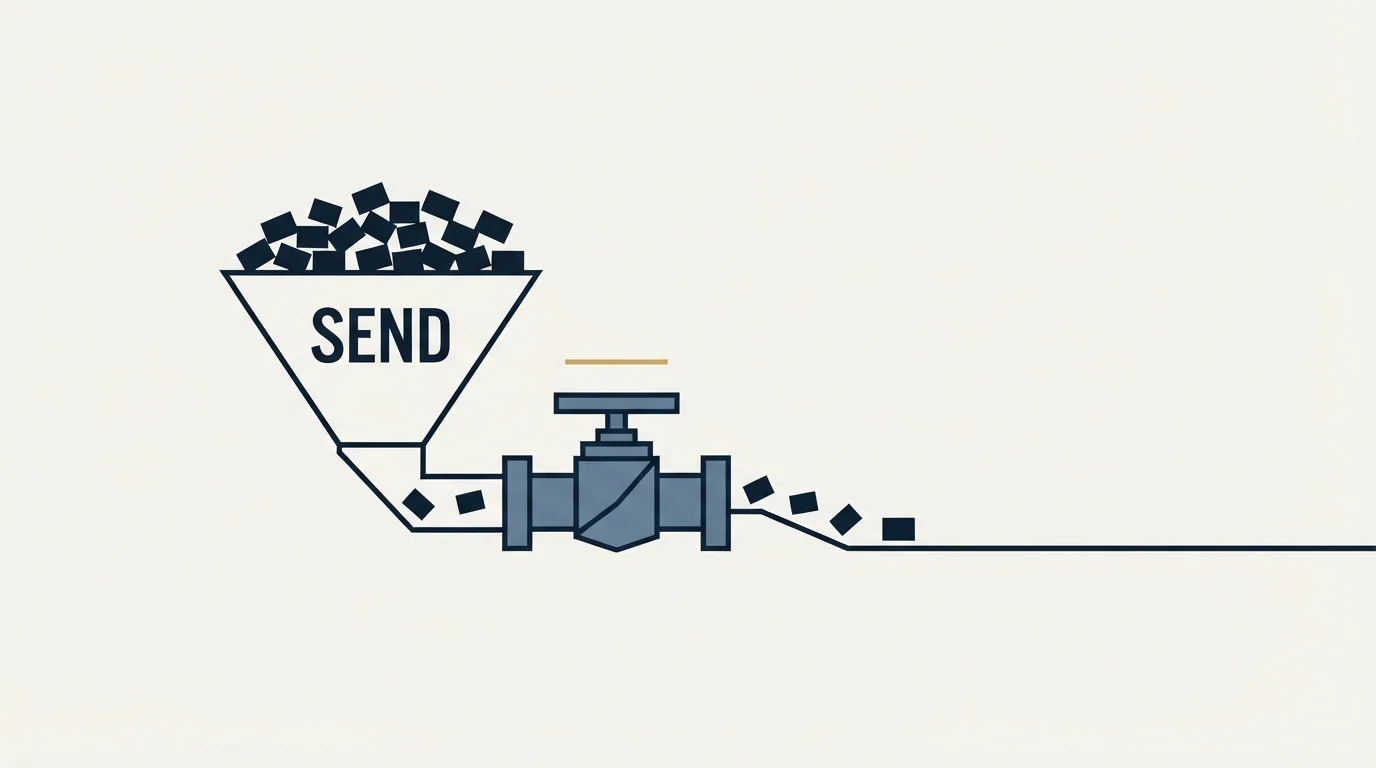
At roughly 334 mailboxes, infrastructure is the programme and the sending platform is a detail.
- 4 mailboxes, 1 to 2 domains
- Verification on every address
- A sending platform
- Free Postmaster Tools
- Defer: paid data, paid monitoring, CRM
- 34 mailboxes, roughly 12 domains
- Purchased contact data
- Per-domain monitoring
- A CRM for replies
- Meet bulk sender rules early
- 334 mailboxes, a managed domain fleet
- Data pipeline with its own QA
- Monitoring per domain and per pool
- Suppression enforced across the workspace
- Someone owning deliverability full time
Three things are genuinely new at this tier.
Domain fleet management becomes a job. Registrations, DNS records, authentication on every one, warmup states, retirement of domains that pick up a reputation problem, and replacement of them before the pool shrinks. None of this is exotic. All of it is continuous, and it is the first thing that gets skipped when nobody owns it.
Suppression has to be enforced across the whole estate. With hundreds of mailboxes and multiple campaigns, the same person can be reached twice by two different lists unless bounces, unsubscribes and negative replies suppress workspace-wide rather than per campaign. We enforce one active campaign per lead for exactly this reason.
Provider ceilings stop being multiplication. Microsoft applies a tenant-level external recipient cap alongside the per-mailbox limit, and Google applies its daily limits over a rolling 24-hour window rather than a calendar day. Volume planning that assumes a clean daily reset produces a queue that never quite drains. The mechanics of how platforms handle that are in cold email platforms compared.
Staffing is the honest addition at this tier. A domain fleet of that size generates a steady stream of small maintenance tasks: a mailbox that disconnects, a DNS record that never propagated, a domain whose warmup stalled, a spike in soft bounces on one pool. Individually each takes minutes. Collectively they need an owner, and the programmes that stall at this volume usually stall because the work was assumed to be automatic. The tooling makes the work visible and does not do it for you.
What never to defer, and what to defer longest
Verification is the one category with no free workaround and no graceful degradation. Bounces damage the asset you are sending from, and the damage outlives the campaign that caused it. Verify at every volume, including 100 a day.
Sending infrastructure separate from your primary company domain is the second non-negotiable. Running outbound from the domain your invoices and password resets use means one bad list can affect mail your business cannot operate without.
Monitoring can be deferred while free tools cover you, which is realistically until you are running enough domains that you cannot check them individually.
CRM is the most deferrable and the most commonly bought first, because it is the category people already know. An inbox with labels genuinely works until reply volume outgrows it.
Why the sending platform gets over-bought
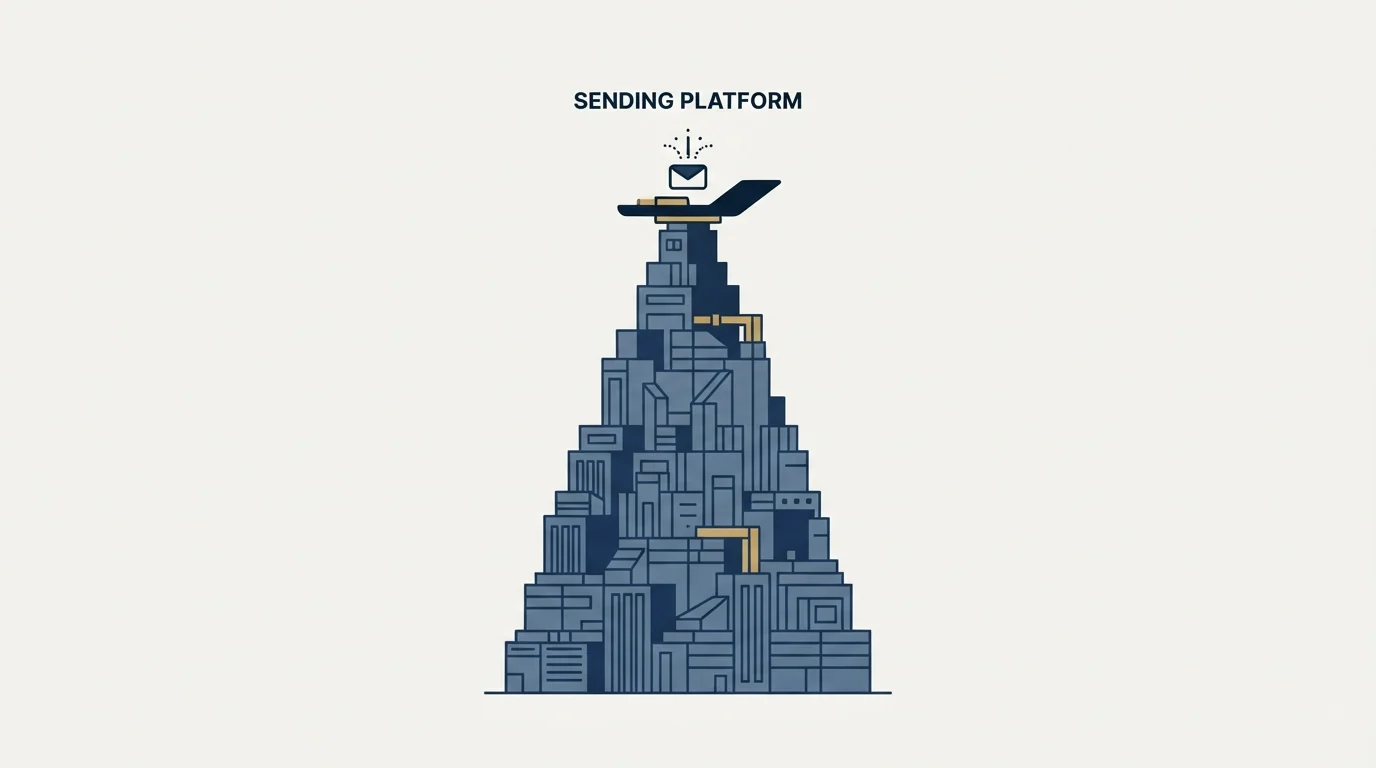
It is the only category in the table that demos well. Data is a CSV, verification is a percentage, infrastructure is a spreadsheet of DNS records, and monitoring is a chart nobody wants to read. The sending platform has a campaign builder, an analytics tab and a live inbox, so it absorbs the evaluation time that should be going to the categories that scale.
- Yes: You compared five sending platforms and one data provider
- Yes: Mailbox count is the constraint on volume, and it has not changed in two months
- Yes: You are paying for sequence automation you should not be using
- Yes: Nobody can say which sending domain last had a deliverability problem
- No: Verification runs on every address before it enters a campaign
- No: Every sending domain has SPF, DKIM and DMARC published and checked
- Depends: The platform bundles warmup, and you also pay for a standalone warmup tool
The third line on that list is worth stating plainly. A large share of what a sending platform sells is multi-step sequence automation, and we do not use it. We send one message per campaign and never bump, so the follow-up engine, the branching logic and the per-step analytics are all features we pay for and leave switched off. The reasoning is in email sequence software. If you take the same position, a chunk of the platform comparison you were about to run is moot, and the time is better spent on the mailbox and data lines.
The short version
A cold email stack has six categories: data and sourcing, verification, sending infrastructure, the sending platform, deliverability monitoring, and a CRM. Fix your daily volume first and derive the rest, because the mailbox count follows directly from it. At a planning figure of 30 campaign emails per mailbox per day, 100 sends a day needs about 4 mailboxes, 1,000 needs about 34, and 10,000 needs about 334.
At 100 a day, buy infrastructure, verification and a platform, and defer paid data, paid monitoring and a CRM. At 1,000 a day, data becomes purchased, monitoring becomes per-domain, and a CRM becomes necessary because lost replies are the expensive failure. At 10,000 a day, domain fleet management is a job, suppression has to work across the whole workspace, and provider ceilings stop behaving like simple multiplication. Never defer verification or separate sending domains. Defer the CRM longest.
The sending platform stays one subscription at every tier while the mailbox line grows by a hundredfold, and it gets over-bought because it is the only category that demos well.
We run the whole stack as part of our outbound engagements, infrastructure and data included, which is the part that needs continuous attention rather than a one-time setup. You can see what a campaign would look like for your market.
Vendor guidance and provider limits verified as of mid-2026. Verify current terms with the vendor before relying on them.
Sources: Account and campaign limits, Instantly help centre, Email sender guidelines, Google, Gmail sending limits in Google Workspace, Exchange Online limits, Microsoft Learn
Frequently asked questions.
Frequently asked questions- What tools do you need for cold email?
- Six categories: data and sourcing to build the list, email verification to clean it, sending infrastructure meaning domains and mailboxes, a sending platform, deliverability monitoring, and somewhere to track outcomes. How much of each you need scales with volume rather than being a fixed shopping list.
- What is the biggest cost in a cold email stack?
- At scale, domains and mailboxes plus data, not the sending platform. Sending is priced per mailbox or per seat and stays modest, while mailbox inventory grows linearly with volume and data costs grow with list size. Teams routinely over-buy the platform and under-buy infrastructure.
- Do I need email verification for cold email?
- At any meaningful volume, yes. Hard bounces damage sender reputation directly and the damage compounds, so verifying before sending is far cheaper than repairing afterwards. At very low volume you can sometimes rely on careful sourcing, but that stops being true quickly as you scale.
- When should I add deliverability monitoring?
- Once you are sending enough that you would not notice a problem by eye. At a hundred sends a day you can read the replies and spot trouble. At ten thousand across many mailboxes, a placement drop on one domain is invisible without monitoring until the numbers have already fallen.
About the author.

Tim Carden is CMO / CTO at RevenueFlow, which builds and operates outbound revenue engines for B2B companies. Studied at McGill University.
Tim Carden · CMO / CTO
Connect on LinkedIn →Explore more.
Ready to scale your outreach?
We build GTM engines that book real meetings. See the receipts.
Related articles.
Email Warmup Pricing in 2026: What 20 Tools Charge, and What 10 Mailboxes Cost
Email warmup tools start at a median of $29 a month, but warming ten mailboxes costs from $7.50 to $1,190 depending on how the vendor prices a mailbox.
ZeroBounce Pricing: The Three Things Buyers Miss
What the ZeroBounce pricing page actually publishes, which billing state it shows by default, and the credit rules that decide what a buyer really pays.
BriteVerify: What It Verifies and the Price to Ask For
BriteVerify checks email, phone and postal address under Validity, and publishes no rate card on any surface that returns a page. What that means for buyers.
Choosing a NeverBounce Alternative: Name Your Reason
Three reasons teams leave NeverBounce, each pointing at a different replacement, plus how to run a two-vendor split test on your own list that actually settles it.
NeverBounce Under ZoomInfo: What Buying Verification Changes
NeverBounce serves no pricing page to automated requests, so here is what its own surfaces do show, and what changes when your verifier belongs to a data platform.
Instantly.ai Pricing: What Each Tier Costs and What Caps You
Adding inboxes to Instantly costs nothing on any plan. What you pay for is contacts and monthly send volume, and here is where each tier actually runs out.