ZeroBounce Pricing: The Three Things Buyers Miss
What the ZeroBounce pricing page actually publishes, which billing state it shows by default, and the credit rules that decide what a buyer really pays.
The ZeroBounce pricing page renders Monthly billing by default and shows ninety nine dollars per month for ZeroBounce ONE at the credit slider default, footnoted with a ten thousand credit minimum. A Freemium tier is published at zero dollars. Validation costs one credit per address and the email finder costs twenty per successful query.
Key takeaways
- The pricing page shows the Monthly billing state by default, with an Annually toggle advertising a 20 percent saving, so any quoted figure is ambiguous unless the state is named.
- ZeroBounce ONE displays $99 per month at the credit slider's default position, footnoted with a minimum of 10,000 credits, so the floor sets the price for small lists.
- Validation and the email finder draw on one credit pool at very different rates: one credit per address verified against twenty credits per successful finder query.
- The per-tier pay as you go ladder is generated in the browser rather than served in the page text, so read it on the vendor's own page rather than in a third-party teardown of unknown vintage.
Reviewed and updated September 2, 2026
ZeroBounce Pricing: What the Page Shows, and the Three Things Buyers Miss
Two currency figures appear in the text of the ZeroBounce pricing page as it is served to a visitor: "$99" and "$0". Everything else on that page, including the per-tier pay as you go ladder that every third party pricing teardown quotes, is drawn in the browser after the page loads. That single detail explains why the pricing summaries ranking for this query disagree with each other and with the vendor, and it is the reason this page states plainly what it can verify and refuses to invent the rest.
Here is what a buyer actually pays, and the three parts of that page that cost people money when they skim past them.
What the page shows by default
The pricing page carries a billing toggle offering "Monthly" and "Annually (Save 20%)". Both states are rendered into the same document, so a raw search of the page finds figures no visitor is looking at. In the markup as served, the Monthly label carries the active styling and the toggle switch reports itself as Monthly, so Monthly is the state a visitor sees first.
In that default state the page displays "$99" per month for the ZeroBounce ONE plan at the credit slider's default position, with the footnote "*Minimum 10,000 credits" printed beside the quantity field. Above the slider sits an Enterprise route, labelled on the page as being "For over 1M credits" with a "Contact us" action rather than a number.
The free tier is published as "Freemium" at "$0 /mo". Its allowance, listed line by line on the same page, is 100 Validation Credits, 1 Inbox Test, 1 Email Server Test, 1 Blacklist Monitor scanned every 24 hrs, and 10 Email Finder queries. The page separately states that you "Get 100 free monthly email verifications when you sign up with a business/premium domain", so the free allowance is monthly rather than a one time trial, provided the signup domain qualifies.
- 100 Validation Credits
- 1 Inbox Test
- 1 Email Server Test
- 1 Blacklist Monitor, scanned every 24 hrs
- 10 Email Finder queries
- Business or premium signup domain required for the free monthly allowance
- Minimum 10,000 credits
- Blacklist Monitors scanned every 8 hrs
- Warmup Seeds, Inbox Placement Tests, DMARC Monitor Domains
- Multiple API Keys and Premium API Rate-Limits
- Enterprise route published for over 1M credits
Thing one: the credit floor decides the price, not the slider
The number that catches people is the footnote. "*Minimum 10,000 credits" means the plan does not scale down below that quantity, whatever your list looks like. A team with 3,000 contacts to clean is not buying 3,000 credits at whatever the per-credit rate implies. They are buying the floor.
That matters for the arithmetic everyone does in their head. A per-credit rate calculated by dividing a monthly figure by a volume you cannot actually purchase is a fiction, and it is the specific fiction that makes credit-based pricing look cheaper or more expensive than it is when two vendors are compared side by side. Compare floors first, then rates. If your genuine annual volume sits under a vendor's floor, the floor is your price and the rate is decoration.
The counterweight is on the same page: "Credits never expire". A floor you overshoot in month one is not wasted if the balance carries, which turns an apparent minimum into a prepayment. That single line is the difference between "I am forced to buy more than I need" and "I am buying earlier than I need", and those are very different budget conversations.
Not every credit balance behaves that way, and credits that expire after twelve months sit beside packages that are non-refundable and do not renew.
Thing two: the toggle means a quoted price is ambiguous
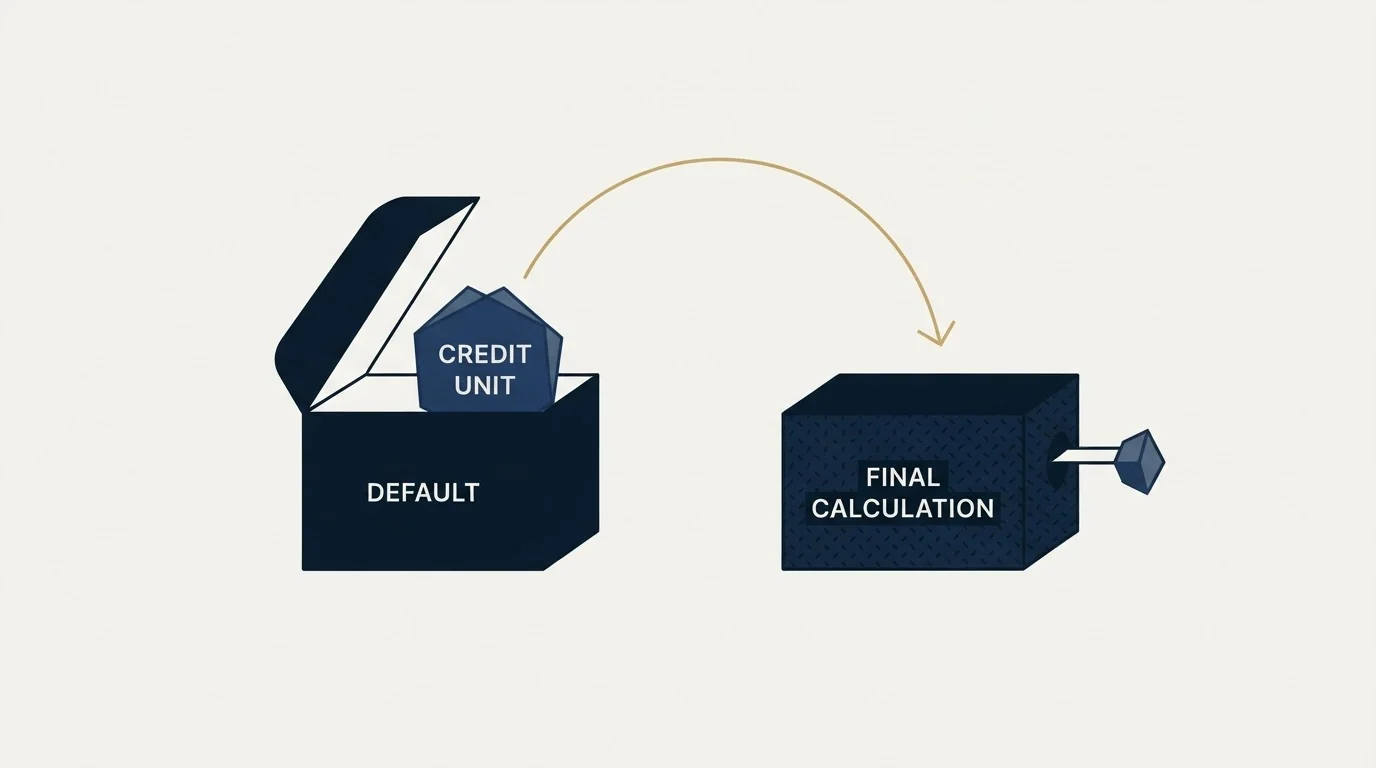
Because Monthly and Annually are both baked into one document, any figure you read in a comparison article could have come from either state, and the article usually does not say which. A 20 percent difference is large enough to change a vendor ranking on its own.
This is the practical version of the problem. When you see a ZeroBounce figure quoted anywhere, including here, the question to ask is which billing state produced it. The $99 above is the Monthly state at the slider's default position, checked in the page as served on 13 August 2026. An annual commitment is advertised on the same toggle as "Save 20%", and the arithmetic of that discount against a monthly plan you might cancel in month three is your call rather than the page's.
Thing three: one credit pool, two very different burn rates
The pricing page's own FAQ sets out how credits are spent, and the two rates are not close.
Validation costs "one credit per email address verified", and the page states this holds "whether you use bulk validation or the real-time API", so a signup form check and a bulk list clean draw on the same balance at the same rate. The Email Finder is the expensive one: the page states that "ZeroBounce Email Finder uses 20 credits per successful query".
Twenty to one is the ratio that wrecks a credit budget when nobody notices it. A team that buys credits to clean a list and then starts using the finder to fill in missing contacts is spending its verification budget twenty times faster than the plan was sized for, and the plan gives no warning because it is one pool. If finding addresses is part of your workflow rather than an occasional lookup, size the finder usage separately and read our comparison of email finder tools before you assume the bundled one is the cheapest route to an address.
One line on the page pushes the other way, and it is worth having in the budget: "Unknown results are free". Addresses the service cannot resolve do not consume a credit, which means the balance tracks resolved verdicts rather than rows submitted. On a list heavy with unresolvable domains that is a real saving compared with a vendor that charges per row uploaded.
Row count decides that balance, and casing that splits one person into two rows quietly inflates what a list costs to verify.
- Yes: The credit minimum footnote beside the slider quantity
- Yes: Which billing toggle state the page is currently showing
- Yes: The credit cost of a finder query against a verification
- Yes: Whether unresolved results are charged, and whether the balance expires
The pay as you go ladder is generated in your browser

The pricing page offers a pay as you go route beside the subscription, with per-tier rates that fall as volume rises. That ladder is not part of the page's text as served. It is constructed by JavaScript from data embedded in the page payload and painted after load, which is why the served document contains only the two currency figures named at the top of this article.
Rates that live outside the pricing page are common, and a prepaid agency wallet funding metered services is where most of a HighLevel bill goes.
Under the standard we hold ourselves to, a figure has to be readable in the page a visitor is served before we will publish it, and a number sitting in a script payload does not clear that bar. So this article does not print the ladder. Read it on the vendor's own pricing page, where it is generated live and is current by construction.
That refusal is worth stating out loud because of what the alternative looks like. The pricing teardowns competing for this query all print a ladder, none of them says when it was captured, and a ladder captured in a previous quarter is indistinguishable on the page from one captured this morning. A number with unknown vintage presented as current is worse than no number, because it is actionable and wrong. The vendor's own page is the only surface where those rates are guaranteed to be today's.
Sizing a credit budget, illustratively
The numbers below are illustrative, not measured. They are arithmetic on the two credit rules the pricing page publishes, applied to a hypothetical team, and your own volumes are the only ones that matter.
Take a company holding 25,000 contacts and re-verifying the whole database quarterly, because data decay makes an annual clean too infrequent for an outbound motion. At one credit per address that is 100,000 validation credits a year, before a single new contact is added. Suppose the same team runs 2,000 successful finder queries in the year to fill gaps in that database. At 20 credits per successful query, that is another 40,000 credits, so a workflow that feels like a minor side activity has consumed 40 percent as much credit as the entire quarterly cleaning programme.
25,000 contacts re-verified four times a year at one credit each
2,000 successful finder queries at 20 credits each
Both draw on the same credit balance
Run that arithmetic before you pick a tier, not after. It is the difference between choosing a plan and discovering one.
What credit pricing does to a budget
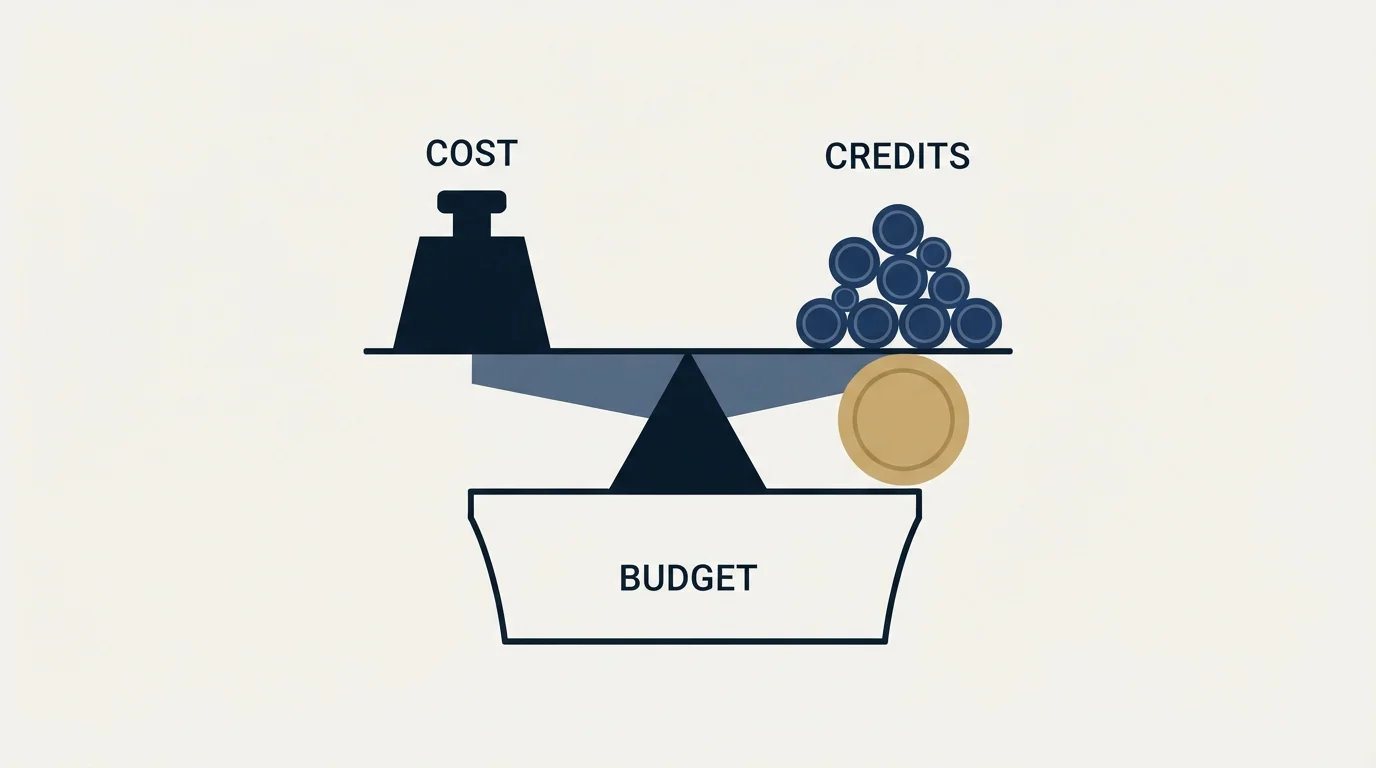
Credit-based pricing behaves differently from seat-based pricing in a way that catches finance teams as often as it catches operators. A seat price is predictable and wrong in one direction: you pay for seats nobody uses. A credit price is unpredictable and wrong in the other: it tracks activity, so a busy quarter costs more, and the cost lands after the activity rather than before it.
The Avoma pricing breakdown explains how recorder seats carry the cost while viewers and collaborators stay free, a useful contrast to credit-based billing.
Two habits make it manageable. Set a verification cadence deliberately rather than verifying whenever somebody remembers, because cadence is the only lever that controls the volume. And keep list hygiene upstream of the verifier, so that you are not paying to check addresses a suppression rule should have removed for free.
The second one is where most of the saving actually lives. Verification is the last check before sending, and running it across rows that were never going to be contacted is spending money to confirm something a filter already knew. Where a cheap verification pass cannot confirm a mailbox, standard practice is to hold those contacts back or to resolve them through a waterfall enrichment step that sources an address from records rather than guessing a pattern, and the cost of that step is a separate line in the budget from your verification credits.
For what the credits actually buy you across the category, and how the catch-all problem constrains every vendor rather than this one, see our comparison of email verification tools.
Our email-finding waterfall puts every address through MillionVerifier before upload, without exception, which is a policy about sequencing rather than a comment on any vendor's rates: the cheap pass runs first across everything, and only what it cannot resolve reaches anything more expensive.
Want the credit budget, the verification and the sending planned as one system? Get a free campaign plan and we will size it against your actual list.
Pricing and features verified as of mid-2026. Verify current terms with the vendor before relying on them.
Frequently asked questions.
Frequently asked questions- How much does ZeroBounce cost per month?
- The pricing page displays $99 per month for ZeroBounce ONE at the credit slider's default position, in the Monthly billing state the page shows first. A Freemium tier is published at $0 per month with 100 validation credits. An annual toggle advertises a 20 percent saving, and an enterprise route is published for over one million credits.
- What is the ZeroBounce minimum credit purchase?
- The pricing page footnotes the ZeroBounce ONE quantity field with a minimum of 10,000 credits. Below that volume the plan does not scale down, so a team with a few thousand contacts pays the floor rather than a proportional rate. The page also states that credits never expire, which turns the floor into a prepayment rather than waste.
- Why do pricing articles quote different ZeroBounce numbers?
- Two reasons. The page carries a monthly and annual toggle with both states rendered into the same document, so a figure can come from either. And the per-tier pay as you go rates are drawn by JavaScript after load rather than served as page text, so third-party teardowns are quoting captures of unstated vintage.
- Does ZeroBounce charge for unknown results?
- The pricing page states that unknown results are free, so addresses the service cannot resolve do not consume a credit. That makes the balance track resolved verdicts rather than rows submitted, which is a genuine saving on lists carrying many unresolvable domains compared with a vendor charging per row uploaded.
About the author.

Tim Carden is CMO / CTO at RevenueFlow, which builds and operates outbound revenue engines for B2B companies. Studied at McGill University.
Tim Carden · CMO / CTO
Connect on LinkedIn →Explore more.
Ready to scale your outreach?
We build GTM engines that book real meetings. See the receipts.
Related articles.
BriteVerify: What It Verifies and the Price to Ask For
BriteVerify checks email, phone and postal address under Validity, and publishes no rate card on any surface that returns a page. What that means for buyers.
NeverBounce Under ZoomInfo: What Buying Verification Changes
NeverBounce serves no pricing page to automated requests, so here is what its own surfaces do show, and what changes when your verifier belongs to a data platform.
The ZeroBounce API: Auth, Rate Limits and What to Store
ZeroBounce publishes three different answers to its own rate-limit question. Here is which one to build against, plus the statuses no API can decide for you.
Choosing a NeverBounce Alternative: Name Your Reason
Three reasons teams leave NeverBounce, each pointing at a different replacement, plus how to run a two-vendor split test on your own list that actually settles it.
The NeverBounce API: What It Automates and Hands Back
NeverBounce refuses automated requests on its marketing pages and renders its docs in JavaScript. Here is the v4 API, read from surfaces that answer a fetcher.
Email Address Capitalization: What It Changes for Senders
Capitalization in an email address does not decide delivery. It decides whether two rows are one person, and that is where a suppression list quietly fails.