Salesforce API Integration: Pick the Interface, Then Code
Salesforce sells programmatic access as a line item and publishes four interfaces. Which one each job belongs on, and what breaks in production but never in a sandbox.
A Salesforce API integration starts with two decisions. First, whether the org's edition includes programmatic access, which the Sales Cloud pricing page lists as a paid add-on on the tier that lacks it. Second, which interface each job belongs on: REST for record-level work, Bulk for volume, and the event stream for change detection.
Key takeaways
- Salesforce publishes Web Services API as a paid add-on on its Sales Cloud pricing page, which states an additional $25 USD per user per month on the tier that does not include it, so access is a commercial decision before it is a technical one.
- Route each job to the right interface: REST for record-level work, Bulk for volume, the event stream for change detection, and metadata for field discovery.
- The call allocation is org-wide and shared by every connected app, so batching composite work and querying only what changed matter more than any single optimisation.
- Validation rules, org-specific required fields, ambiguous identity and duplicate event delivery are the four failures that appear in production and never in a sandbox.
Reviewed and updated September 1, 2026
Salesforce sells API access as a line item. Its Sales Cloud pricing page, as served on 16 August 2026, publishes a feature comparison that states "Web Services API" with the note "Additional $25 USD/user/month" beside it, and the description of the Pro Suite tier reads "The CRM for sales with more flexibility and web API".
That is the first thing to settle about a Salesforce integration, and it is a commercial question rather than a technical one. Teams routinely scope a sync, build it against a sandbox, and discover late that the production edition the company actually bought treats programmatic access as an upgrade. The engineering was never the risk.
Two cautions about that figure, both visible in the same fetch. The page carries a monthly and annual toggle, so both states are present in the document, and the page geolocalises: the copy served to a European address carries pound and krona columns alongside the dollar strings. A per-user figure copied from this page should travel with the currency and the billing state it came from, because a reader in another market sees a different number and is also right.
Four APIs, and the one most outbound teams need
Salesforce publishes a library rather than an API, and choosing badly is the most common way a first integration becomes expensive. The distinctions that matter for an outbound motion are narrow.
REST is the default for record-level work. Create a lead, update a contact, read an opportunity, attach an activity. If an integration reacts to individual events as they happen, this is the surface it belongs on.
Bulk exists for volume. Loading or extracting records in the tens or hundreds of thousands through the record-level API is the mistake that produces a limit conversation; the bulk path is designed for the job and treats a load as an asynchronous job rather than as a stream of calls.
Streaming and event-driven interfaces push changes outward. An integration polling Salesforce every fifteen minutes to discover what changed is doing work the platform will do for it, and paying for the privilege in request allocation.
Metadata and tooling interfaces describe the org rather than its records. They matter when an integration has to discover custom fields instead of hard-coding them, which is nearly always true in a Salesforce org of any age.
The decision rule is simple enough to state in one line. Record-level and reactive goes to REST, high-volume goes to Bulk, change detection goes to the event stream, and field discovery goes to metadata. An integration that does all four through REST works in a sandbox and runs out of allocation in production.
- Create, read, update, delete single records
- The right surface for reactive, event-shaped work
- Where nearly every integration starts
- Also where a volume job goes wrong
- Loads and extracts measured in tens of thousands
- Asynchronous job rather than a stream of calls
- The correct home for a migration or a nightly export
- Moving a volume job here is the usual fix for an allocation problem
- Salesforce pushes, your system listens
- Removes the polling loop most syncs start as
- Turns a scheduled read into a reaction
- Cheapest way to stop paying for information you already had
The allocation question, and why it is an architecture question

Every Salesforce org has a ceiling on programmatic calls over a rolling period, and the ceiling is a function of the edition and the licence count rather than a single published number that applies to everyone. Salesforce publishes the current allocation table in its own developer documentation, and that table is the only place worth reading it, because the figure moves with edition, licence type and any add-ons the org has bought.
What is worth stating without a number attached is the behaviour, because the behaviour is what drives design. The allocation is org-wide, so it is shared by every integration, every connected app and every piece of middleware anyone has ever authorised. It is consumed by calls rather than by records, so a job that fetches one record at a time is enormously more expensive than the same job batched. And it refills on a rolling basis rather than at a moment you control, so a job that exhausts it does not simply wait for midnight.
The practical consequence for an outbound integration is a short list of habits.
Batch composite work rather than looping. A hundred records written in one composite request is one call against the allocation; the same hundred written individually is a hundred.
Query for what changed rather than for everything. A filtered query against a modified-since timestamp is the difference between a sync that scales with your change rate and one that scales with your database size.
Cache what does not move. Field metadata, picklist values, owner identifiers and record-type identifiers change rarely and are read constantly. Fetching them on every run is pure waste against a shared ceiling.
Give each integration its own connected app. When the allocation runs low, an org-wide counter with three anonymous consumers behind it is a debugging problem. Separate credentials make it a lookup.
The parts that break in production and not in a sandbox
A sandbox is a clean org with clean data and one consumer. Production is none of those, and the differences show up in the same places every time.
Duplicate rules and validation rules reject writes. An API write is subject to the same org configuration a user is, so a record that saves fine in a sandbox can be rejected in production by a validation rule somebody added for a good reason two years ago. An integration that treats a rejection as a transport failure and retries will retry forever.
Required fields are org-specific. The field list your code was written against belongs to one org at one moment. Discovering the required set through metadata rather than hard-coding it is the difference between an integration that survives an admin's change and one that pages somebody.
Identity is ambiguous. Matching an inbound contact to an existing record on email alone will merge two people at the same company who share a shared inbox, and matching on name will do worse. Deciding the match key explicitly, and storing the Salesforce identifier once resolved, removes the question permanently. Record matching covers the choice itself.
Teams weighing where enrichment data comes from before it reaches Salesforce can see how the two categories complement each other in data enrichment versus CRM roles.
Nothing is idempotent by default. Any integration driven by events has to cope with duplicate delivery and out-of-order arrival, and a handler that assumes exactly-once delivery will eventually write the same activity twice. An idempotency key on your side is cheaper than reconciliation later, and it is the part a demo never surfaces.
- Yes: Confirm the org's edition includes programmatic access, or that the add-on has been bought.
- Yes: Check the current allocation for that edition and licence count in Salesforce's own developer documentation.
- Yes: Route volume work to the bulk path rather than looping the record-level API.
- Yes: Replace polling with the event stream for change detection.
- Yes: Decide the match key and store the Salesforce identifier the first time you resolve it.
- Yes: Discover required fields and picklists through metadata instead of hard-coding them.
- Yes: Give each integration its own connected app so allocation use is attributable.
- Depends: Make every write idempotent, since events arrive more than once.
What the integration is actually for
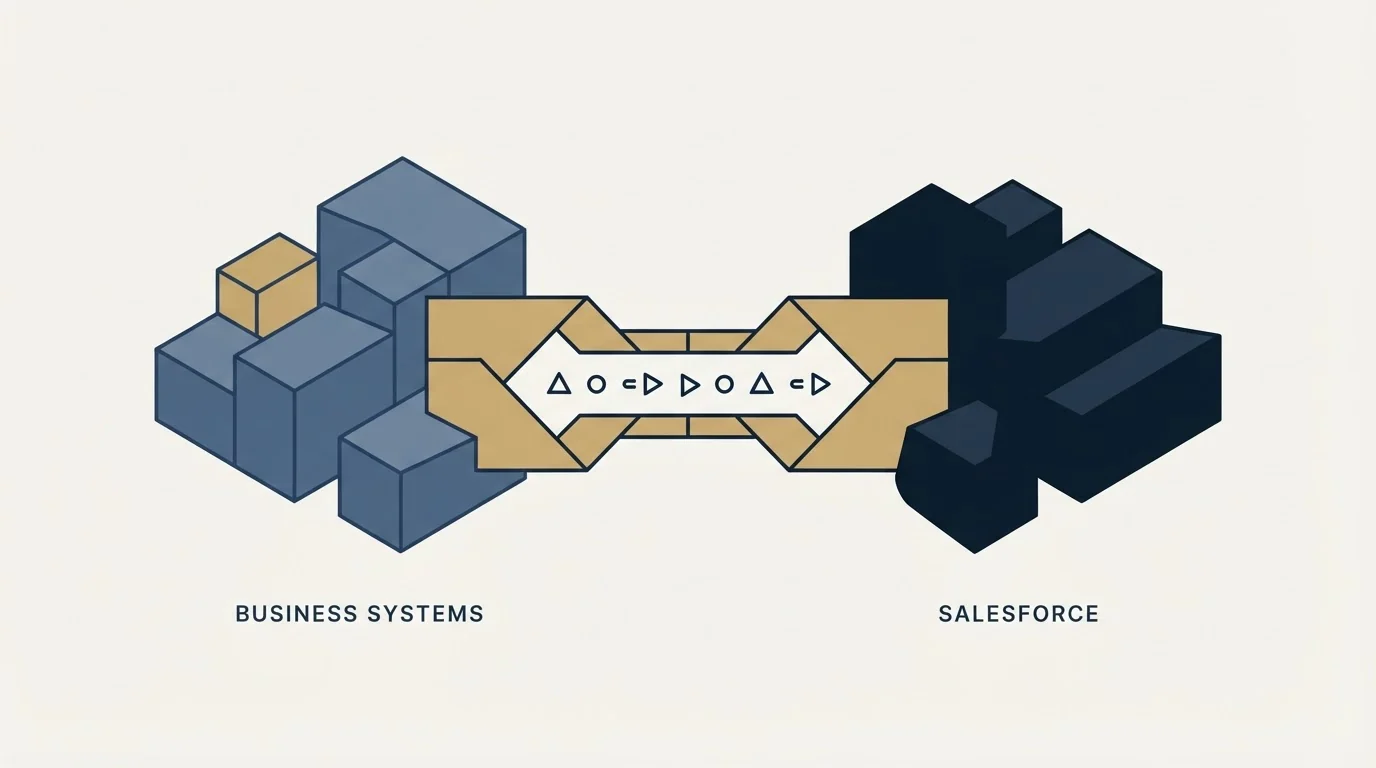
Salesforce's own integrations page describes the point of connecting systems as bringing data together so teams work from one view, and that framing is worth holding onto, because it is narrower than the ambition most integration projects start with.
An outbound motion needs three feeds joined: what was sent, what came back, and what the company believes about the account. The sending platform reports the first, the reply and meeting layer reports the second, and the CRM holds the third. The integration worth building first is the one that closes the loop between activity and outcome, which is the same conclusion the write-up of the Smartlead API reaches from the sending side and the Apollo.io API reaches from the data side.
Two records carry most of that value. Contact state, meaning who has been written to and when, because a company that has already been approached is not available and a system that cannot say which are spent will keep proposing plans against a market it already used. And outcome state, meaning what came back and how it was judged, against criteria agreed in writing before the campaign launched. Everything else is nice to have and costs allocation to maintain.
Where the CRM decision itself is still open, the arithmetic runs earlier than the API: the CRM options for SDR teams and the Salesforce alternatives cover what changes when the platform does, and the same integration reasoning transfers to a smaller CRM more or less unchanged.
What to take away

Settle the commercial question first. Salesforce's Sales Cloud pricing page lists Web Services API as a paid add-on on the tier where it is not included, so confirm the edition before scoping anything, and carry the currency and billing state with any figure you quote from that page.
Deciding whether Salesforce alone covers the stack or whether enrichment needs a separate source is clarified by this enrichment versus CRM comparison, which explains why Clearbit and Salesforce solve different problems entirely.
Contact sourcing and pipeline management remain distinct jobs, a distinction laid out in this contact sourcing versus CRM breakdown.
Pick the interface by job. Record-level and reactive work goes to REST, volume goes to Bulk, change detection goes to the event stream, and field discovery goes to metadata. Read the current call allocation for your edition in Salesforce's own developer documentation rather than from a third party, because it moves with edition, licences and add-ons.
Then build for the org you actually have. Validation rules reject writes, required fields differ, identity is ambiguous, and events arrive twice. Every one of those is cheap to design for and expensive to discover.
None of it produces a meeting. It keeps the record of meetings honest, which is what makes a quarter reviewable. Where the constraint is the number of companies willing to take one, RevenueFlow books qualified meetings on a pay-per-meeting basis, against a qualification standard agreed in writing before launch.
Pricing and platform facts verified as of mid-2026 against Salesforce's own pricing and integrations pages as served. The pricing page carries a billing toggle and geolocalises currency. Verify current terms with the vendor before relying on them.
Frequently asked questions.
Frequently asked questions- Do you need a paid edition to use the Salesforce API?
- Programmatic access is edition-dependent. Salesforce's Sales Cloud pricing page describes its Pro Suite tier as the CRM with more flexibility and web API, and its feature comparison lists Web Services API as an add-on at an additional per-user monthly rate where it is not included. Confirm what your own org bought before scoping an integration.
- Which Salesforce API should an outbound integration use?
- Most of it belongs on REST, which handles creating and updating individual records as things happen. Send anything measured in tens of thousands of records through the Bulk path instead, use the streaming and event interfaces for change detection rather than polling, and read metadata to discover custom fields rather than hard-coding them.
- What uses up the Salesforce API call allocation fastest?
- Looping single-record calls where a batched or composite request would do, polling on a schedule to find changes the platform would have pushed, and re-reading metadata that almost never changes. All three are design choices rather than volume problems, and all three are cheaper to fix before other systems depend on the integration.
- Why does a Salesforce integration work in a sandbox and fail in production?
- A sandbox has clean data, one consumer and often a simpler configuration. Production adds validation and duplicate rules that reject writes, required fields the code never knew about, real ambiguity about which record a person matches, and a call allocation shared with every other integration anyone has authorised.
About the author.

B2B cold email experts helping companies generate qualified leads through done-for-you outreach campaigns.
RevenueFlow Team
Explore more.
Ready to scale your outreach?
We build GTM engines that book real meetings. See the receipts.
Related articles.
Reply.io Salesforce Integration: The Sixteen Sync Steps
Reply's support article lists sixteen sync steps, two profiles, required field mappings and a two-hour cadence. What the native Salesforce integration moves.
The Pipedrive API: A Daily Token Budget
Pipedrive prices API calls rather than counting them. The published token budget, the cost of each endpoint type, and the two ceilings a sync has to respect.
Calendly and Salesforce: The Package, Flow and Plan Gates
The Calendly Salesforce integration installs a package into your org and runs a Flow. Which plan buys the write path, which buys routing, and what the default does.
Salesforce Sales Performance Management: Four Products
Salesforce sells SPM as one phrase and four separate products. Which ones your edition already includes, and the cost test that decides whether you need any.
CRM Integration: Rate Limits, Auth, and What to Cache
Connecting a CRM is easy. Surviving rate limits, record locks, merge ceilings and a field-mapping decision nobody wrote down is the part that fails eighteen months later.
Calendly API: What You Can Automate and What You Cannot
Read access runs on any plan, webhooks need a paid one, and programmatic deletion is Enterprise-only. The scope decision that quietly breaks integrations, first.