CRM Integration: Rate Limits, Auth, and What to Cache
Connecting a CRM is easy. Surviving rate limits, record locks, merge ceilings and a field-mapping decision nobody wrote down is the part that fails eighteen months later.
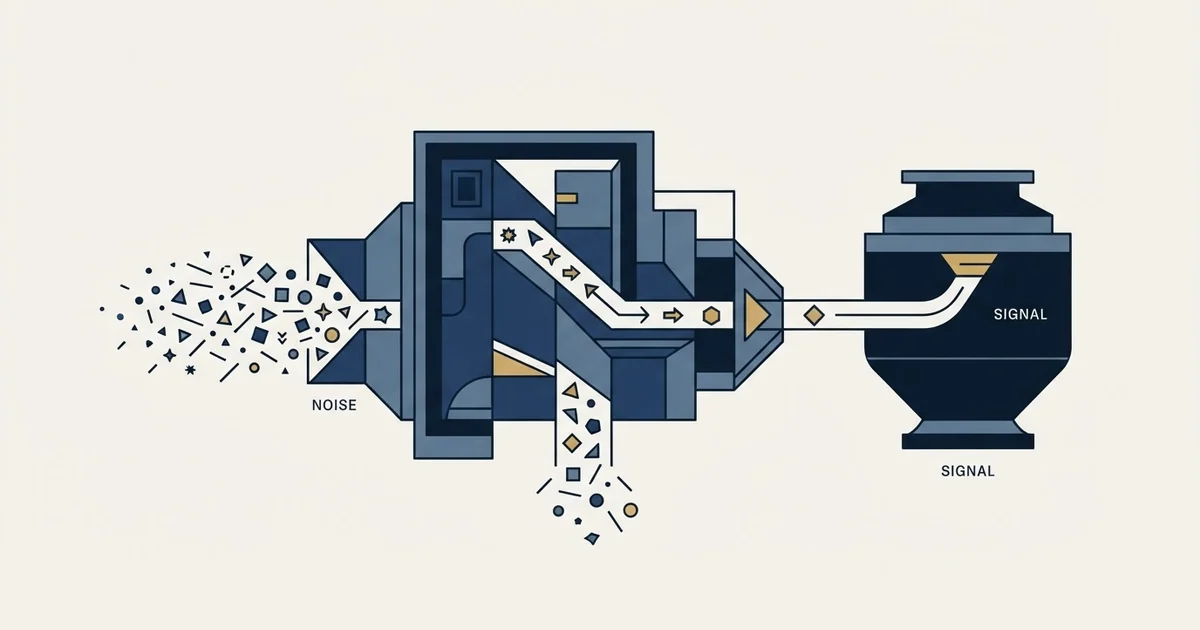
CRM integration connects a CRM to other systems through a native connector, middleware, or direct API work. The engineering that decides whether it survives production is authentication scope handling, exponential backoff on rate limits, respecting lock and retry responses, and caching the reference layer while never caching records.
Key takeaways
- Start at native connectors and move to middleware or direct API work only when a specific requirement forces it. Most teams invert that and take ownership of a rate-limiting problem they could have rented.
- A CRM integration API needs four behaviours before production: 401 and 403 handled as different problems, exponential backoff with jitter on 429, respect for lock and Retry-After responses, and reference-layer caching.
- Cache schemas, property definitions, pipeline identifiers and owner lists. Never cache the records themselves, because a stale record is a wrong record while a stale property list is merely a day old.
- Duplicates come from weak match keys. Email for a person and domain for a company are strong; company name is weak enough that matching on it guarantees duplicates at a rate that scales with sync volume.
Reviewed and updated September 2, 2026
HubSpot returns HTTP 423 when you upsert thousands of company records too quickly, holds the lock for two seconds, and tells you in its own documentation to put at least a two second delay between requests when you see it. That single line is more useful than most of what gets written about CRM integration, because it is the shape of the whole problem: the integration works fine in testing and then meets a rate limiter, a lock, or a merge ceiling the first time it carries real volume.
Connecting a CRM to another system is not the hard part. Every vendor ships connectors and every platform has an API. The hard part is the behaviour under load, under failure, and eighteen months later when nobody remembers which system is allowed to overwrite which field.
Everything below about HubSpot's error responses is verified against its own developer documentation, fetched 15 August 2026.
Searches for a CRM integration service usually mean one of two things, an agency to build the connection or an iPaaS product to host it, and the decision below is the same either way because the rate limits and the field mapping do not care who owns the code.
The lowest-tech integration of all is a BCC or forwarding address that logs a sent email into the CRM, and it raises the same ownership question as any API sync: whether the mail client or the CRM is the system of record for that message.
The three integration shapes, and what each one costs you
Native connectors, third-party middleware and direct API work are the three ways this gets built, and the choice is usually made by whoever is available rather than by what the job needs.
Routing and matching products sit above that choice as a bought layer, and LeanData's three editions and its published meter show what a buyer can price before the call.
A native connector, built by one vendor for another, is the cheapest to stand up and the least negotiable. Field mappings are whatever the vendor decided, sync direction is whatever the vendor decided, and the deduplication rules are whatever the vendor decided. When those choices match your model, a native connector is unambiguously the right answer. Apollo and HubSpot's deduplication rules is the clearest worked example of what those buried choices look like once you go and read them.
Choosing a native fit over custom logic matters even more for small teams, and an inbox-centered CRM built for lightweight pipelines shows what that tradeoff looks like when email itself is the system of record.
Middleware, meaning an integration platform sitting between the systems, buys you configurable mappings and transformation logic without writing code. It costs a subscription, a second place where logic lives, and a new failure mode: an integration nobody on the team can debug, because the logic sits in a web interface rather than in a repository.
Direct API work buys total control and costs engineering time forever. It is correct when the mapping is genuinely bespoke, when volume is high enough that the middleware's per-record pricing hurts, or when the behaviour under failure has to be exactly right.
The honest guidance is to start at the top of that list and move down only when a specific requirement forces it. Most teams do the reverse, build something bespoke, and discover they have taken ownership of a rate-limiting problem they could have rented.
The CRM integration API, and what to cache
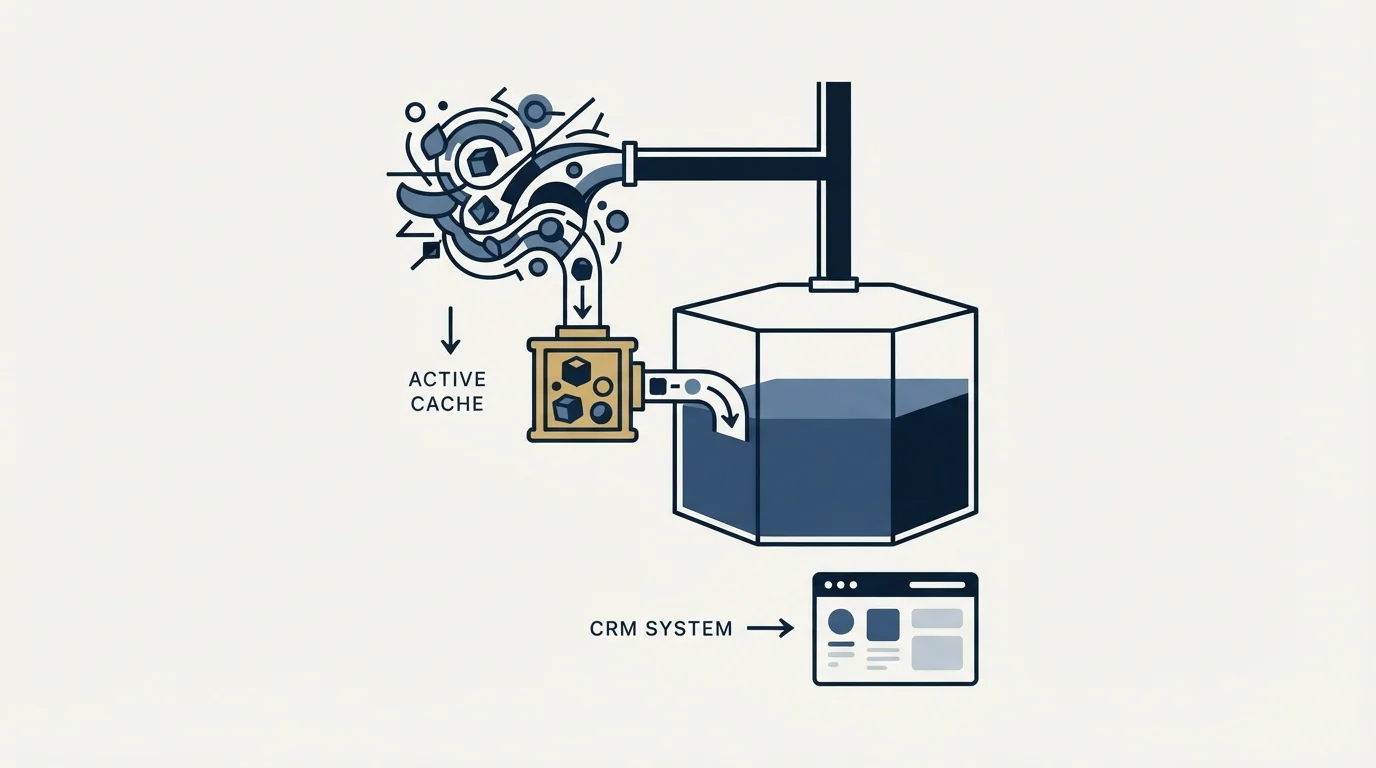
Anyone reaching for a CRM integration API rather than a connector is taking on four responsibilities the connector was handling silently, and each one has a right answer.
Authentication. Modern CRM APIs authenticate apps with OAuth and scopes rather than a single key, and the failure mode is specific: HubSpot returns 403 Forbidden when the token is valid but lacks the right scope, giving the example of a token carrying only the content scope receiving a 403 from the Deals API, which requires the deals read scope. That is a different error from 401 Unauthorized, which means the credential itself is bad. Handling both as an authentication failure sends you looking for a credential problem that does not exist.
Rate limits. Every CRM meters requests and answers 429 when you exceed the allowance. The correct client behaviour is exponential backoff with jitter, and the incorrect behaviour, which is depressingly common, is a fixed retry that hammers the same limit at the same cadence. HubSpot also documents 502 and 504 responses as processing limits reached through sustained request volume rather than a burst, plus a 524 when no response arrives within 100 seconds, and it advises pausing for a few seconds before retrying each of them.
Locks. A bulk upsert can collide with the CRM's own record locking. HubSpot's 423 response is exactly this case, and its documented remedy of a two second inter-request delay is worth building into the client rather than discovering in production.
Caching. This is where most of the saving lives. Reference data changes rarely and gets fetched constantly: object schemas, property definitions, pipeline and stage identifiers, owner lists, picklist values. Fetching a property list on every record write is the single most common reason an integration exhausts a rate limit doing no useful work. Cache the reference layer with a sensible refresh interval and cache nothing about the records themselves, because a stale record is a wrong record. The same principle applied to enrichment providers is set out in the Apollo.io API guide, where the caching decision drives the credit bill directly.
- Step 1Separate 401 from 403
A bad credential and a missing scope are different problems with different fixes
- Step 2Back off exponentially on 429
With jitter, so a fleet of workers does not retry in unison
- Step 3Respect Retry-After
HubSpot returns it on 477 migrations, sometimes indicating up to 24 hours
- Step 4Delay on lock responses
423 means a bulk write collided with a record lock; two seconds is the documented remedy
- Step 5Cache the reference layer only
Schemas, properties, pipelines and owners; never cache the records themselves
Field mapping is a policy document, not a configuration screen
The mapping screen asks which field goes where. The question it is really asking is which system is allowed to be wrong, and answering that properly takes a conversation rather than a dropdown.
Field mapping choices like these also shape what an outbound tool can say about a lead, and what a model can and cannot know explains why reading the actual record matters more than clever prompts.
Three decisions have to be made per field and are usually made once, implicitly, for all fields at the same time.
Direction. One-way sync from a system of record is simple to reason about and simple to recover. Bidirectional sync doubles the failure surface and requires a conflict rule, because both sides will eventually change the same field between syncs.
Precedence. When the two values disagree, which wins. The safe default is that a human-entered value beats a system-supplied one, because a rep who typed a job title after a conversation knows something no provider does. The default most integrations actually ship with is last-write-wins, which quietly discards exactly that knowledge.
Emptiness. Whether a blank incoming value clears the existing one. It should almost never do so, and this is the single most damaging mapping mistake, because it destroys data silently and at scale rather than failing loudly.
Write those three down per field, in a document, before the first sync. An integration whose rules exist only inside a configuration screen is an integration that nobody can reason about after the person who built it leaves.
The duplicate problem, and the ceiling nobody expects
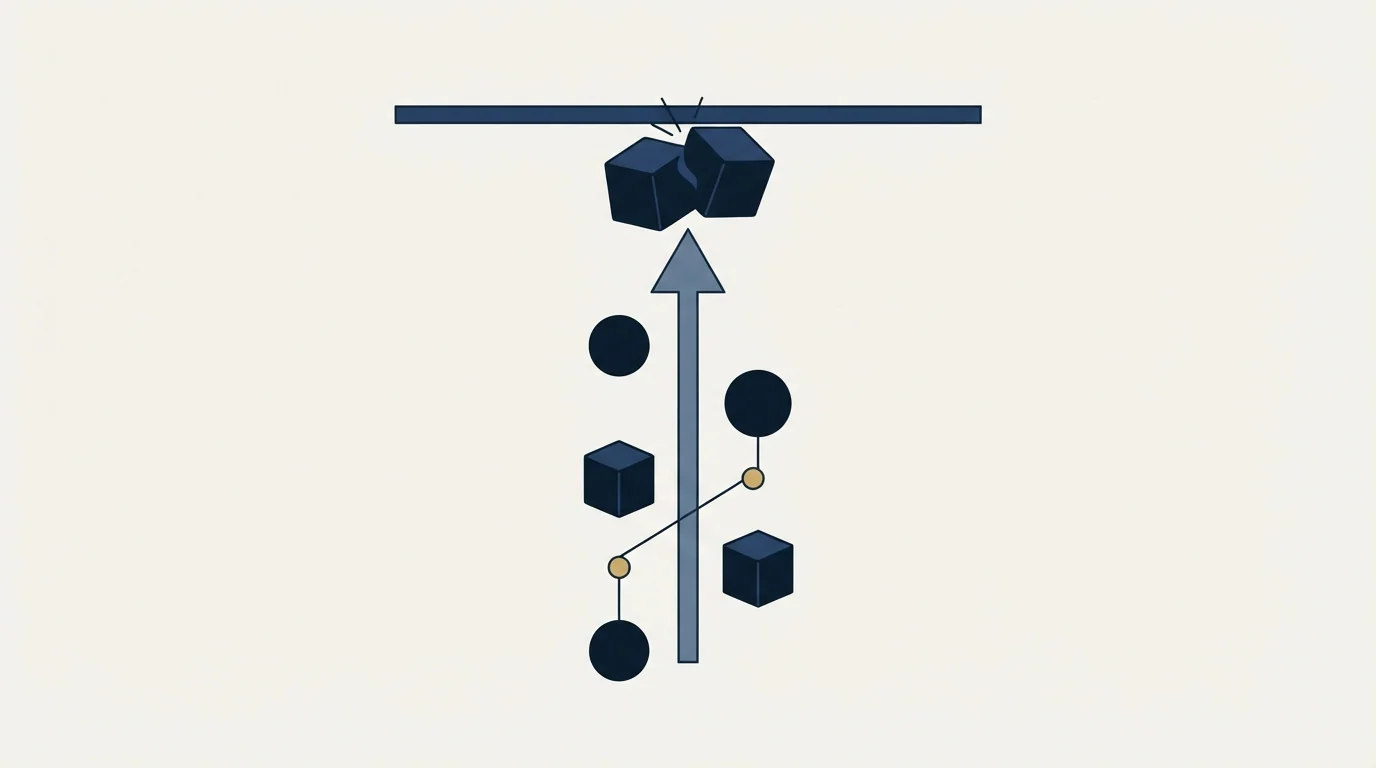
Duplicates arrive from the mismatch between how you identify a record and how the CRM does.
Email is the strongest person key because a mailbox belongs to one identity. Company domain is the strongest company key for the same reason. Company name is the weakest by a wide margin: legal names differ from trading names, punctuation and suffixes differ, and thousands of real companies share a name with a larger one. An integration matching on company name will create duplicates, and the volume of them scales with the volume of the sync. Record matching covers the identity question in full, and data hygiene covers the maintenance that keeps the resulting table queryable.
There is also a ceiling worth knowing about before an automated merge routine goes near it. HubSpot documents a 414 response carrying the message that a profile cannot have more than 250 identities, returned when merging two records that were previously involved in 250 or more merges between them. A merge routine that runs unattended for a year can reach that, and the error it produces looks like a malformed request rather than a limit.
- Email address, for a person
- Company domain, for an organisation
- Your own record id, for writing the answer back
- Unambiguous by construction
- Stable enough to survive a rename
- Company name, in any normalised form
- Person name, even with a company beside it
- Phone number, which several people share
- Free-text location fields
- Anything a human typed into a form
What to build first, and what to leave alone

Scope the integration from the queries you actually run rather than from the field list either system happens to hold.
Most integrations are built to sync everything and then discover that four fields drive every report and campaign. Syncing forty fields costs forty mapping decisions, forty precedence rules and forty ways to be wrong, and thirty-six of them are never read. Start from the segment definitions and reports that exist today, list the fields they filter and group on, and sync those. Ideal customer profile is where that list actually comes from, and writing it first usually shrinks the job dramatically.
Instrument the thing before you trust it. Log the input count beside the accepted count beside the rejected count on every run, because a sync that processed zero records successfully reports the same clean result as one that processed ten thousand. A quality check that cannot see anything must say so rather than reporting that everything is fine.
For our own part, we run Email Bison for sending and HeyReach for LinkedIn, and every campaign carries exactly one message with no bumps and no thread replies. That matters to an integration in one concrete way: reply handling has to write back a single reply event per prospect rather than reconcile a thread of them, which is a meaningfully simpler write path than a sequence tool requires. For choosing the CRM itself rather than the wiring, best CRM tools for SDR teams is the comparison.
If the goal on the other side of all this plumbing is a campaign that actually runs, see what a first campaign looks like.
Platform behaviour verified as of mid-2026. Verify current terms and limits with the vendor before relying on them.
Frequently asked questions.
Frequently asked questions- What is CRM integration?
- It is connecting a CRM to the other systems that hold customer data so records and events flow between them rather than being retyped. It is built three ways: a native connector shipped by one vendor for another, an integration platform sitting in the middle, or direct API work, each trading control against effort differently.
- How do I handle CRM API rate limits?
- Back off exponentially with jitter on a 429 rather than retrying at a fixed interval, which just re-hits the same limit in unison across your workers. Watch for the neighbouring responses too: HubSpot documents 502 and 504 as processing limits from sustained volume, and 423 as a record lock needing at least a two second delay.
- What should a CRM integration cache?
- The reference layer: object schemas, property definitions, pipeline and stage identifiers, owner lists and picklist values. These change rarely and get fetched constantly, and refetching them per record write is the most common way an integration burns its rate limit doing no useful work. Never cache the records themselves.
- Why does my CRM integration create duplicates?
- Almost always because it matches on a weak key. Company name differs between legal and trading forms, varies in punctuation and suffixes, and is shared by thousands of unrelated businesses. Match people on email and companies on domain, and always write the result back on your own internal record id rather than the match key.
About the author.

B2B cold email experts helping companies generate qualified leads through done-for-you outreach campaigns.
RevenueFlow Team
Explore more.
Ready to scale your outreach?
We build GTM engines that book real meetings. See the receipts.
Related articles.
Salesforce API Integration: Pick the Interface, Then Code
Salesforce sells programmatic access as a line item and publishes four interfaces. Which one each job belongs on, and what breaks in production but never in a sandbox.
The Pipedrive API: A Daily Token Budget
Pipedrive prices API calls rather than counting them. The published token budget, the cost of each endpoint type, and the two ceilings a sync has to respect.
Reply.io Salesforce Integration: The Sixteen Sync Steps
Reply's support article lists sixteen sync steps, two profiles, required field mappings and a two-hour cadence. What the native Salesforce integration moves.
CRM Setup: The Objects, Stages and Write-Back Loop
A vendor neutral CRM setup for an outbound team: the object model, stage exit criteria, the required field set, ownership rules and the campaign write-back loop.
Calendly API: What You Can Automate and What You Cannot
Read access runs on any plan, webhooks need a paid one, and programmatic deletion is Enterprise-only. The scope decision that quietly breaks integrations, first.
Calendly and Salesforce: The Package, Flow and Plan Gates
The Calendly Salesforce integration installs a package into your org and runs a Flow. Which plan buys the write path, which buys routing, and what the default does.