HubSpot CRM vs Pipedrive: CRM Platform Comparison
An in-depth comparison of HubSpot CRM and Pipedrive for real sales teams. Covers pricing, features, integrations, and which tool fits different team sizes and budgets.
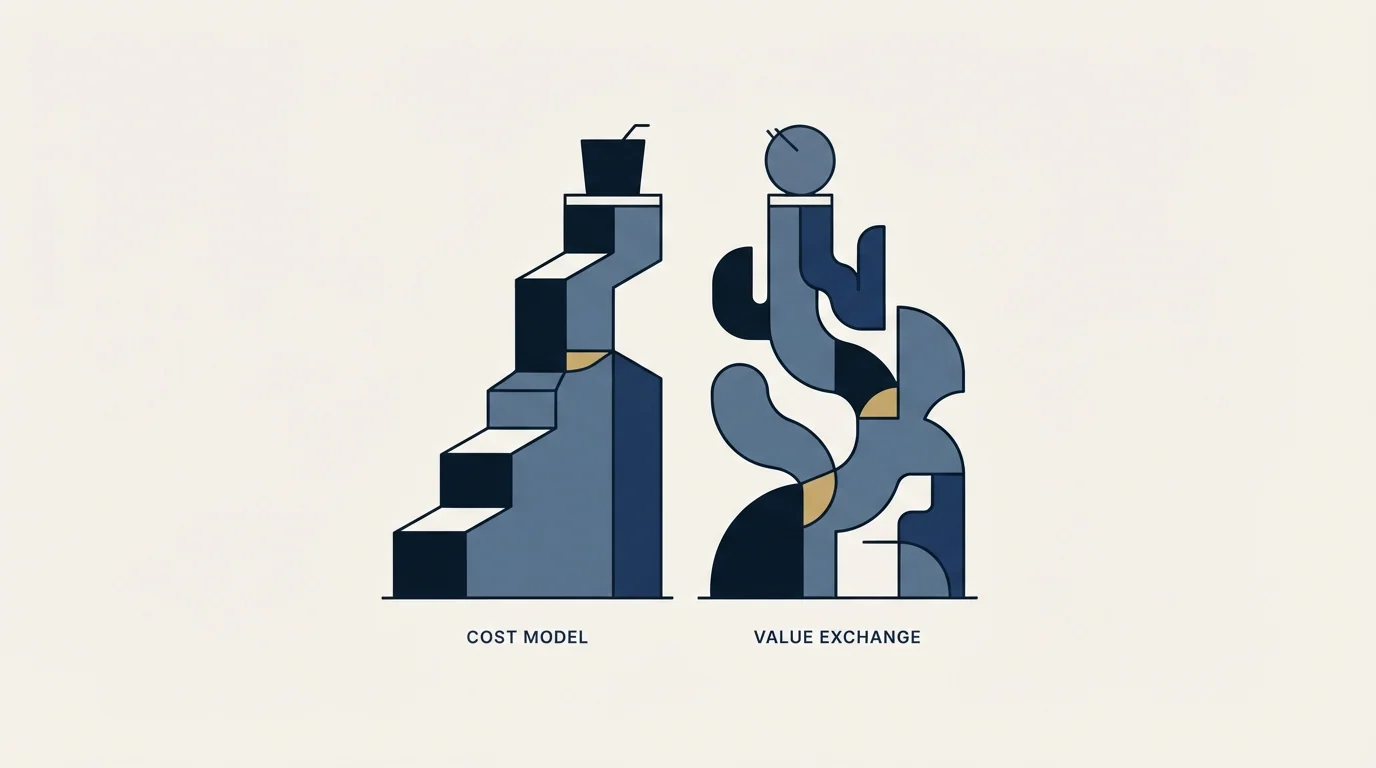
Pipedrive sells four plans, Lite, Growth, Premium and Ultimate, bills per seat whether or not the seat is assigned, and keeps Campaigns and Web Visitors as paid add-ons on every tier. HubSpot CRM is free for up to 2 users and adds a required one-time onboarding fee at Professional.
Key takeaways
- Pipedrive's own knowledge base names four current plans, Lite, Growth, Premium and Ultimate, not the five-tier ladder older comparisons list.
- Pipedrive charges per seat whether or not the seat is assigned to a user, so purchased seats and active users can differ on the invoice.
- LeadBooster, Projects and Smart Docs are paid add-ons on Lite and Growth and included on Premium and Ultimate; Campaigns and Web Visitors stay add-ons on every plan.
- Pipedrive's pricing page returned HTTP 403 to every route tried from this network, so no per-seat rate is quoted in this comparison.
Reviewed and updated September 1, 2026
HubSpot CRM vs Pipedrive: CRM Platform Comparison
Pipedrive renamed its plans and most comparisons have not noticed. Its own knowledge base states four plans, Lite, Growth, Premium and Ultimate, where older write-ups still list a five-tier ladder that no longer appears on any Pipedrive surface we could read. Before you compare prices, check that the plan names in front of you are the ones the vendor currently sells.
The Short Answer
Pick Pipedrive if you want a sales-only pipeline tool that stays out of the way. Pick HubSpot if you want a free start and a platform that marketing and support will share.
HubSpot CRM also pairs well with prospecting tools, and teams weighing enrichment platforms alongside their CRM should see how data enrichment complements a CRM.
One practical warning applies to both sides of this comparison. Pipedrive's pricing page refused every route tried from this network, so no per-seat rate is quoted below, and HubSpot's page geo-serves pounds. Both vendors will quote you in your own currency; neither published a number here that a US buyer should plan against without checking.
What HubSpot CRM And Pipedrive Actually Are
HubSpot CRM is a free CRM in front of a paid platform. The record costs nothing for up to 2 users, Sales Hub is the paid sales layer, and Professional and Enterprise each add a required one-time onboarding fee beside the per-seat rate.
Pipedrive is a sales CRM organised around a visual pipeline and activity-based selling. Its published capabilities are narrow on purpose: pipeline management, email sync with templates and tracking, a workflow automation builder, an AI sales assistant, forecasting and a mobile app with caller ID.
Pipedrive's billing has two mechanics worth more than a rate card. You are charged per seat whether or not the seat is assigned to a user, and several capabilities that read like features are paid add-ons: LeadBooster, Projects and Smart Docs are add-ons on Lite and Growth and included on Premium and Ultimate, while Campaigns and Web Visitors stay add-ons on every plan including the top one.
Pricing Compared
Free plan, up to 2 users
pricing page unreachable from here
HubSpot CRM Pricing
| Sales Hub plan | Per seat, billed annually | Per seat, monthly |
|---|---|---|
| Free | £0 | £0 |
| Starter | from £7/mo | £18/mo |
| Professional | from £77/mo | £85/mo |
| Enterprise | from £135/mo | Talk to Sales |
HubSpot's sales pricing page geo-serves this network pounds, so those are the figures a fetch from here can prove. Two lines on that page matter more than the rates: Professional carries a required one-time onboarding fee of £1,310 and Enterprise one of £3,050, neither included in the per-seat number. Free is capped at 2 users. The dollar ladder our pricing dataset carries for the same tiers, $0, $20, $100 and $150 a seat, dates from an earlier check and could not be re-read from here.
Source: HubSpot CRM pricing
Pipedrive Pricing
| Plan | Add-ons included |
|---|---|
| Lite | None; LeadBooster, Projects and Smart Docs are paid add-ons |
| Growth | None; same three are paid add-ons |
| Premium | LeadBooster, Projects and Smart Docs included |
| Ultimate | LeadBooster, Projects and Smart Docs included |
Pipedrive's pricing page answers HTTP 403 to every route tried directly from this network, plain and headless, so the rates here were read from a United States egress on 1 September 2026: Lite US$14 per seat per month, Growth US$39, Premium US$59 and Ultimate US$79, each on the annual billing state that the page's own toggle reports as selected. Those four plan names are the ones Pipedrive's knowledge base states outright, and they are not the five-tier ladder older comparisons carry. Two billing mechanics from the same article are worth more than a rate anyway: you are charged per seat whether or not the seat is assigned to a user, and Campaigns and Web Visitors stay paid add-ons on every plan including the top one.
Source: Pipedrive pricing
Why a seat count is not a headcount
Here is an invented but arithmetically honest example using each vendor's own published mechanics rather than a rate we could not read. It is illustrative only.
Suppose you buy ten Pipedrive seats for a team that grows to ten, and today seven people have logged in. Pipedrive's own billing article says you are charged per seat whether or not it is assigned, so you are paying for ten. Three unassigned seats is a real line on the invoice and it is invisible in every per-seat comparison, including the ones that quote a rate.
Now add the add-ons. If you are on Lite or Growth and want lead capture, project tracking or document templates, LeadBooster, Projects and Smart Docs are each a separate charge, and moving to Premium buys all three at once. So the real Pipedrive decision is not which tier is cheapest per seat, it is whether the add-ons you need cost more than the tier that includes them.
HubSpot's equivalent trap is the one-time onboarding fee. It is charged once rather than per seat, so it hurts a small team most: split across four seats it is a large number and split across forty it is a rounding error.
Who Should Pick Which
Pick Pipedrive when sales is the only consumer and simplicity is the feature. Reps who resent CRMs tend to tolerate a visual pipeline with activity prompts, and adoption is worth more than any capability neither team uses.
Pick HubSpot when the record has to serve marketing or support too, or when starting free matters more than the shape of the interface. Its free tier is a product rather than a trial, and moving up the ladder needs no migration.
If you are shortlisting on price, get both quotes in writing first. Neither vendor published a rate this comparison could verify for a US buyer, which is a fact about the pages rather than about the products.
- Yes: Sales is the only team that will use this
- Yes: Rep adoption is your biggest CRM risk
- Depends: You want the add-ons Premium bundles rather than buying them singly
- No: Marketing automation on the same record matters
- No: You need to start at zero cost
- Depends: You are comfortable paying for unassigned seats
What Each One Lists
Both lists are the vendors' own wording from their own pages. Read them as what each company advertises: contact management, deal pipelines, email tracking and workflow automation are on both sides in practice, and a column implying otherwise would be a claim neither page makes.
- Contact and company management
- Deal pipeline and tracking
- Email tracking and notifications
- Meeting scheduling
- Live chat and chatbot builder
- Sales automation and sequences
- Visual deal pipeline management
- Activity-based selling methodology
- Email sync with templates and tracking
- Workflow automation builder
- AI-powered sales assistant
- Revenue forecasting and reporting
HubSpot CRM Key Features
- Contact and company management
- Deal pipeline and tracking
- Email tracking and notifications
- Meeting scheduling
- Live chat and chatbot builder
- Sales automation and sequences
- Customizable reporting dashboards
- Document tracking and e-signatures
Pipedrive Key Features
- Visual deal pipeline management
- Activity-based selling methodology
- Email sync with templates and tracking
- Workflow automation builder
- AI-powered sales assistant
- Revenue forecasting and reporting
- Customizable web forms and chatbot
- Mobile app with caller ID and call logging
Pipedrive's list is unusually disciplined for a CRM. Every entry is something a rep does daily: move a deal, sync an email, trigger a workflow, check a forecast, log a call from the mobile app. HubSpot's reaches past the rep into live chat, a chatbot builder and document tracking with e-signatures, which are capabilities a marketing or revenue-operations team names first.
Integration Ecosystem
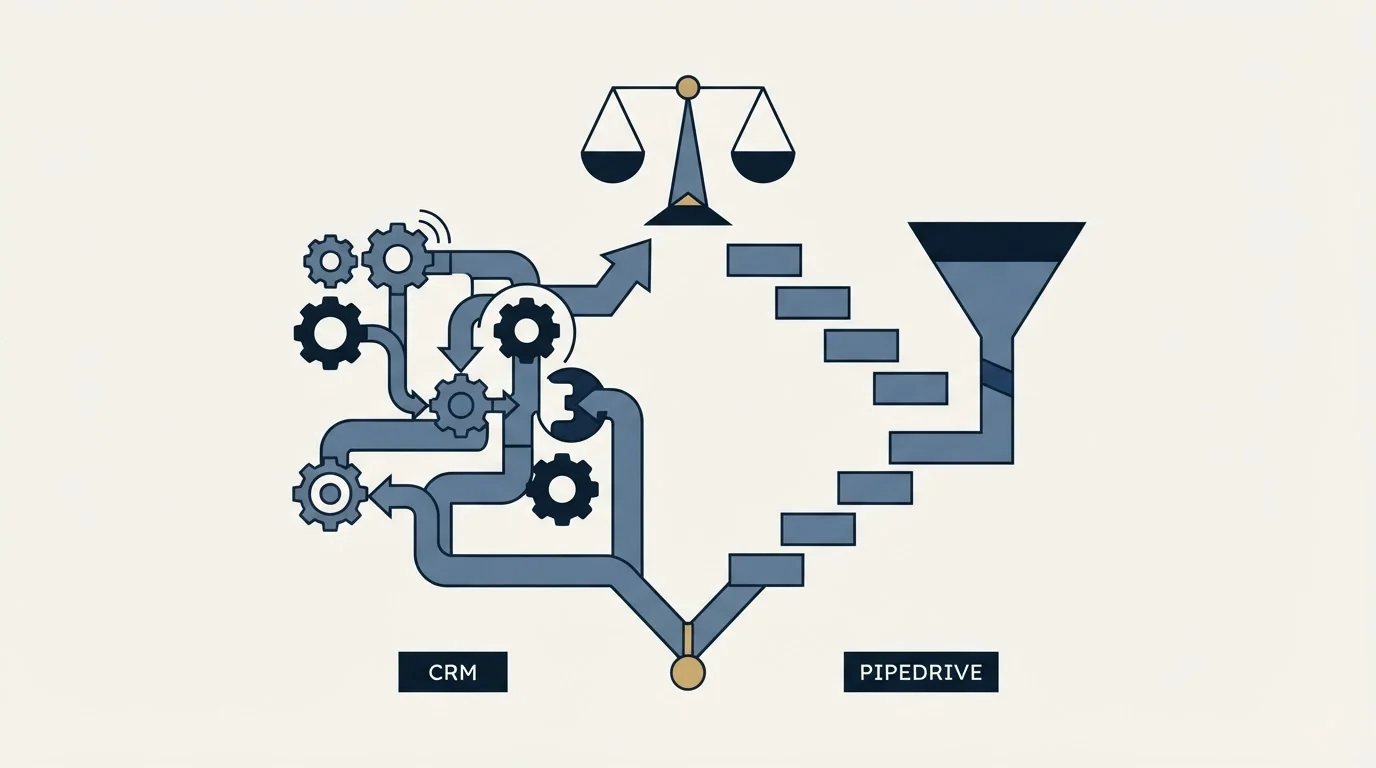
HubSpot CRM connects with: Gmail, Microsoft Outlook, Slack, Salesforce, Zapier, Shopify, WordPress, Zoom.
Pipedrive connects with: Google Workspace, Microsoft Outlook, Slack, Zoom, Zapier, Mailchimp, Trello, Asana.
Both lists carry: Microsoft Outlook, Slack, Zapier, Zoom.
The lists agree on the stack that matters, Outlook, Slack, Zoom and Zapier on both, and then diverge on intent. Pipedrive adds Trello and Asana, which is a pipeline tool expecting work to be tracked elsewhere. HubSpot adds Salesforce, Shopify and WordPress, which is a platform expecting to be the hub other systems report into.
Where HubSpot CRM And Pipedrive Sit In A Cold Outbound Stack
Pipedrive is a pipeline that a sending tool feeds. HubSpot is a record that several teams write to and that a sending tool also feeds. Neither runs cold volume, and the sequencing capability on either side is aimed at warm follow-up.
That matters more under our own house rule than it usually would: we send one message per campaign and never bump a thread, so the sequencer in a CRM is not the interesting feature. What matters is whether the reply lands cleanly on a record somebody will act on, and both do that well. Pick on who else needs the data.
Switching Between Them
Moving from HubSpot to Pipedrive means deciding what marketing loses. Contacts, companies, deals and activity export cleanly; forms, lists and marketing workflows do not have a Pipedrive destination. Rebuild your pipeline stages before importing, and check which add-ons your new tier includes so you are not surprised by a second invoice line.
Going the other way, audit your Pipedrive seats before you quote a HubSpot number, because unassigned seats inflate the headcount you have been budgeting against. Then add the one-time onboarding fee if Professional is your landing tier, and keep both systems live long enough to compare one full reporting period.
Getting Started

- Ask Pipedrive for a current rate card in your own currency; its pricing page did not answer this network.
- Confirm which plan names your quote uses, because the four-plan lineup is not what older comparisons list.
- Count assigned versus purchased Pipedrive seats before comparing per-seat prices.
- List the add-ons you need, then check whether a higher Pipedrive tier includes them for less.
- Price HubSpot Professional including its one-time onboarding fee, then run both trials on the same 200 contacts.
Final Thoughts
Pipedrive is the better tool for a sales team that wants a pipeline and nothing else, and its billing has two edges worth knowing before you sign: unassigned seats bill, and several obvious capabilities are add-ons on the lower tiers.
HubSpot is the better platform when more than sales will use the data, and its edge is the one-time onboarding fee at the tier most sales teams buy. Get both quotes in writing before you choose on price.
Related Reading
- Best HubSpot CRM Alternatives in 2026
- Best Pipedrive Alternatives in 2026
- Close vs Pipedrive: CRM Platform Comparison
- Sales pipeline stages
- CRM integration
- Pipeline management tools
If you would rather have this run for you, RevenueFlow books qualified meetings on a pay-per-meeting basis and publishes client results.
Pricing and features are taken from the vendors' own pages. Verify current terms with the vendor before relying on them.
Frequently asked questions.
Frequently asked questions- What are Pipedrive's plans called now?
- Lite, Growth, Premium and Ultimate. Pipedrive's own knowledge base article on how pricing works states those four outright, and none of the five tier names carried in older comparisons appears anywhere in it. If a comparison quotes a different lineup, it is describing a version of the product Pipedrive no longer advertises.
- Do I pay for Pipedrive seats nobody is using?
- Yes. Pipedrive's billing article says you are charged per seat whether or not it is assigned to a user. That makes a seat audit worth doing before renewal, and it makes headline per-seat comparisons misleading for any team that bought ahead of hiring.
- Why does this comparison not quote Pipedrive's prices?
- Because no route reached them. Pipedrive's pricing page answered HTTP 403 to plain and headless requests on three URL forms from this network. A block is not evidence a price changed, so nothing is quoted rather than a figure being guessed or carried forward unverified.
- Is HubSpot's free tier enough to run a sales team?
- For one or two people, often yes. It caps at 2 users and covers contact management, deal pipelines and email tracking. Sequences, forecasting and conversation intelligence sit in paid Sales Hub tiers, and Professional carries a required one-time onboarding fee, so plan the whole first year rather than the free month.
About the author.

Tim Carden is CMO / CTO at RevenueFlow, which builds and operates outbound revenue engines for B2B companies. Studied at McGill University.
Tim Carden · CMO / CTO
Connect on LinkedIn →Explore more.
Ready to scale your outreach?
We build GTM engines that book real meetings. See the receipts.
Related articles.
HubSpot CRM vs Twenty: CRM Platform Comparison
Compare HubSpot CRM and Twenty side by side. See pricing, features, and integrations to choose the right CRM platform for your needs.
AroundDeal vs Salesflare: Data Enrichment Tool vs CRM Platform Comparison
Compare AroundDeal (data enrichment tool) and Salesflare (CRM platform) side by side. See pricing, features, and integrations to decide which one, or both, your stack needs.
Evaboot vs Microsoft Dynamics 365 Sales: Data Enrichment Tool vs CRM Platform Comparison
Compare Evaboot (data enrichment tool) and Microsoft Dynamics 365 Sales (CRM platform) side by side. See pricing, features, and integrations to decide which one, or both, your stack needs.
Agile CRM vs Copper: CRM Platform Comparison
Compare Agile CRM and Copper side by side. See pricing, features, and integrations to choose the right CRM platform for your needs.
Agile CRM vs LeadIQ: CRM Platform vs Data Enrichment Tool Comparison
Compare Agile CRM (CRM platform) and LeadIQ (data enrichment tool) side by side. See pricing, features, and integrations to decide which one, or both, your stack needs.
Kommo vs Luru: CRM Platform vs Sales Engagement Platform Comparison
Compare Kommo (CRM platform) and Luru (sales engagement platform) side by side. See pricing, features, and integrations to decide which one, or both, your stack needs.