Best HubSpot CRM Alternatives in 2026
Looking for alternatives to HubSpot CRM? Compare 7 competing platforms with side-by-side pricing, feature breakdowns, migration guides, and a decision framework for a 20-person sales org managing 500+ active deals.
The best HubSpot CRM alternatives in 2026 are Zoho CRM, Freshsales, Copper, Monday CRM, Pipedrive, Close, and Salesforce. Zoho CRM and Freshsales both offer free entry tiers, Copper starts at $29 per month with native Google Workspace integration, Pipedrive starts at $14 per month for visual pipeline management, and Salesforce starts at $25 per month with a $550 per month top tier.
Key takeaways
- HubSpot CRM starts at Free and its top tier reaches $150 per month.
- Zoho CRM and Freshsales both offer free entry plans, with top tiers priced at $52 per month and $59 per month respectively.
- Copper starts at $29 per month and offers native Google Workspace integration with automatic contact and activity capture from Gmail.
- Close starts at $19 per month and includes a built-in power dialer plus native SMS messaging.
- CRM migration should be budgeted at 4 to 6 weeks for data migration, field mapping, and team retraining.
Reviewed and updated September 1, 2026
Best HubSpot CRM Alternatives in 2026
HubSpot CRM starts at Free and is used by a 20-person sales org managing 500+ active deals. It is a solid platform, but it is not the only option. Whether you are dealing with poor adoption, expensive per-seat pricing, or missing workflow automation, there are strong alternatives worth evaluating.
A team under ten seats meets a different wall first, because HubSpot's own pricing page publishes the free plan as free for up to two users, and HubSpot alternatives for small business compares the products whose entry tiers were read at that size.
This is not a generic "10 alternatives" listicle. We break down the real differences: pricing tiers, unique features, migration considerations, and which alternative fits which team.
Apptivo is pitched as a HubSpot alternative on its own comparison page and is a different purchase from anything on this list: an all-in-one business suite whose four products are a CRM, a help desk, field service and campaigns, sold on its own site to travel, real estate, retail, manufacturing and utility businesses rather than to a sales team.
Why Teams Switch from HubSpot CRM
The most common reasons teams move away from HubSpot CRM:
- Pricing at scale: HubSpot CRM starts at Free, but costs climb as your team grows. Some alternatives offer better per-seat or per-volume economics.
- Feature gaps: 8 features cover the basics, but you may need capabilities HubSpot CRM does not prioritize.
- Integration friction: HubSpot CRM connects with 8 tools (Gmail, Microsoft Outlook, Slack, Salesforce). If your stack relies on something not on that list, friction adds up.
- Workflow fit: The tool that looks best on paper is not always the one your team adopts. UX, onboarding, and daily workflow matter more than feature counts.
Budget Comparison: HubSpot CRM vs All Alternatives
Before diving into individual tools, here is the full budget picture:
| Tool | Entry Price | Top Tier | Annual Cost (Entry) | vs HubSpot CRM |
|---|---|---|---|---|
| HubSpot CRM (current) | Free | $150/mo | Custom | n/a |
| Zoho CRM | Free | $52/mo | $0 | n/a |
| Freshsales | Free | $59/mo | $0 | n/a |
| Copper | $29/mo | $134/mo | $348 | n/a |
| Monday CRM | $12/mo | Contact Sales | $144 | n/a |
| Pipedrive | $14/mo | $79/mo | $168 | n/a |
| Close | $19/mo | $149/mo | $228 | n/a |
| Salesforce | $25/mo | $550/mo | $300 | n/a |
Decision Framework: Choose Your Alternative
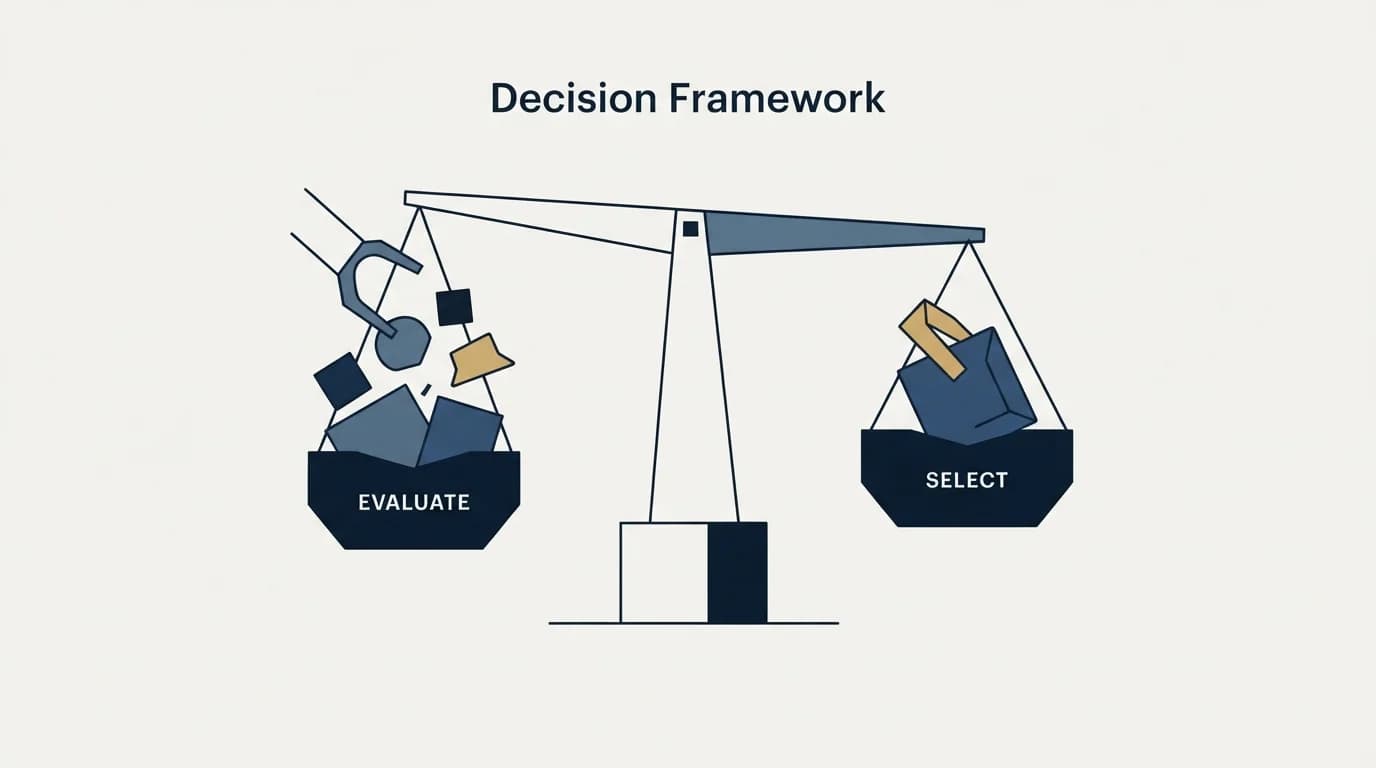
Not sure which to pick? Use this:
- Choose Zoho CRM if you need lead, contact, and deal management and sales automation and workflow rules
- Choose Freshsales if you need contact, account, and deal management and built-in email and phone with call recording
- Choose Copper if you need native google workspace integration and automatic contact and activity capture from gmail
- Choose Monday CRM if you need customizable deal pipeline boards and lead and contact management
- Choose Pipedrive if you need visual deal pipeline management and activity-based selling methodology
- Choose Close if you need built-in calling with power dialer and native sms messaging
Migration Scenarios
Switching tools mid-workflow is disruptive. Here is what to expect:
Switching from HubSpot CRM to Zoho CRM: You will pay more (Free vs Free), but may get more value. Shared integrations include Slack, Zapier, Shopify, so your existing workflows transfer.
Switching from HubSpot CRM to Freshsales: You will pay more (Free vs Free), but may get more value. Shared integrations include Gmail, Microsoft Outlook, Slack, so your existing workflows transfer.
Switching from HubSpot CRM to Copper: You will pay more ($29/mo vs Free), but may get more value. Shared integrations include Gmail, Slack, Zapier, so your existing workflows transfer.
General migration advice: CRM migration is the highest-risk switch on this list. Budget 4-6 weeks for data migration, field mapping, and team retraining.
Top HubSpot CRM Alternatives

- Lead, contact, and deal management
- Sales automation and workflow rules
- Zia AI assistant with predictions and suggestions
- Multichannel communication (email, phone, social, live chat)
- and 4 more listed below
- Contact, account, and deal management
- Built-in email and phone with call recording
- Freddy AI lead scoring and deal insights
- Visual sales pipeline management
- and 4 more listed below
- Native Google Workspace integration
- Automatic contact and activity capture from Gmail
- Visual pipeline management
- Task automation and workflow builder
- and 4 more listed below
1. Zoho CRM
Starting Price: Free | Website: Zoho CRM
A feature-rich and affordable CRM from the Zoho ecosystem, offering sales automation, multichannel communication, analytics, and AI-powered predictions via Zia. Known for competitive pricing and deep integration with 45+ other Zoho products.
What you get that HubSpot CRM lacks:
- Lead, contact, and deal management
- Sales automation and workflow rules
- Zia AI assistant with predictions and suggestions
- Multichannel communication (email, phone, social, live chat)
- Advanced analytics and custom dashboards
- Territory and inventory management
- Blueprint process management
- Canvas design studio for custom views
Shared with HubSpot CRM: Core category features
Integrations: Zoho Suite (45+ apps), Google Workspace, Microsoft 365, Slack, Zapier, Mailchimp, Shopify, QuickBooks
Pricing Tiers:
| Plan | Price |
|---|---|
| Free | Free |
| Standard | $14/mo |
| Professional | $23/mo |
| Enterprise | $40/mo |
| Ultimate | $52/mo |
Read the full HubSpot CRM vs Zoho CRM comparison →
2. Freshsales
Starting Price: $9/mo | Website: Freshsales
An AI-powered CRM by Freshworks that combines contact management, deal tracking, and communication tools in one platform. Features Freddy AI for lead scoring, deal insights, and next-best-action recommendations, with built-in phone and email capabilities.
What you get that HubSpot CRM lacks:
- Contact, account, and deal management
- Built-in email and phone with call recording
- Freddy AI lead scoring and deal insights
- Visual sales pipeline management
- Workflow automation and sequences
- Multiple pipeline support
- Advanced reporting and forecasting
- Territory management and auto-assignment
Shared with HubSpot CRM: Core category features
Integrations: Freshworks Suite, Gmail, Microsoft Outlook, Slack, Zoom, Zapier, Segment, Shopify
Pricing Tiers:
| Plan | Price |
|---|---|
| Free | Free |
| Growth | $9/mo |
| Pro | $39/mo |
| Enterprise | $59/mo |
Read the full HubSpot CRM vs Freshsales comparison →
3. Copper
Starting Price: $29/mo | Website: Copper
A CRM built specifically for Google Workspace users, offering deep integration with Gmail, Google Calendar, and Google Drive. Copper automatically captures and organizes contacts and activities from Google apps, minimizing manual data entry and providing a familiar interface.
What you get that HubSpot CRM lacks:
- Native Google Workspace integration
- Automatic contact and activity capture from Gmail
- Visual pipeline management
- Task automation and workflow builder
- Contact enrichment
- Bulk email and email templates
- Custom reporting and dashboards
- Project management and collaboration
Shared with HubSpot CRM: Core category features
Integrations: Google Workspace, Gmail, Google Calendar, Google Drive, Slack, Zapier, Mailchimp, Zendesk
Pricing Tiers:
| Plan | Price | Contacts |
|---|---|---|
| Basic | $29/mo | 2,500 contacts |
| Professional | $69/mo | 15,000 contacts |
| Business | $134/mo | Unlimited contacts |
Read the full HubSpot CRM vs Copper comparison →
4. Monday CRM
Starting Price: $12/mo | Website: Monday CRM
A flexible CRM built on the monday.com Work OS platform, offering highly customizable pipelines, automations, and dashboards. Ideal for teams that want a CRM tightly integrated with project management and collaboration workflows, with a visual and intuitive interface.
What you get that HubSpot CRM lacks:
- Customizable deal pipeline boards
- Lead and contact management
- Sales automations and workflows
- Email tracking and templates
- Activity management and logging
- Customizable dashboards and reporting
- Document management
- Integrated project management capabilities
Shared with HubSpot CRM: Core category features
Integrations: Gmail, Microsoft Outlook, Slack, Zoom, Zapier, Google Workspace, Microsoft Teams, DocuSign
Pricing Tiers:
| Plan | Price |
|---|---|
| Basic | $12/mo |
| Standard | $17/mo |
| Pro | $28/mo |
| Enterprise | Contact Sales |
Read the full HubSpot CRM vs Monday CRM comparison →
5. Pipedrive
Starting Price: $14/mo | Website: Pipedrive
A sales-focused CRM designed by salespeople for salespeople, built around a visual deal pipeline. Pipedrive emphasizes simplicity and ease of use with powerful automation features, AI-powered sales assistance, and activity-based selling methodology.
What you get that HubSpot CRM lacks:
- Visual deal pipeline management
- Activity-based selling methodology
- Email sync with templates and tracking
- Workflow automation builder
- AI-powered sales assistant
- Revenue forecasting and reporting
- Customizable web forms and chatbot
- Mobile app with caller ID and call logging
Shared with HubSpot CRM: Core category features
Integrations: Google Workspace, Microsoft Outlook, Slack, Zoom, Zapier, Mailchimp, Trello, Asana
Pricing Tiers:
| Plan | Price |
|---|---|
| Lite | $14/mo |
| Growth | $39/mo |
| Premium | $59/mo |
| Ultimate | $79/mo |
Read the full HubSpot CRM vs Pipedrive comparison →
6. Close
Starting Price: $19/mo | Website: Close
A CRM built specifically for inside sales teams, with built-in calling, SMS, and email functionality. Close focuses on reducing manual data entry and increasing sales velocity with features like Power Dialer, predictive dialing, and workflow automation.
What you get that HubSpot CRM lacks:
- Built-in calling with Power Dialer
- Native SMS messaging
- Email sequences and templates
- Automated workflows
- Predictive dialing
- AI Email Assistant
- Pipeline and activity reporting
- Role-based access and permissions
Shared with HubSpot CRM: Core category features
Integrations: Zapier, Slack, Gmail, Microsoft Outlook, Zoom, HubSpot, Segment, Calendly
Pricing Tiers:
| Plan | Price |
|---|---|
| Solo | $19/mo |
| Essentials | $49/mo |
| Growth | $109/mo |
| Scale | $149/mo |
Read the full HubSpot CRM vs Close comparison →
7. Salesforce
Starting Price: $25/mo | Website: Salesforce
The world's leading CRM platform offering a comprehensive suite of sales, service, marketing, and commerce tools. Known for extensive customization, AI-powered insights via Einstein, and a vast ecosystem of third-party integrations through AppExchange.
What you get that HubSpot CRM lacks:
- Lead, account, and contact management
- Opportunity and pipeline tracking
- Einstein AI-powered analytics and predictions
- Sales forecasting and territory management
- Workflow automation and approval processes
- Customizable dashboards and reports
- AppExchange marketplace
- Mobile CRM app for iOS and Android
Shared with HubSpot CRM: Core category features
Integrations: Slack, Google Workspace, Microsoft Outlook, Mailchimp, DocuSign, Zapier, Tableau, MuleSoft
Pricing Tiers:
| Plan | Price |
|---|---|
| Starter Suite | $25/mo |
| Pro Suite | $100/mo |
| Enterprise | $175/mo |
| Unlimited | $350/mo |
| Agentforce 1 Sales | $550/mo |
Read the full HubSpot CRM vs Salesforce comparison →
Quick Comparison Table
| Tool | Starting Price | Features | Integrations |
|---|---|---|---|
| HubSpot CRM (original) | Free | 8 features | 8 integrations |
| Zoho CRM | Free | 8 features | 8 integrations |
| Freshsales | $9/mo | 8 features | 8 integrations |
| Copper | $29/mo | 8 features | 8 integrations |
| Monday CRM | $12/mo | 8 features | 8 integrations |
| Pipedrive | $14/mo | 8 features | 8 integrations |
| Close | $19/mo | 8 features | 8 integrations |
| Salesforce | $25/mo | 8 features | 8 integrations |
How to Make the Switch

- Run a 2-week parallel test. Sign up for the alternative and run both tools simultaneously. Compare deliverability, UX, and team adoption.
- Export everything first. Save your contact lists, sequence templates, and analytics from HubSpot CRM before canceling.
- Migrate in phases. Move one campaign or one team member first. Validate results before going all-in.
- Check contract terms. Some platforms have annual commitments or cancellation fees. Factor this into your timeline.
- Measure after 30 days. Compare key metrics (reply rates, meetings booked, data accuracy) between your old and new tool.
Related Comparisons
- HubSpot CRM vs Zoho CRM: Full Comparison
- HubSpot CRM vs Freshsales: Full Comparison
- HubSpot CRM vs Copper: Full Comparison
- HubSpot CRM vs Monday CRM: Full Comparison
- HubSpot CRM vs Pipedrive: Full Comparison
- HubSpot CRM vs Close: Full Comparison
- HubSpot CRM vs Salesforce: Full Comparison
Related Reading
- HubSpot CRM vs Salesforce: CRM Platform Comparison
- HubSpot CRM vs Pipedrive: CRM Platform Comparison
- Close vs HubSpot CRM: CRM Platform Comparison
- Copper vs HubSpot CRM: CRM Platform Comparison
If you would rather have this run for you, RevenueFlow books qualified meetings on a pay-per-meeting basis and publishes client results.
Pricing and features verified as of February 2026. Visit each tool's website for the latest information.
Frequently asked questions.
Frequently asked questions- Why do teams switch away from HubSpot CRM?
- Teams commonly switch due to rising per-seat pricing at scale, feature gaps in HubSpot CRM's core set, integration friction when their stack includes tools outside HubSpot's supported list, and workflow fit issues where the platform looks strong on paper but does not get adopted day to day.
- How does Zoho CRM's pricing compare to HubSpot CRM?
- Zoho CRM starts at Free, the same entry point as HubSpot CRM, but its top tier is $52 per month compared to HubSpot CRM's $150 per month top tier. Zoho CRM adds features like sales automation, workflow rules, and the Zia AI assistant for predictions and suggestions.
- Which HubSpot CRM alternative works best for Google Workspace users?
- Copper is built for Google Workspace users, offering native integration and automatic contact and activity capture directly from Gmail. It starts at $29 per month and its top tier reaches $134 per month, making it a strong pick for teams already living inside Gmail and Google Workspace.
- How long does migrating from HubSpot CRM to another CRM take?
- General migration advice suggests budgeting 4 to 6 weeks for data migration, field mapping, and team retraining, since CRM migration is described as the highest-risk switch among common tool changes. Shared integrations with the destination CRM can help existing workflows transfer more smoothly.
- Which HubSpot CRM alternative is best for teams that rely heavily on calling?
- Close is built around calling, with a native power dialer and built-in SMS messaging included. It starts at $19 per month with a top tier of $149 per month, making it suited for sales teams whose workflow centers on phone outreach rather than pipeline visualization alone.
About the author.

Tim Carden is CMO / CTO at RevenueFlow, which builds and operates outbound revenue engines for B2B companies. Studied at McGill University.
Tim Carden · CMO / CTO
Connect on LinkedIn →Explore more.
Ready to scale your outreach?
We build GTM engines that book real meetings. See the receipts.
Related articles.
Agile CRM vs Copper: CRM Platform Comparison
Compare Agile CRM and Copper side by side. See pricing, features, and integrations to choose the right CRM platform for your needs.
HubSpot CRM vs Twenty: CRM Platform Comparison
Compare HubSpot CRM and Twenty side by side. See pricing, features, and integrations to choose the right CRM platform for your needs.
AroundDeal vs Salesflare: Data Enrichment Tool vs CRM Platform Comparison
Compare AroundDeal (data enrichment tool) and Salesflare (CRM platform) side by side. See pricing, features, and integrations to decide which one, or both, your stack needs.
Evaboot vs Microsoft Dynamics 365 Sales: Data Enrichment Tool vs CRM Platform Comparison
Compare Evaboot (data enrichment tool) and Microsoft Dynamics 365 Sales (CRM platform) side by side. See pricing, features, and integrations to decide which one, or both, your stack needs.
Agile CRM vs LeadIQ: CRM Platform vs Data Enrichment Tool Comparison
Compare Agile CRM (CRM platform) and LeadIQ (data enrichment tool) side by side. See pricing, features, and integrations to decide which one, or both, your stack needs.
Kommo vs Luru: CRM Platform vs Sales Engagement Platform Comparison
Compare Kommo (CRM platform) and Luru (sales engagement platform) side by side. See pricing, features, and integrations to decide which one, or both, your stack needs.