HubSpot CRM vs Zoho CRM: CRM Platform Comparison
Compare HubSpot CRM and Zoho CRM side by side. See pricing, features, and integrations to choose the right crm platform for your needs.
Zoho CRM is free for 3 users and prices its paid editions well below HubSpot at every equivalent tier, in exchange for configuration work through Blueprint and Canvas. HubSpot CRM is free for 2 users, deploys faster, and adds a required one-time onboarding fee at Professional.
Key takeaways
- Zoho's free edition covers 3 users against HubSpot's 2, and its paid editions sit well below HubSpot's at every equivalent tier.
- Zoho's CRM pricing page geo-serves rupees from this network and keeps doing so through its own country parameter, so a dollar quote has to come from the vendor.
- The only dollar figure on Zoho's CRM pricing page is a $20 starting price for Zoho CRM Plus, a different product, which is a trap for any automated price scrape.
- Zoho advertises up to 34 percent off on yearly plans; HubSpot's Professional and Enterprise tiers each add a required one-time onboarding fee instead.
Reviewed and updated August 28, 2026
HubSpot CRM vs Zoho CRM: CRM Platform Comparison
Zoho's CRM pricing page carries exactly one dollar figure, and it belongs to a different product. The page geo-serves this network rupees for every CRM edition and the lone $20 on it is the starting price of Zoho CRM Plus. Anyone scraping that page for a Zoho CRM price picks up the wrong number, which is a good reason to read a pricing page rather than grep it.
The Short Answer
Pick Zoho CRM when the budget is genuinely tight and your company already uses other Zoho apps. Pick HubSpot when you want a free starting point and a platform marketing will share.
Both publish a free tier and they cap it differently: Zoho's free edition covers 3 users and HubSpot's covers 2. For a very small team that one-user gap plus Zoho's much lower paid ladder is the whole argument, and it is why Zoho wins so many first CRM decisions.
What HubSpot CRM And Zoho CRM Actually Are
HubSpot CRM is free for up to 2 users with Sales Hub as the paid layer, and its Professional and Enterprise tiers each add a required one-time onboarding fee. Marketing, Service, Content and Data Hubs share the same record.
Zoho CRM is the sales product inside a suite of more than forty Zoho applications. Its published capabilities include a Zia AI assistant, Blueprint process management, territory and inventory management and a Canvas design studio for custom views, which is an unusual amount of configurability at its price point.
Zoho's pricing page geo-serves currency and kept serving rupees through its own country parameter on the fetch behind this comparison, so the editions below are quoted in rupees. The page also advertises up to 34 percent off on yearly plans and a free edition for 3 users.
Pricing Compared
Free plan, up to 2 users
Free edition, 3 users
HubSpot CRM Pricing
| Sales Hub plan | Per seat, billed annually | Per seat, monthly |
|---|---|---|
| Free | £0 | £0 |
| Starter | from £7/mo | £18/mo |
| Professional | from £77/mo | £85/mo |
| Enterprise | from £135/mo | Talk to Sales |
HubSpot's sales pricing page geo-serves this network pounds, so those are the figures a fetch from here can prove. Two lines on that page matter more than the rates: Professional carries a required one-time onboarding fee of £1,310 and Enterprise one of £3,050, neither included in the per-seat number. Free is capped at 2 users. The dollar ladder our pricing dataset carries for the same tiers, $0, $20, $100 and $150 a seat, dates from an earlier check and could not be re-read from here.
Source: HubSpot CRM pricing
Zoho CRM Pricing
| Edition | Per user, per month |
|---|---|
| Free | Free for 3 users |
| Standard | ₹800 |
| Professional | ₹1,400 |
| Enterprise | ₹2,400 |
| Ultimate | ₹2,600 |
Zoho's CRM pricing page geo-serves this network rupees and keeps serving them through its own country parameter, so the rupee figures are what a fetch from here can prove. The page advertises up to 34 percent off on yearly plans and a free edition for 3 users. The dollar ladder our dataset carries, $14, $23, $40 and $52 a user billed annually, dates from an earlier check. One warning for anyone scraping that page: the only dollar figure on it is a $20 starting price for Zoho CRM Plus, a different product.
Source: Zoho CRM pricing
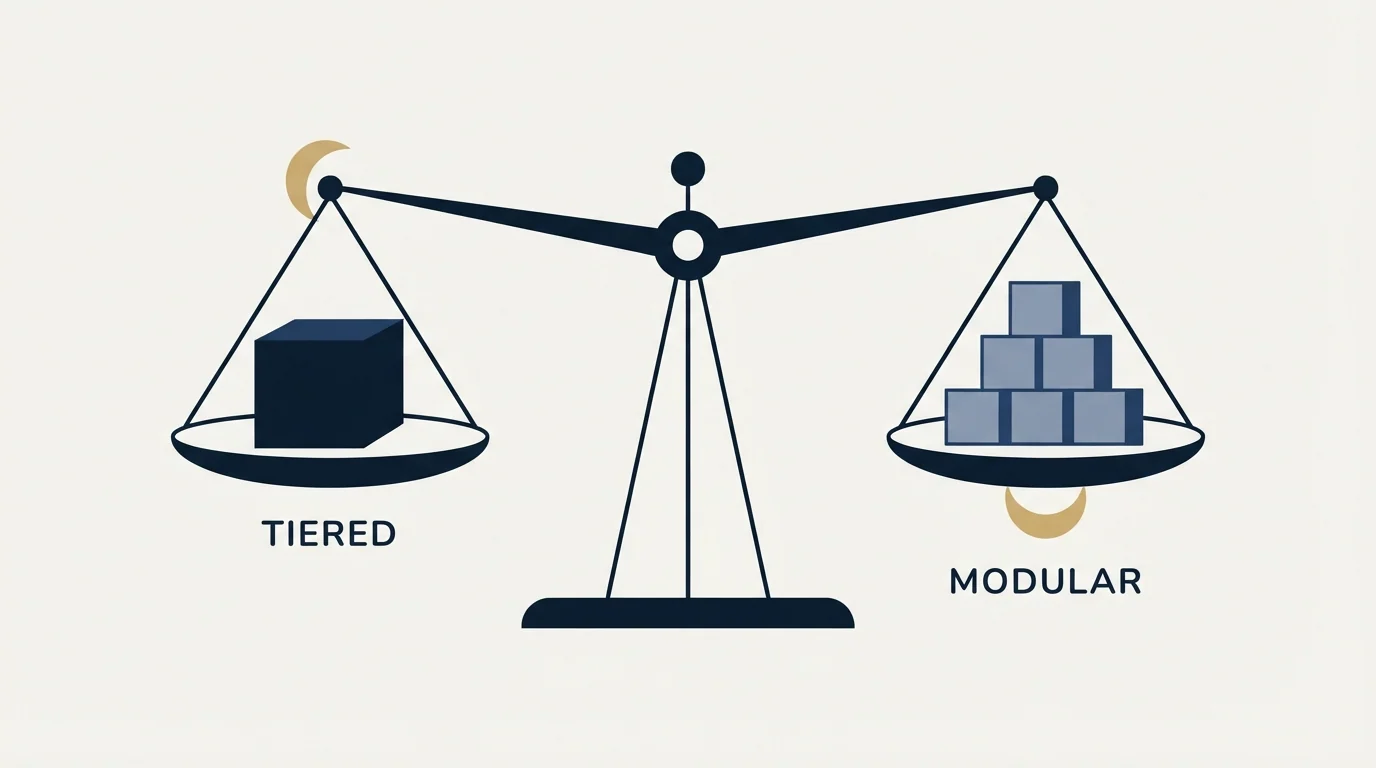
The price gap, and what it costs you
Here is an invented but arithmetically honest comparison of the shape of the two bills. It is illustrative only and no part of it comes from a customer.
Zoho's paid ladder is the cheapest of any CRM in this batch by a wide margin at every equivalent tier, and it is deliberately so: the company sells suite adoption rather than seat margin. HubSpot's paid ladder sits well above it, and the gap widens once the one-time onboarding fee at Professional is counted, because that fee is a fixed charge a small team absorbs badly.
What the gap buys is not features, which Zoho has in quantity. It buys polish and a single vendor's coherence. Zoho's configurability is real and so is the administration it implies: Blueprint, Canvas and the module structure are powerful and they are not obvious, and teams that adopt Zoho without someone willing to configure it tend to use a tenth of what they bought.
So price the difference against your own tolerance for configuration rather than against a feature grid. Both vendors will quote in your own currency; neither published a dollar figure this comparison could verify for a US buyer.
Who Should Pick Which
Pick Zoho CRM when cost per seat is a real constraint or when your business already runs Zoho Books, Desk or Campaigns. The suite integration is the genuine advantage and it compounds: one vendor, one login, one data model.
Pick HubSpot when marketing automation against the same record matters more than the seat rate, or when you want the shortest path from signup to a working pipeline.
The deciding question is who configures it. Zoho rewards a team willing to shape it and punishes one that will not. HubSpot asks for less and gives back less at the low end, which is exactly the trade its price reflects.
- Yes: Cost per seat is a hard constraint
- Yes: You already run other Zoho applications
- Yes: Somebody will spend time configuring the CRM
- No: Marketing automation on the same record matters most
- No: You want the fastest possible time to a working pipeline
- Depends: You have three or fewer users today
What Each One Lists
Each list is the vendor's own wording from its own pages. Both products manage leads, contacts and deals, automate workflows and report on a pipeline, so read them as advertising rather than as a capability audit.
- Contact and company management
- Deal pipeline and tracking
- Email tracking and notifications
- Meeting scheduling
- Live chat and chatbot builder
- Sales automation and sequences
- Lead, contact, and deal management
- Sales automation and workflow rules
- Zia AI assistant with predictions and suggestions
- Multichannel communication (email, phone, social, live chat)
- Advanced analytics and custom dashboards
- Territory and inventory management
HubSpot CRM Key Features
- Contact and company management
- Deal pipeline and tracking
- Email tracking and notifications
- Meeting scheduling
- Live chat and chatbot builder
- Sales automation and sequences
- Customizable reporting dashboards
- Document tracking and e-signatures
Zoho CRM Key Features
- Lead, contact, and deal management
- Sales automation and workflow rules
- Zia AI assistant with predictions and suggestions
- Multichannel communication (email, phone, social, live chat)
- Advanced analytics and custom dashboards
- Territory and inventory management
- Blueprint process management
- Canvas design studio for custom views
Zoho's list is the more configurable of the two and says so plainly: Blueprint process management, territory and inventory management and a Canvas design studio for custom views are levers rather than features. HubSpot's list is the more immediate: live chat, a chatbot builder, meeting scheduling and document tracking with e-signatures work the day you switch them on. Multichannel communication appears only on Zoho's list, which is fair, because Zoho bundles phone, social and live chat into the CRM at a price HubSpot does not match.
Integration Ecosystem

HubSpot CRM connects with: Gmail, Microsoft Outlook, Slack, Salesforce, Zapier, Shopify, WordPress, Zoom.
Zoho CRM connects with: Zoho Suite (45+ apps), Google Workspace, Microsoft 365, Slack, Zapier, Mailchimp, Shopify, QuickBooks.
Both lists carry: Slack, Zapier, Shopify.
Zoho's integration list leads with its own suite of more than forty applications, which is the point: the integration story is internal. HubSpot's leads outward, at Salesforce, Shopify and WordPress. Both carry Google Workspace or Gmail, Slack, Zapier and Mailchimp, so either will fit an ordinary stack; the difference is whether your other systems are also from the same vendor.
Where HubSpot CRM And Zoho CRM Sit In A Cold Outbound Stack
Neither is a cold sending tool and neither pretends to be. Zoho CRM's multichannel capabilities are for working existing relationships across email, phone, social and chat. HubSpot's sequences are for warm follow-up.
Under our own house rule the CRM's job starts at the reply, because we send one message per campaign and never bump a thread. That makes the sequencing feature on either side close to irrelevant to the decision, and it puts the weight on reporting and on who else needs the record. Zoho is strong on the first if configured; HubSpot is strong on the second by default.
Switching Between Them
Moving from HubSpot to Zoho is cheap on licence and expensive on time. Export contacts, companies and deals, then budget real hours for Blueprint and module configuration, because Zoho's defaults are a starting point rather than a working process. Marketing assets need a destination in Zoho Campaigns or Marketing Automation rather than in Zoho CRM.
Going the other way is faster and the loss is configurability. HubSpot has no direct equivalent to Blueprint, so process that lived in Zoho's stage rules has to be rebuilt as HubSpot workflows. Add the one-time onboarding fee if Professional is your landing tier, and keep both live for a full reporting period.
Getting Started

- Ask Zoho for a quote in your own currency; its pricing page served rupees here and kept serving them through its country parameter.
- Ignore the $20 on Zoho's CRM pricing page. It is the starting price of Zoho CRM Plus, a different product.
- Count your users against the two free tiers: Zoho covers 3, HubSpot 2.
- Decide who will configure Blueprint and modules before you buy Zoho, because unconfigured Zoho is a worse product than configured HubSpot.
- Price HubSpot Professional including its one-time onboarding fee, then run both trials on the same 200 contacts.
Final Thoughts
Zoho is the value choice and it earns that position honestly, with real configurability and a suite behind it. The cost is attention: it wants somebody to shape it.
HubSpot costs more and asks for less, and its free tier remains the fastest way to find out what your pipeline actually looks like. Choose on whether you have configuration time, not on the seat rate.
Related Reading
- Best HubSpot CRM Alternatives in 2026
- Best Zoho CRM Alternatives in 2026
- Pipedrive vs Zoho CRM: CRM Platform Comparison
- Workflow automation in a CRM
- CRM integration
- Sales pipeline stages
If you would rather have this run for you, RevenueFlow books qualified meetings on a pay-per-meeting basis and publishes client results.
Pricing and features are taken from the vendors' own pages. Verify current terms with the vendor before relying on them.
Frequently asked questions.
Frequently asked questions- Is Zoho CRM really that much cheaper than HubSpot?
- Yes at every equivalent tier, and the gap widens once HubSpot's one-time onboarding fee at Professional is counted. What the extra money buys is faster deployment and a marketing platform on the same record, not a longer feature list, because Zoho's capability set is genuinely deep for its price.
- Why does Zoho show prices in rupees?
- Its CRM pricing page geo-serves currency, and on the fetch behind this comparison it kept serving rupees even through its own country parameter. That is a property of the page rather than of the product. Ask Zoho for a quote in your currency and do not convert the rupee figure yourself.
- What is Blueprint and does it matter?
- Blueprint is Zoho's process management layer: it encodes what must happen at each stage of a deal and who may move it. It matters because it is the main reason Zoho can serve teams with real process at a low price, and it is also the main reason unconfigured Zoho underperforms. Somebody has to build it.
- Which has the better free tier?
- Zoho's covers one more user, 3 against HubSpot's 2, which decides it for a three-person team. Above that the question changes: HubSpot's free tier sits in front of a marketing platform you can grow into without migrating, and Zoho's sits in front of a suite you grow into the same way. Pick on which suite you would rather be inside.
About the author.

Tim Carden is CMO / CTO at RevenueFlow, which builds and operates outbound revenue engines for B2B companies. Studied at McGill University.
Tim Carden · CMO / CTO
Connect on LinkedIn →Explore more.
Ready to scale your outreach?
We build GTM engines that book real meetings. See the receipts.
Related articles.
HubSpot CRM vs Twenty: CRM Platform Comparison
Compare HubSpot CRM and Twenty side by side. See pricing, features, and integrations to choose the right CRM platform for your needs.
AroundDeal vs Salesflare: Data Enrichment Tool vs CRM Platform Comparison
Compare AroundDeal (data enrichment tool) and Salesflare (CRM platform) side by side. See pricing, features, and integrations to decide which one, or both, your stack needs.
Evaboot vs Microsoft Dynamics 365 Sales: Data Enrichment Tool vs CRM Platform Comparison
Compare Evaboot (data enrichment tool) and Microsoft Dynamics 365 Sales (CRM platform) side by side. See pricing, features, and integrations to decide which one, or both, your stack needs.
Agile CRM vs Copper: CRM Platform Comparison
Compare Agile CRM and Copper side by side. See pricing, features, and integrations to choose the right CRM platform for your needs.
Agile CRM vs LeadIQ: CRM Platform vs Data Enrichment Tool Comparison
Compare Agile CRM (CRM platform) and LeadIQ (data enrichment tool) side by side. See pricing, features, and integrations to decide which one, or both, your stack needs.
Kommo vs Luru: CRM Platform vs Sales Engagement Platform Comparison
Compare Kommo (CRM platform) and Luru (sales engagement platform) side by side. See pricing, features, and integrations to decide which one, or both, your stack needs.