Pipeline Management Tools: Three Layers Sold Under One Name
The CRM, the execution layer and the intelligence layer all answer this search. Buying at the wrong layer reproduces the same unreadable pipeline in six weeks.

Pipeline management software divides into three distinct layers. CRMs hold the system of record. Execution platforms sit on top of one and organise the selling day. Intelligence products generate independent evidence from recorded conversations. The buying question is which of those three layers actually has the problem you are trying to solve.
Key takeaways
- A pipeline whose stages advance on seller activity is unreadable in every product on the market, so write the exit criteria before evaluating anything.
- Pipedrive states over 100,000 companies and more than 500 integrations; Close states a 4.7 G2 rating across more than 11,500 teams; monday CRM states more than 35,000 customers.
- Vertical CRMs such as Pipeline CRM ship the fields a construction or manufacturing team would otherwise spend a quarter adding to a general-purpose tool.
- None of these products create pipeline, decide what a deal is worth, or supply the criteria a stage needs to mean anything.
Reviewed and updated September 2, 2026
Search for a pipeline management tool and the first page of results is mostly vendor homepages, which is a useful signal in itself: the category has no neutral leader, and the products answering the query are three different kinds of software with one name. Deciding between them is mostly deciding which layer of your stack has the problem.
This page separates the three layers, describes what the notable products in each are for according to their own published positioning, and sets out the questions that actually decide a shortlist.
The three layers, and which one you need
- The system of record for accounts, deals, stages and history
- Buy here when: there is no CRM, or the object model does not match how you sell
- Examples: Pipedrive, HubSpot, Zoho, monday CRM, Close, Copper, Insightly, Pipeline CRM, Freshsales
- Sits on top of a CRM and organises the day: outreach, tasks, sequencing, deal workspaces
- Buy here when: the CRM is fine and the work is not getting done
- Examples: Salesloft
- Captures conversations and activity, and infers deal health from them
- Buy here when: the records are unreliable and reviews run on opinion
- Examples: Gong, Clari
The category error worth avoiding is buying at the wrong layer. A team whose stages have no exit criteria will reproduce the same unreadable pipeline in a new CRM within about six weeks, because the problem was the definitions rather than the software. A team whose CRM is sound but whose sellers do not update it has an execution problem, and a fourth reporting tool will not fix that either.
Sales tracking software is the same category under a second name, and the phrase resolves to whichever of these three layers is producing the record nobody trusts.
Sales management software is a third name for the same three layers, and it resolves the same way, by deciding whether the record, the daily execution or the evidence is the part that is failing.
Where the CRM is the answer
Most of the products ranking for this query are CRMs, and they differ in shape rather than in whether they can hold a pipeline.
Shape shows up most clearly in what each vendor charges for, and one product now sold under a different name contrasts billing by the seat with billing by the contact.
Pipedrive is the clearest expression of pipeline-first design. Its own homepage leads with tracking the pipeline, managing deals and automating the sales process, and states it is used by over 100,000 companies with more than 500 integrations and a 14-day trial with no card required. It suits teams whose primary object is the deal and whose main need is that the board is easy to work.
HubSpot publishes a free pipeline management product inside its CRM, which is the reason it appears in nearly every listicle in this space. The relevant question is not the free tier but where the paid boundary sits for the features a growing team ends up needing.
That boundary looks different beside a vendor billing per organisation, and the meter behind each pricing page compares a per-seat ladder against a per-account one.
monday CRM positions as a revenue execution platform on the same work-management foundation as its wider product, and states it is used by more than 35,000 customers. It suits organisations that already run other work in monday and want the pipeline beside it.
Close describes itself as a CRM built for teams that sell, combining calling, email, SMS, pipeline management, reporting and an AI agent in one platform, and states a 4.7 G2 rating across more than 11,500 teams. It suits high-activity inside sales teams where communication and pipeline in one place is the point.
Zoho sells opportunity management as an explicit module, describing deals as the sales opportunities opened up by qualifying prospects, with filtering, AI prioritisation, quotes and collateral attached to the record. It suits organisations already inside the Zoho suite.
Copper builds around Google Workspace, with a Chrome extension and mobile logging, aimed at service businesses that live in Gmail. Insightly pairs CRM with marketing automation, integration and support ticketing. Freshsales presents an AI-powered sales CRM whose own page states more than 74,000 businesses worldwide. Pipeline CRM targets specific verticals including construction, manufacturing and professional services, with Kanban and map views. What Pipeline CRM's three plans, two deal ceilings and add-ons cost, as published on its own pricing page, is on this site's Pipeline CRM pricing page.
Email sending tools for manufacturing surveys platforms built for the long sales cycles and account based targeting typical of that sector.
The vertical products deserve a note, because they are consistently underrated in general comparisons. A CRM built for construction bidding already has the fields a construction team would otherwise spend a quarter adding to a general-purpose tool.
Consulting teams weighing relationship-driven, executive-level workflows against generic CRM features can compare dedicated options in CRM picks for consulting firms.
Where the execution layer is the answer

Salesloft's pipeline software page organises the product around named capabilities: Cadence for building pipeline, Rhythm for prioritising actions, Conversation Intelligence, Deals for managing opportunities, Analytics and Forecast.
That shape tells you what the layer is for. It assumes a CRM underneath and addresses a different failure: sellers who have a system of record and no organised way to work the day. Buying it to replace a CRM is a category error, and buying it when the real problem is that stages have no criteria will produce a well-sequenced march through undefined states.
One warning is specific to this layer, and it is the reason this page describes it rather than recommending it. Products here are built around multi-step sequences by design, and adopting one tends to import that assumption into how prospecting is run. The house practice on this site differs, and the divergence is set out at the end of this page.
Where the intelligence layer is the answer
Gong's pipeline management page positions directly against manual CRM entry, arguing that capturing every customer interaction and applying AI produces a picture of why a deal is moving rather than only that it moved, and claiming automatic capture of 99 percent of customer interactions. Clari sells conversation intelligence as a product inside a revenue platform, which suits organisations already forecasting there.
This layer answers a specific and common complaint: that the pipeline review is a discussion of opinions because the records are not trustworthy. It does that by generating a second source of evidence from the conversations themselves.
Two caveats. It is the most expensive layer per seat in most comparisons, and it does not repair the underlying data problem so much as route around it, which means the CRM records stay unreliable for everything else that reads them. Recording also brings a consent surface that varies by jurisdiction and is worth resolving before rollout.
The questions that actually decide it

- Yes: Write the exit criterion for every stage first, and check it names something the buyer did
- Yes: Decide which layer has the problem: record, execution or evidence
- Yes: Check the object model handles several concurrent purchases per account if you sell that way
- Yes: Confirm the reporting can express age in stage without an export to a spreadsheet
- Yes: Confirm required fields at stage transition are configurable
- Yes: Ask what migrating your history actually involves, in detail
- No: Choosing on a feature list rather than on whether sellers will use it
The first item is the one that saves the most money, because running it honestly frequently ends the evaluation. A pipeline whose stages advance on seller activity produces unreadable reporting in every product on the market, and writing six exit criteria is a free afternoon that either fixes the problem or proves the tool is genuinely the constraint.
Age in stage deserves its own line because it is the diagnostic that matters most and the one most commonly missing from default reporting. Count tells you volume; age against the age at which deals historically converted tells you which part of a stage is live. Pipeline stages that earn their place covers the criteria design, and pipeline coverage covers why the headline ratio misleads without a win rate beside it.
What none of these tools do
Three things get expected of pipeline software and are not in any of it.
They do not create pipeline. Every product here manages what exists, and a clean empty pipeline is a supply problem that no configuration addresses.
They do not decide what a deal is worth or whether it is real. Value and close date are supplied by the person whose performance they describe, and inference tools improve the estimate without removing the dependency.
They do not supply criteria. A stage is a label until somebody writes what has to be true to leave it, and that sentence has to be written by a human who knows how the company sells. The boundary two teams negotiate is where most of that writing actually happens.
Where we differ from standard practice
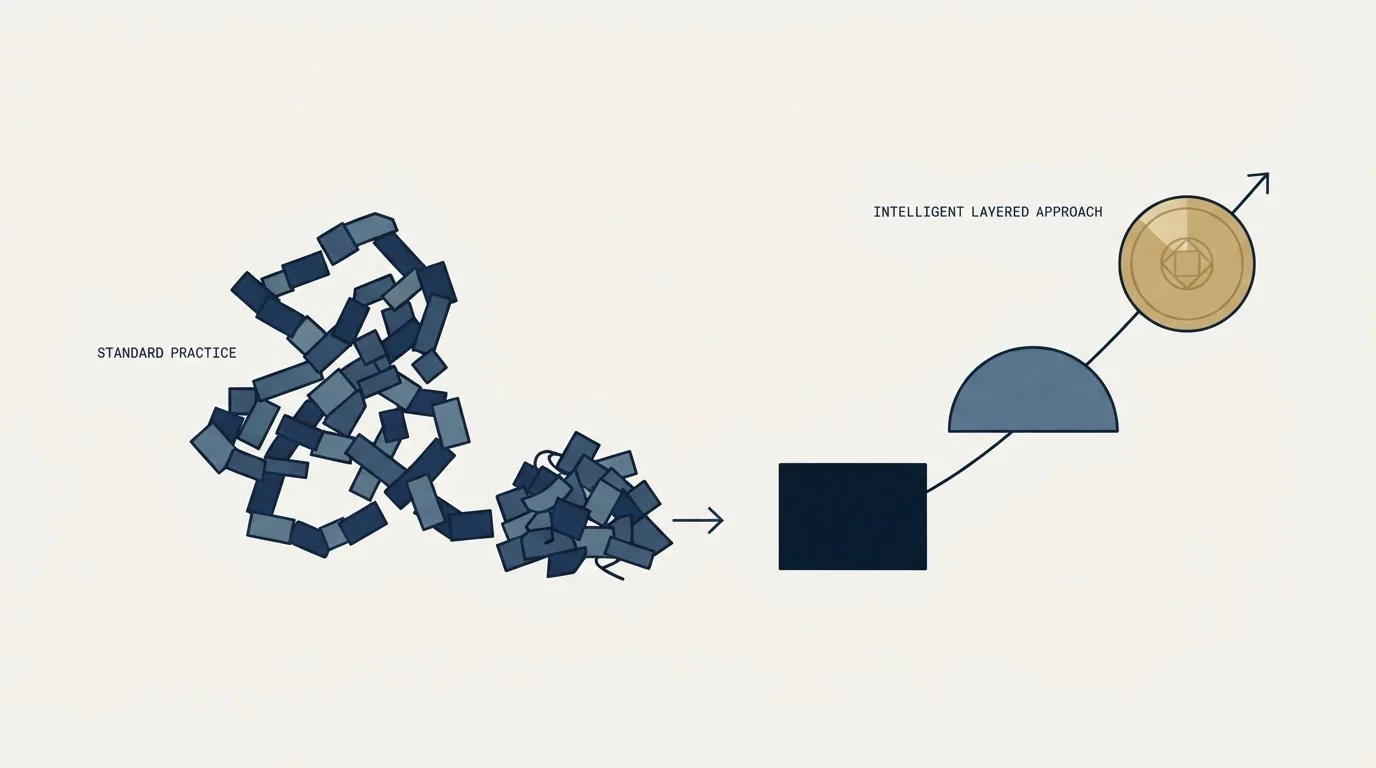
Much of this category assumes an outbound motion run the common way, and since this page sits on our site it is worth naming the difference.
Execution-layer products are organised around cadences: a sequence of messages to each prospect over several weeks, with later messages often landing in the same thread, and reporting built to show sequence completion. We do not run that. One message per campaign, no bumps and no thread replies, and where an audience does not respond the next approach is a separate campaign with a genuinely different premise rather than a reminder. The reasoning is mechanical: a repeat message reaches the population that already saw the first and chose not to answer, which is the population most likely to complain, and the reputation cost lands on the sending domain across every campaign running on it. our write-up on why we stopped using follow-ups has the full argument, and the cost we accept is reaching each contact less often.
Our stack for the outbound half is Email Bison plus tooling we built, and this page describes the pipeline category rather than reselling any of it. If the CRM shortlist for an outbound team is the live question, the SDR-team CRM comparison is the narrower read. The full argument, including what it costs us, is in why we stopped using follow-ups.
The short version
Pipeline management tools divide into three layers. CRMs hold the record and are the answer when there is no system or the object model is wrong. Execution platforms sit on top and are the answer when the record is fine and the work is not getting done. Intelligence products generate evidence from conversations and are the answer when reviews run on opinion because nobody trusts the fields.
Write the stage exit criteria before evaluating anything, because a pipeline with no failable criteria is unreadable in every product on the market. Check the object model, check that age in stage is reportable without an export, and ask what migration really involves. And remember that none of them create pipeline, decide what a deal is worth, or supply the criteria.
Where the pipeline is clean and simply too small, see what a first campaign produces for your market.
Product positioning, user counts and published figures verified against each vendor's own pages as of mid-2026, with dated snapshots retained. Vendor-supplied counts and ratings are unaudited. Verify current terms with the vendor before relying on them.
Frequently asked questions.
Frequently asked questions- What is the best pipeline management tool?
- There is no category leader because the products answering that search are three different kinds of software. Decide the layer first: a CRM if there is no system of record or the object model is wrong, an execution platform if the record is fine and the work is not happening, or conversation intelligence if reviews run on opinion.
- Do we need a new CRM or better stage definitions?
- Write the exit criterion for every stage as something the buyer did, phrased so two people reading a record would agree it happened. If that exercise fixes the reporting, the software was never the constraint. It is a free afternoon that ends a surprising number of evaluations before any demo is booked.
- What separates pipeline software from a CRM?
- Execution platforms such as Salesloft assume a CRM underneath and organise the selling day around named capabilities for outreach, prioritisation, deals, analytics and forecasting. They address sellers who have a system of record and no organised way to work it, which is a different failure from having no record at all.
- Is conversation intelligence worth the extra seat cost?
- It answers a specific complaint: that pipeline reviews are discussions of opinion because the CRM fields are not trusted. It generates a second evidence source from the conversations themselves. It is the most expensive layer per seat, it routes around rather than repairs the data problem, and recording carries a consent surface that varies by jurisdiction.
About the author.

B2B cold email experts helping companies generate qualified leads through done-for-you outreach campaigns.
RevenueFlow Team
Explore more.
Ready to scale your outreach?
We build GTM engines that book real meetings. See the receipts.
Related articles.
Which CRMs and Tools the Outbound Stack Connects To: Integration Data From 342 Sales Tools
HubSpot is named as an integration by 52.3% of 342 verified sales tools, Zapier by 50.3% and Salesforce by 43.3%. Here is the full map by category.
Pipeline CRM Pricing: Three Plans, Two Deal Ceilings
Pipeline CRM publishes its whole ladder at both billing states. The active deal ceilings, the flat add-ons and the onboarding packages are what decide the bill.
RevOps Tools: Nine Products and the Job Each Does
Nine revenue operations products sorted by the six jobs the category covers, with every product fact and price read off the vendor's own pages and dated.
Best CRM for Google Workspace: What Lives in Gmail
Working with Google Workspace covers four separate integrations, and most of the category ships as a browser extension. What five vendors publish about theirs.
Is Clay Free? The Free Plan, the Trial and Where Each Stops
Clay's free plan, its 14-day trial and the no-charge-on-a-miss rule are three different things. What each holds and where it stops, from clay.com on 19 September 2026.
Video Prospecting Tools by Job: What Each One Is For
Ten video prospecting tools sorted by the job each vendor's own page describes: record and share, personalise at volume, avatars, hosting and interactive demos.